

 DownloadMineTogether Mod
Get the files on 9Minecraft
Overview
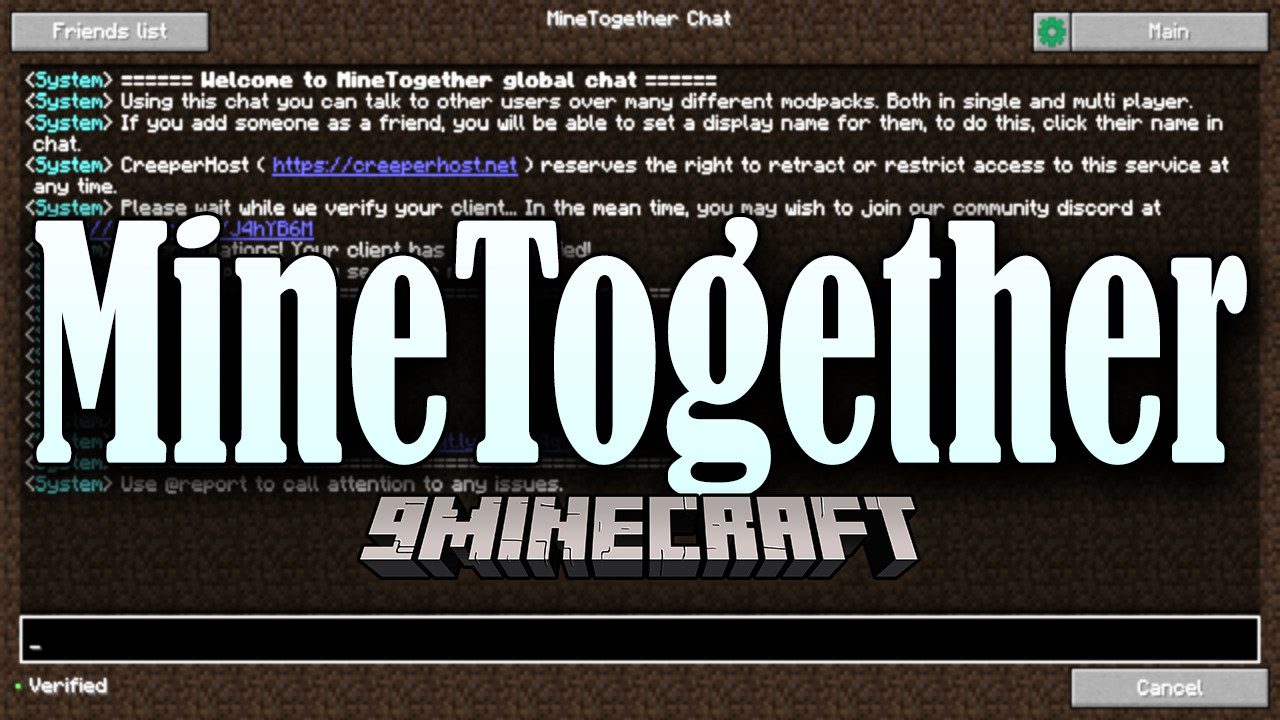
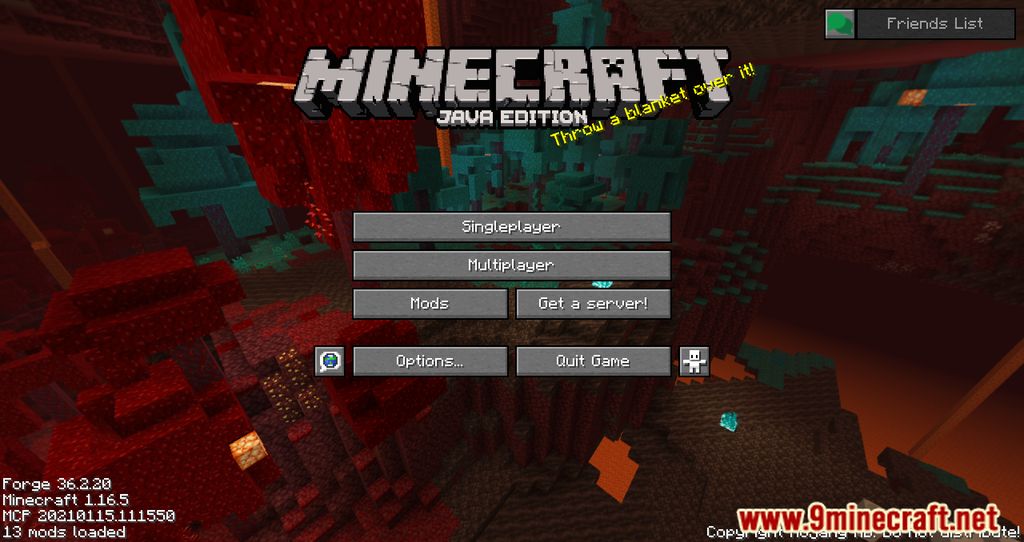
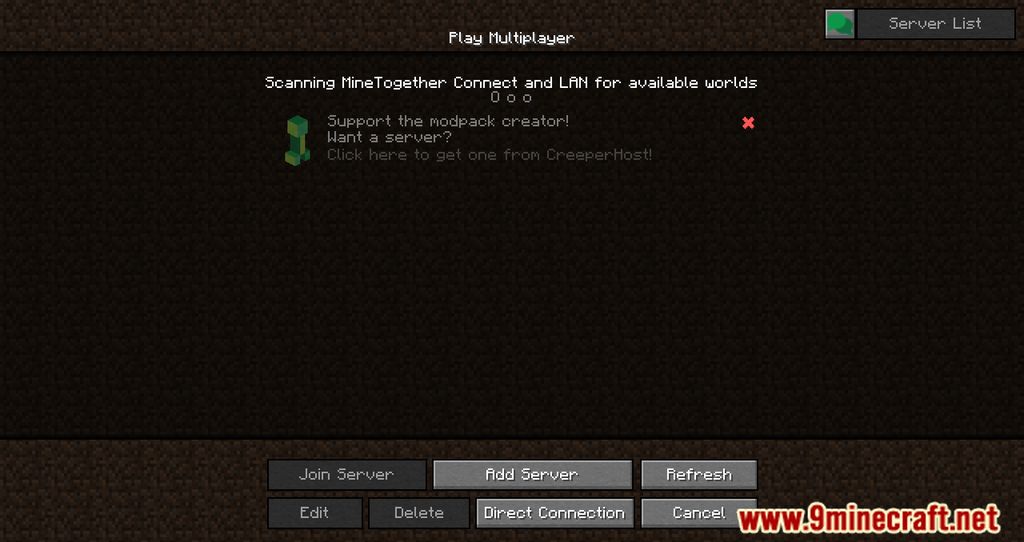
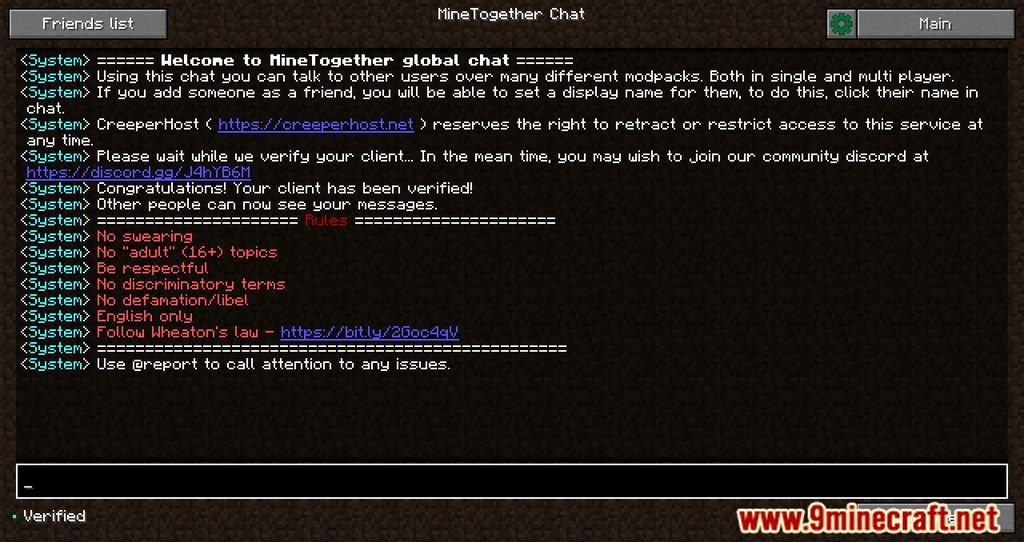
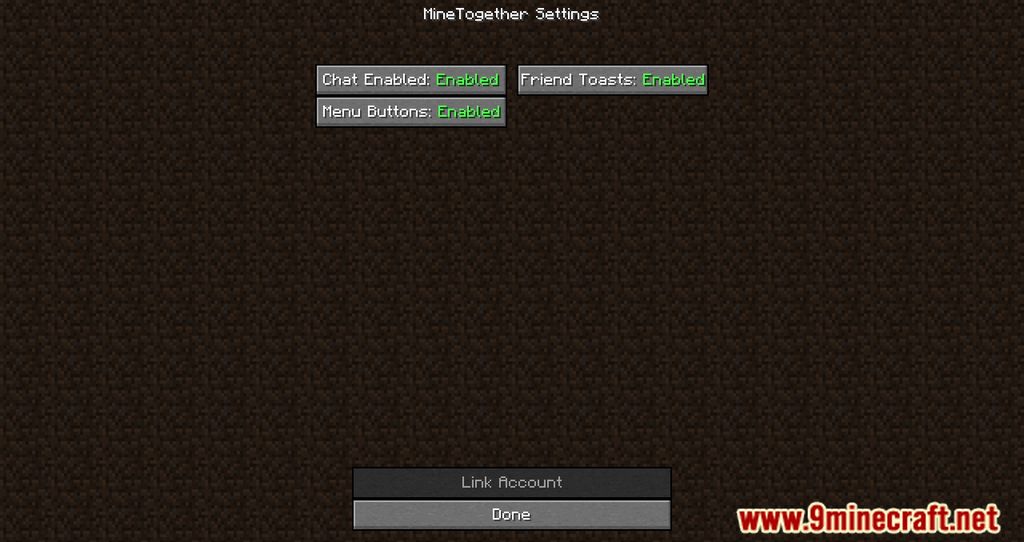
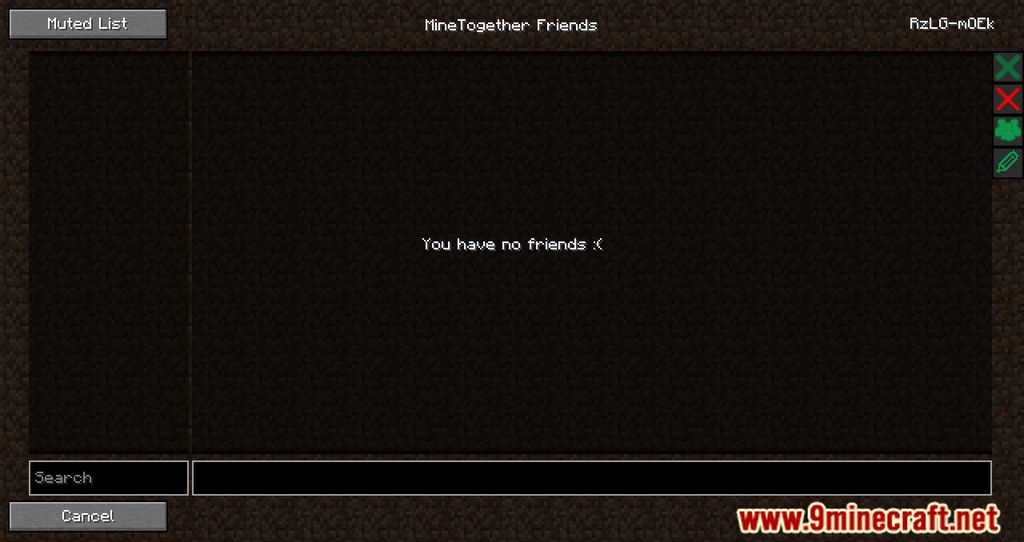
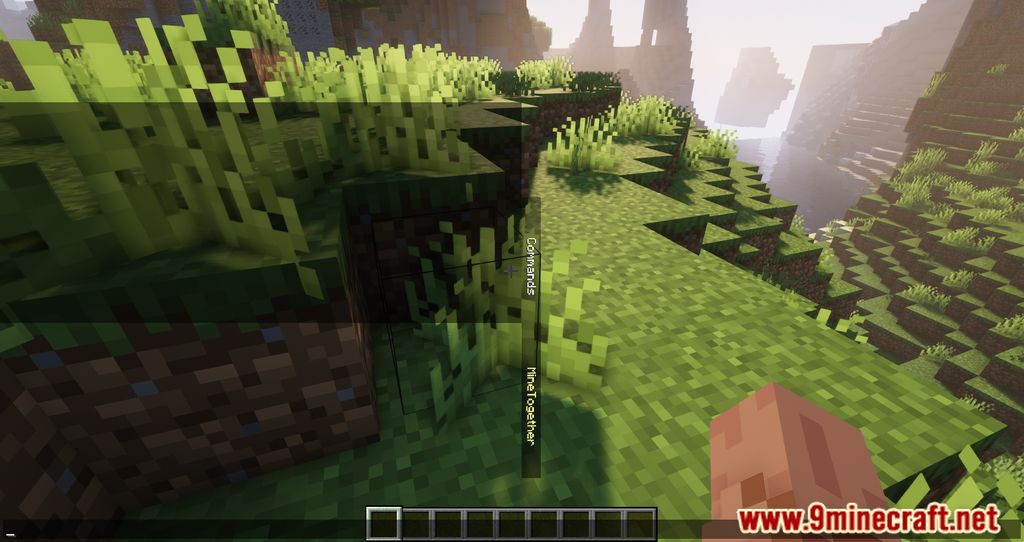
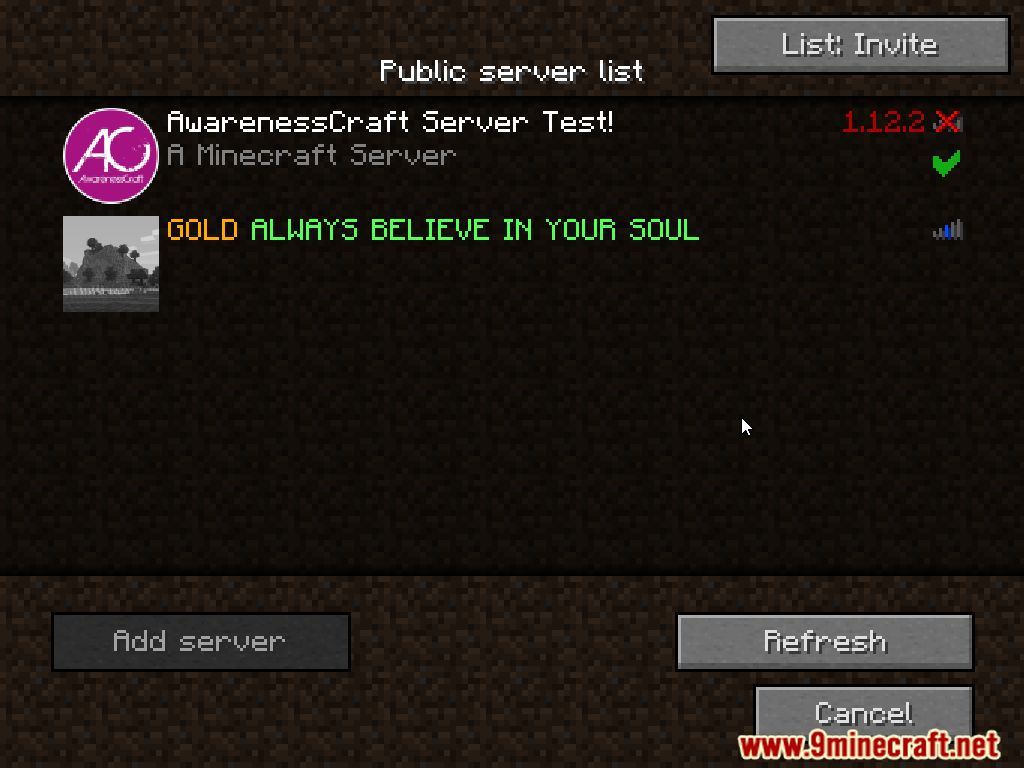
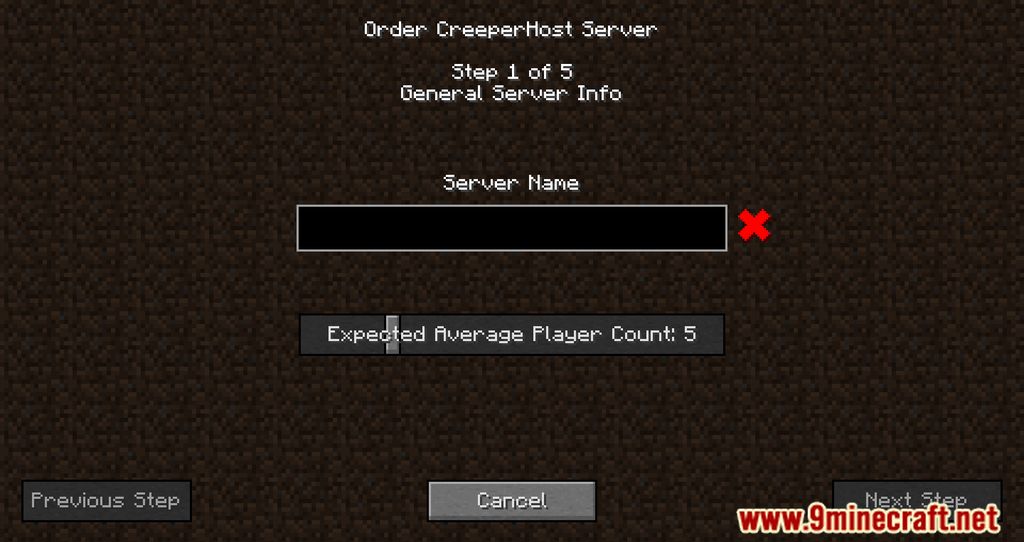
MineTogether (formerly known as CreeperHost MineTogether) is a community-focused utility mod designed to bridge the gap between single-player and multiplayer experiences. It introduces a suite of social features that allow players to communicate across different modpacks, manage friends, and host local worlds for others to join without complex network configuration.
The mod is primarily a UI and networking enhancement and does not add traditional survival content like mobs, biomes, or blocks. Instead, it focuses on providing a unified social layer for the modded Minecraft ecosystem.
Guides
Step-by-step, in-game.
Frequently asked questions
How do I add friends in MineTogether Mod?
How do I create a team in minetogether?
How do I use MineTogether Mod?
How do I invite someone to my minetogether team?
See all 20 MineTogether questions ›
Dependencies
Other mods needed to run this one.
Gallery
10 images from the Minetogether Mod page.
You May Also Like
Wikis that share the most with this one
Wikis on the same theme: world
More mod wikis on the site
The most downloaded mods that have a wiki here
A few wikis from each of the other kinds