

 DownloadMerchant Master Key
Get the files on 9Minecraft
Guides
Step-by-step, in-game.
Build a Trading Hall by Picking Up and Relocating VillagersCapturing Villagers as Items Right-click any villager while holding nothing to pick them up. The mod saves all their…Diagnose and Fix Broken Villager WorkstationsScanning for Workstation Problems Open the Villager Inspector for any villager who isn't restocking or changing…Find and Lock in a Specific Enchanted TradeSetting Up Your Search Filter Right-click a villager to open the trade window. Look for the Trade Condition Editor…Inspect a Villager's Breeding Status and RequirementsOpening the Villager Inspector Locate an unemployed villager or one without an active workstation. Empty-hand…
Items
 Villager
Frequently asked questions
How do I start using this mod? What's the first thing I should do?
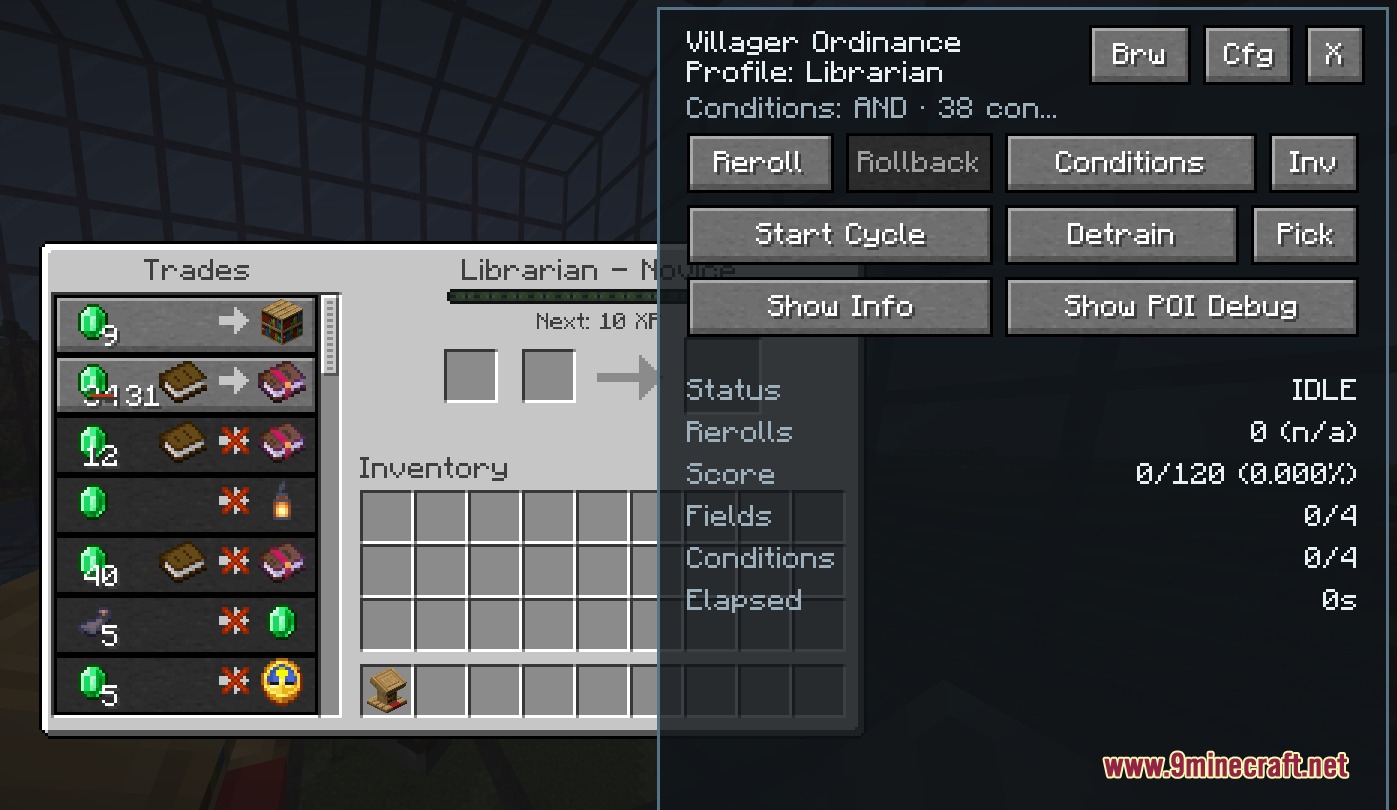
Right-click any trading villager to open their trade window—you'll see the mod's overlay with new options. From there, you can preview locked trades, inspect the villager, or set up an auto-reroll search if you're looking for a specific enchantment.
What does 'locked trade preview' mean and why would I use it?
Locked trades are future offers that appear only after you level up a villager by trading with them. The preview shows you what those hidden trades will be before you spend emeralds, so you can decide if it's worth leveling them up or if you should reroll instead.
How do I pick up and move villagers?
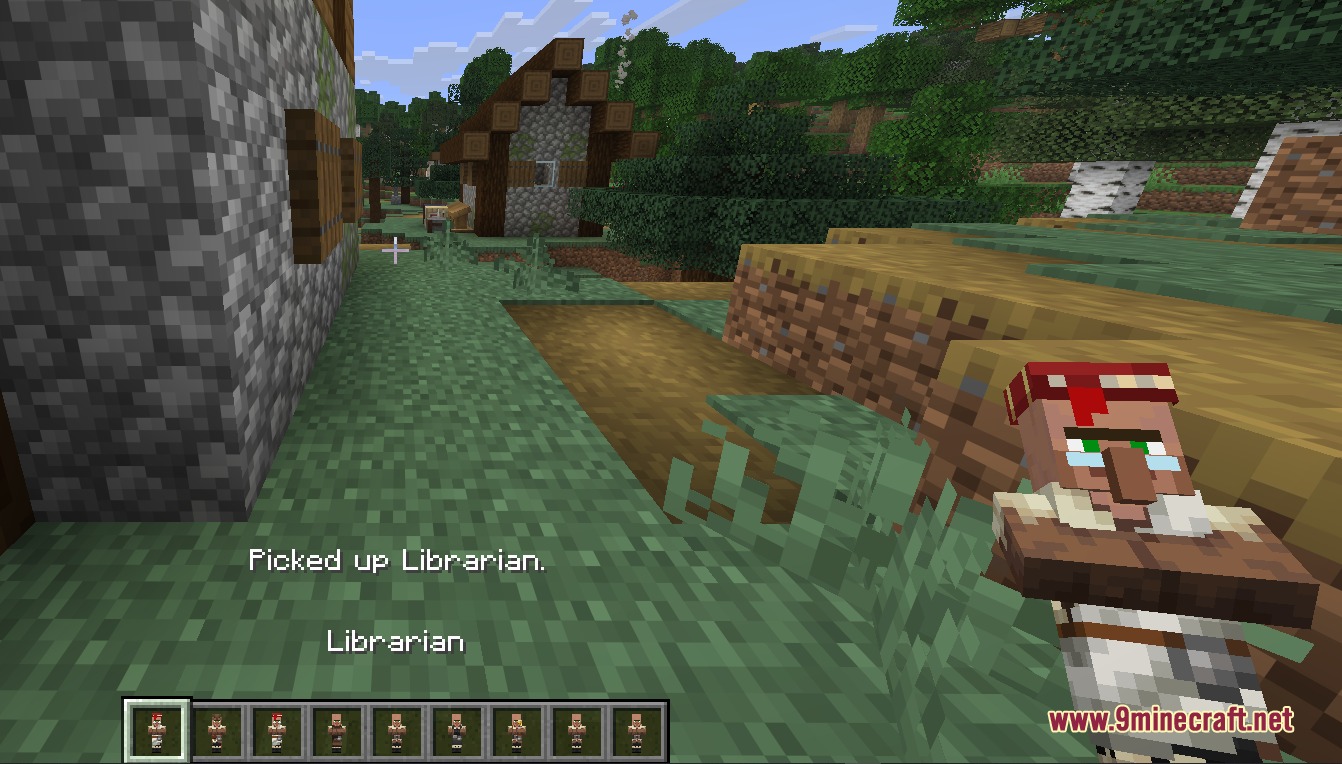
Empty-hand right-click (or Shift-right-click) a non-trading villager to pick them up as an item in your inventory. All their trade data, progress, and breeding status are saved—just place them down wherever you want in your trading hall.
Can I search for a specific enchantment automatically?
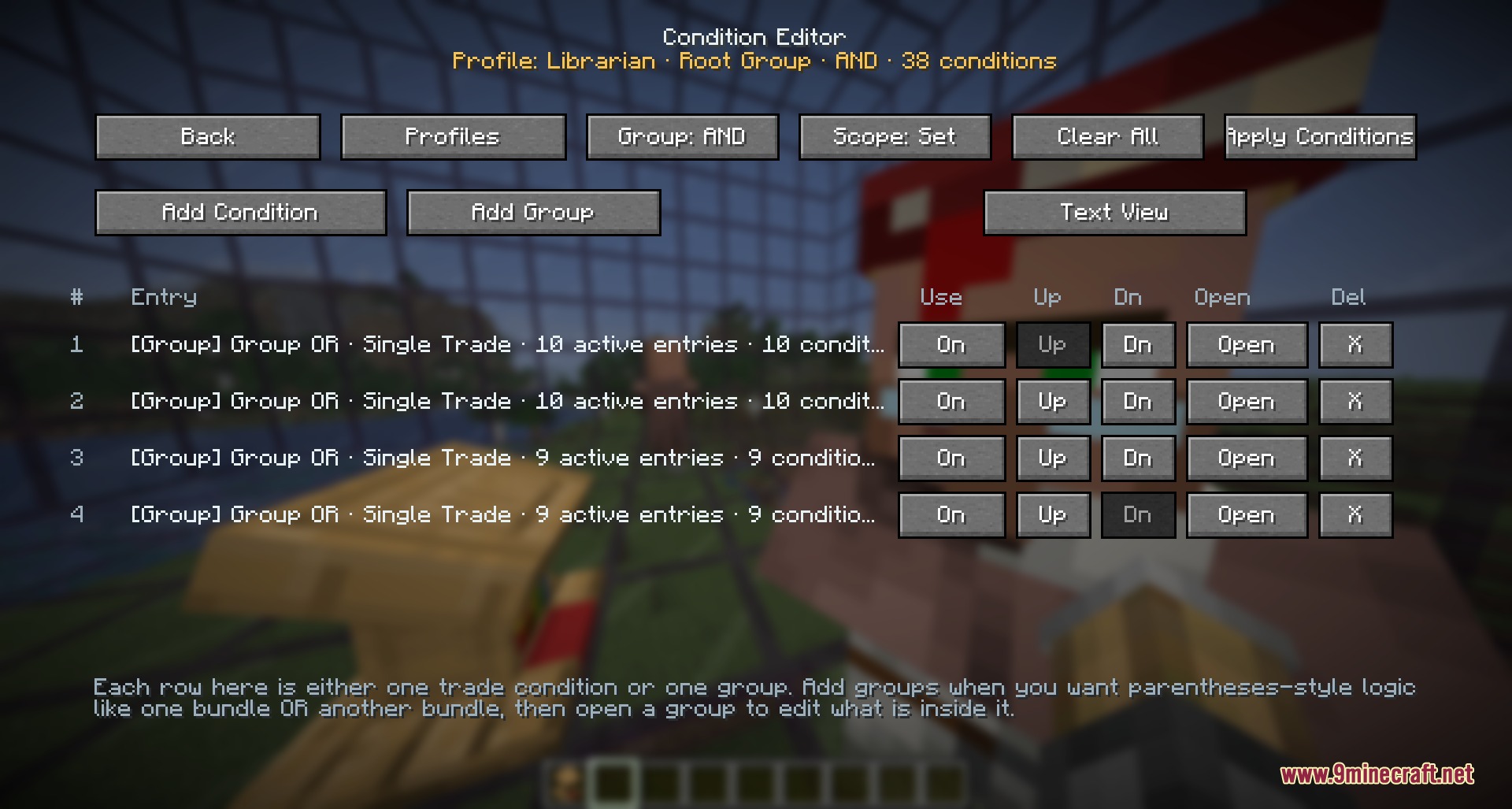
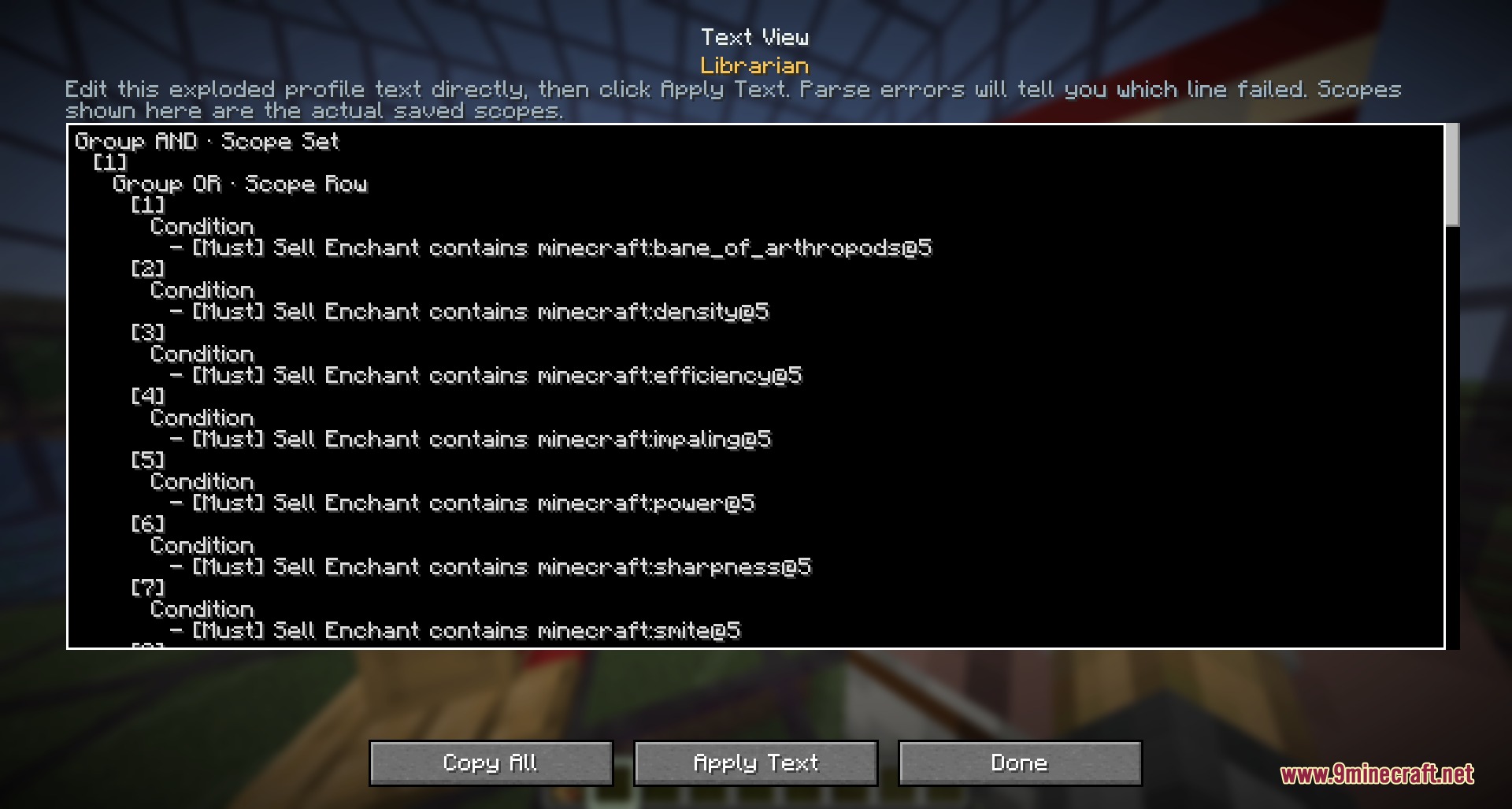
Yes—open the Trade Condition Editor, set your target enchantment and tier level, then start the auto-reroll. The mod will cycle through the villager's trades automatically until it finds a match, and it saves the best offer it finds so you can roll back to it anytime.
Why does my villager have a broken workstation and how do I fix it?
A villager loses their job if they can't reach their workstation block or if the block is destroyed. Use the Villager Inspector to diagnose the issue—it will tell you whether the workstation is missing or unreachable. Replace or reposition the job block so the villager can access it, and they'll restock their trades.
How do I check if a villager is ready to breed?
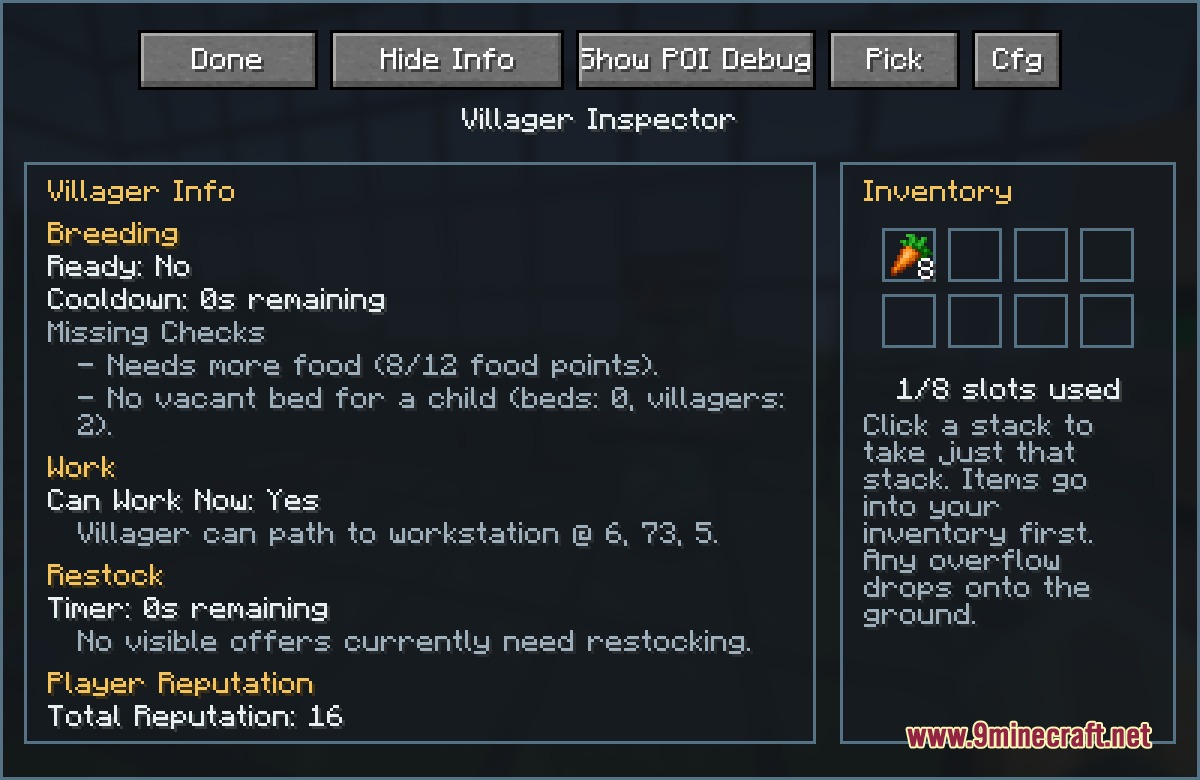
Empty-hand right-click the villager to open the Inspector window, which displays their exact breeding cooldown timer in seconds and shows whether they have enough food and willingness. It also prevents them from wandering while you're checking their stats.
Can I see all the trades available in my village at once?
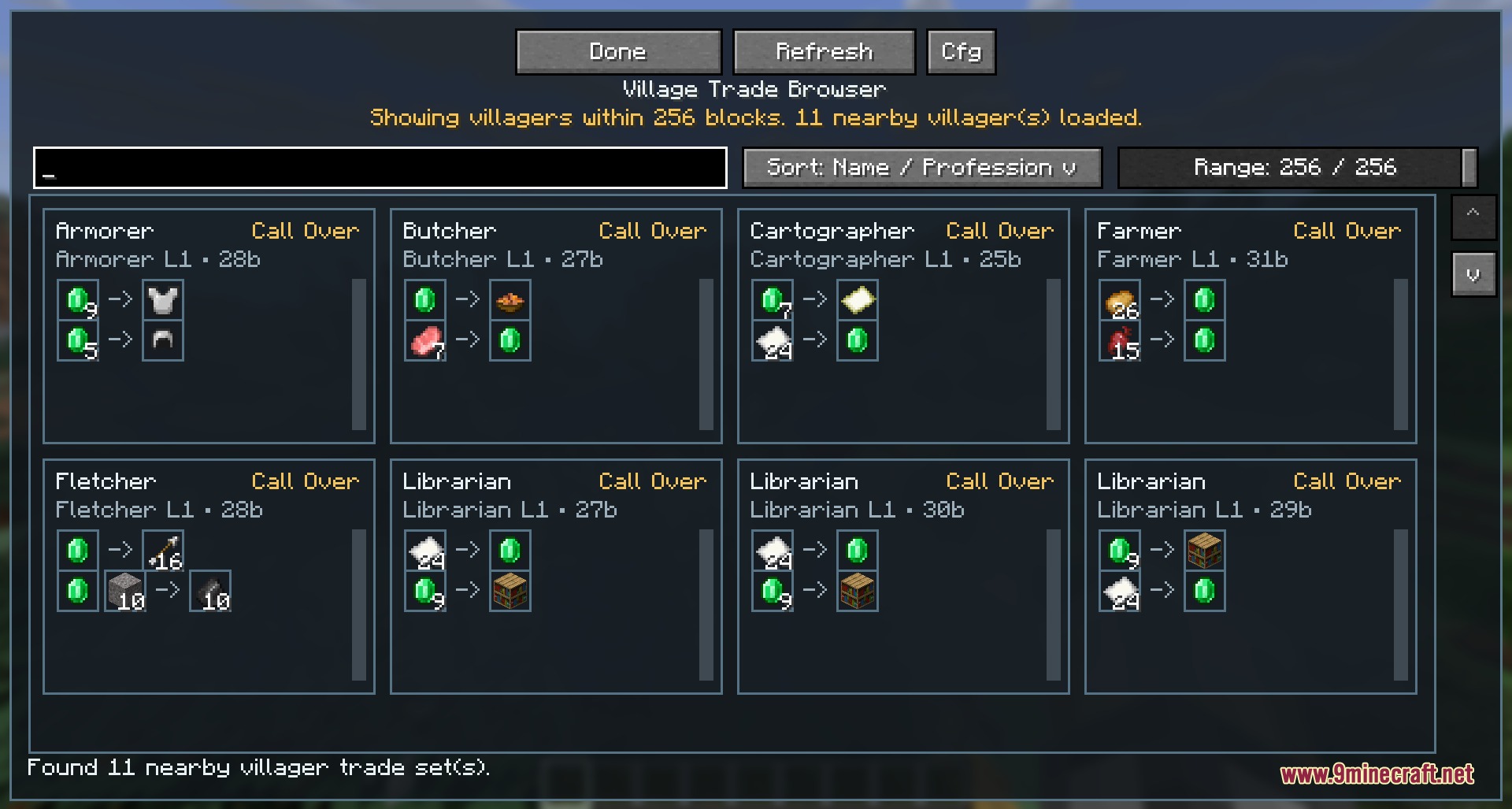
Yes—use the Village Trade Browser to scan all nearby villagers within a chosen radius and list every active trade offer in one screen. You can filter by item type or enchantment to find exactly what you need without walking house to house.
What's the difference between auto-reroll and manual trade cycling?
Manual cycling lets you browse each trade one at a time, while auto-reroll continuously cycles through trades and scores them automatically, replacing weaker offers with better ones. Auto-reroll is much faster for finding specific enchantments, but you can always roll back to any saved offer.
Can I save and reuse my search filters for different villagers?
Yes—the Trade Condition Editor lets you save, rename, and export your custom search profiles. You can also clone an existing villager's trade directly into a filter with one click, then apply that same profile to other villagers to find matching offers.
Gallery
7 images from the Merchant Master Key Mod page.
You May Also Like
Wikis that share the most with this one
Wikis on the same theme: villager
More mod wikis on the site
The most downloaded mods that have a wiki here
A few wikis from each of the other kinds