

 DownloadMenu Music Mod
Get the files on 9Minecraft
Guides
Step-by-step, in-game.
Add Custom Music to Your Title ScreenPrepare Your Music File First, obtain or create an audio file in OGG Vorbis format (.ogg). This is the standard…Replace Default Menu Music CompletelyUnderstand the Default Behavior Menu Music Mod overrides the default Minecraft title screen music when you add custom…Troubleshoot Music Not Playing on Title ScreenVerify File Format Confirm your audio file is in OGG Vorbis (.ogg) format. Minecraft and this mod only recognize .ogg…Use Multiple Music Tracks That RotateUnderstand Track Rotation Menu Music Mod can cycle through multiple music files placed in the designated sounds…
Frequently asked questions
Where do I put my music files for this mod?
Place your music files in a resource pack's `assets/menumusic/sounds/music/` folder. The mod will look for sound files with the `menumusic:music` identifier in this location.
What audio formats does Menu Music Mod support?
The mod supports OGG Vorbis format, which is the standard for Minecraft sound files. Convert your music to OGG before adding it to your resource pack.
Can I use multiple songs that rotate on the title screen?
Yes, add multiple music files to your `menumusic/sounds/music/` folder and the mod will cycle through them. Each file should be a separate OGG audio file.
How do I completely replace the default Minecraft menu music?
Create a resource pack with your custom music files in the correct folder structure, then load it with the `menumusic:music` identifier. Make sure your resource pack has higher priority than the default textures.
See all 10 Menu Music questions ›
Gallery
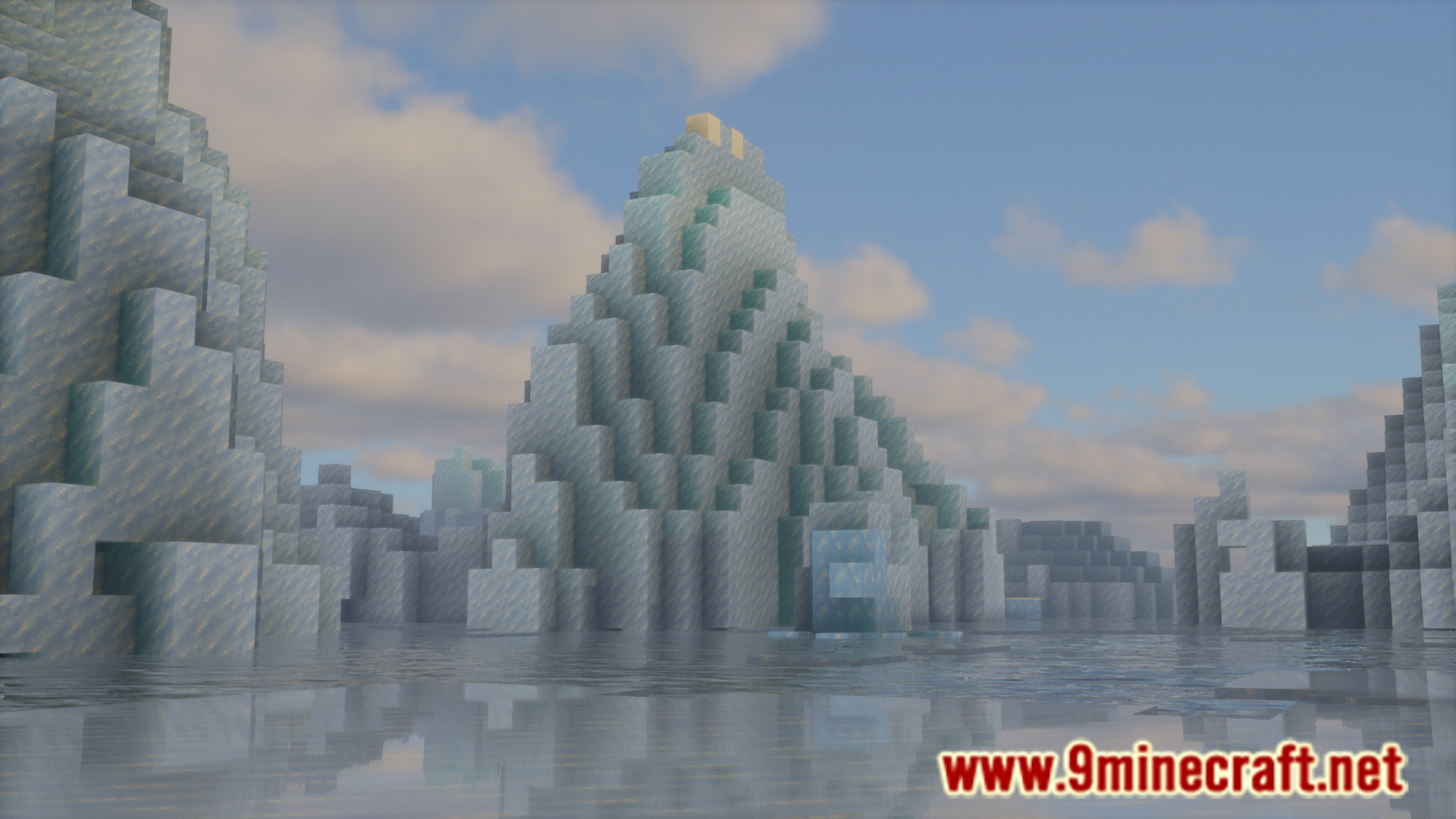
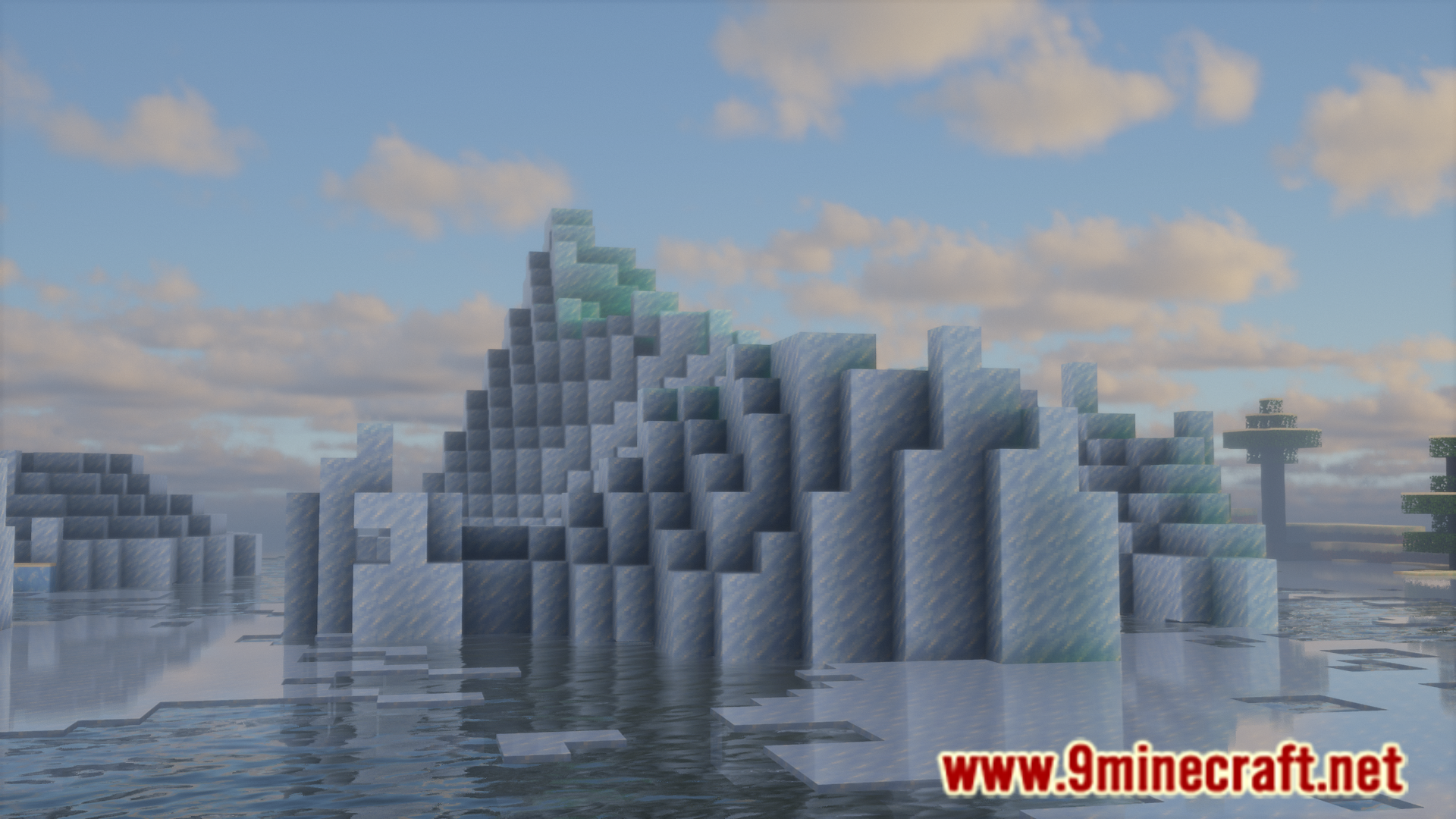
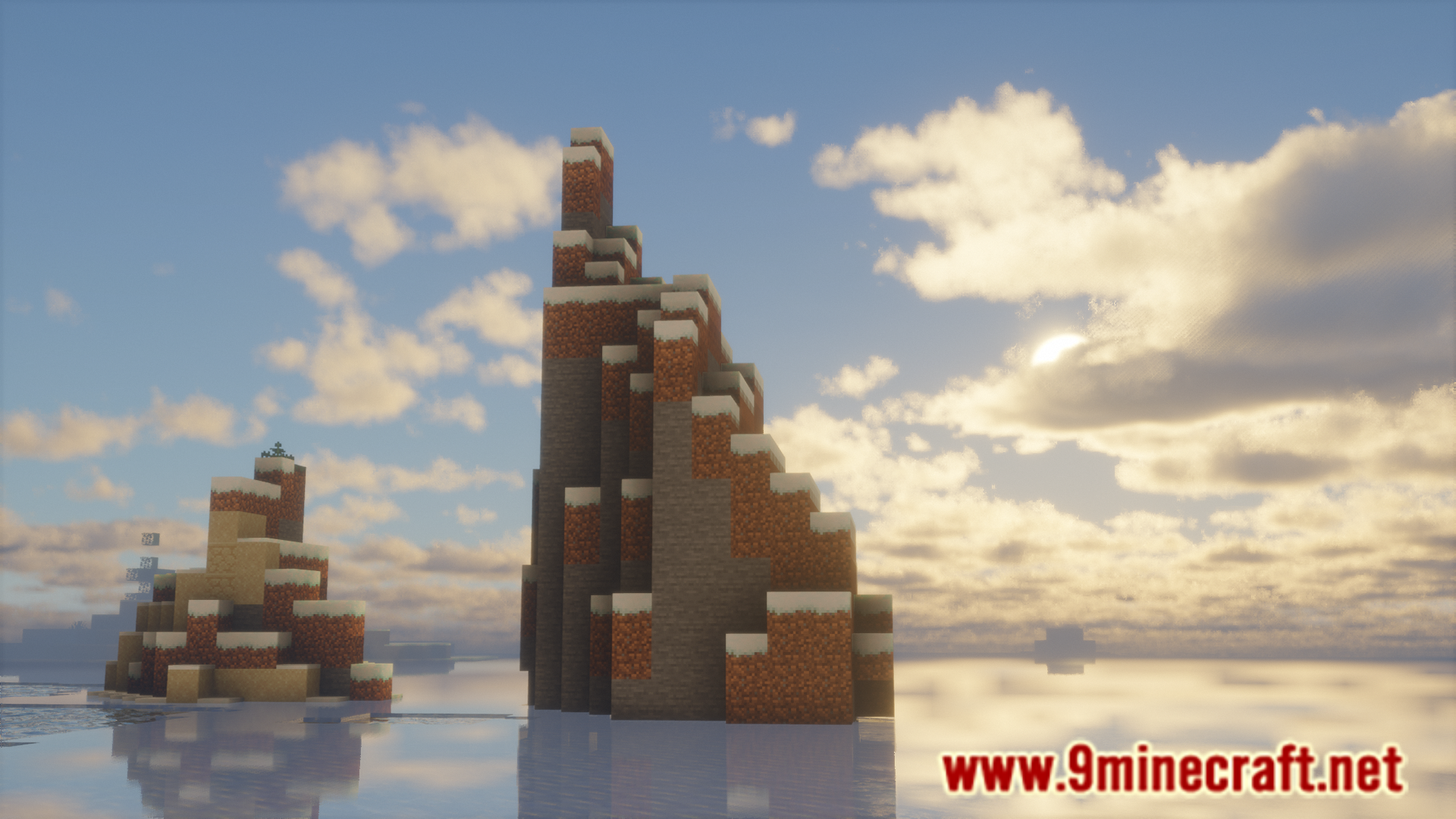
6 images from the Menu Music Mod page.
You May Also Like
Wikis that share the most with this one
More mod wikis on the site
The most downloaded mods that have a wiki here
A few wikis from each of the other kinds