DownloadEasy Villagers
Get the files on 9Minecraft
Contents (9)
Guides
Step-by-step, in-game.
How to Craft and Place the Easy Villagers BlocksWhat You Can Craft The mod's craftable blocks are Auto Trader , Breeder , Converter , Farmer , Incubator , Inventory…How to Use the Breeder and Incubator TogetherBreeding Villagers Place the Breeder block and open its interface. Put two Villagers into the input slots and provide…How to Use the Converter to Turn Villagers into Other Mob TypesPlacing and Powering the Converter Place the Converter block down and right-click it to open its interface. Put a…How to Use the Iron Farm BlockSetting Up the Iron Farm Place the Iron Farm block and open its interface. Insert Villagers into the input slots —…
Recipes
Every recipe the mod adds, grouped by how it is made.
Items
 Villager
Blocks
 Auto Trader
 Breeder
 Converter
 Farmer
 Incubator
 Inventory Viewer
 Iron Farm
 Trader
Configuration
Every setting in the mod config file, with what it changes.
Plugin Easy Villagers
| Option | What it does |
|---|---|
breeder | Breeder |
converter | Converter |
villager | Villager |
Frequently asked questions
How do I craft the Villager block?
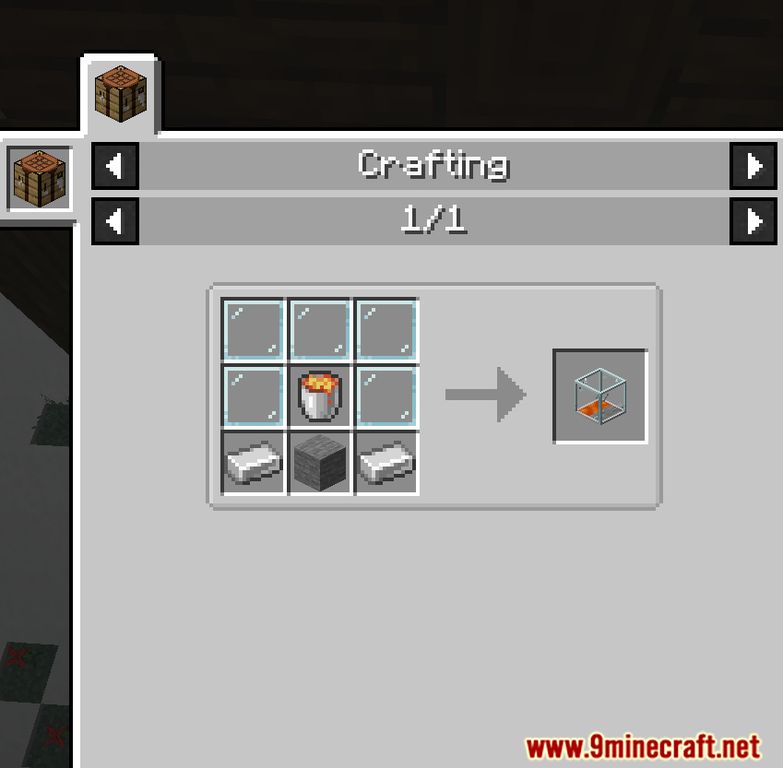
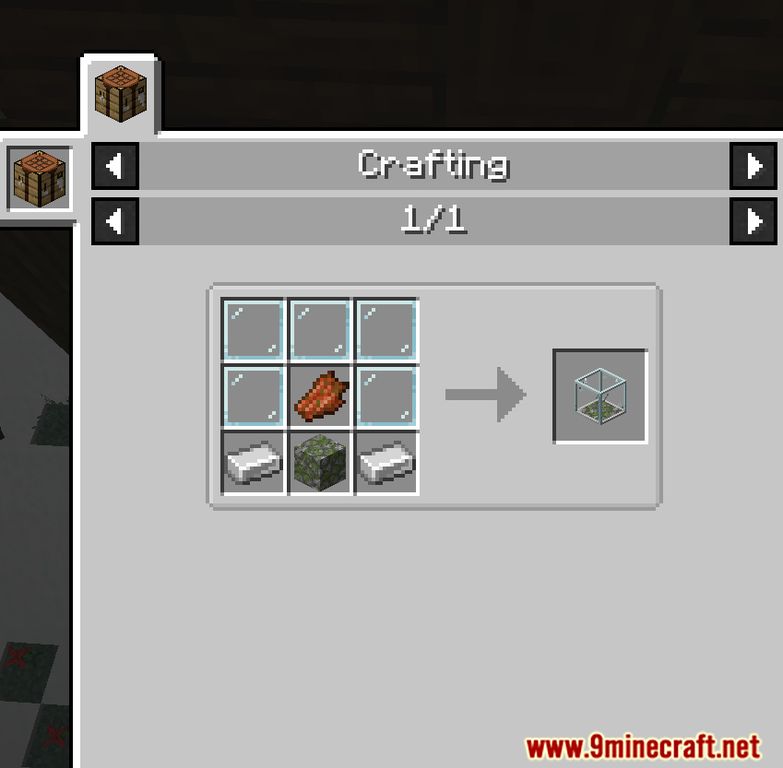
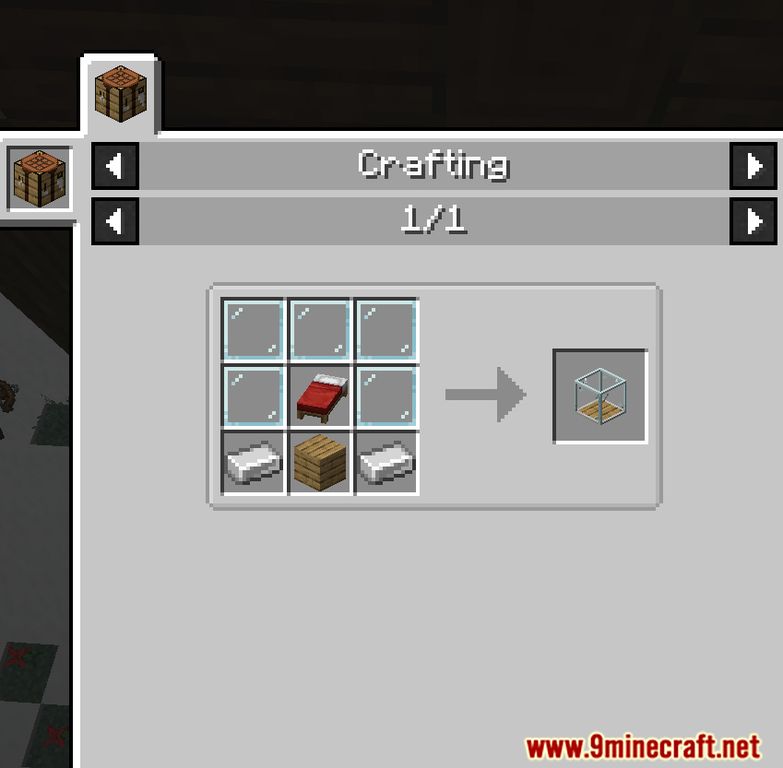
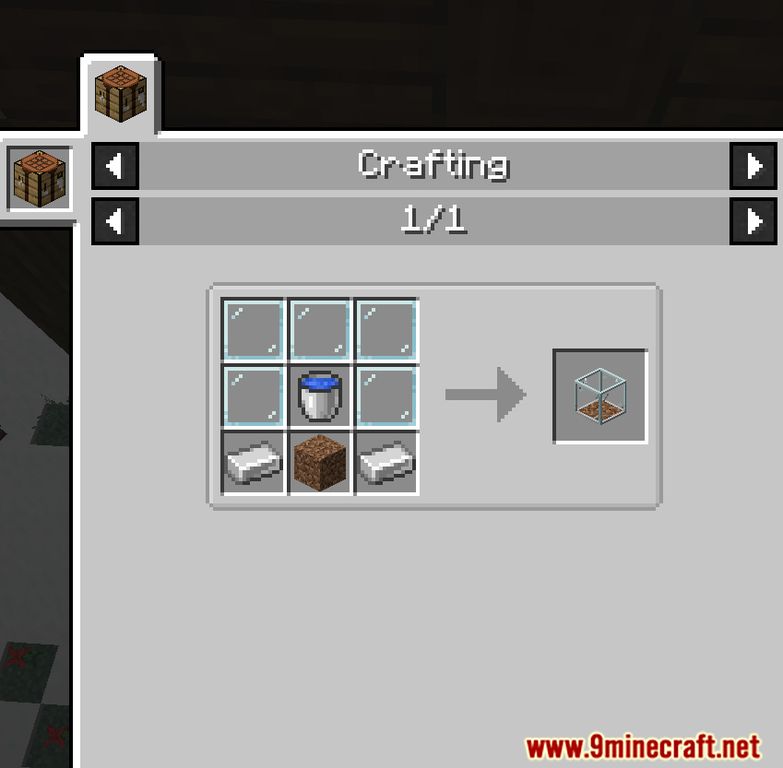
The Villager block is one of the nine registry blocks added by the mod and is obtained through a crafting_shaped recipe. Place the required ingredients in the shaped pattern in a crafting table to produce it.
How do I use the Converter block?
The Converter is a placed block that converts a Villager into a Villager item (or vice versa) for storage and transport. Place the block and interact with it while holding or standing near the Villager.
How do I reset trades with the Easy Villagers Mod?
Use the Converter block to turn a Villager into a Villager item and then place it back to obtain a fresh Villager with new trades. This effectively rerolls the villager's trade offers.
How do I use the Iron Farm block?
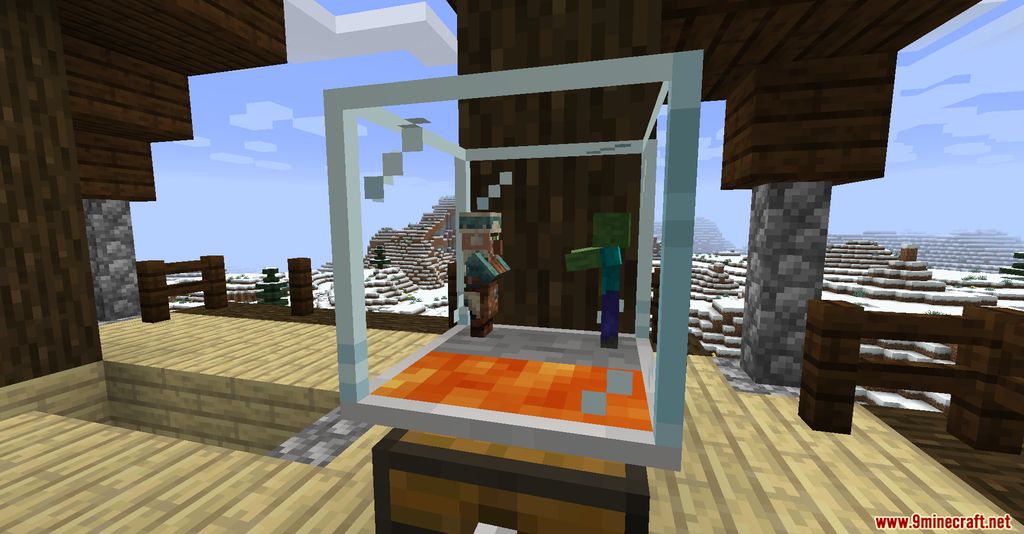
The Iron Farm is a placed block that generates iron when Villagers are present in the required setup. Place the block and supply it with Villagers to produce iron.
How do I use the Breeder block?
The Breeder is a placed block that breeds Villagers when supplied with the necessary Villagers and food. Place it and interact with it to produce baby Villagers.
How do I use the Incubator block?
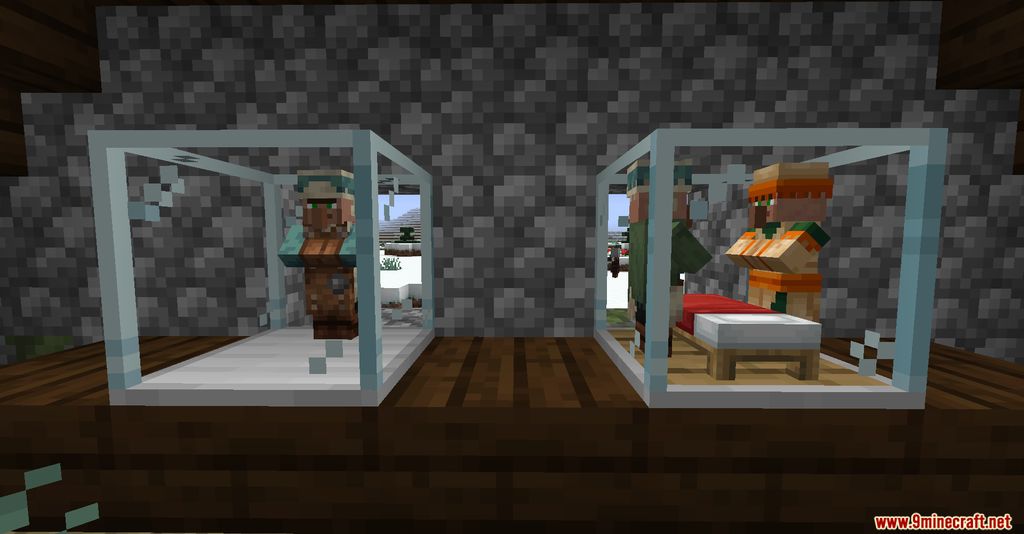
The Incubator is a placed block that grows baby Villagers into adults. Place it and put a baby Villager inside to speed up its growth.
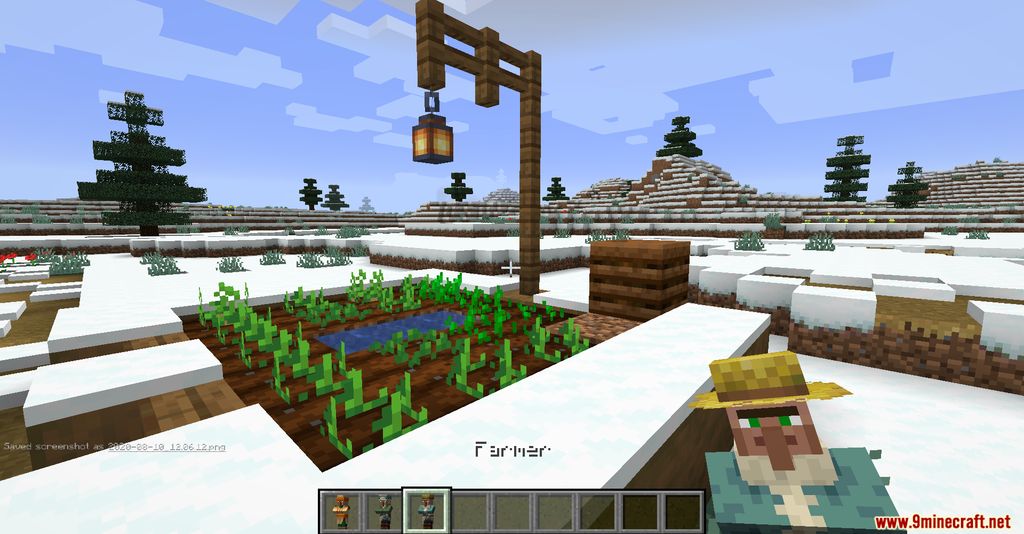
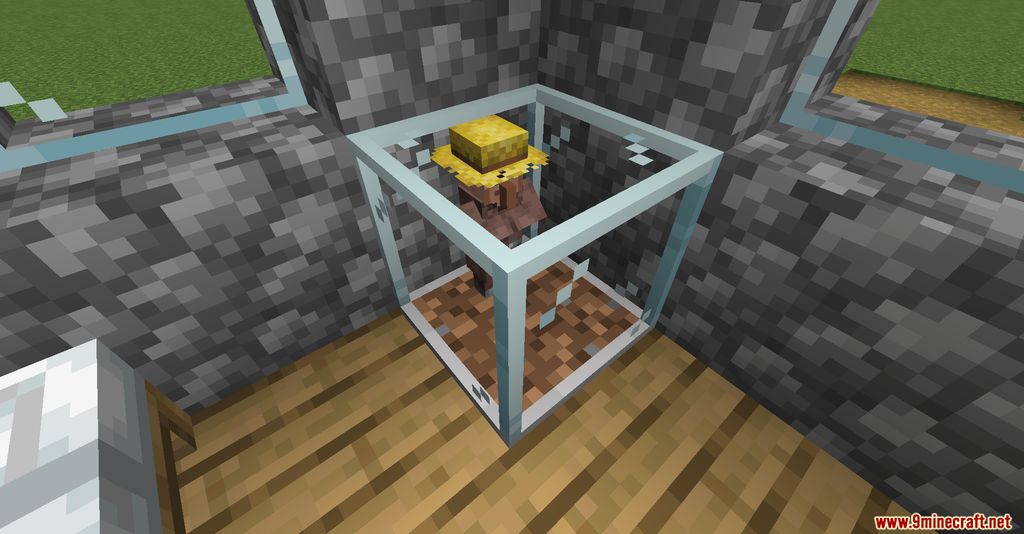
How do I use the Farmer block?
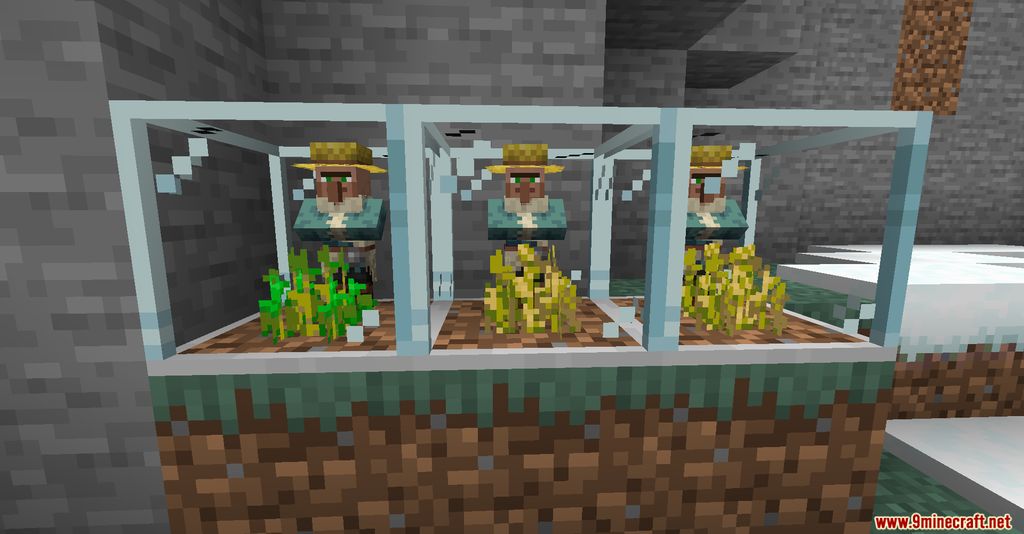
The Farmer is a placed block that farms crops using a Villager. Place it near farmland and provide a Villager to automate harvesting.
How do I use the Trader block?
The Trader is a placed block that lets you trade with a Villager without it wandering off. Place it and interact to open the villager's trade menu.
How do I use the Auto Trader block?
The Auto Trader is a placed block that automatically performs trades with a Villager. Place it and supply the required items to automate trading.
How do I use the Inventory Viewer block?
The Inventory Viewer is a placed block that displays the contents of a nearby Villager's inventory. Place it and interact to view the items a Villager is holding.
How do I craft the blocks in the Easy Villagers Mod?
All nine blocks (Auto Trader, Breeder, Converter, Farmer, Incubator, Inventory Viewer, Iron Farm, Trader, Villager) are made using crafting_shaped recipes. Arrange the ingredients in the correct pattern in a crafting table.
How do I get a Villager item in the Easy Villagers Mod?
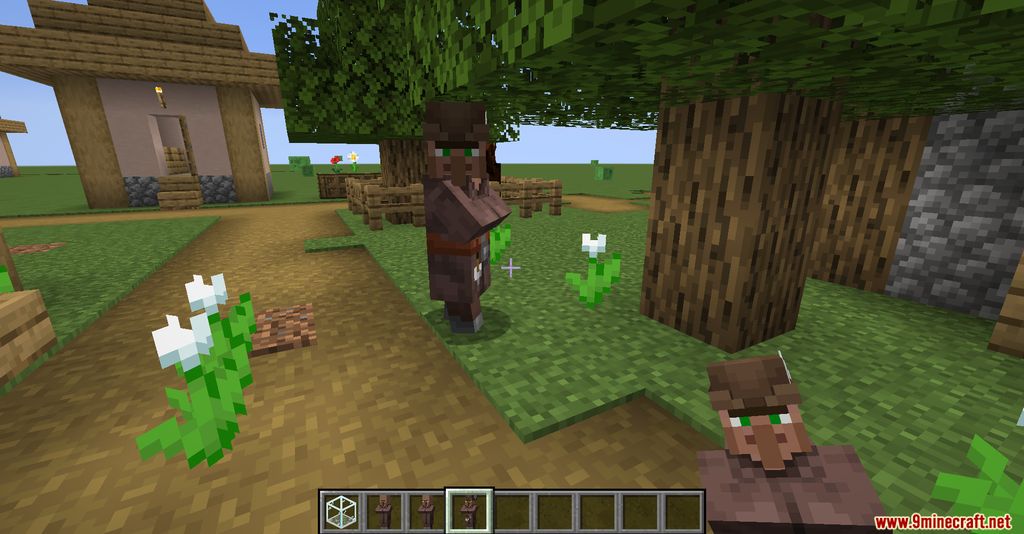
Use the Converter block on a Villager to turn it into a Villager item for easy storage and transport. Place the Villager item back down to restore the Villager.
You May Also Like
Wikis that share the most with this one
Wikis on the same theme: farm
More mod wikis on the site
The most downloaded mods that have a wiki here
A few wikis from each of the other kinds
Gallery
12 images from the Easy Villagers Mod page.