

 DownloadOk Boomer Mod
Get the files on 9Minecraft
Guides
Step-by-step, in-game.
Adjust Your Zoom Sensitivity and RangeCustomizing Zoom Behavior Ok Boomer offers extensive customization options so zoom feels natural for your playstyle.…Switch Between In-Game and GUI Zoom SeamlesslyManaging Multiple Zoom Contexts Ok Boomer handles zoom differently for the game world versus menus, letting you use…Zoom Into Your Inventory Without Losing FocusUsing GUI Zoom Ok Boomer lets you zoom into any menu or inventory screen, making it easier to see item details,…Zoom Smoothly While ExploringIn-Game Zoom Mechanics Unlike instant zoom mods, Ok Boomer provides smooth, scrollable zoom for exploring and…
Frequently asked questions
How do I zoom in Minecraft with ok boomer?
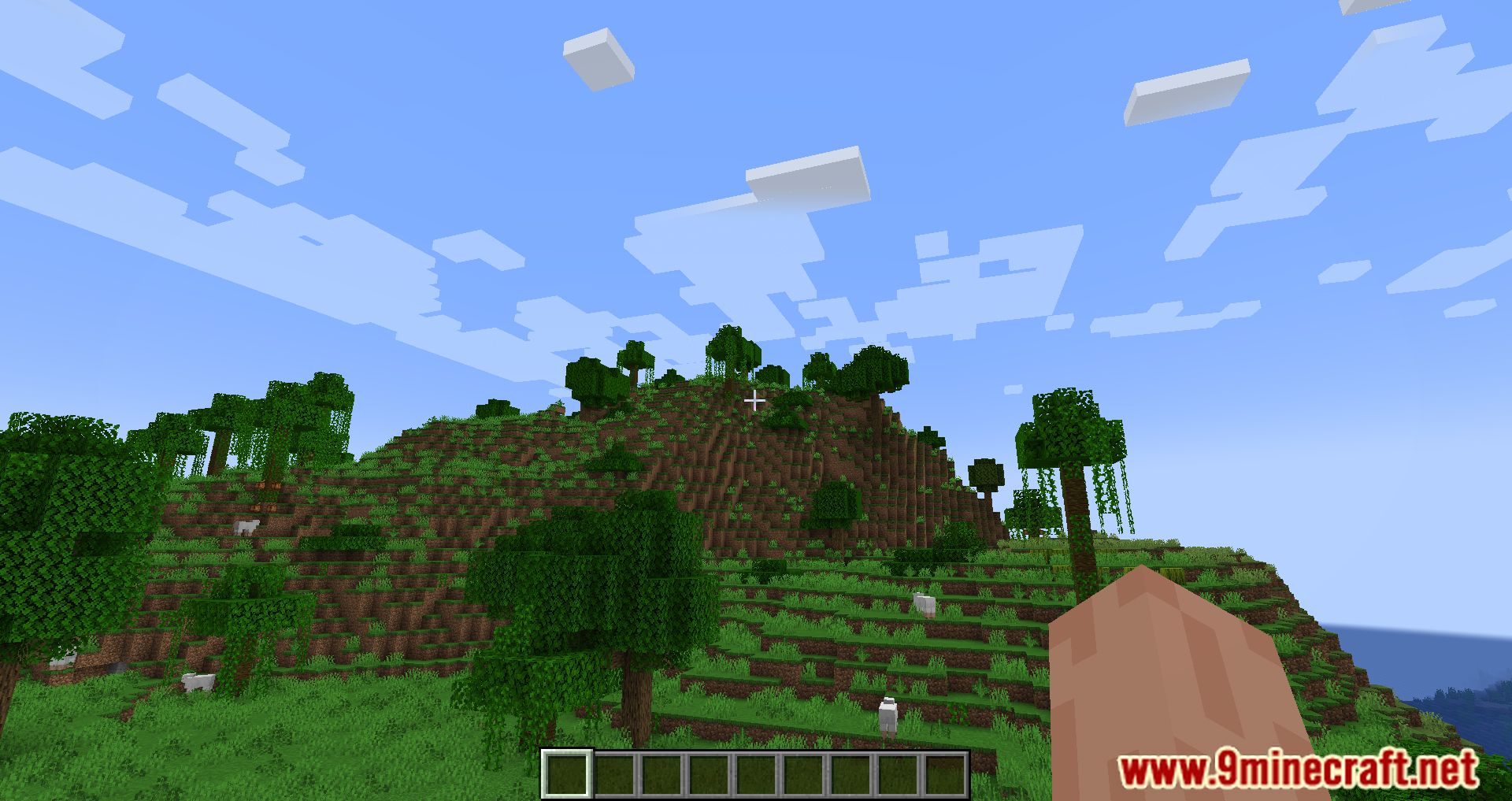
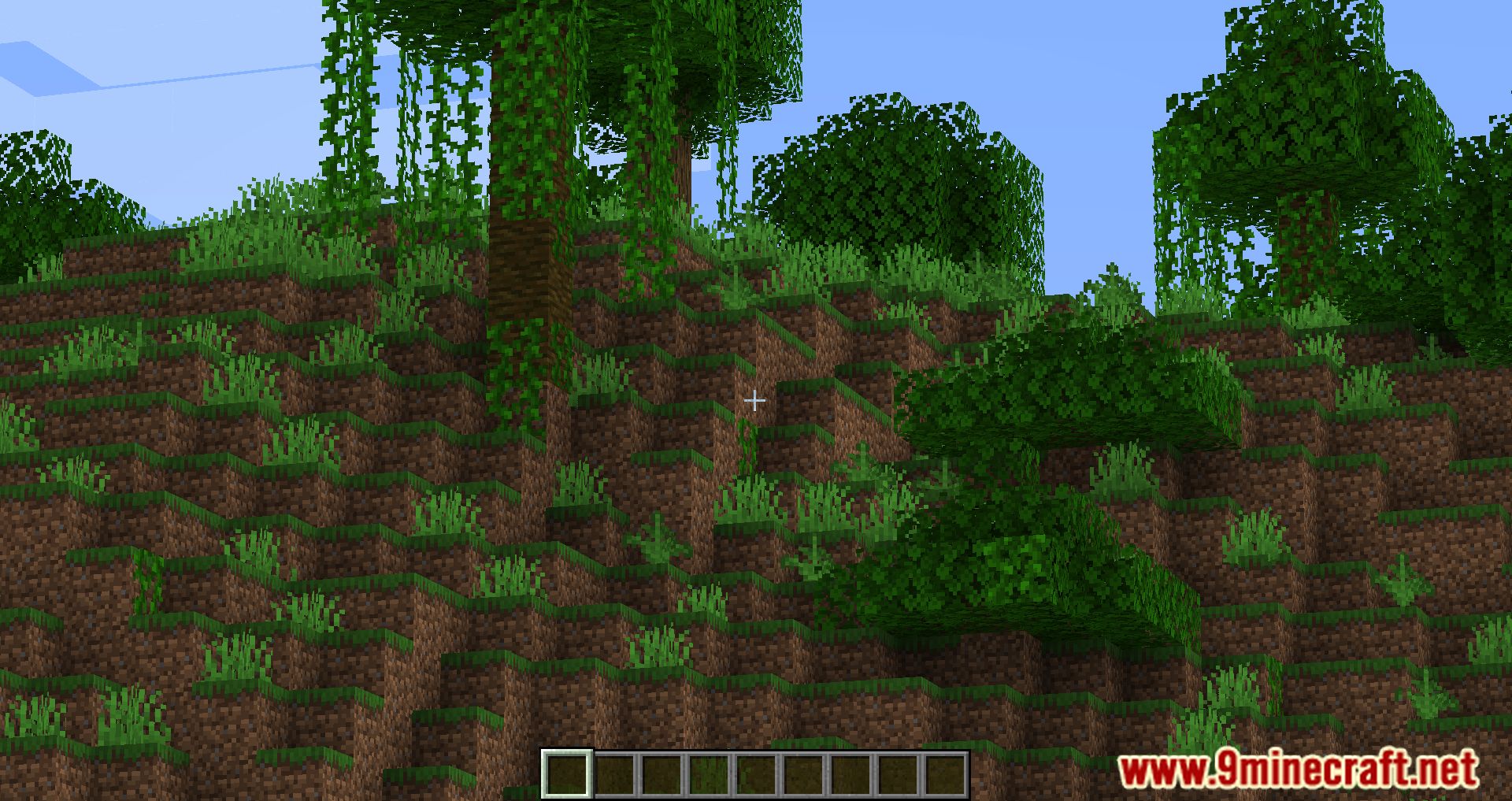
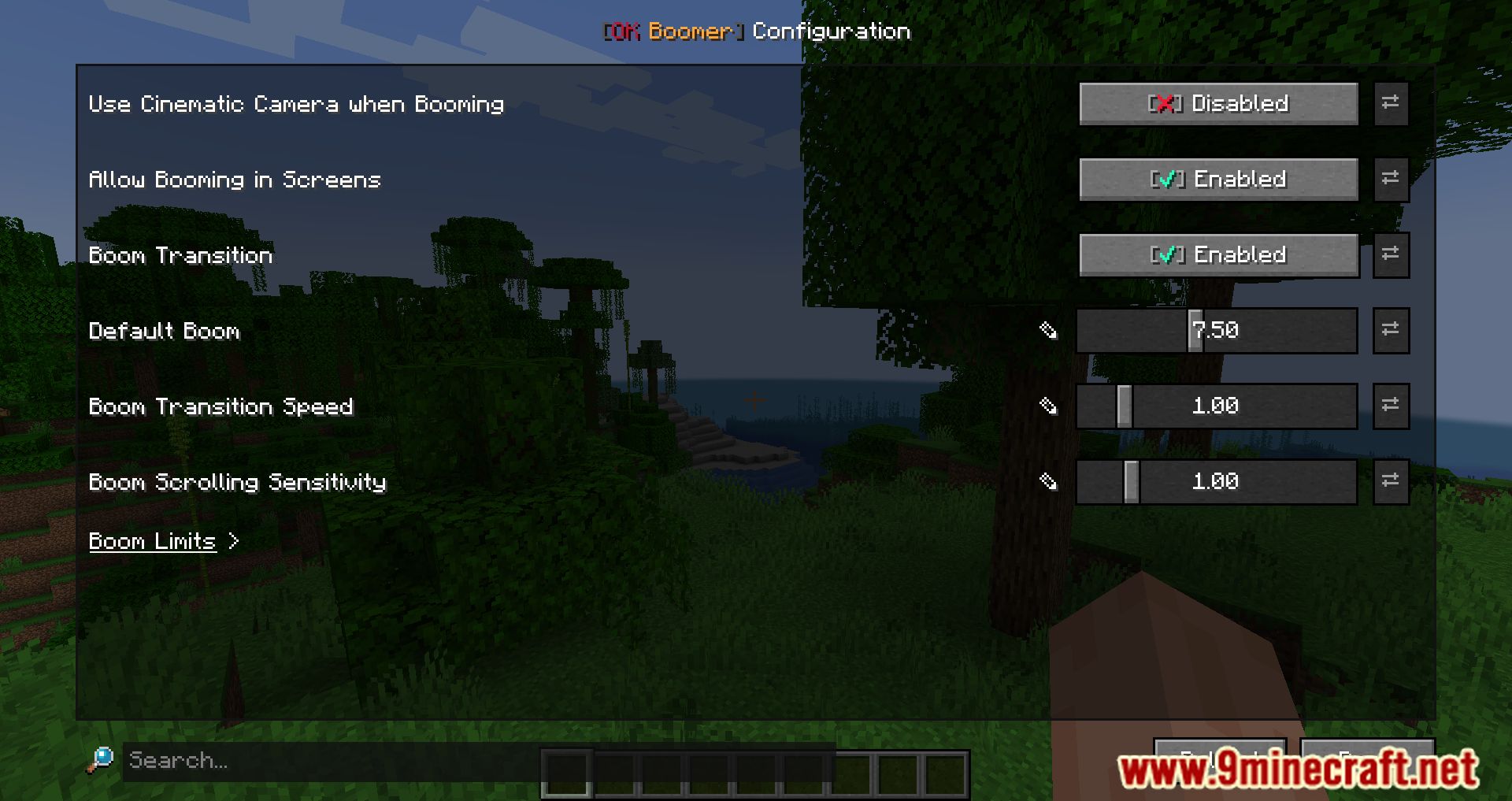
Press Ctrl + Scroll wheel to zoom in and out smoothly while exploring the world. You can adjust how fast the zoom responds and how far you can zoom in the mod settings.
Can I zoom into my inventory?
Yes, press Ctrl + Shift + C while your inventory or any GUI menu is open to zoom in on it. This lets you see item details more clearly without closing the screen.
What's the difference between in-game zoom and gui zoom?
In-game zoom magnifies the world around you while you're playing, while GUI zoom magnifies menus, inventories, and crafting screens. They use different key combinations and work independently.
Can I change the zoom keybind?
Yes, open the mod settings and rebind the zoom keys to whatever you prefer. The default is Ctrl + Scroll for world zoom and Ctrl + Shift + C for GUI zoom.
See all 10 Ok Boomer questions ›
Gallery
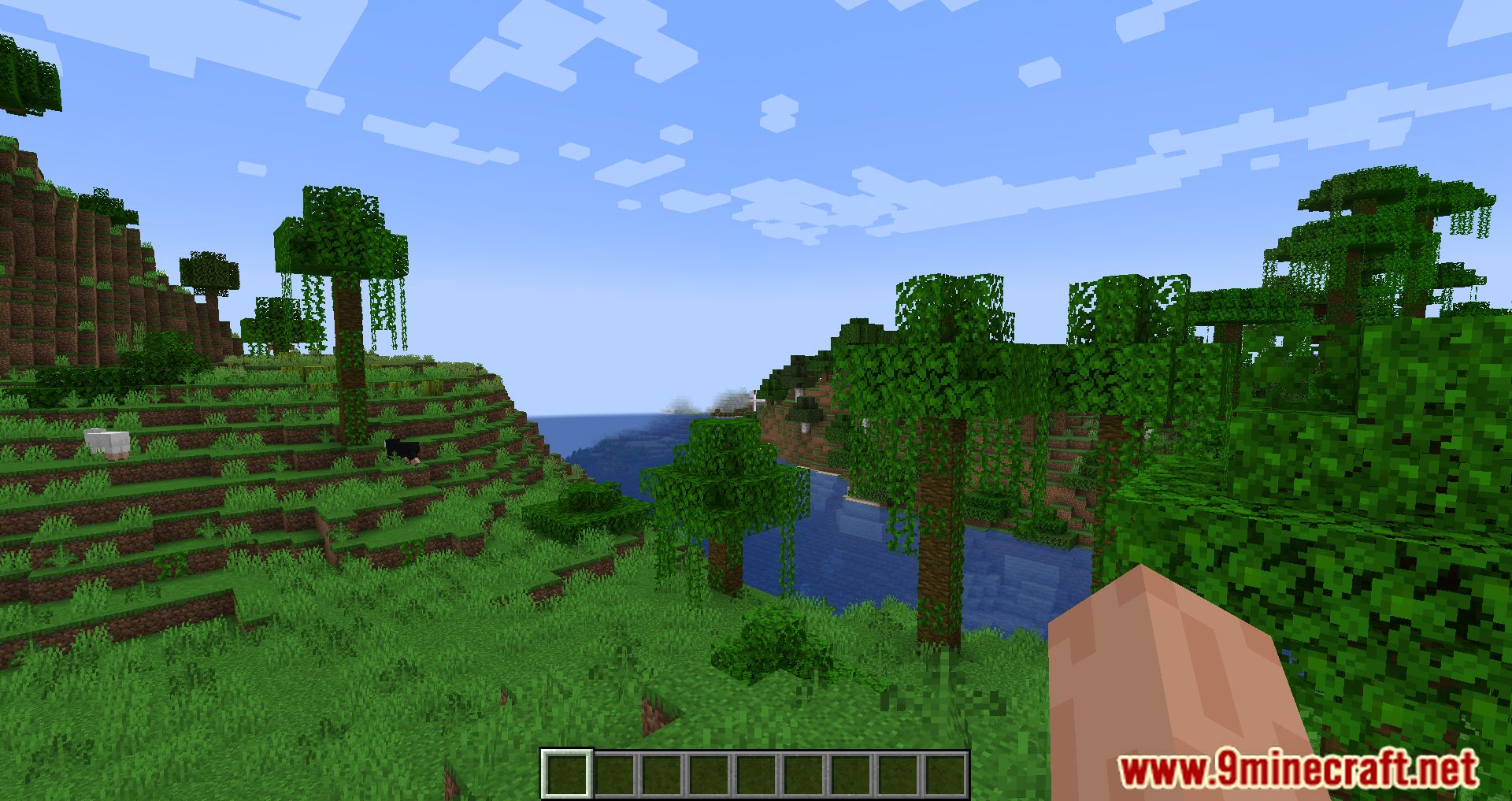
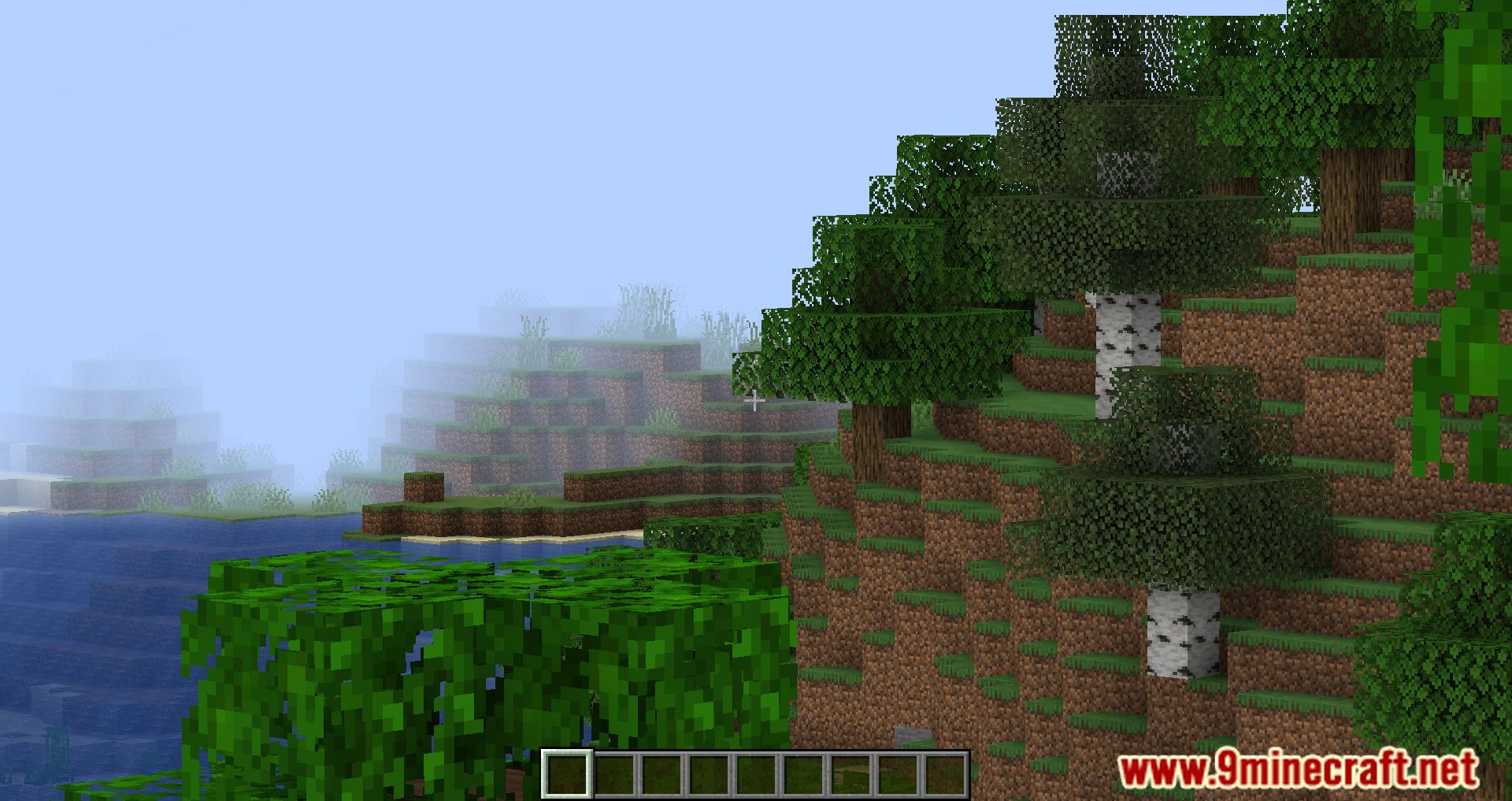
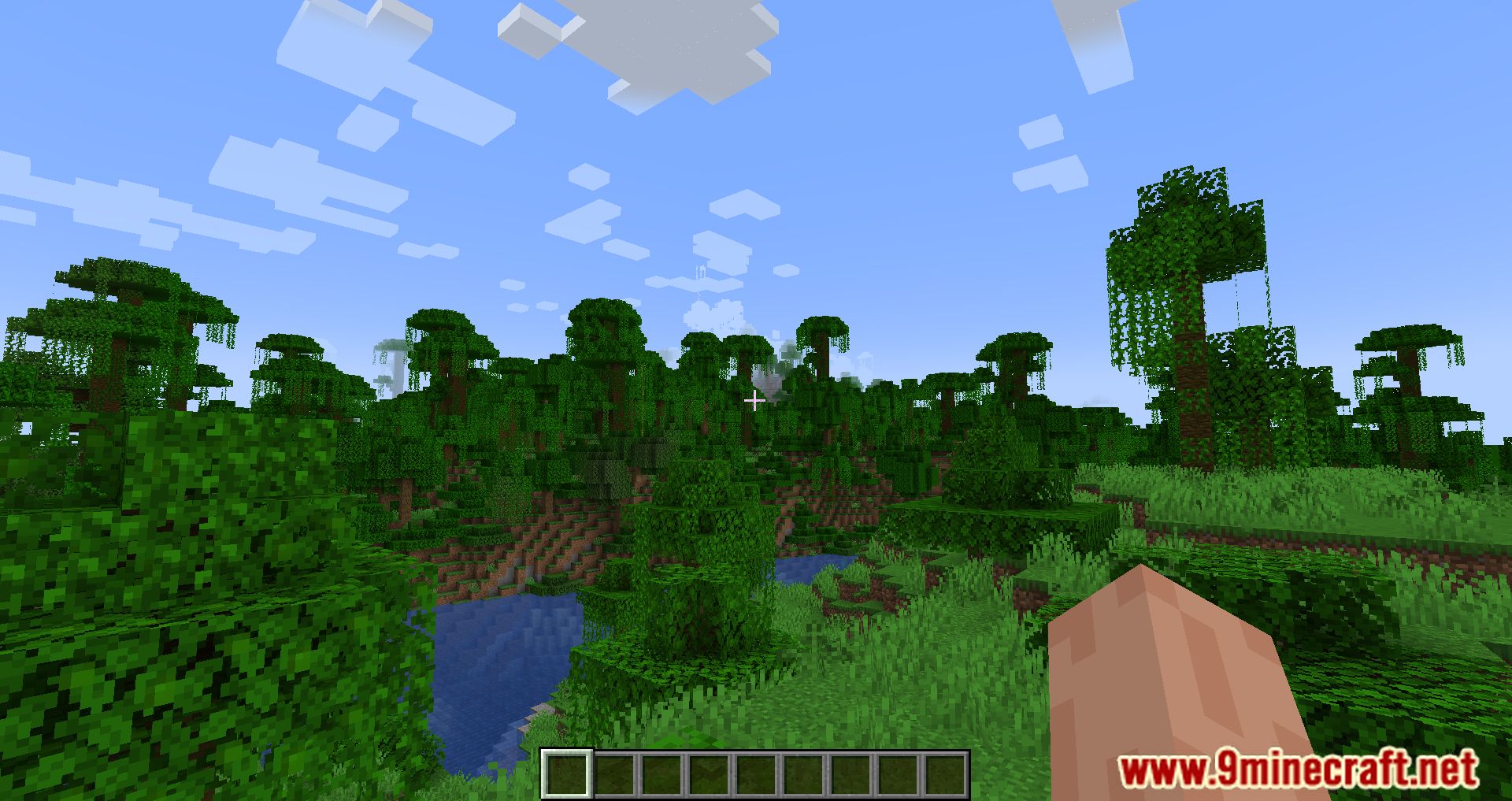
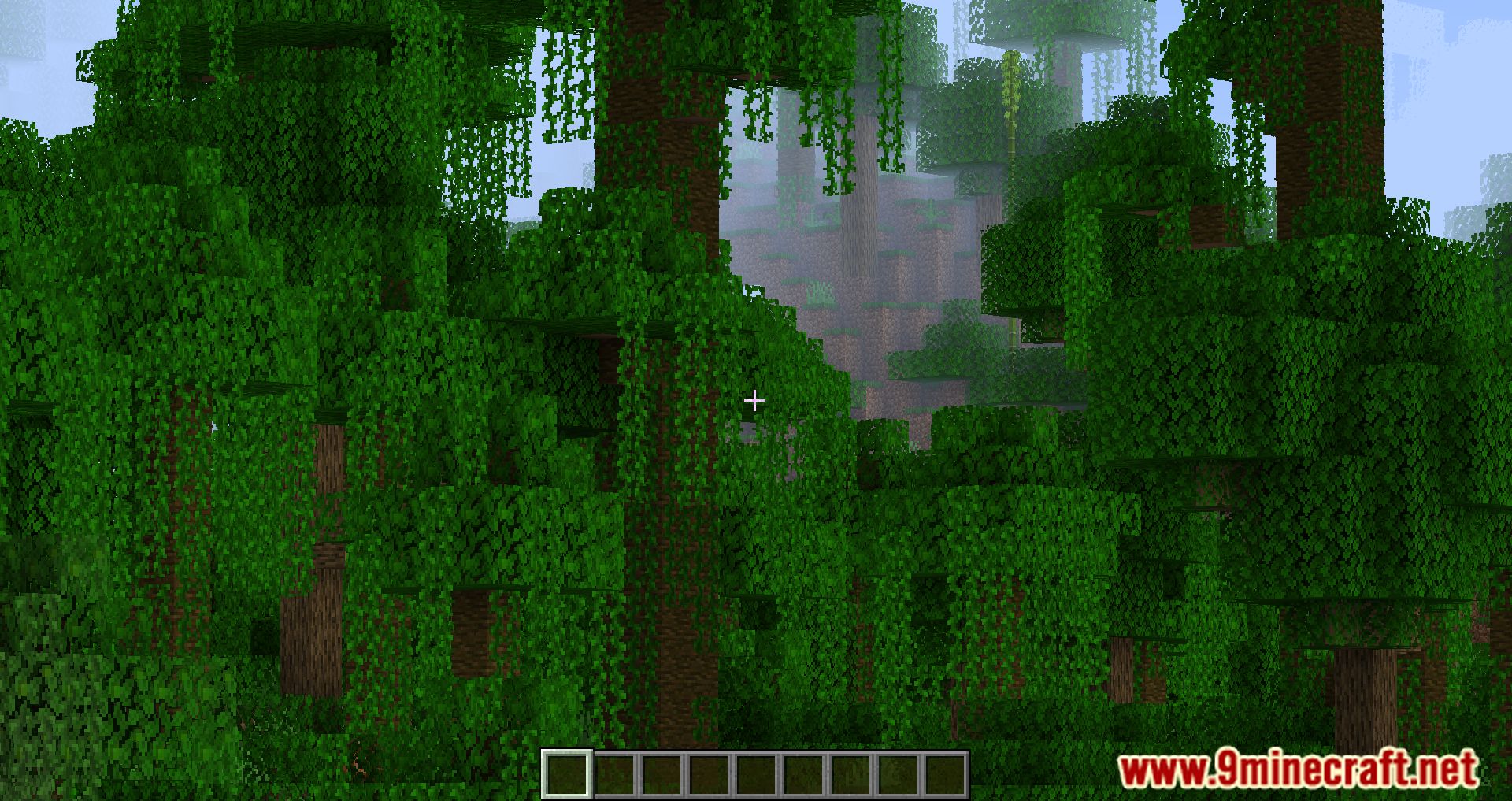
11 images from the Ok Boomer Mod page.
You May Also Like
Wikis that share the most with this one
Wikis on the same theme: villager
More mod wikis on the site
The most downloaded mods that have a wiki here
A few wikis from each of the other kinds