

 DownloadYDM’s Weapon Master Mod
Get the files on 9Minecraft
Guides
Step-by-step, in-game.
Fixing Items Not Showing on Your Character (Troubleshooting Guide)You've installed the mod, but your sword, shield, or tools still aren't visible on your character. Work through these…How to Control Which Items Appear Using Item IDsBeyond the simple on/off toggles, this mod lets you decide which specific items are allowed to render on your…How to Make Your Shield and Banner Display Correctly on Your CharacterShields and banners have their own dedicated display positions in this mod, separate from your hotbar slots. That…How to Open the Weapon Master Settings Menu and Toggle Item VisibilityThe settings menu is the control center for everything this mod displays on your character. If items are showing that…
Frequently asked questions
How do I open the Weapon Master settings menu?
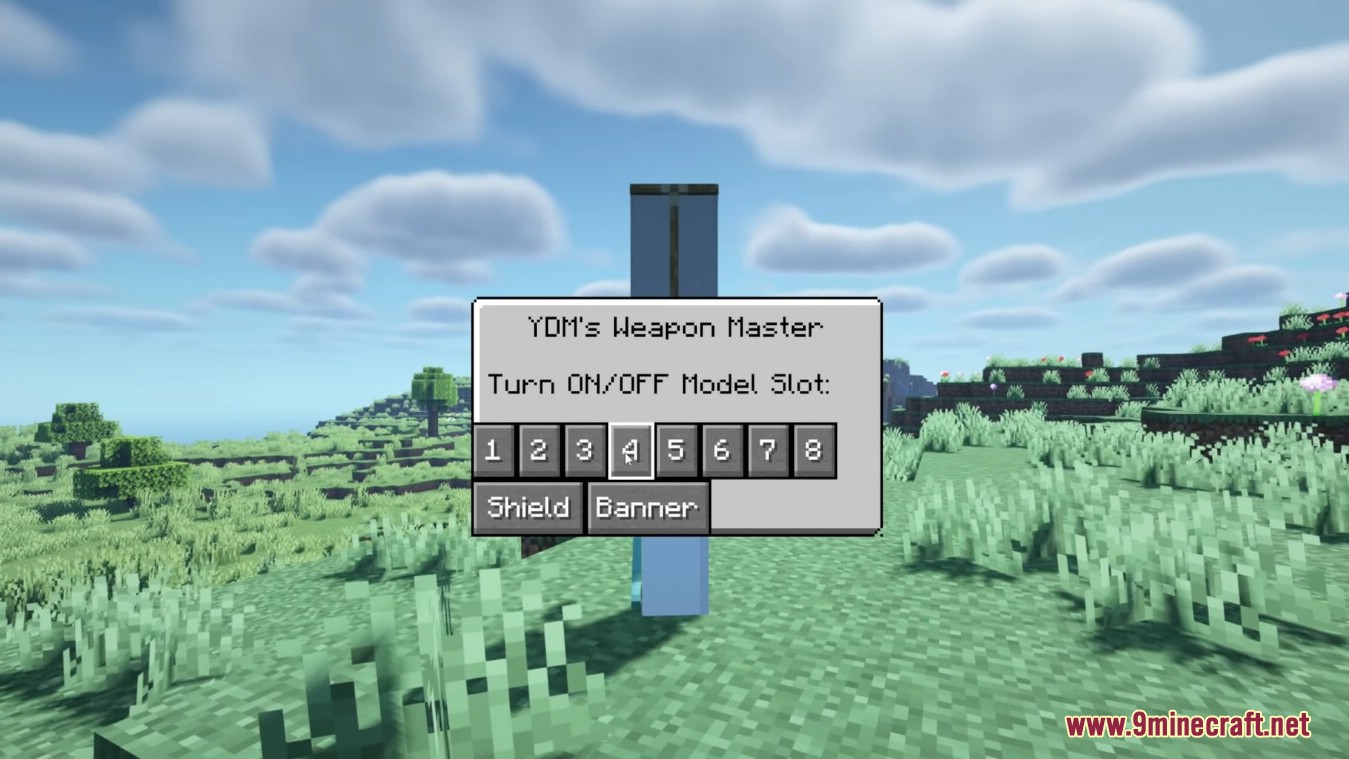
Press V while in-game to open the settings window. From there you can toggle the visibility of each hotbar slot, your shield, and your banner individually.
Why aren't my weapons showing on my character?
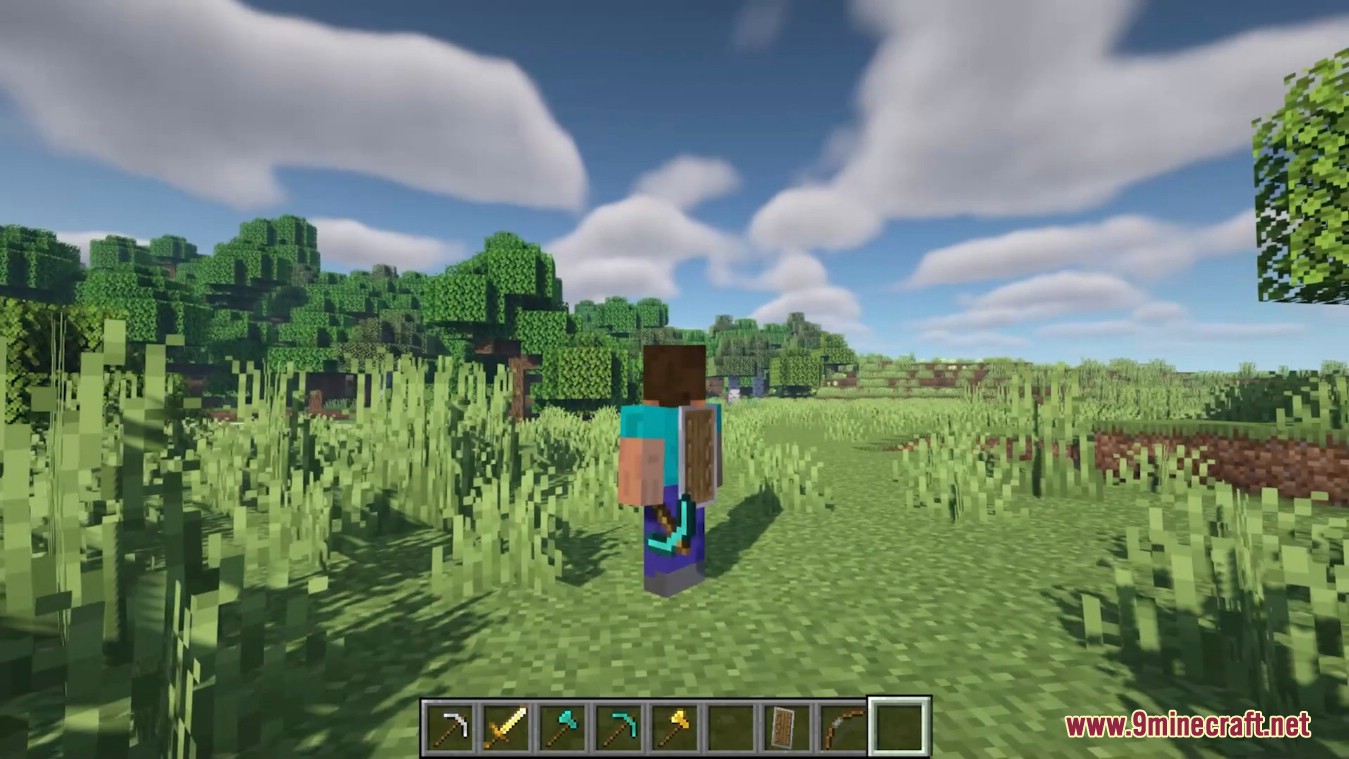
The most common cause is that visibility for that slot is turned off in the settings menu, so press V and check each toggle. Also make sure the item is actually in hotbar slots 1 through 8, since those are the slots the mod reads.
Which hotbar slots does the mod display items from?
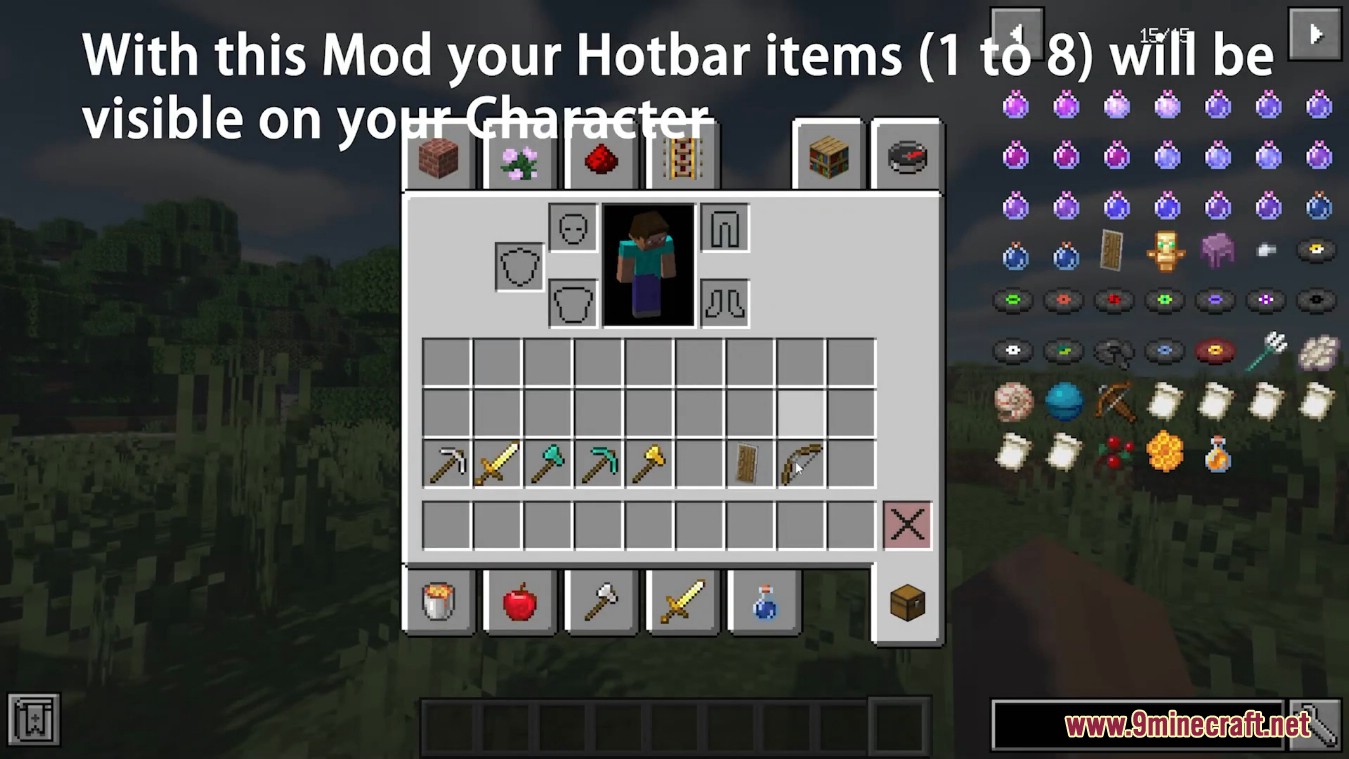
Only slots 1 through 8 of your hotbar are shown on your character. Anything in slot 9 or your offhand won't appear through the normal slot display.
How do I hide just one item instead of everything?
Open the settings menu with V and toggle off only the slot that item occupies. Each slot has its own visibility switch, so you can hide a single sword or tool without affecting the rest.
See all 10 YDM’s Weapon Master questions ›
Gallery
8 images from the Ydms Weapon Master Mod page.
You May Also Like
Wikis that share the most with this one
Wikis on the same theme: weapon
More mod wikis on the site
The most downloaded mods that have a wiki here
A few wikis from each of the other kinds