

 DownloadDomestication Innovation Whitelist Mod
Get the files on 9Minecraft
Guides
Step-by-step, in-game.
Block Specific Animals from Wearing CollarsEnable Blacklist Mode Open your configuration file and set black_list_mode to true . This tells the mod to *block*…Find the Correct Game Name for an AnimalUse Standard Minecraft Naming The mod requires exact entity type names in the format minecraft:animalname . These are…Set Up a Whitelist to Allow Only Specific PetsEnable Whitelist Mode Open your mod's configuration file. Find the black_list_mode setting and set it to false . This…Switch Between Whitelist and Blacklist ModeUnderstand the Difference Whitelist mode ( black_list_mode: false ): Only animals on your list can wear collars.…
Frequently asked questions
Where do I find the config file for this mod?
The config file is located in your game's config folder (usually .minecraft/config). Look for a file named something like domestication_innovation_whitelist.toml or similar. Open it with any text editor to adjust your settings.
How do I know if I'm using whitelist or blacklist mode?
Check your config file for the black_list_mode setting: if it's set to false, you're in whitelist mode (only listed animals can wear collars); if it's true, you're in blacklist mode (all animals except listed ones can wear collars).
What's the correct format for typing animal names in the config?
Use the standard Minecraft namespace format: minecraft:wolf, minecraft:cat, minecraft:horse, etc. The format is always minecraft:lowercase_animal_name with no spaces or special characters.
Can I whitelist modded animals from other mods?
Yes, as long as you use the correct namespace for the mod. For example, a modded animal might be typed as modname:animal_name instead of minecraft:animal_name—check the mod's documentation for the exact namespace.
See all 10 Domestication Innovation Whitelist questions ›
Gallery
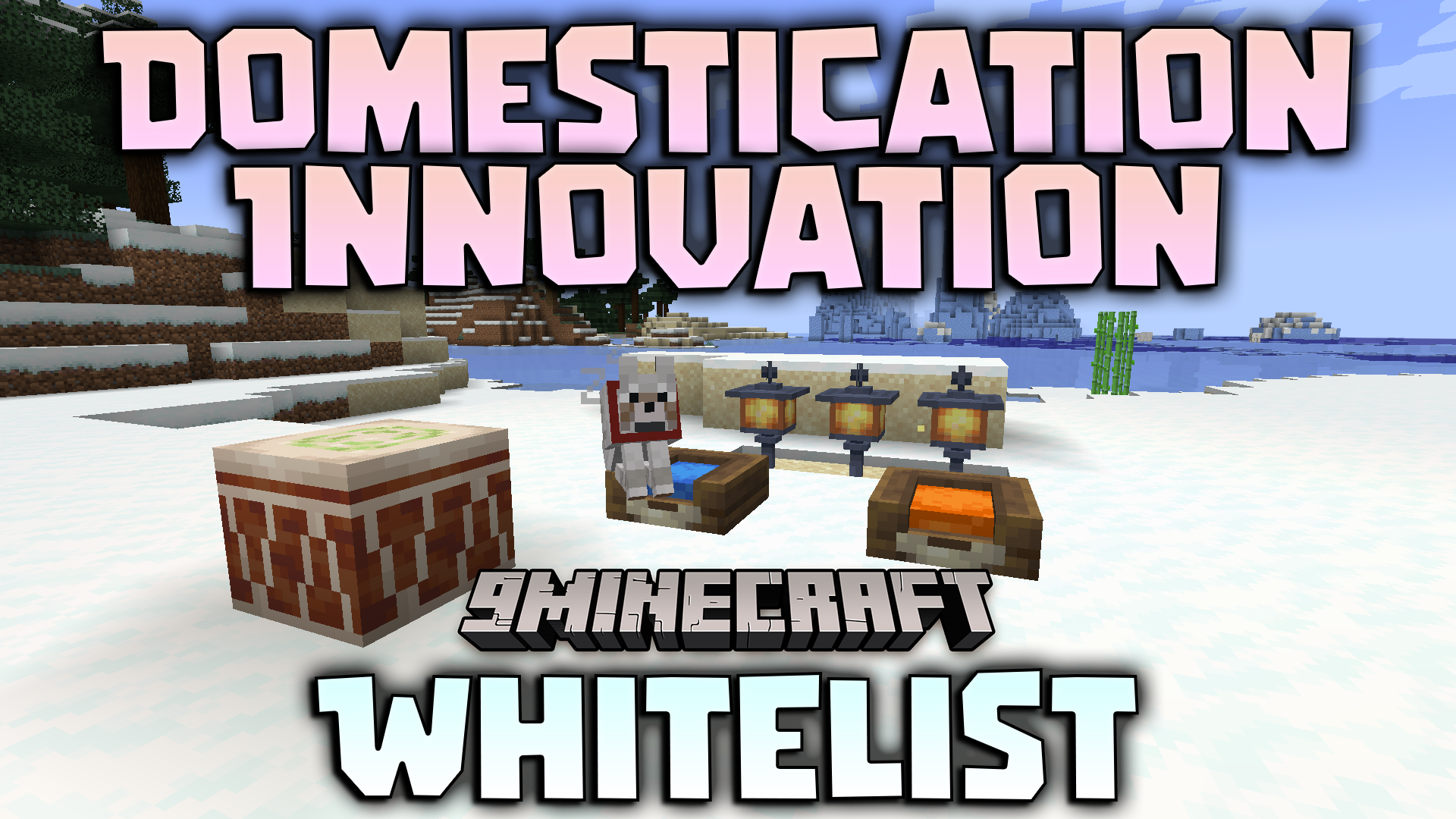
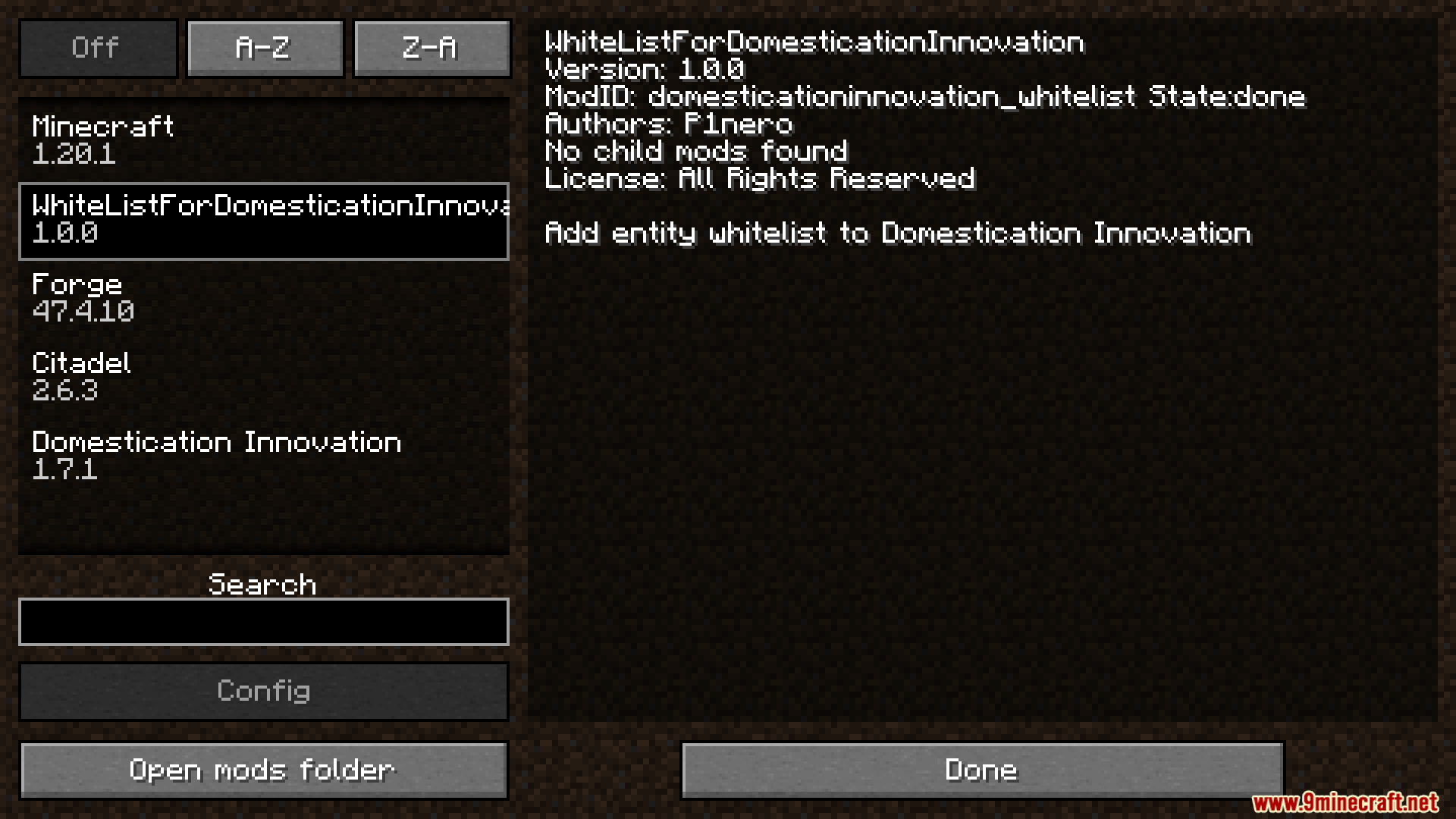
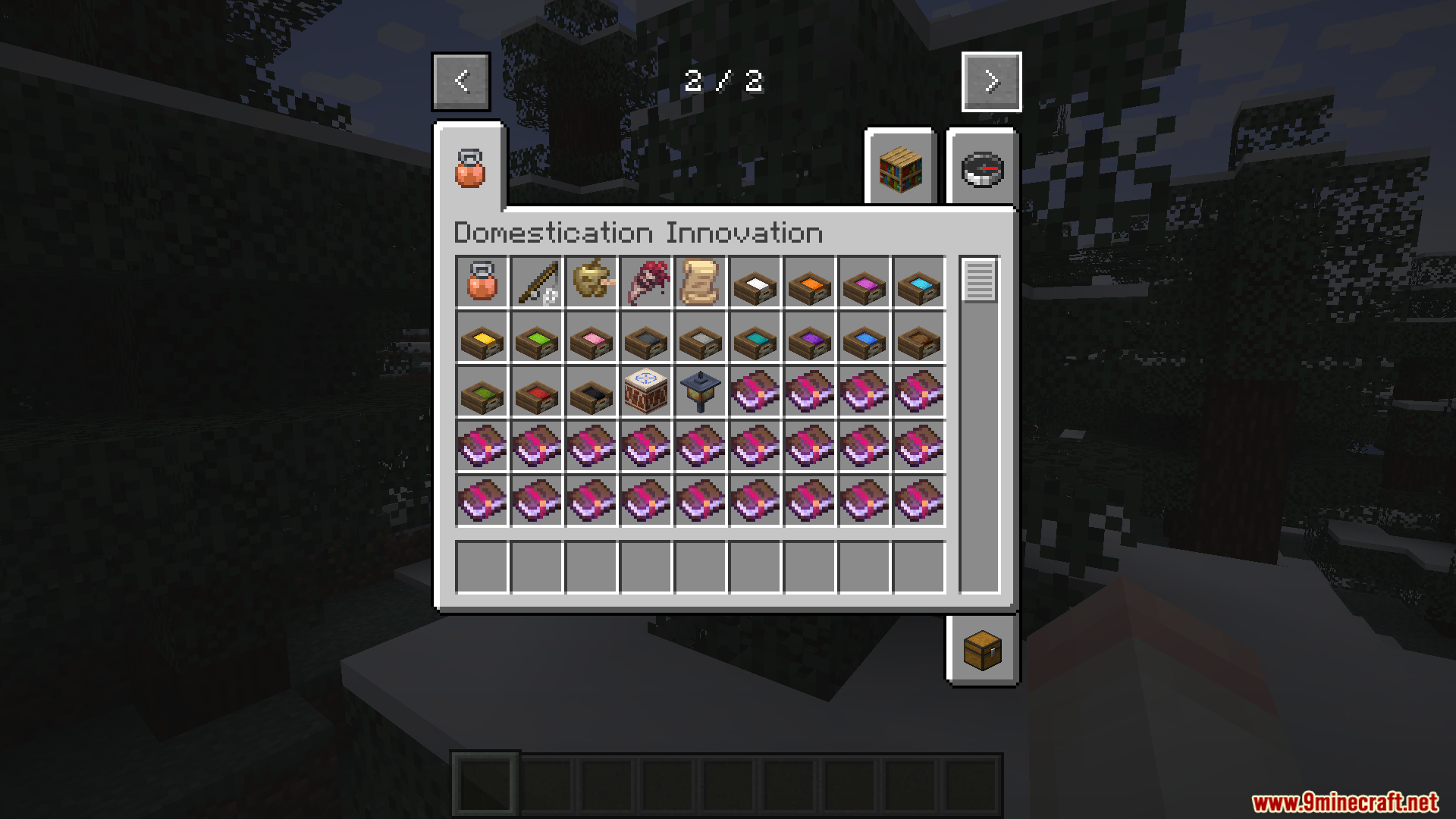
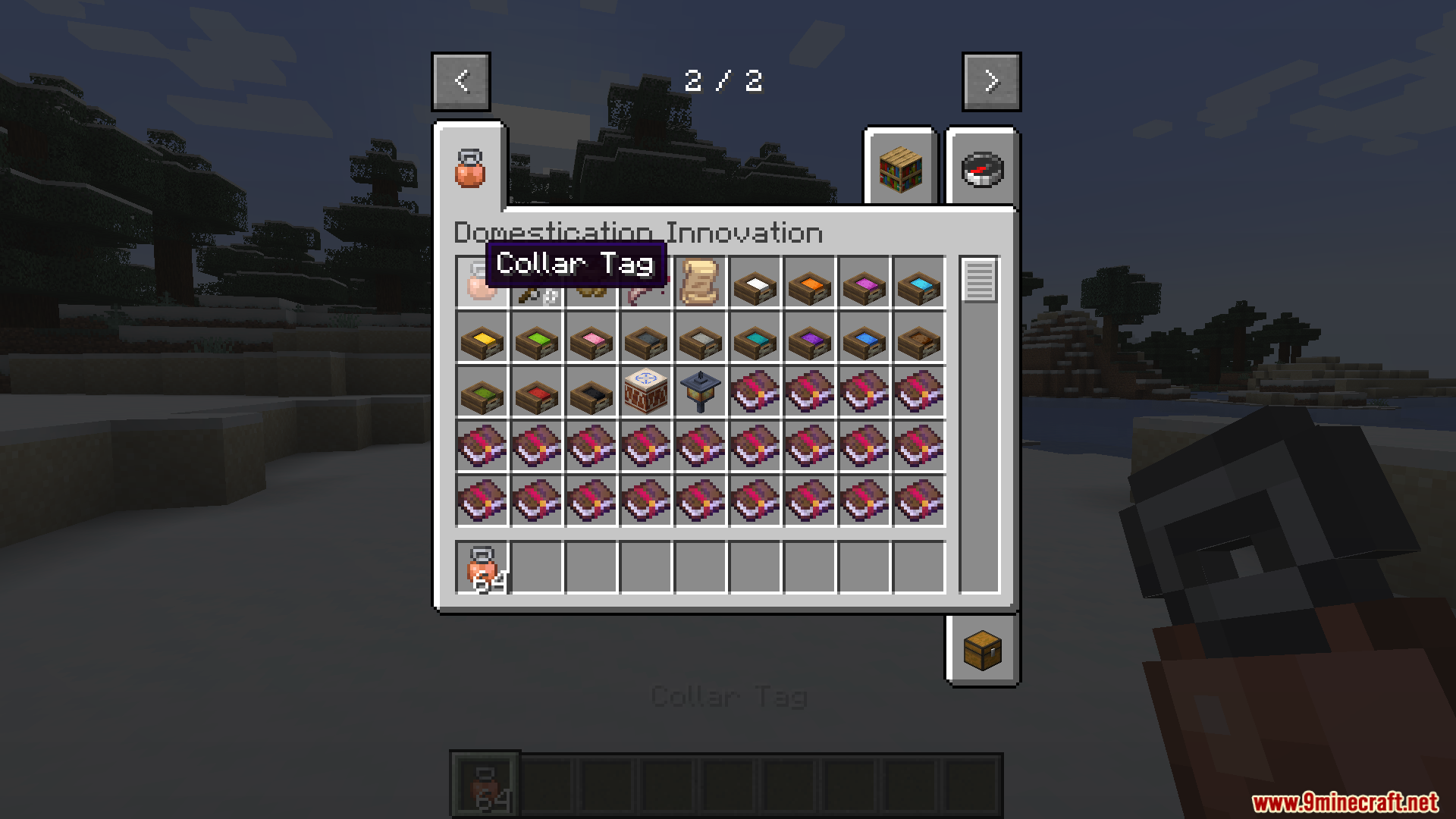
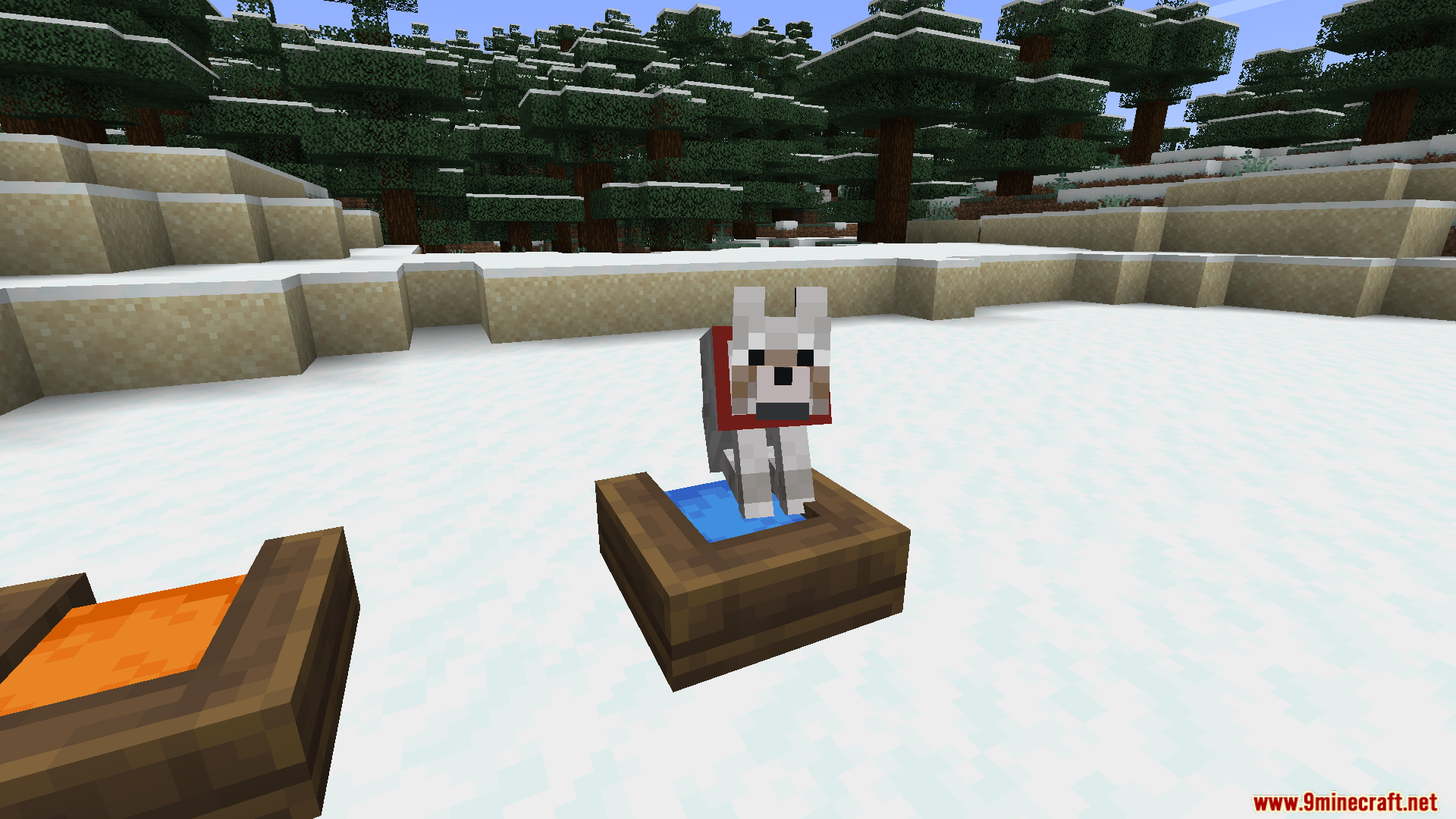
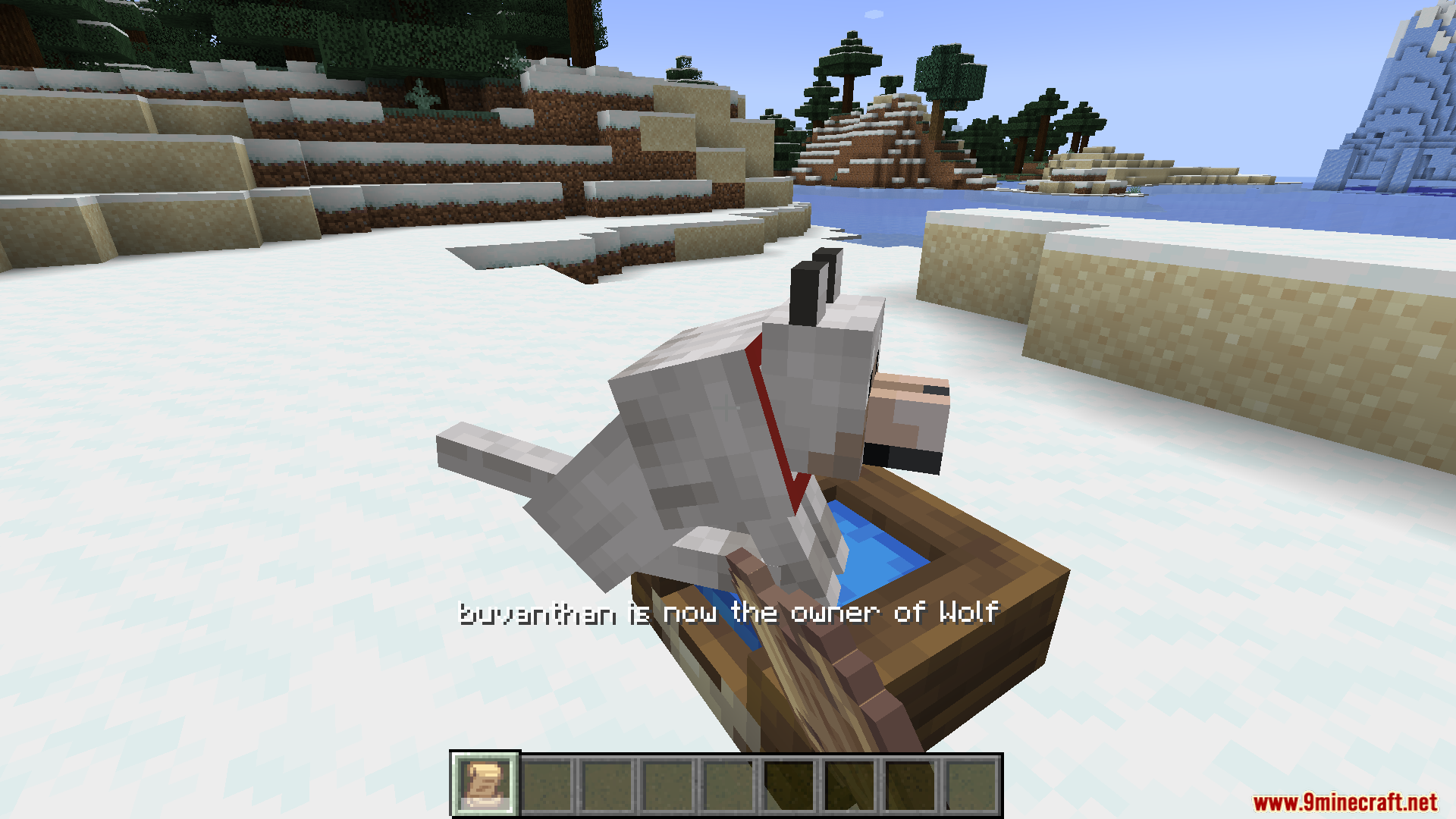
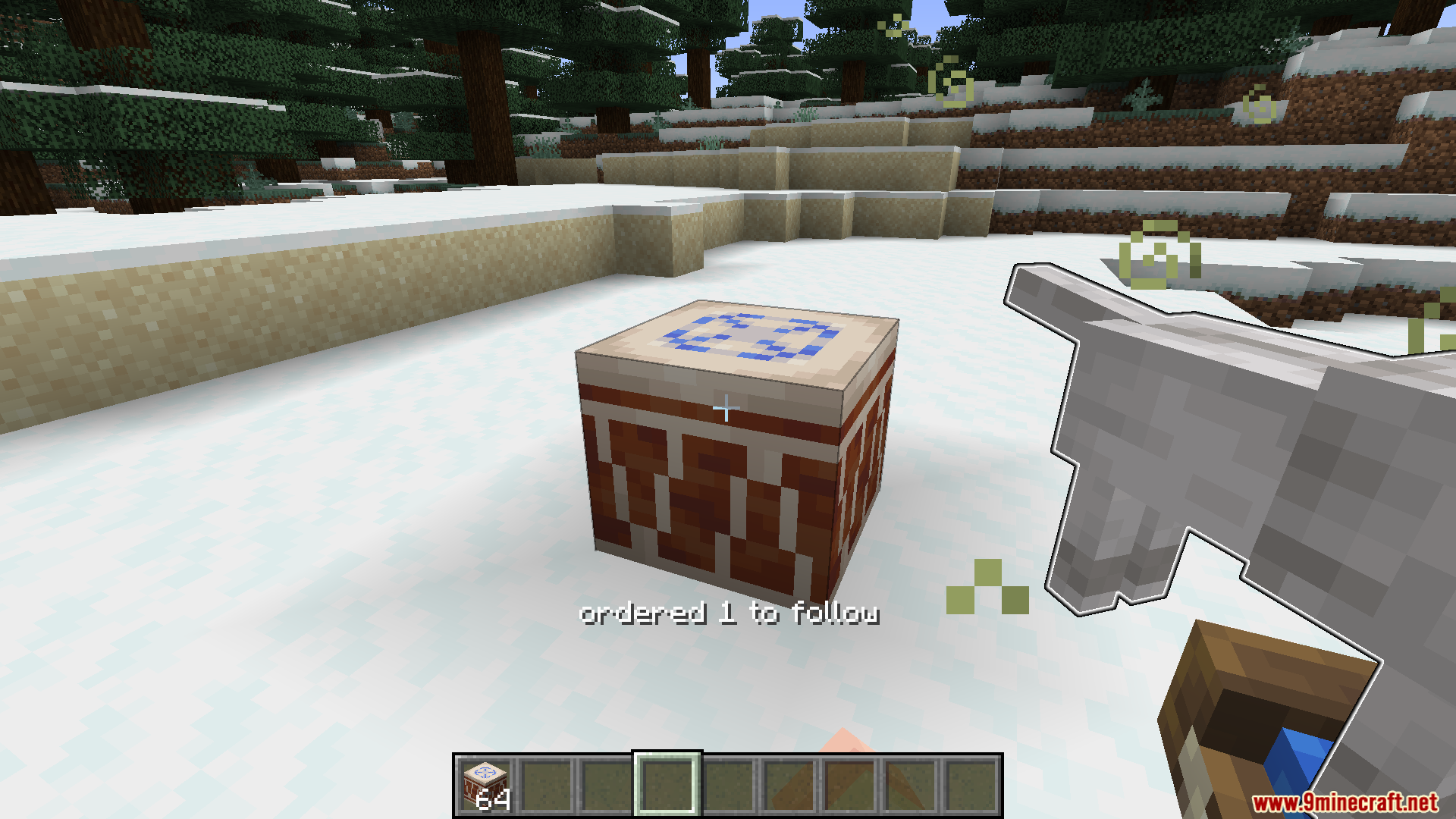
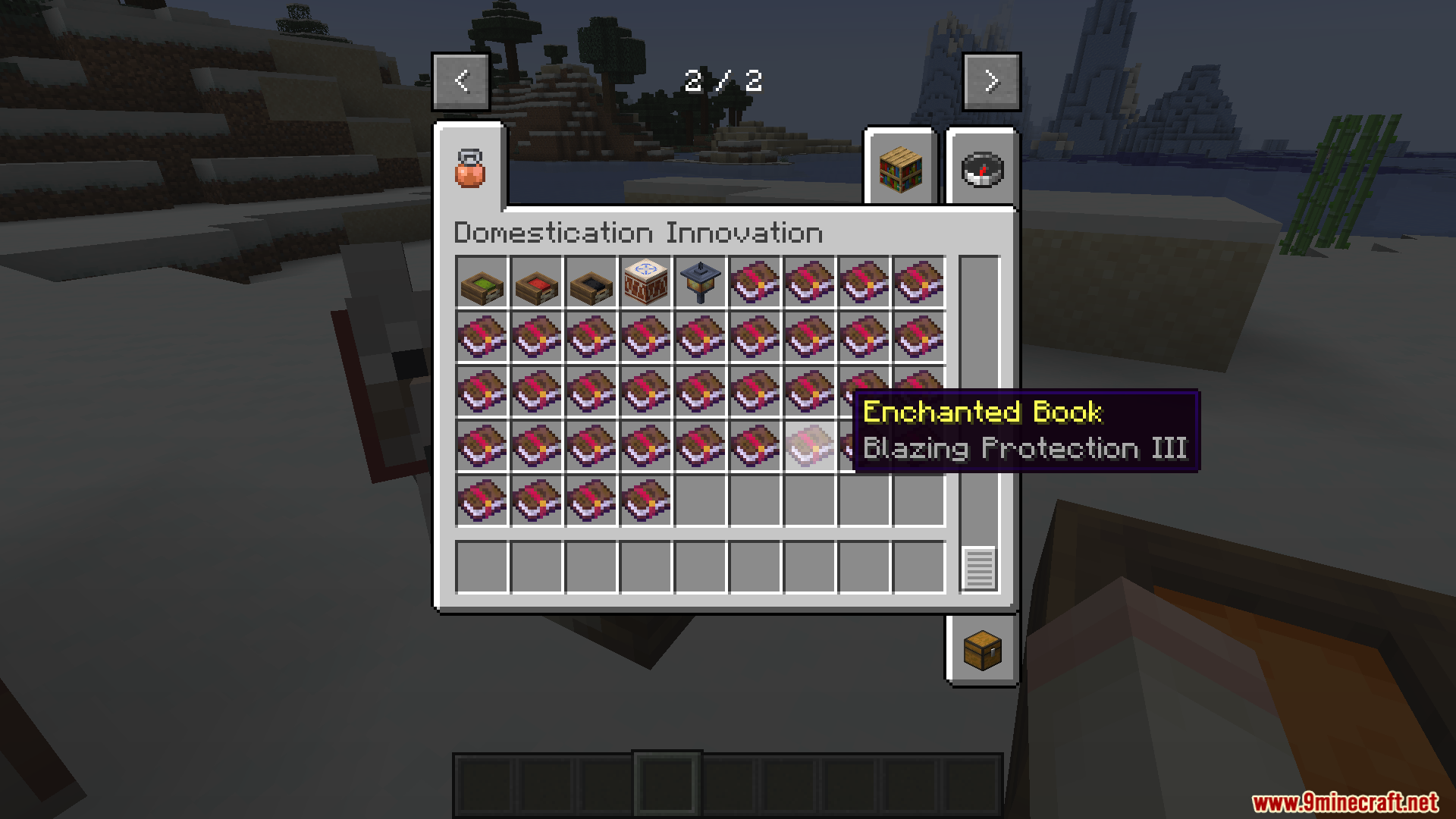
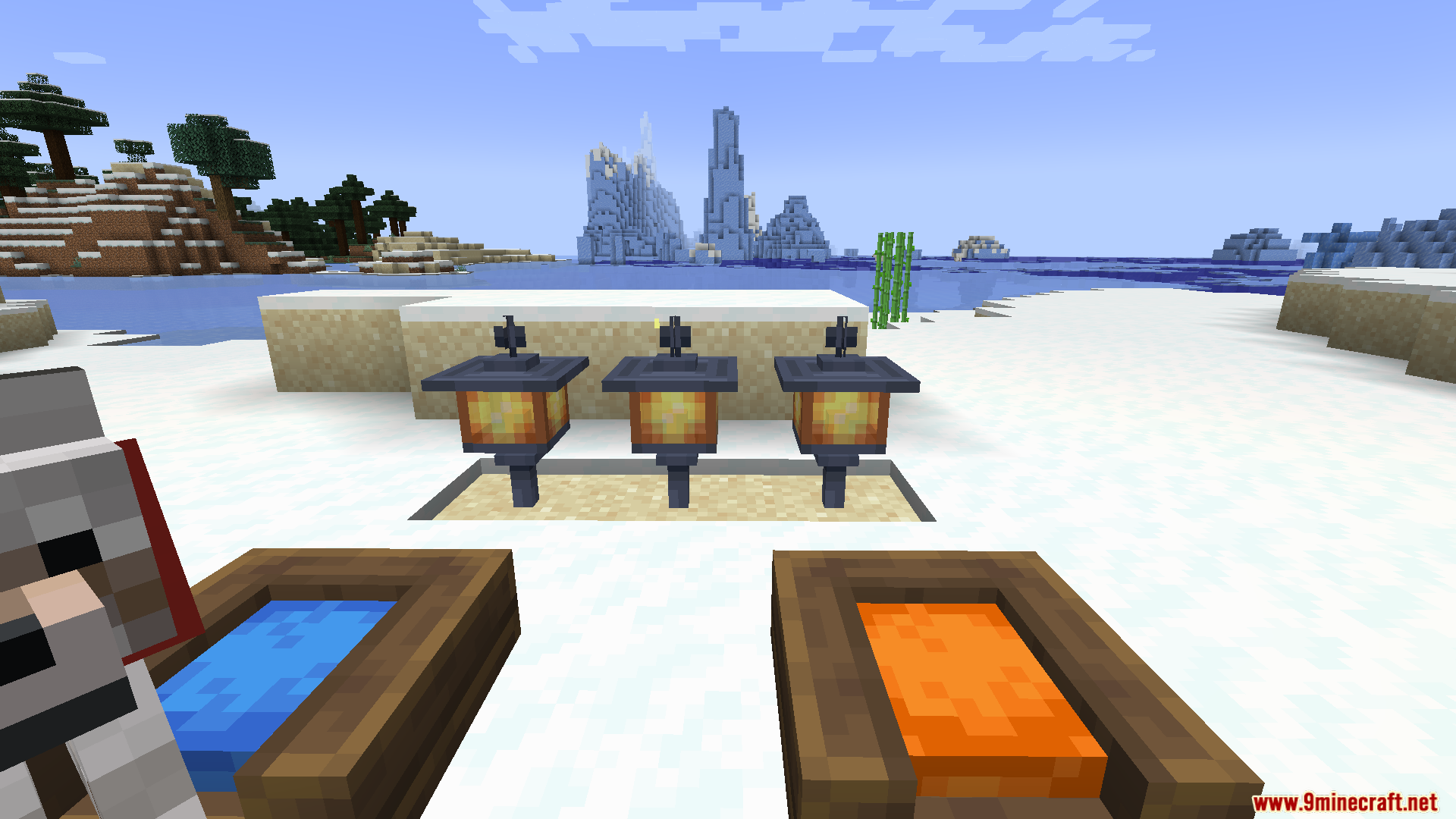
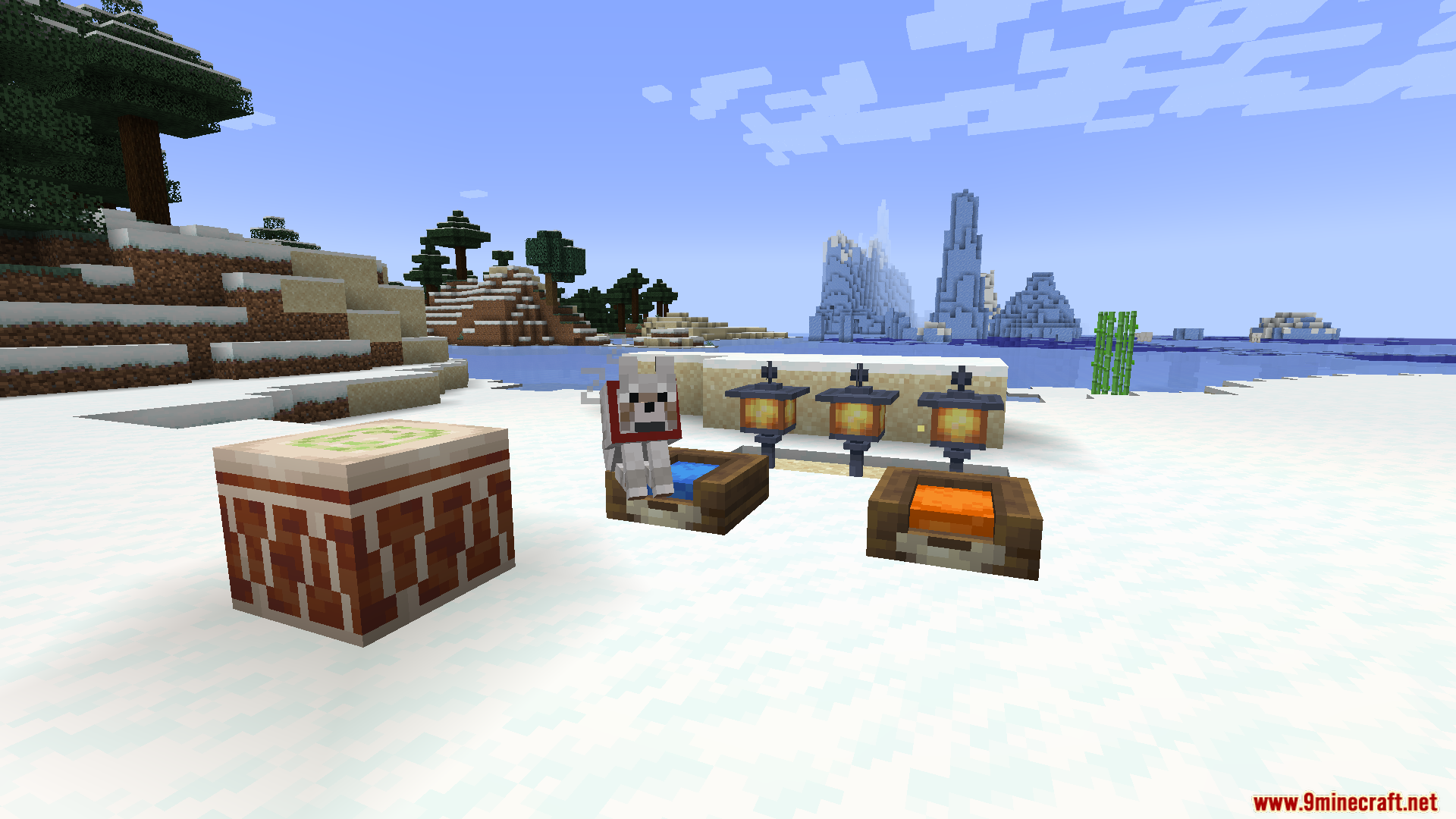
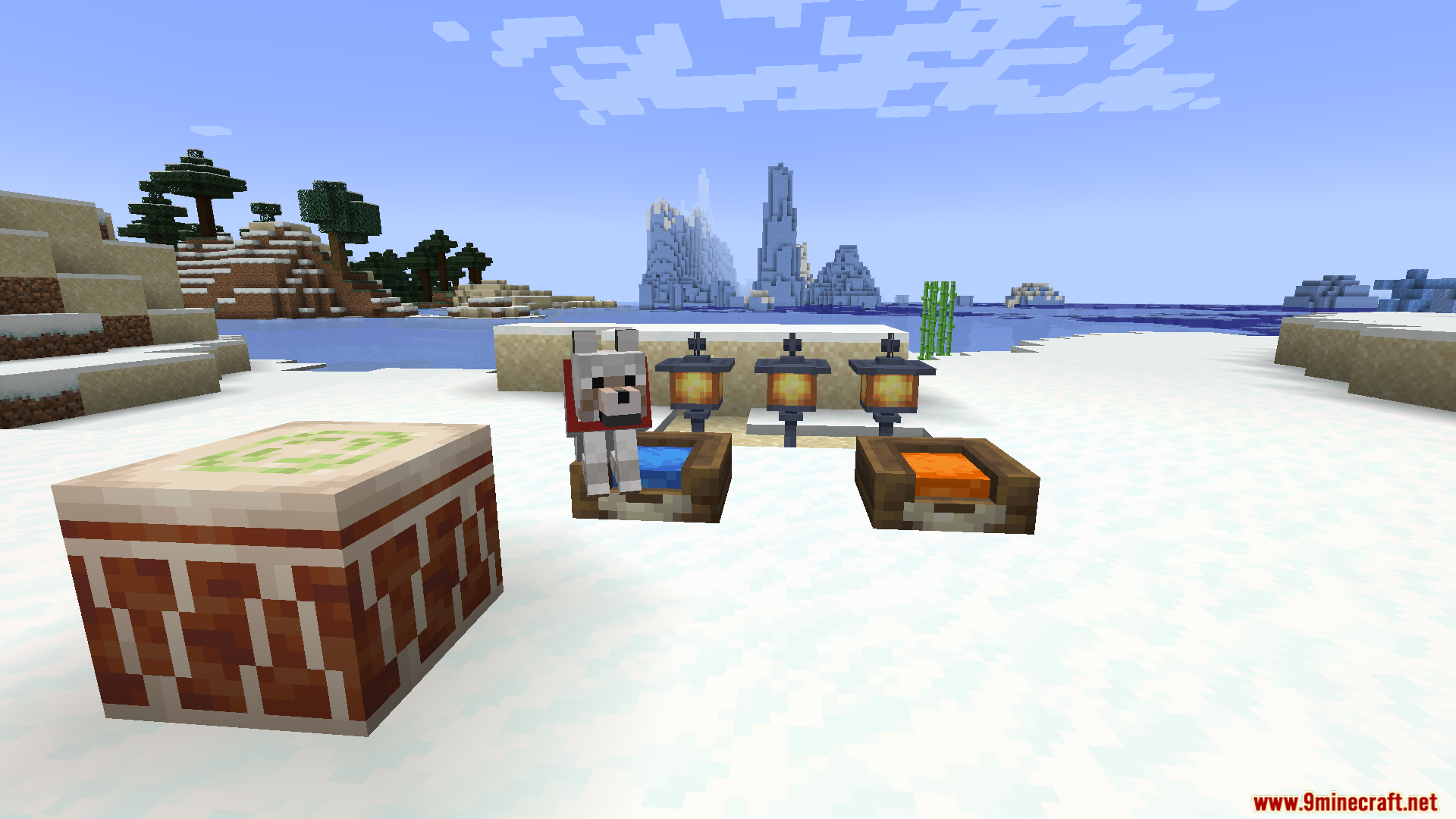
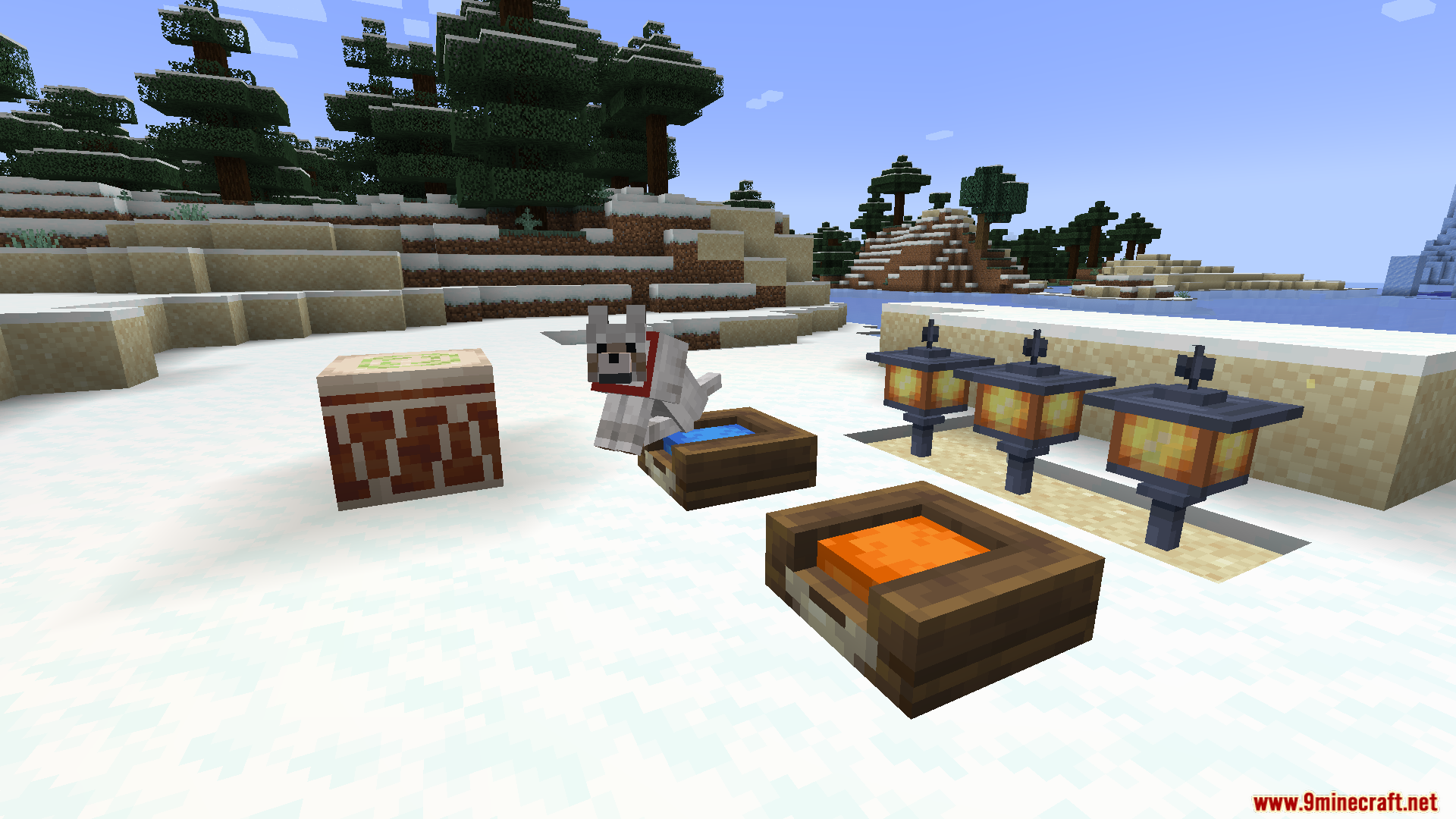
12 images from the Domestication Innovation Whitelist Mod page.
You May Also Like
Wikis that share the most with this one
Wikis on the same theme: cat
More mod wikis on the site
The most downloaded mods that have a wiki here
A few wikis from each of the other kinds