

 DownloadDimLib Mod
Get the files on 9Minecraft
Guides
Step-by-step, in-game.
Check a Dimension's Generator and Type SettingsInspecting Dimension Configuration Before cloning or modifying a dimension, you may need to see its current settings.…Copy an Existing World's Settings to a New DimensionCloning Dimensions When you want a new dimension with identical generation rules and dimension type as an existing…Create a New Custom Dimension from a PresetUsing add_dimension The fastest way to add a new world to your server is to base it on an existing preset. This…Unload a Dimension Without Losing Its DataRemoving Active Dimensions When you no longer need a dimension active on your server, you can unload it safely. The…
Frequently asked questions
How do I create a new dimension on my server?
Use the command `/dims add_dimension ` where newDimensionId is a unique name for your dimension and preset is a template like "minecraft:overworld" or "minecraft:the_nether". The new dimension will be created and immediately available to players with the mod installed.
Can I copy settings from one world to another?
Yes, use `/dims clone_dimension ` to copy the world generator and dimension type from an existing dimension into a new one. This is useful for creating backup worlds or alternate versions with the same generation rules.
What happens to my world files when I remove a dimension?
The dimension is unloaded from the active server list, but all saved chunk files remain on disk. You can reload the dimension later without losing any data by using the add_dimension or clone_dimension commands again.
How do I check what generator a dimension is using?
Run `/dims view_dim_config ` to display the dimension type ID and chunk generator settings for that world in chat.
Gallery
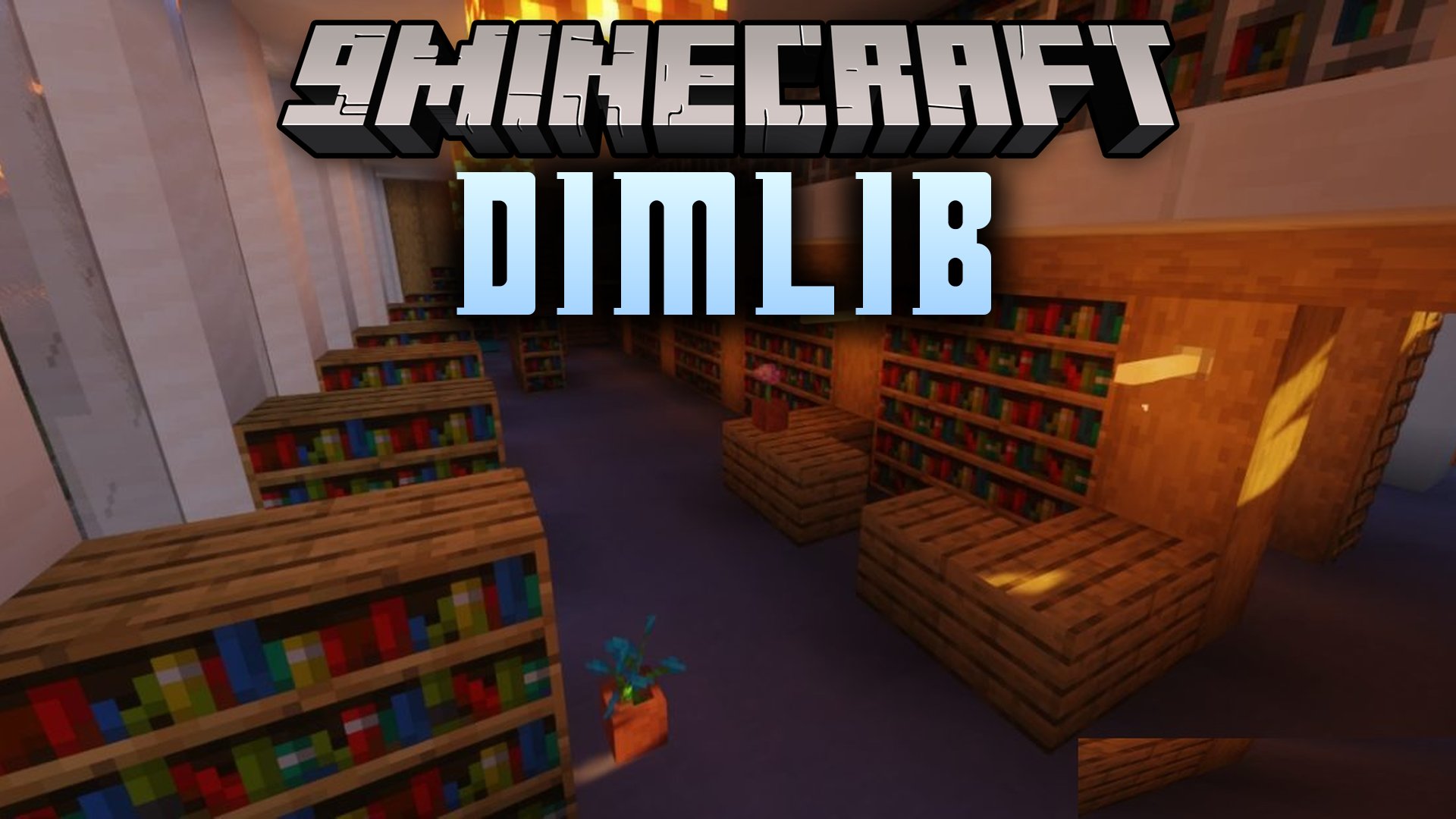
1 image from the Dimlib Mod page.
You May Also Like
Wikis that share the most with this one
Wikis on the same theme: dimension
More mod wikis on the site
The most downloaded mods that have a wiki here
A few wikis from each of the other kinds