

 DownloadDokimobs Mod
Get the files on 9Minecraft
Guides
Step-by-step, in-game.
Comparing Vanilla and Modded Mob AnimationsAnimation Improvements Dokimobs Mod enhances how mobs move and rest. The most noticeable changes occur during idle…Exploring the Full Mob List in Your WorldComplete Mob Coverage Dokimobs updates 20 different creatures across all mob categories. To see them all, you'll need…Spotting Decorative Details on MobsWhere to Look Dokimobs adds small decorative elements to make each mob more visually interesting while keeping the…Understanding the Visual Changes to Familiar MobsWhat's Different Dokimobs Mod updates the appearance of 20 vanilla creatures with refined textures and smoother…
Frequently asked questions
Do I need to do anything to activate the mod after installing it?
No setup is required—the mod works automatically once installed. All mobs in your world will display the updated textures and animations without any configuration needed.
Will the mod change how mobs behave or their stats?
The mod only changes how mobs look and move; their behavior, health, damage, and drops remain exactly the same as vanilla Minecraft.
Can I see the new animations on mobs that are standing still?
Yes, the mod adds idle animations so mobs have natural movements even when they're not walking—you'll notice breathing, shifting weight, and other subtle motions.
Do all 20 updated mobs look completely different from vanilla?
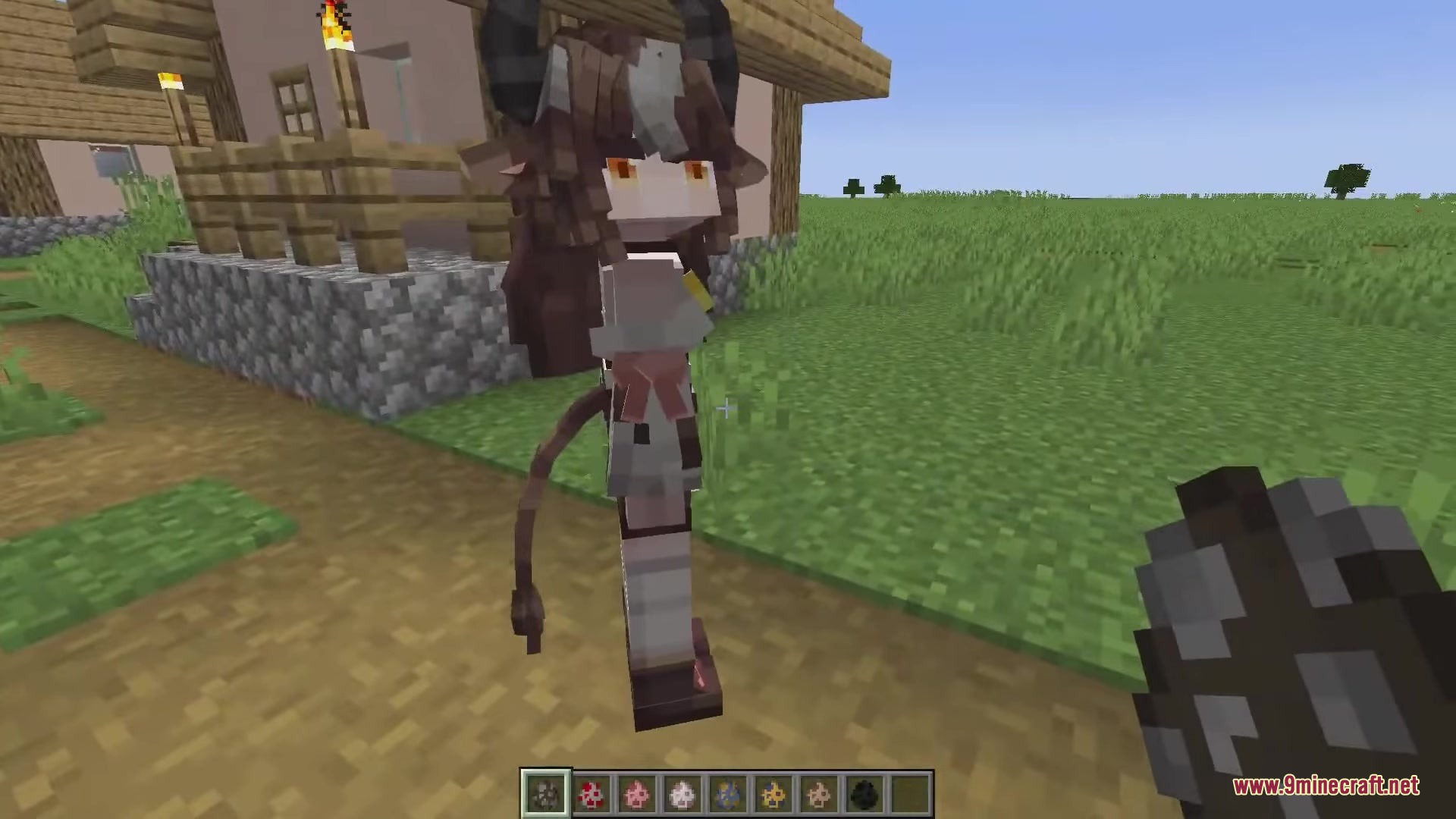
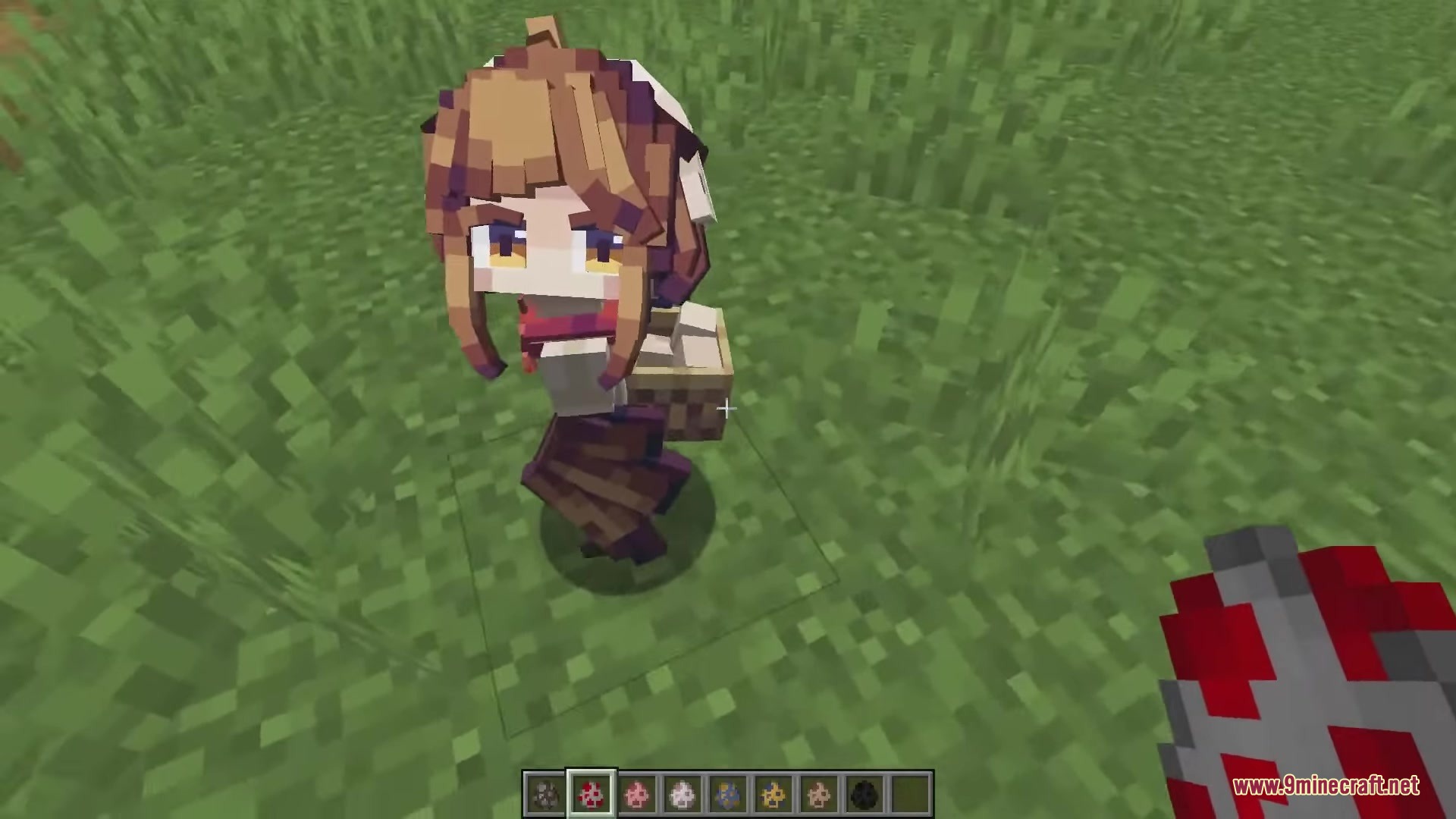
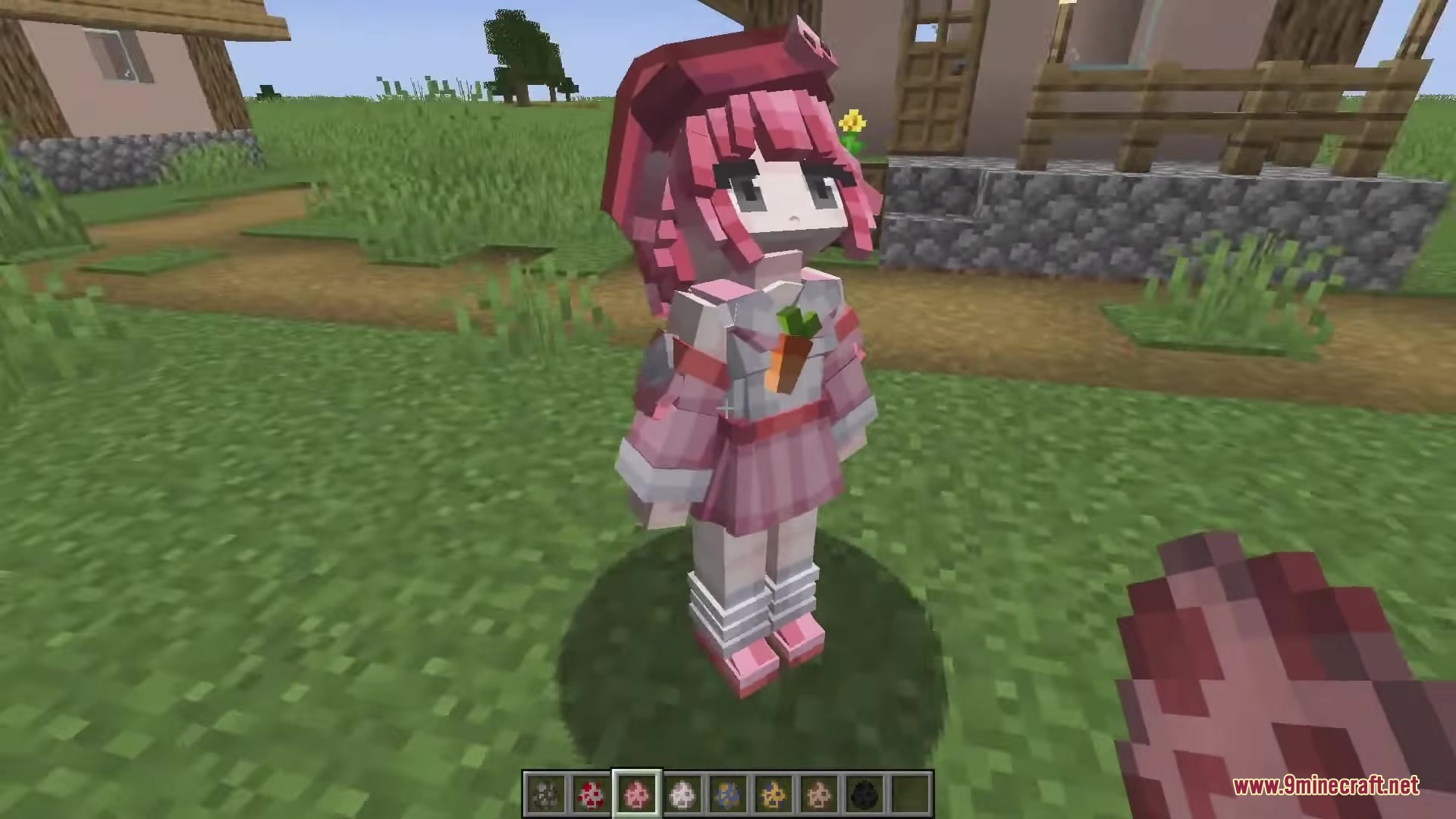
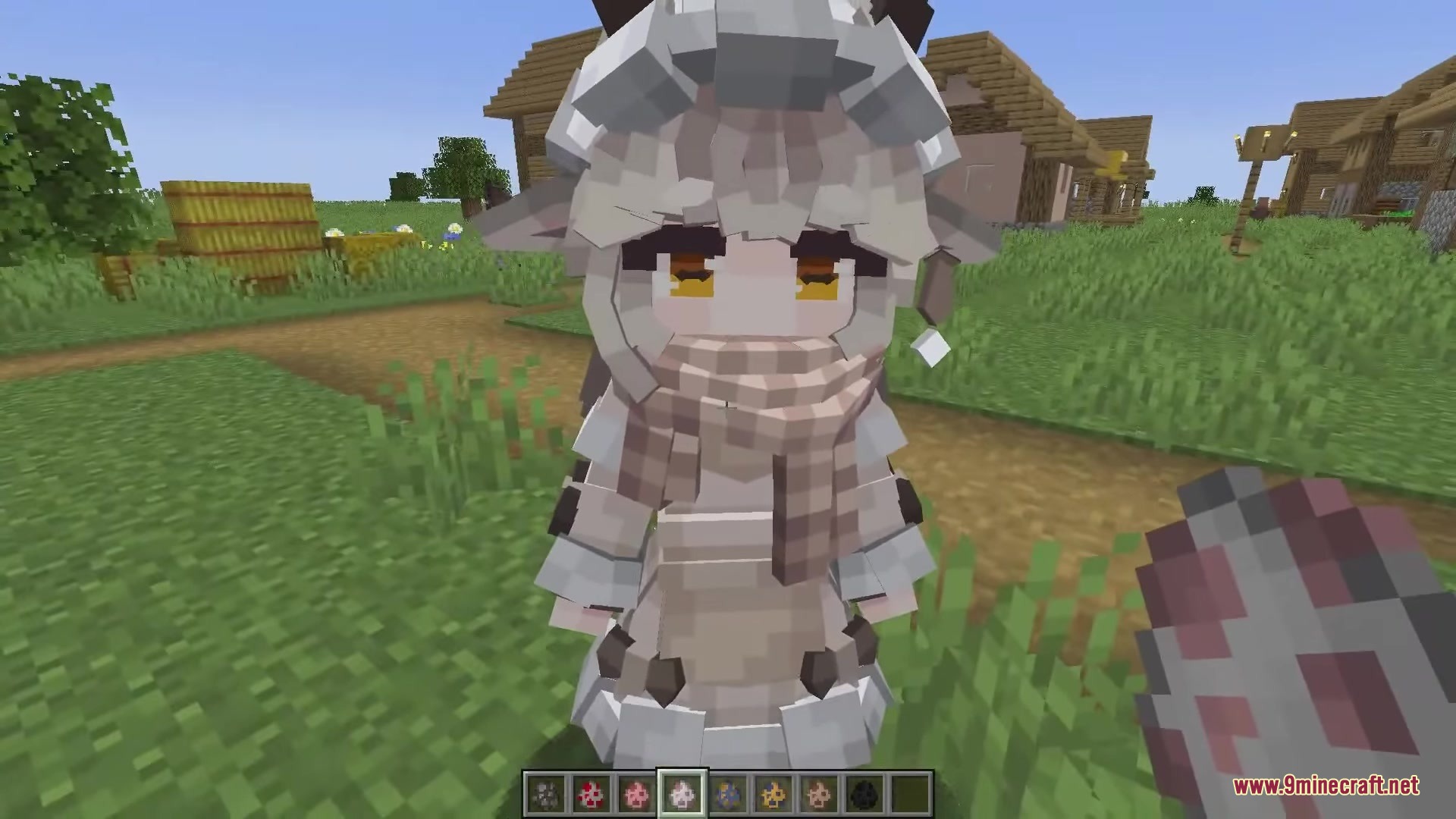
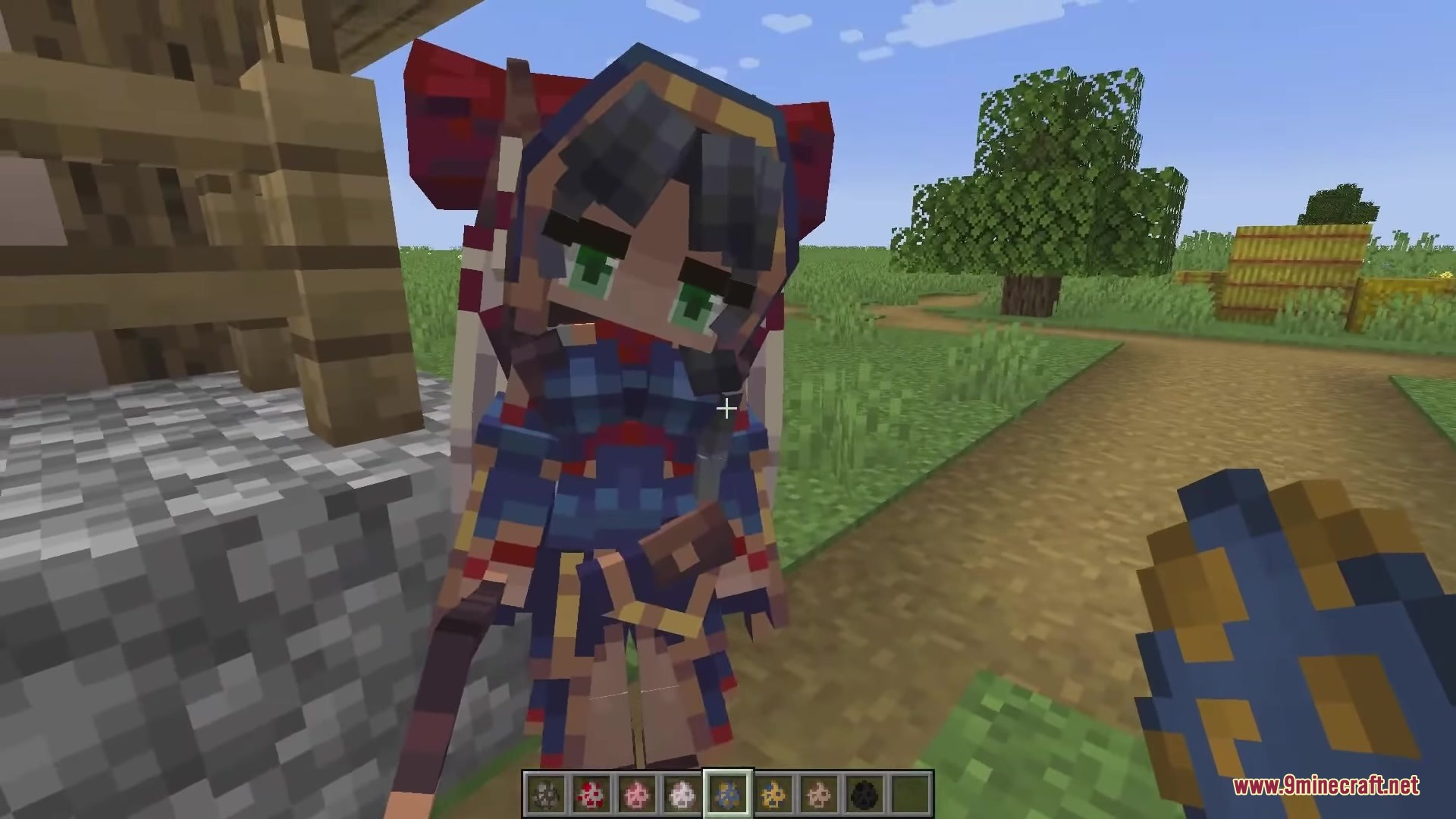
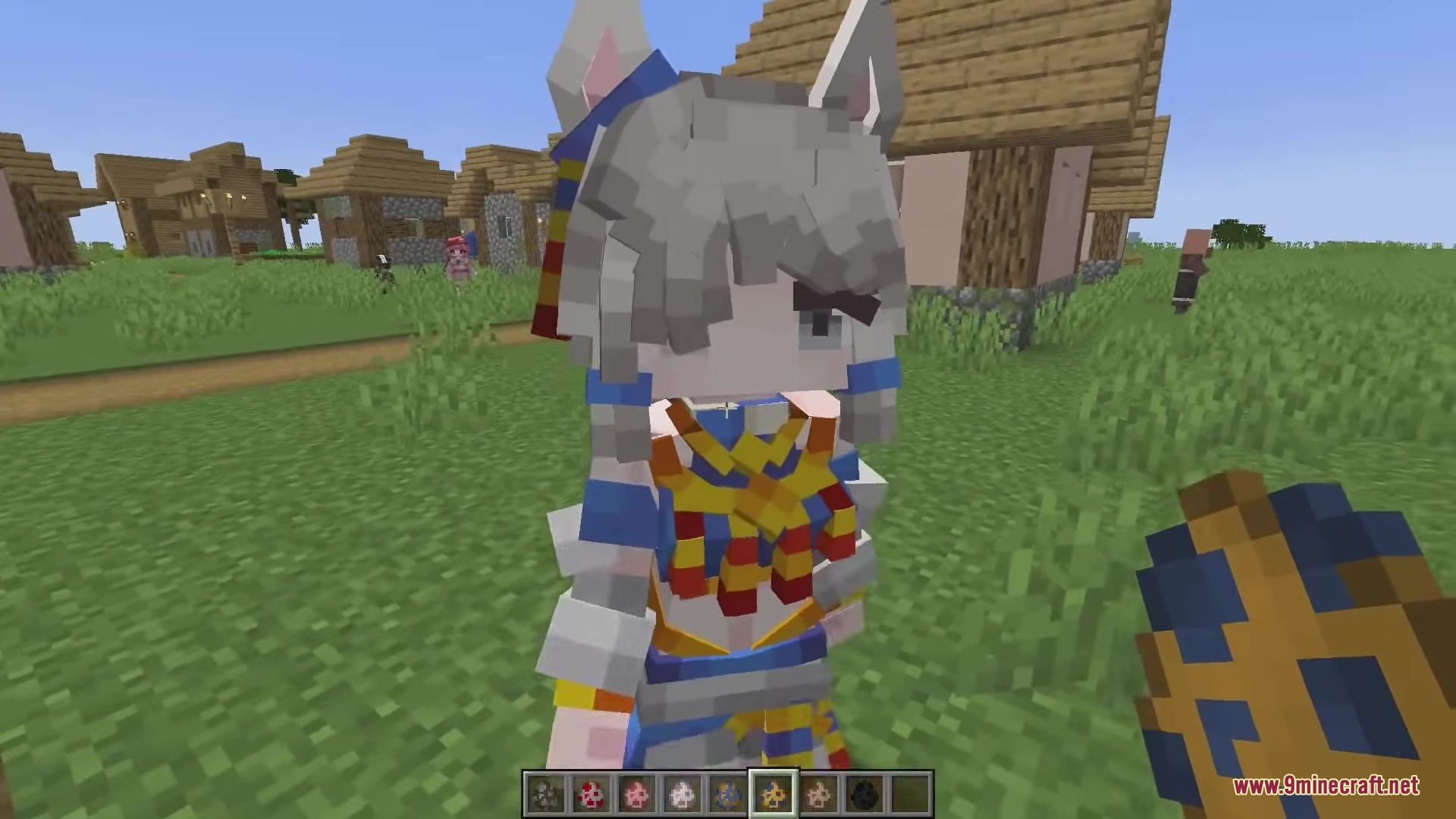
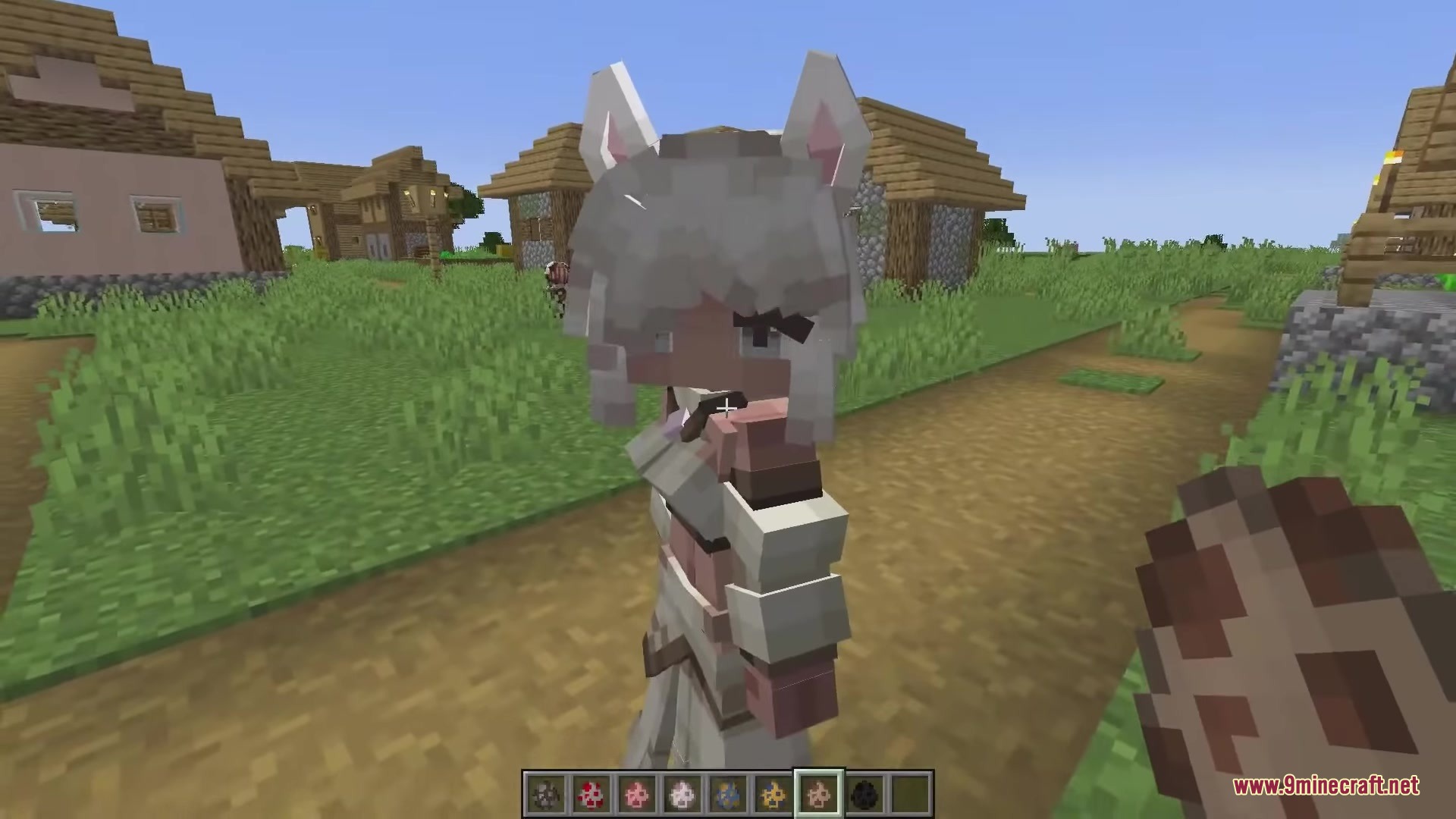
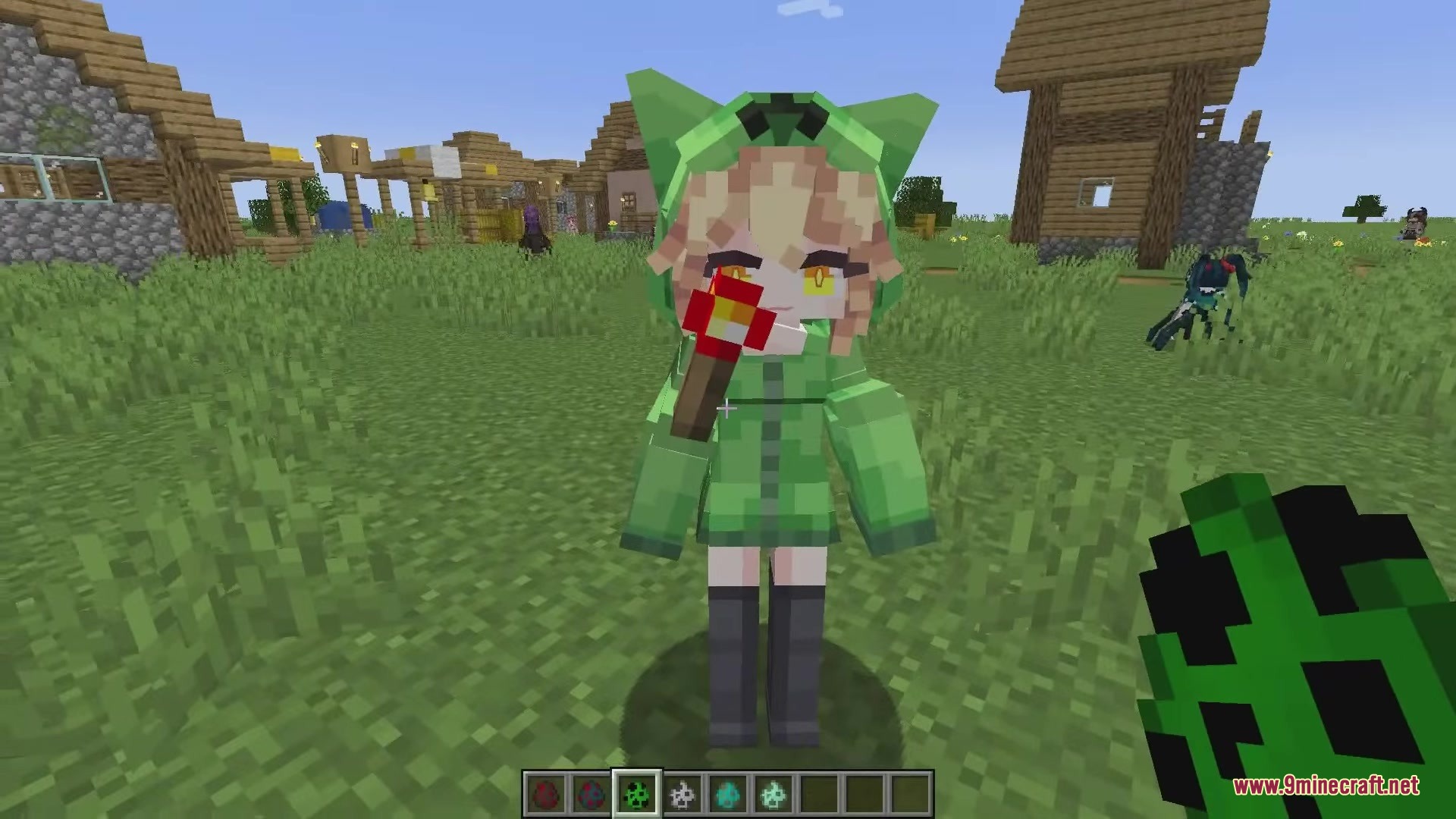
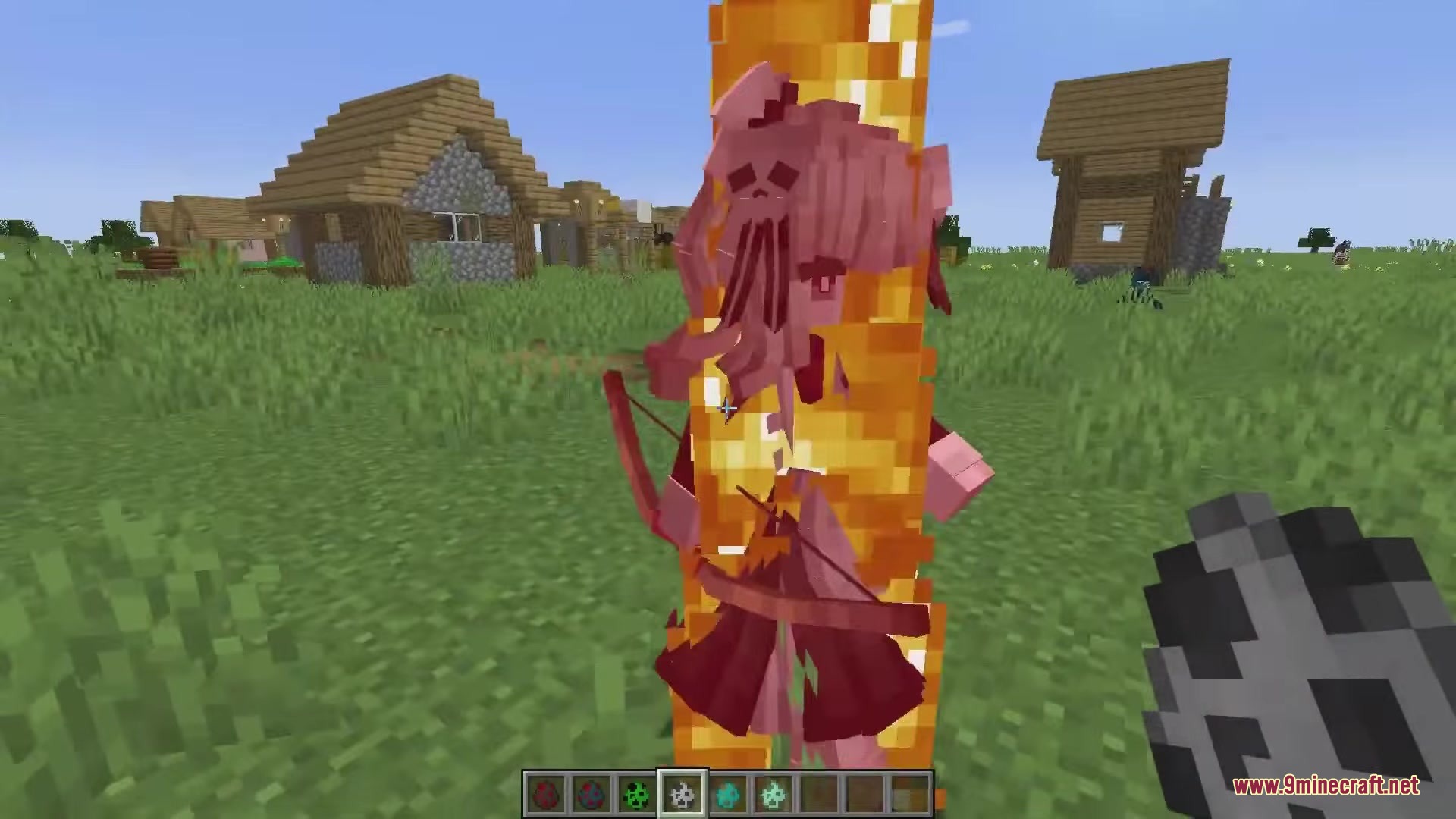
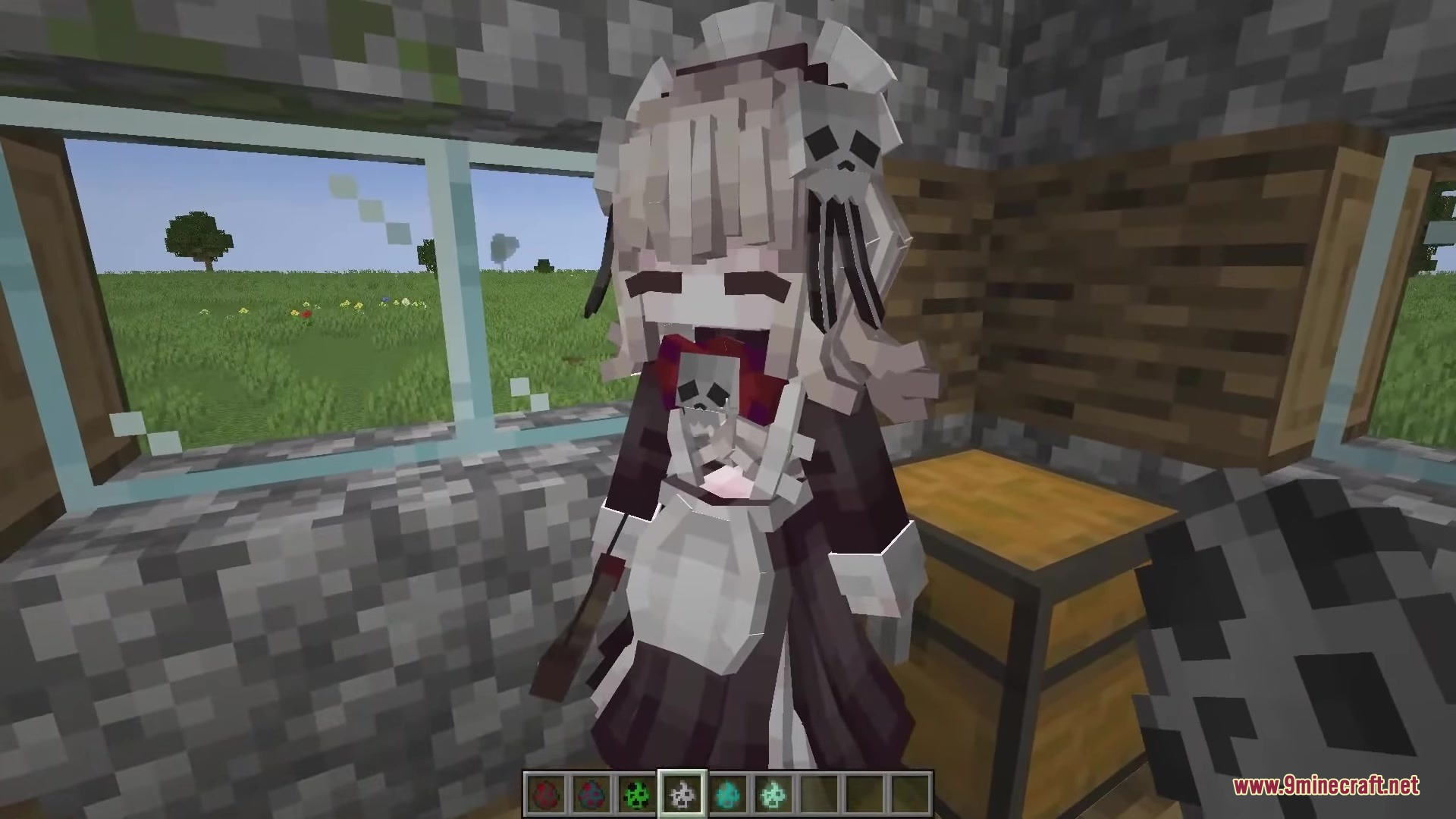
The mobs keep their classic blocky shape so they still feel like Minecraft, but they have softer colors, refined details, and smoother proportions that make them look more polished.
See all 10 Dokimobs questions ›
Gallery
12 images from the Dokimobs Mod page.

You May Also Like
Wikis that share the most with this one
 Farworld Mod
Wikis on the same theme: world
More mod wikis on the site
The most downloaded mods that have a wiki here
A few wikis from each of the other kinds