

 DownloadCustom FoV Mod
Get the files on 9Minecraft
Guides
Step-by-step, in-game.
Configuring Field of View in Custom FoV ModCustomizing Your Field of View Custom FoV Mod is a client-side mod, so it works without any server-side installation.…How to Disable All Field of View Changes in Custom FoV ModUsing Static FoV If motion sickness or distracting zoom effects are ruining your game, the fastest fix is Static FoV…How to Keep Aiming Zoom but Remove Flying and Underwater FoV ChangesUse Per-Effect Scaling This mod lets you scale each FoV source independently, so you don't have to choose…How to Remove the Speed Potion Field of View WarpSeparate Speed from Sprinting Speed potions and sprinting are tracked as different speed-related FoV sources in this…How to Stop Sprinting from Zooming Your CameraTarget the Sprinting Scaling Sprinting FoV changes are handled separately from other speed effects in this mod. Open…
Frequently asked questions
Does Custom FoV Mod need to be installed on the server?
No, it is a client-side only mod, so it is not required on the server-side to function.
What field of view changes can be configured with this mod?
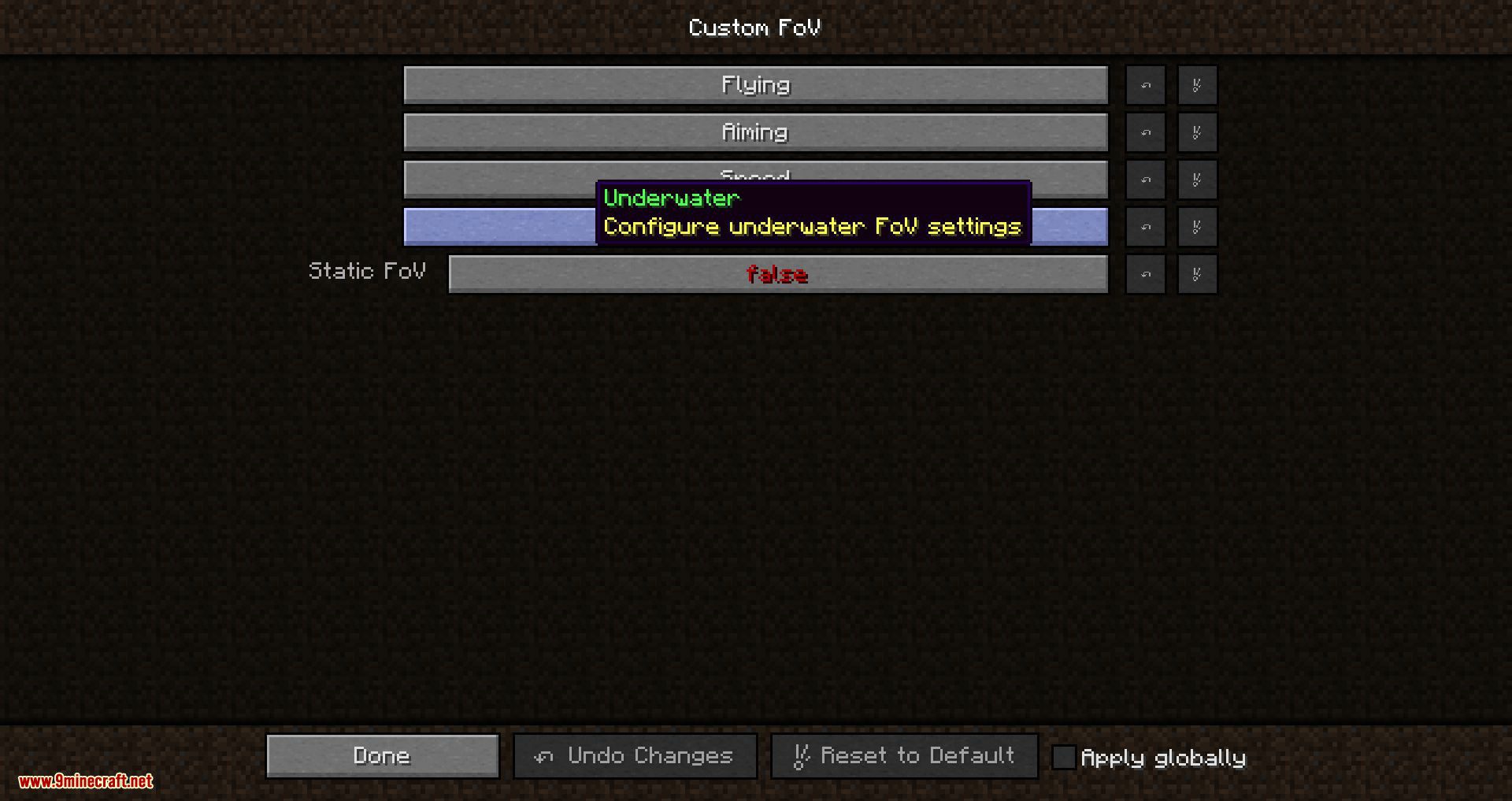
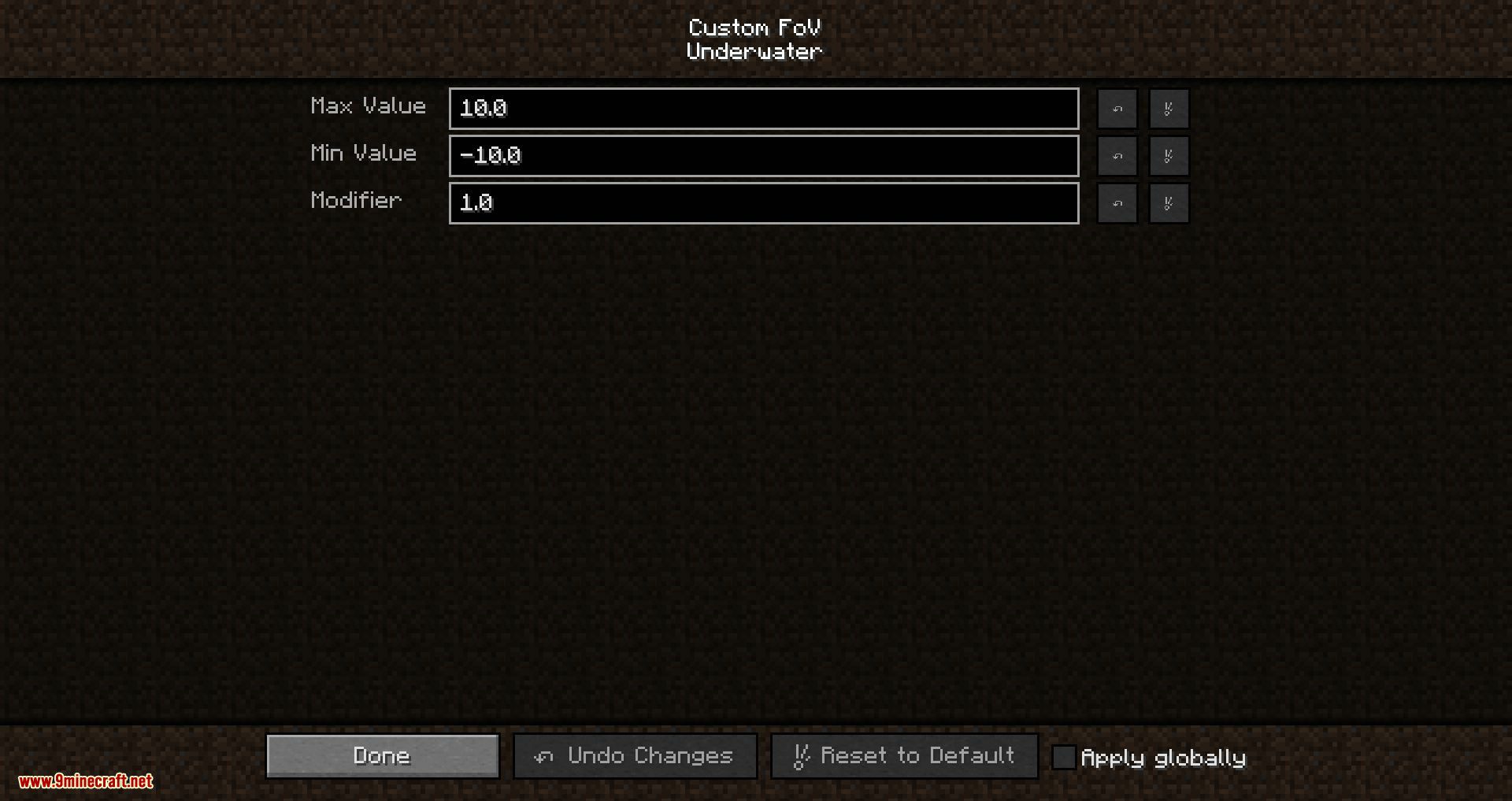
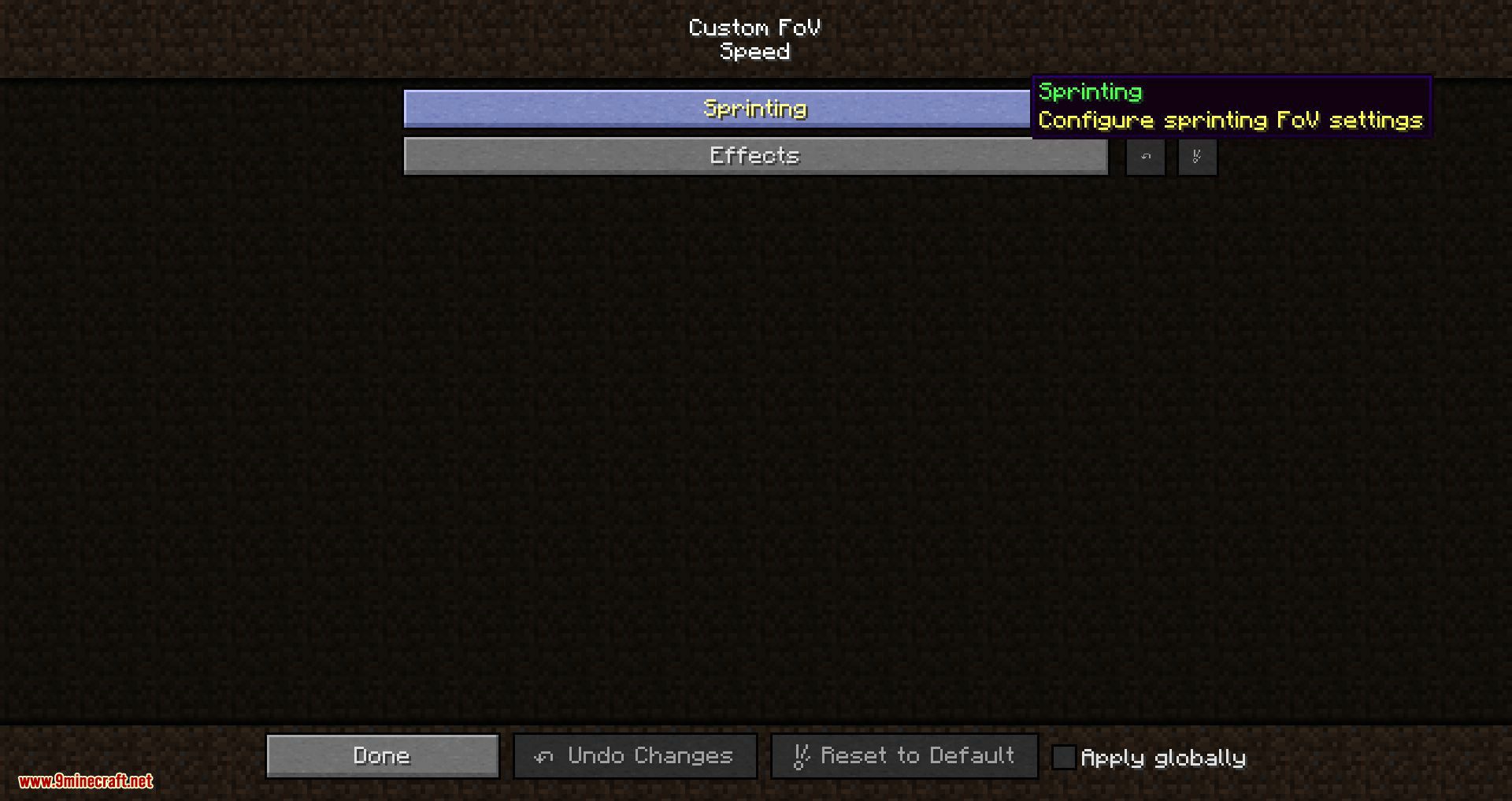
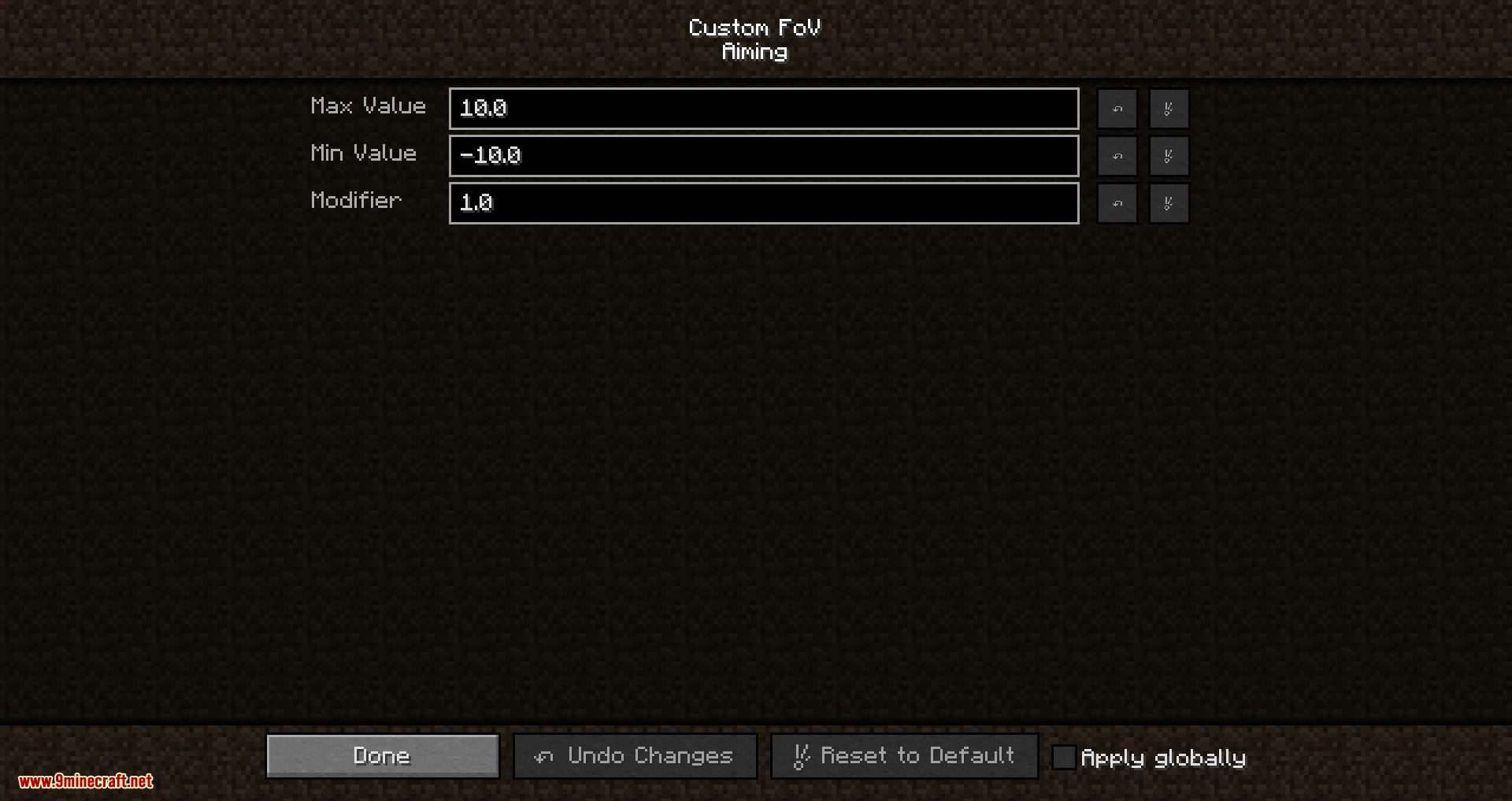
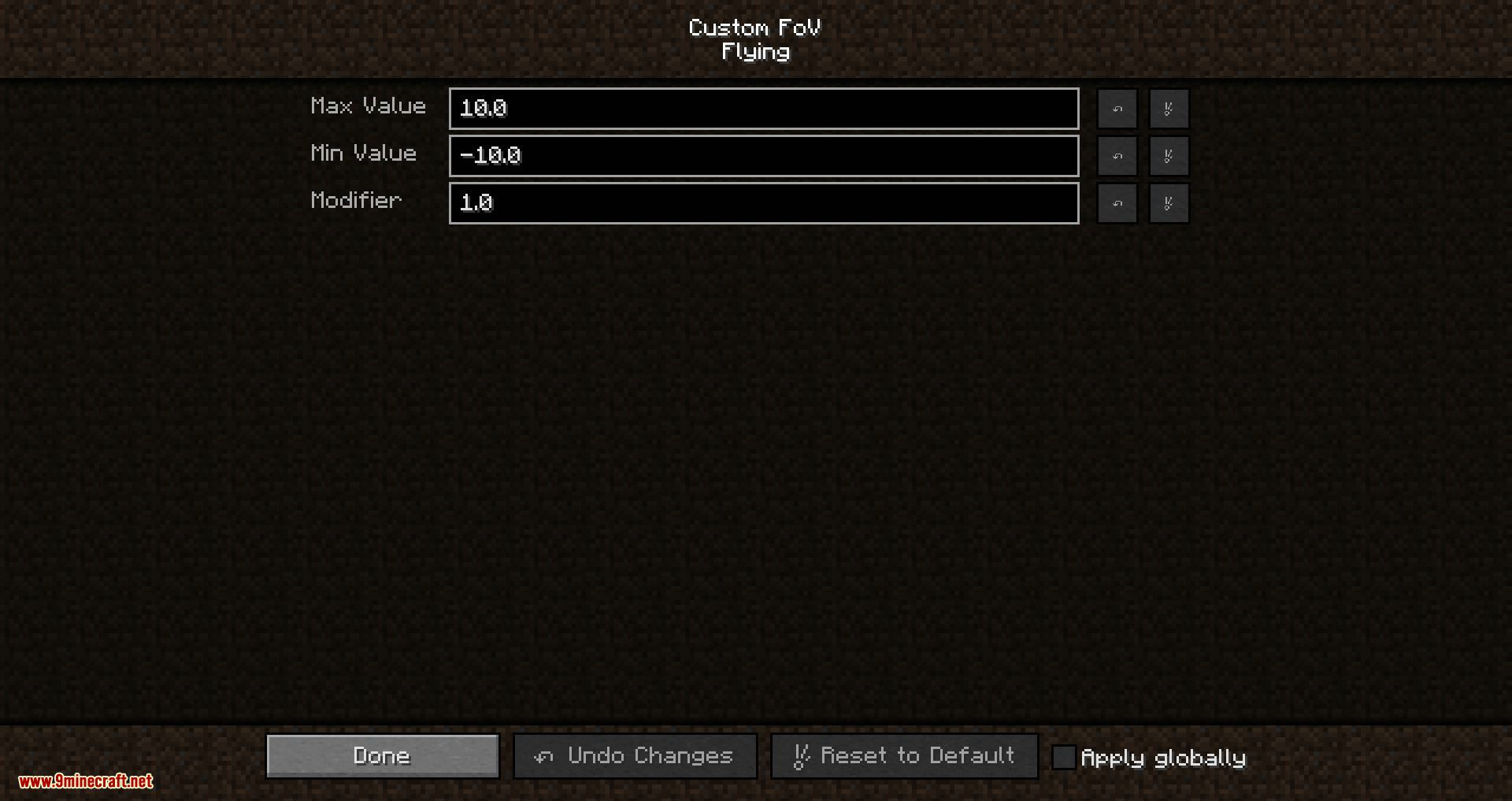
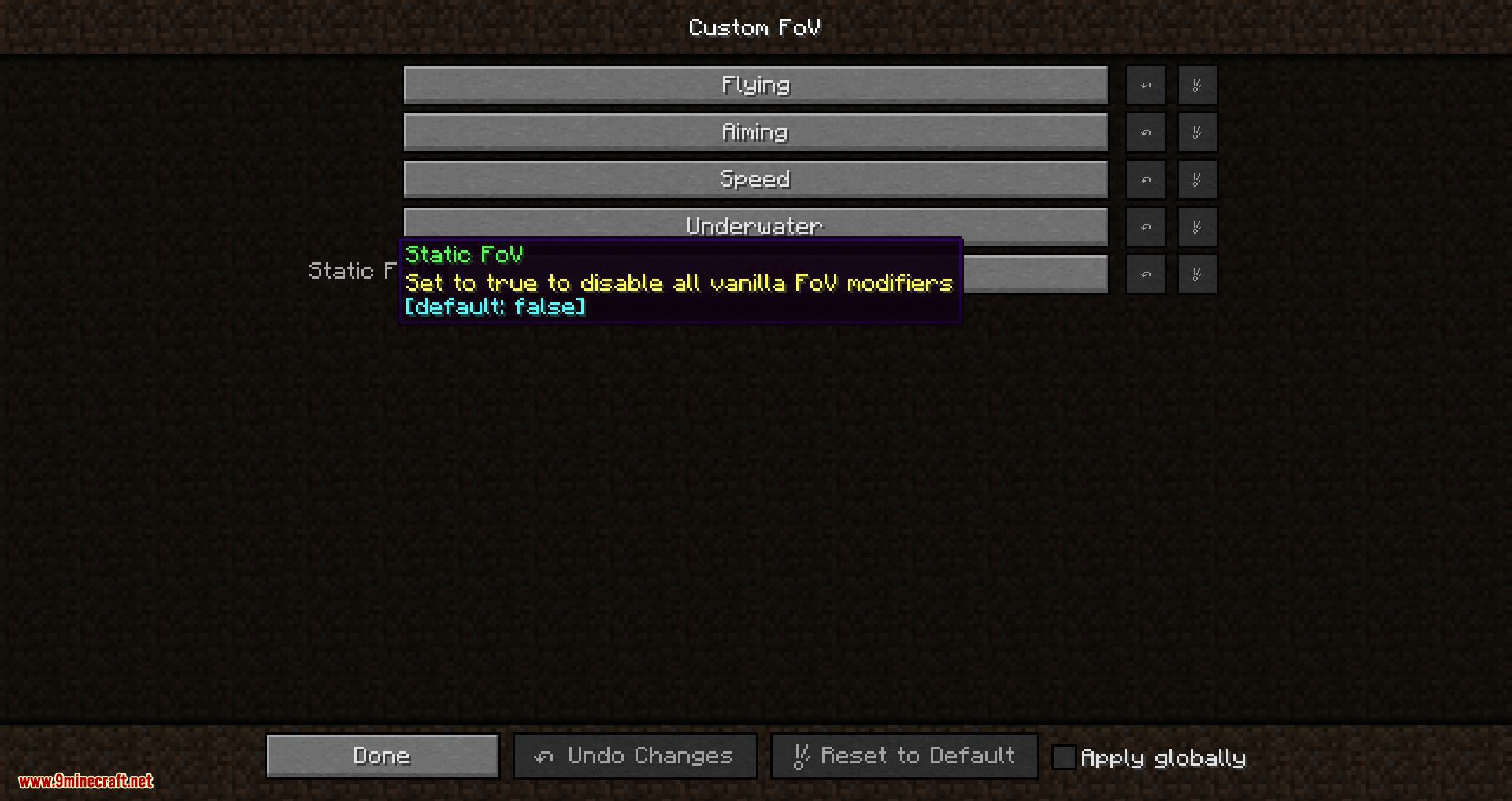
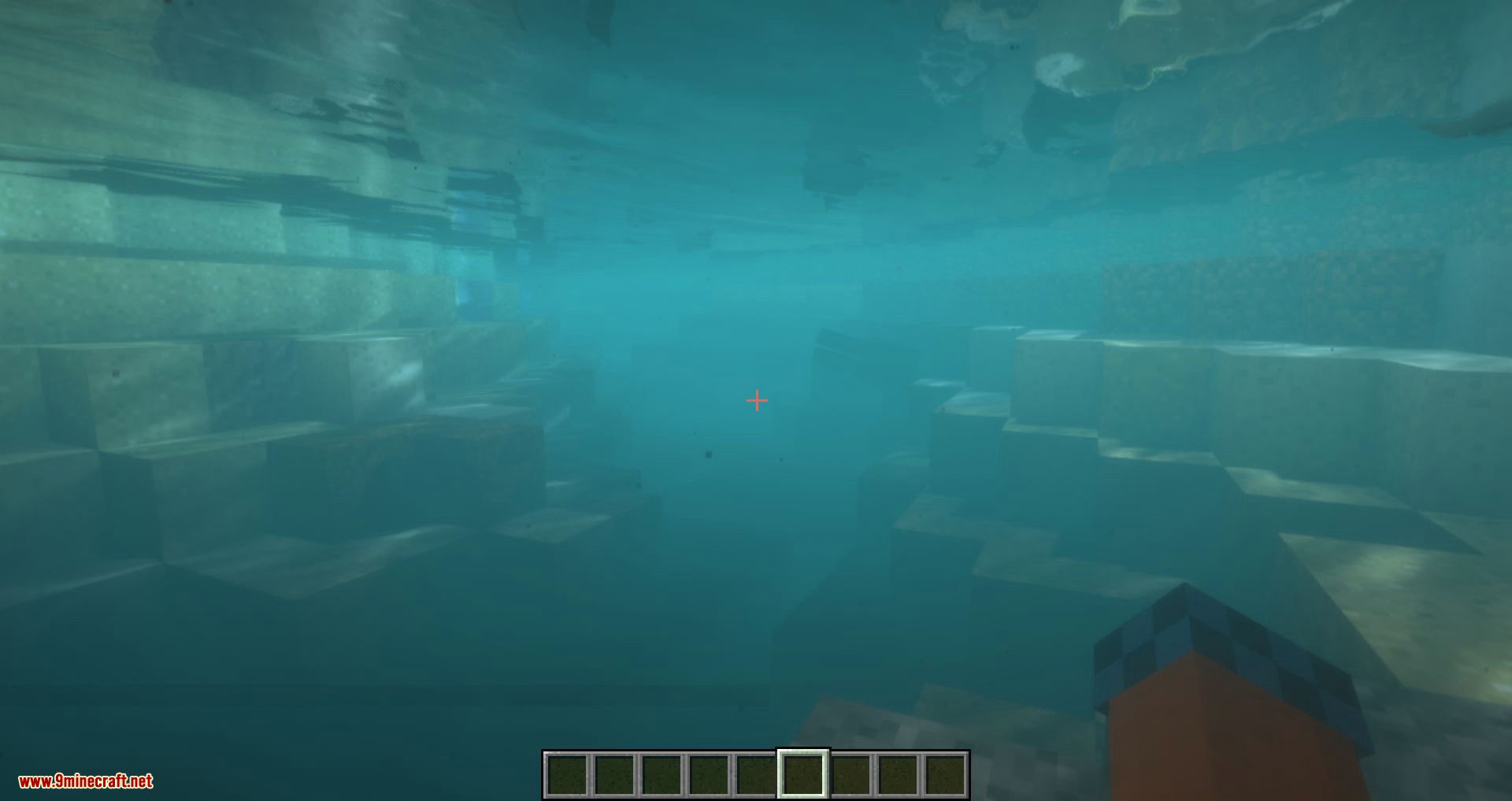
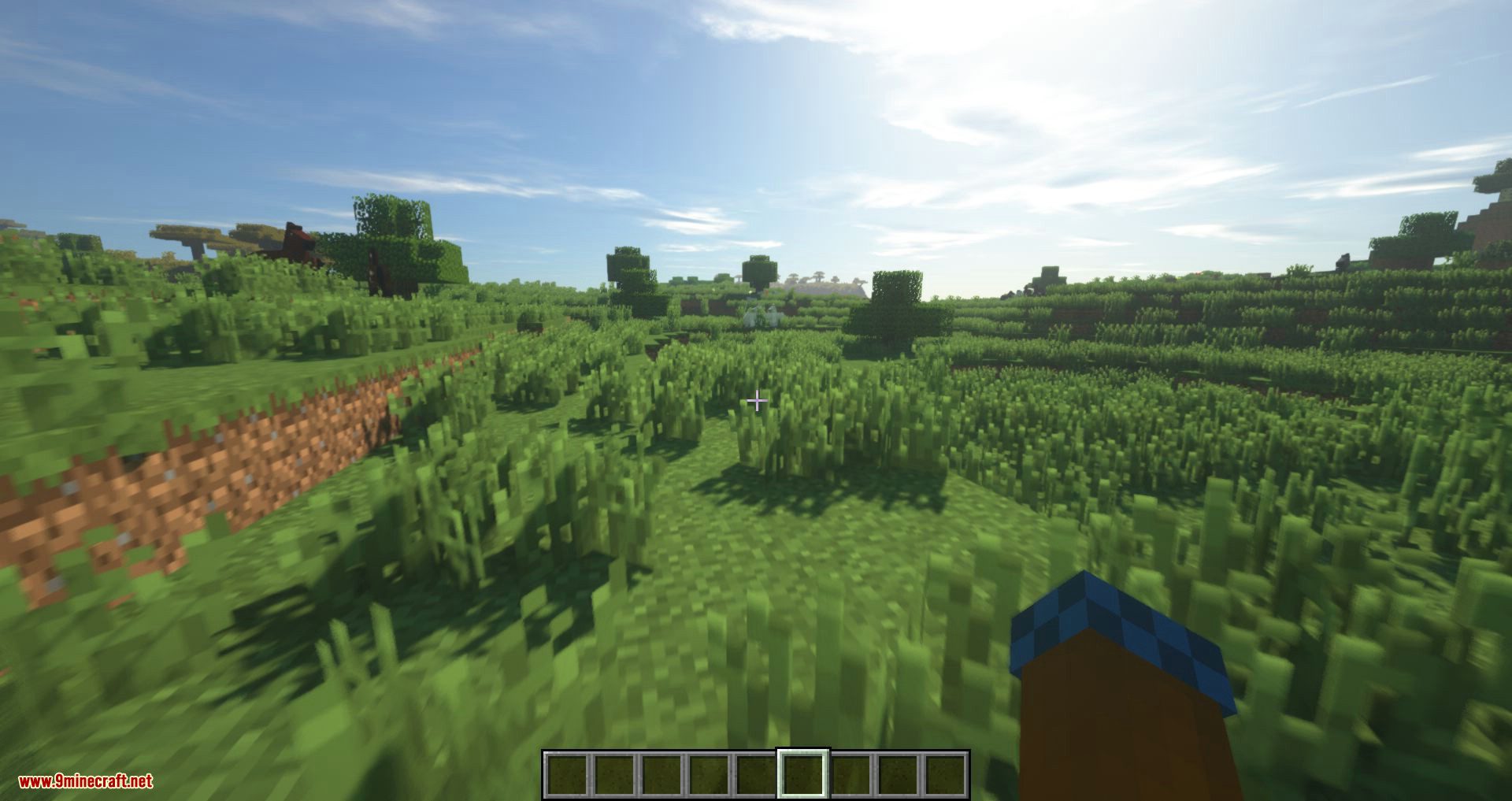
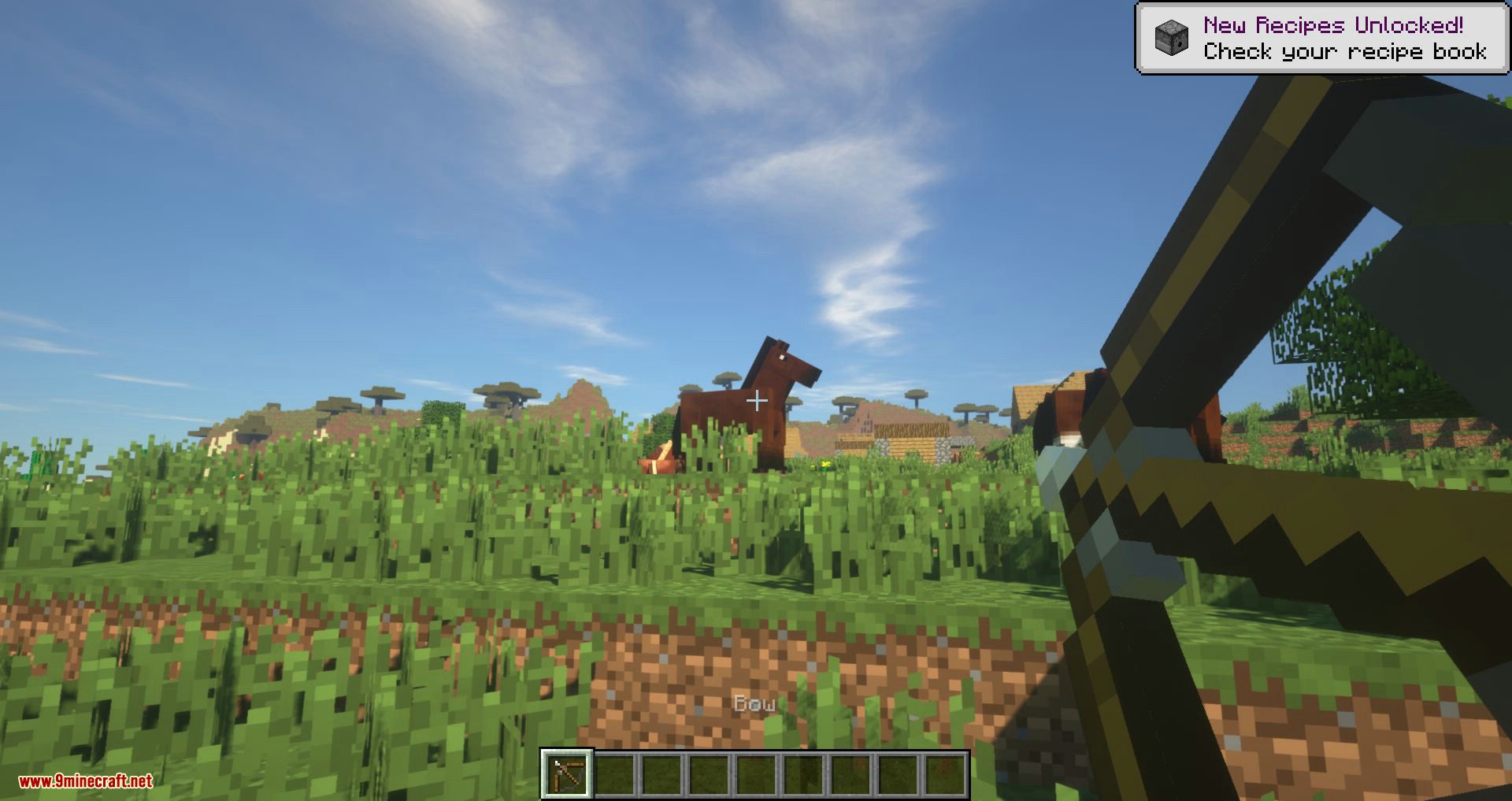
It allows configuration for flying, aiming, underwater, and speed-related field of view changes, with speed changes further split into sprinting and potion effect-related changes.
What does the FoV Effect Mode setting do?
It lets you choose between all field of view changes, only vanilla changes, only modded changes, or no field of view changes at all.
Can I scale individual field of view changes separately?
Yes, the FoV Effect Scaling setting lets you scale speed, sprinting, aiming, flying, and submerged changes from 0% to 100%.
See all 6 Custom FoV questions ›
Gallery
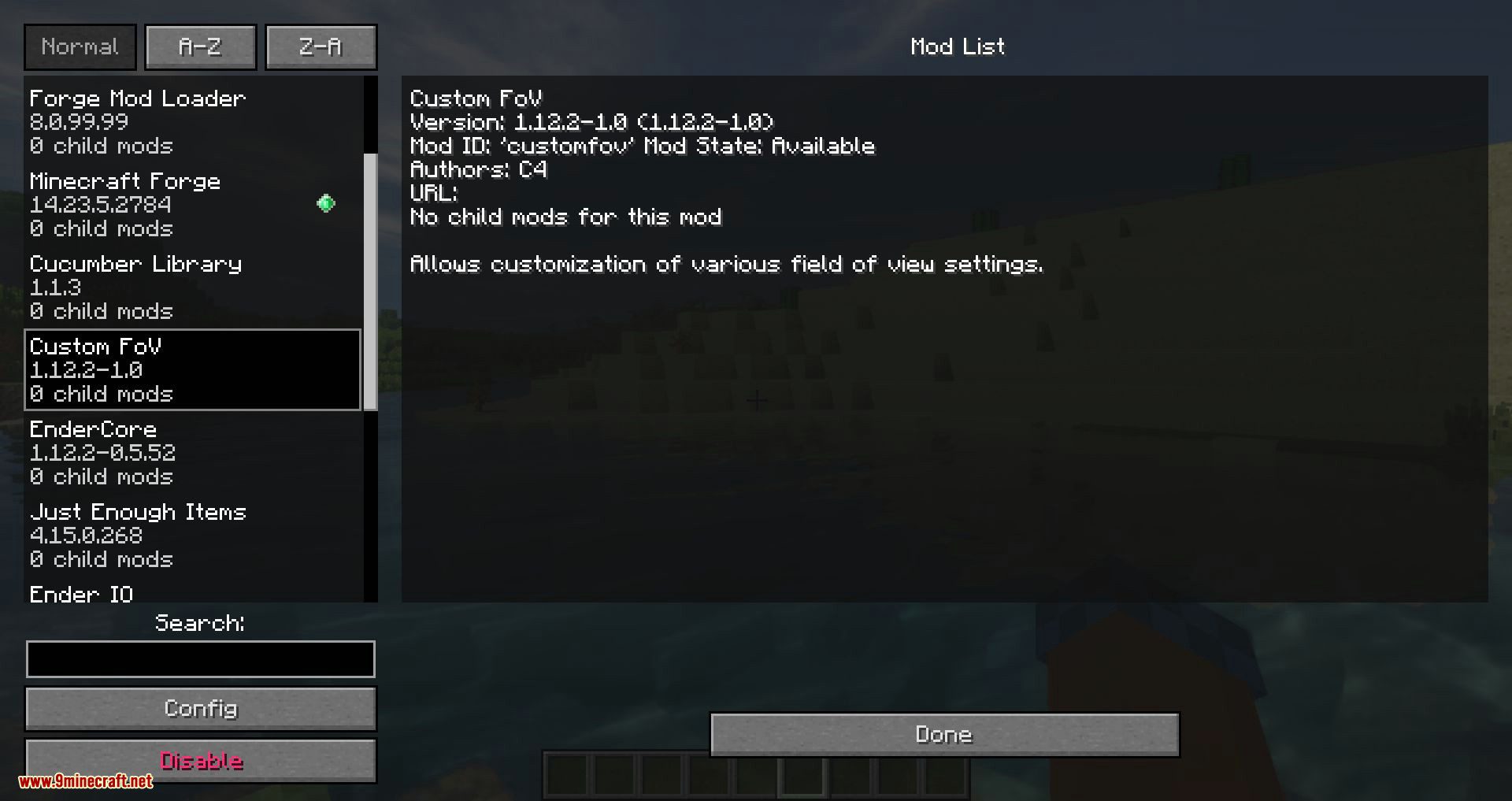
12 images from the Custom Fov Mod page.
You May Also Like
Wikis that share the most with this one
More mod wikis on the site
The most downloaded mods that have a wiki here
A few wikis from each of the other kinds