

 DownloadCustom Scoreboard Mod
Get the files on 9Minecraft
Guides
Step-by-step, in-game.
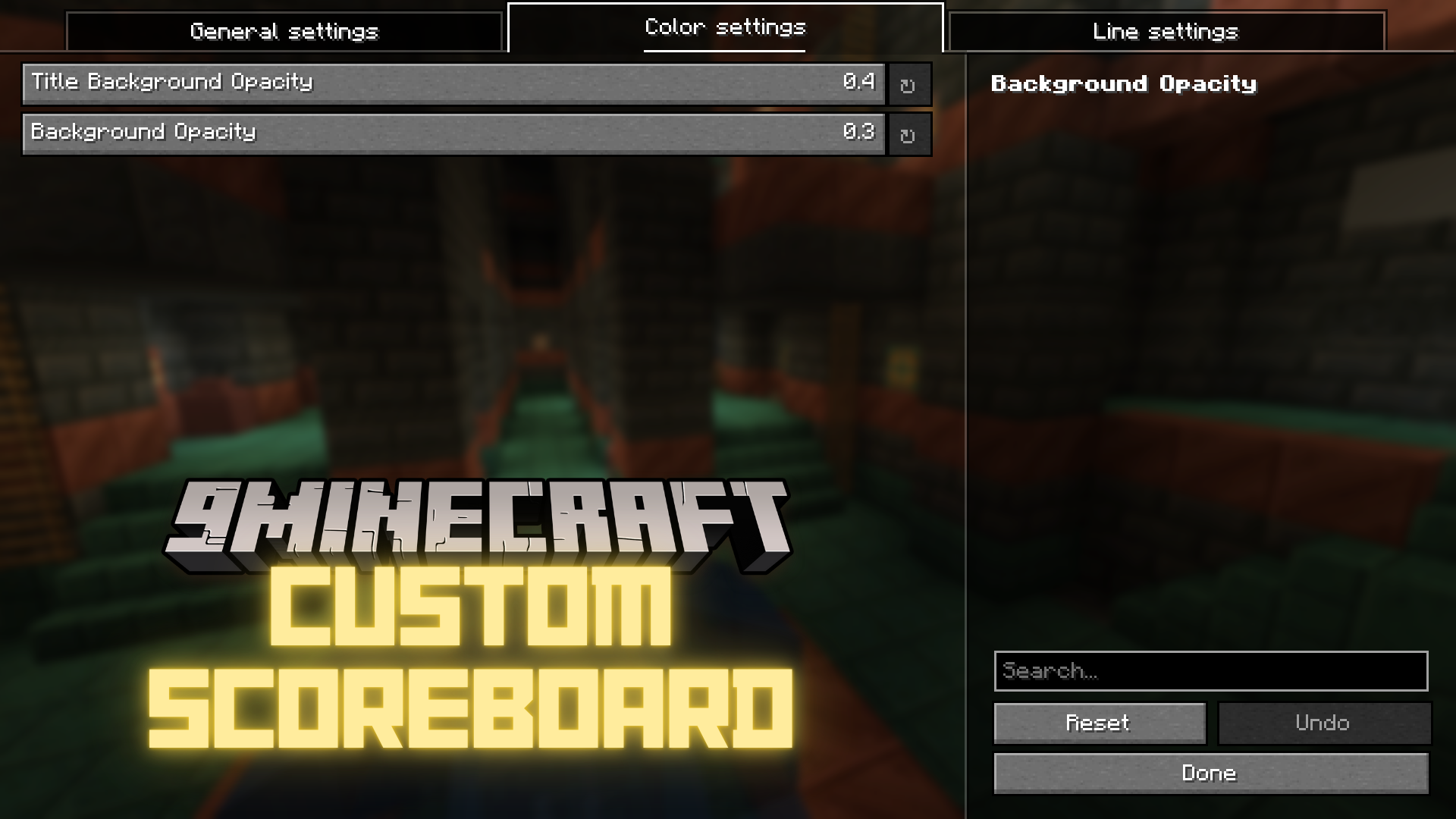
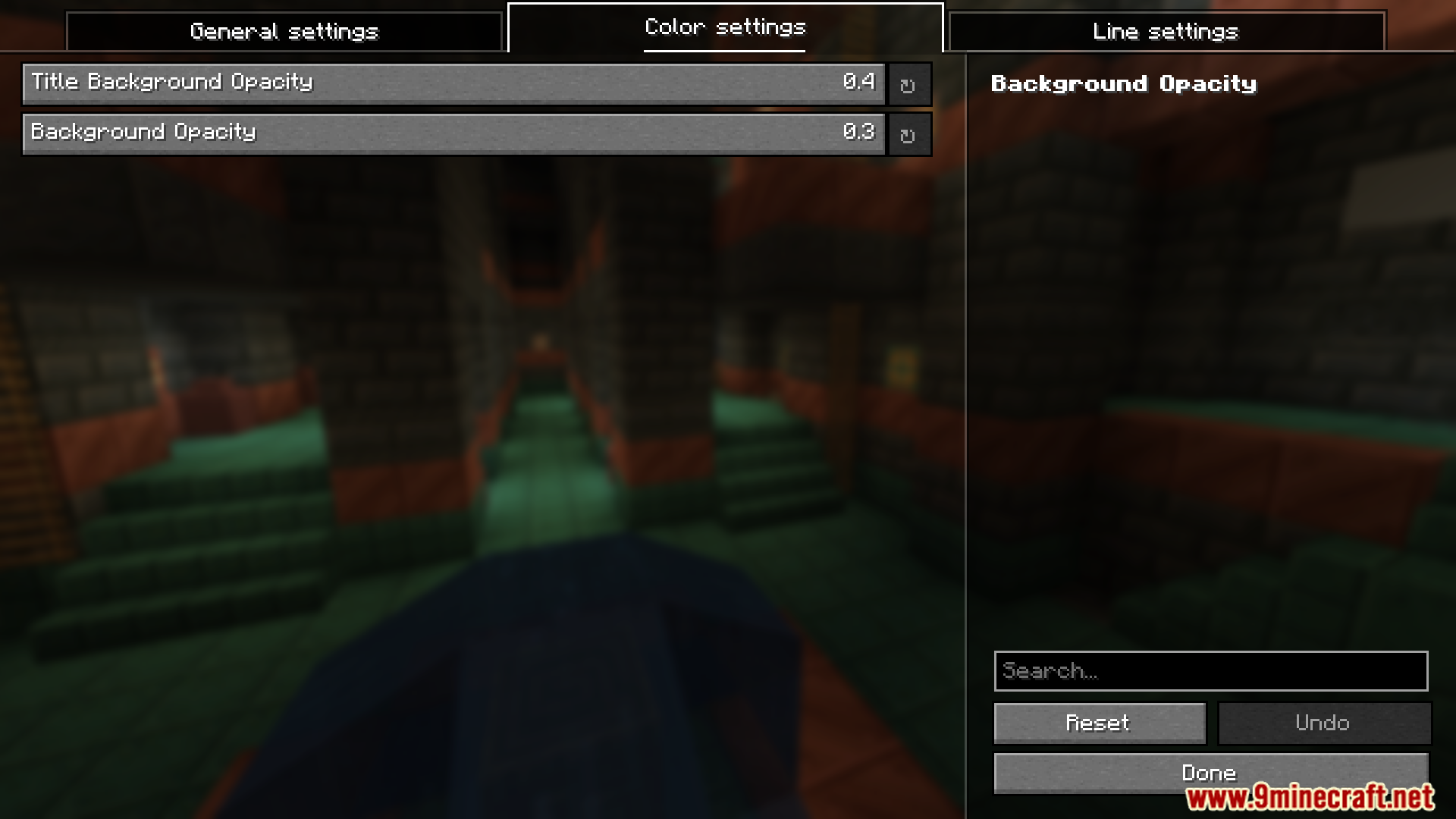
Adjust Scoreboard TransparencyControlling Opacity for Better Visibility The mod allows you to adjust how transparent or opaque different parts of…Hide Specific Lines from Your ScoreboardRemoving Individual Scoreboard Entries Instead of hiding the entire scoreboard, you can selectively hide specific…Hide the Scoreboard CompletelyDisabling the Scoreboard Display If you want to remove the scoreboard from your screen entirely, the mod provides a…Remove Only the Score Numbers from Your ScoreboardHiding Red Numbers While Keeping Labels You can hide just the numerical scores on the right side of the scoreboard…
Frequently asked questions
How do I open the mod settings?
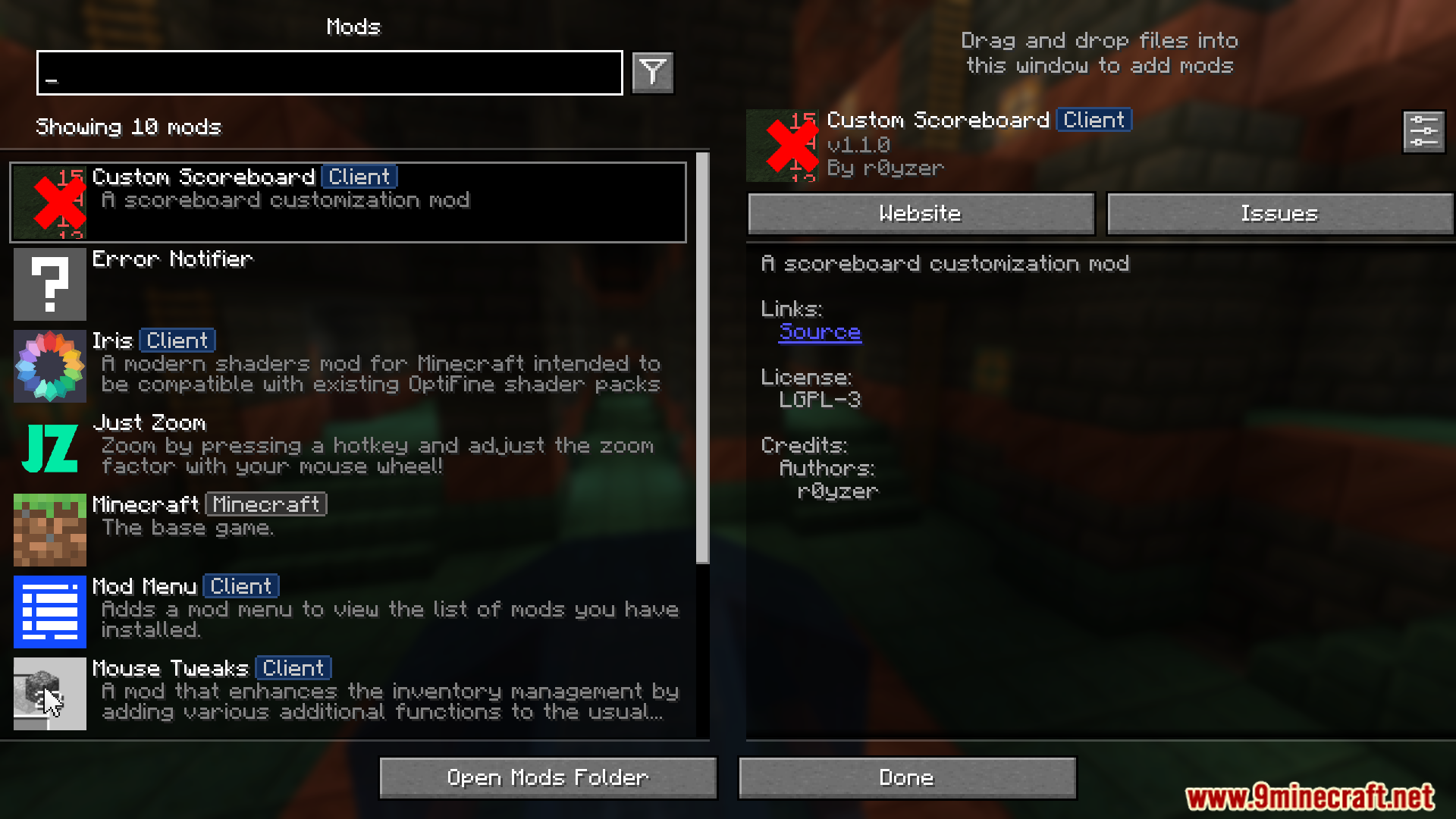
Access the Custom Scoreboard Mod settings through your mod configuration menu, typically found in the main menu or pause screen depending on your mod loader. Look for a "Mods" button or config option that lists installed mods.
Can I hide the scoreboard without hiding other HUD elements?
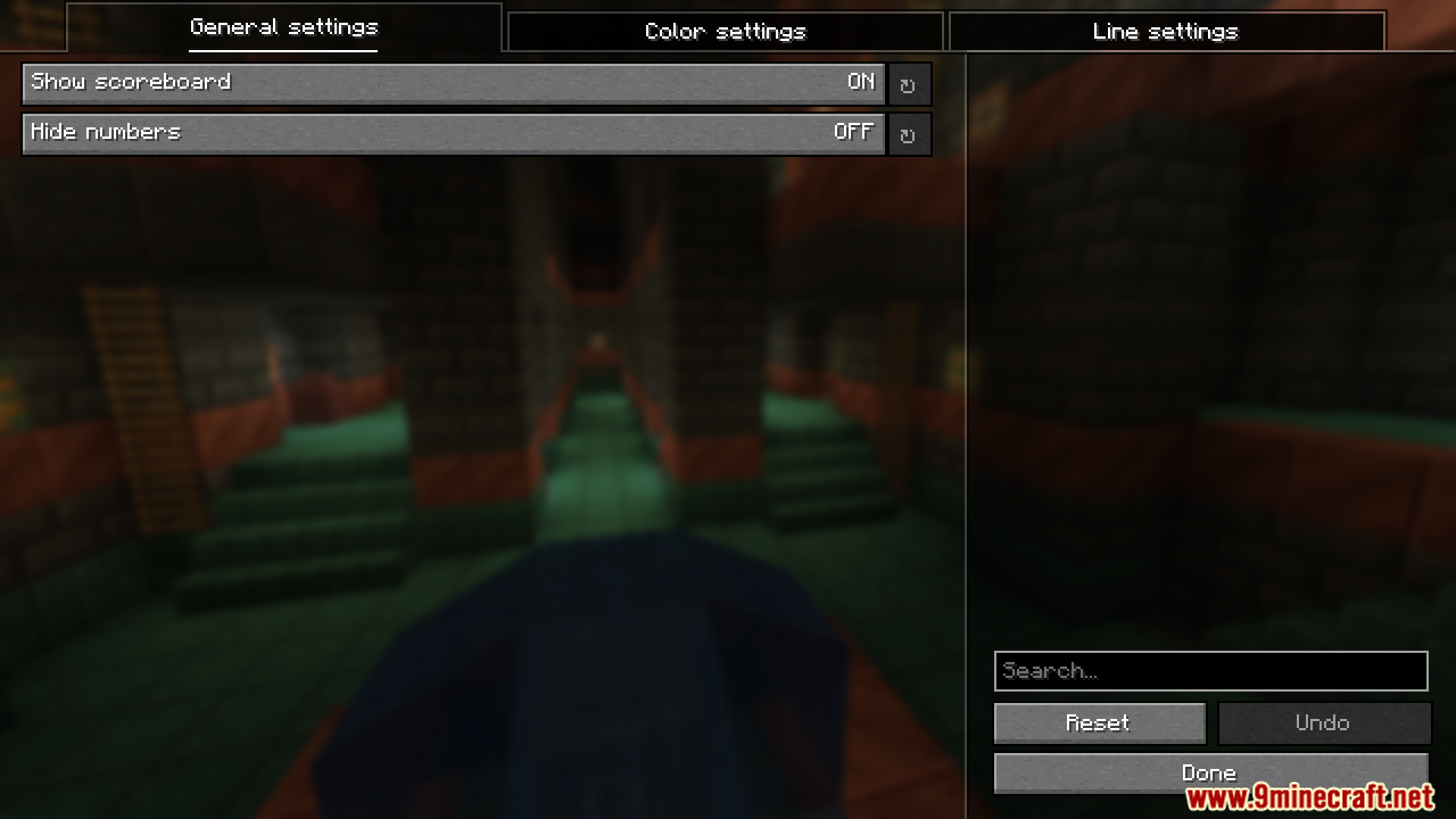
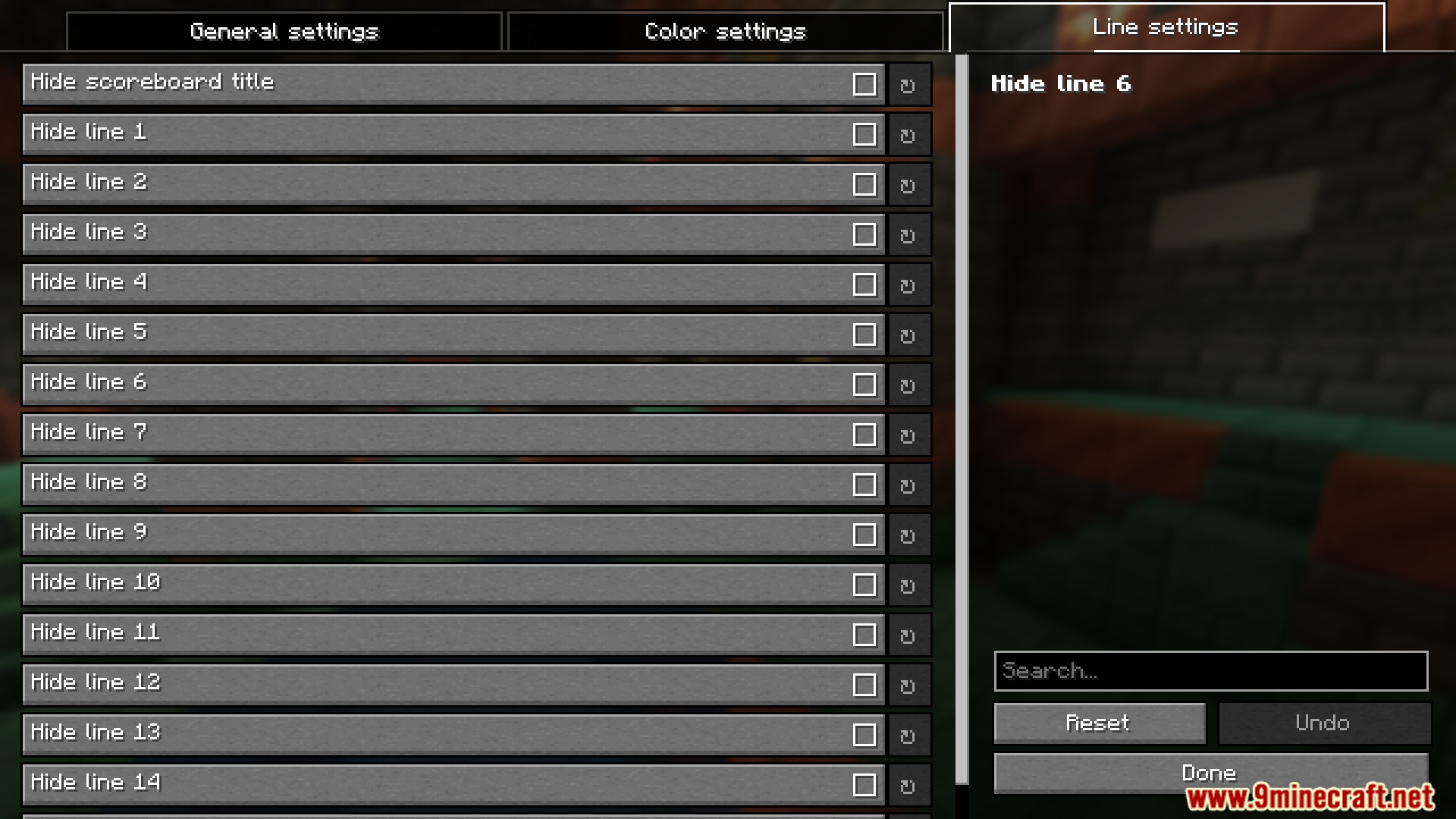
Yes, this mod lets you hide only the scoreboard while keeping your health bar, hunger bar, and other HUD elements visible. Use the complete hide option in the mod settings to remove just the scoreboard.
What's the difference between hiding the scoreboard and hiding just the numbers?
Hiding the scoreboard removes the entire display including titles and text, while hiding only the numbers keeps the scoreboard visible but removes the red score values on the right side. Choose based on whether you want the objective names visible.
How do I make the scoreboard semi-transparent?
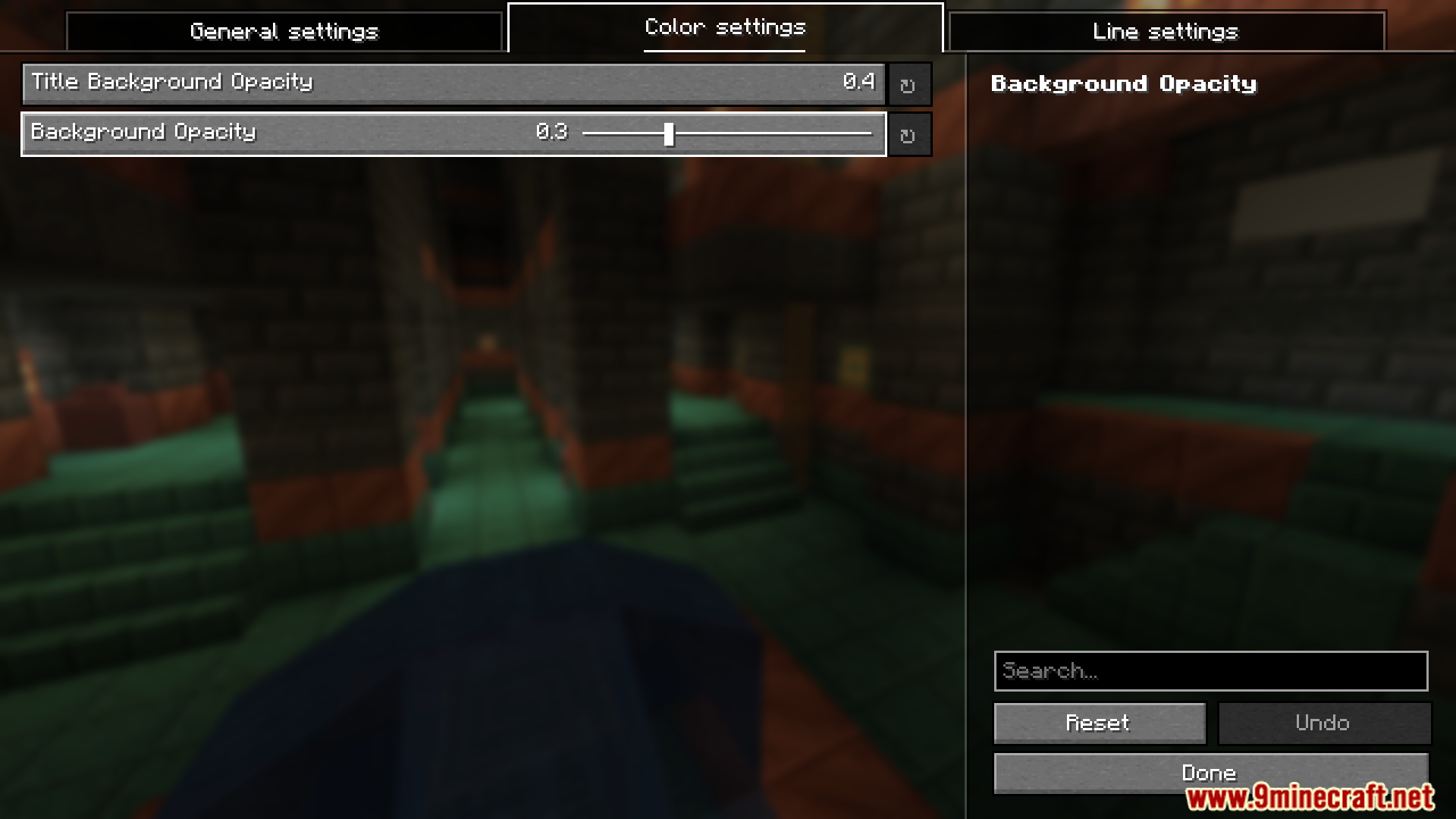
Use the opacity slider in the mod settings to adjust transparency for either the scoreboard title, body, or both. Lower values make it more transparent, higher values make it more opaque.
See all 10 Custom Scoreboard questions ›
Gallery
6 images from the Custom Scoreboard Mod page.
You May Also Like
Wikis that share the most with this one
More mod wikis on the site
The most downloaded mods that have a wiki here
A few wikis from each of the other kinds