

 DownloadCustom Crops 70+ Models
Get the files on 9Minecraft
Guides
Step-by-step, in-game.
Create a Crop Quality Rating System with Star GradesUnderstand Star Grade Indicators Custom Crops 70+ Models includes decorative star grade icons rated 1 to 3 stars.…Decorate Indoor Spaces with Pots and PlantsPlace Pots as Decorative Blocks Use pot and watered pot blocks to add farming atmosphere to indoor builds. Place them…Set Up Your First Custom Crop FarmPrepare Your Farming Area Choose a location with soil blocks. Custom Crops 70+ Models plants are placed on standard…Use the Animated Watering CanLocate and Equip the Watering Can Find the animated watering can item in your inventory or obtain it through the…
Frequently asked questions
How do I plant a custom crop?
Right-click on soil or farmland with a seed item from the pack to plant it. The crop will progress through its growth stages over time, and you can harvest it by left-clicking when fully grown.
Do I need to water crops manually with the watering can?
The Animated Watering Can is a decorative item and doesn't affect crop growth mechanically. Crops grow on their own timeline regardless of whether you use it, though you can place it near your farm for visual effect.
What do the star grade indicators do?
Star Grades (1-3) are decorative items you can use to create a crop quality rating system for shops or displays. They don't affect crop mechanics but help organize and tier your produce visually.
See all 10 Custom Crops 70+ Models questions ›
Gallery
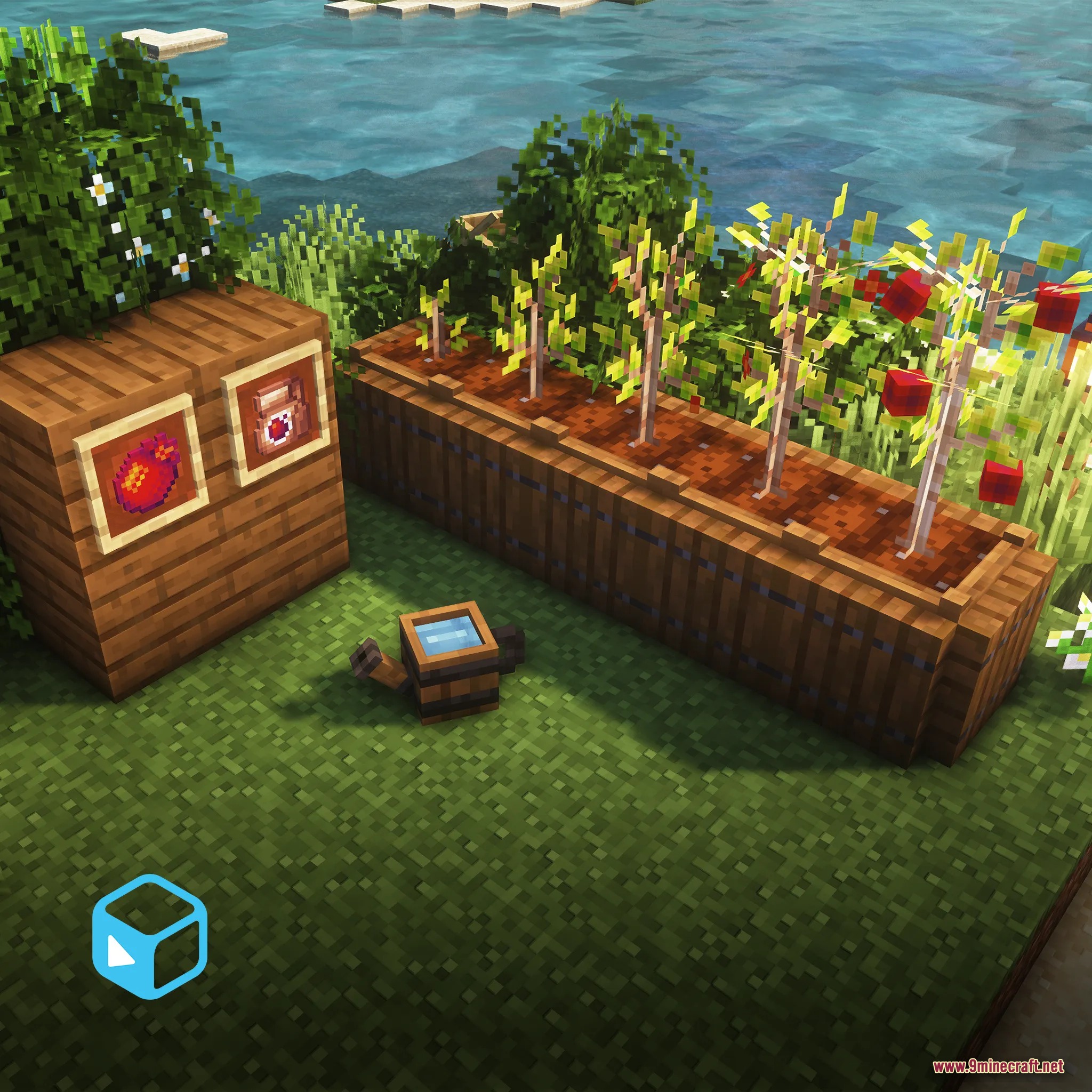
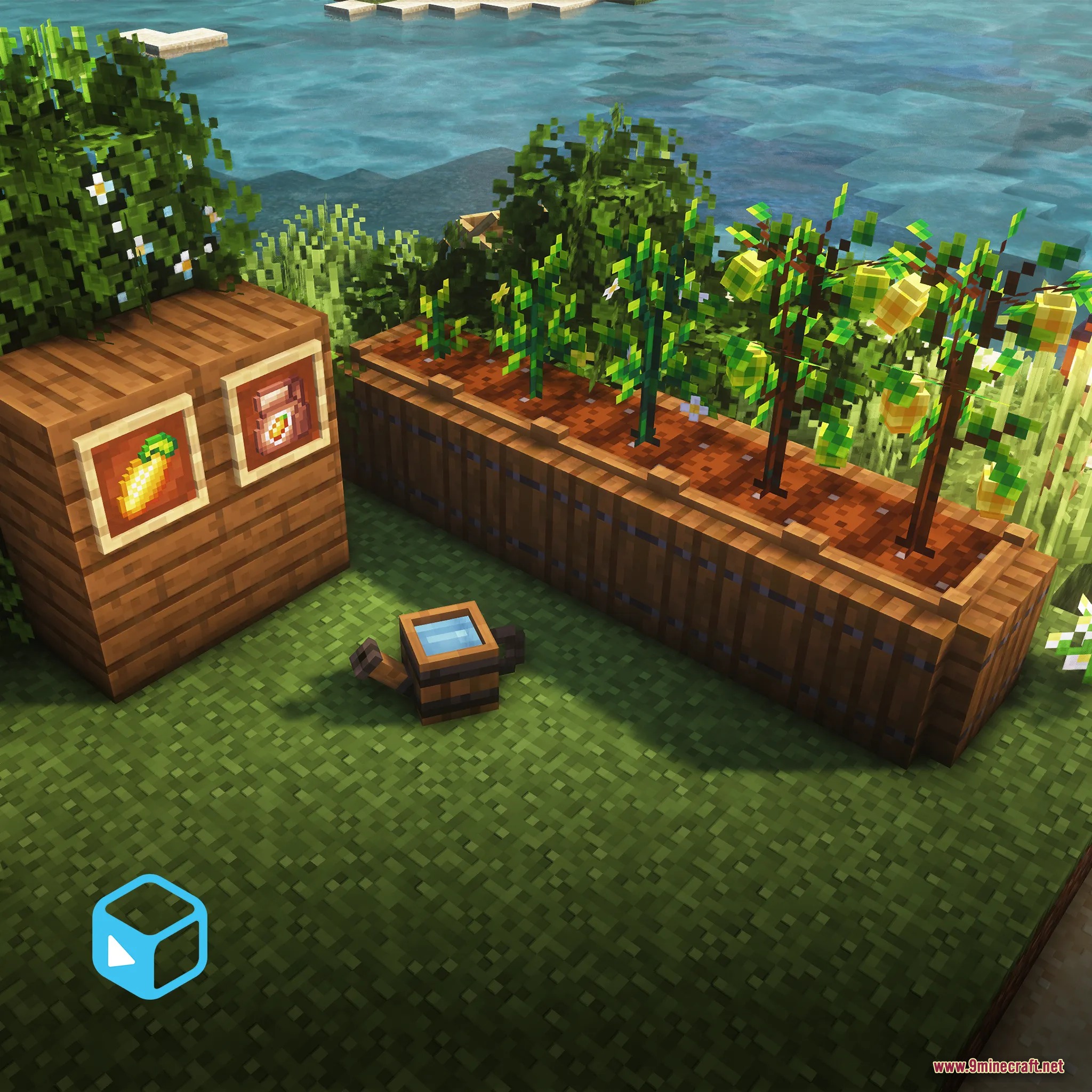
3 images from the Custom Crops 70 Models Model page.
You May Also Like
Wikis that share the most with this one
More mod wikis on the site
The most downloaded mods that have a wiki here
A few wikis from each of the other kinds