

 DownloadCustom Paintings Mod
Get the files on 9Minecraft
Guides
Step-by-step, in-game.
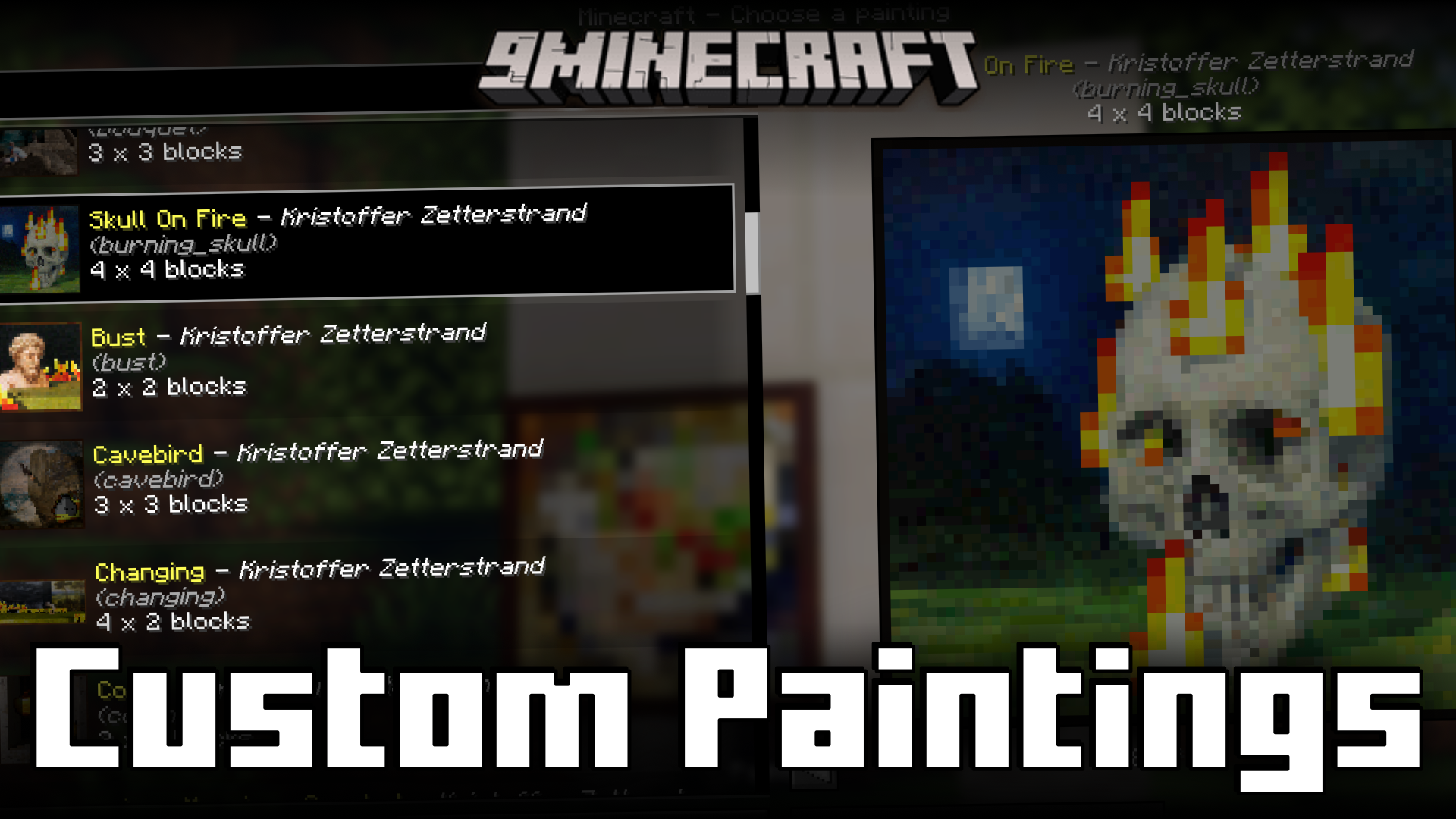
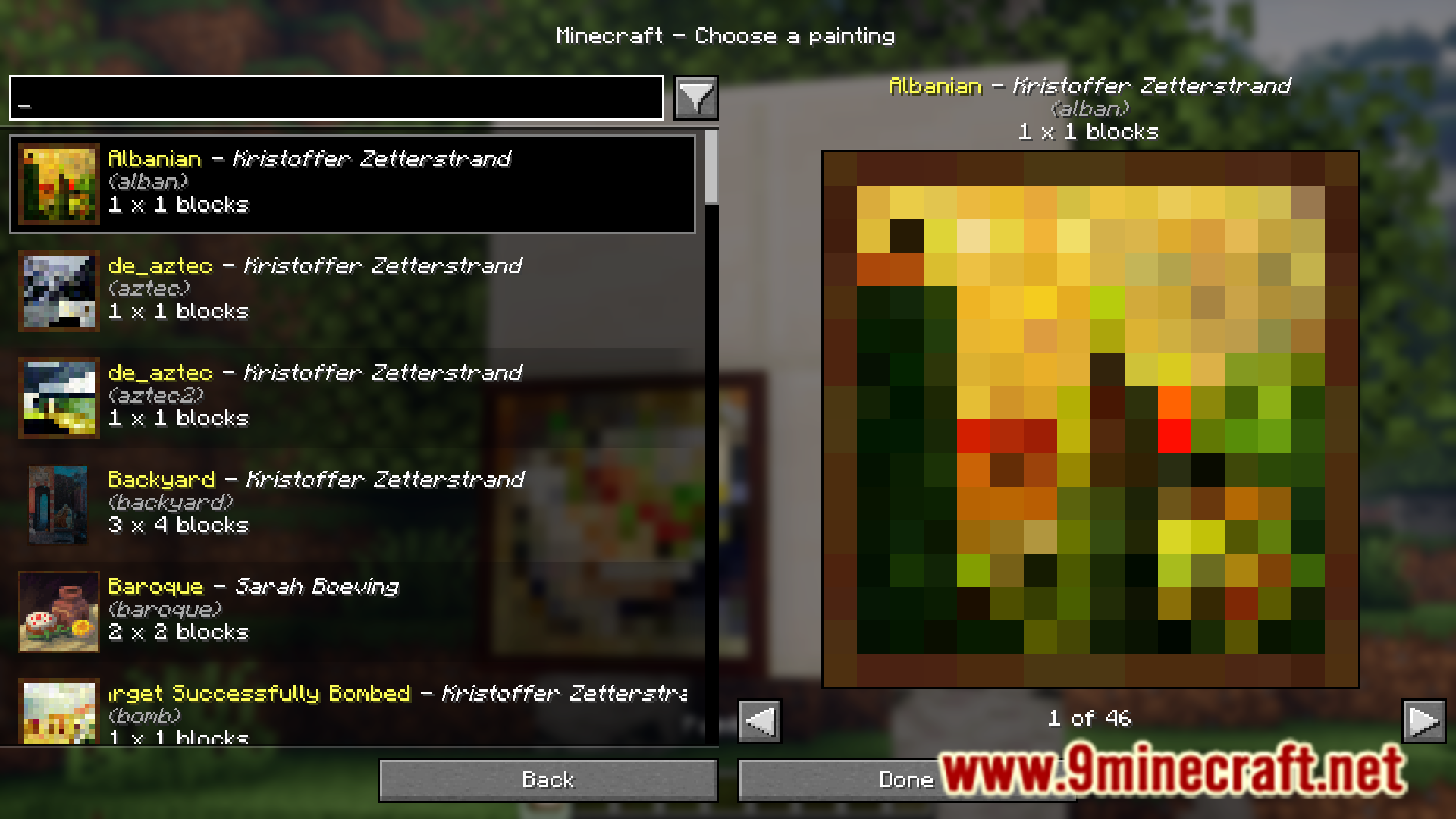
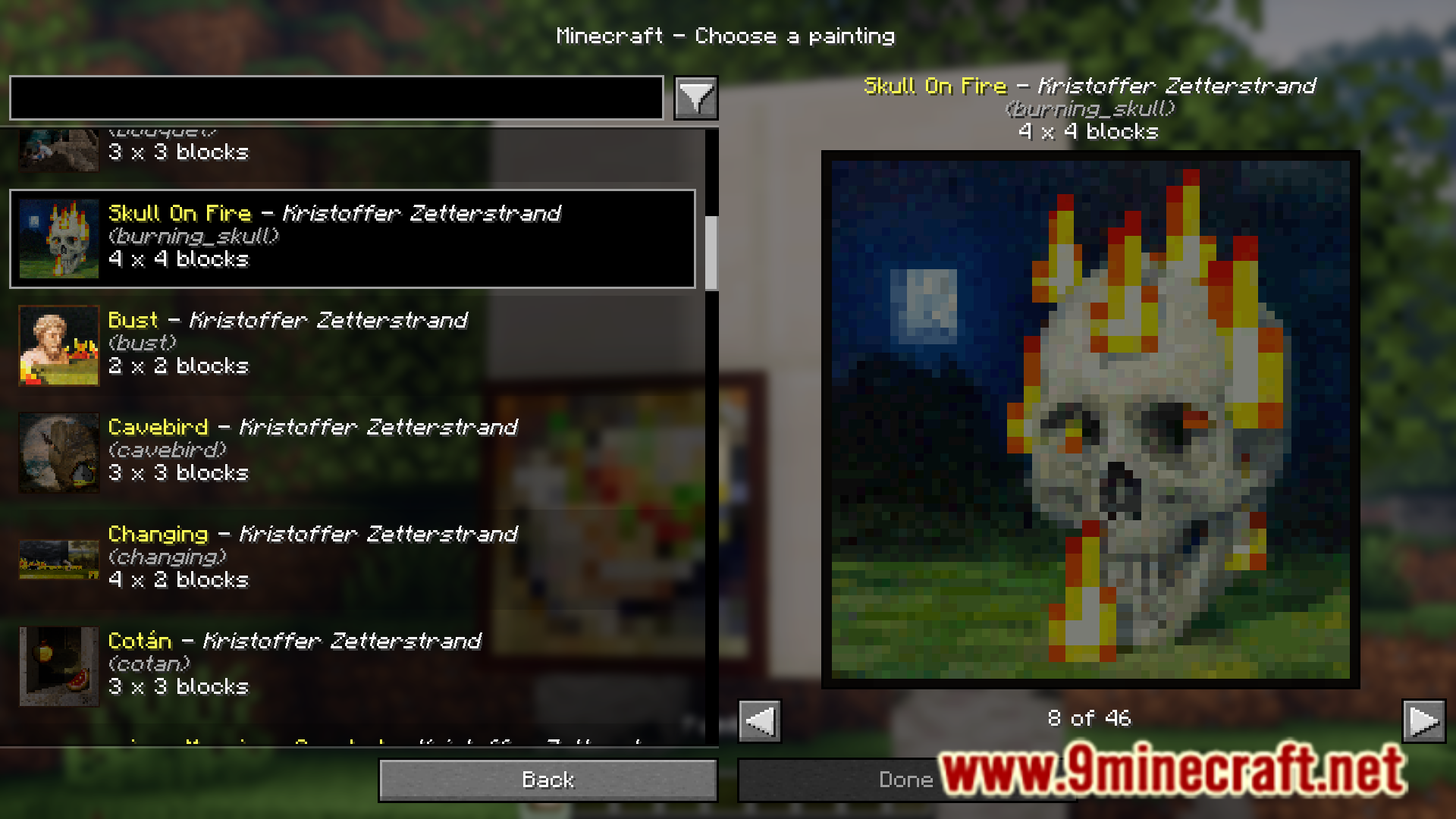
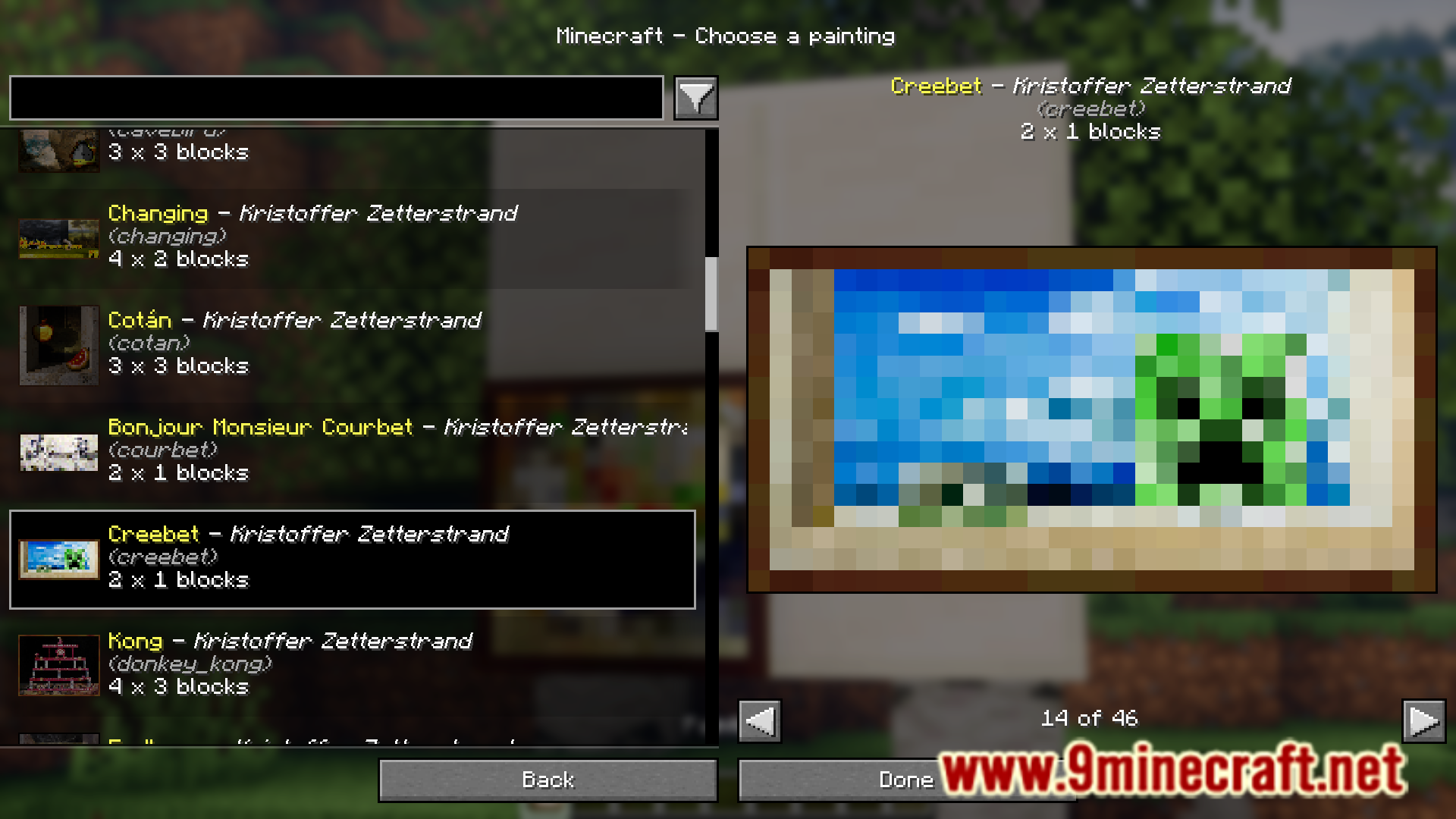
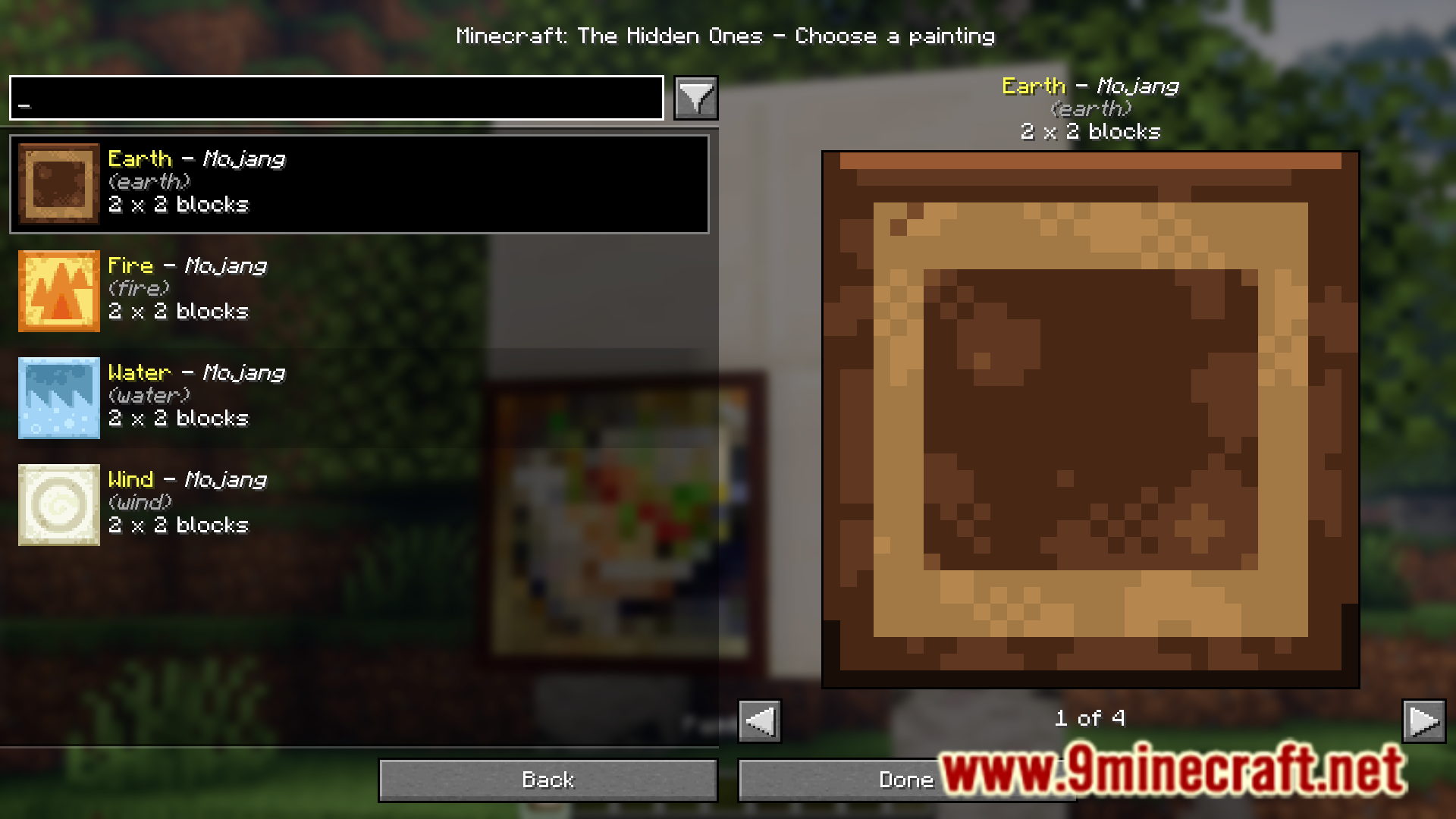
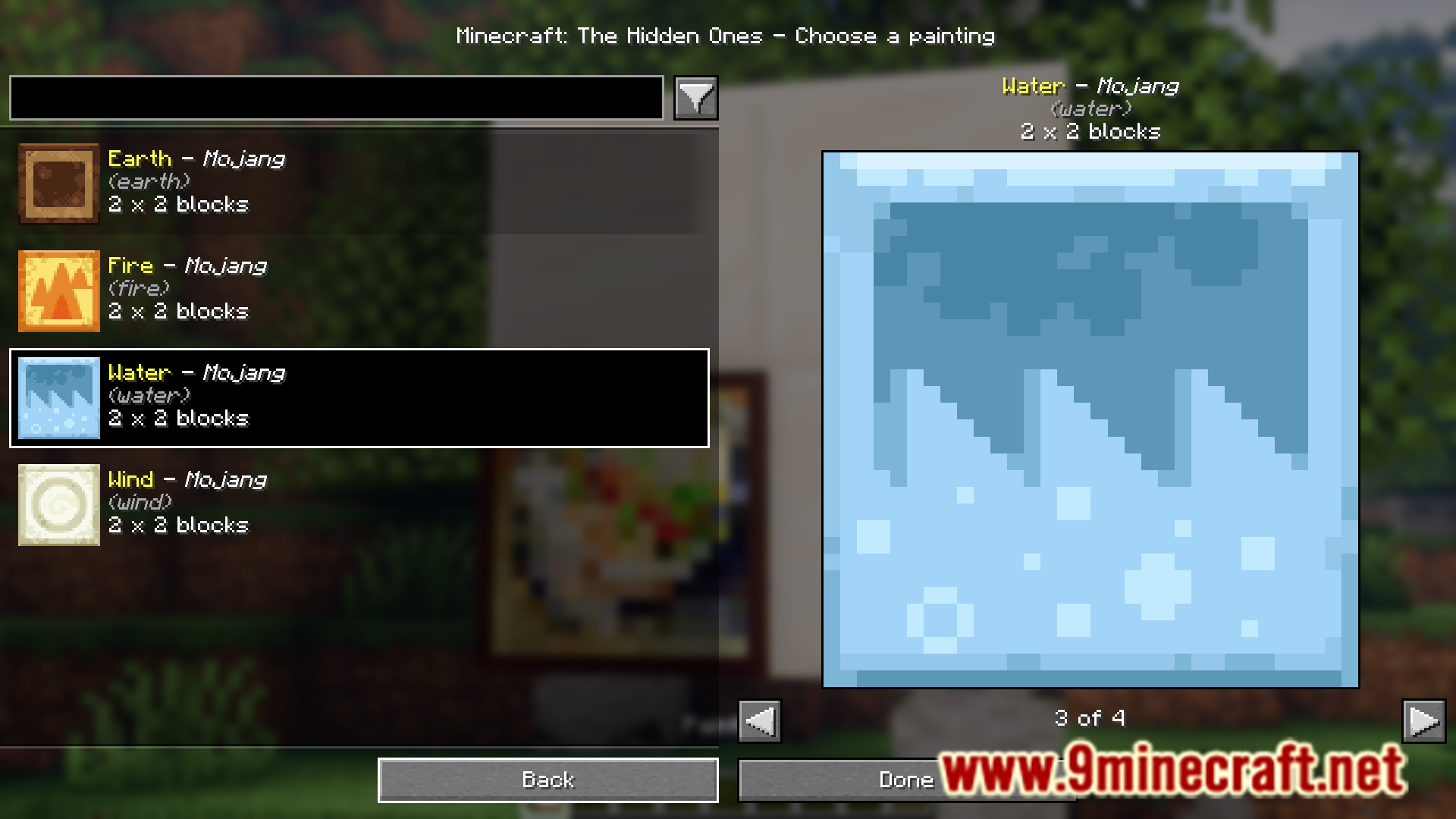
Browse All Available Paintings in the ModExploring the Full Painting Catalog The mod's GUI serves as a complete gallery of every painting available. When you…Decorate Multiple Locations with Different PaintingsEfficient Multi-Location Painting Setup When decorating multiple walls or rooms, the mod's GUI makes it fast to apply…Quickly Change Paintings Without Breaking BlocksReusing the GUI for Rapid Decoration Instead of breaking paintings and placing new ones repeatedly, you can change…Select a Specific Painting from the GUIOpening the Painting Selection Menu When you place a painting block in the world, a GUI window will automatically…
Frequently asked questions
How do I open the painting GUI?
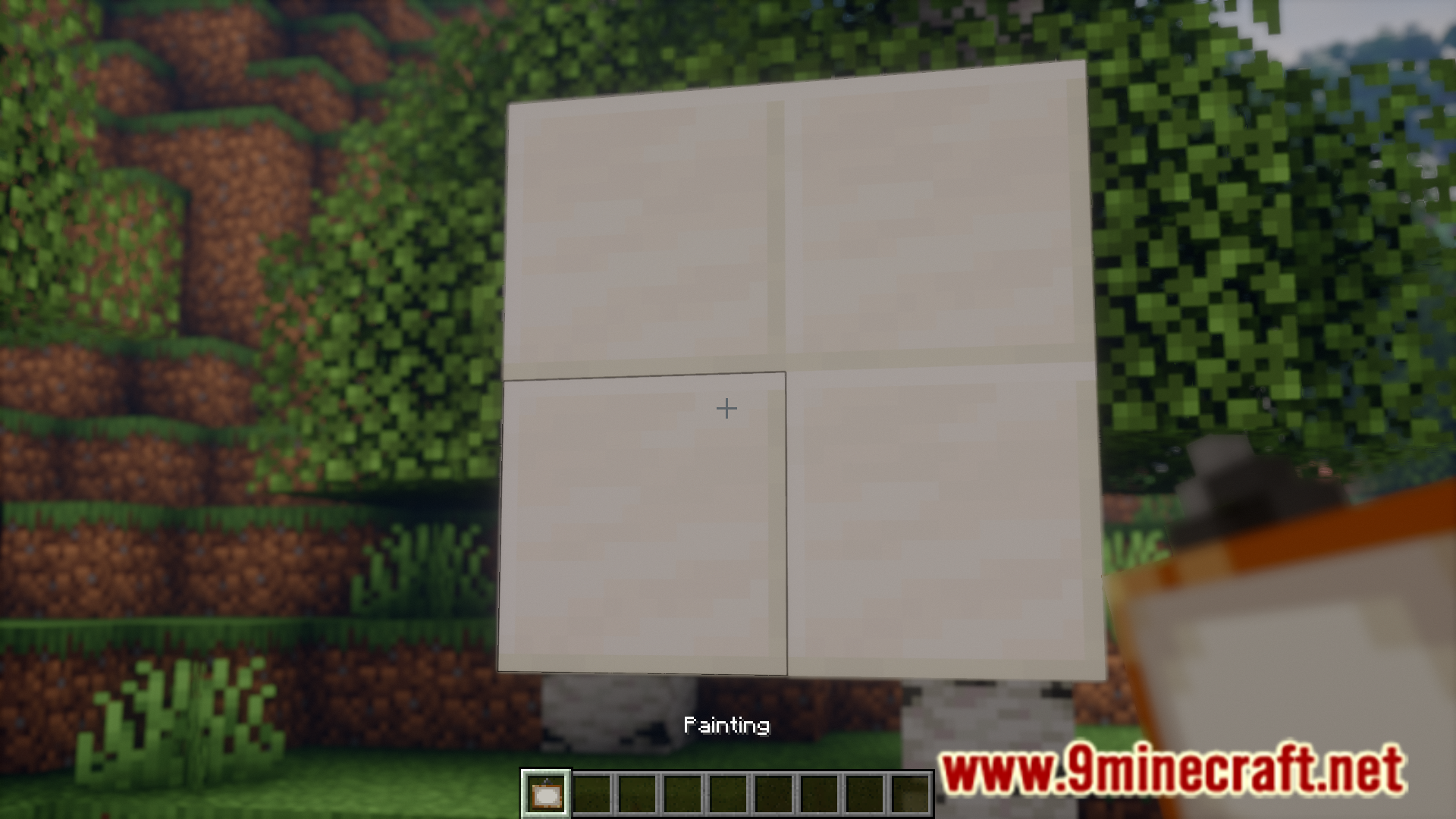
Place a painting block down on a wall, and the custom GUI will automatically open. You can then select your desired painting from the list before confirming placement.
Can I change a painting without breaking it?
Yes—right-click on an already-placed painting to reopen the GUI and select a different one without having to break and replace the block.
What paintings are available in this mod?
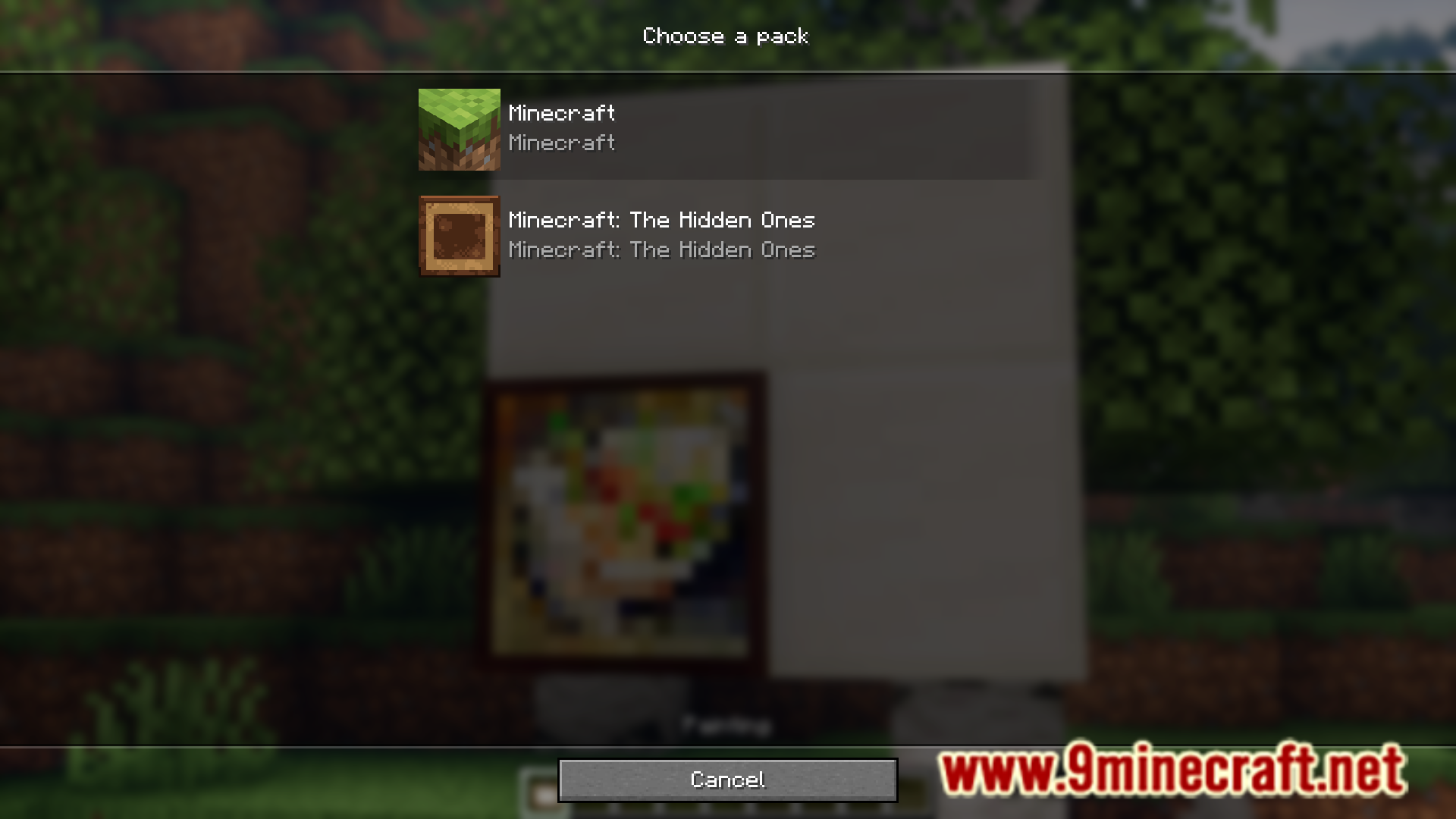
The mod includes all vanilla Minecraft paintings plus any additional custom paintings added by the mod. You can browse the full list by opening the GUI when placing or editing a painting.
Do I need to craft paintings differently with this mod?
No—paintings are crafted the same way as vanilla Minecraft. The mod only changes how you select which painting appears when you place it.
See all 10 Custom Paintings questions ›
Gallery
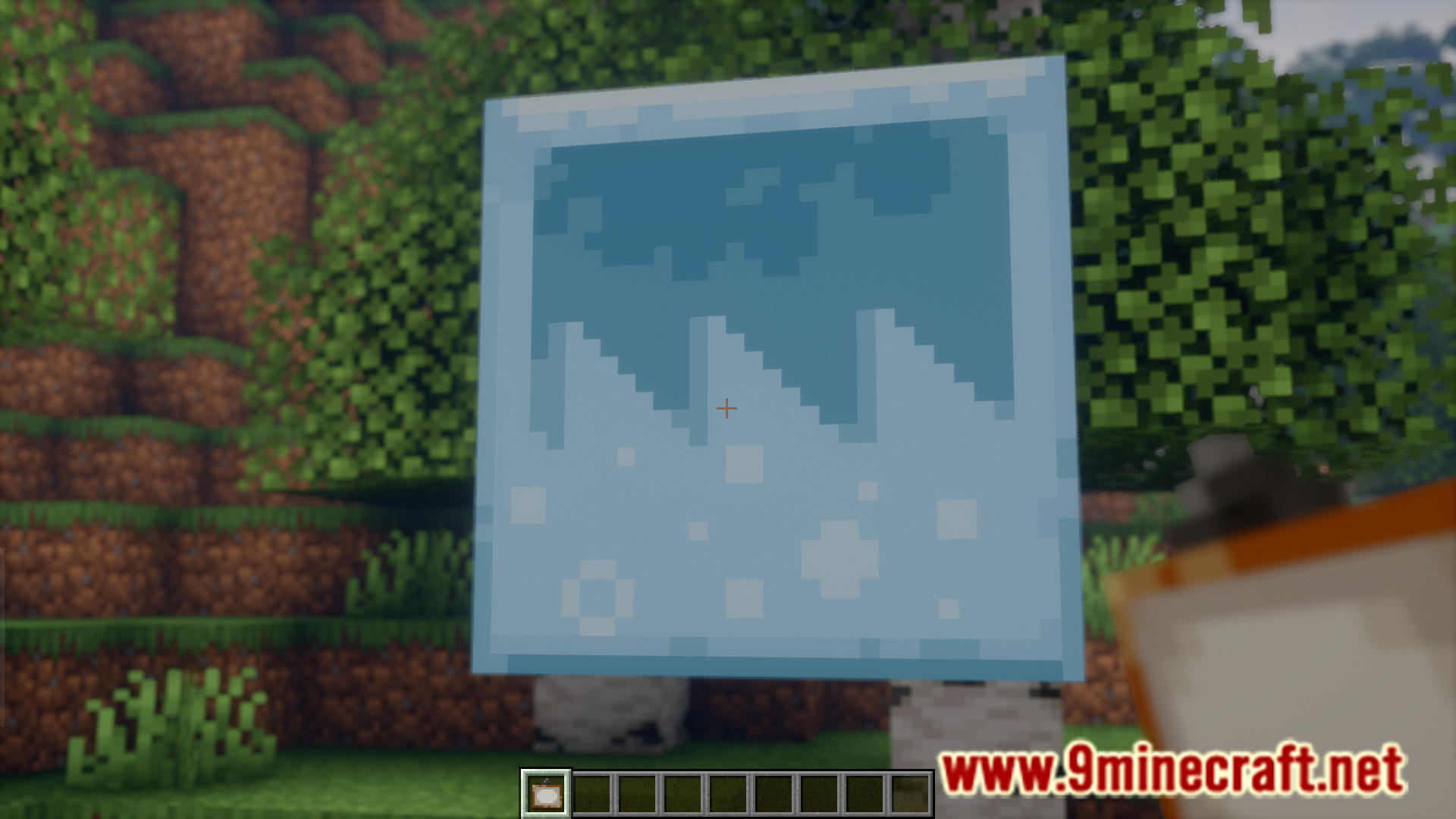
9 images from the Custom Paintings Mod page.
You May Also Like
Wikis that share the most with this one
More mod wikis on the site
The most downloaded mods that have a wiki here
A few wikis from each of the other kinds