

 DownloadClick Crystals Mod
Get the files on 9Minecraft
Guides
Step-by-step, in-game.
Fix a Click Crystals module that isn't doing anythingIf a module seems dead, the cause is usually a setting, a hotbar problem or a conflict. Work through the checks below…Open the Click Crystals menu and turn on your first modulesClick Crystals is built around small toggleable modules. Each one is a quick hotkey that changes how you swap between…Set up your hotbar so the swap hotkeys work smoothlyClick Crystals does not play for you. It acts as a quick hotkey system for your inventory slots, so the way you…Write your first ClickCrystalsScripts (CCS) custom moduleClickCrystalsScripts (CCS) lets you build your own module from simple text commands instead of waiting for a built-in…
Frequently asked questions
How do I open the Click Crystals menu?
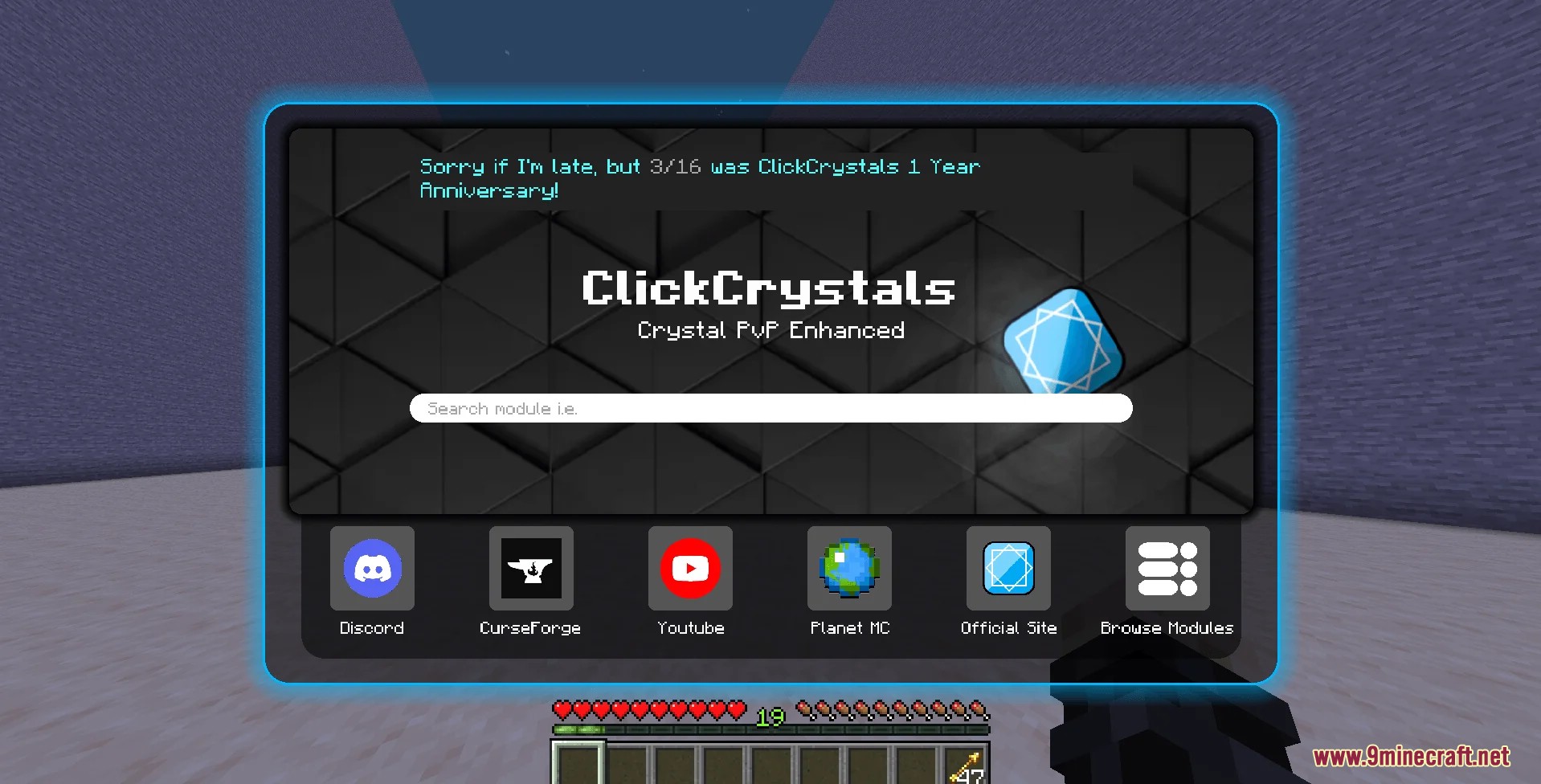
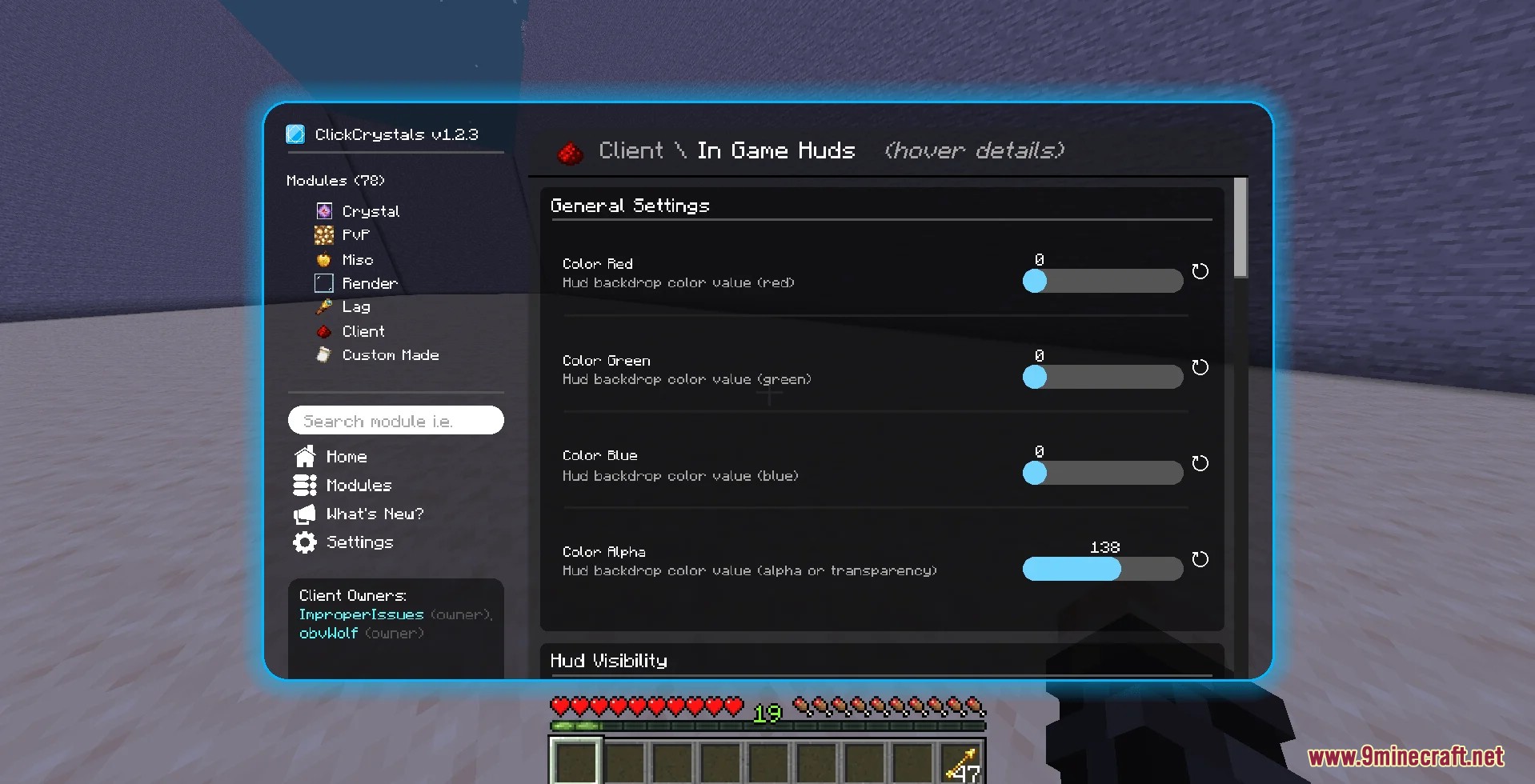
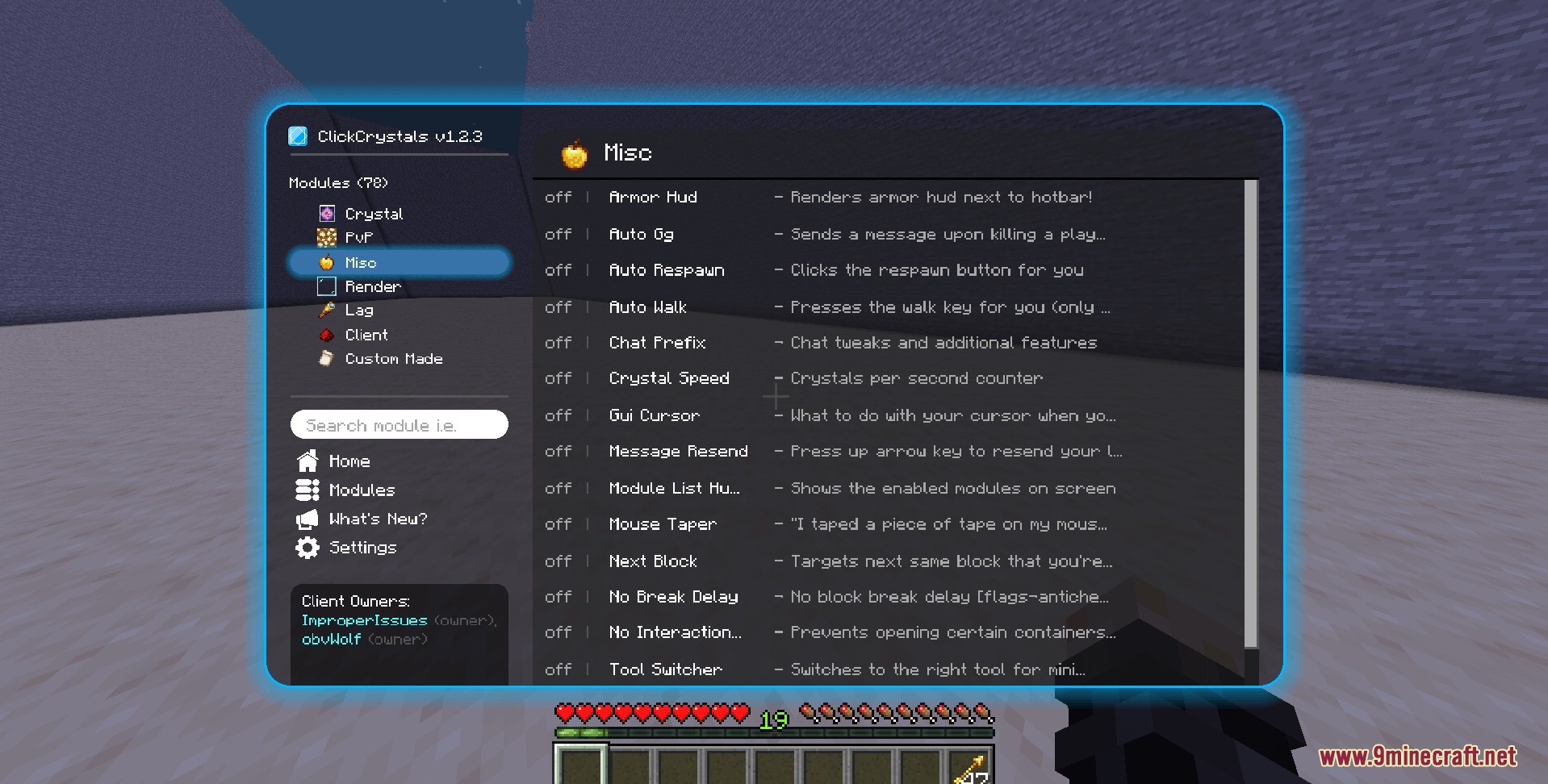
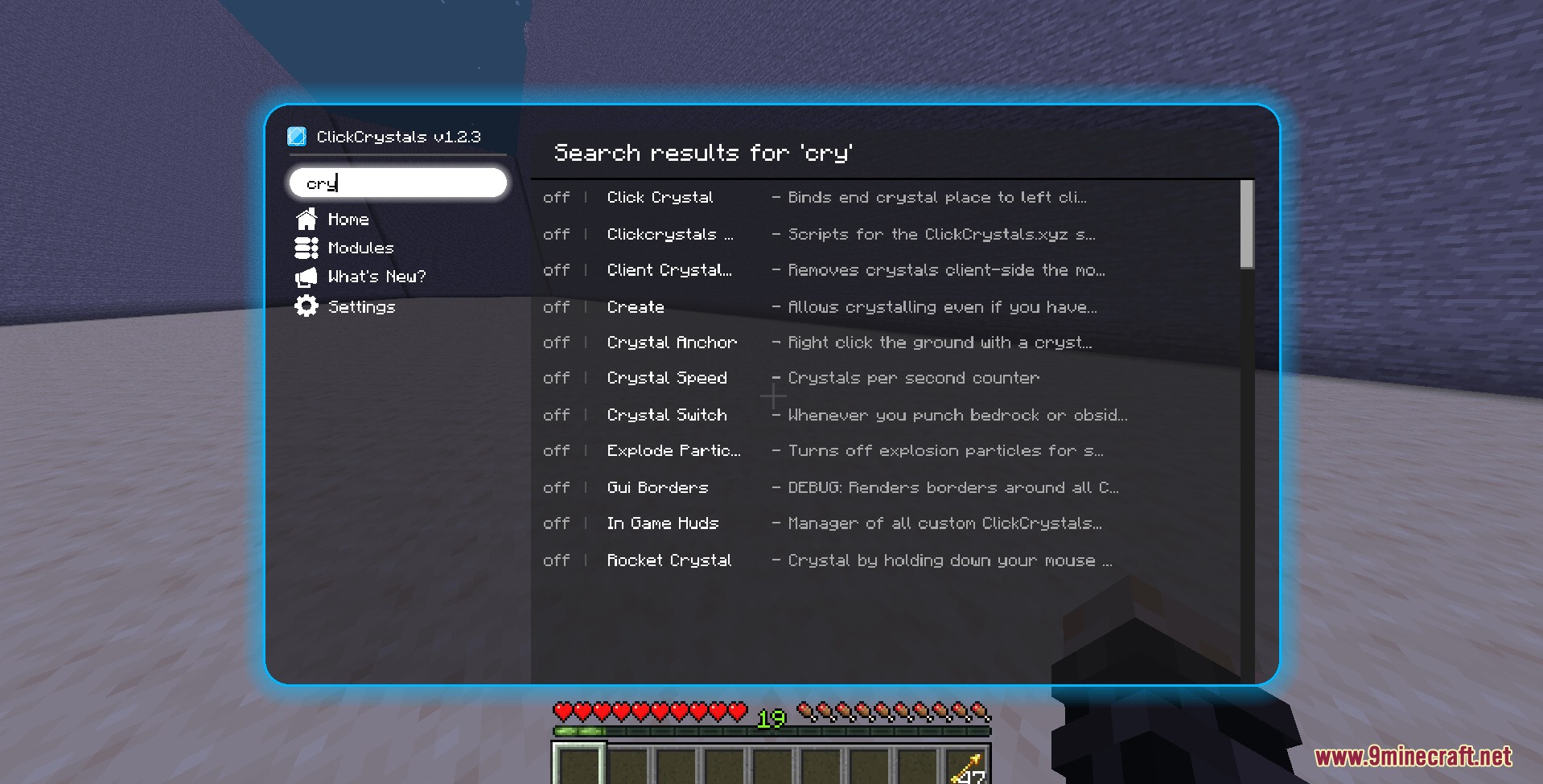
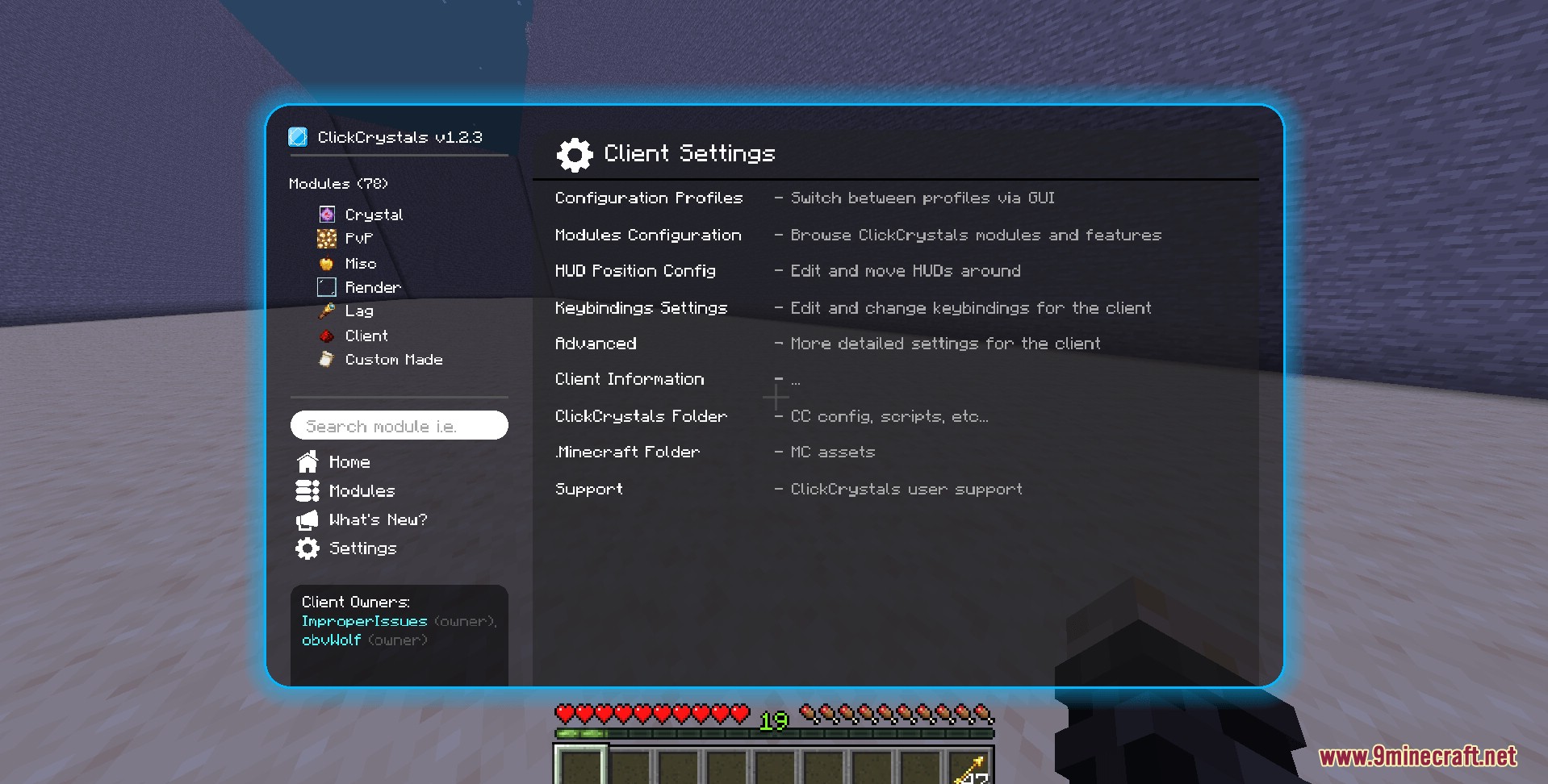
Press the mod's menu key in-game; it's set in Options > Controls under the Click Crystals category, where you can also rebind it. From the menu you can switch modules on and off and adjust their settings.
Which modules should I turn on first?
Start with the item-swapping modules that match what you already do, such as swapping to crystals or obsidian when you click. Turn them on one at a time so you can see what each does before stacking several.
Does Click Crystals click for me? Is it a macro?
No. It works as a quick hotkey for your inventory slots, and every action still needs a real mouse click from you. It speeds up item switching but doesn't attack or place things for you.
Why is my module enabled but nothing happens?
The most common cause is that the item the module swaps to isn't in your hotbar. Check that the right items are in hotbar slots, that you're actually clicking, and that you aren't in a screen like a chest or chat. Also check that another module or keybind isn't conflicting with it.
See all 10 Click Crystals questions ›
Gallery
7 images from the Click Crystals Mod page.
You May Also Like
Wikis that share the most with this one
More mod wikis on the site
The most downloaded mods that have a wiki here
A few wikis from each of the other kinds