

 DownloadClavis
Get the files on 9Minecraft
Guides
Step-by-step, in-game.
Adapt Your Strategy When Facing Harder Lock ChallengesRecognizing Increased Complexity As you progress from green to yellow to red locks, the mini-game introduces new…Identify Lock Difficulty Before Opening a ChestReading the Floating Lock Symbol Every locked chest displays a floating lock symbol above it. This symbol's color…Maximize Loot by Scoring Perfectly on Lock Mini-GamesUnderstanding the Reward System The Clavis Mod directly ties your mini-game performance to the quantity of items you…Understand How Lock Difficulty Affects Chest ContentsDifficulty and Loot Quality The color of a chest's lock symbol doesn't just indicate challenge level—it correlates…
Recipes
Every recipe the mod adds, grouped by how it is made.
Items
 Lock Pick
Frequently asked questions
How do I start playing with Clavis Mod?
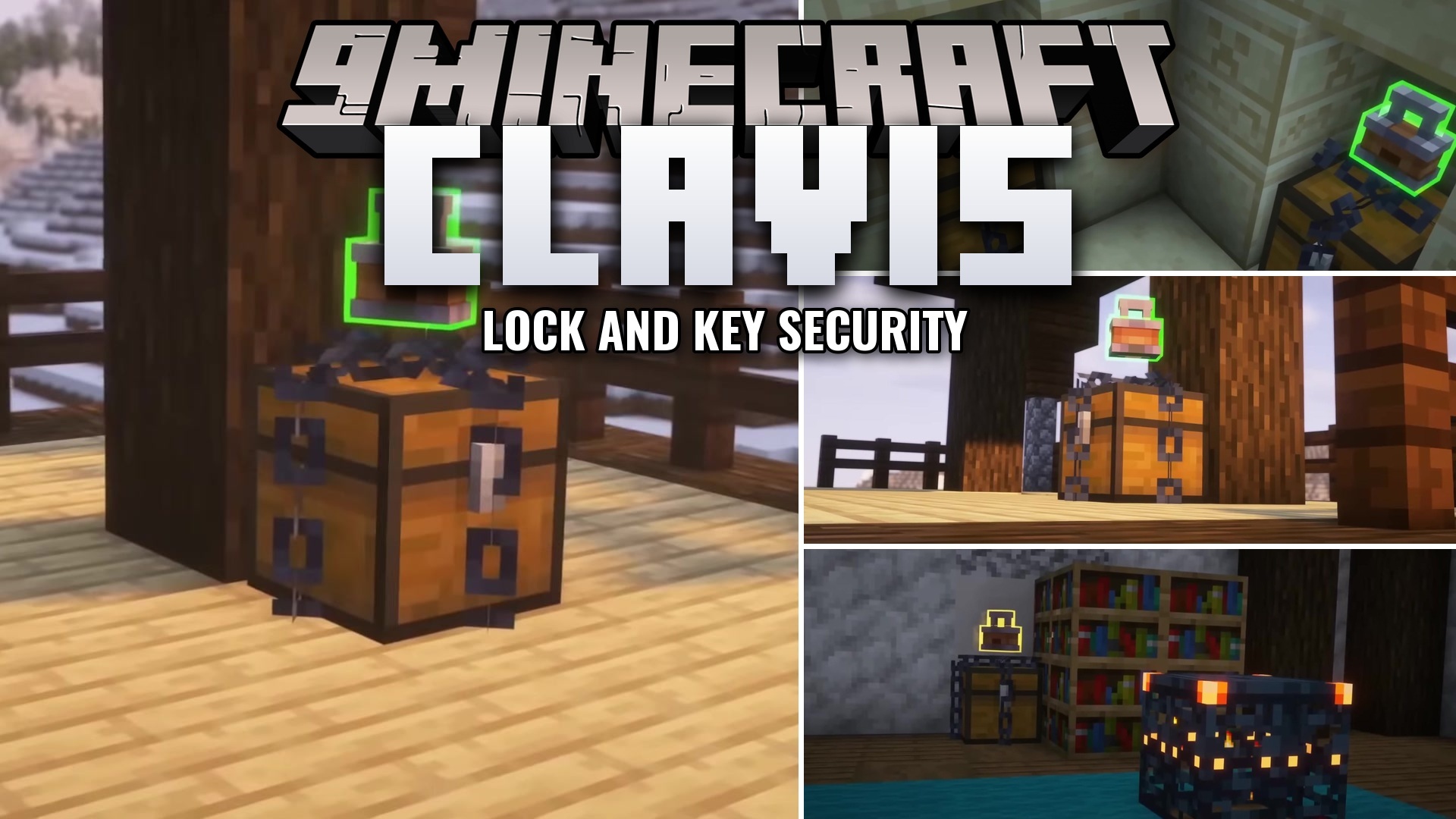
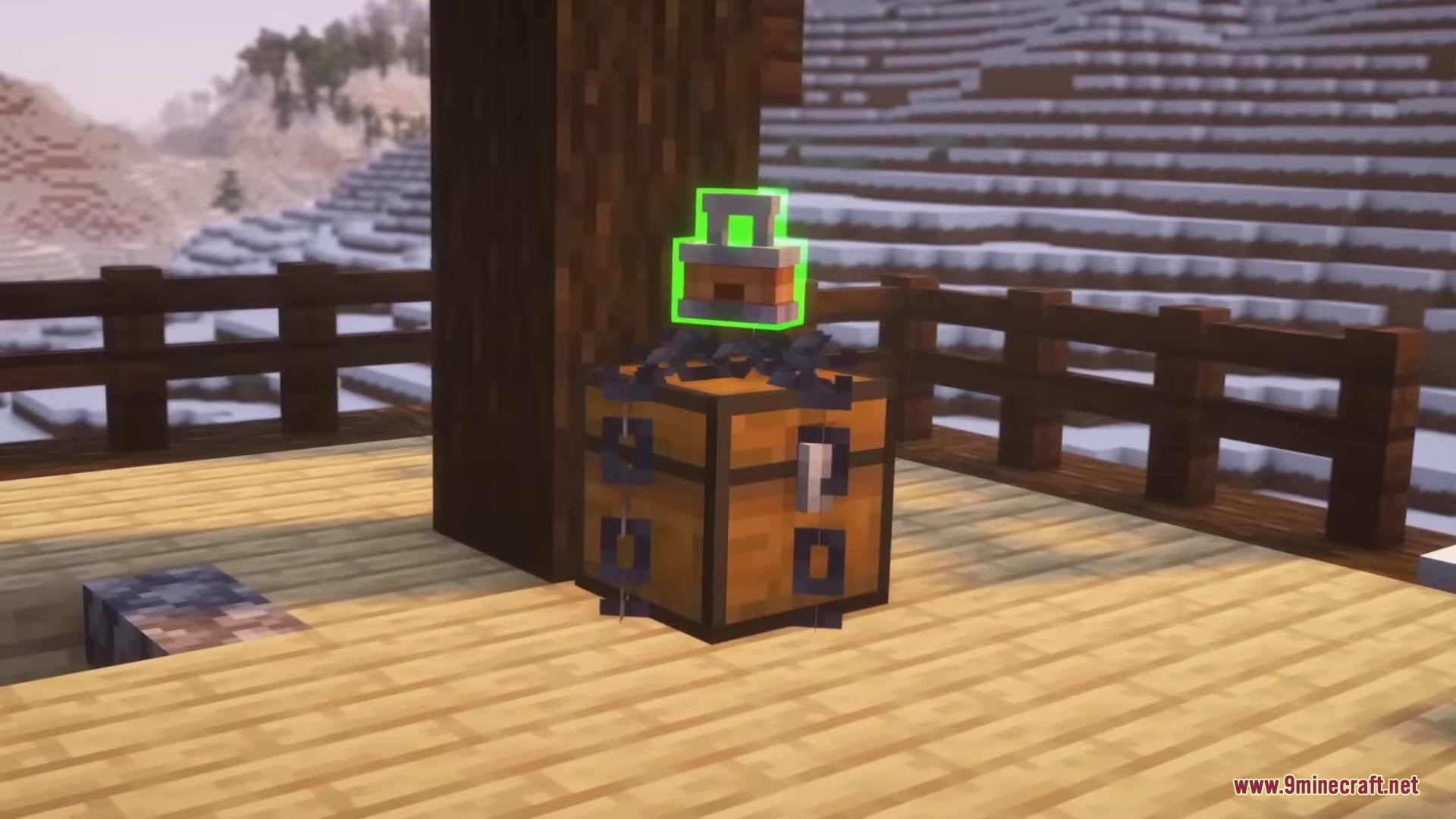
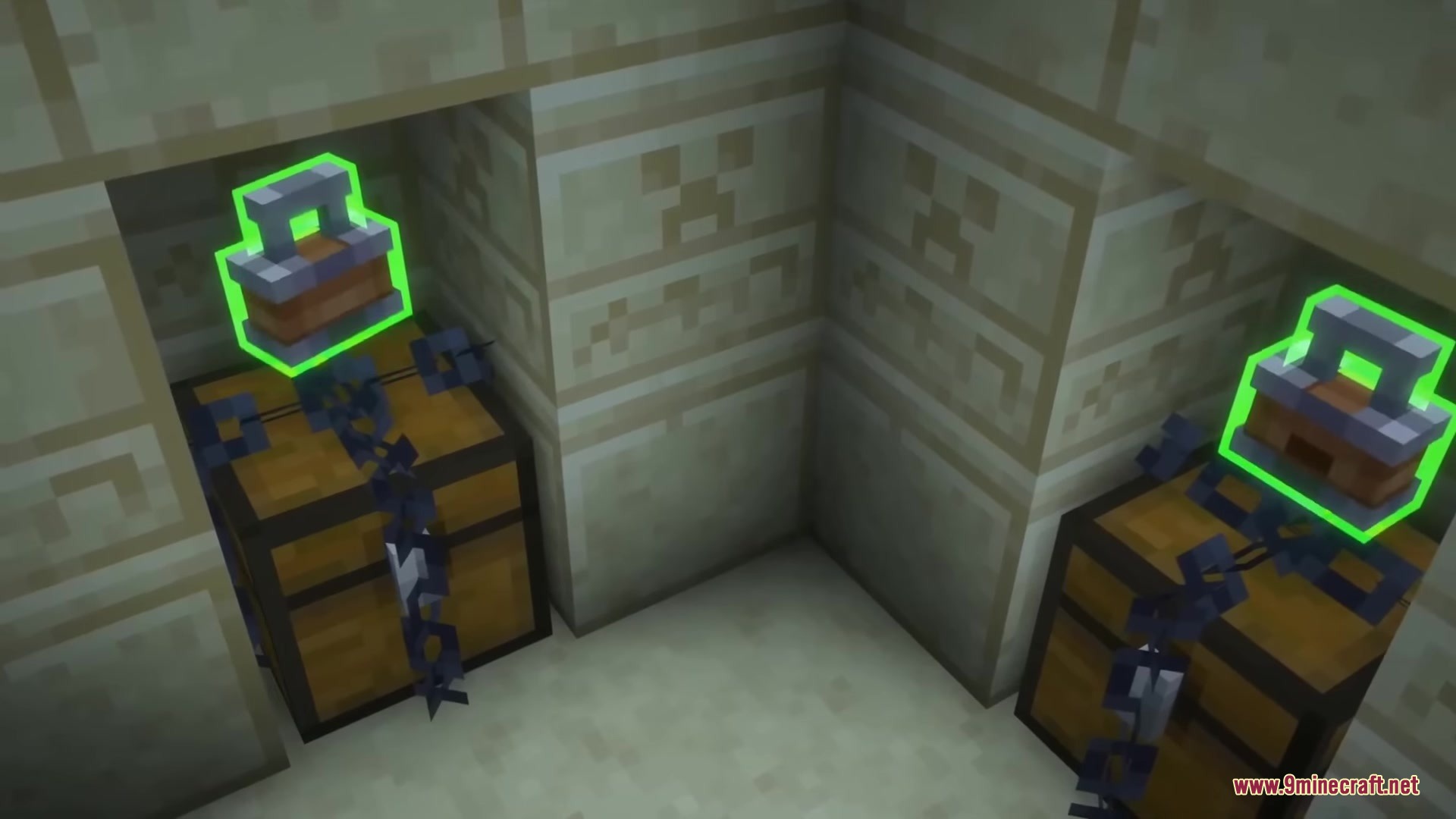
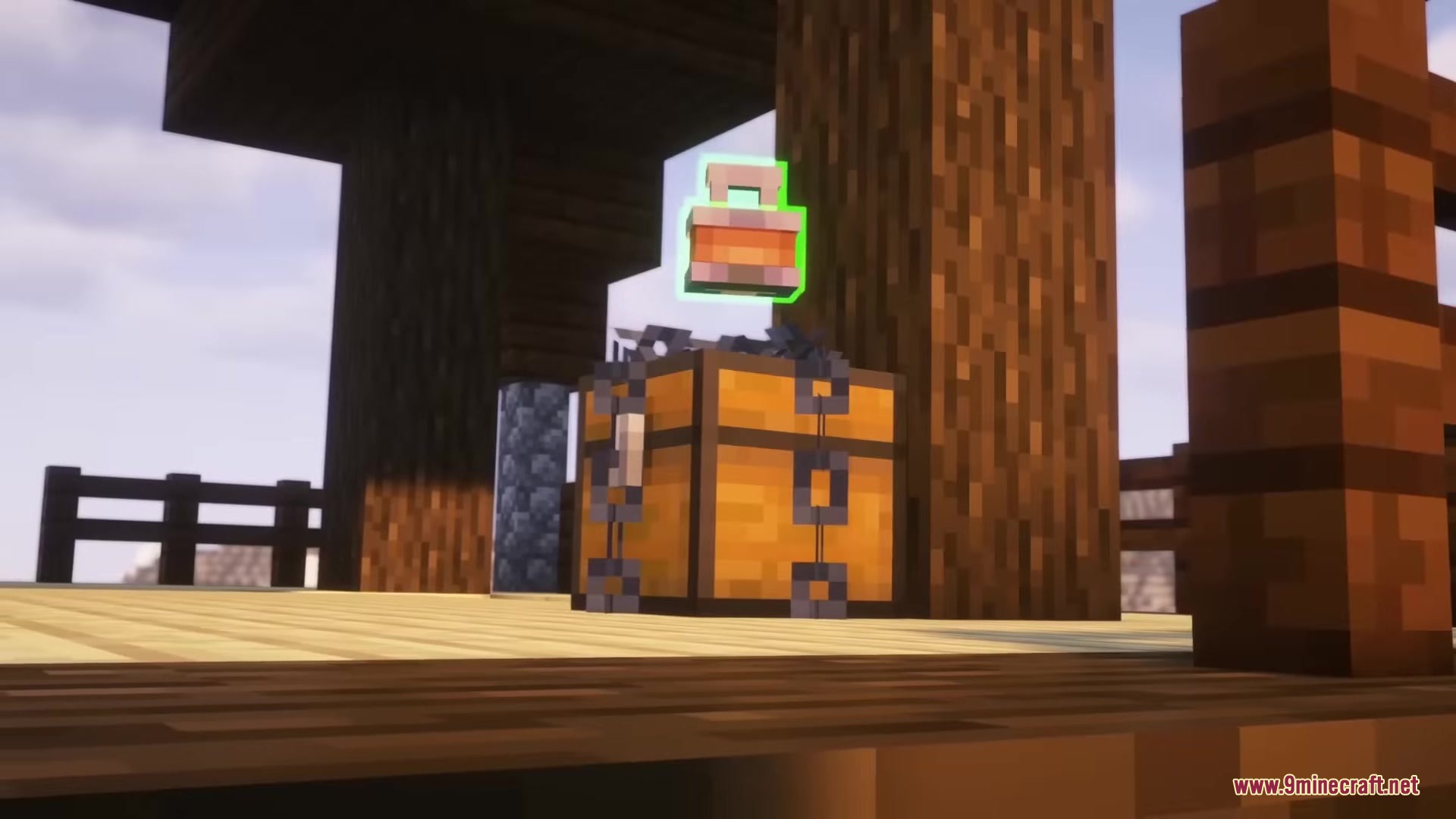
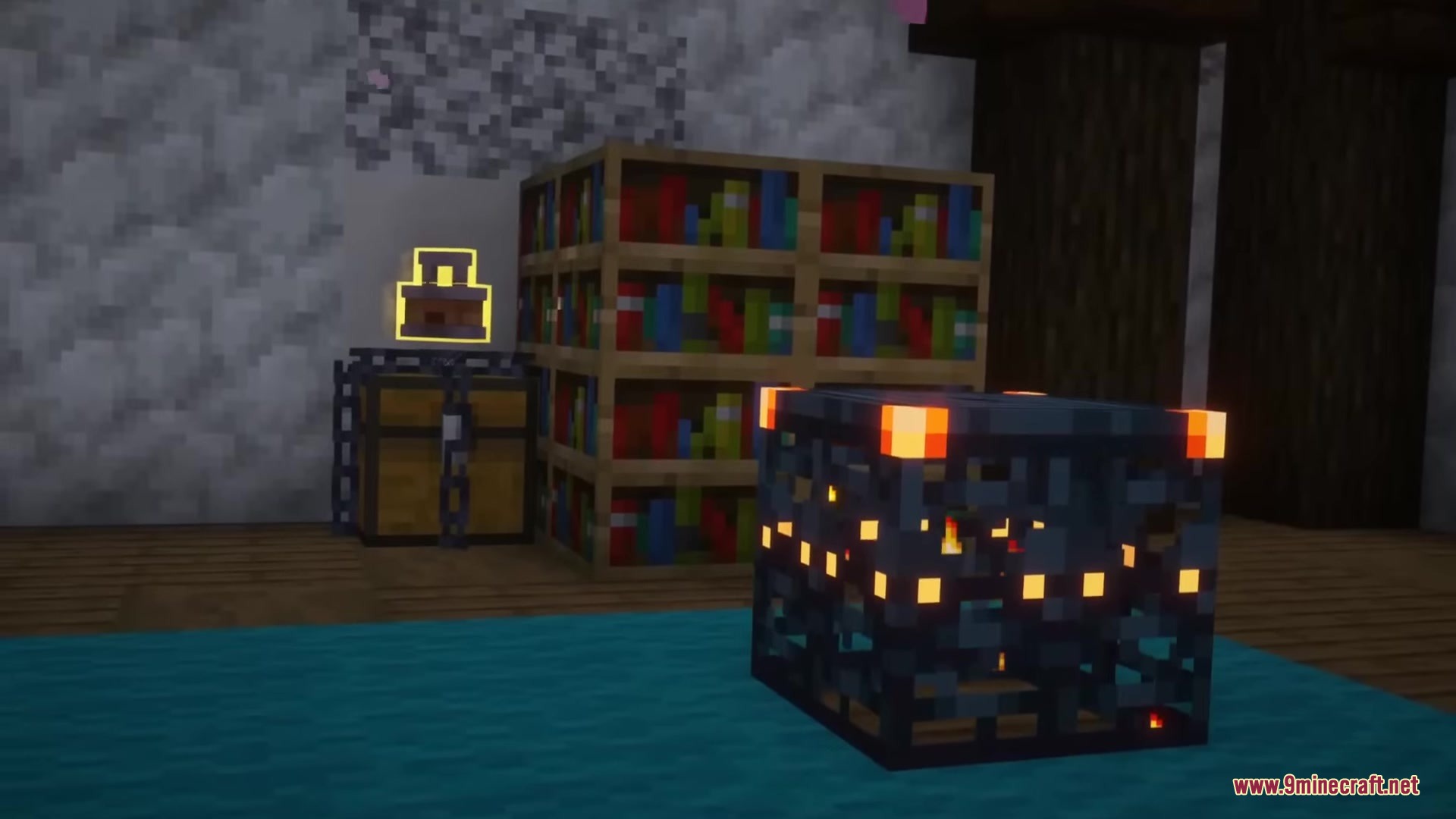
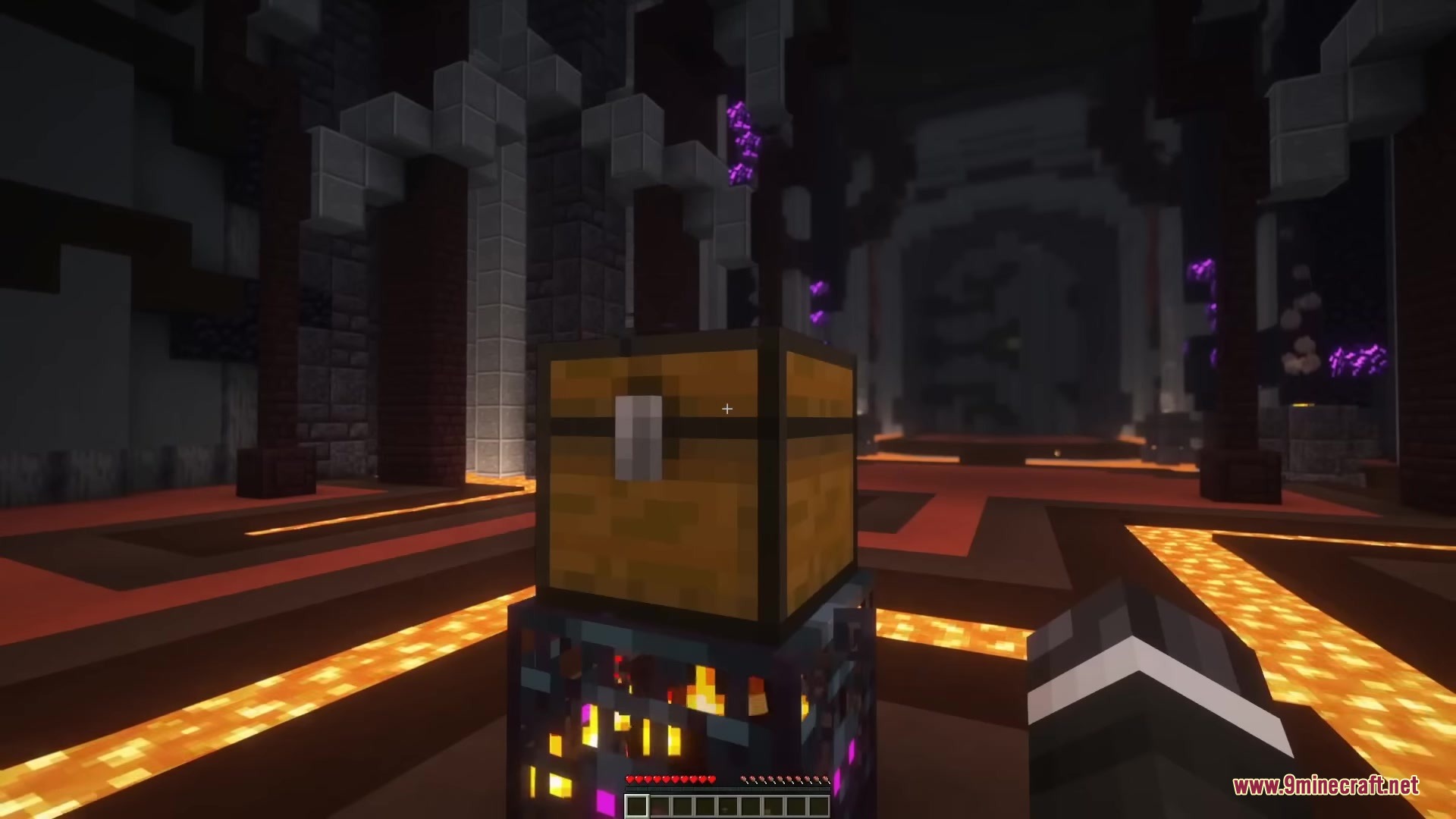
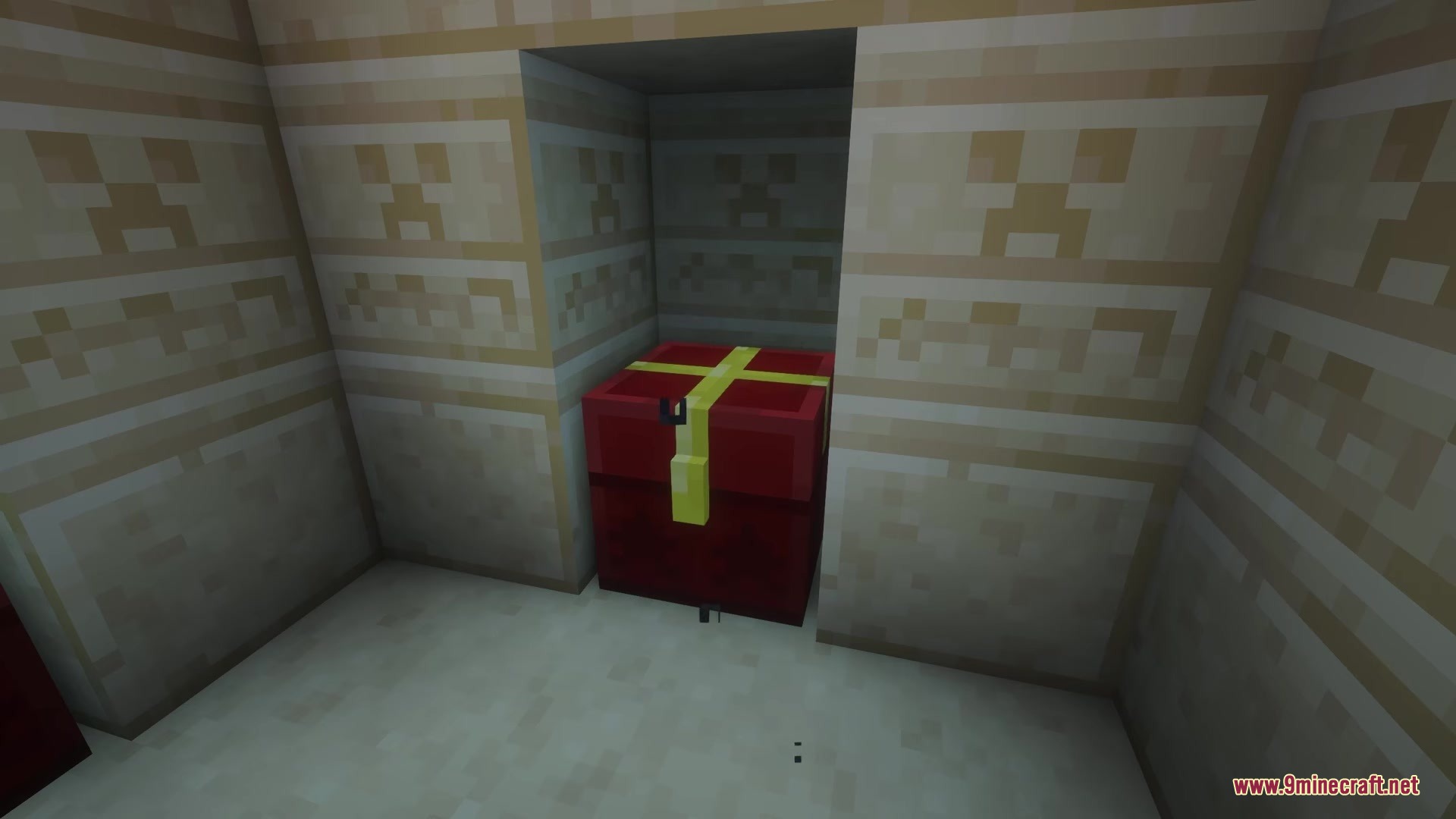
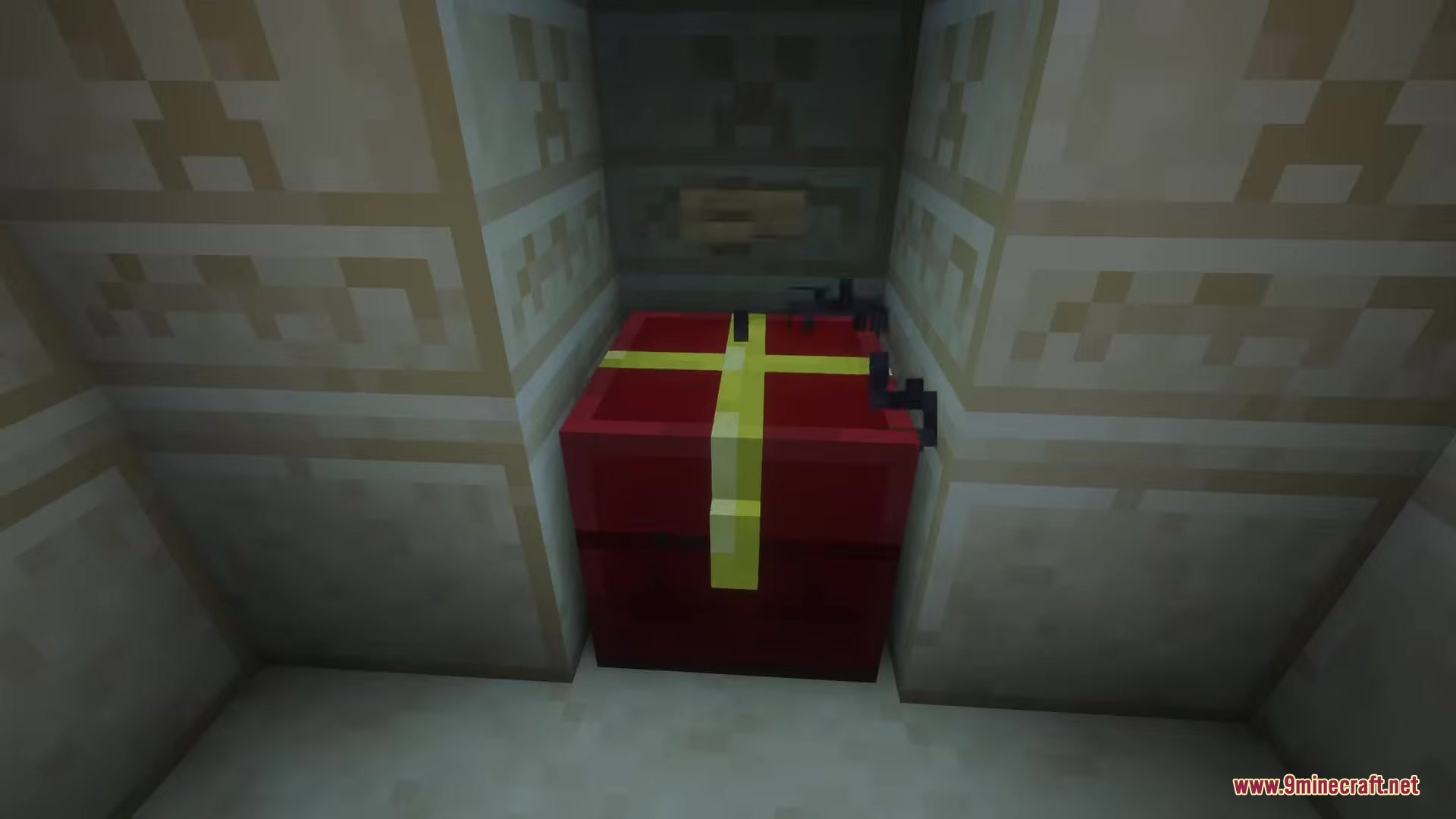
Simply install the mod and play normally—when you encounter a chest in a dungeon or structure, you'll see a floating lock symbol above it instead of being able to open it instantly. Interact with the chest to begin the lockpicking mini-game and earn your loot.
What do the different lock colors mean?
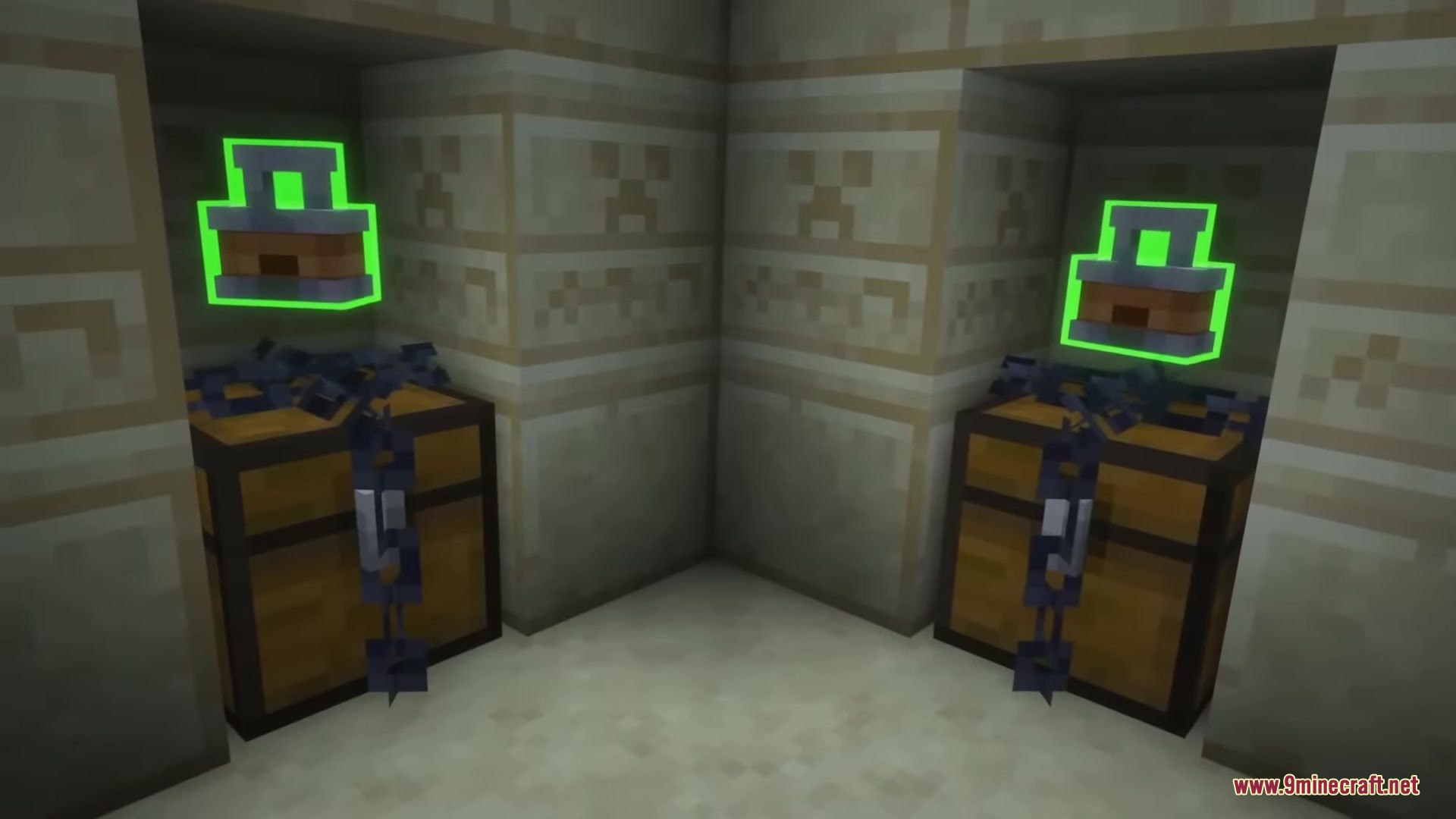
Lock colors indicate difficulty levels: easier locks are typically green or blue, while harder locks appear orange or red. Harder locks require faster reactions and impose additional rules, but reward you with significantly more items if you succeed.
Can I see how hard a lock is before I try to open it?
Yes—the floating lock symbol above the chest shows its difficulty level by color before you interact with it, so you can decide whether to attempt it or come back with better reflexes later.
What happens if I fail the lockpicking mini-game?
If you fail, the chest remains locked and you can try again immediately without penalty, though you won't receive any loot until you complete the mini-game successfully.
Gallery
9 images from the Clavis Mod page.
You May Also Like
Wikis that share the most with this one
More mod wikis on the site
The most downloaded mods that have a wiki here
A few wikis from each of the other kinds