

 DownloadClick Mobs Mod
Get the files on 9Minecraft
Guides
Step-by-step, in-game.
How to Capture and Store Mobs in Your InventoryBasic Mob Capture Capturing mobs is the core mechanic of this mod. To pick up any mob: 1. Stand near the mob you want…How to Place Captured Mobs Back Into the WorldPlacing Mobs Using Mob Heads Once you've captured a mob, you can release it back into the world: 1. Hold the mob head…How to Transport Mobs Using Boats and MinecartsMoving Mobs by Boat Boats provide a way to transport captured mobs: 1. Place a boat in water or on land 2. Hold a mob…How to Use Dispensers to Automatically Spawn MobsSetting Up a Dispenser Spawner Dispensers can be used to automatically spawn captured mobs: 1. Place a dispenser…
Frequently asked questions
How do I pick up a mob?
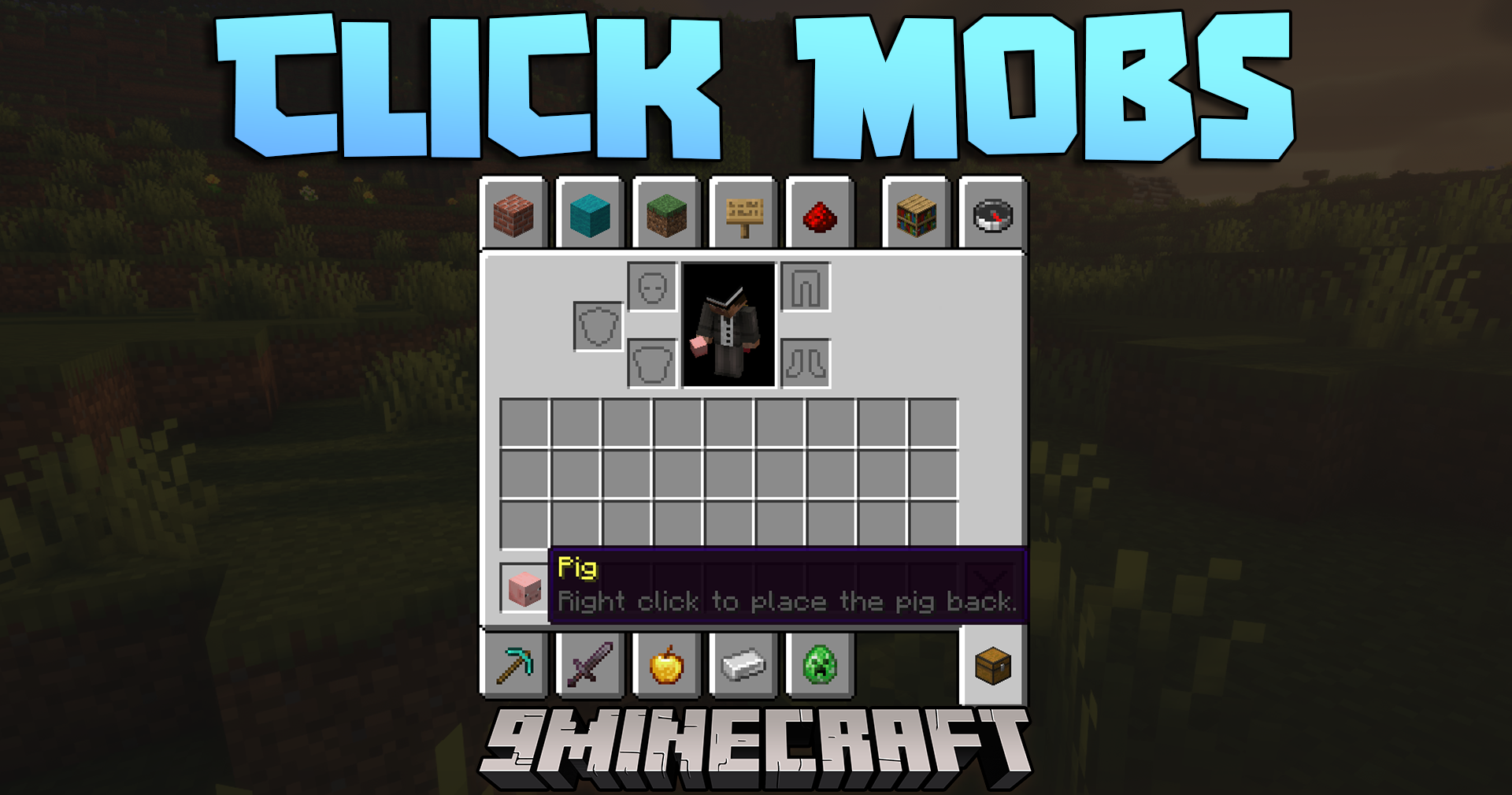
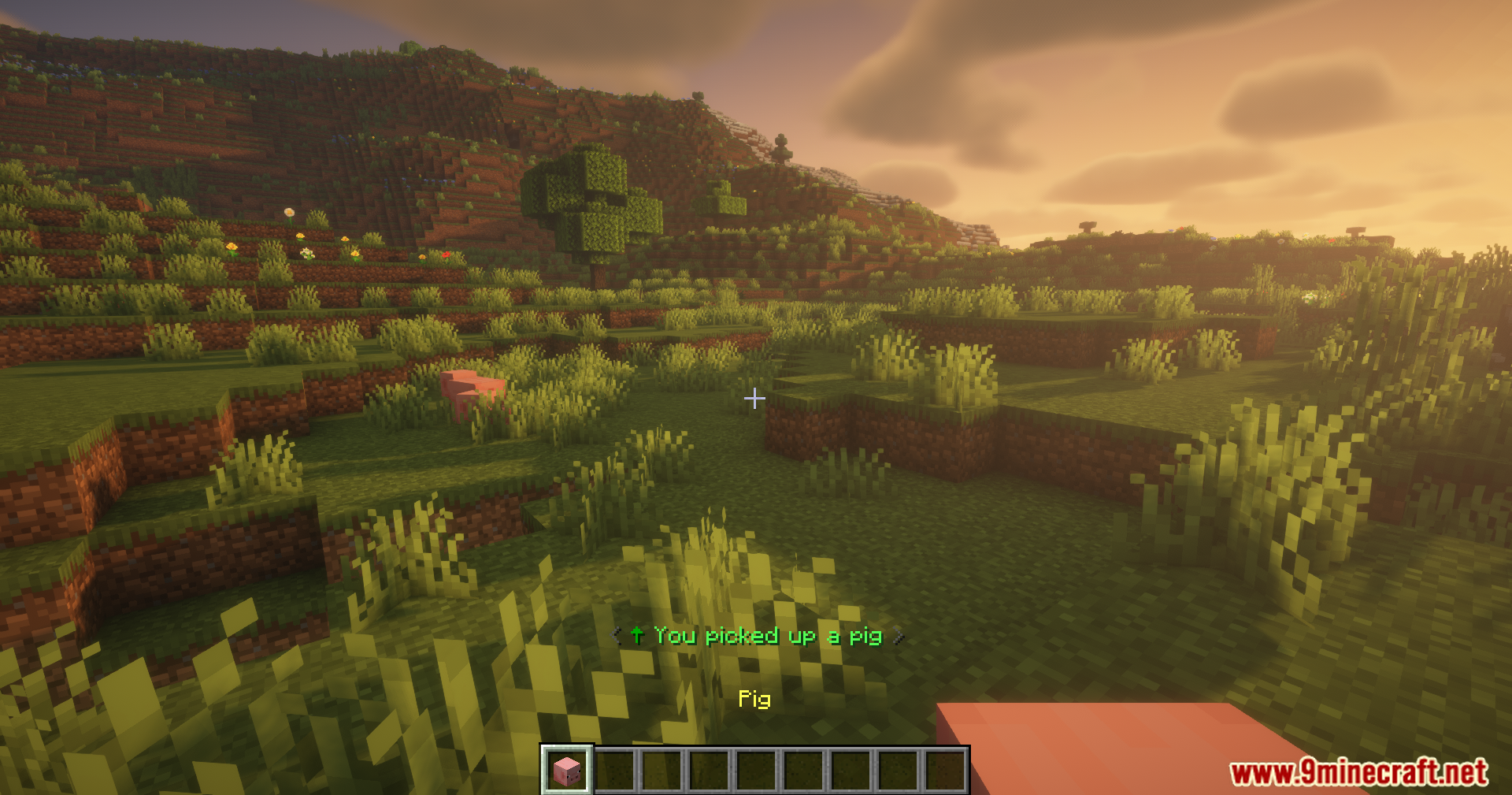
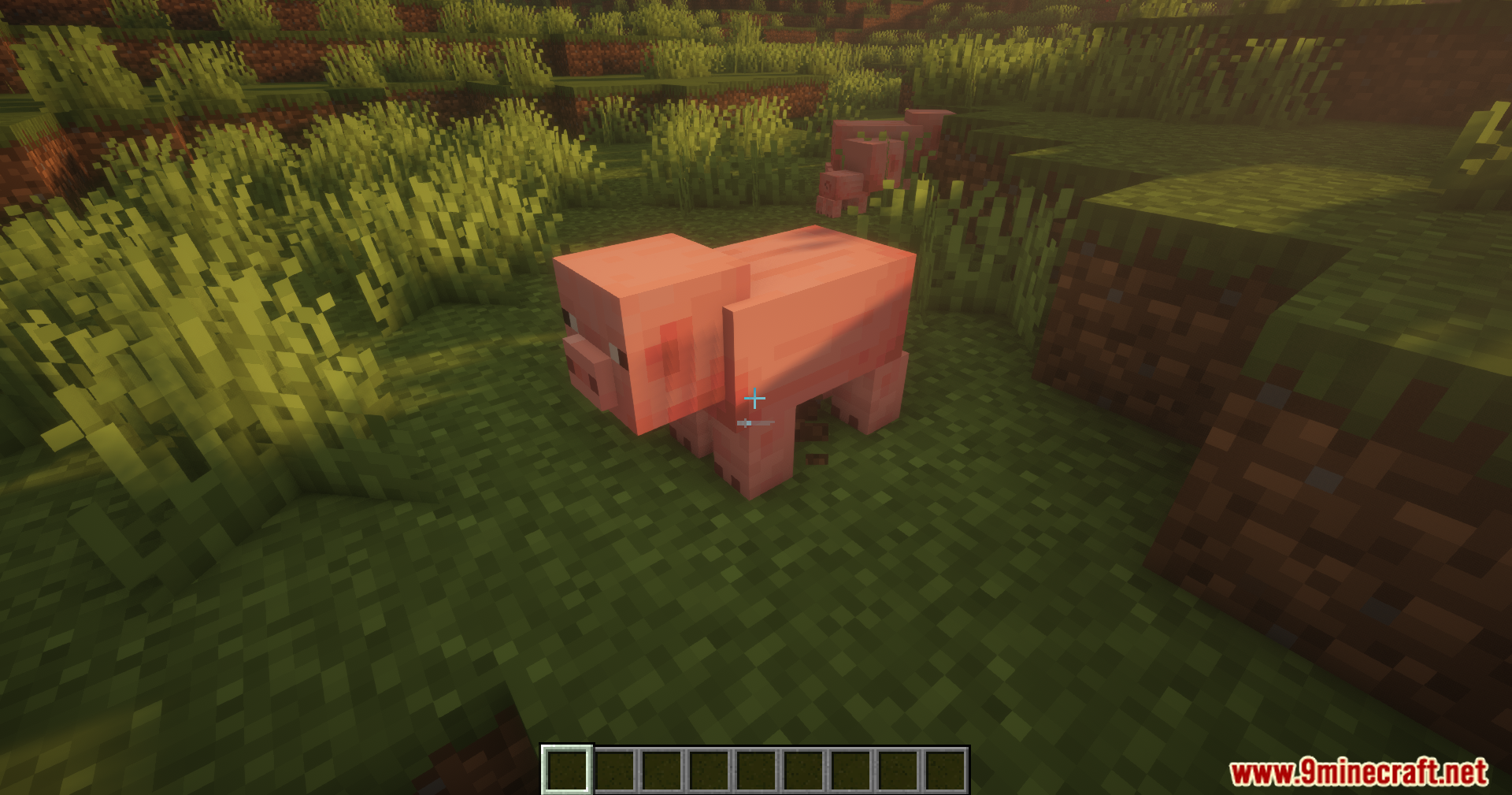
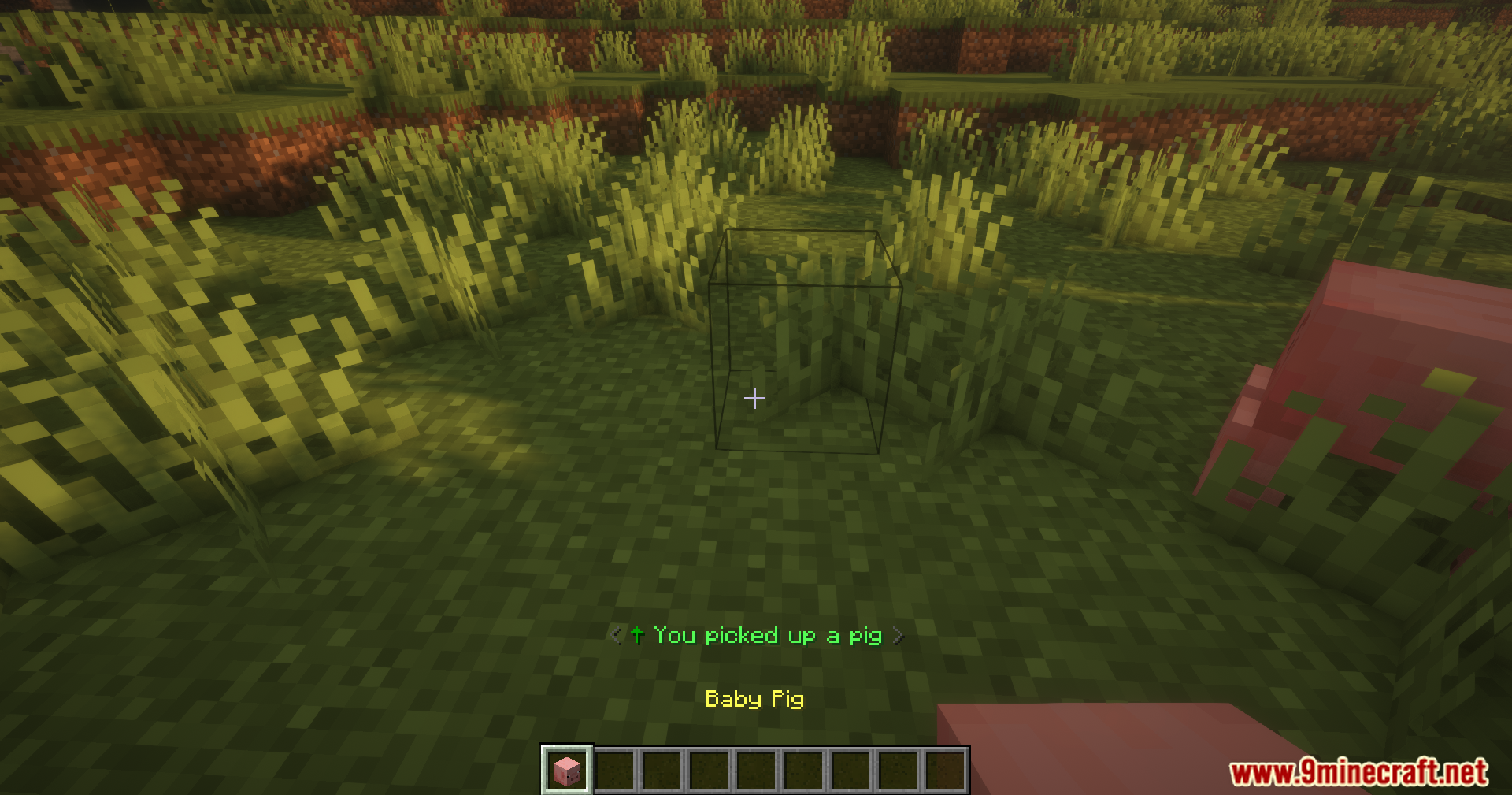
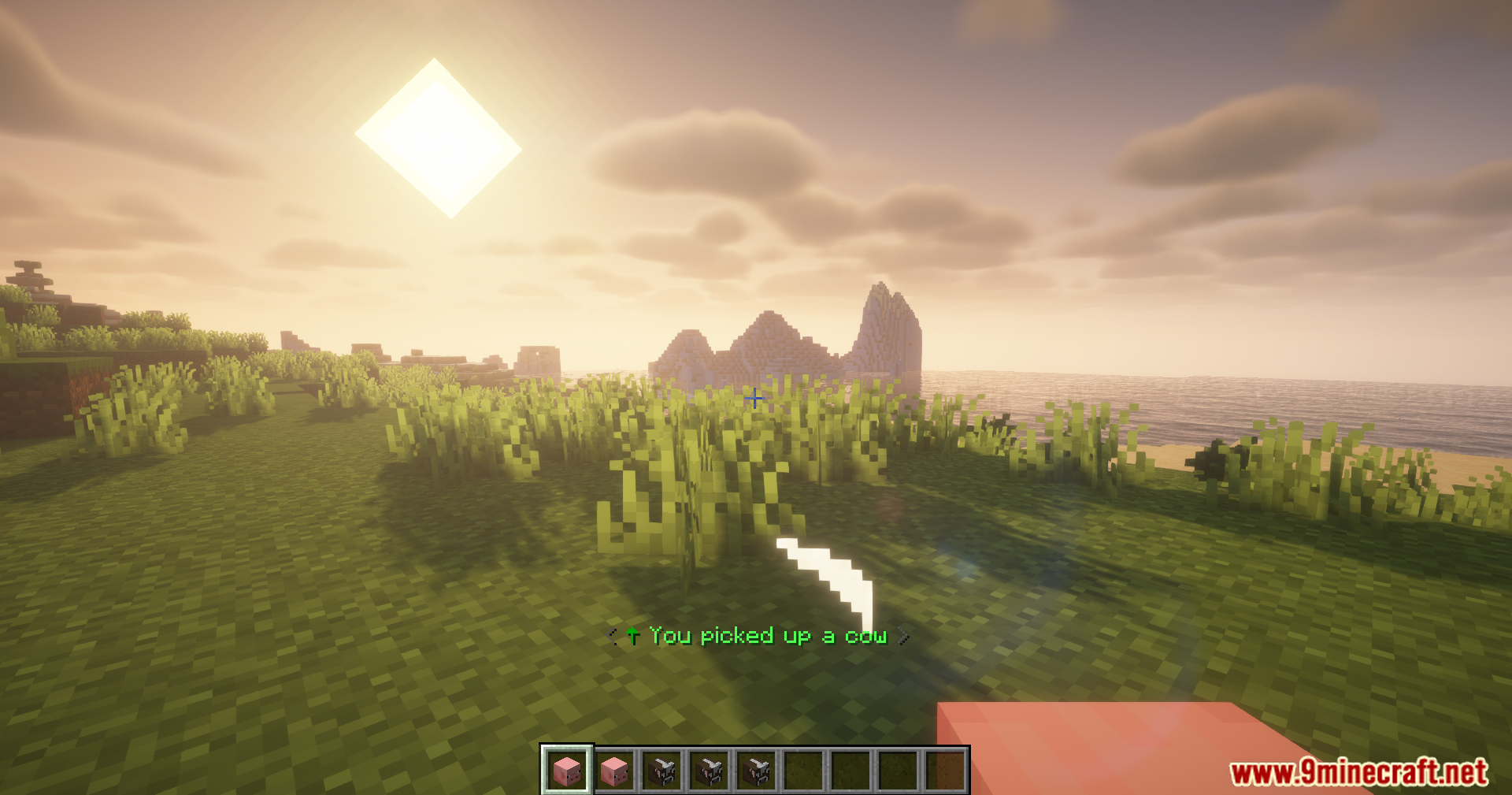
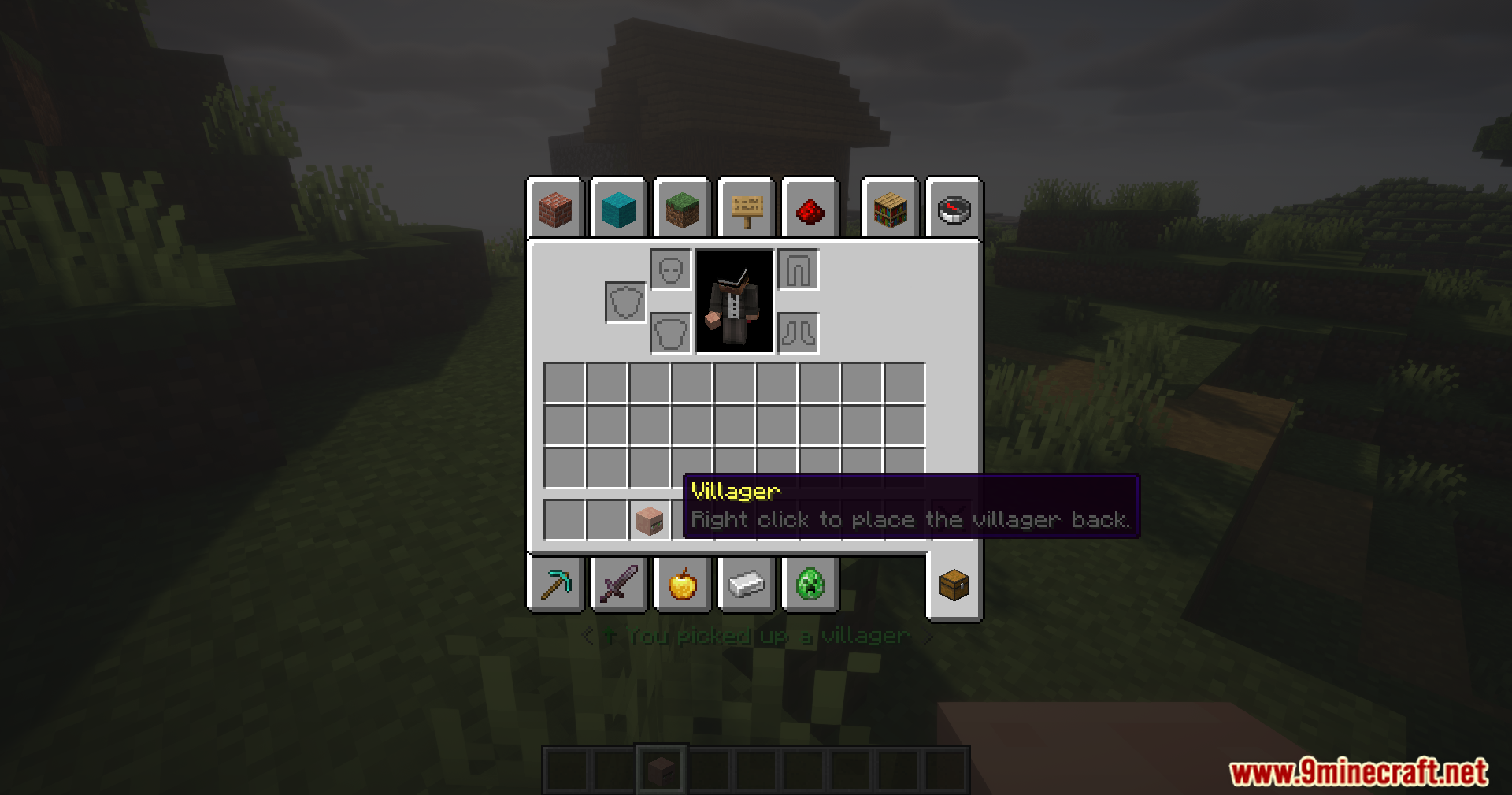
Stand near the mob you want to capture and hold Shift while right-clicking it. The mob will be added to your inventory as a mob head item. You can only carry one of each mob type at a time.
Can I pick up any mob or only certain ones?
Most vanilla mobs can be captured, including animals, monsters, and passive mobs. Some special mobs like the Ender Dragon or Wither cannot be picked up. Modded mobs may or may not be compatible depending on the mod.
What happens to the mob when I pick it up?
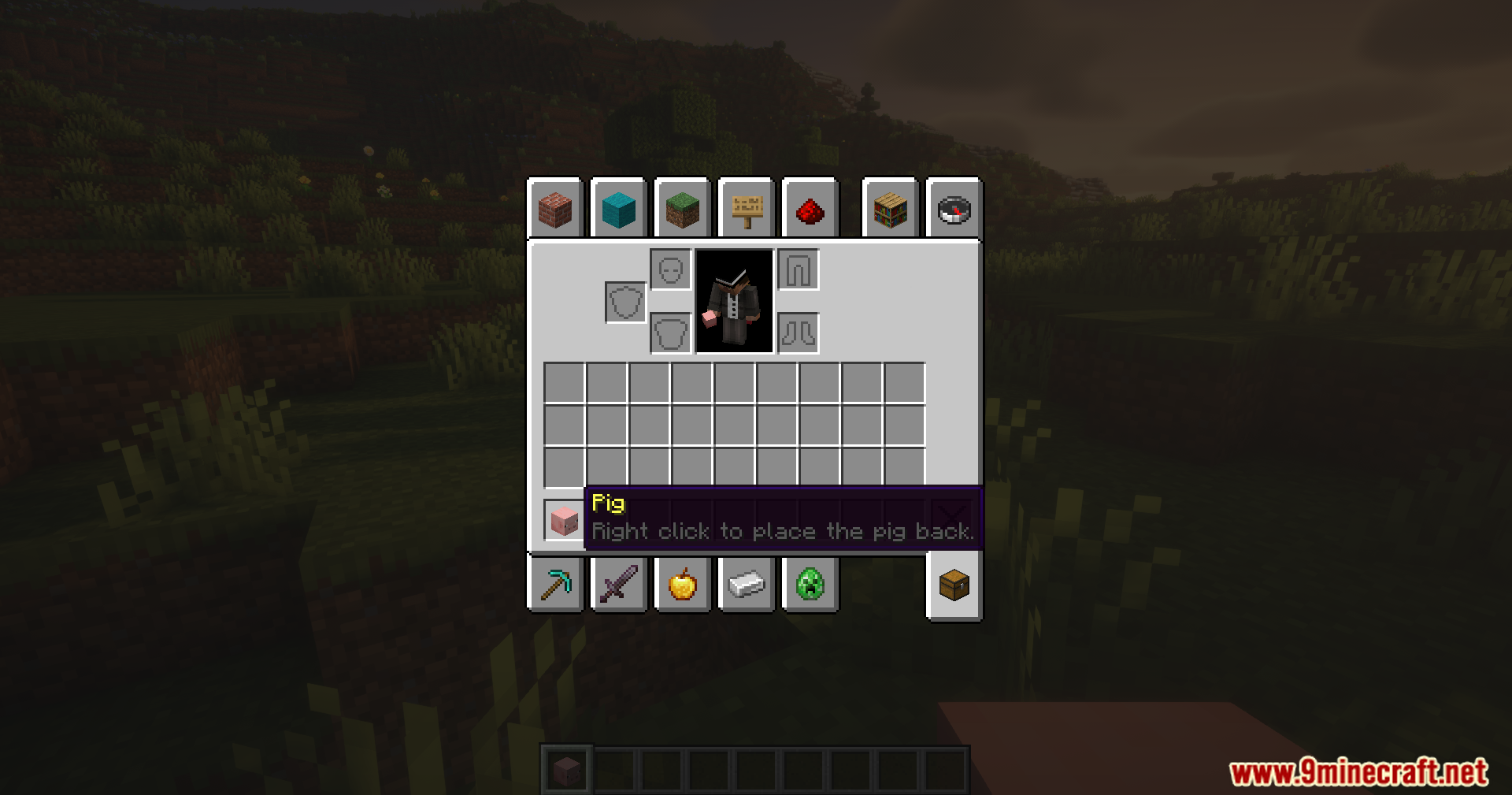
The mob disappears from the world and is stored in your inventory as a mob head. When you place it back, it will retain its health, status effects, and other properties from when you captured it.
How do I place a mob back down?
Right-click (without Shift) while holding the mob head to place the mob in the world at that location. The mob will spawn with the same behavior and properties it had when captured.
See all 10 Click Mobs questions ›
Gallery
11 images from the Click Mobs Mod page.
You May Also Like
Wikis that share the most with this one
Wikis on the same theme: mobs
More mod wikis on the site
The most downloaded mods that have a wiki here
A few wikis from each of the other kinds