

 DownloadClearviews Mod
Get the files on 9Minecraft
Guides
Step-by-step, in-game.
Customize Which Overlays to Keep and RemoveOpen the Full Settings Menu Access Clearviews Mod configuration. You should see a comprehensive list of all available…Disable the Nausea Effect OverlayAccess the Configuration Open your mod configuration menu (usually accessible from the main menu or pause screen,…Remove Pumpkin Blur When Wearing a PumpkinOpen Clearviews Settings Access the mod's configuration menu from your pause screen or main menu. Find the Pumpkin…Turn Off Darkness Effect OverlayAccess Configuration Menu Open Clearviews Mod settings from your pause menu or main menu. Locate Darkness Settings…
Frequently asked questions
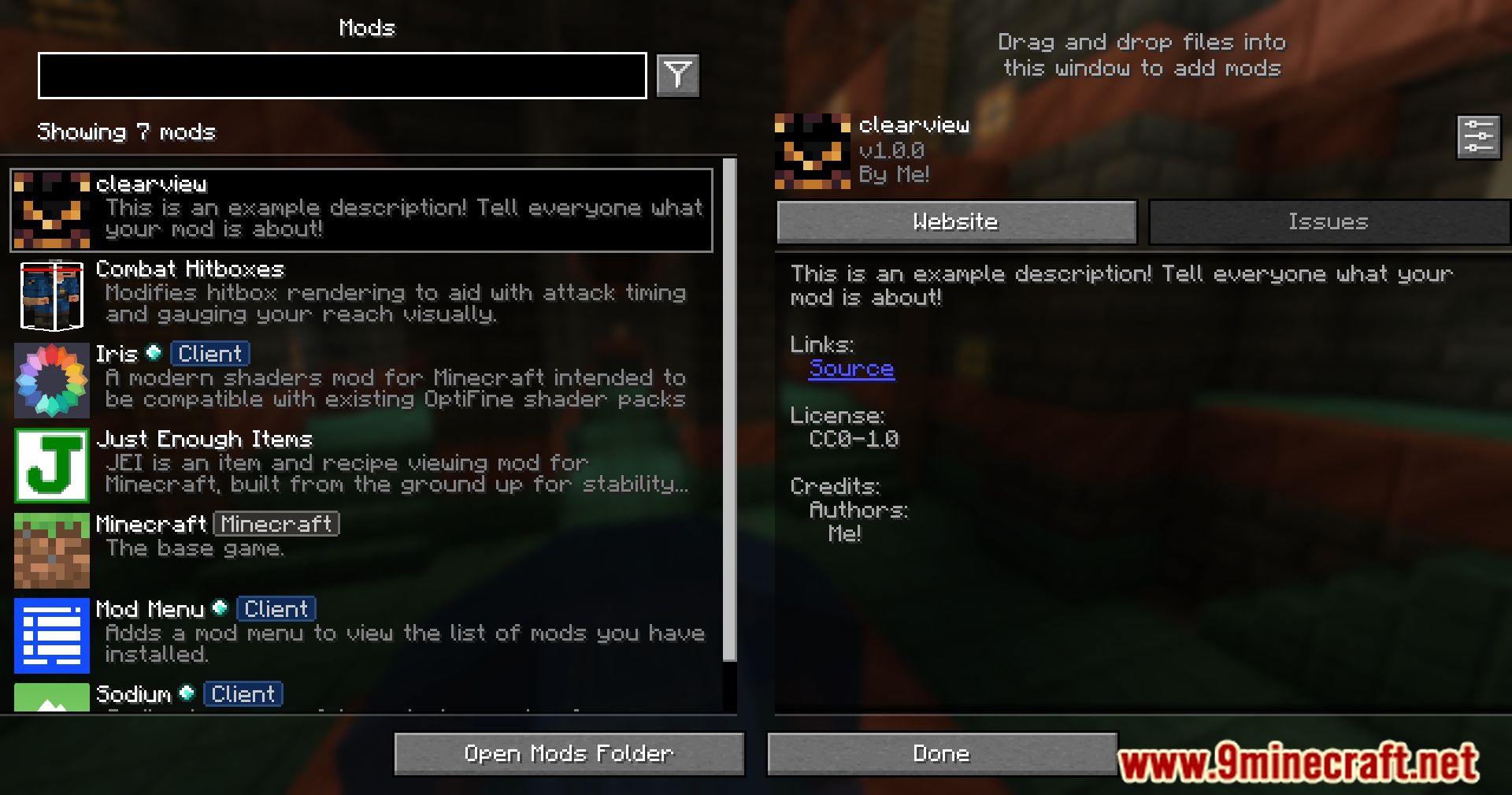
How do I open the Clearviews config?
Press the mod's config key (default is usually a hotkey you can rebind) or access it through your mod menu. You can also find the config file in your config folder if you prefer editing it directly.
Can I disable only the nausea overlay but keep other effects?
Yes, that's the main point of Clearviews—open the config and toggle individual overlays on or off. You can disable nausea while keeping darkness, pumpkin blur, or any other effect active.
Does this mod work with other overlay mods?
Clearviews should work alongside most mods, but if you have multiple mods modifying the same overlays, conflicts can occur. Test your mod combination and adjust settings if overlays behave unexpectedly.
Will disabling overlays affect gameplay or achievements?
Removing overlays is purely visual and doesn't change game mechanics or disable achievements—the effects still apply to your character, you just won't see them on screen.
See all 10 Clearviews questions ›
Gallery
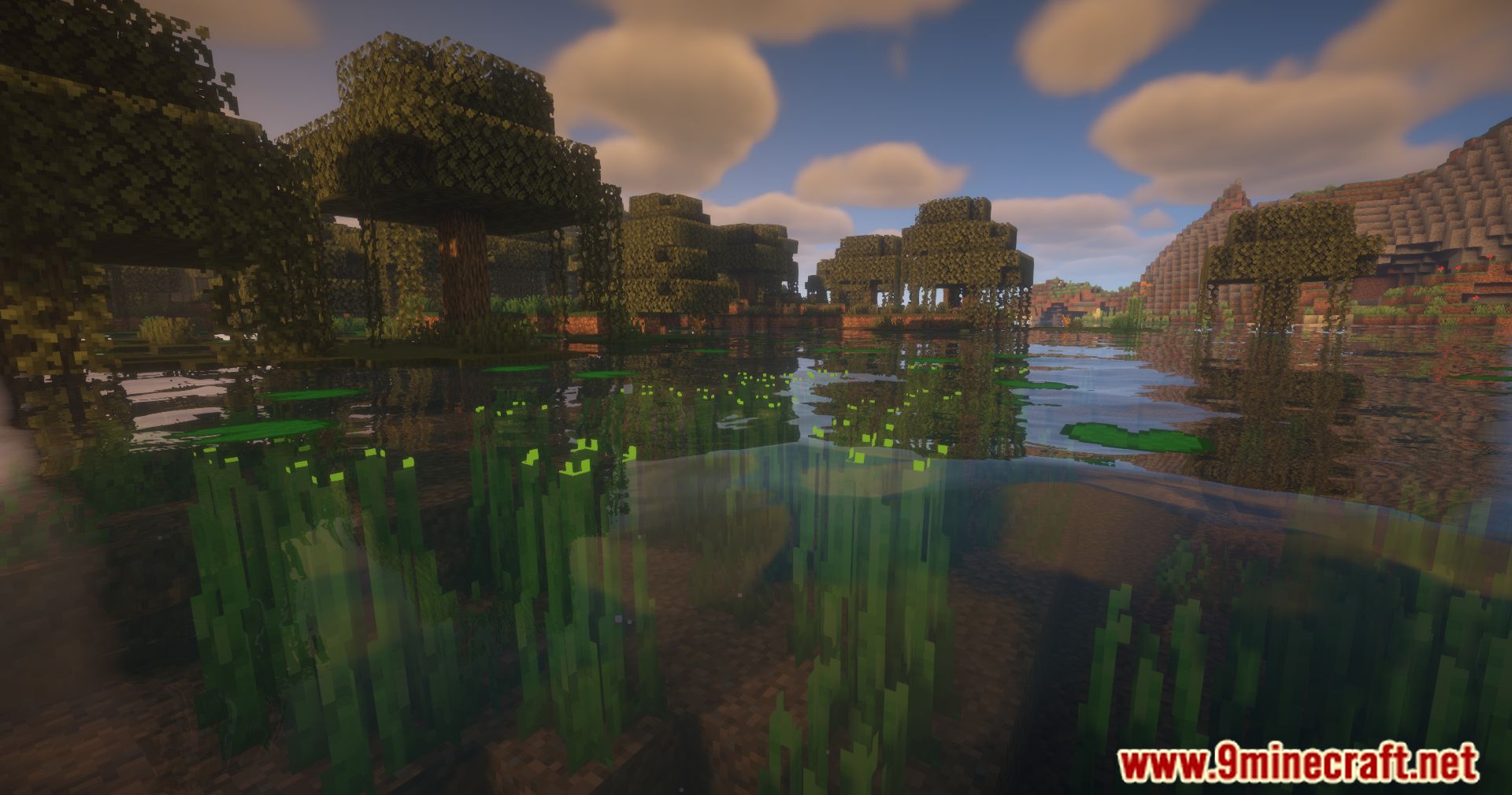
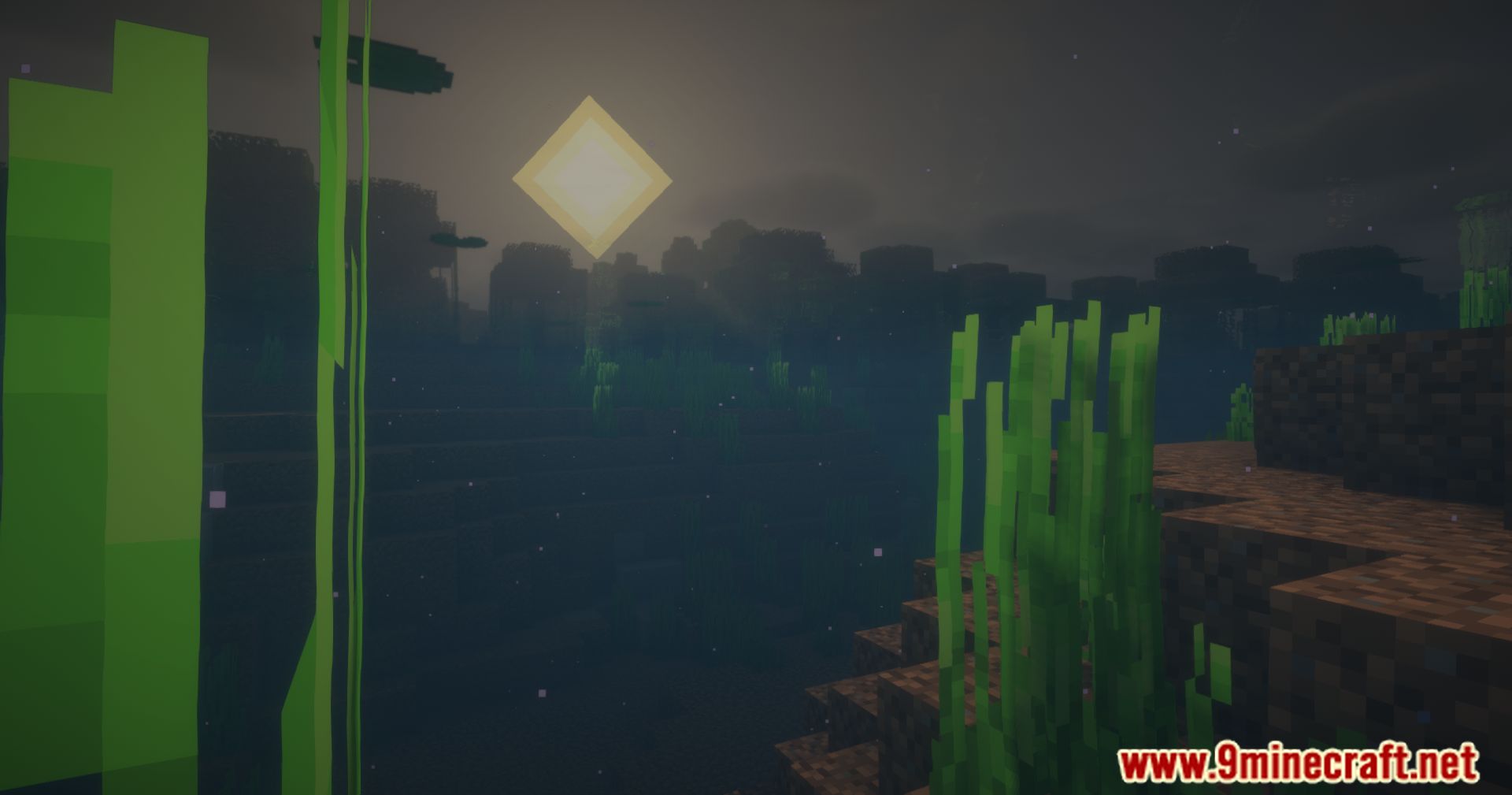
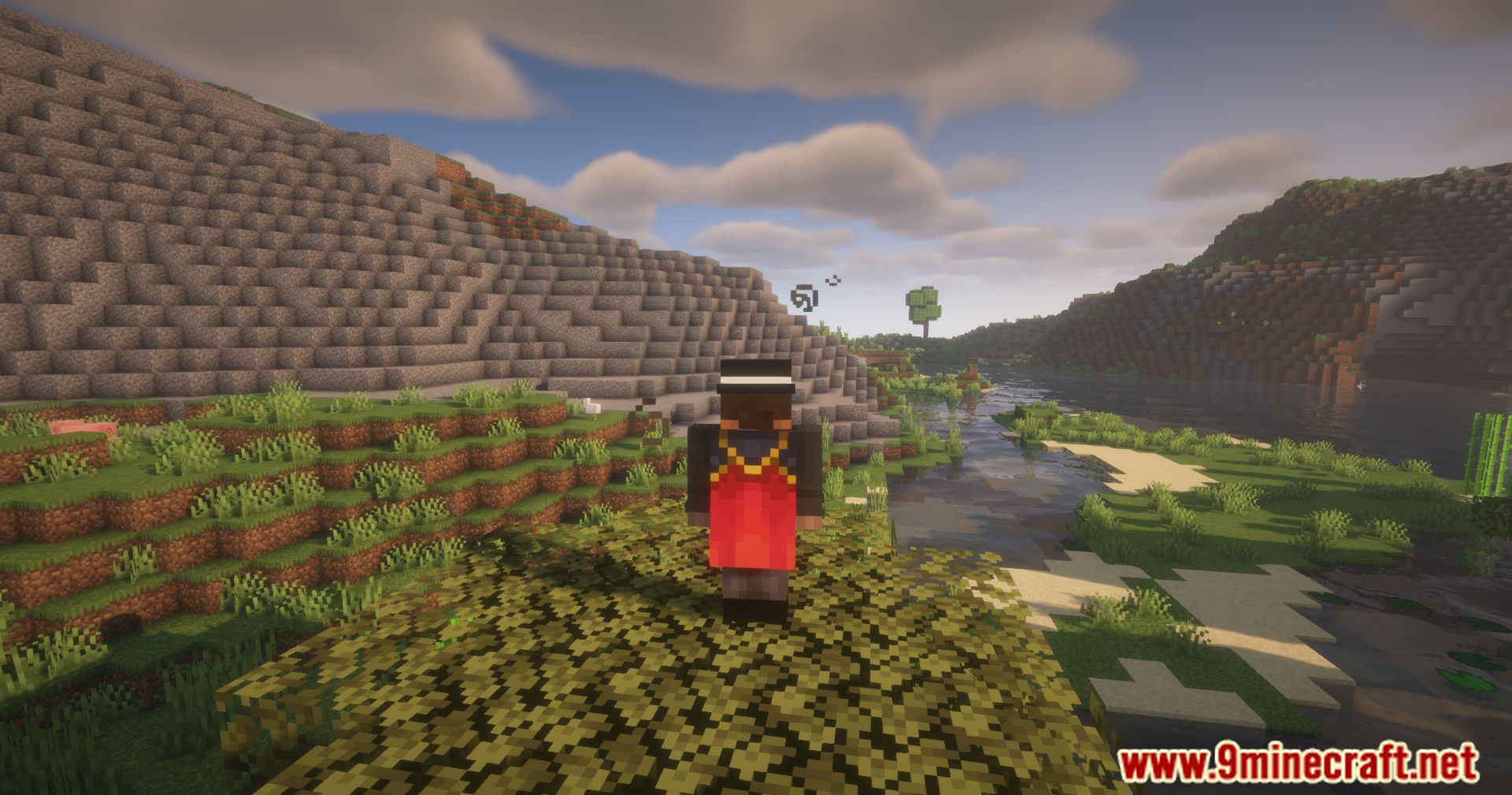
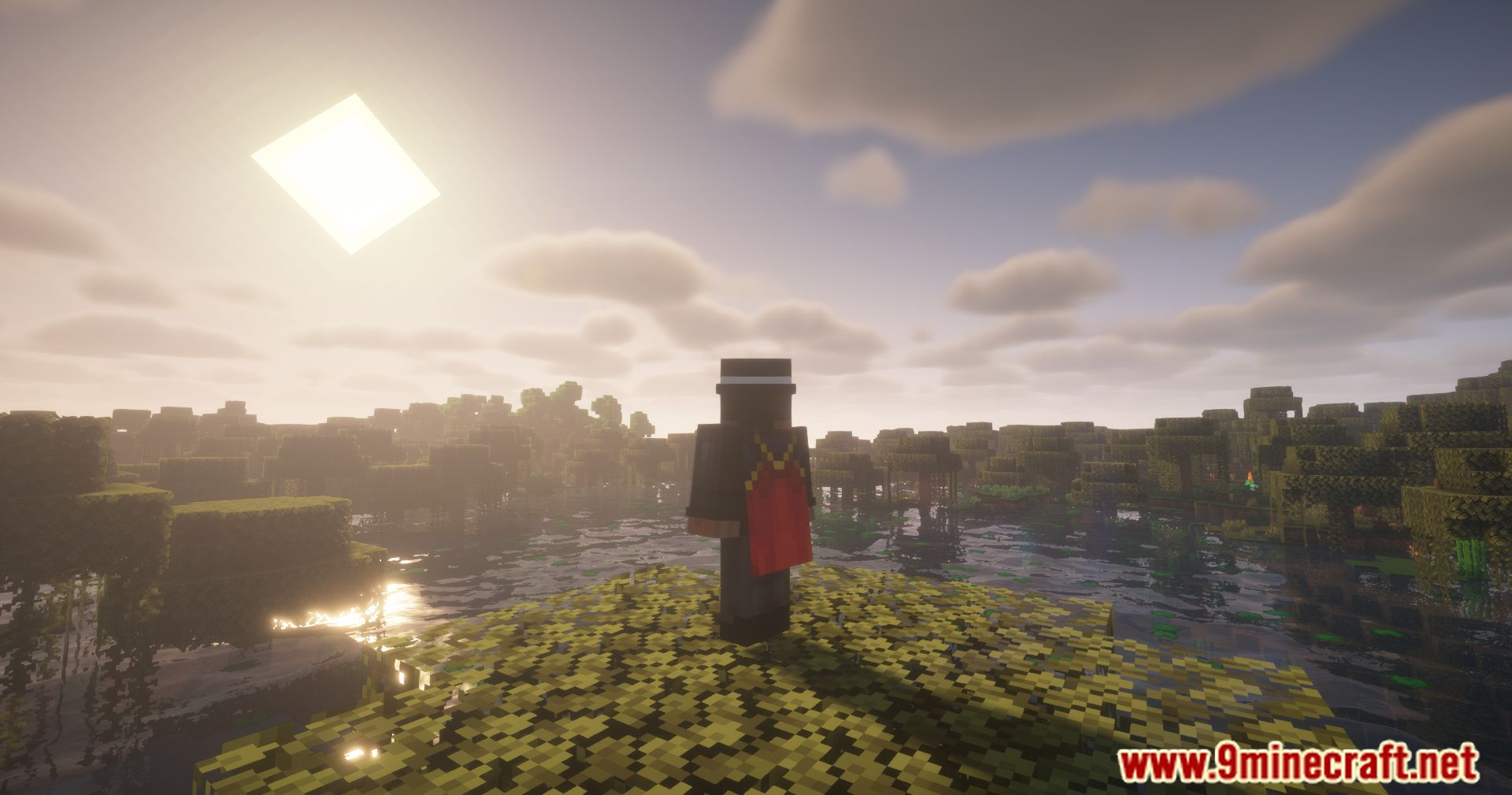
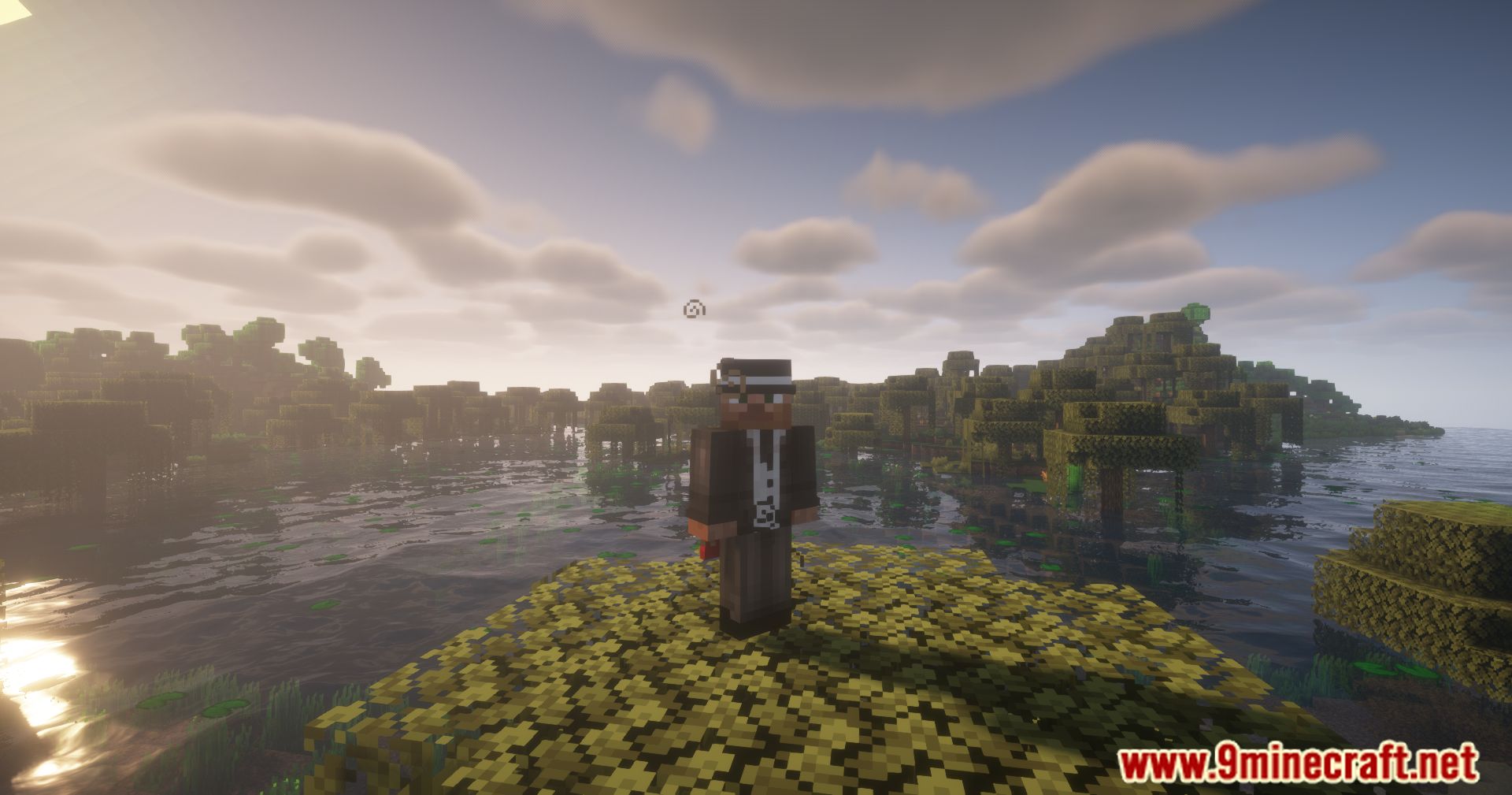
11 images from the Clearviews Mod page.
You May Also Like
Wikis that share the most with this one
More mod wikis on the site
The most downloaded mods that have a wiki here
A few wikis from each of the other kinds