

 DownloadCleanView Mod
Get the files on 9Minecraft
Guides
Step-by-step, in-game.
Fixing CleanView Not Working or Particles Still ShowingIf you installed CleanView expecting a clean screen but still see potion swirls, the cause is almost always one of a…How to Toggle CleanView On and Off In-GameCleanView is enabled by default, so the moment you load into a world your potion particles are already hidden. If you…Removing Potion Particles From Your Screen Without Losing the EffectThe swirl of colored particles around your character when you drink a potion or step into a beacon can be genuinely…Using CleanView for Cleaner PvP and Recording FootageCompetitive players and content creators get the most out of CleanView because it removes visual noise that sits…
Frequently asked questions
How do I turn CleanView on or off?
CleanView is enabled by default, so it's already working when you install it. To toggle it, open your Controls settings, find the Miscellaneous category, and assign a keybind to the CleanView toggle — no key is bound by default, so you have to set one yourself before you can switch it in-game.
Why isn't there a default key for CleanView?
The mod intentionally leaves the toggle unbound so it doesn't conflict with other mods or your existing controls. You need to go into Options > Controls > Miscellaneous and assign a key manually the first time you want to use it.
Does CleanView remove the potion effect itself or just the particles?
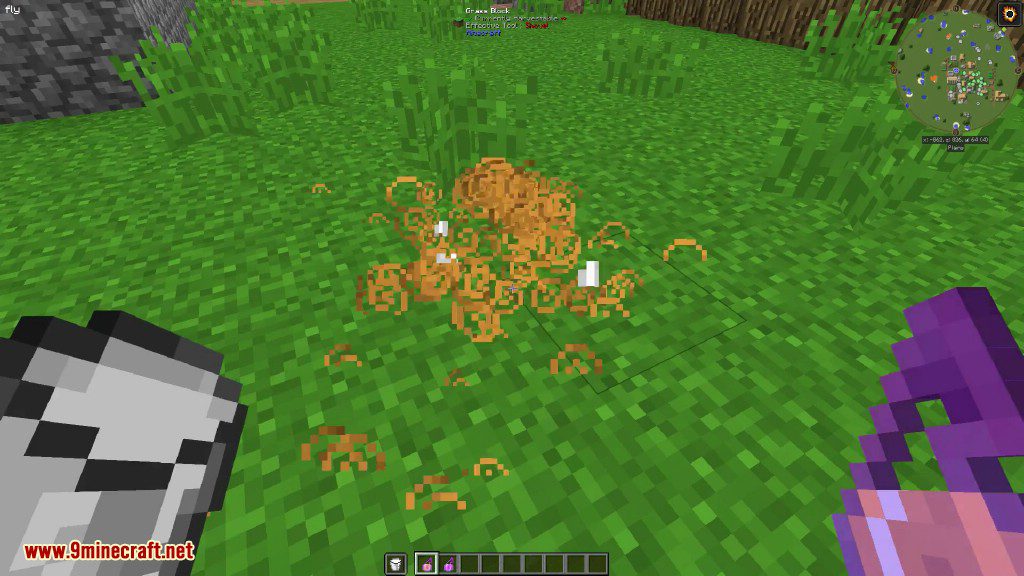
It only removes the swirling particle visuals from your screen. The potion effect still applies to your character exactly as normal — you keep the speed, strength, regeneration, or whatever the effect does.
Will CleanView hide particles from other players' potions too?
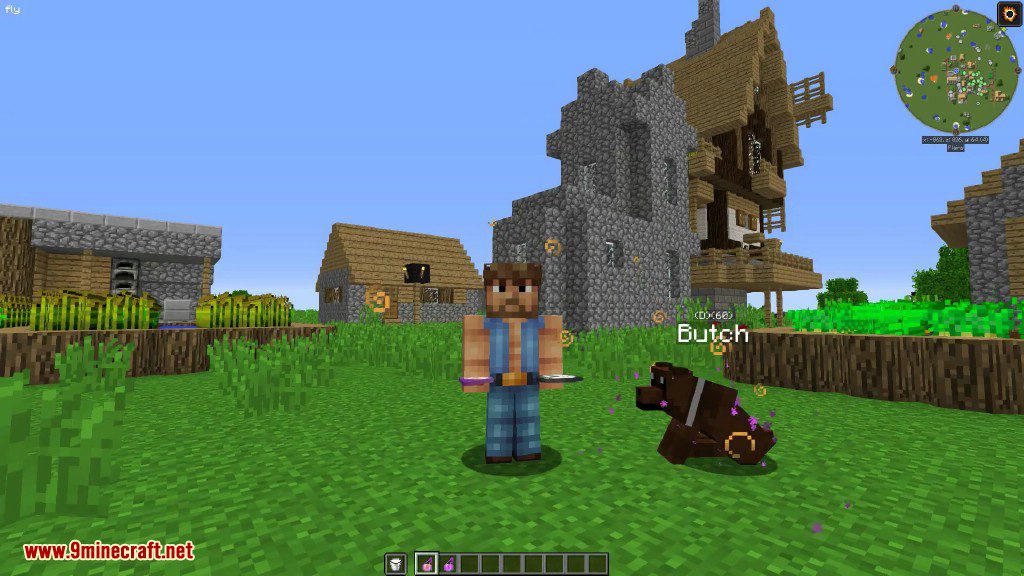
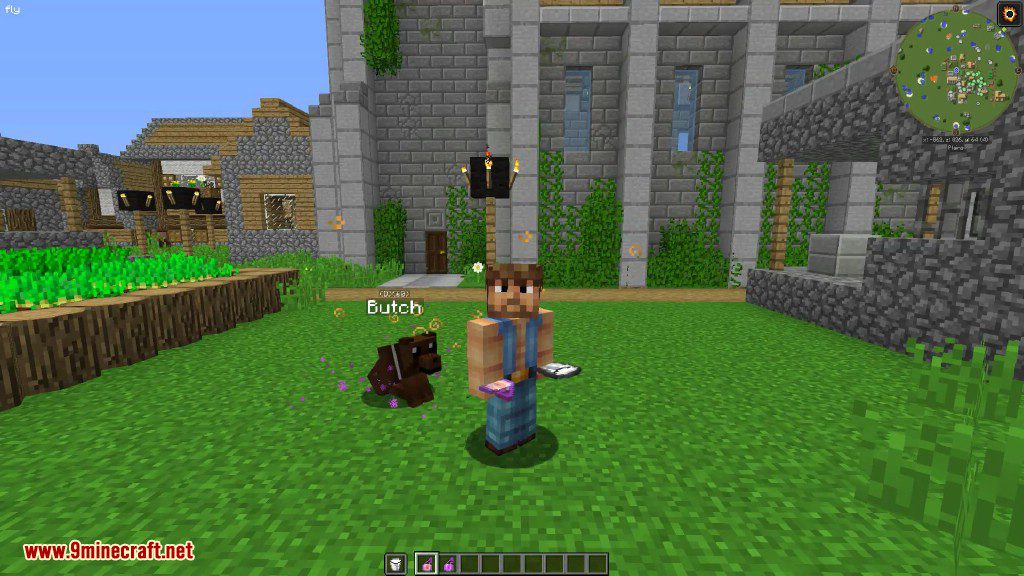
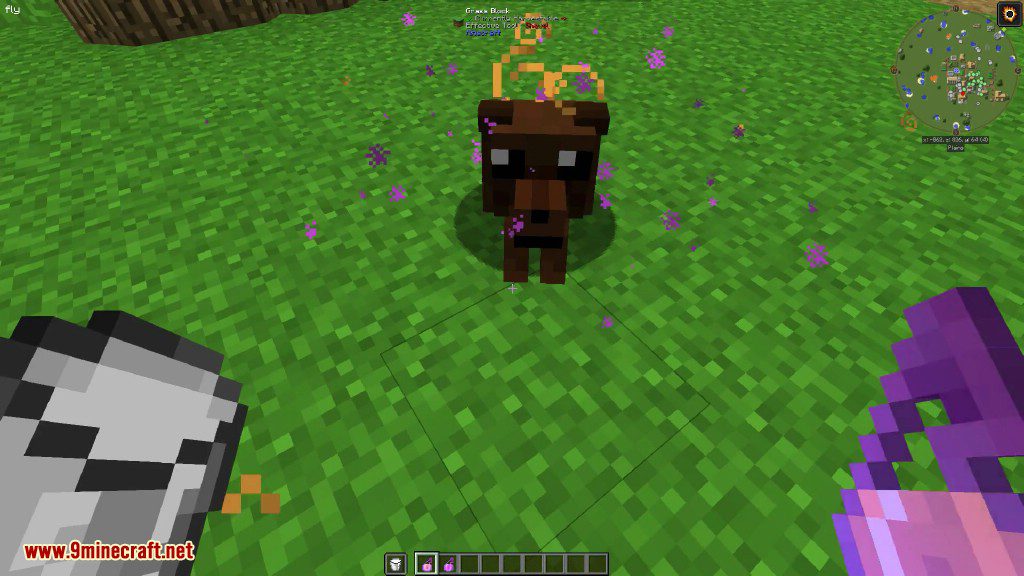
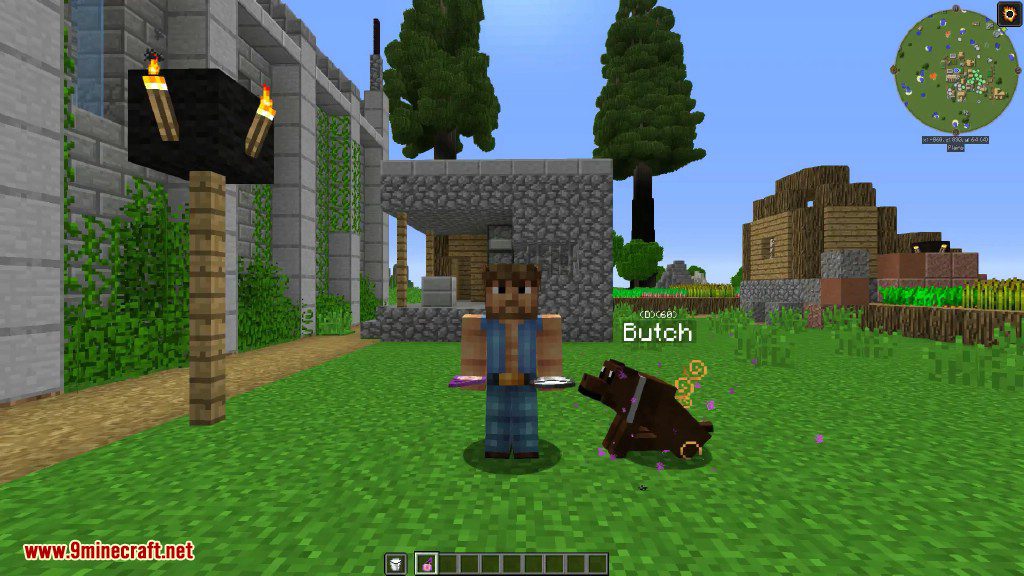
Yes. CleanView removes potion particles from any  camera entity, which includes your own view of other players and mobs affected by potions. The particles still exist for anyone not running the mod.
See all 10 CleanView questions ›
Gallery
6 images from the Cleanview Mod page.
You May Also Like
Wikis that share the most with this one
More mod wikis on the site
The most downloaded mods that have a wiki here
A few wikis from each of the other kinds