

 blocks
 DownloadQuick Right-Click Mod
Get the files on 9Minecraft
Guides
Step-by-step, in-game.
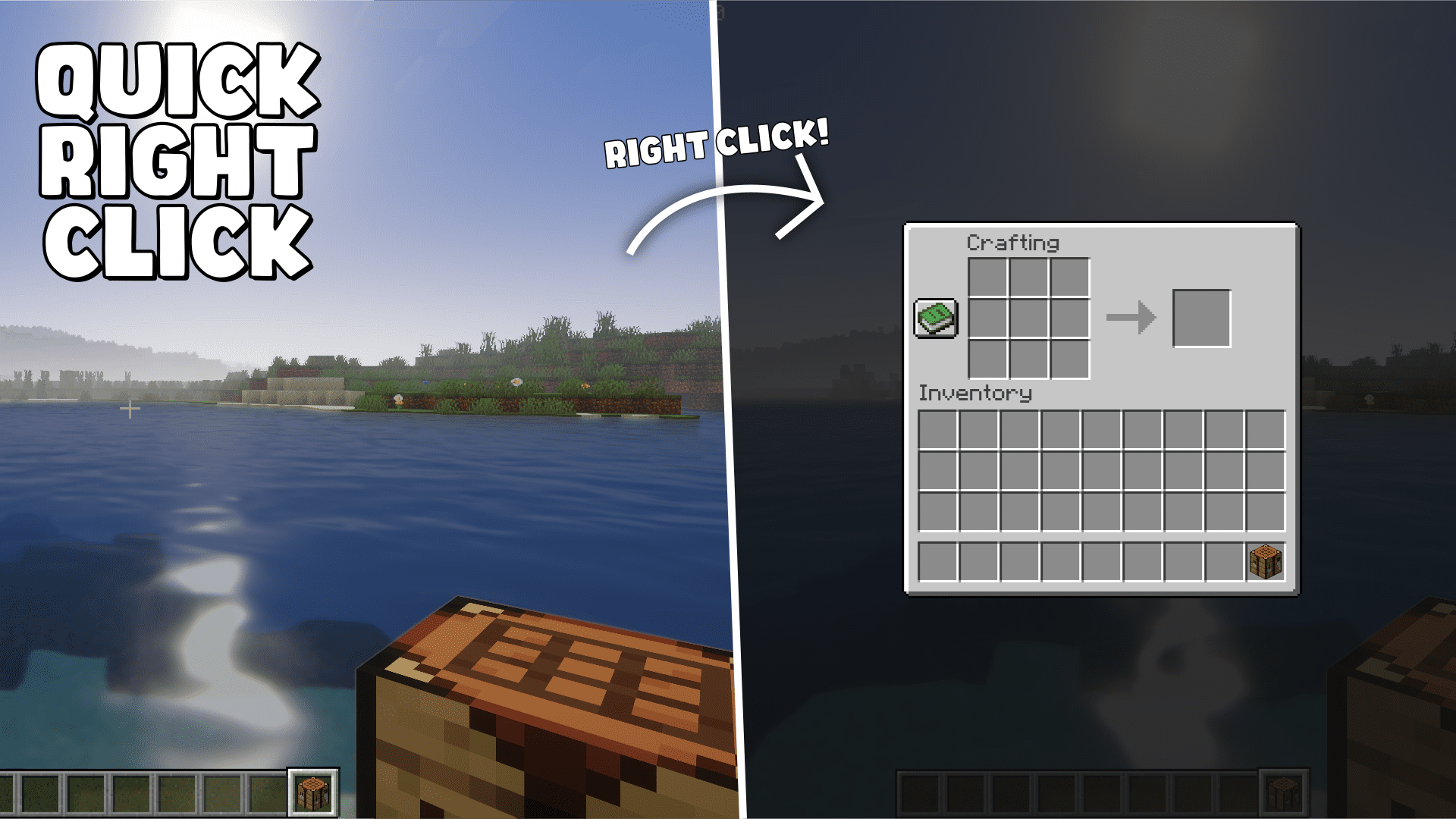
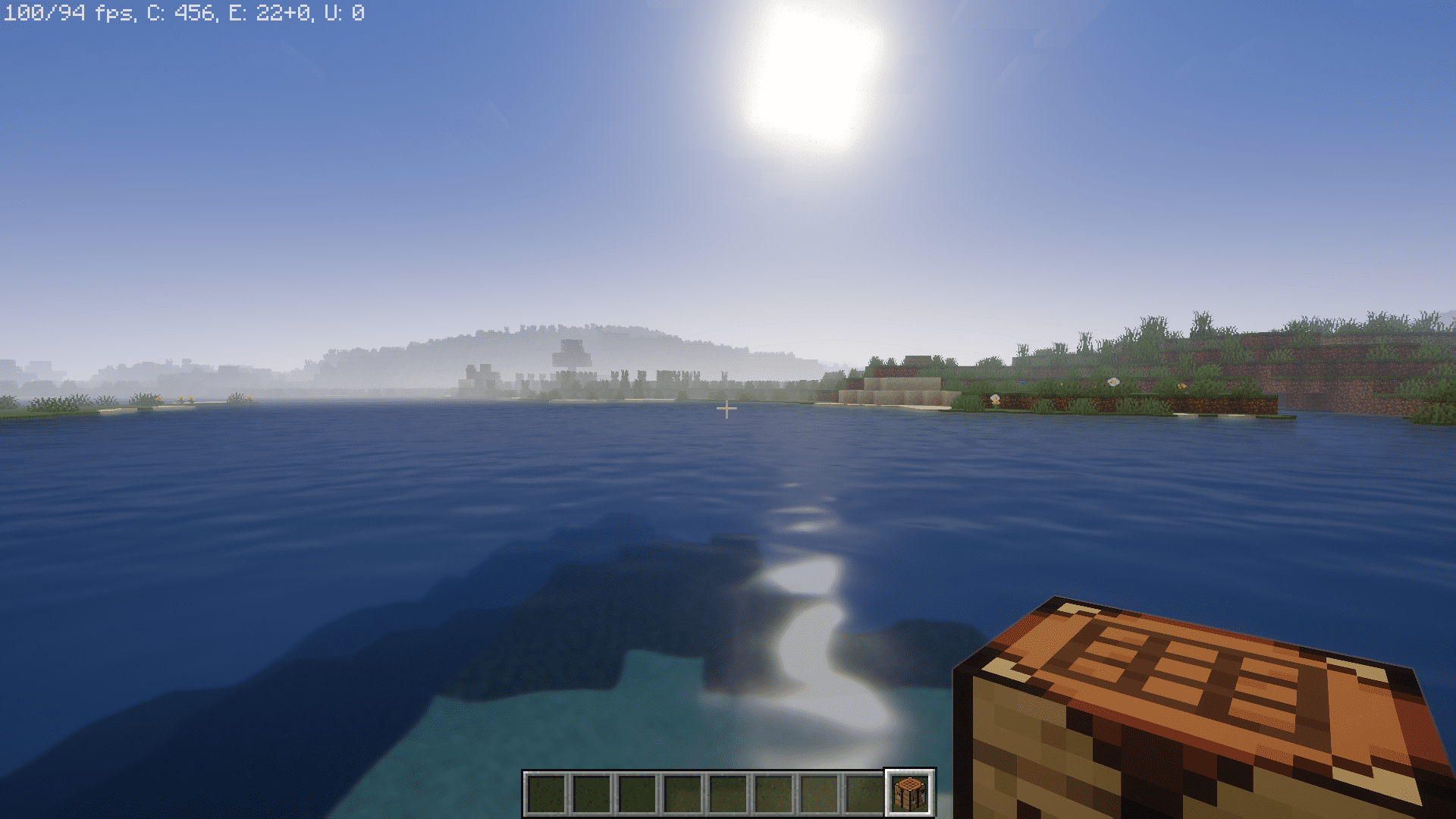
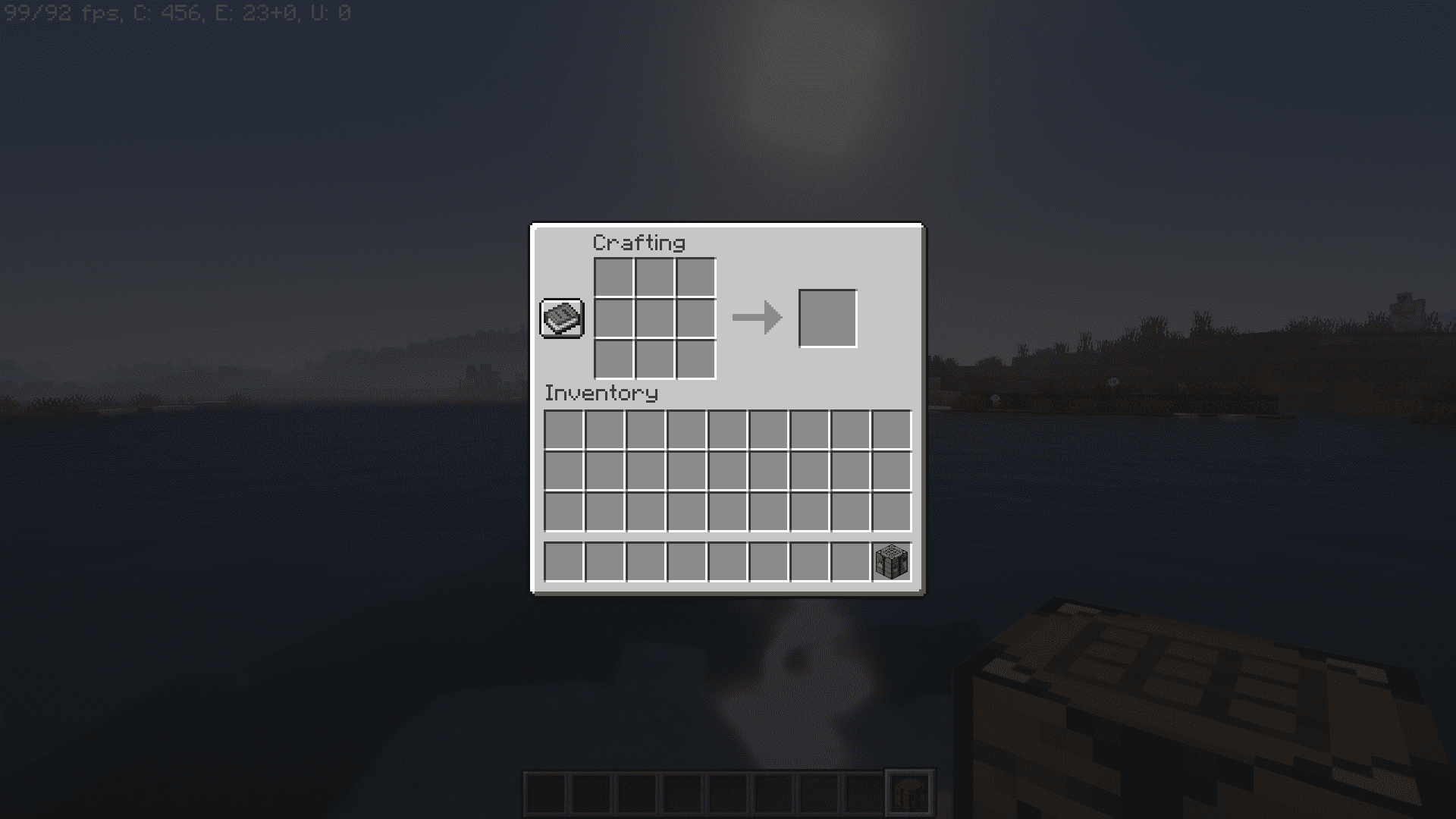
Fixing Quick Right-Click Not Working: Common CausesCheck What You Are Aiming At The most common reason the mod appears to do nothing is that your crosshair is resting…How to Open Your Ender Chest Anywhere with Quick Right-ClickOpening It From Your Hand Select an Ender Chest in your hotbar and aim at empty air, then right-click. Instead of…How to Sleep in a Bed Without Placing It (Quick Right-Click Mod)The Basic Interaction Hold a bed in your main hand and look up at the sky or at empty air so that no block is…How to Use Shulker Boxes and Crafting Tables Without Placing ThemShulker Boxes Hold a shulker box and right-click while aiming at empty air. The mod opens the box's contents…
Frequently asked questions
How do I use Quick Right-Click to sleep in a bed without placing it?
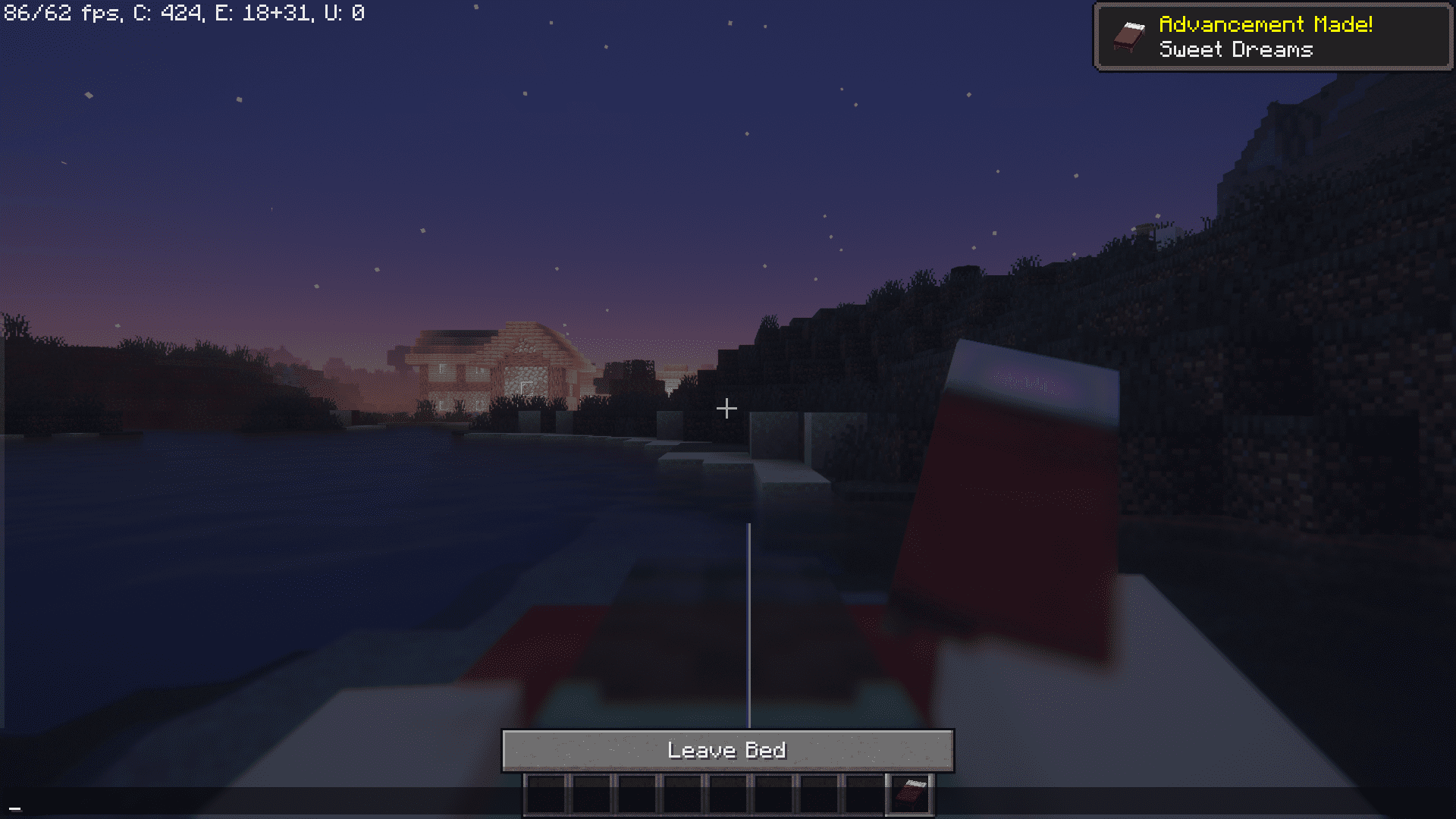
Hold a bed in your hand, look at the sky or an empty area so you're not targeting a block, and right-click. The bed places itself, you sleep, and it's automatically picked back up when you wake.
Why does right-clicking my ender chest do nothing?
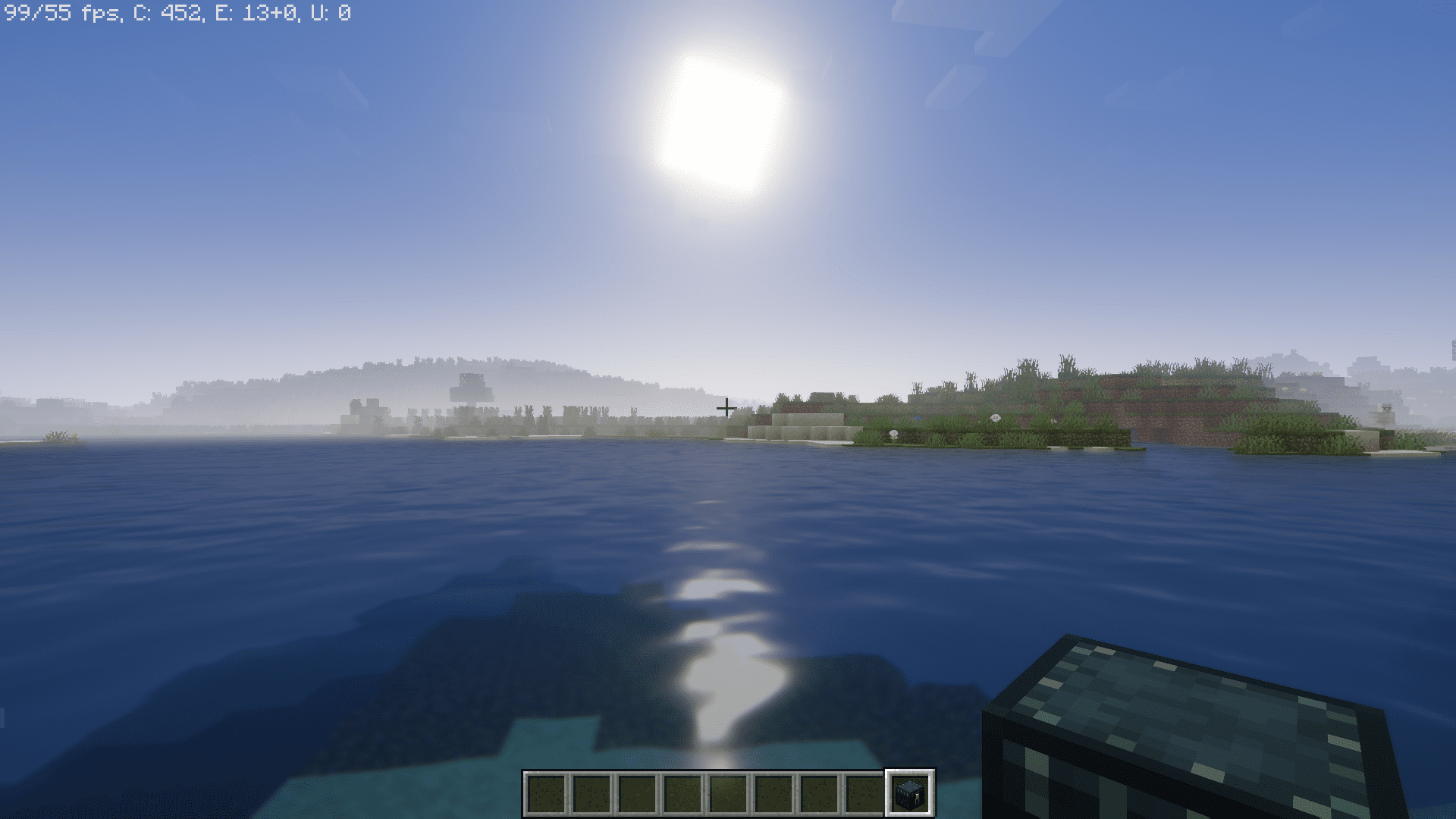
You're probably aiming at a block, which makes the game try to place the ender chest instead of opening it. Aim at open air (no block highlighted) and right-click again.
Do I need Silk Touch to get my ender chest back after using Quick Right-Click?
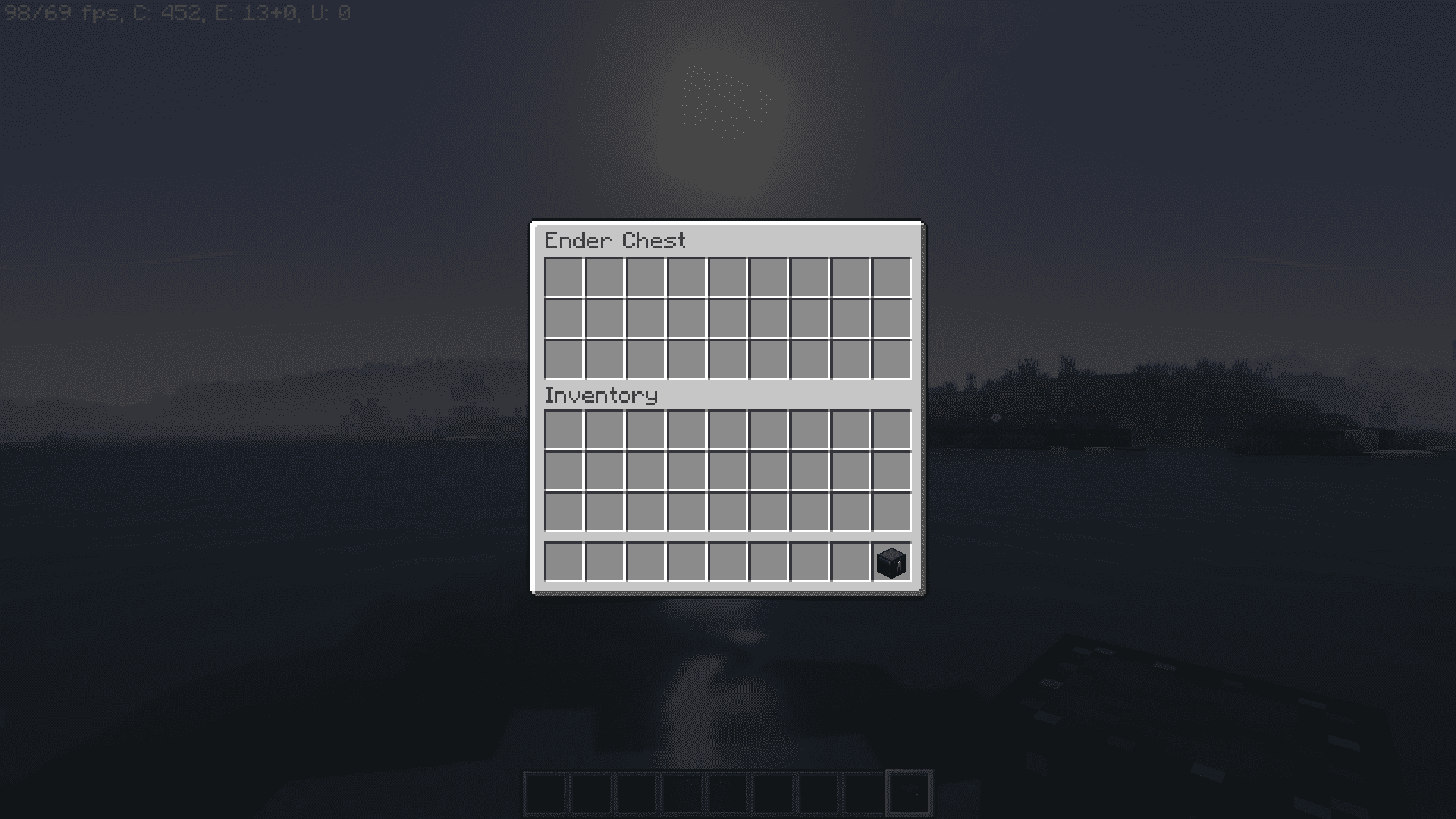
No. When you open an ender chest with this mod, it isn't actually placed in the world, so there's nothing to break or retrieve — it just opens from your hand.
How do I open a shulker box without placing it down?
Hold the shulker box, look at empty air, and right-click. The box opens directly from your inventory so you can grab or store items and keep moving.
See all 10 Quick Right-Click questions ›
Gallery
6 images from the Quick Right Click Mod page.
You May Also Like
Wikis that share the most with this one
More mod wikis on the site
The most downloaded mods that have a wiki here
A few wikis from each of the other kinds