

 DownloadOne Click Join Mod
Get the files on 9Minecraft
Guides
Step-by-step, in-game.
Identify Which Server the Button Will Connect ToCheck the Server Icon The One Click Join button displays the server icon of your last joined server. This visual…Join Your Last Server Instantly from the Main MenuLocate the One Click Join Button When you launch Minecraft and reach the main menu, look for a new button added by…Troubleshoot Connection Issues with the One Click Join ButtonServer Connection Fails If clicking the button results in a connection error, the server may be offline, full, or…Use One Click Join as Your Primary Server Access MethodMake It Your Routine If you primarily play on one server, the One Click Join button becomes your fastest entry point.…
Frequently asked questions
Where is the One Click Join button on the main menu?
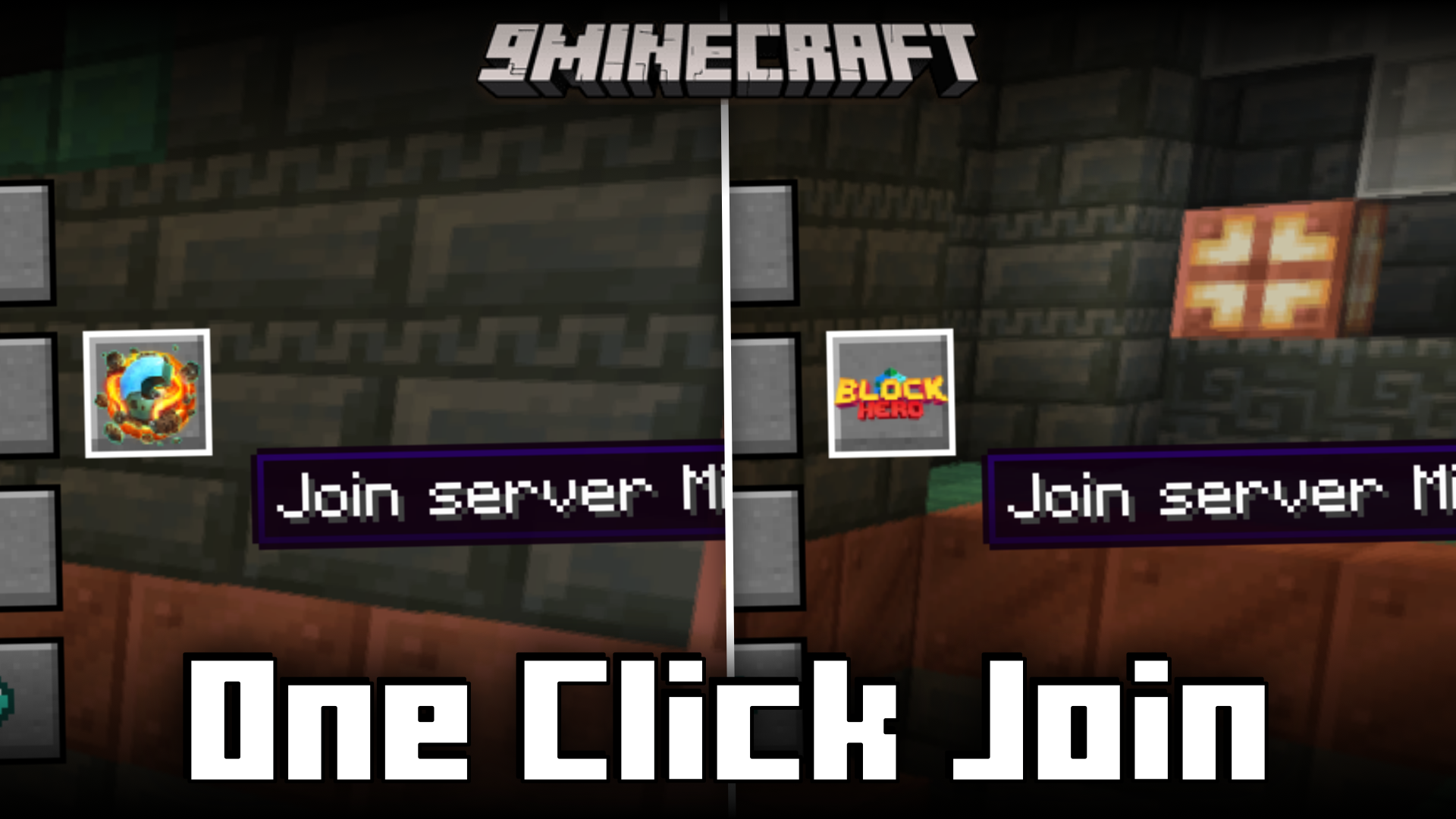
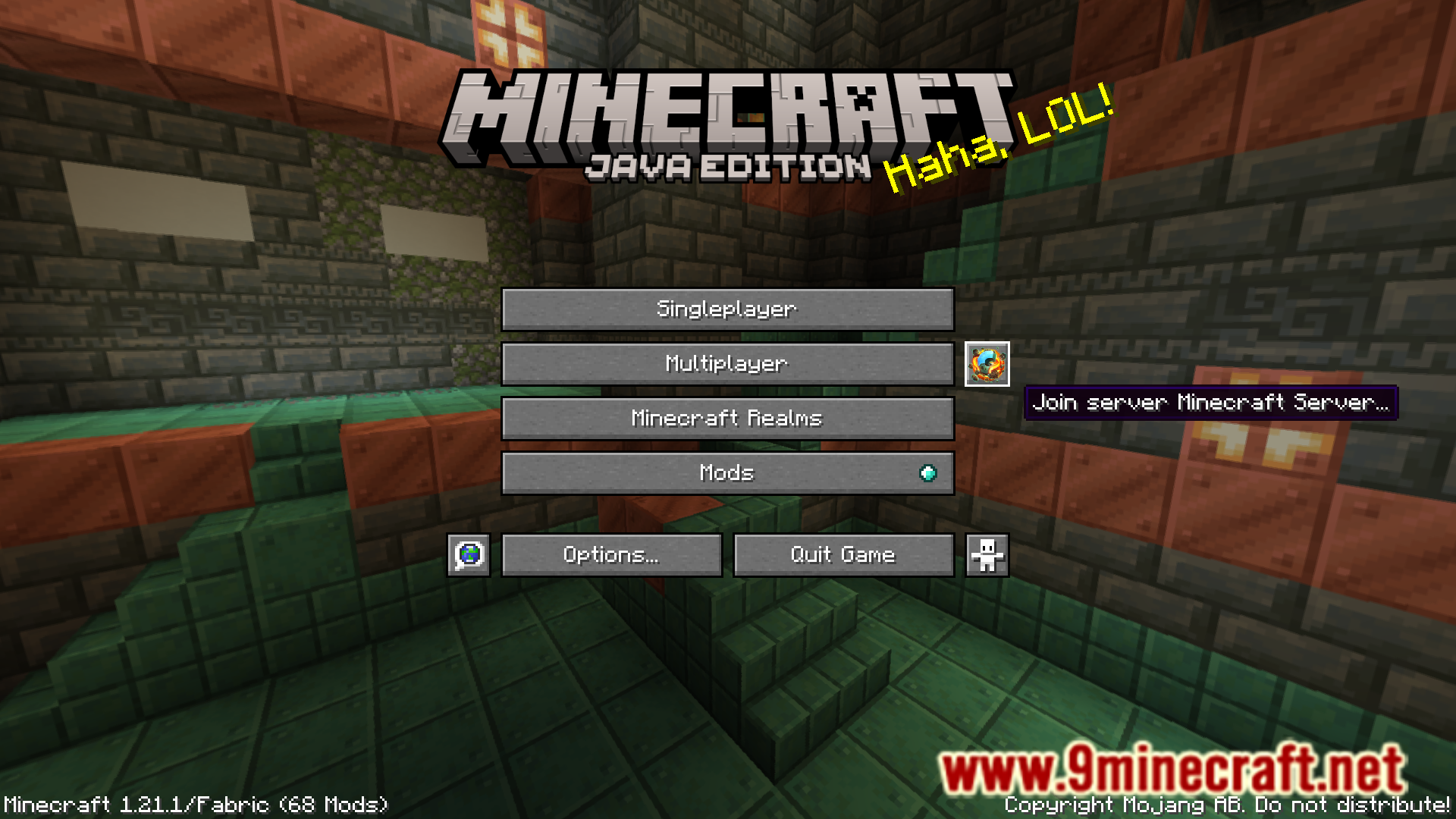
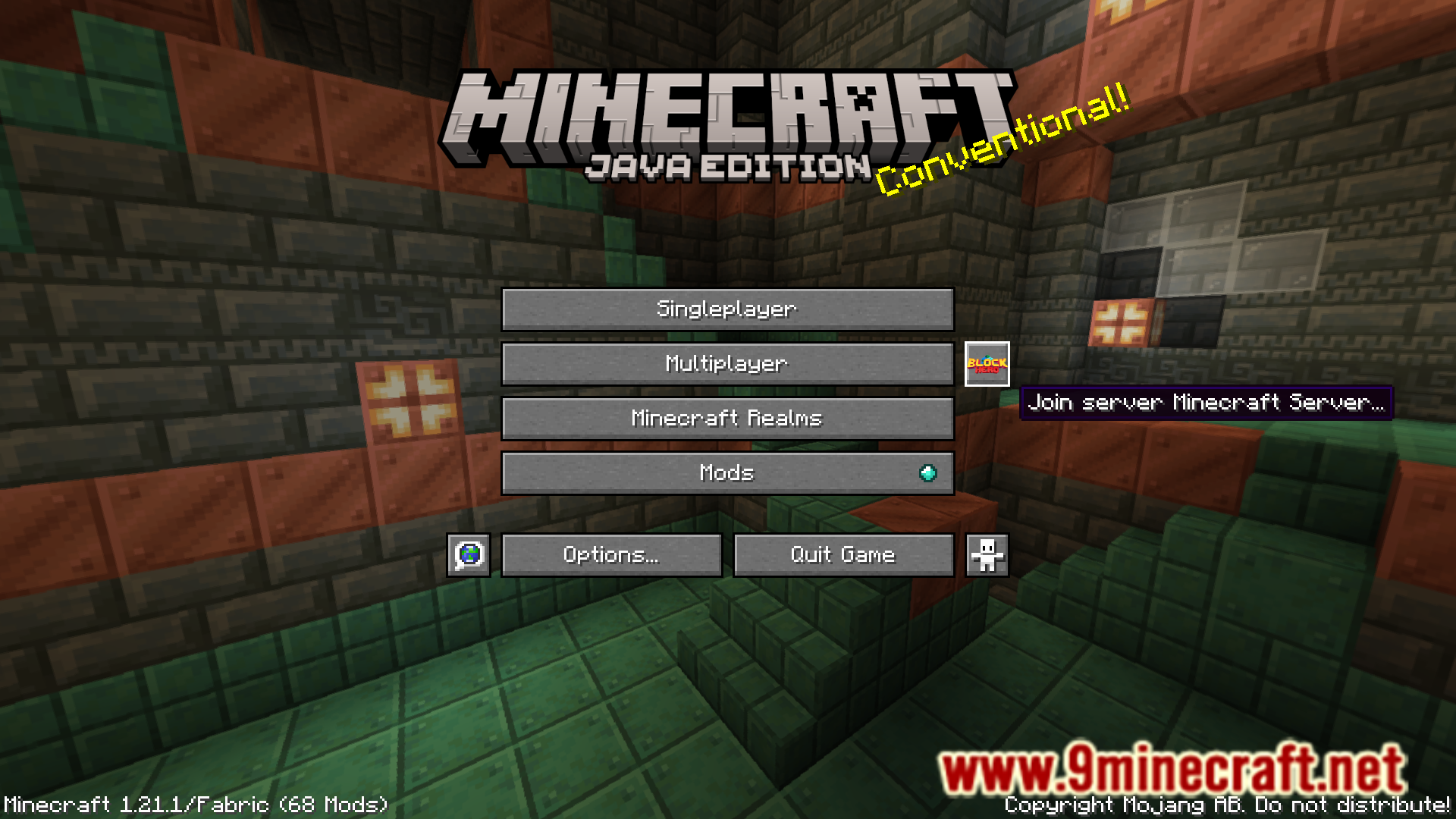
The button appears on your main menu screen alongside the standard Singleplayer, Multiplayer, and Realms buttons. It displays your last joined server's icon if available.
What happens if I've never joined a server before?
The One Click Join button will be disabled or inactive until you join a multiplayer server at least once. After your first server connection, the button becomes functional.
Does the mod remember my server if I join a different one?
Yes, the mod updates to remember whichever server you joined most recently. Each time you connect to a new server, that becomes your new "last joined" server.
See all 10 One Click Join questions ›
Gallery
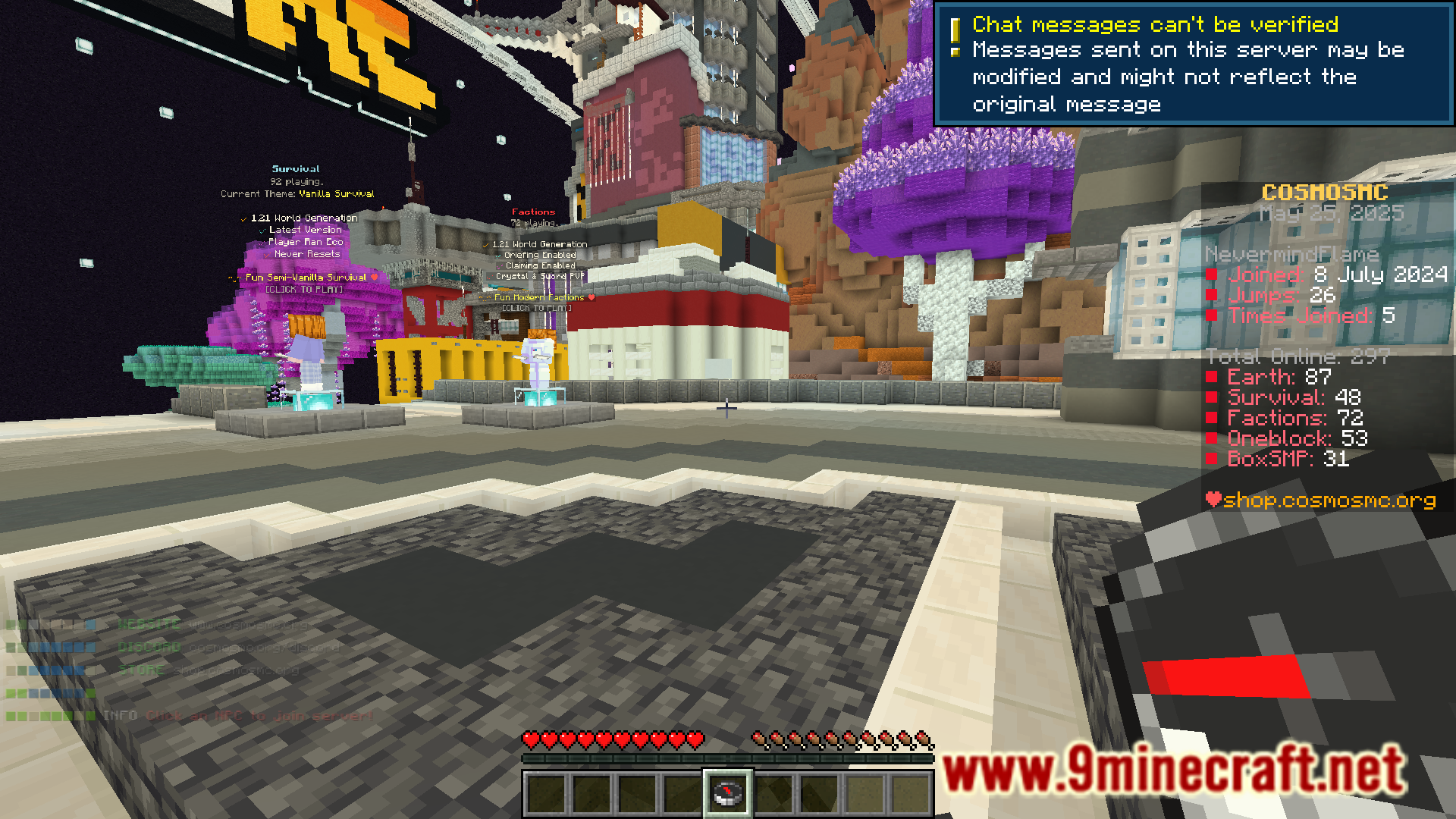
6 images from the One Click Join Mod page.
You May Also Like
Wikis that share the most with this one
Wikis on the same theme: world
More mod wikis on the site
The most downloaded mods that have a wiki here
A few wikis from each of the other kinds