

 DownloadOne Click Crafting Mod
Get the files on 9Minecraft
Guides
Step-by-step, in-game.
Craft and Automatically Drop ItemsDropping Crafted Items Directly Instead of crafting items into your inventory and then dropping them manually, use…Craft Multiple Items Without Opening the Crafting Menu RepeatedlyUsing Quick Craft Shortcuts The One Click Crafting Mod lets you craft items directly from your recipe book without…Disable One Click Crafting for Specific ClicksTemporarily Turning Off the Mod Sometimes you may want to use the recipe book normally without the mod's shortcuts…Understand When One Click Crafting WorksRecipe Book Requirements The One Click Crafting Mod only works with recipes you've already unlocked in your recipe…
Frequently asked questions
How do I start using One Click Crafting?
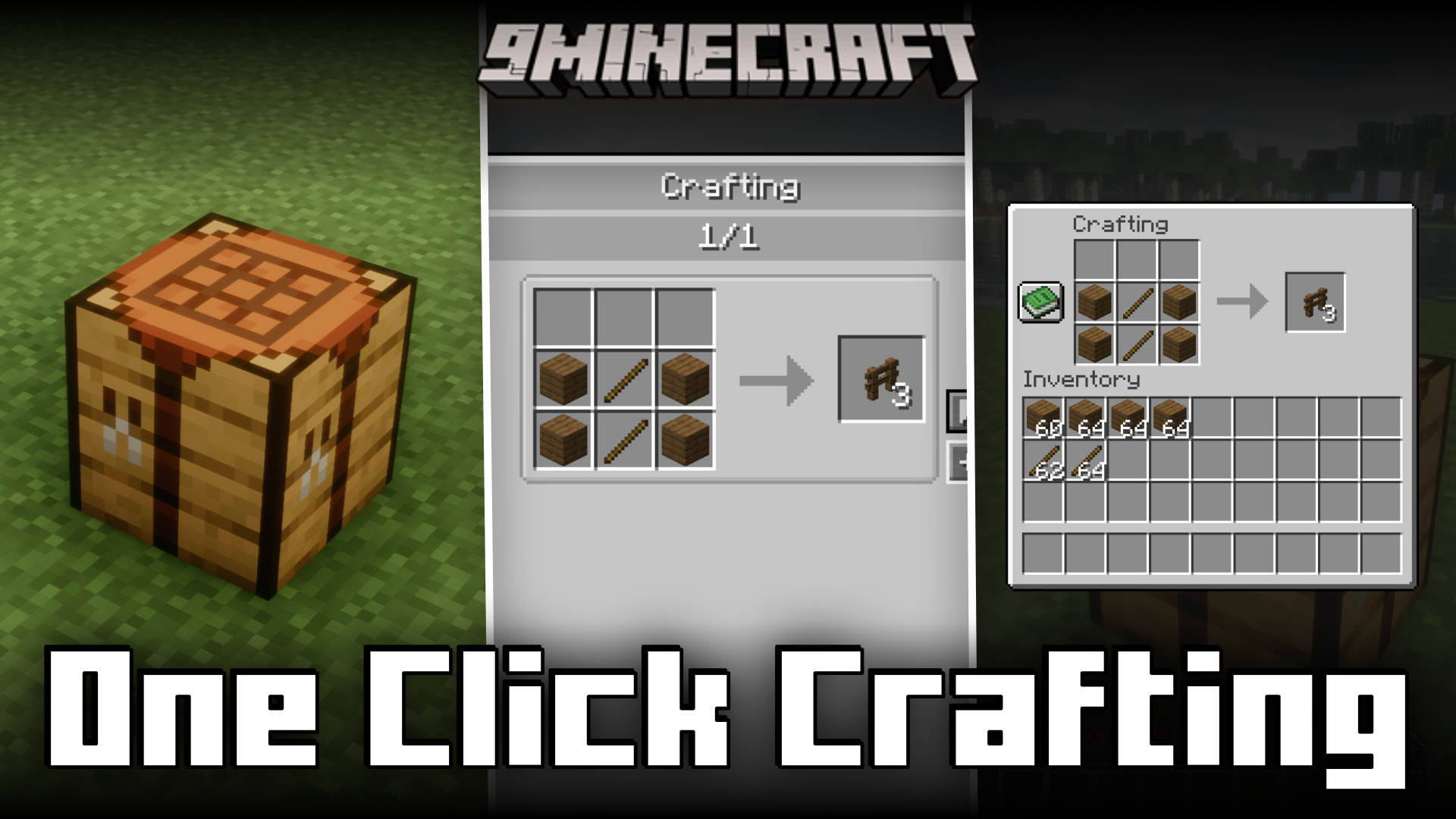
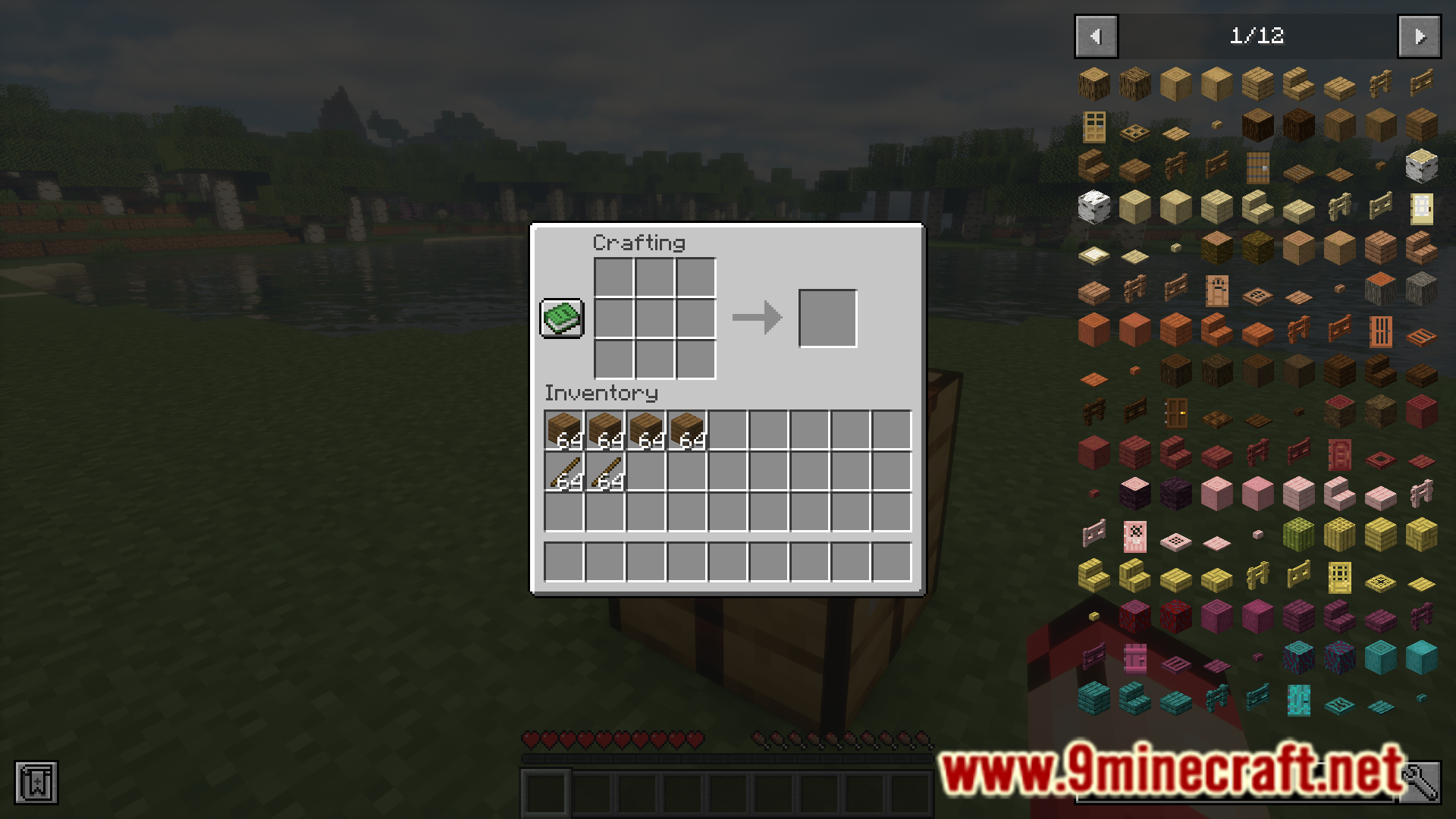
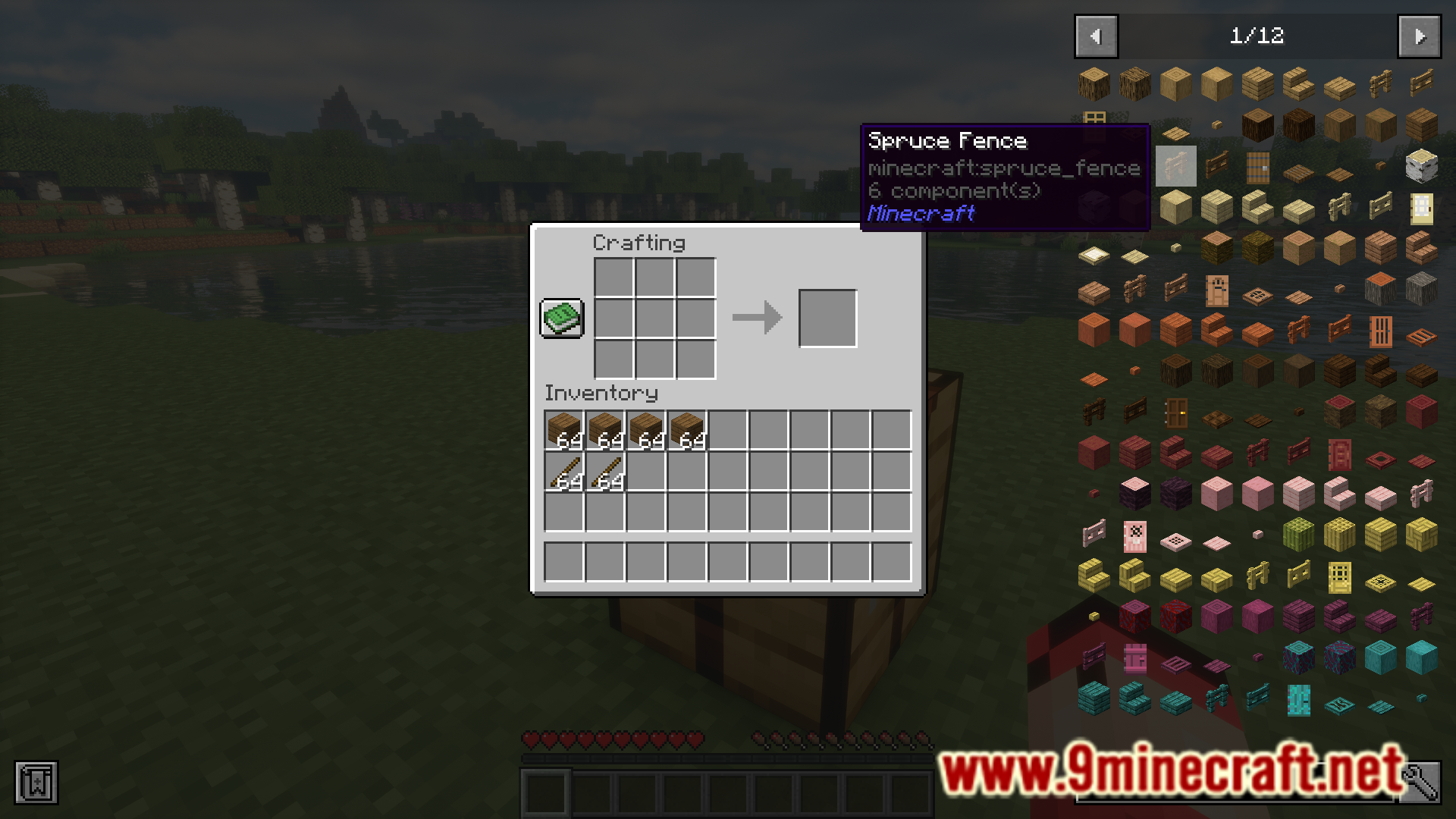
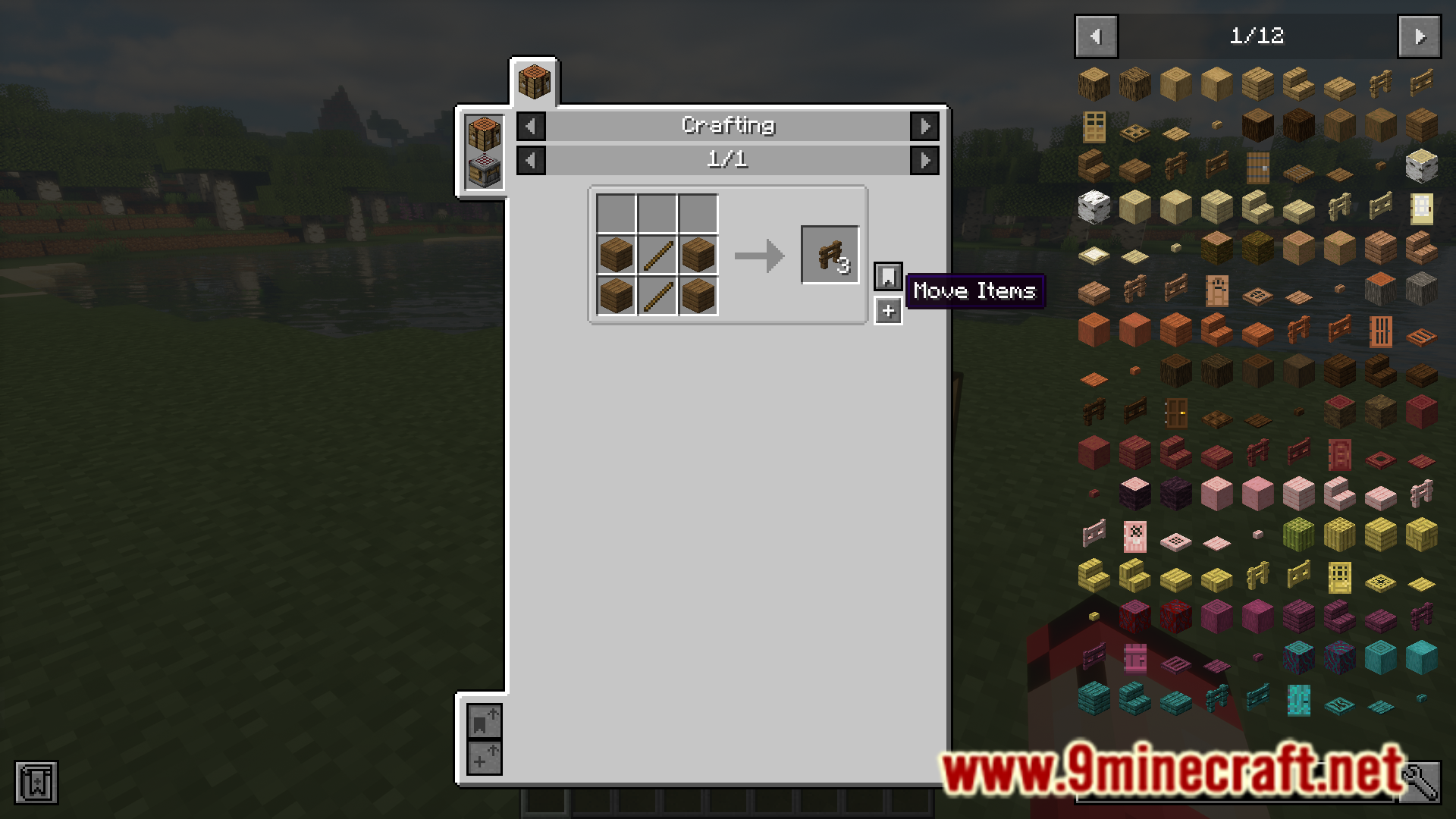
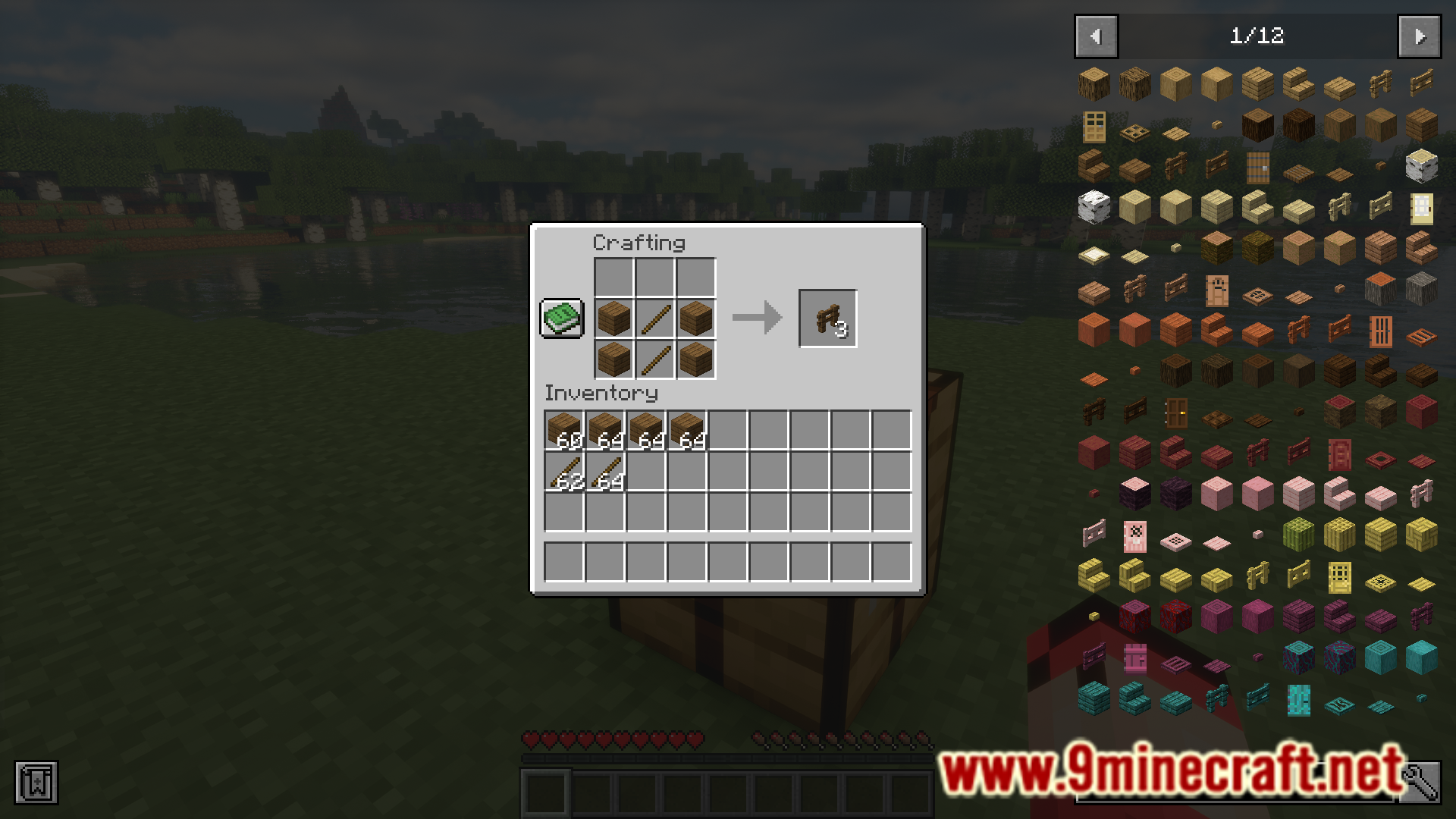
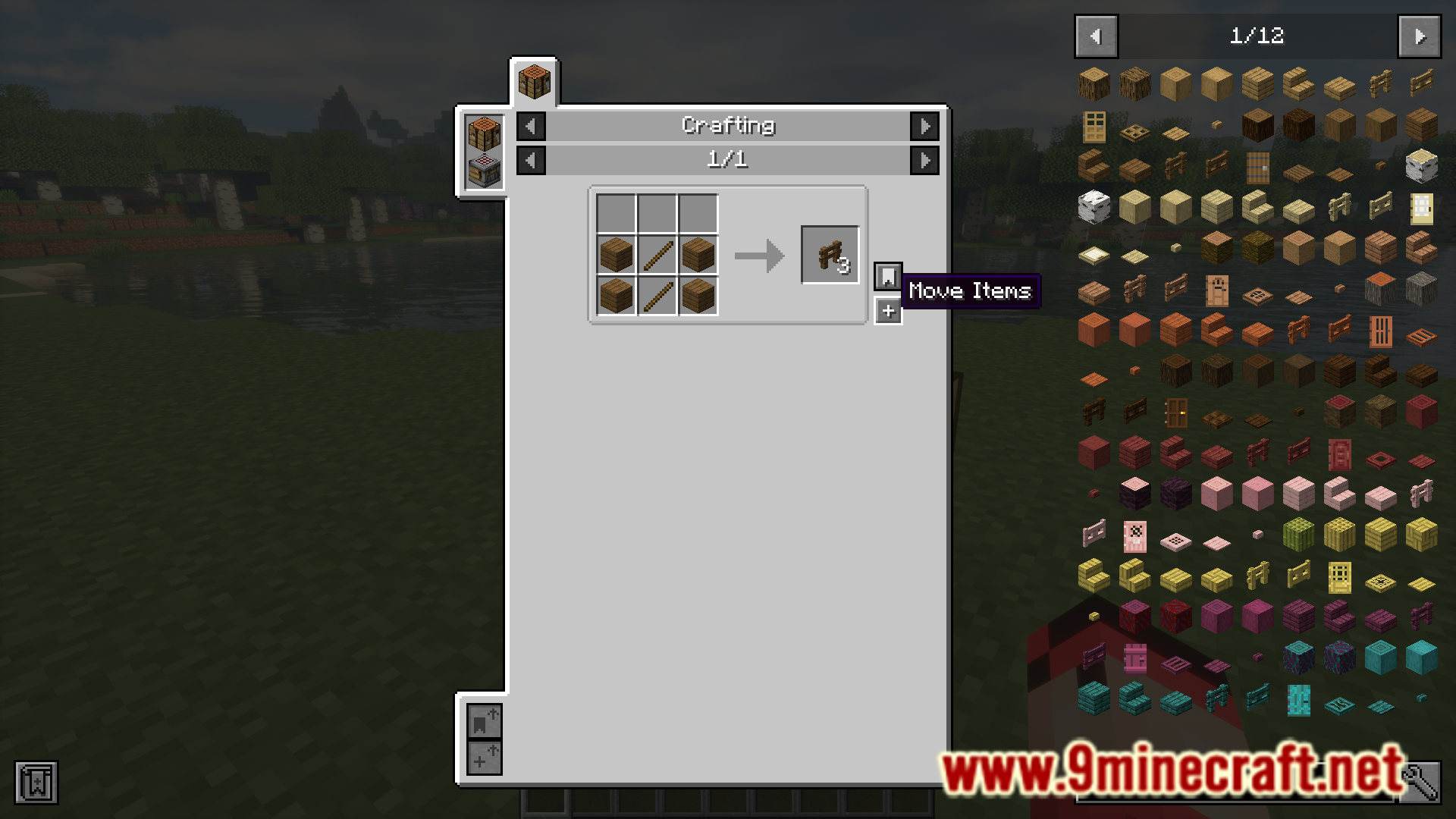
Open your recipe book in the crafting menu, and simply click on any recipe you've unlocked. The mod works automatically—no setup needed beyond having it installed.
What's the difference between clicking and shift-clicking a recipe?
Clicking a recipe crafts 1 item, while Shift-clicking crafts a full stack of that item at once.
How do I craft and drop items at the same time?
Hold your drop key (default is Q) while clicking a recipe to craft 1 item and drop it immediately, or hold drop + Shift to drop a full stack's worth of crafts.
Can I turn off One Click Crafting for a single click?
Yes, hold Ctrl or Alt while clicking to temporarily disable the mod for that click and use the normal recipe book behavior instead.
See all 10 One Click Crafting questions ›
Gallery
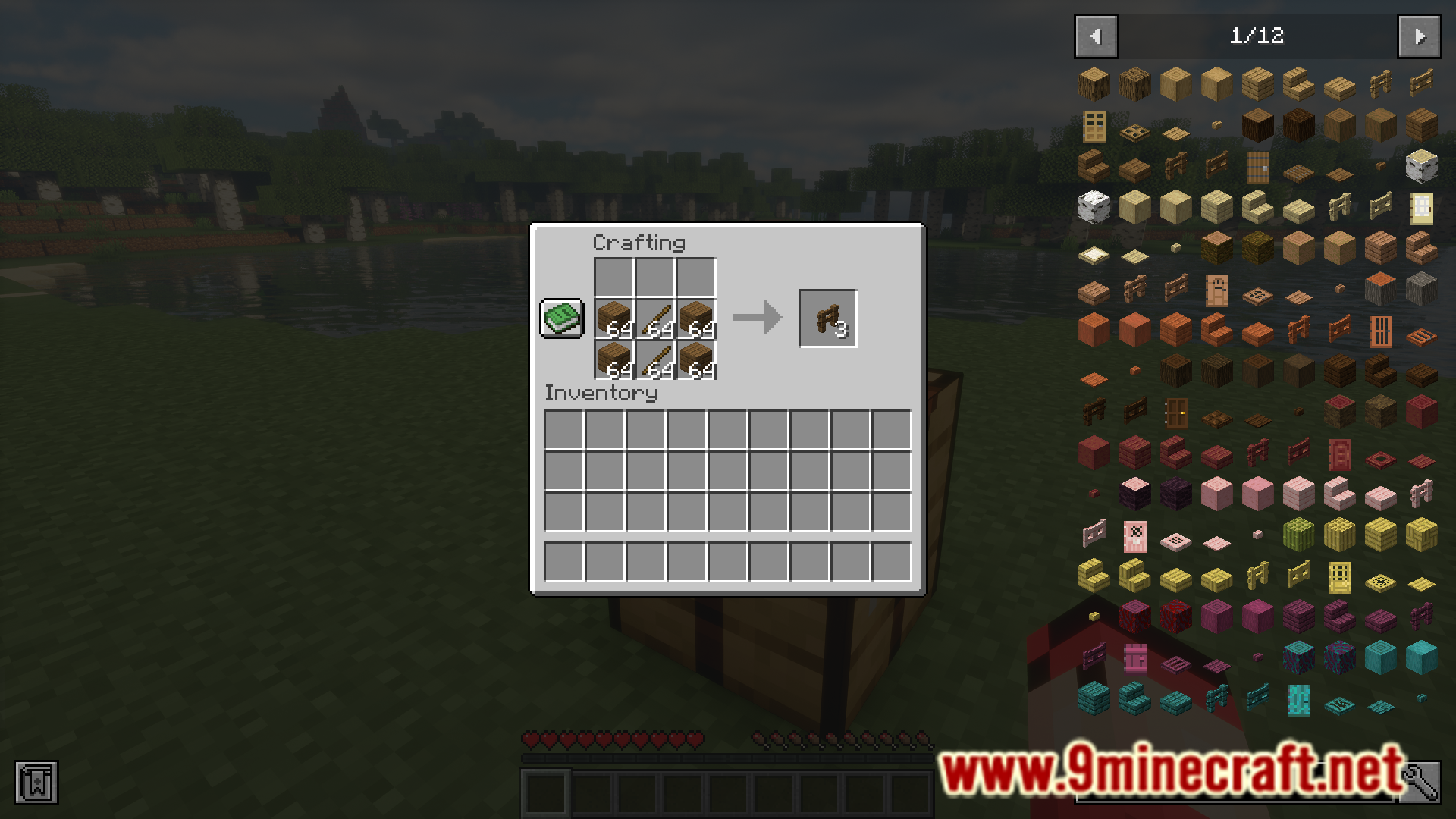
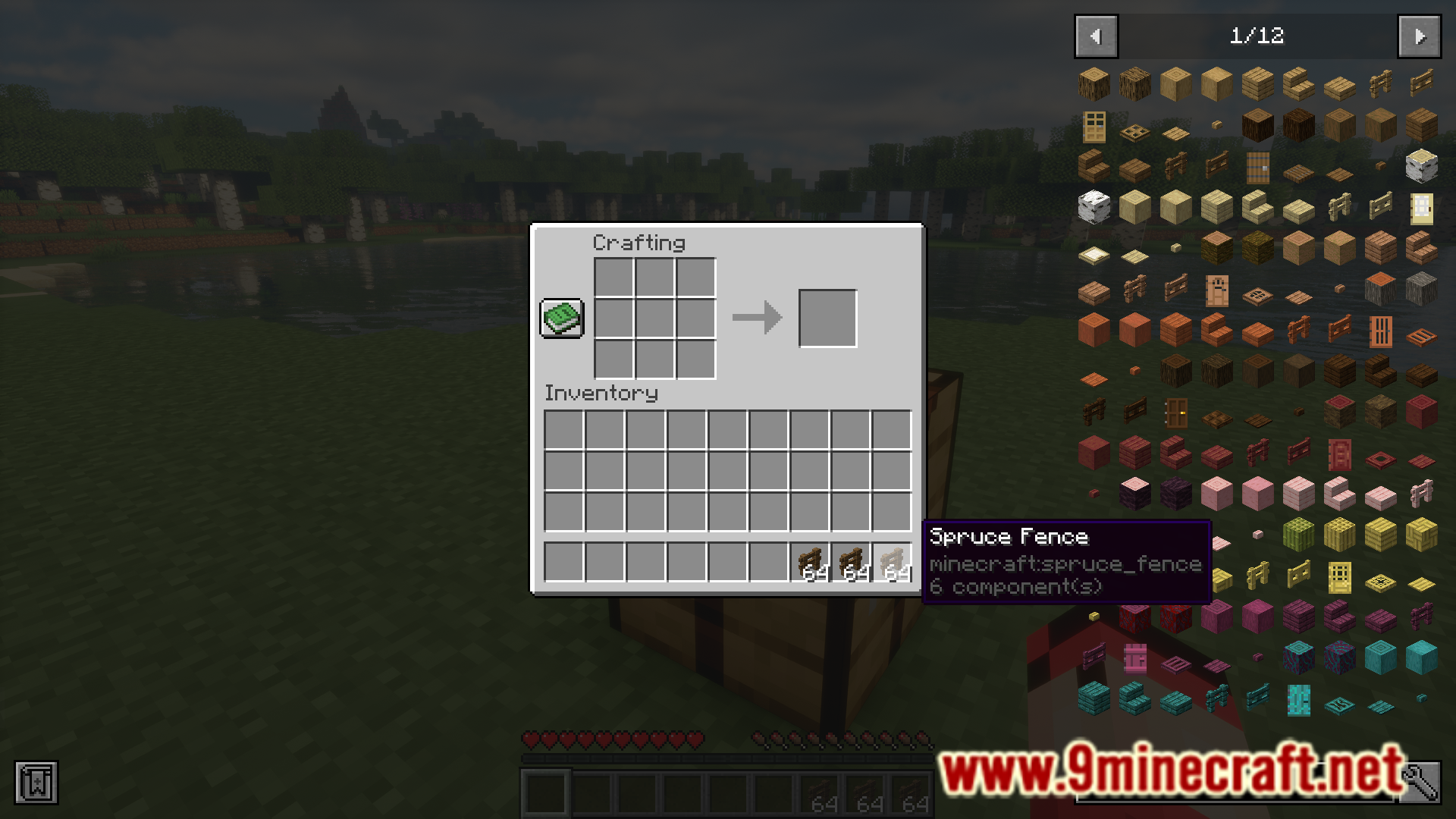
10 images from the One Click Crafting Mod page.
You May Also Like
Wikis that share the most with this one
More mod wikis on the site
The most downloaded mods that have a wiki here
A few wikis from each of the other kinds