

 DownloadBetter Screens Mod
Get the files on 9Minecraft
Guides
Step-by-step, in-game.
Customize Chest and Container Label ColorsChange Text Colors in Containers Better Screens Mod lets you pick custom colors for chest names, item labels, and…Keep Your Chest Open During Server EventsStop Forced Menu Closing By default, many servers close your open chests and inventory screens when events or…Keep Your Mouse Position When Switching ContainersPreserve Cursor Location Between Menus When you quickly switch between backpacks, chests, or crafting tables, Better…Make Chest and Menu Backgrounds ClearerAdjust Background Transparency The dark overlay behind your inventory and chests can make it hard to see the world or…
Frequently asked questions
How do I turn on the mod after installing it?
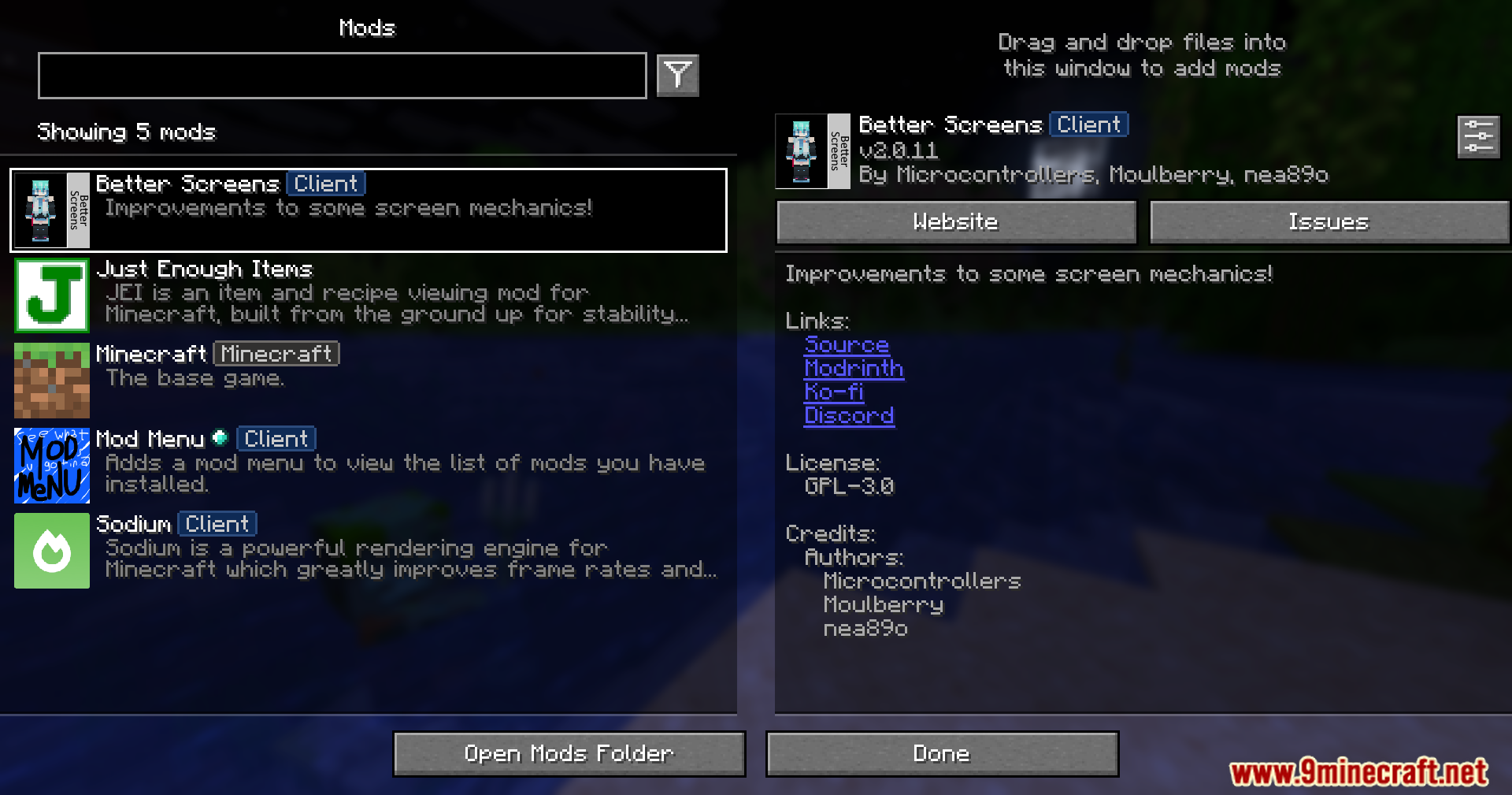
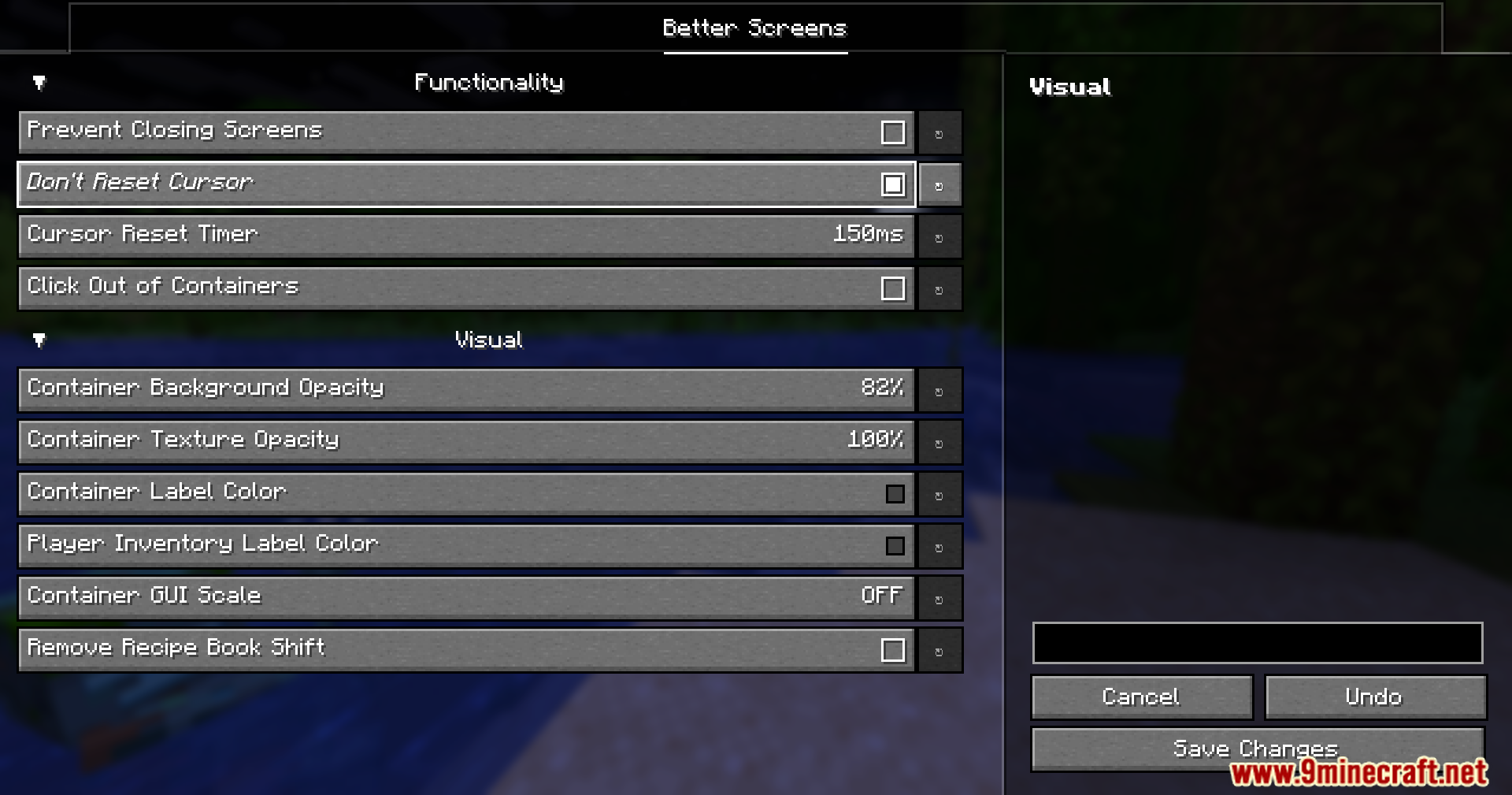
Better Screens Mod works automatically once installed—there's no activation step needed. Open your inventory or any chest to see the mod is active; you can then access settings through your mod configuration menu or in-game options.
Why does my chat keep closing when a minigame starts on my server?
This is the forced-closing behavior that Better Screens Mod prevents. Enable the 'Stop Forced Closing' feature in the mod settings, and your chat and open menus will stay open even when server events trigger.
Can I make the dark overlay behind menus completely invisible?
Yes—the mod lets you adjust the background opacity slider all the way to fully transparent, so you can see the world behind your chest or inventory while it's open.
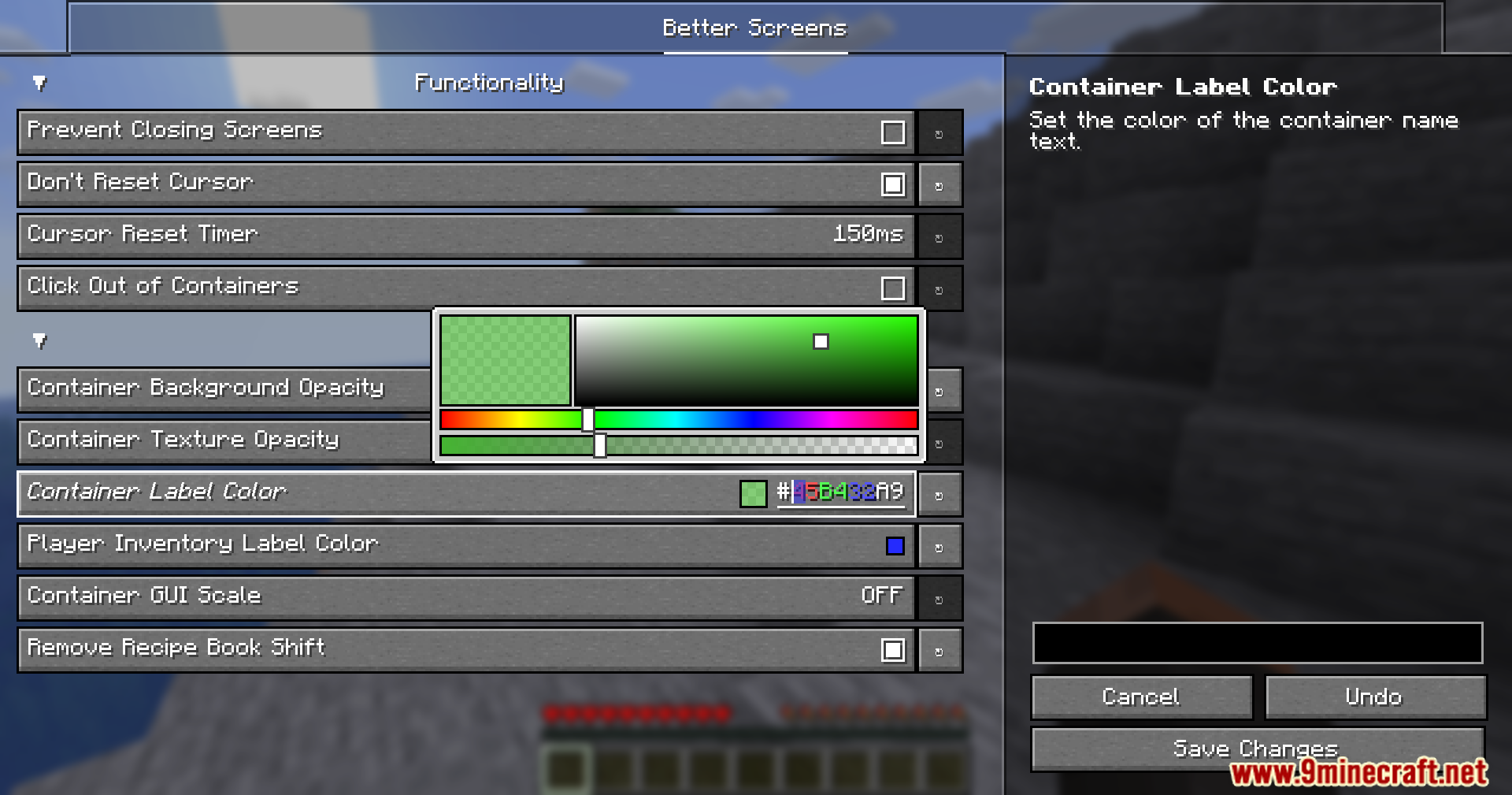
How do I change the color of chest labels and container names?
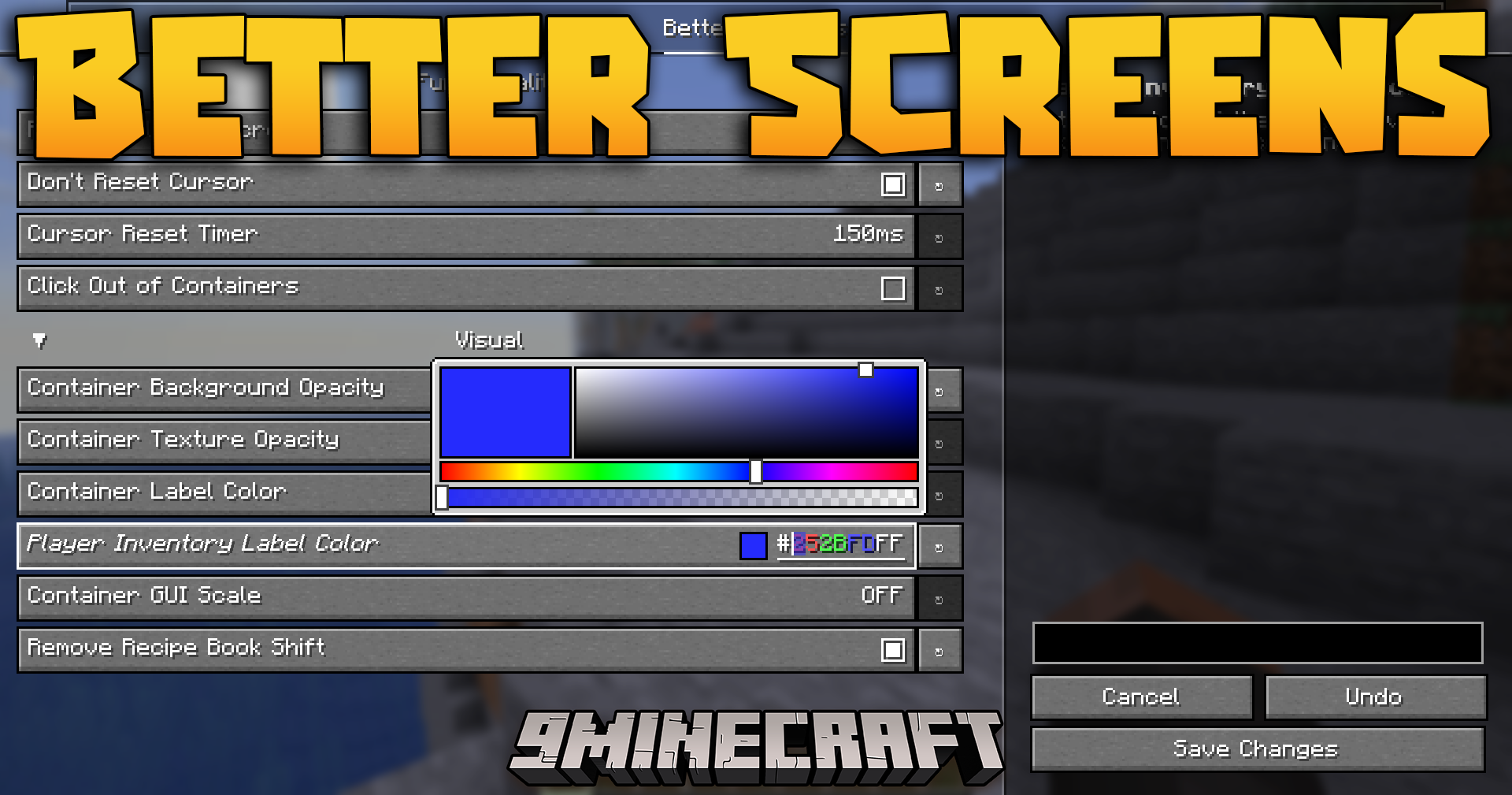
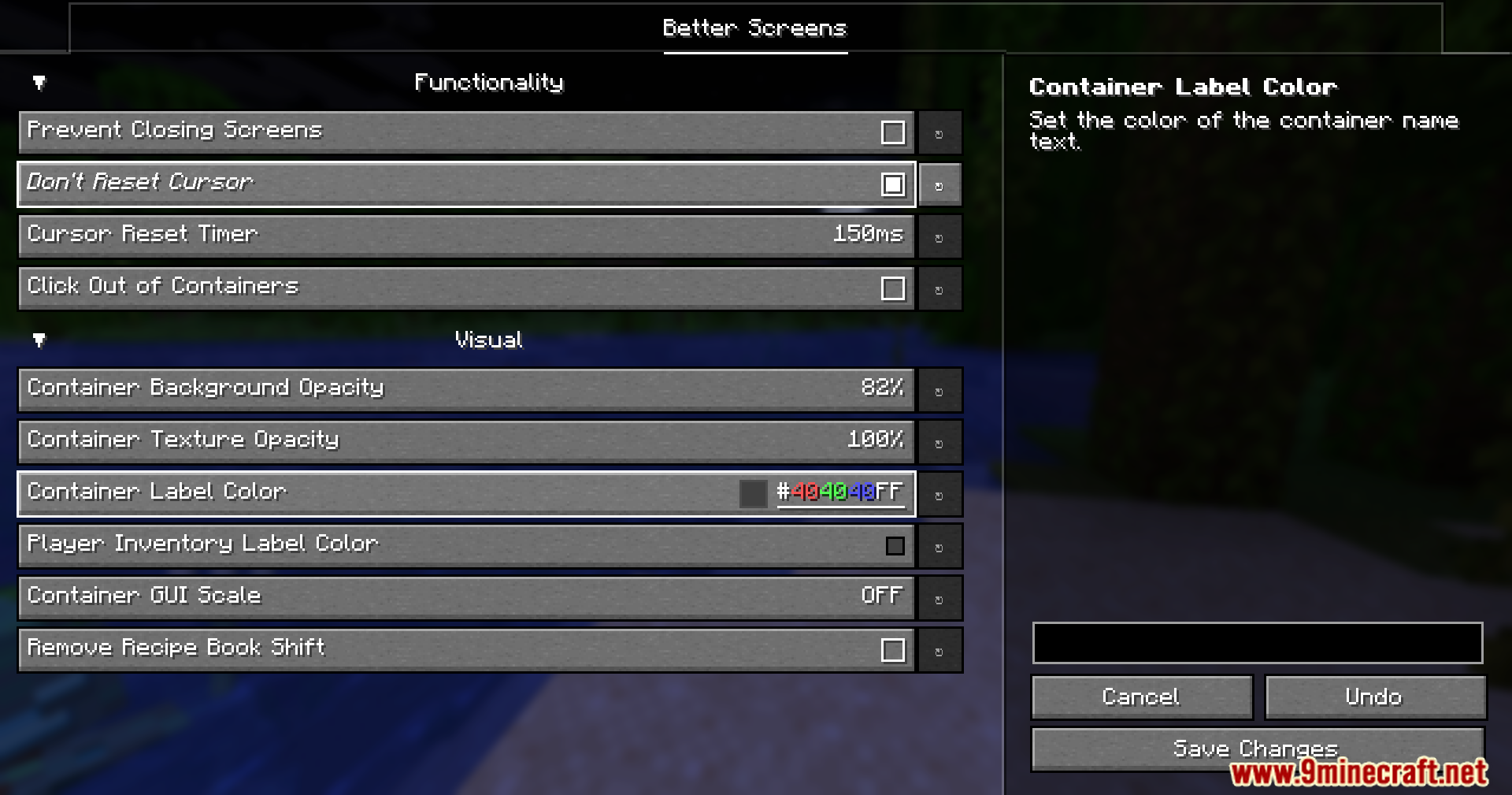
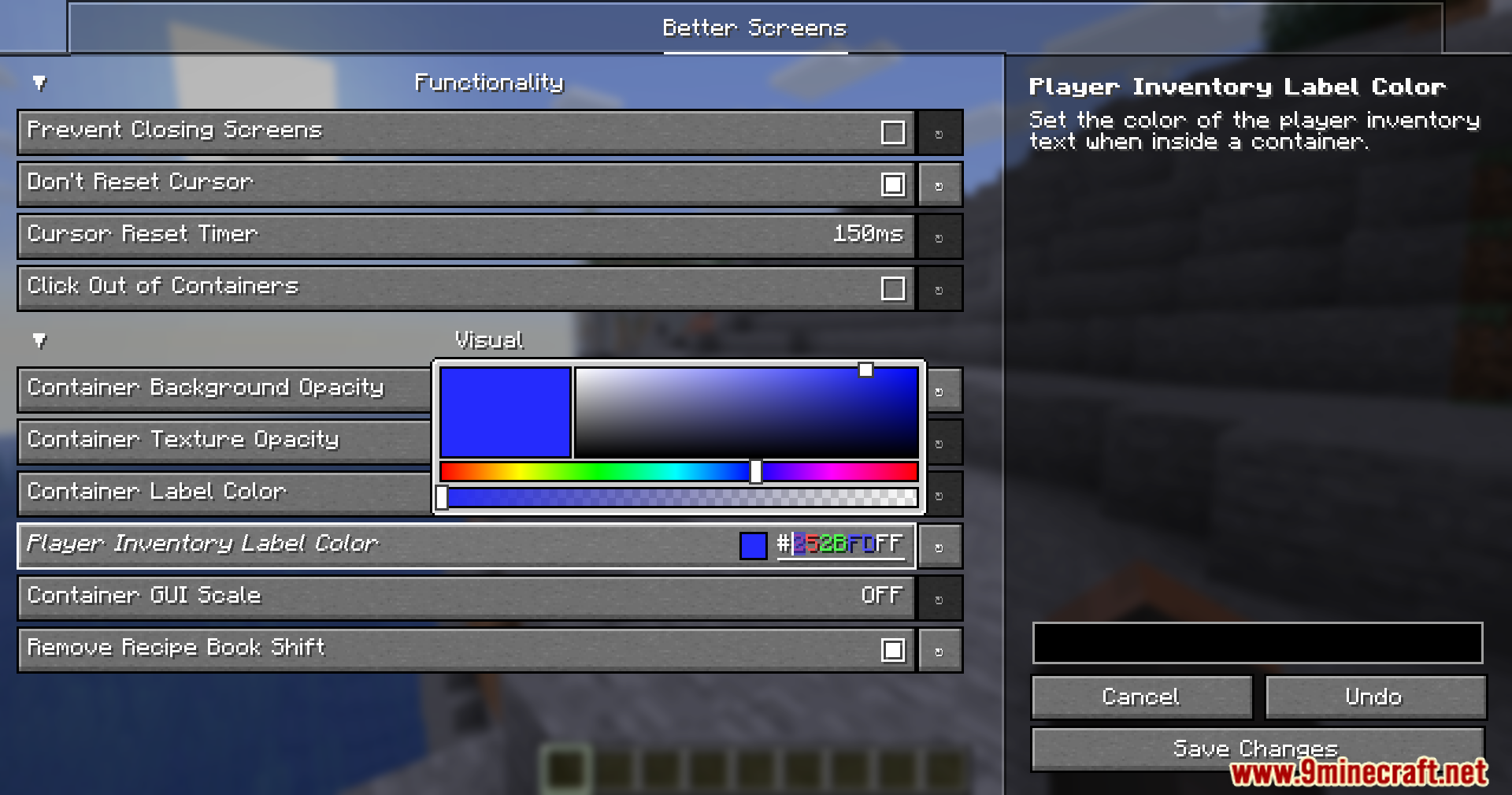
Go to the mod's color customization settings and select the text color option for chest labels; you can then pick any color you want for how container names appear on your screen.
See all 10 Better Screens questions ›
Gallery
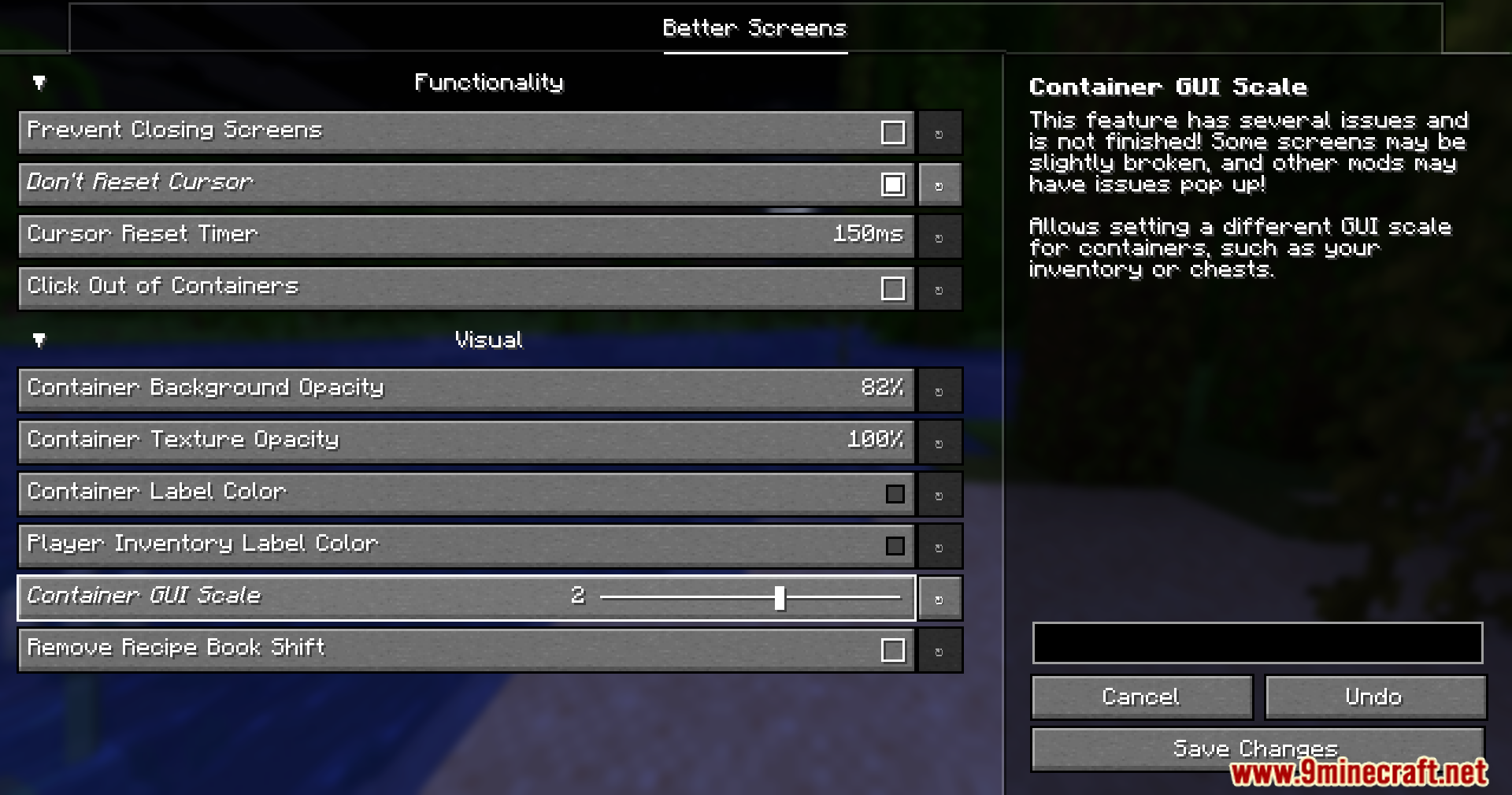
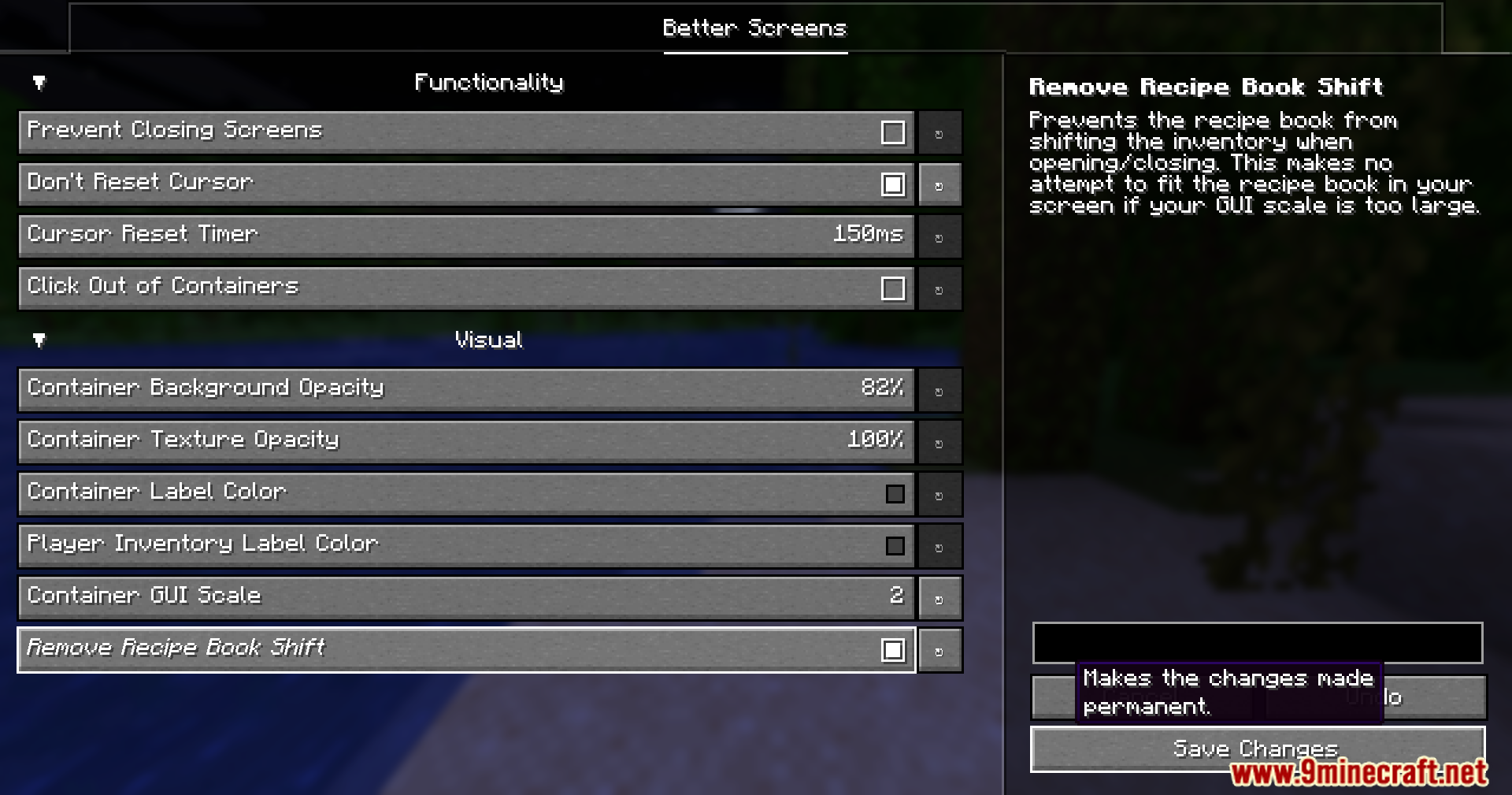
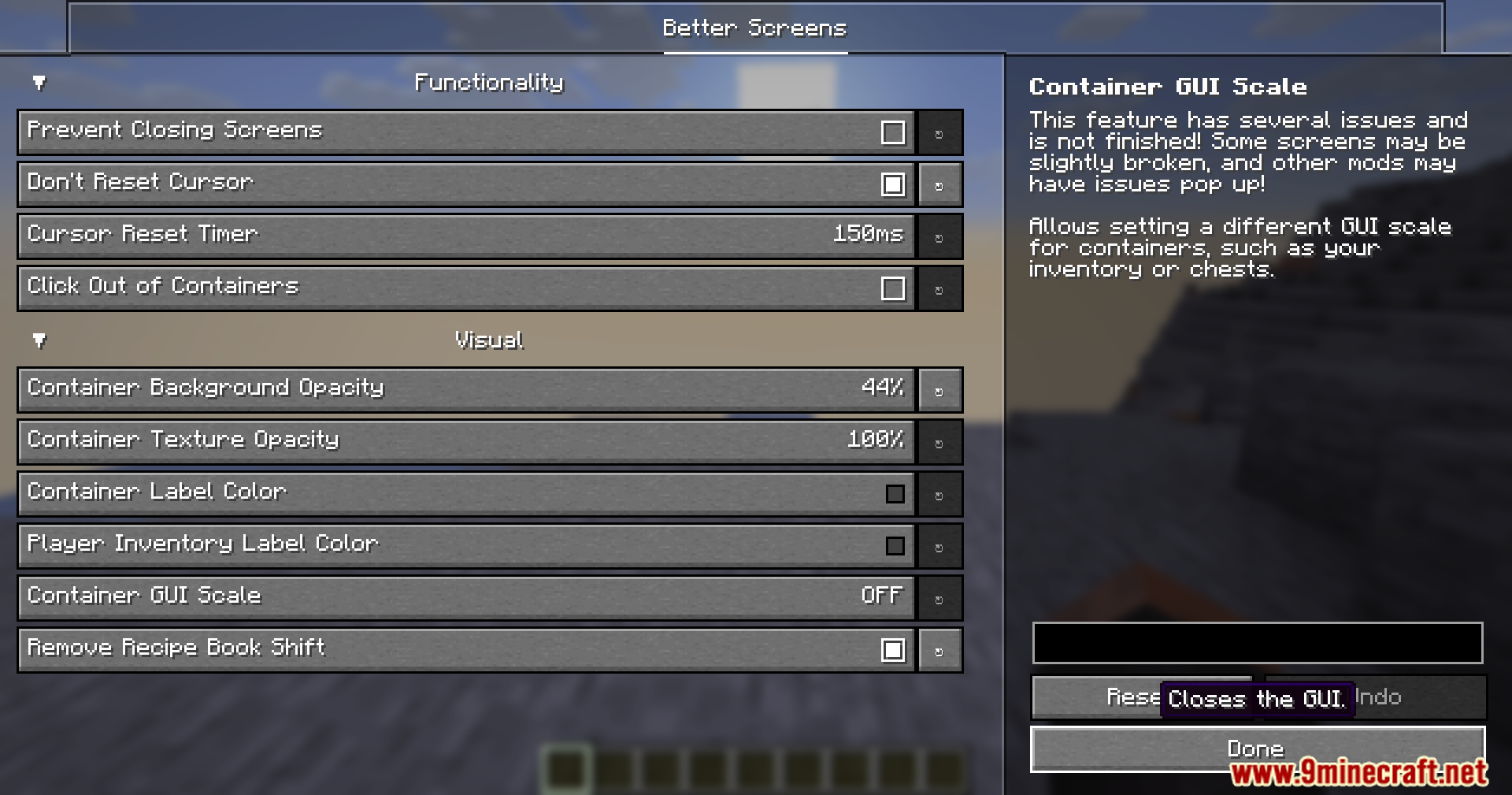
11 images from the Better Screens Mod page.
You May Also Like
Wikis that share the most with this one
More mod wikis on the site
The most downloaded mods that have a wiki here
A few wikis from each of the other kinds