

 DownloadAdvancement Screenshot Mod
Get the files on 9Minecraft
Guides
Step-by-step, in-game.
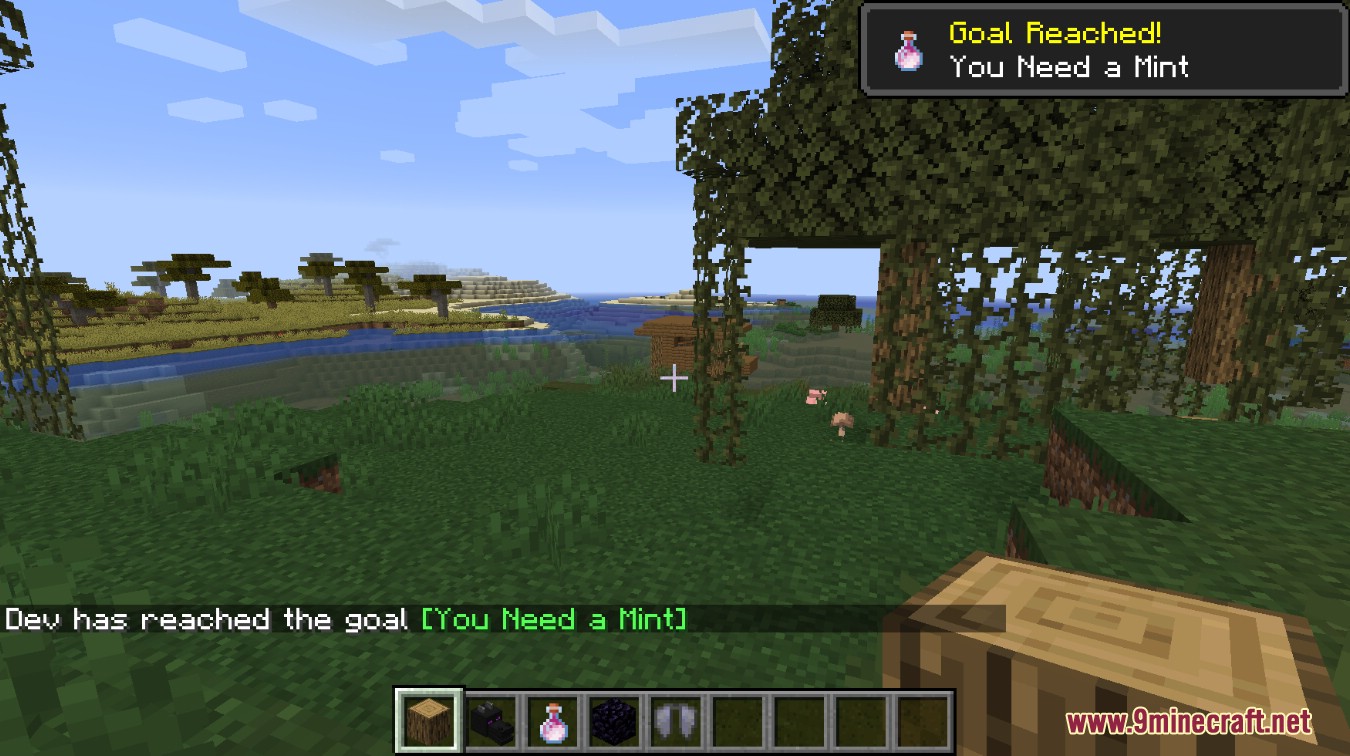
Getting Clean Advancement Screenshots Without Chat SpamWhy the shot looks cluttered The mod captures whatever is on screen roughly one second after the advancement…How to Find the Screenshots the Mod TakesWhere the files go Advancement Screenshot Mod reuses the same screenshot routine as the vanilla screenshot key, so…Organizing and Backing Up Your Advancement Screenshot CollectionWhy organization matters Every advancement across every world and server dumps into one folder using the game's…Using the Mod on a Multiplayer ServerClient-side only Advancement Screenshot Mod runs entirely on your side. The server does not need it, and other…
Frequently asked questions
How do I turn the mod on?
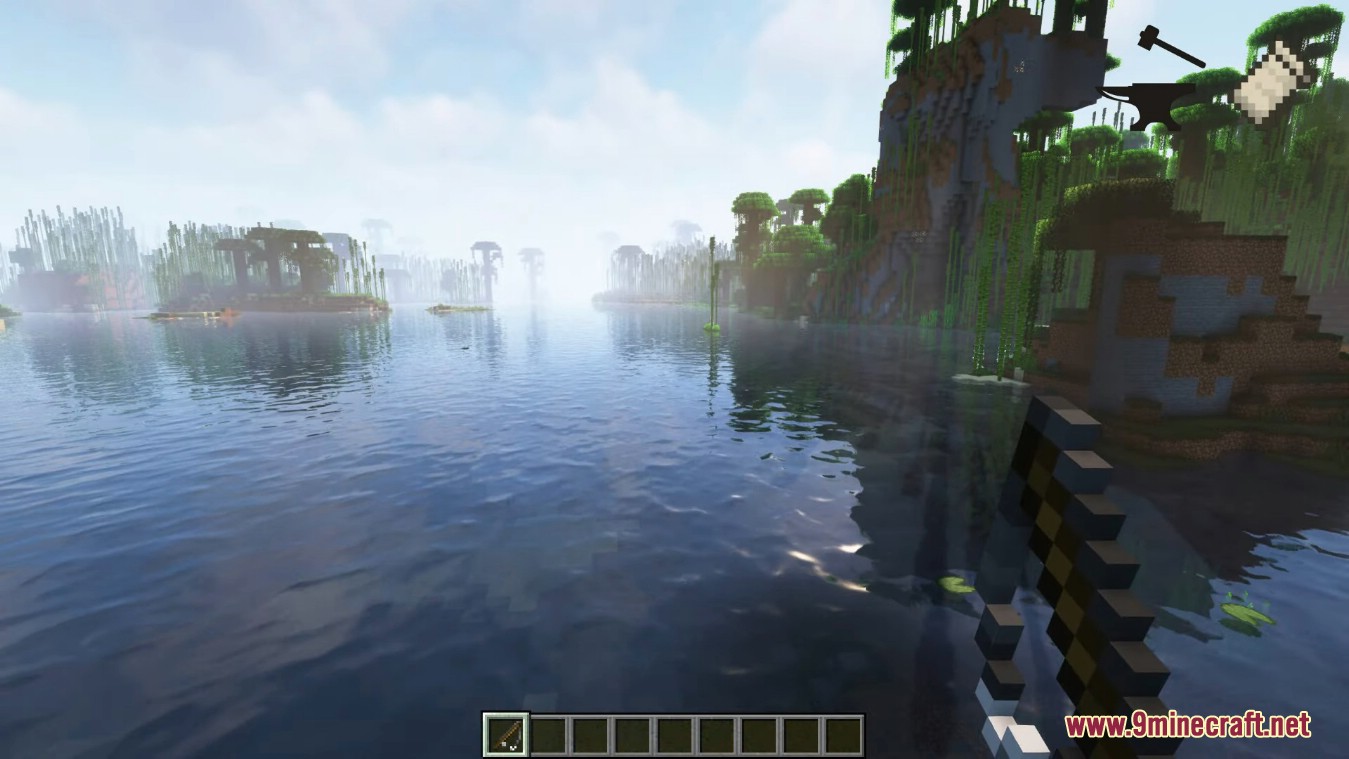
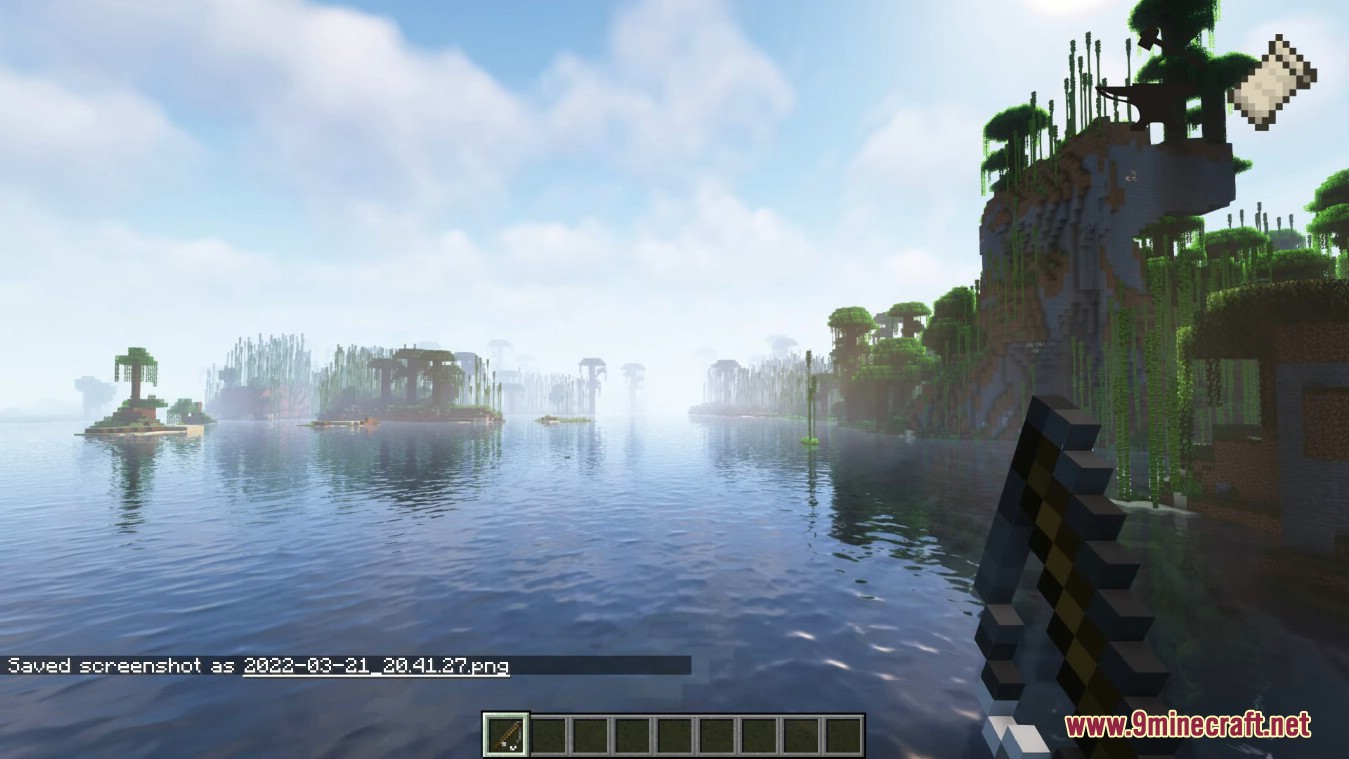
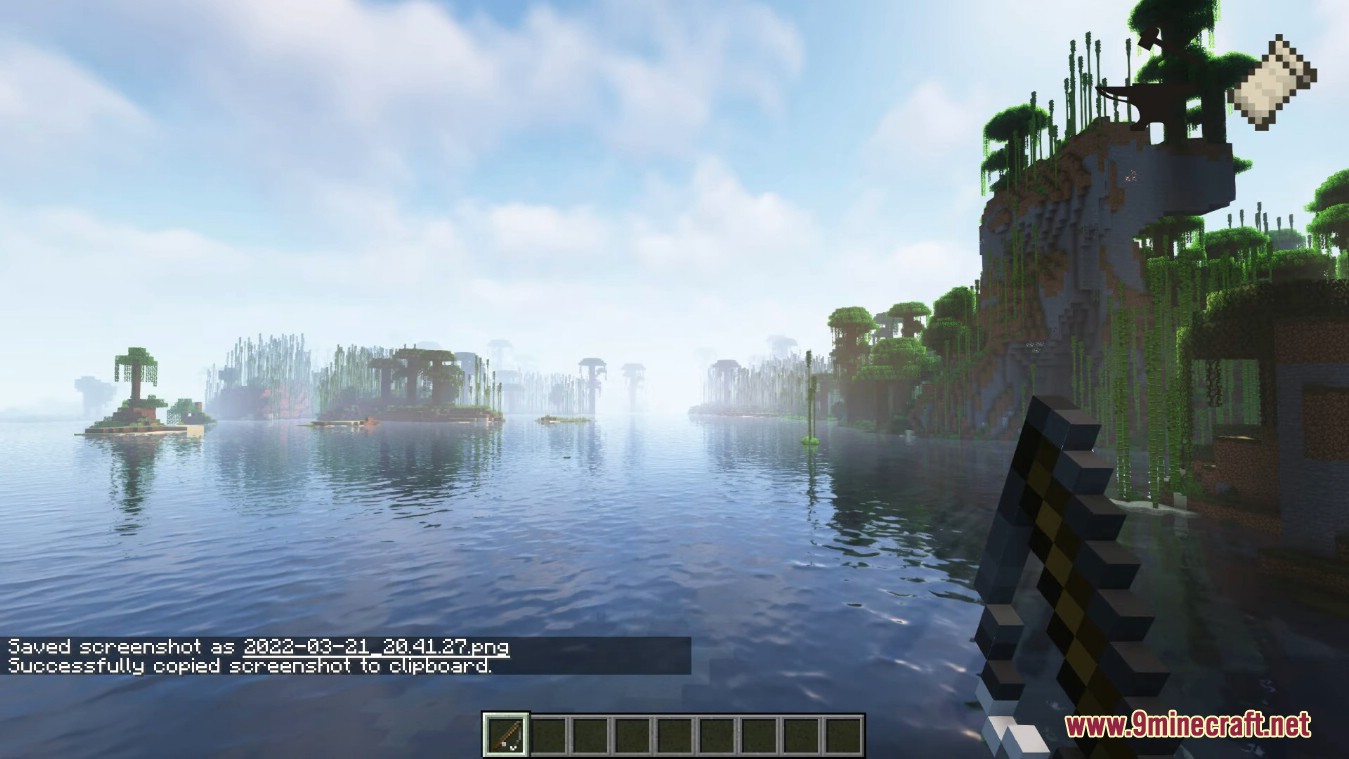
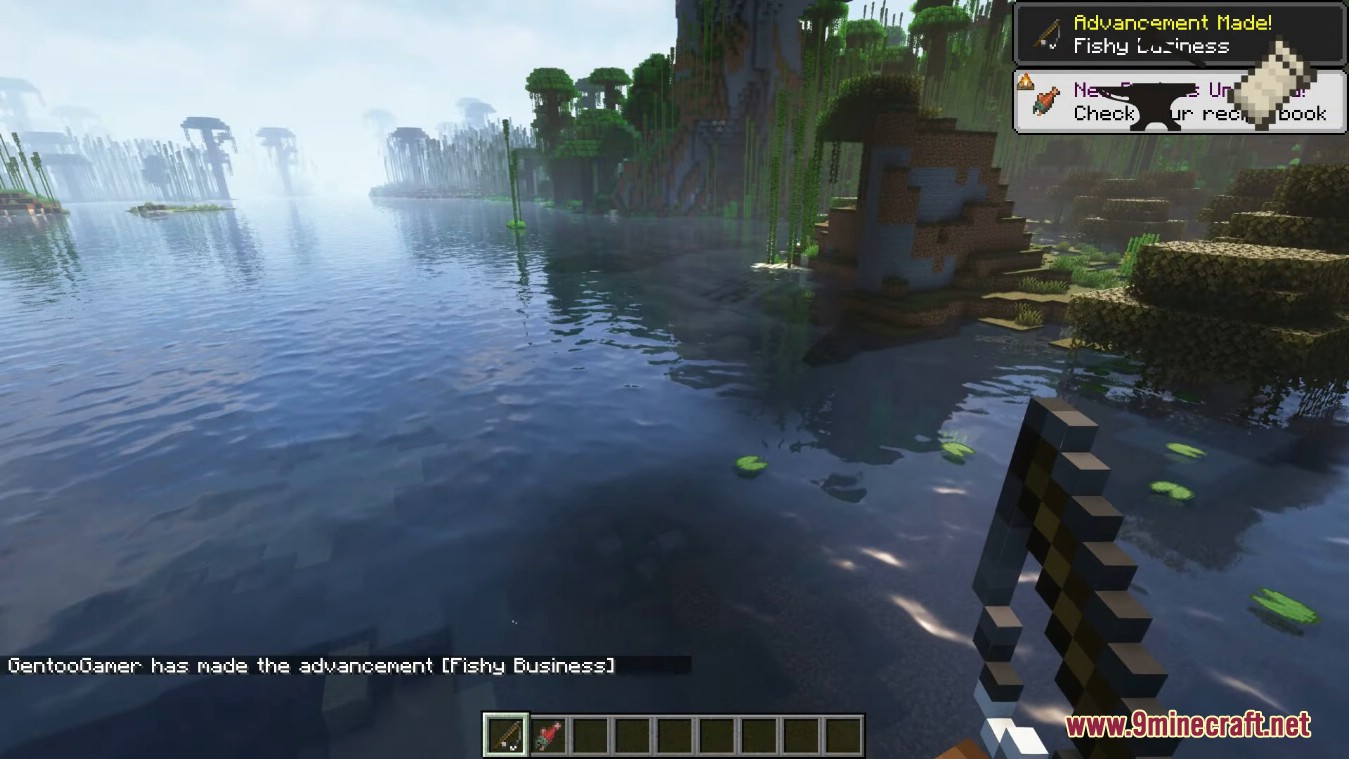
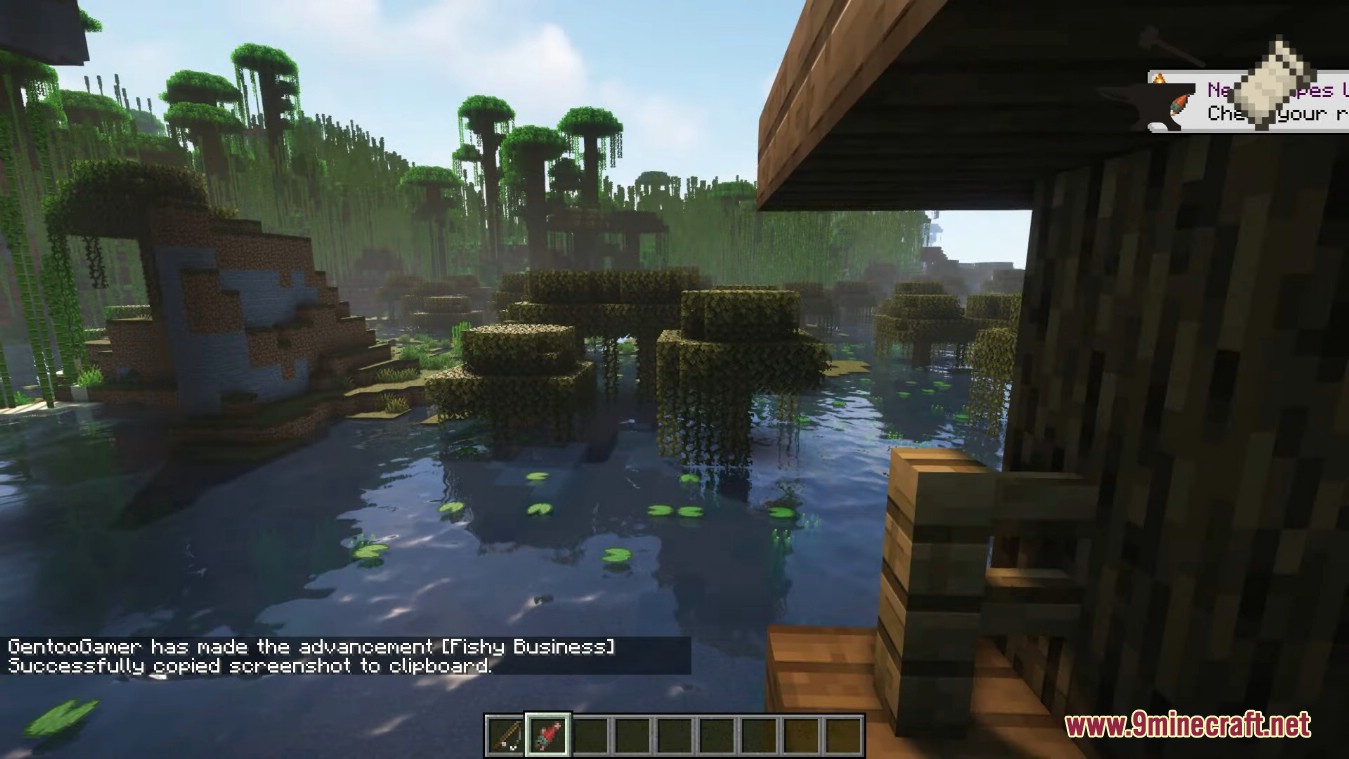
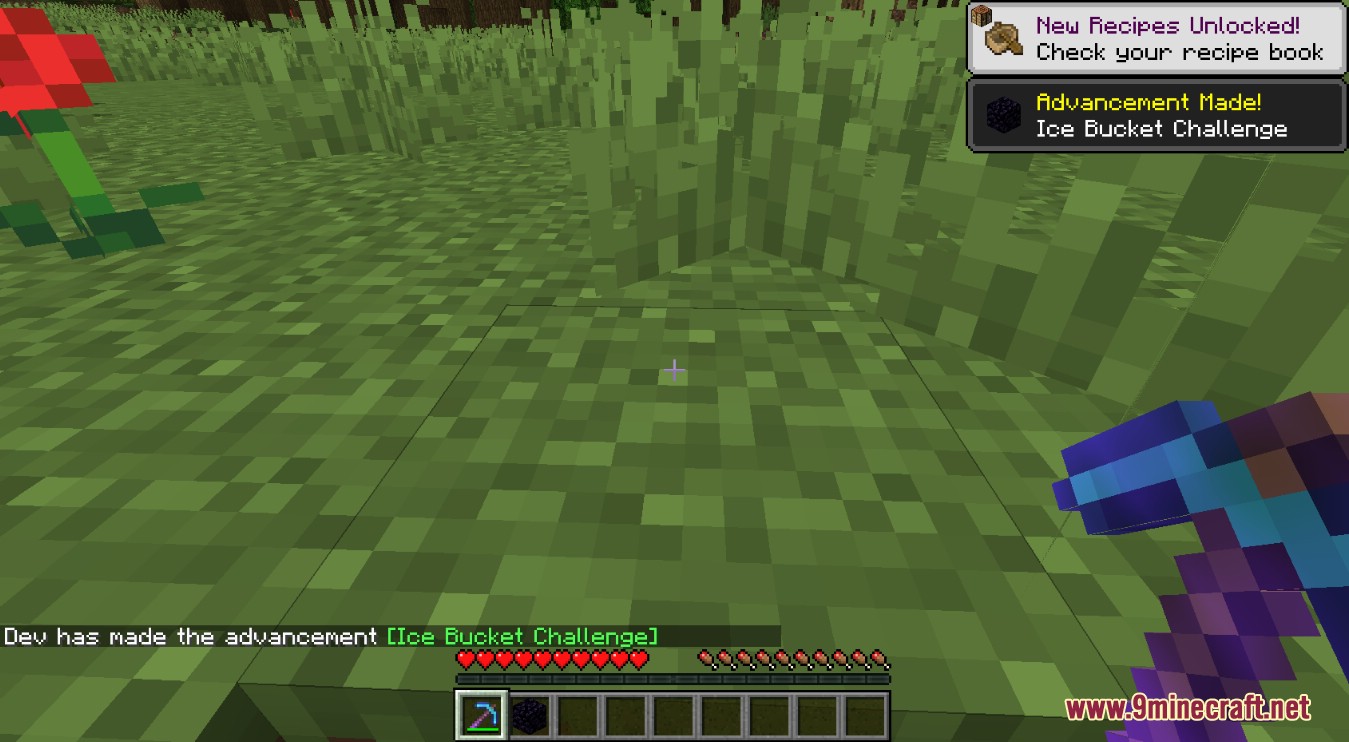
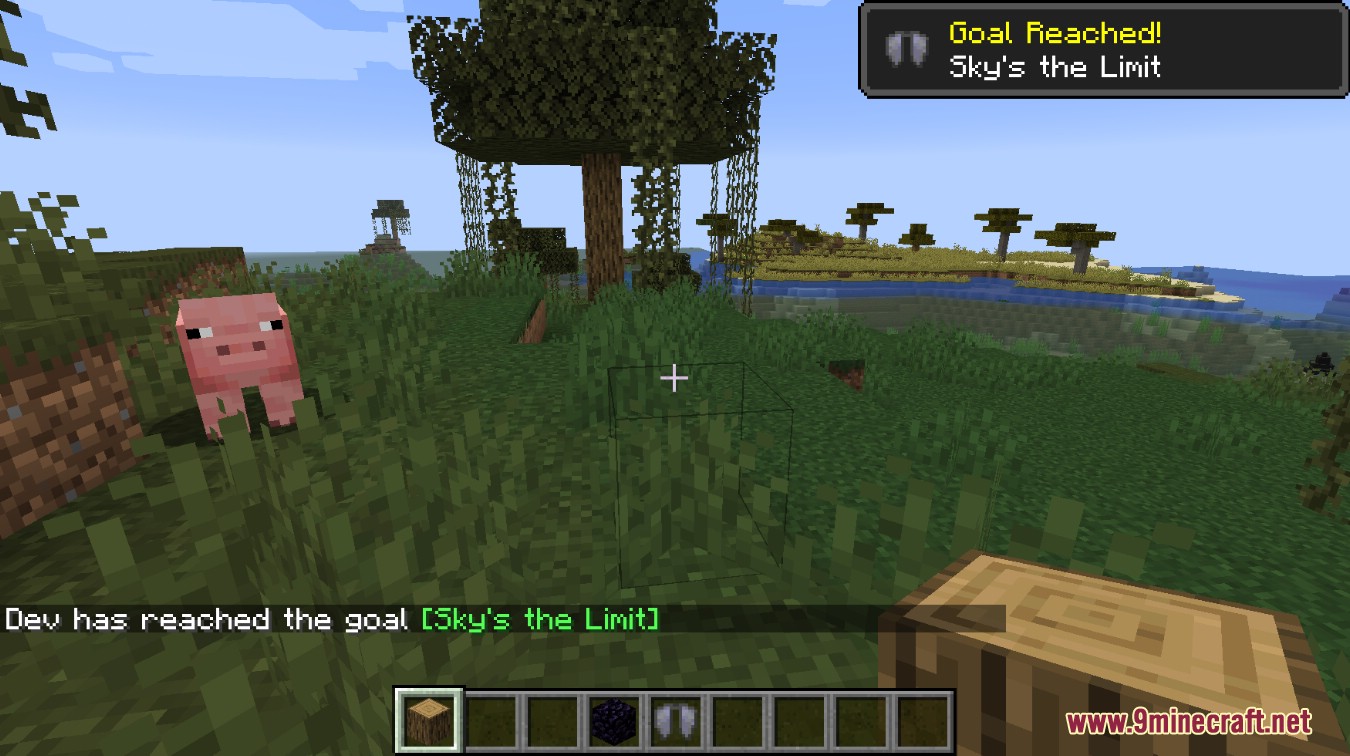
There's nothing to enable — the mod is active as soon as it's installed on the client. Just play normally and a screenshot will be captured automatically the next time you earn an advancement.
Why didn't it take a screenshot when I got an advancement?
The mod waits about a second after the advancement triggers before capturing, so give it a moment. If nothing appears, check that the advancement actually completed and that your screenshots folder isn't full or read-only.
Does this mod work on servers?
Yes. It's client-side only, so it works on any multiplayer server even if the server doesn't have the mod installed. You just need it on your own client.
Will other players know I'm using this mod?
No. The mod runs entirely on your client and doesn't send anything to the server, so it's invisible to other players and to server-side anticheat.
See all 10 Advancement Screenshot questions ›
Gallery
9 images from the Advancement Screenshot Mod page.
You May Also Like
Wikis that share the most with this one
Wikis on the same theme: cat
More mod wikis on the site
The most downloaded mods that have a wiki here
A few wikis from each of the other kinds