

 DownloadPanorama Screenshot Mod
Get the files on 9Minecraft
Guides
Step-by-step, in-game.
Capture Panoramas Without Changing FOV or Window SizeWhy You Don't Need to Adjust Settings Unlike some screenshot methods, the Panorama Screenshot Mod works entirely…Change the Panorama Screenshot HotkeyRebinding the Panorama Key If F4 conflicts with another mod or you simply prefer a different key, you can customize…Organize Multiple Panoramas with Timestamped FoldersEnabling Organized Storage When you take many panoramas, they can clutter your screenshots folder. The mod supports…Take Your First Panorama ScreenshotStarting a Panorama Panorama screenshots are captured automatically with a single keypress. By default, the mod uses…
Frequently asked questions
How do I take my first panorama screenshot?
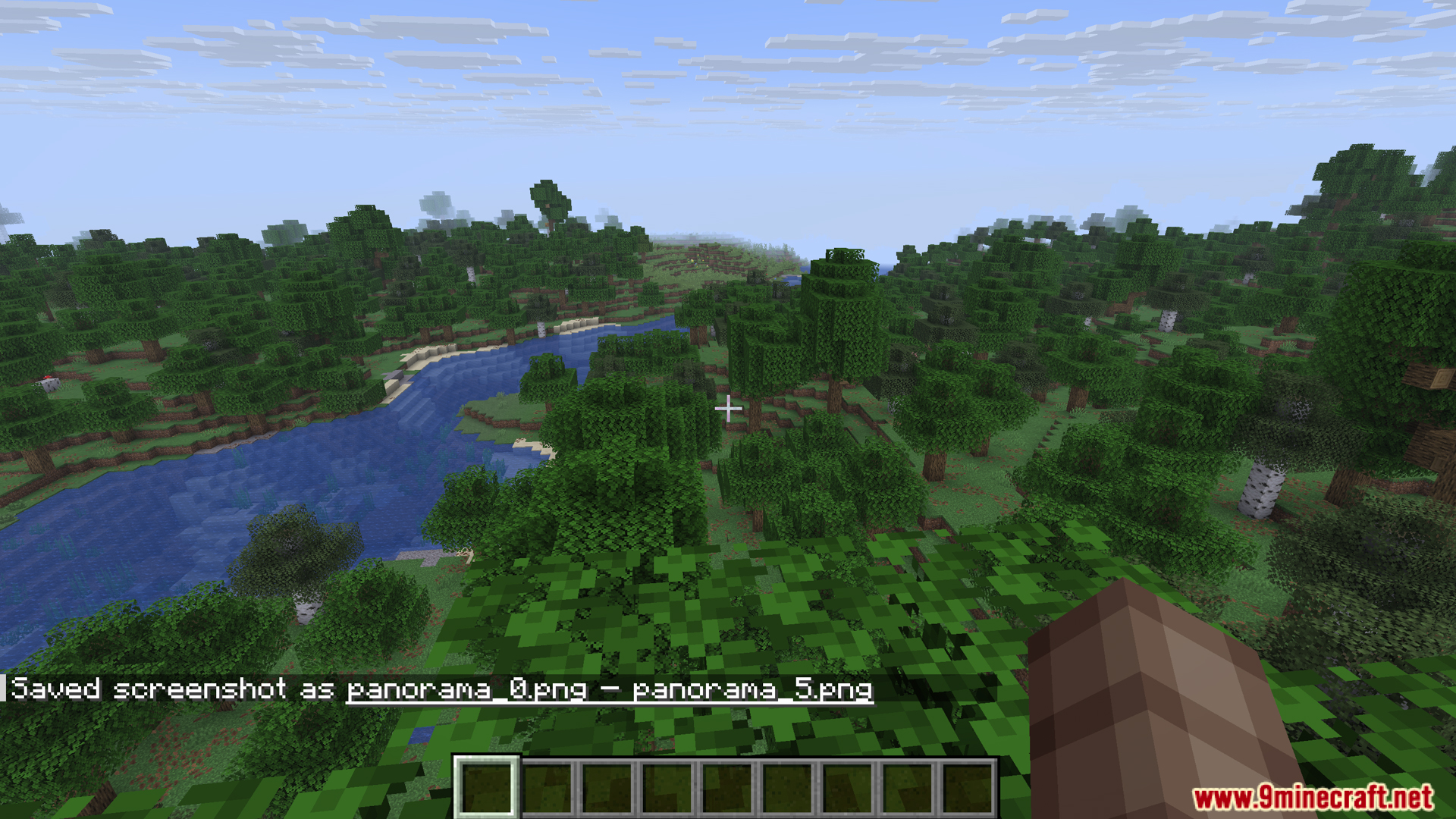
Press F4 (the default key) while in-game, and the mod will automatically capture a panoramic image of your view. Wait for the chat message confirming the screenshot was saved, then check your screenshots folder.
Where are my panorama screenshots saved?
Panorama screenshots are saved in your regular Minecraft screenshots folder by default. You can enable timestamped folders in the mod settings to automatically create a new folder for each panorama to keep them organized.
Can I change the F4 hotkey to something else?
Yes, open your Controls menu in Minecraft settings, search for the Panorama Screenshot Mod keybind, and assign any key you prefer.
Do I need to change my FOV or window size to take panoramas?
No, the mod handles everything automatically—you don't need to adjust your Field of View or window size at all. Just press the hotkey and let it work.
See all 10 Panorama Screenshot questions ›
Gallery
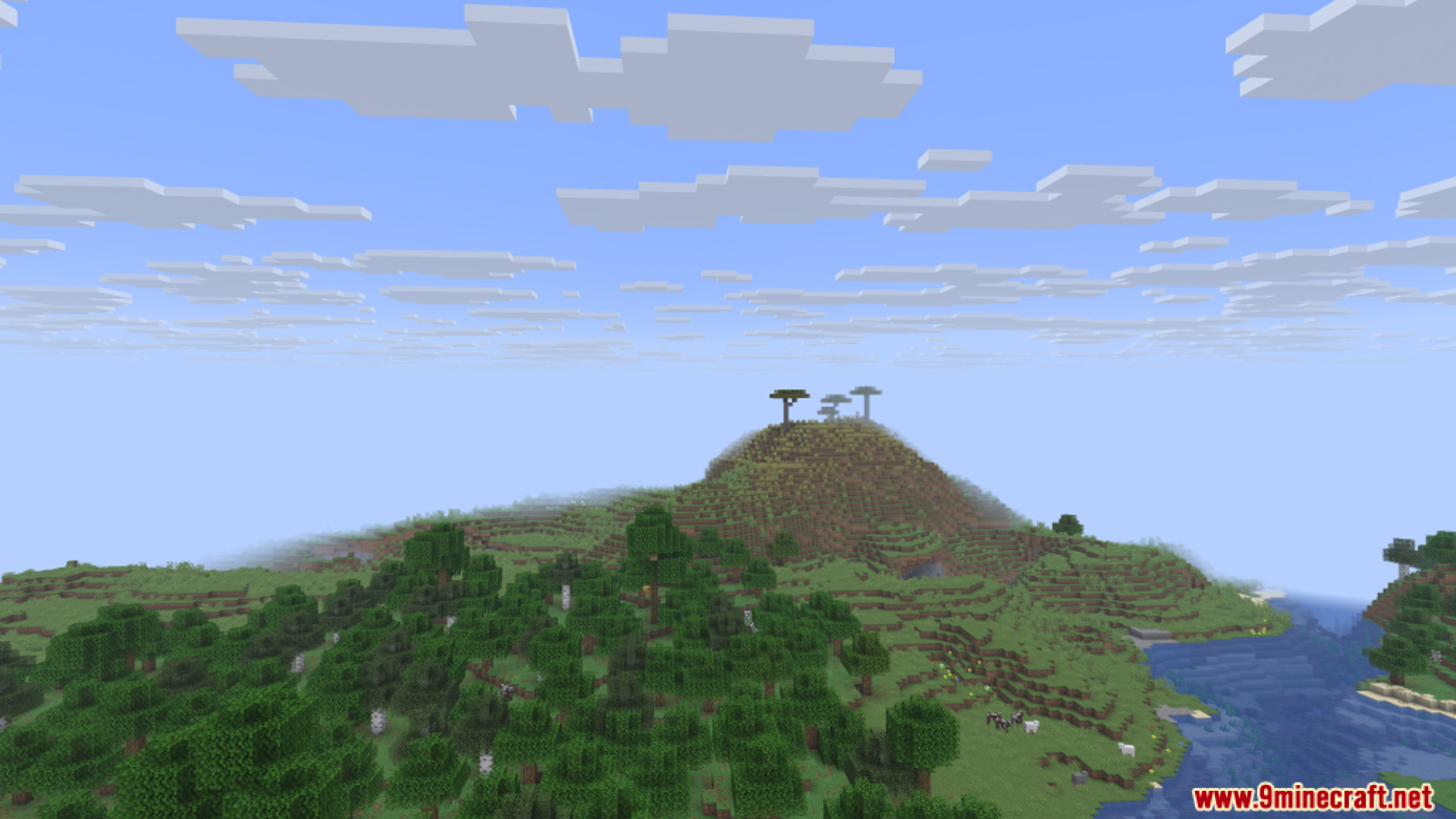
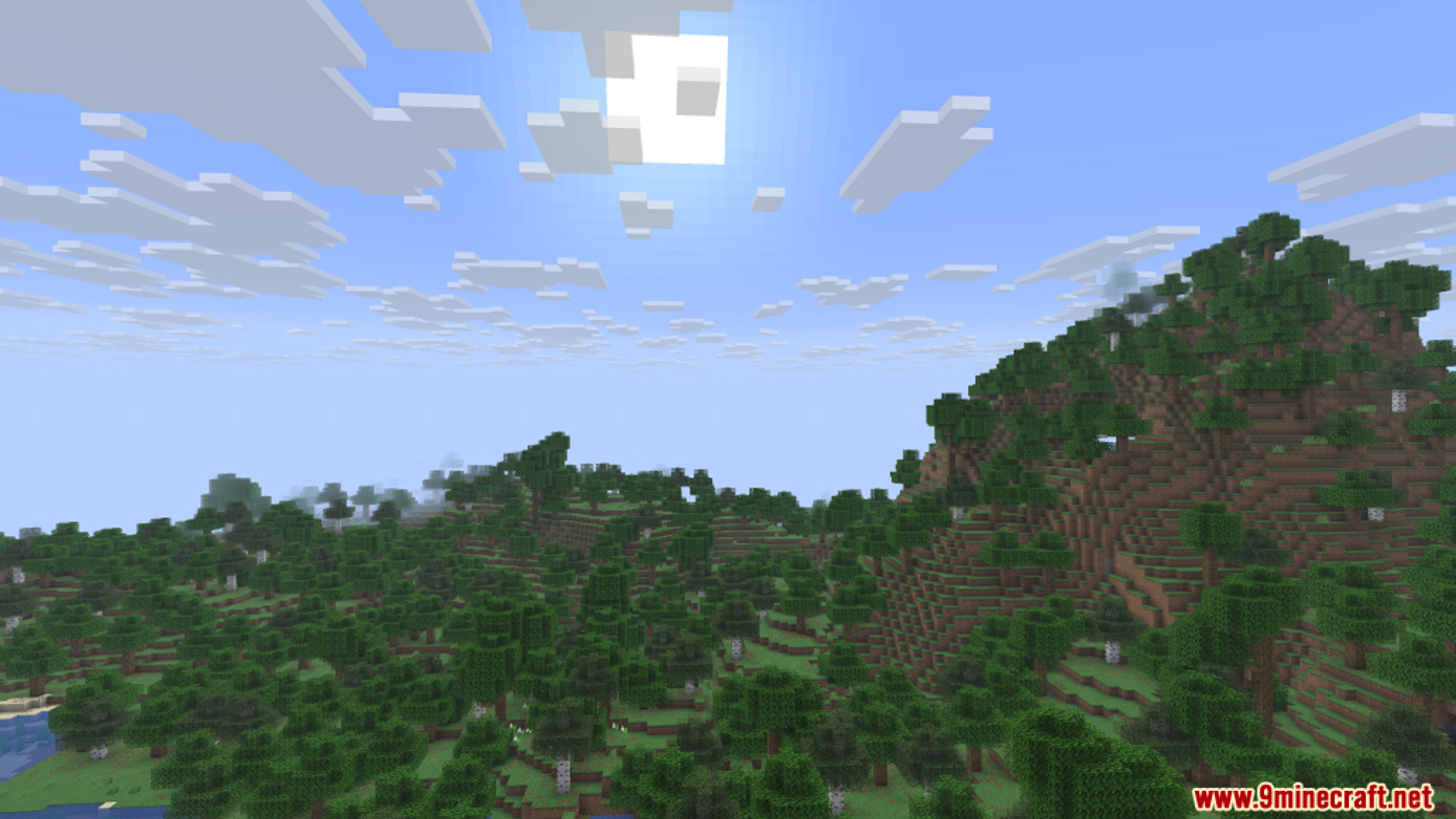
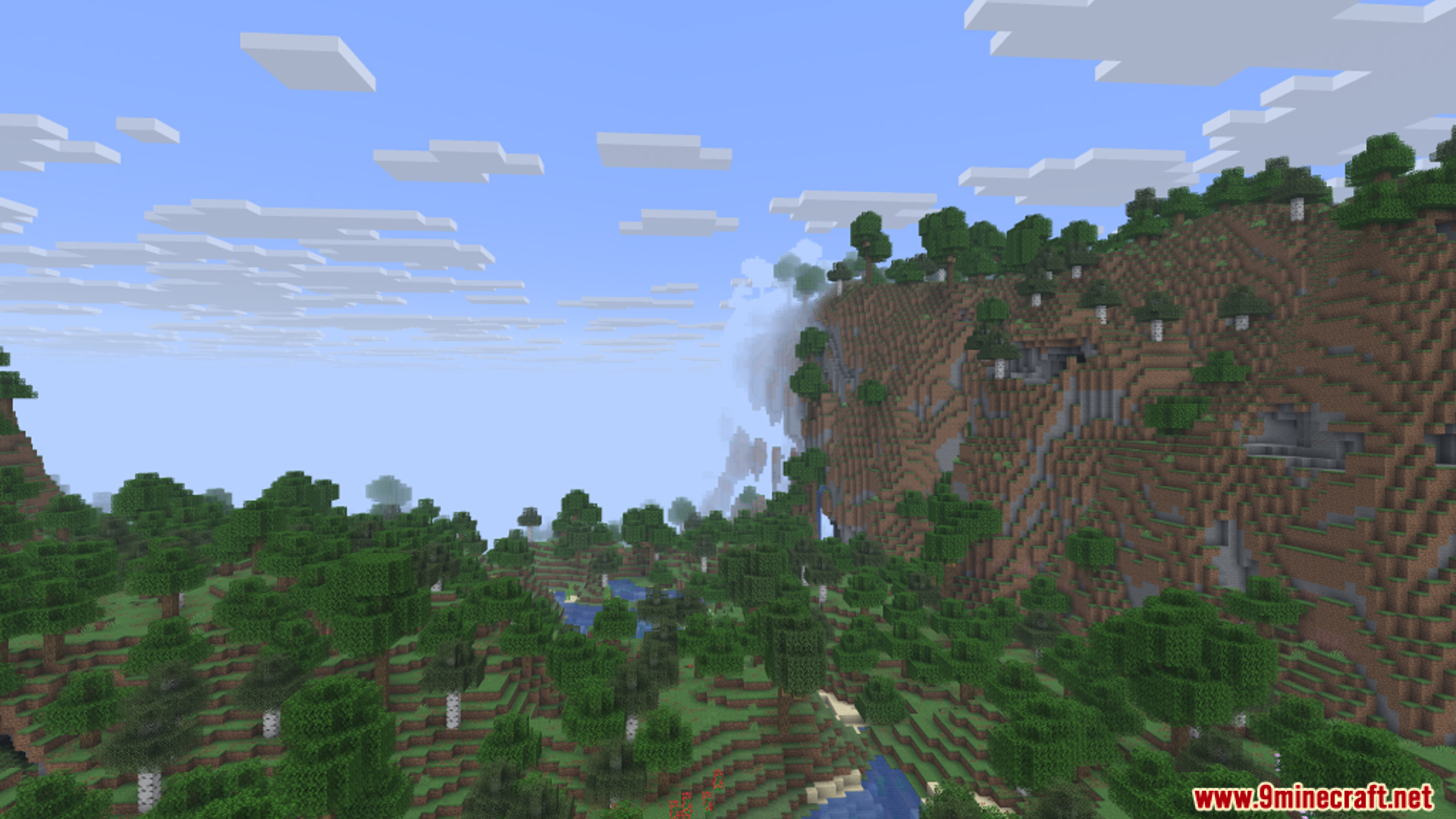
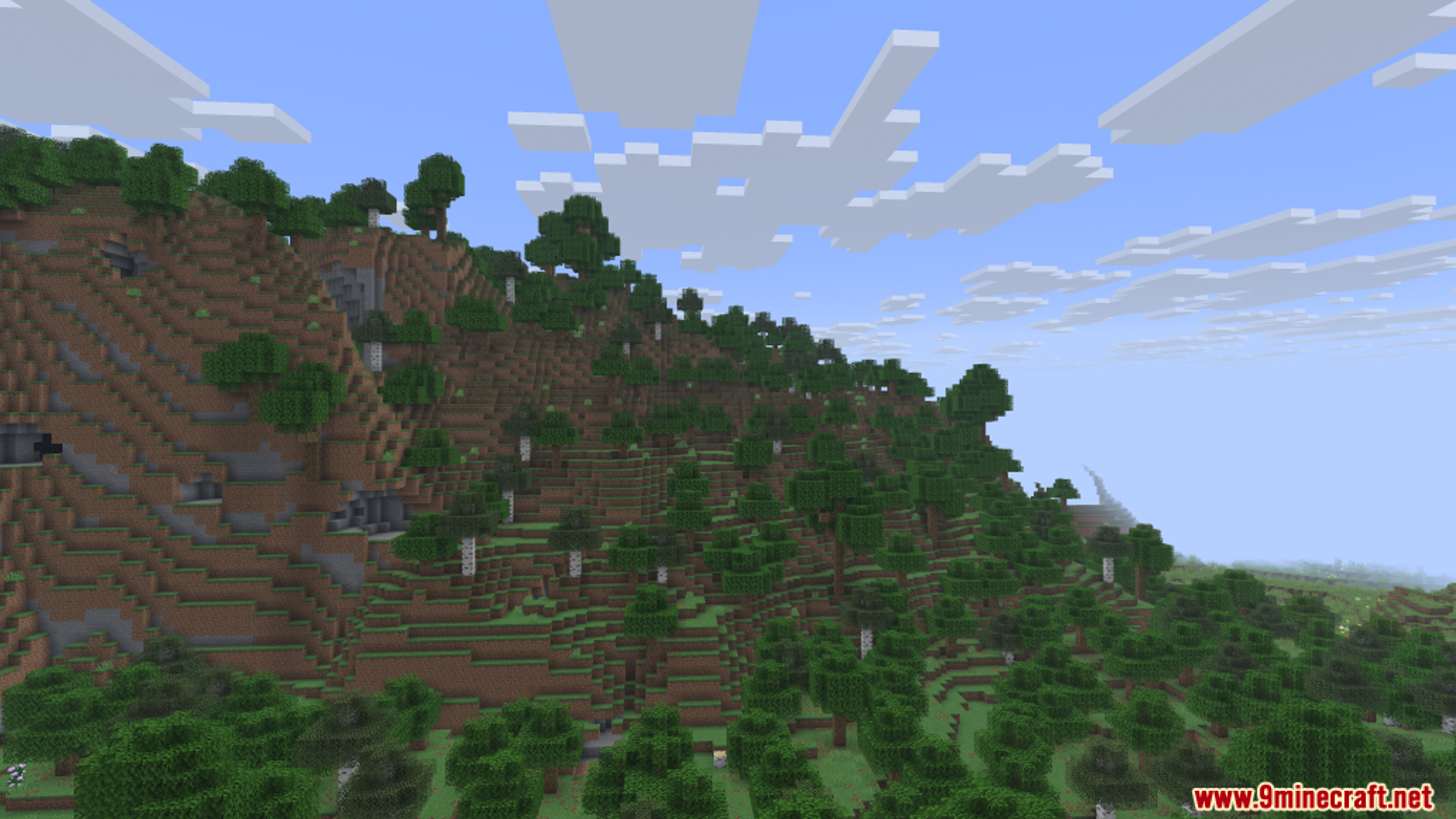
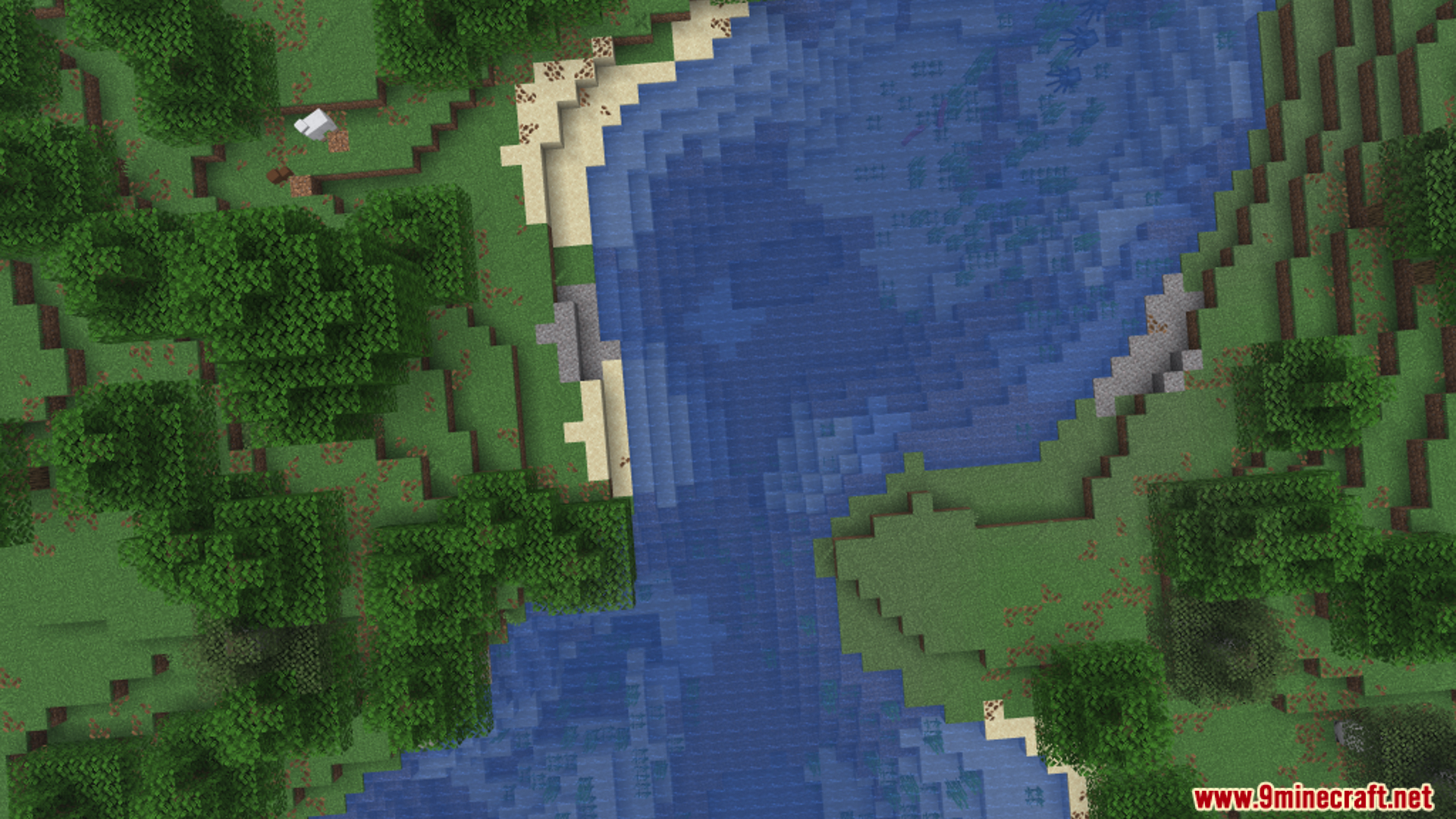
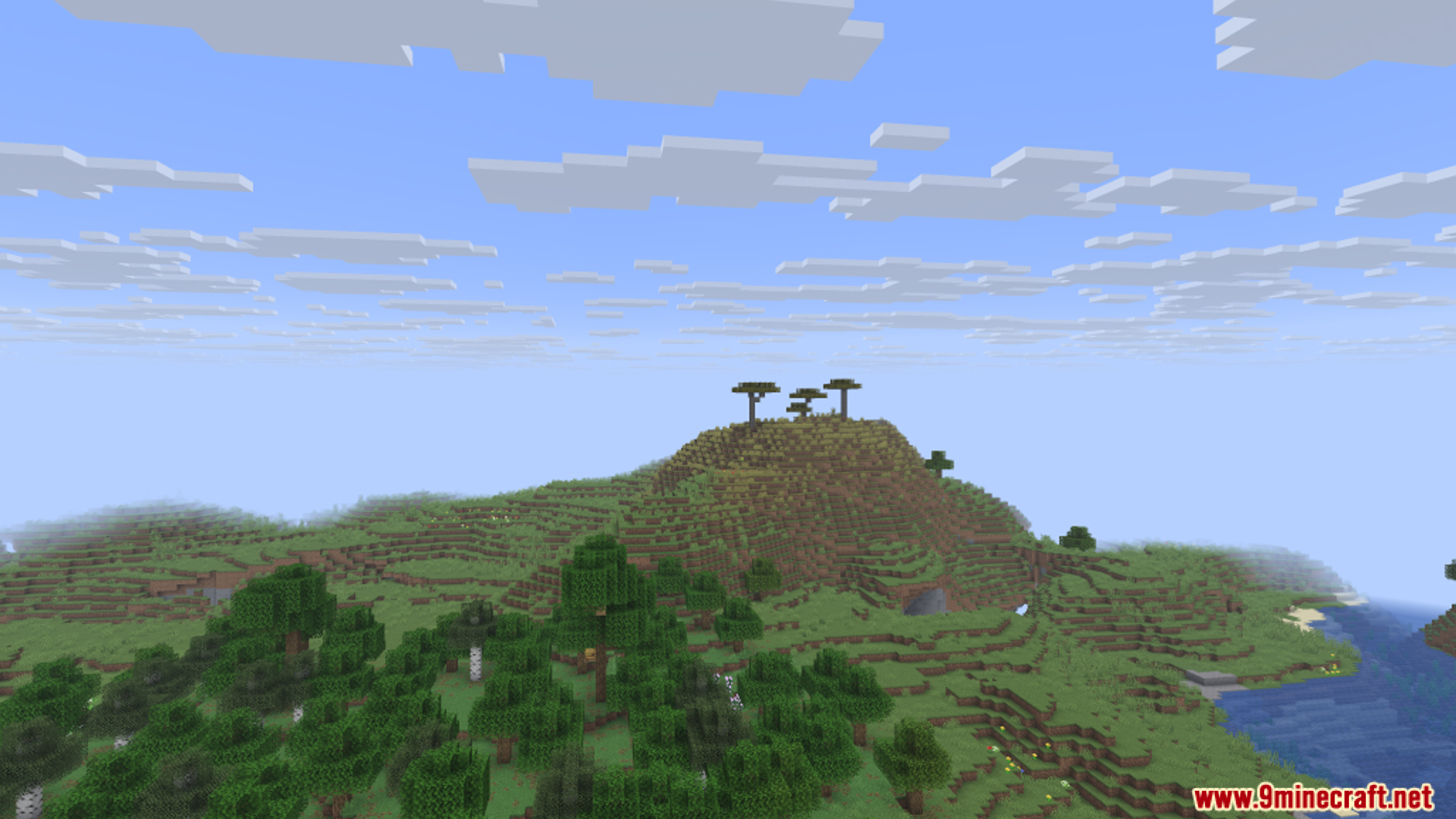
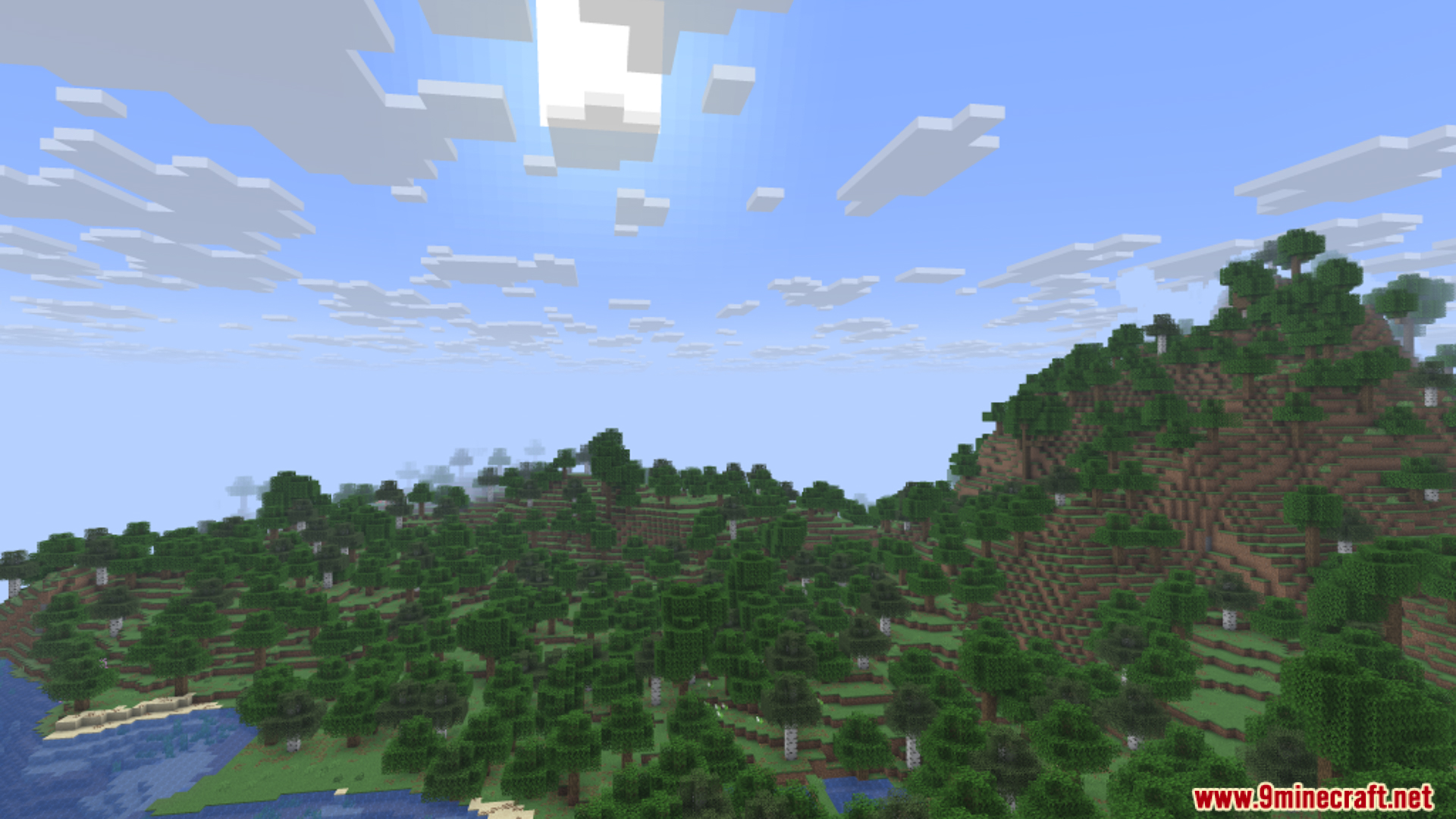
10 images from the Panorama Screenshot Mod page.

You May Also Like
Wikis that share the most with this one
Screenshot Viewer ModScreenshot Gallery ModAdvancement Screenshot Mod4K Screenshot 9minecraft ModPolished Panorama Backdrop ModProgrammer Art Panorama Resource PackNorthern Council Panorama Resource PackPam's BoneCraftPam's HarvestCraft 2 - CropsPam's HarvestCraft 2 - Food CorePam's HarvestCraft 2 - TreesPanda’s Falling Tree’s Mod
More mod wikis on the site
The most downloaded mods that have a wiki here
A few wikis from each of the other kinds