

 blocks
 DownloadAdvanced XRay Mod
Get the files on 9Minecraft
Guides
Step-by-step, in-game.
How to Add and Highlight a New Block in Advanced XRayOpening the Block Manager Press the mod's keybind to open the Advanced XRay interface (check your Controls menu if…How to Add Ores from Other Mods to Advanced XRayWhy Modded Ores Need Manual Entry Advanced XRay ships with vanilla blocks , but ores added by other mods are not…How to Change the XRay Search Distance and Reduce LagAdjusting the Render Distance Open the Advanced XRay interface and locate the distance or range setting. This…How to Toggle Advanced XRay On and Off and Use It SafelyBinding and Using the Toggle Key Open your Minecraft Controls settings and find the Advanced XRay keybinds. Assign a…
Configuration
Every setting in the mod config file, with what it changes.
| Option | What it does |
|---|---|
open | Open XRay Menu |
toggle | Toggle XRay |
Frequently asked questions
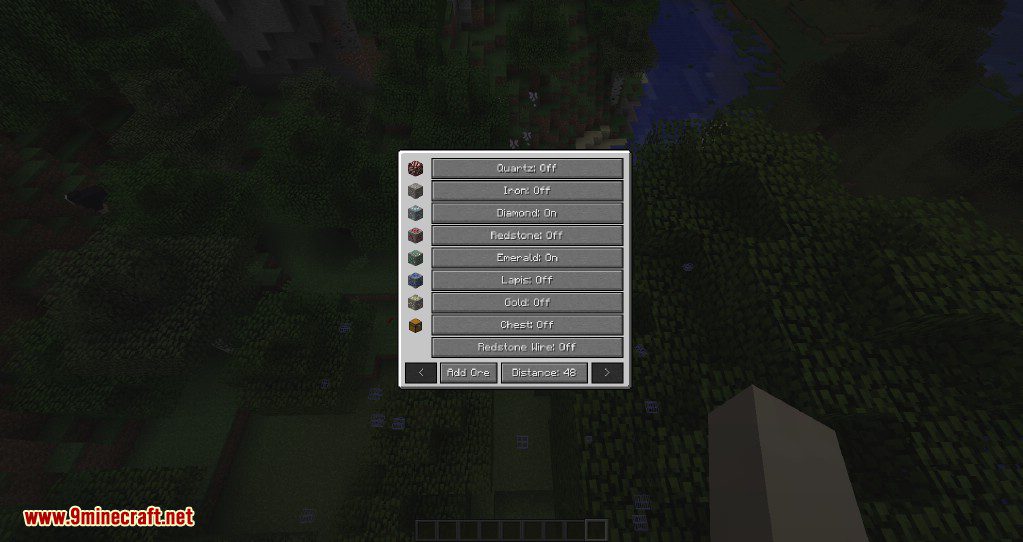
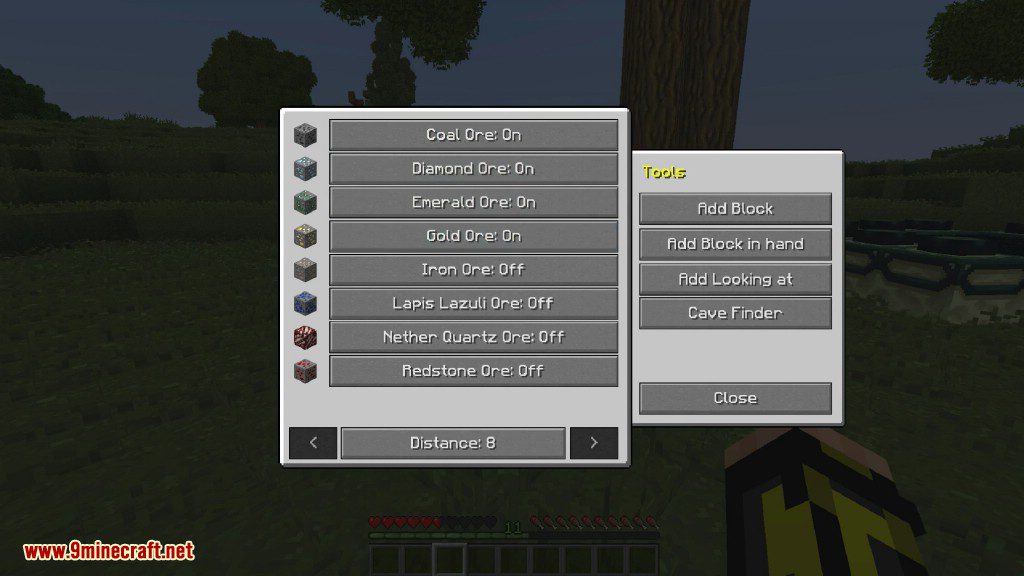
How do I open the advanced xray menu?
Press the mod's  configured keybind (check your Controls settings under the Advanced XRay category) to open the block selection GUI. If nothing happens, the keybind may conflict with another mod, so rebind it in Controls.
How do I turn xray on and off?
Use the toggle keybind to switch the  highlight overlay on and off without closing the game. You can also disable it from within the mod's GUI if you prefer clicking over hotkeys.
Why can I only see some ores and not others?
Only blocks you've added to the active list get highlighted, so open the GUI and enable or add the ores you're looking for. Ores from other mods won't appear until you manually add them.
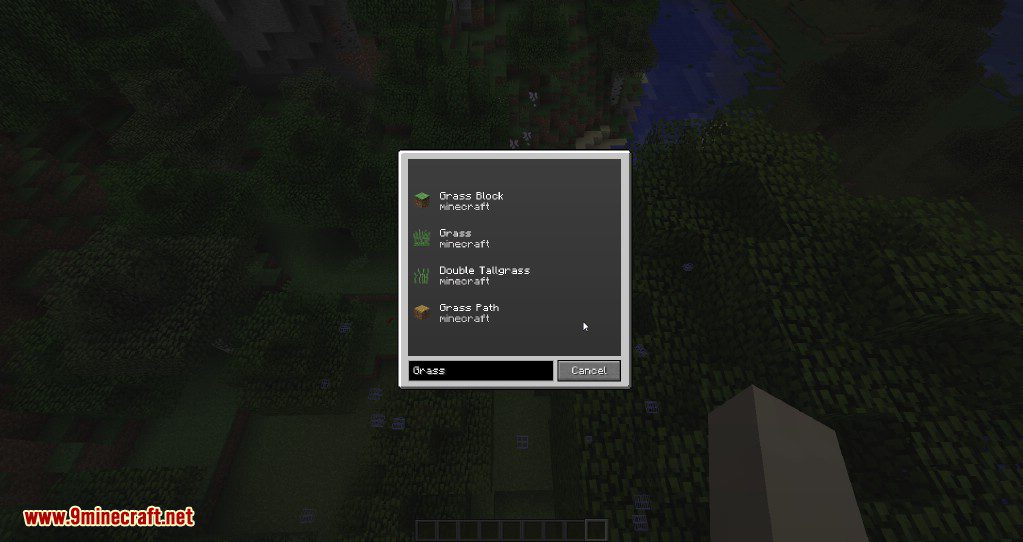
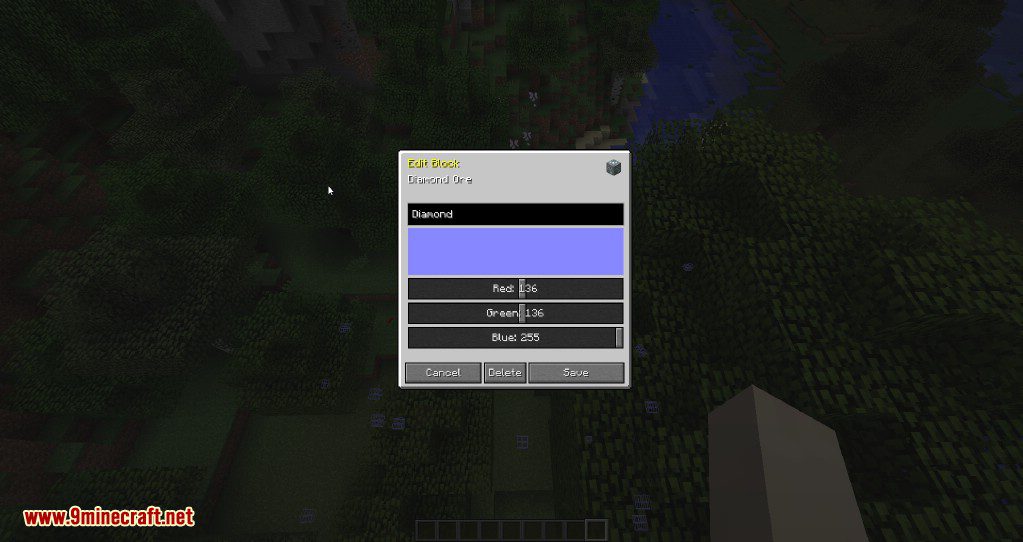
How do I add a new block to the xray list?
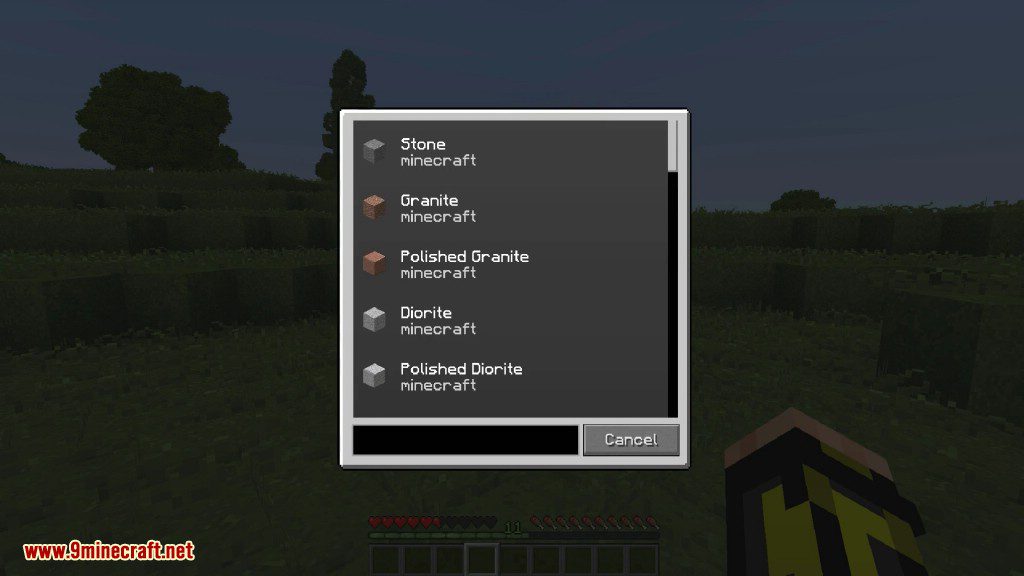
Open the GUI, use the searchable block list to find the block, and add it to your active list. Once added, it will be highlighted whenever XRay is enabled.
See all 10 Advanced XRay questions ›
Gallery
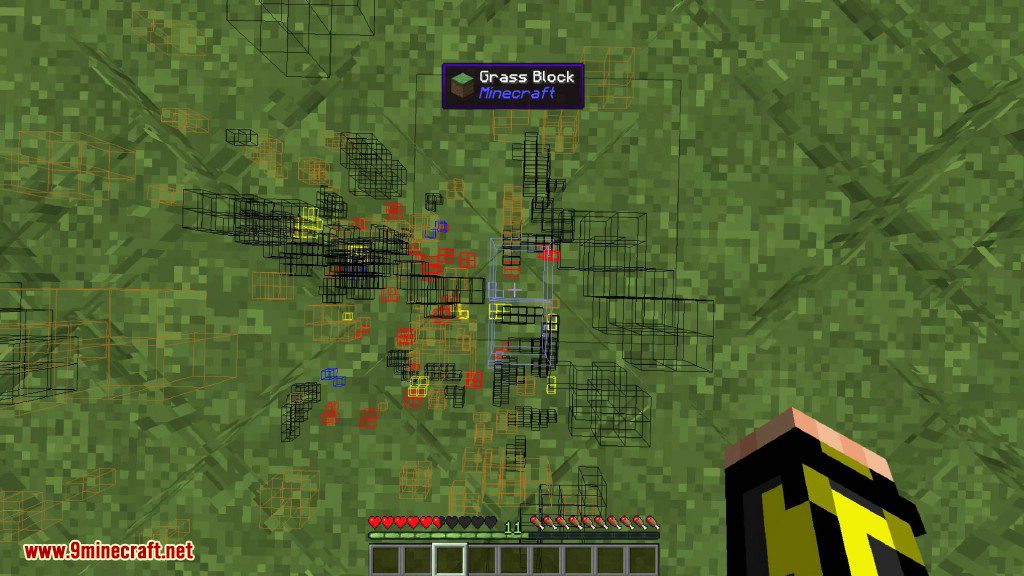
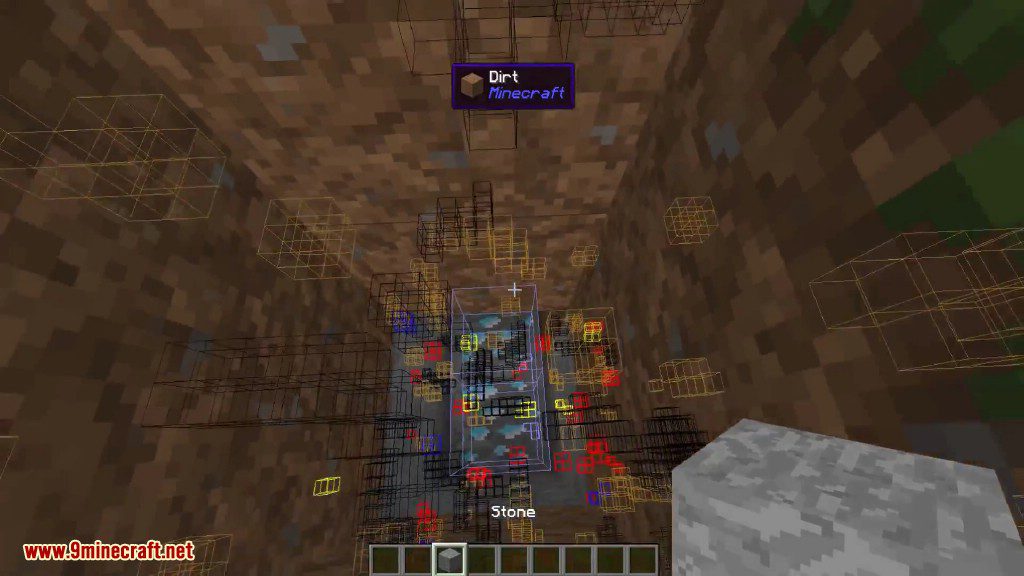
12 images from the Advanced Xray Mod page.

You May Also Like
Wikis that share the most with this one
More mod wikis on the site
The most downloaded mods that have a wiki here
A few wikis from each of the other kinds