

 DownloadAdvanced UI 9minecraft Mod
Get the files on 9Minecraft
Guides
Step-by-step, in-game.
Frequently asked questions
What does Advanced UI 9minecraft Mod change about the game's fonts?
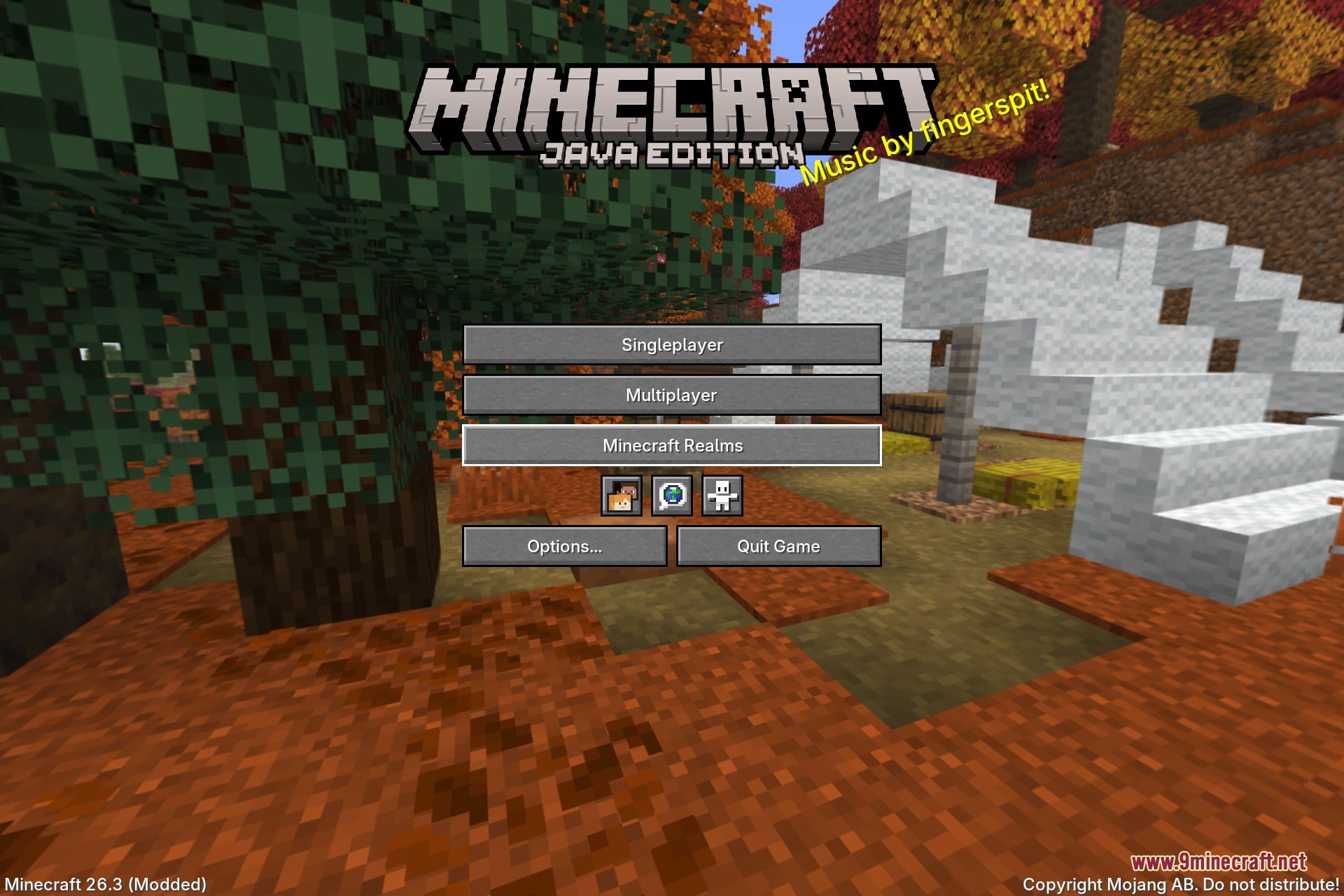
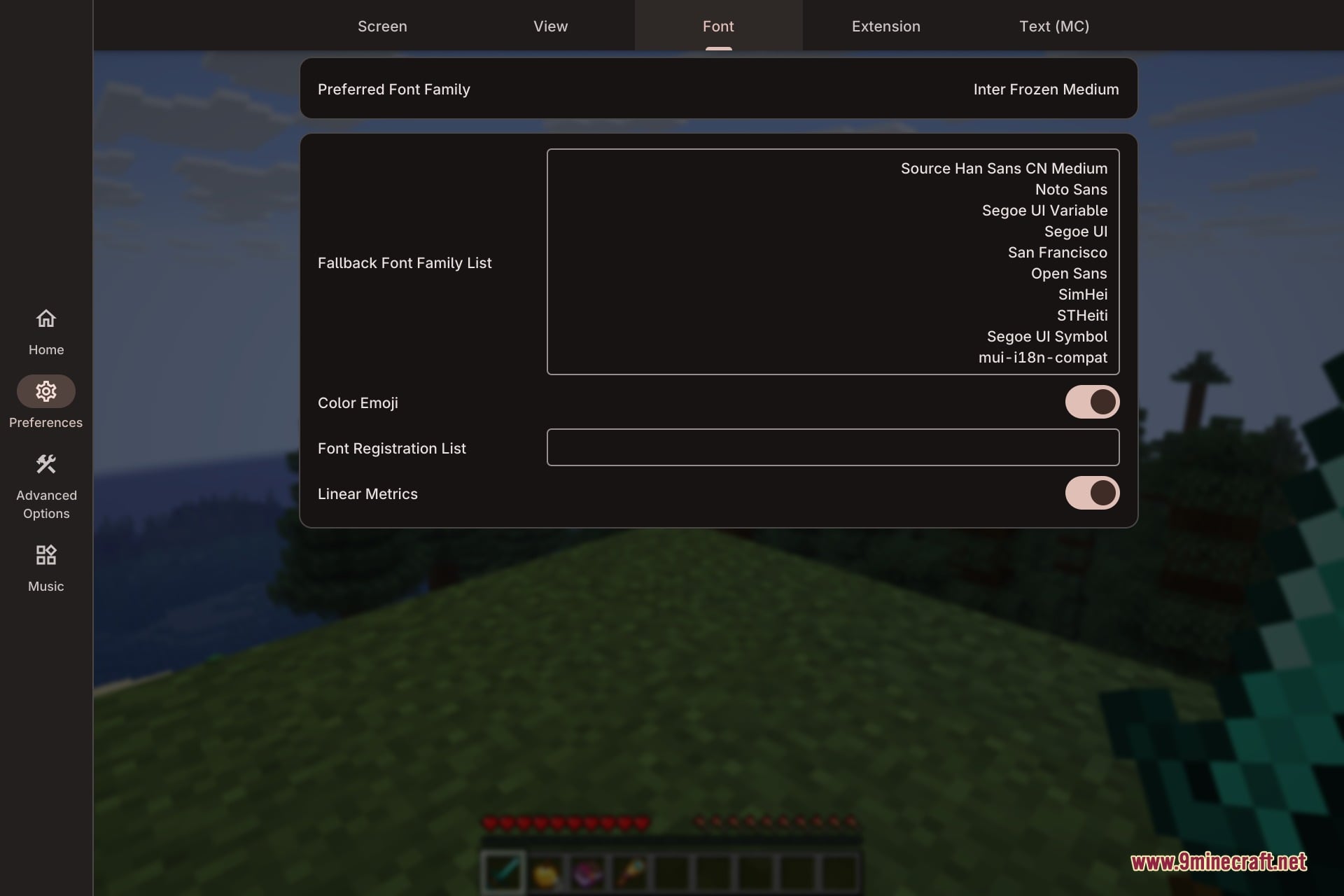
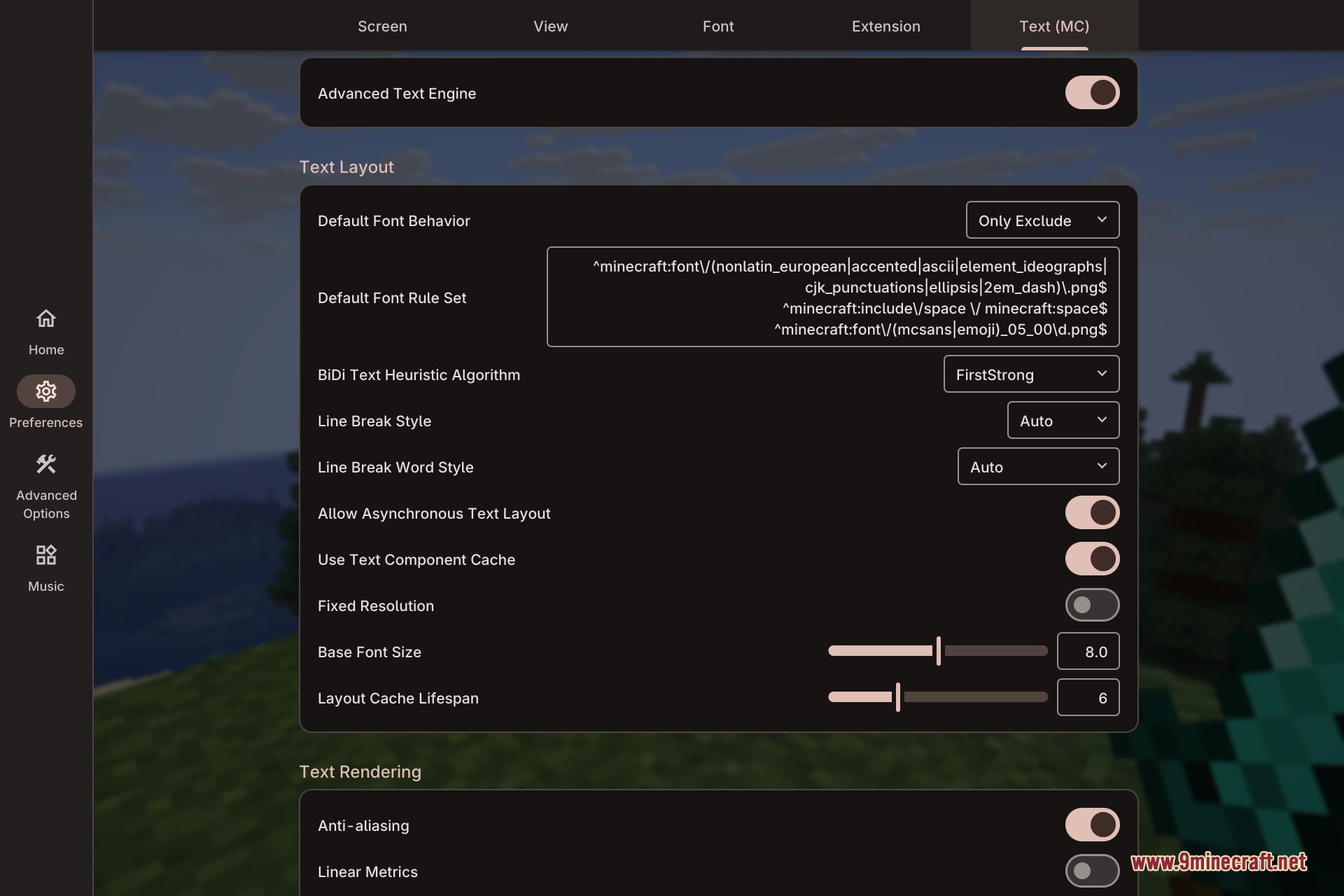
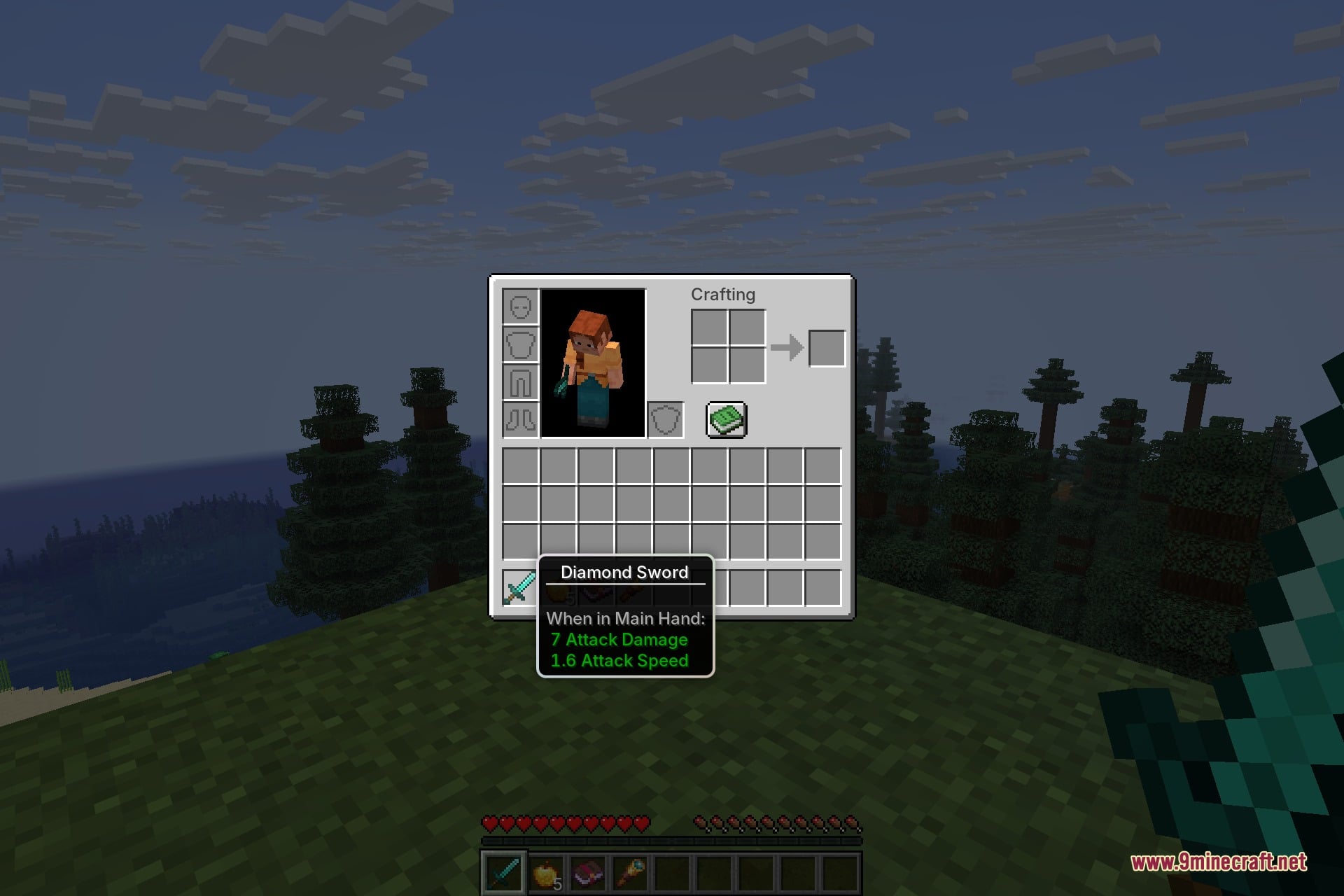
It replaces the standard pixelated fonts with sharp, anti-aliased lettering across all menus, tooltips, and chat lines. This keeps text clean and legible at any GUI scale setting.
Does the mod affect the chat beyond just fonts?
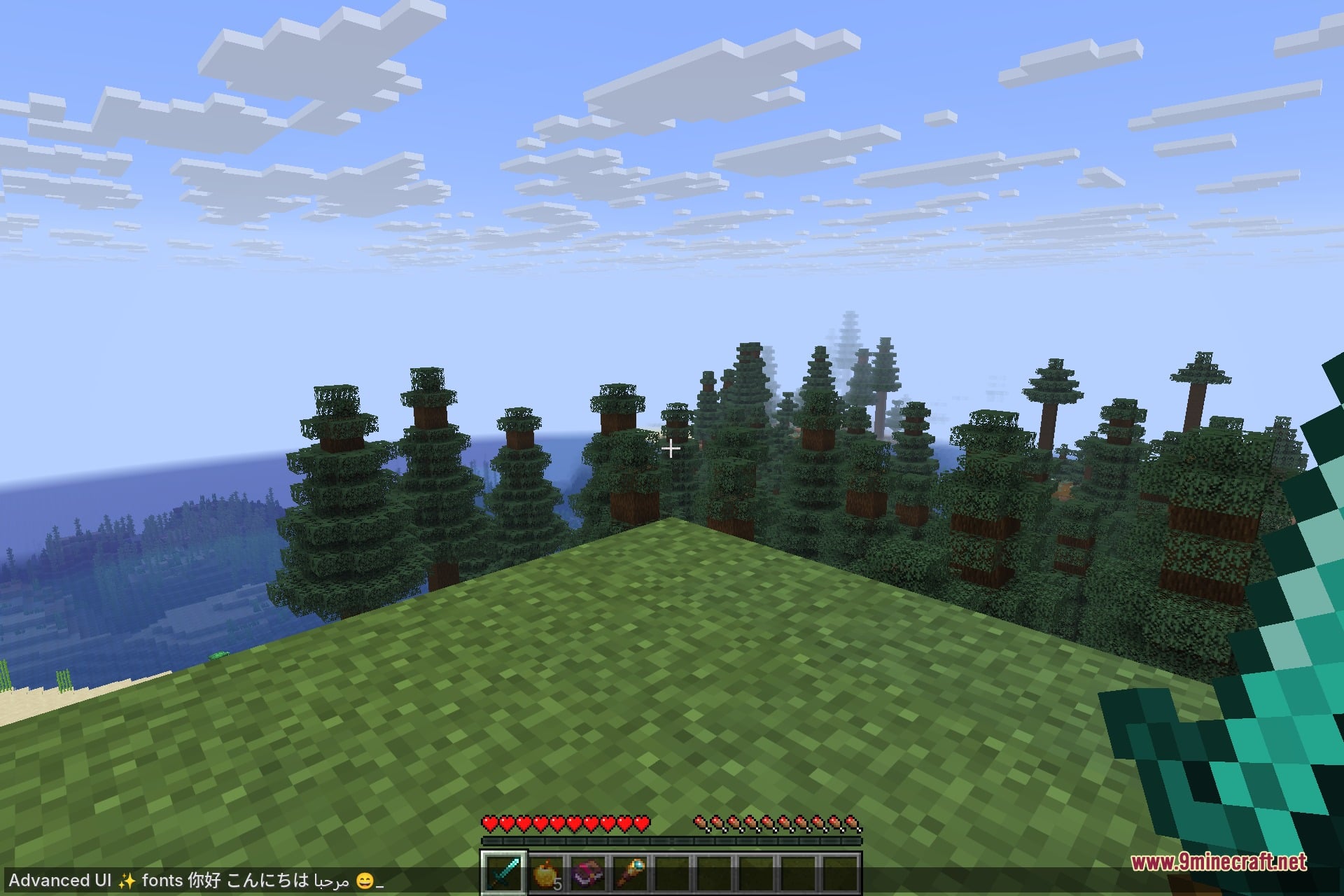
Yes, it converts typed shortcodes like 🙂 or :sparkles: into colorful emoji in chat. It also renders chat text with the same anti-aliased font styling.
Can Advanced UI handle non-English languages?
Yes, it handles complex language scripts properly, including right-to-left layout for Arabic. This means those scripts display correctly instead of breaking or misaligning.
What visual effects does the mod add to menus?
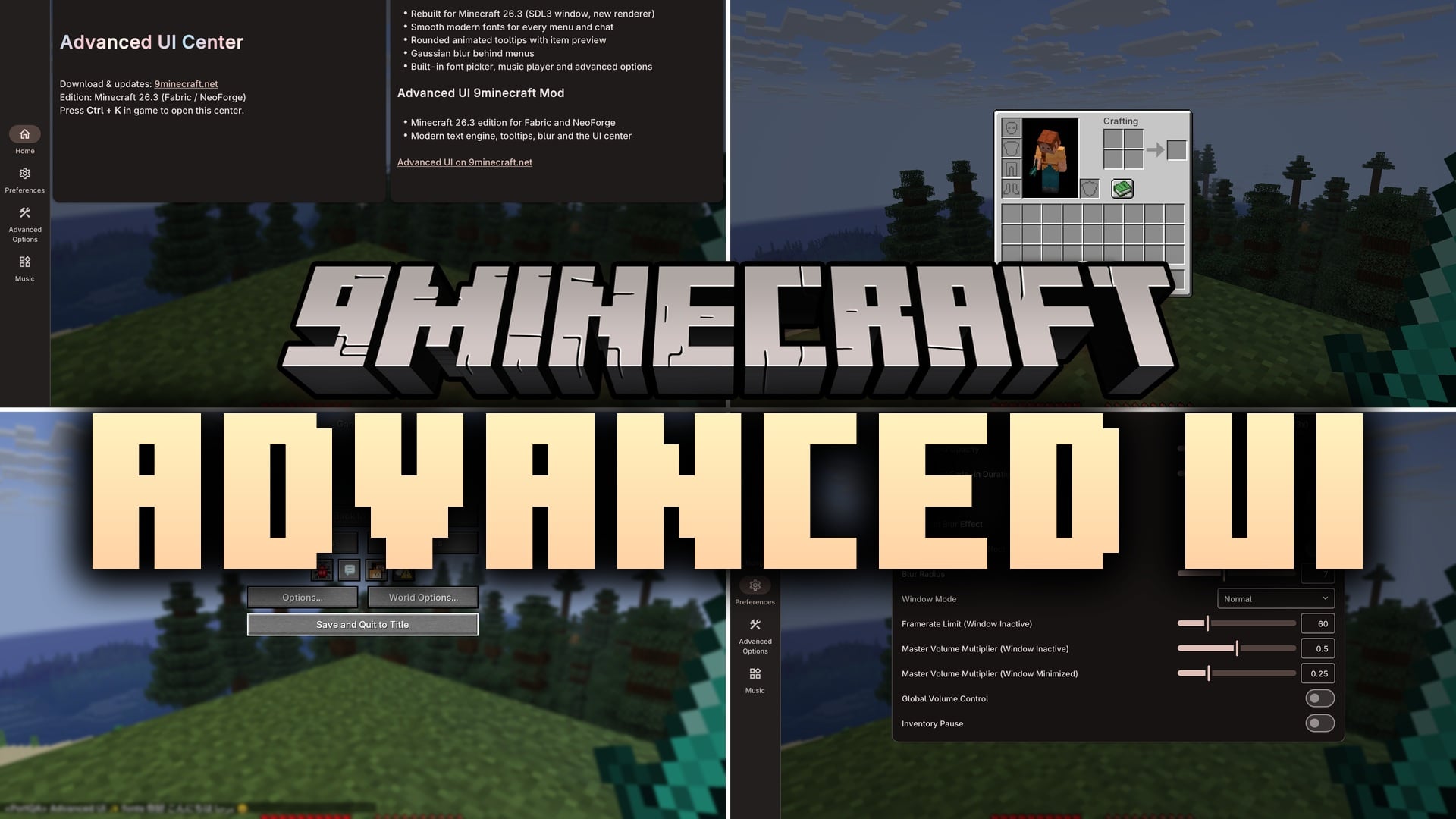
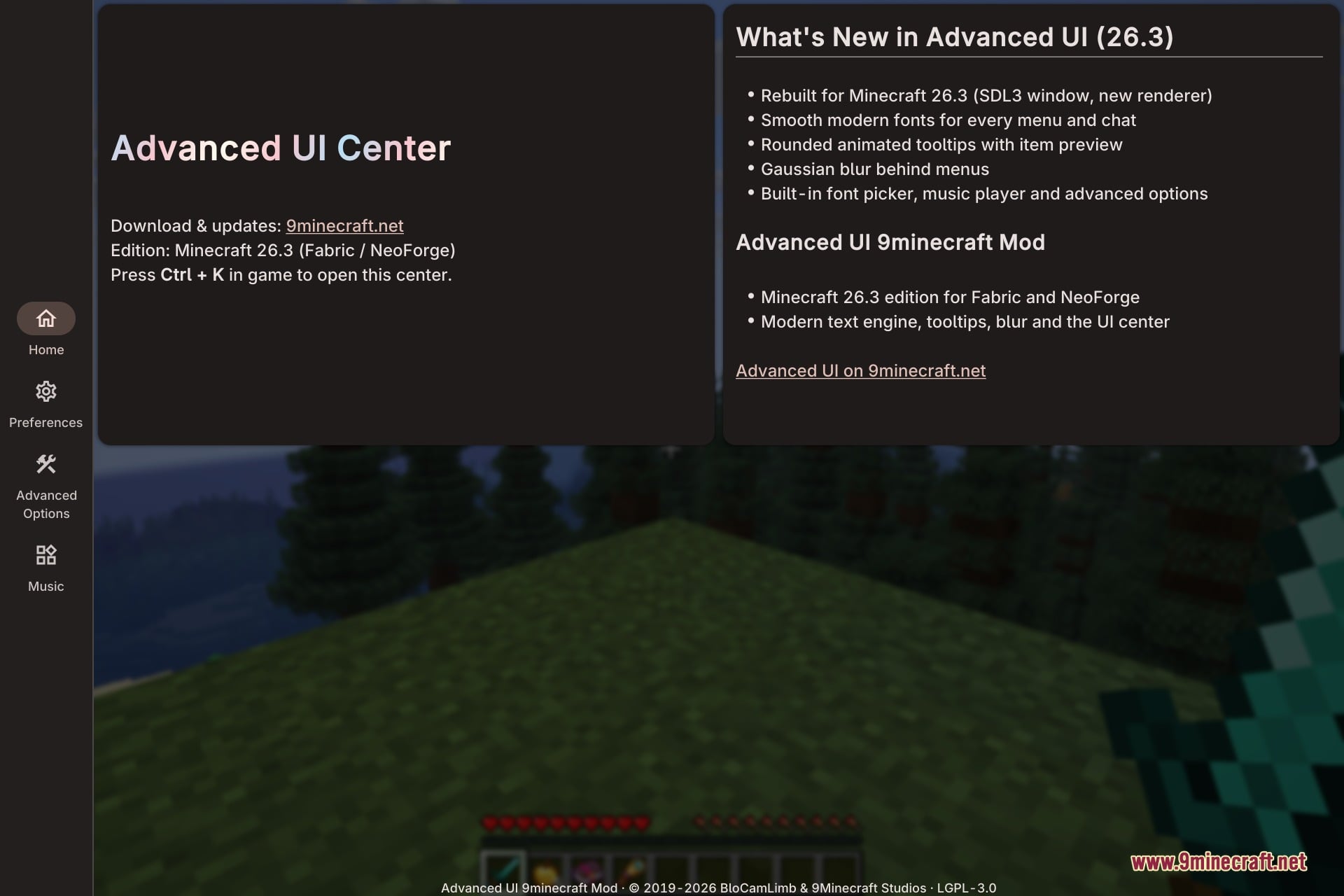
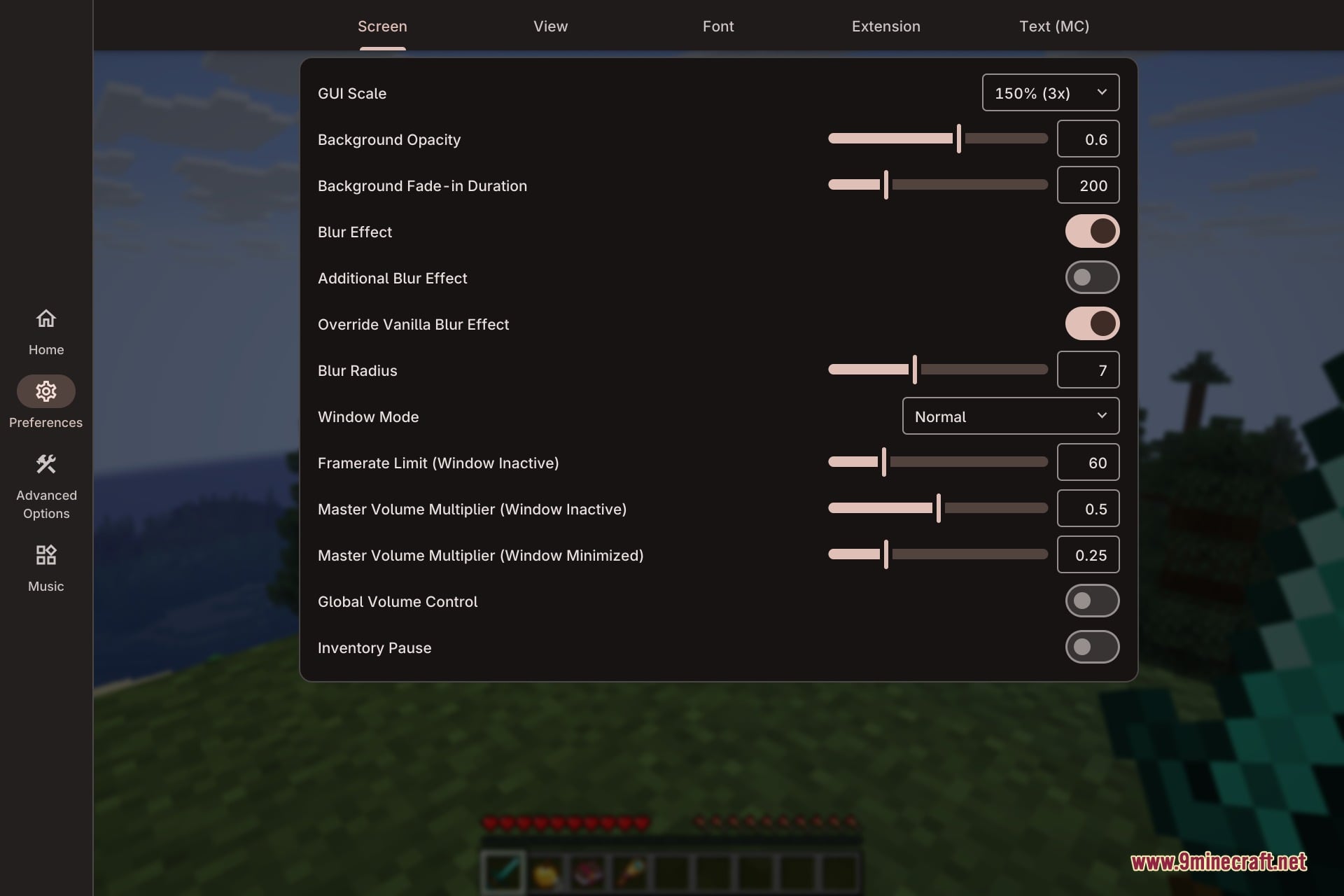
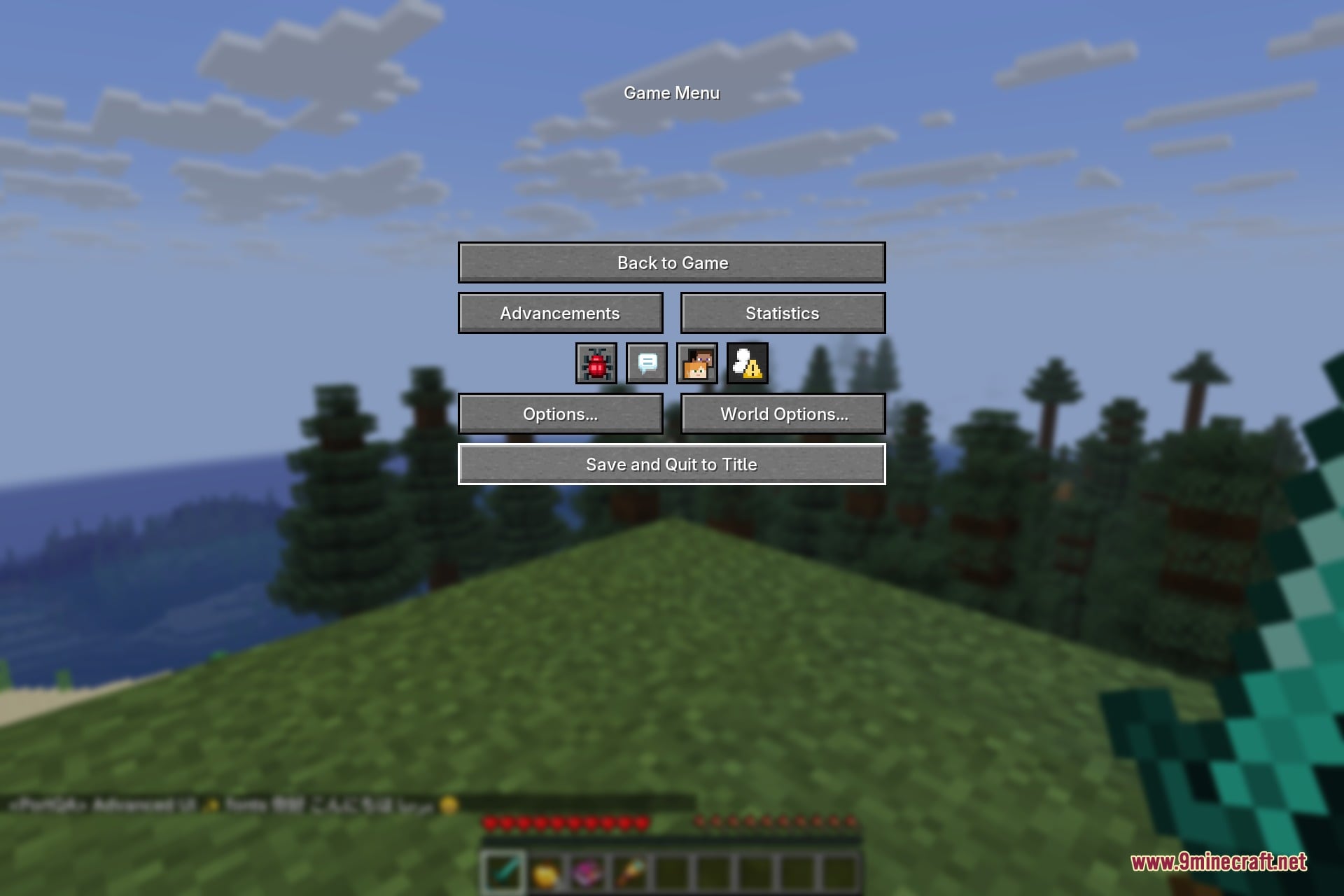
It adds adjustable background blur effects to give menus a modern look. This blur can be tuned to your preference.
See all 6 Advanced UI questions ›
Dependencies
Other mods needed to run this one.
Tipthescales (optional)
Gallery
11 images from the Advanced Ui 9Minecraft Mod page.
You May Also Like
Wikis that share the most with this one
More mod wikis on the site
The most downloaded mods that have a wiki here
A few wikis from each of the other kinds