

 DownloadCreate: Design n' Decor
Get the files on 9Minecraft
Contents (5)
Why Single-Color Theming Works
Design n Decor's colored block sets — cogwheels, flywheels, fans, 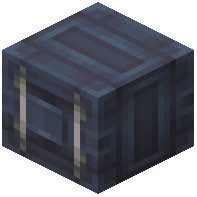 containers, sheet metal, girders, and plating in a given color — are designed to be used together. Committing to one color for a build produces a workshop that looks designed rather than assembled.
Step-by-Step Theming
1. Choose your color and gather the full set: cogwheels, large cogwheels, 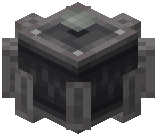 industrial cogwheels, flywheel, fan, sheet metal, plating, and containers in that color.
2. Build the shell first — walls of sheet metal, structural girders, and a floor of stone variants.
3. Install the rotating machinery using only your chosen color's cogwheels and flywheels, so every moving part matches.
4. Use the colored fan as an air-movement feature, either as a wall vent or mounted above a workstation.
5. Place colored containers as storage along one wall, and a display board above them.
6. Add a neutral stone or dark metal base layer so the color has something to sit against.
Keeping It From Looking Flat
Vary block types within the color — plating, sheet metal, and girders all read differently. Break long runs with stone trim, and use lamps to create shadow. A single color does not mean a single texture.


