Wiki 9Minecraft Wiki 9Minecraft

Armourer's Workshop Wiki & Guide

Adds a skinning system for creating, painting, and applying custom armor, weapon, and block skins using tools, dye tables, mannequins, and a shared skin library.

Contents (9)
  1. Overview
  2. In-game Screenshots
  3. Guides
  4. Processes
  5. Items
  6. Blocks
  7. Frequently asked questions
  8. Related mods

Overview

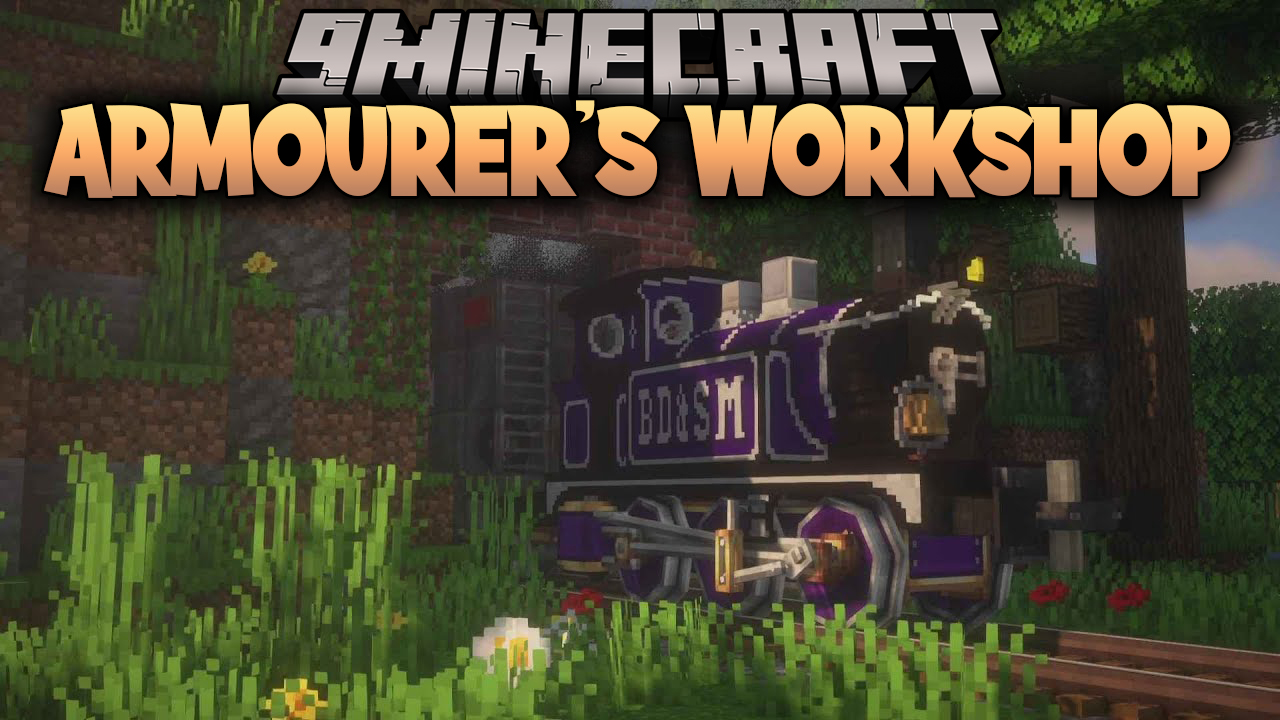
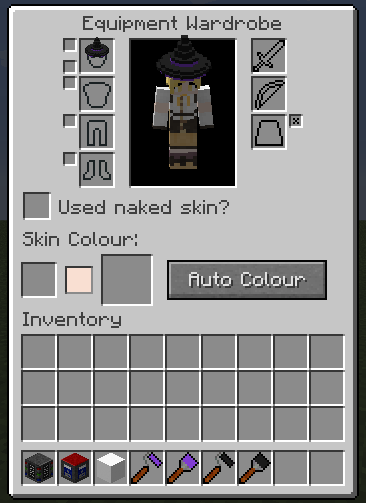
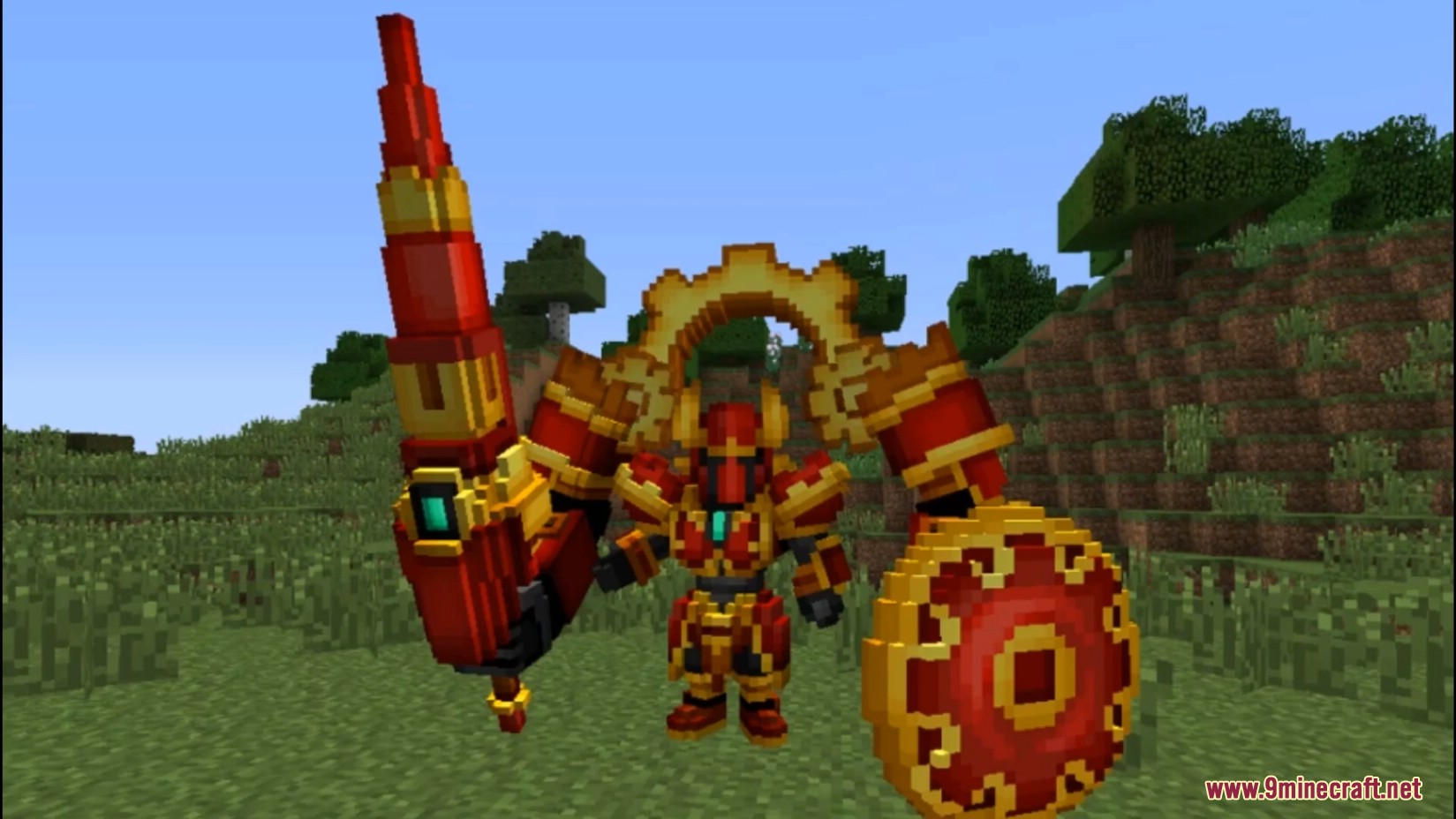
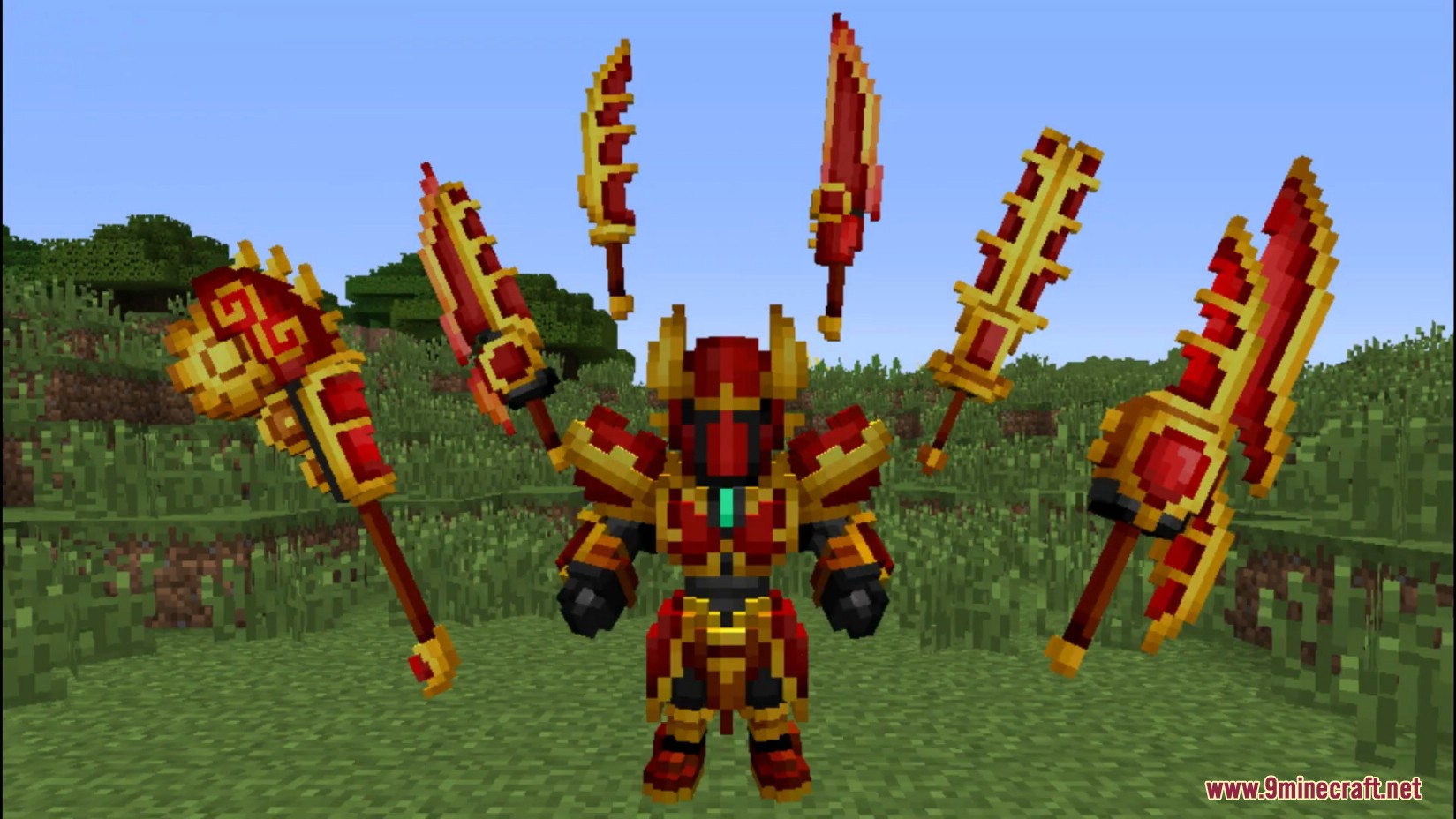
Armourer's Workshop transforms the way players customize their characters by moving beyond 2D textures into the world of 3D voxel modeling. Instead of being limited to standard armor sets, players can use the mod's specialized blocks and tools to sculpt unique designs for every piece of equipment, including helmets, chestplates, leggings, boots, swords, shields, bows, and even wings. These designs, known as Skins, are saved as files that can be shared across servers or downloaded from a global community library.

The mod is highly compatible with other equipment-based mods and provides a dedicated wardrobe system to manage cosmetic overlays without interfering with the stats of the underlying vanilla or modded armor.

In-game Screenshots
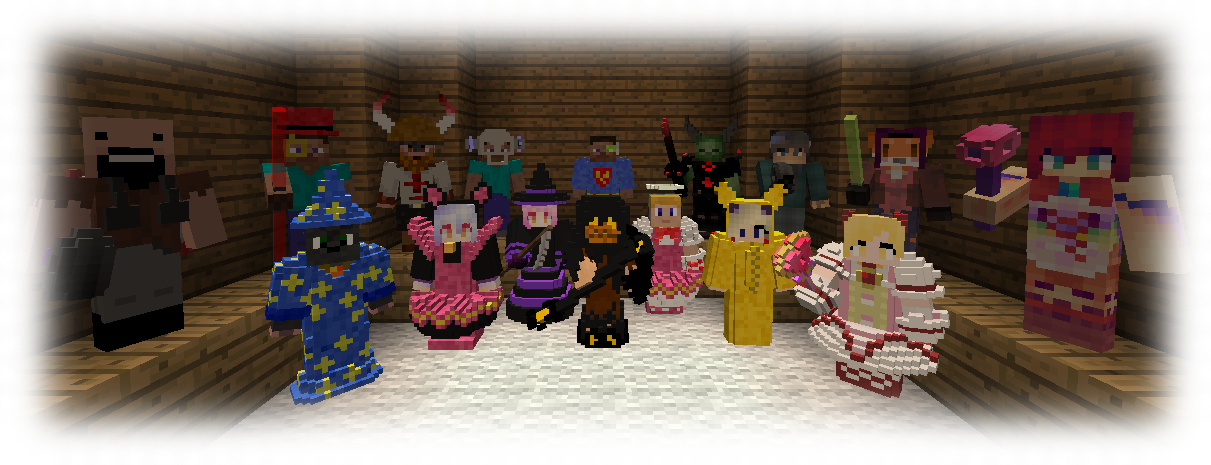
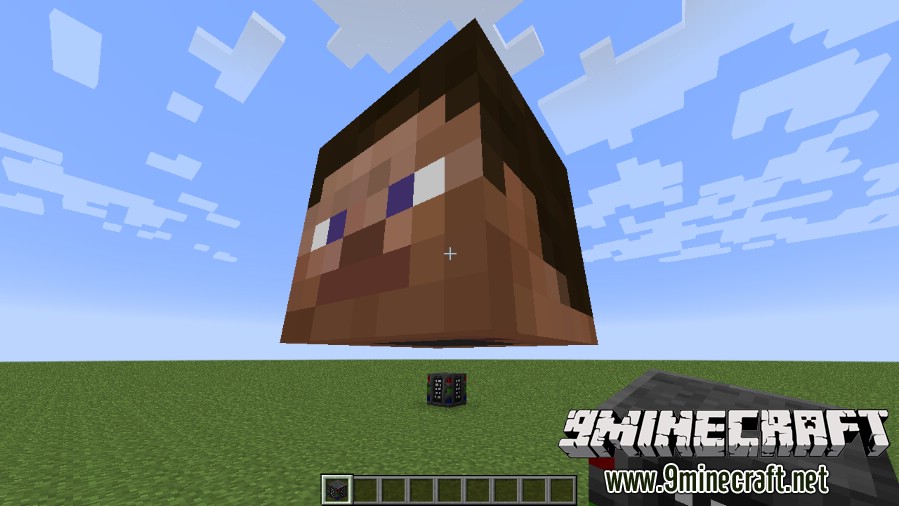
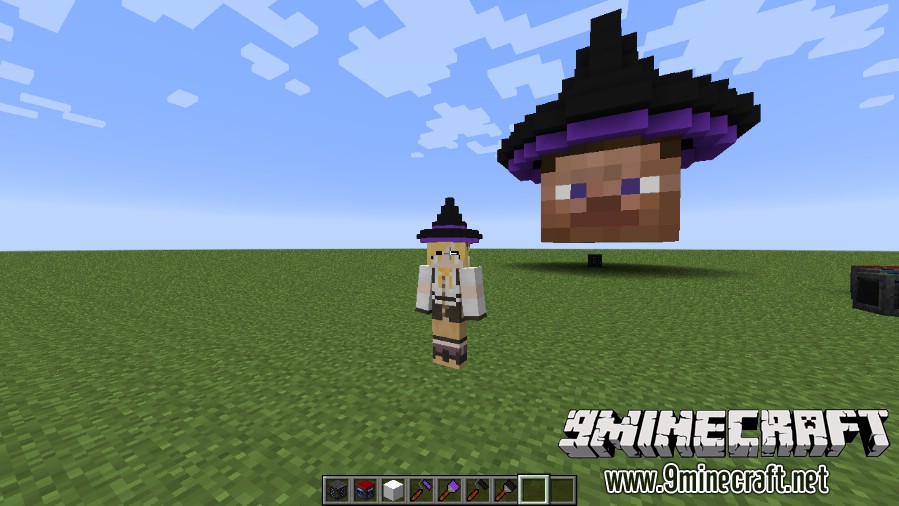
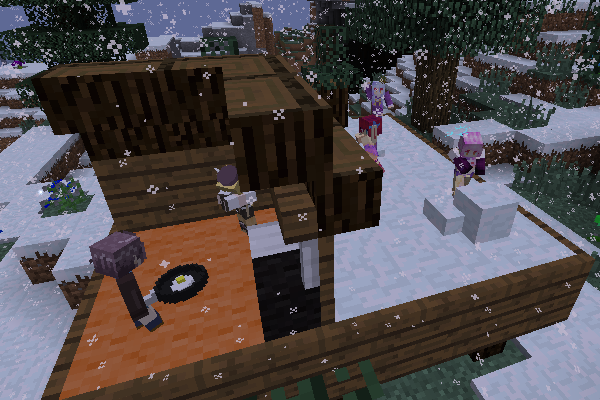
A group of Minecraft mod characters

Guides

Step-by-step, in-game.

Advanced Skin Building with Tools and Outfit MakerPrecision Editing Tools Once a base skin exists, refine it with the advanced tools. The Blending Tool smooths…Armourer's Workshop Core BlocksThe mod introduces several functional blocks that serve as the foundation for the sculpting and management process.…Armourer's Workshop Mechanics: Creating a SkinCreating a custom piece of equipment follows a specific workflow: Setup: Place the Armourer block and right-click to…Armourer's Workshop Mechanics: Equipping and Managing SkinsOnce a skin is saved to a template, it can be worn by the player. The Wardrobe Pressing the 'P' key (default) opens…Armourer's Workshop RecipesMost core items are craftable in Survival mode to allow for full creative expression in any playstyle. Result…Armourer's Workshop TerminologyTo effectively use the mod, it is important to understand the distinction between standard Minecraft assets and the…Armourer's Workshop Tools and ItemsSculpting and detailing require a variety of specialized tools found in the mod's creative tab or crafted in…Editing Skins: Tools, Cubes and Colour Work in Armourers WorkshopHow to Build and Apply Your First Custom SkinGetting the Skinning Table Start by crafting a Skinning Table . This is the workstation where all skin editing…How to Create and Apply a Custom Skin with the Skinning TableSurvival Progression: From Dye Table to Finished SkinsEarly Steps Begin by crafting a Dye Table . This block is your starting point for producing dyes and preparing…Unlocking Armour Skin Slots with the ArmourerUsing the Armorer, Mannequin, and Hologram ProjectorThe Armorer The Armorer is a block that stores and manages skins. Place it and right-click to open its interface. You…Using the Armorer, Mannequin and Outfit Maker to Display SkinsUsing the Outfit Maker, Mannequin, and Hologram Projector

Recipes

Every recipe the mod adds, grouped by how it is made.

Crafting · 38

Items

A

B

C

D

F

H

L

M

O

P

S

W

Blocks

Frequently asked questions

How do I get started with Armourer's Workshop?
Craft a Skinning Table and place it to open the skinning interface. Use a Skin Template to create a new skin, then edit it with the various tools.
How do I make a Skin Template?
Skin Templates are crafted via a shaped recipe and serve as the base item you edit into a custom skin. Once edited, the template becomes a finished skin that can be applied to armor or blocks.
How do I apply a skin to my armor?
Use the Skinning Table to load a skin onto a piece of armor. You can also use the Armourer block to apply skins to armor pieces directly.
What is the Armorer block for?
The Armorer block is a placeable station used to apply skins to armor pieces. Right-click it to open its interface and load a skin onto the armor you're holding.
How do I unlock skin slots for different body parts?
Craft the corresponding slot unlock items: Head Skin Slot Unlock, Chest Skin Slot Unlock, Legs Skin Slot Unlock, Feet Skin Slot Unlock, Outfit Skin Slot Unlock, or Wings Skin Slot Unlock. Each unlocks that slot for applying skins.
What does the Outfit Maker do?
The Outfit Maker is a block that lets you combine or manage outfit-type skins. Place it and open its interface to work with outfit skins.
How do I paint on a skin?
Use the Paintbrush or Paint Roller on a skin in the Skinning Table interface. The Dye Bottle and Color Mixer provide colors, and the Color Picker lets you sample existing colors.
What are the Color Mixer and Dye Table for?
The Color Mixer block combines dyes to create custom colors for painting skins. The Dye Table is a station for managing and applying dyes to your skinning tools.
What do the Burn Tool, Dodge Tool, and Hue Tool do?
These are skin-editing tools used within the skinning interface: Burn Tool darkens, Dodge Tool lightens, and Hue Tool shifts the hue of painted pixels. Use them with a skin loaded in the Skinning Table.
What is the Hologram Projector?
The Hologram Projector is a block that displays a holographic preview of a skin. Place it and load a skin to view it in the world.
What is the Mannequin and Mannequin Tool for?
The Mannequin is a placeable block that displays skins on a humanoid figure. The Mannequin Tool is used to pose or configure the mannequin.
How do I share or store skins?
Use the Skin Library block to store skins locally, or the Global Skin Library to access shared skins. The Linking Tool and Wand Of Style help link and apply stored skins.