

 DownloadVibrant Hostility Shaders
Get the files on 9Minecraft
Guides
Step-by-step, in-game.
Adjust Shader Settings for Better PerformanceAccess Shader Options Open the shader settings menu by pressing the designated key (usually found in your controls…Enhance Water and Reflection QualityEnable Reflection Features In your shader settings, locate the reflection options. Ensure water reflections and block…Optimize Lighting for Screenshot CompositionUnderstand the Lighting Philosophy Vibrant Hostility uses balanced, scenery-focused lighting designed specifically…Troubleshoot Uneven or Harsh ShadowsDiagnose Shadow Problems If shadows appear too dark, too light, or create harsh banding patterns: Check shadow map…
Frequently asked questions
How do I enable the shader after installing it?
Open your video settings in-game, navigate to Shaders, and select Vibrant Hostility from the list. The shader will apply immediately to your world.
Why do my shadows look too dark or too bright?
Adjust the shadow intensity and ambient light settings in the shader options menu. If shadows appear uneven, check that your render distance isn't set too low, as this can cause lighting inconsistencies.
Can I use this shader with other visual mods like Complementary or BSL?
No—you can only use one shader pack at a time. If you want to use Vibrant Hostility, disable any other shader packs first.
My water looks flat or reflections aren't showing up. What's wrong?
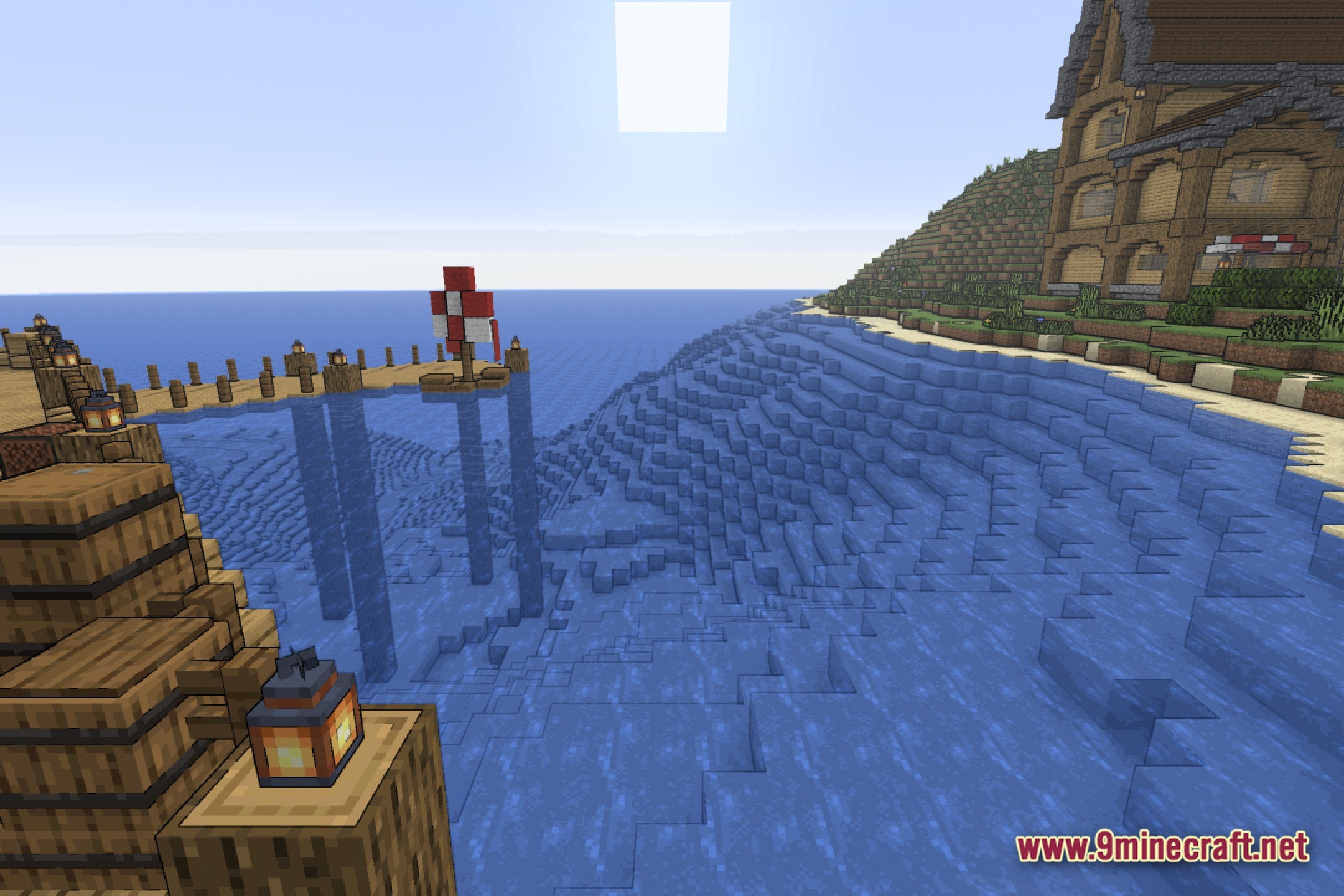
Make sure water reflection quality is enabled in the shader settings. If reflections still don't appear, lower your render distance slightly and check that your graphics card supports the reflection feature.
See all 10 Vibrant Hostility Shaders questions ›
Gallery
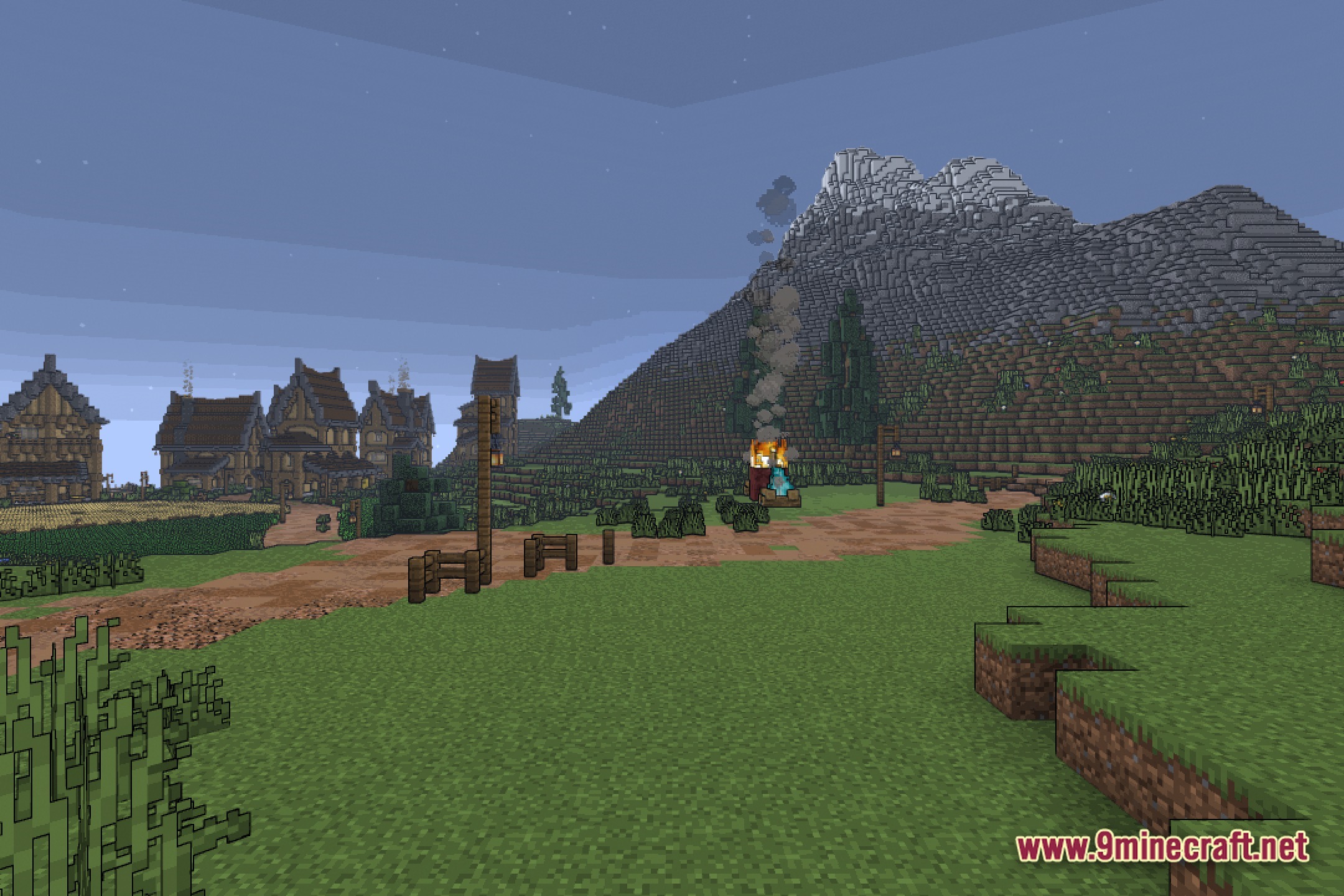
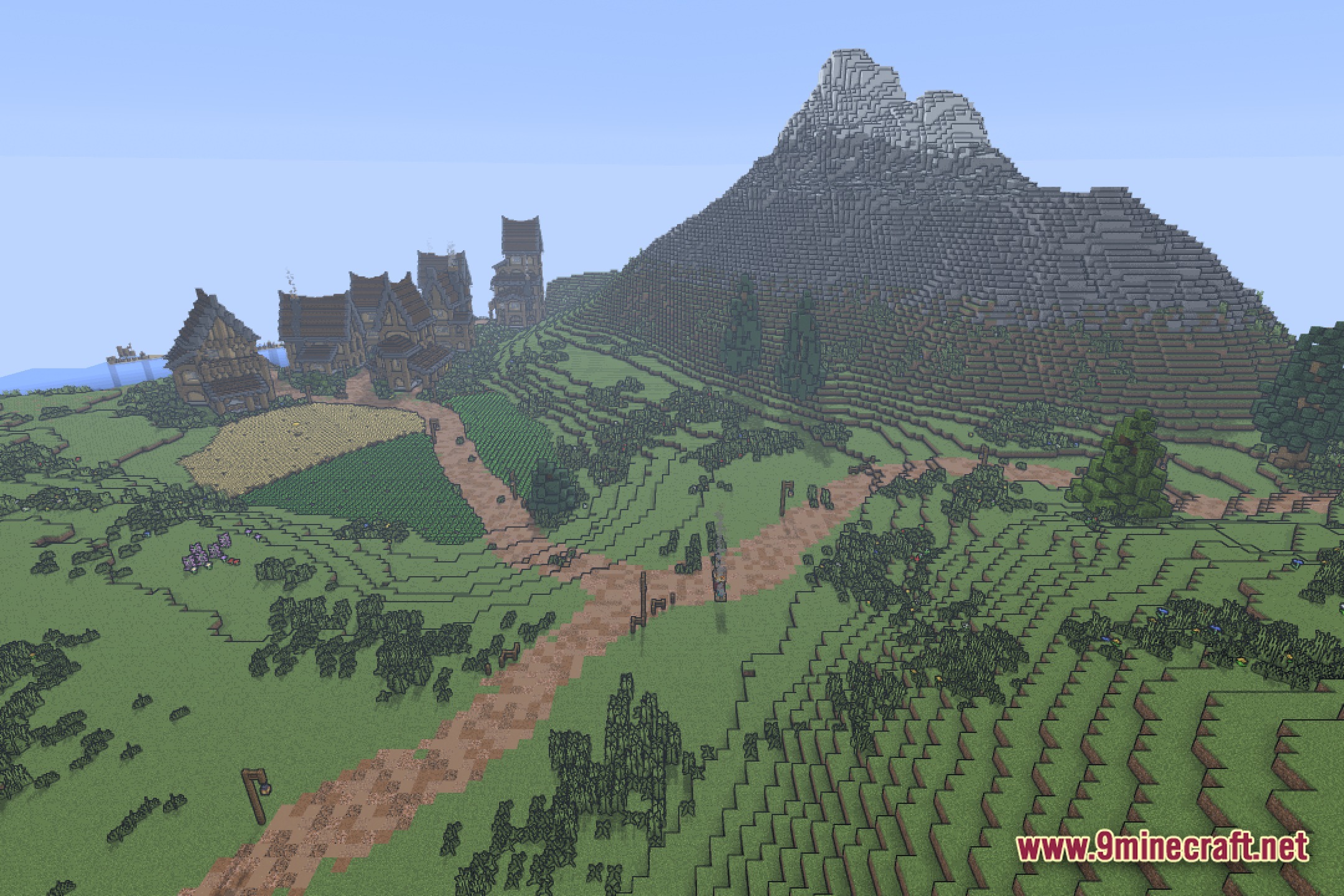
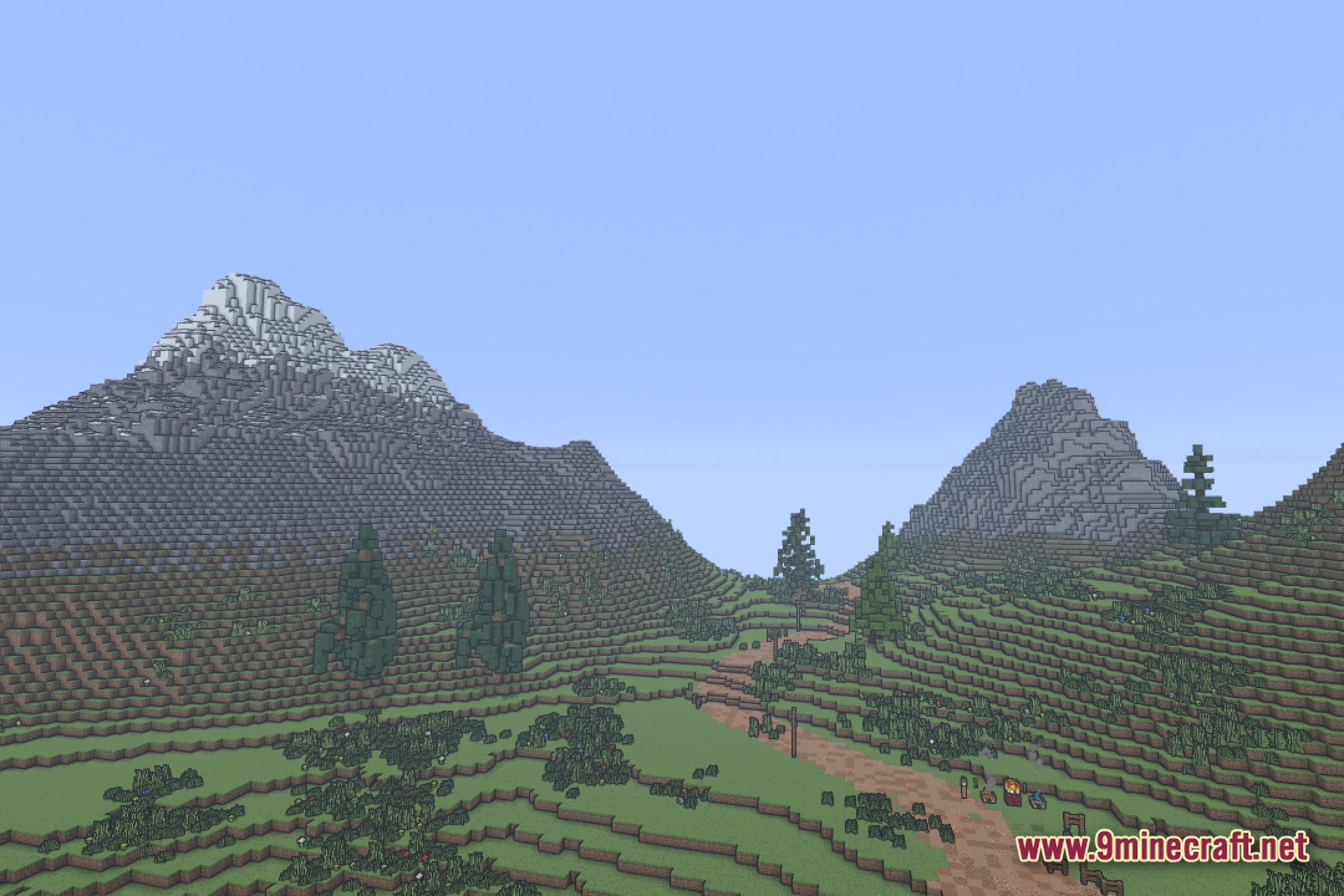
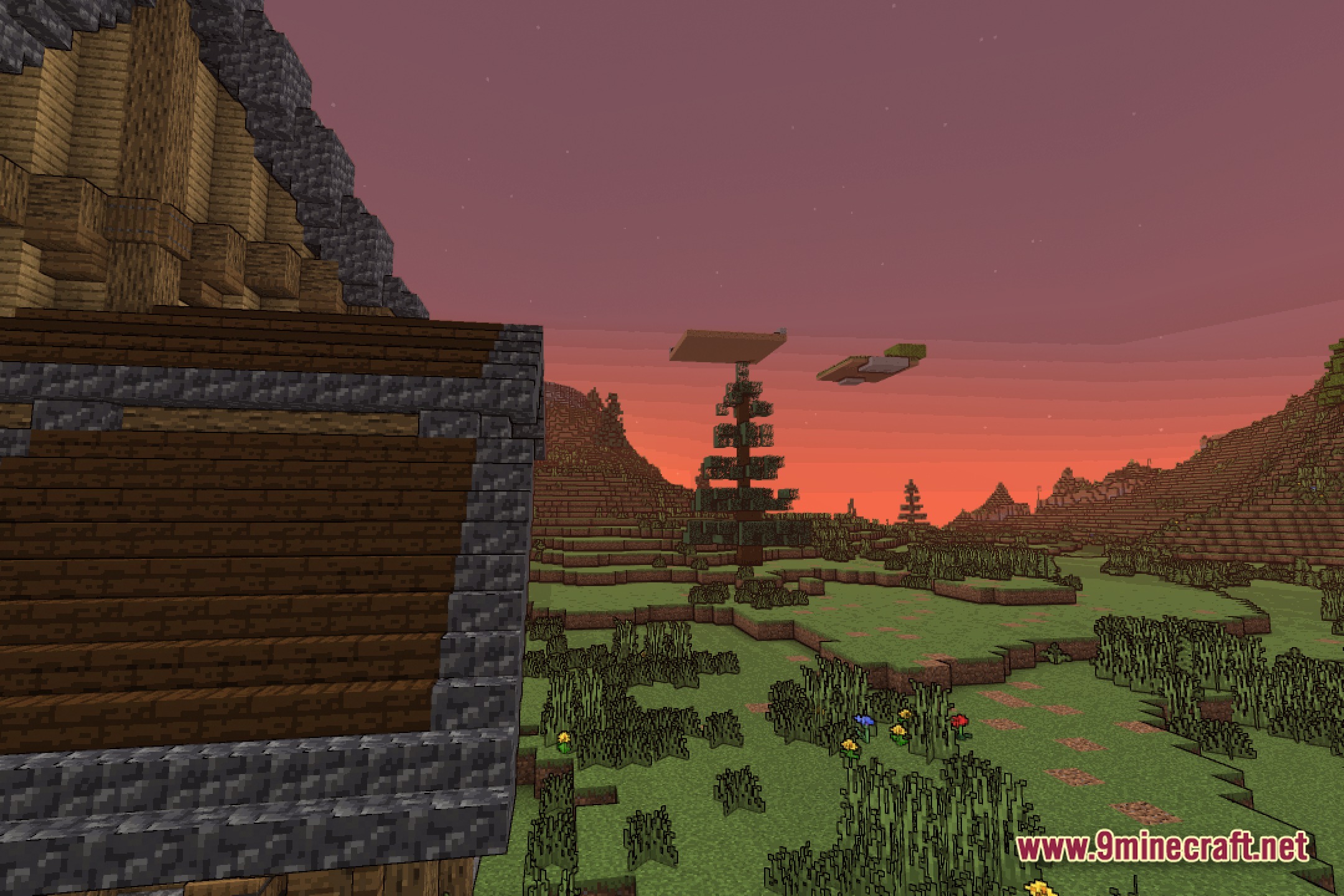
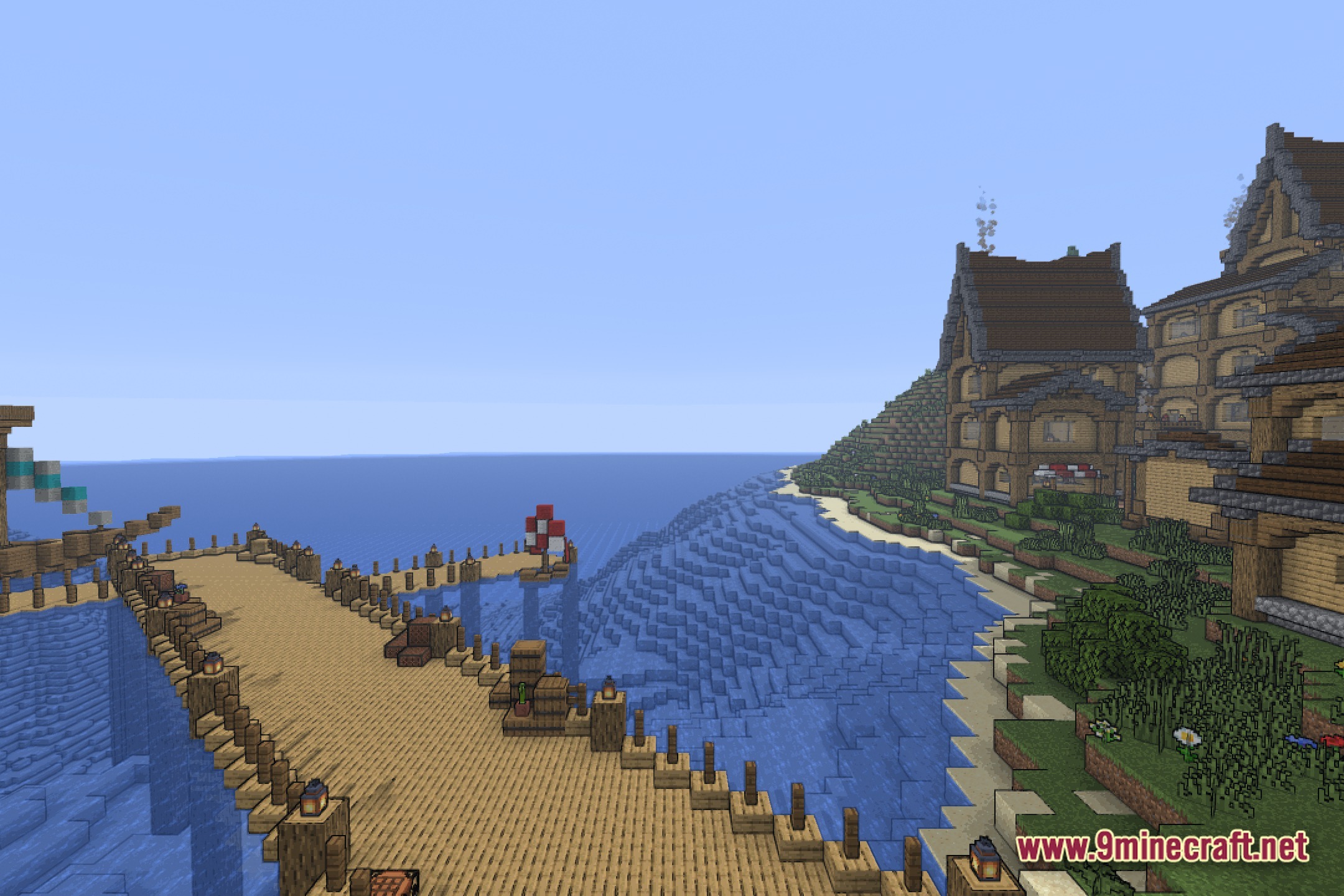
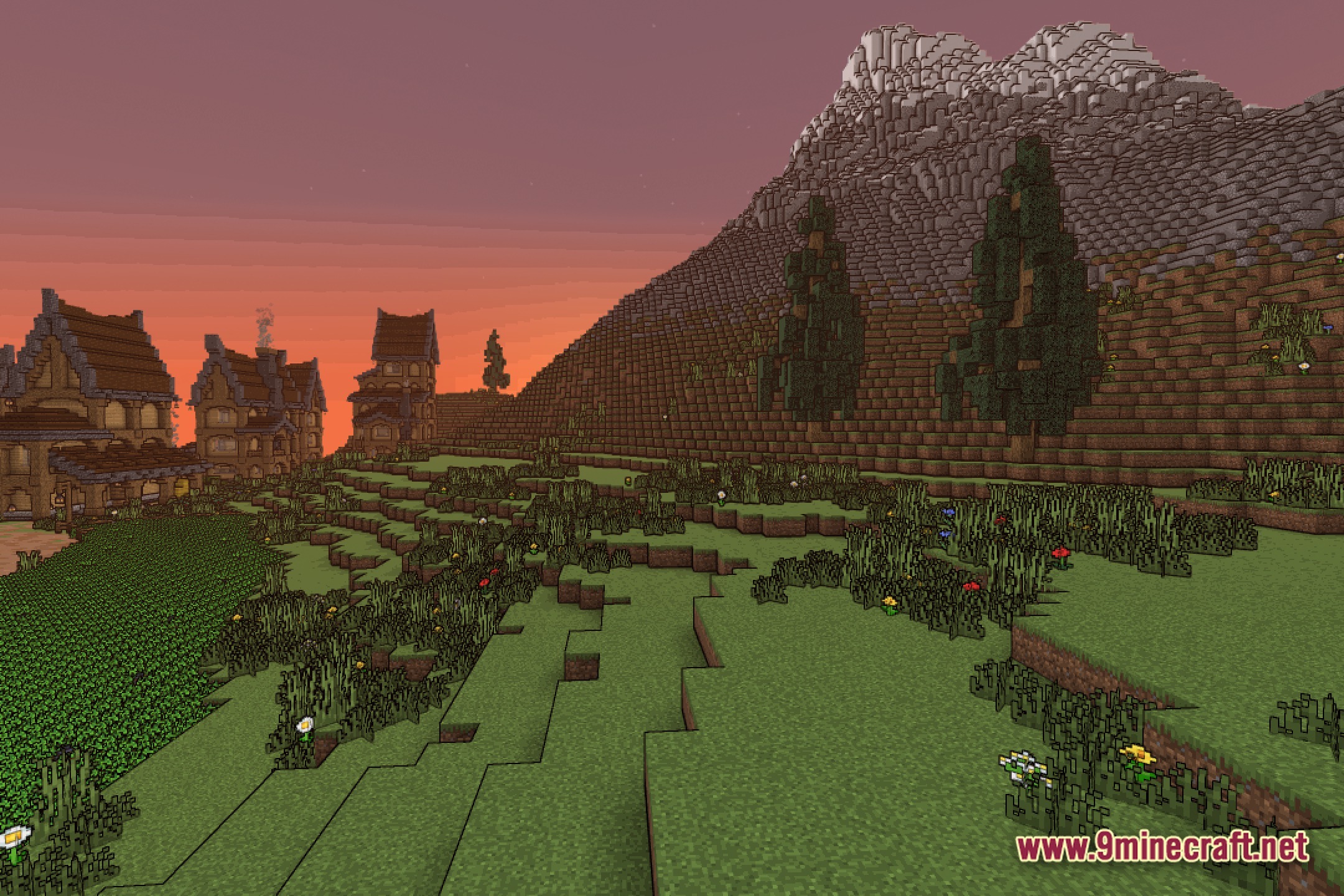
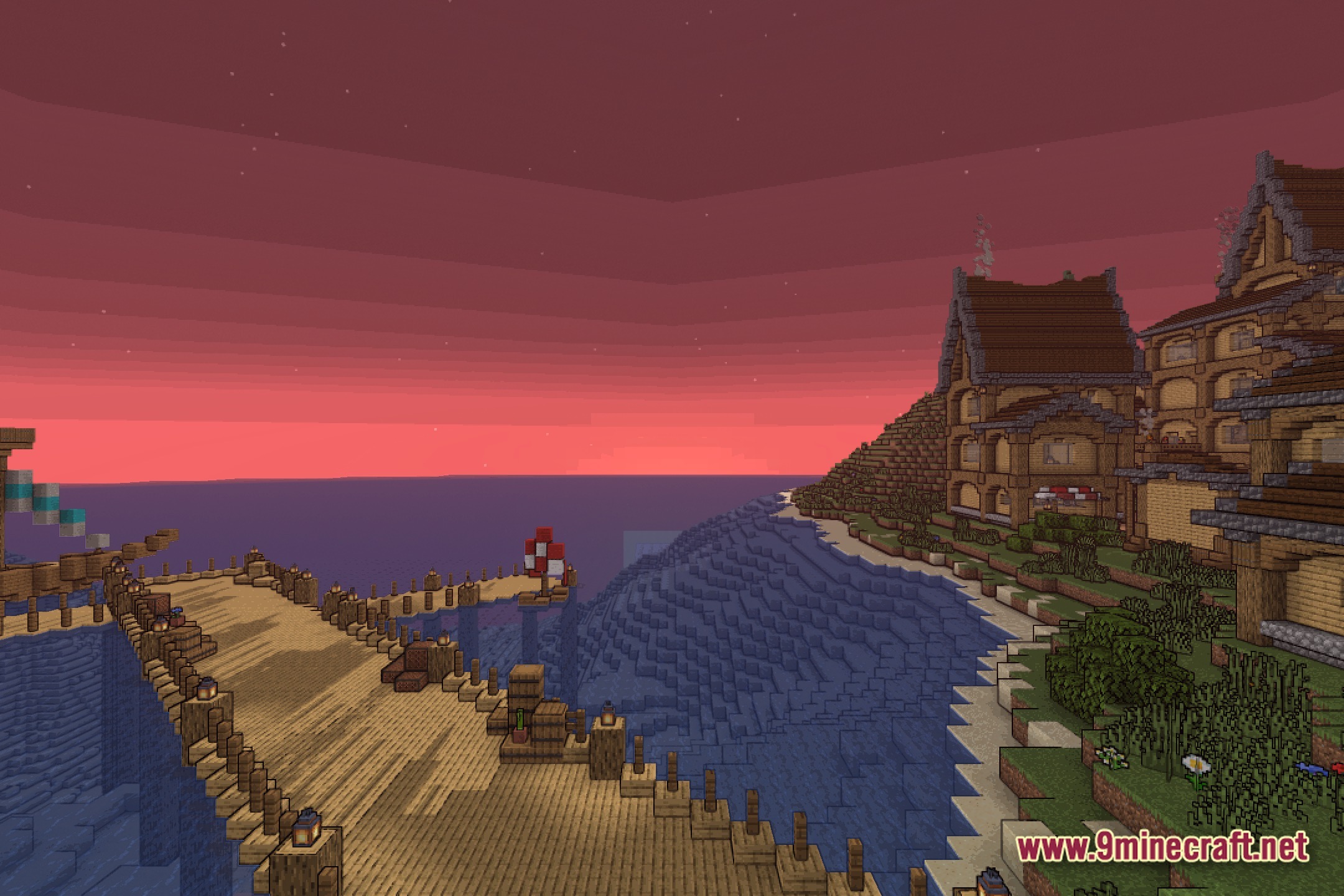
12 images from the Vibrant Hostility Shaders page.
You May Also Like
Wikis that share the most with this one
Wikis on the same theme: mobs
More shader wikis on the site
The most downloaded mods that have a wiki here