

 DownloadVelocity Glide Shaders
Get the files on 9Minecraft
Guides
Step-by-step, in-game.
Adjust Motion Blur Intensity for Comfortable GameplayAccess Shader Settings Motion blur can feel overwhelming if you're sensitive to screen movement or playing on a…Enhance Lighting in Dark Caves Without Losing AtmosphereUnderstanding Velocity Glide's Colored Lighting This shader excels at making cave exploration feel atmospheric while…Get Smooth Performance on Low-End HardwareVelocity Glide's Efficiency Design This shader is built to run on budget PCs and low-end laptops without frame rate…Maintain Sharp Visuals While Using Bloom EffectsWhy Bloom Can Soften Your World Soft bloom around glowing items is beautiful, but it can make your overall view feel…
Frequently asked questions
How do I turn on the shader after installing the mod?
Open your shader settings menu in-game (usually accessed through video settings or a dedicated mod menu) and select Velocity Glide from the available shader list. The effects will apply immediately to your world.
Why does my motion blur look too strong or make me dizzy?
Find the motion blur intensity slider in the shader settings and lower it to a level that feels comfortable for you. Even small reductions can make a big difference in how the blur feels during gameplay.
Can I use this shader with other mods that change lighting?
Velocity Glide works best as your primary lighting solution, so using it alongside other lighting mods may cause conflicts or visual overlap. Check mod compatibility guides or test in a small world first.
Does this shader work on servers or only single-player?
Shaders are client-side only, so they work on both single-player and multiplayer servers without affecting other players or requiring server installation.
See all 10 Velocity Glide Shaders questions ›
Gallery
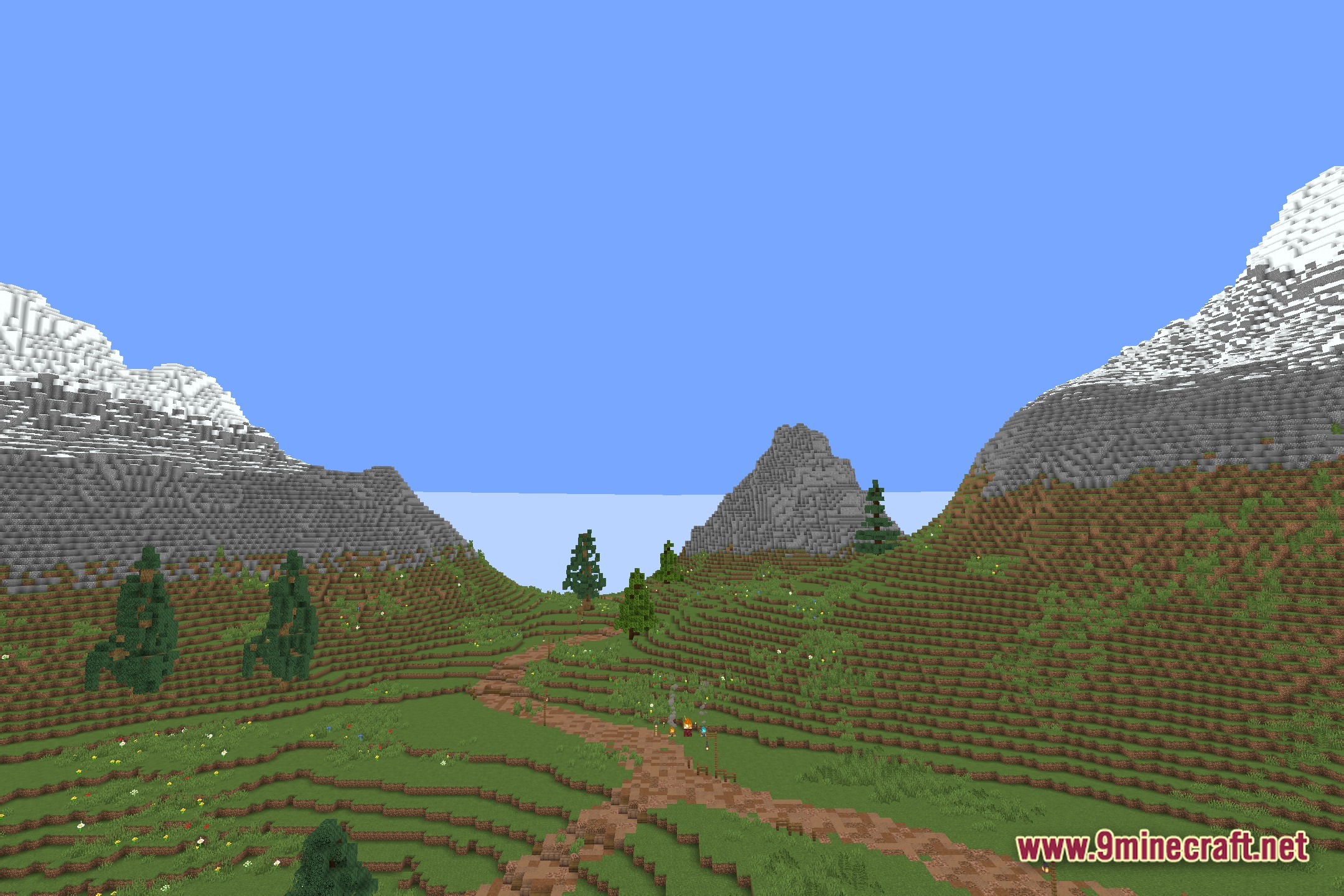
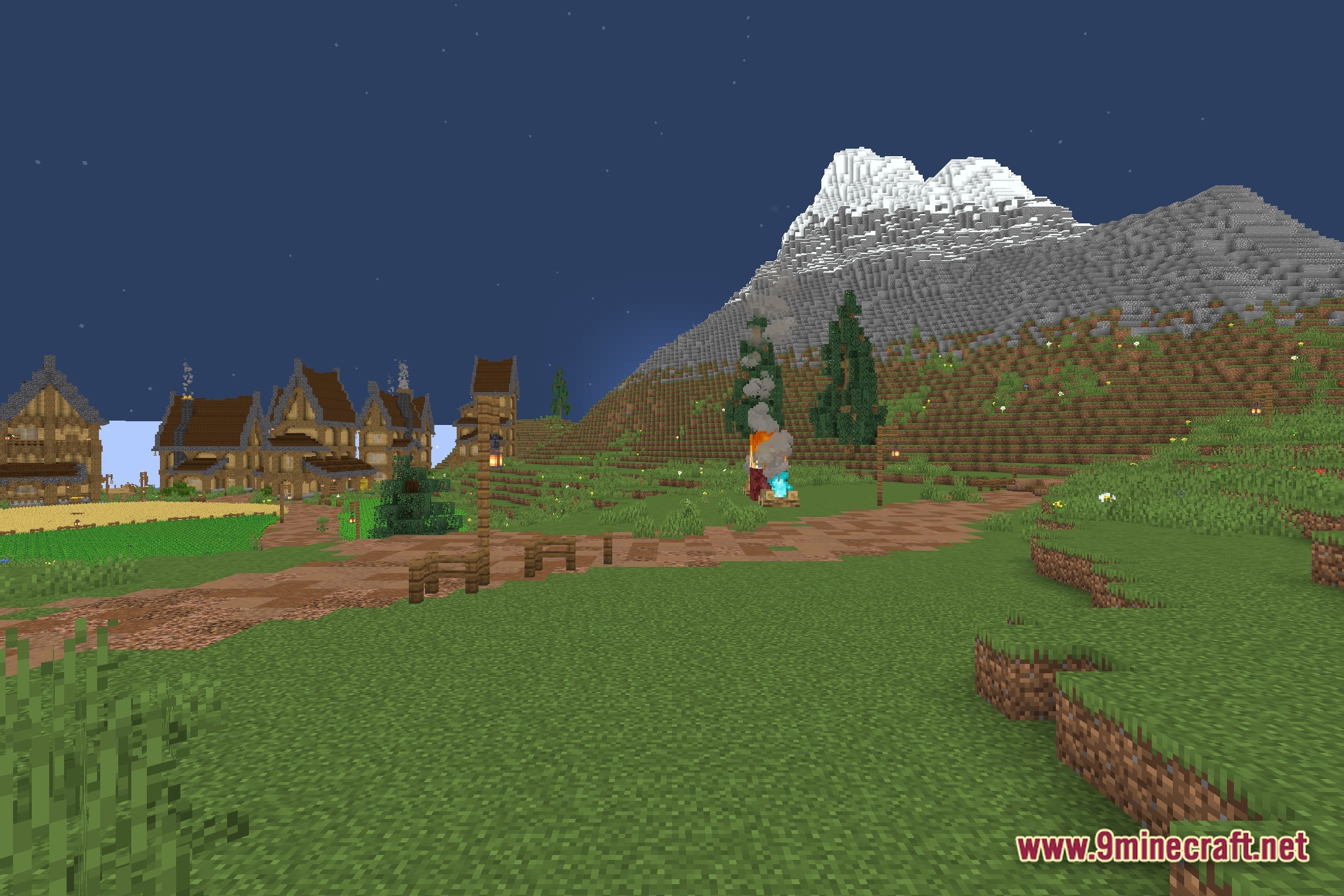
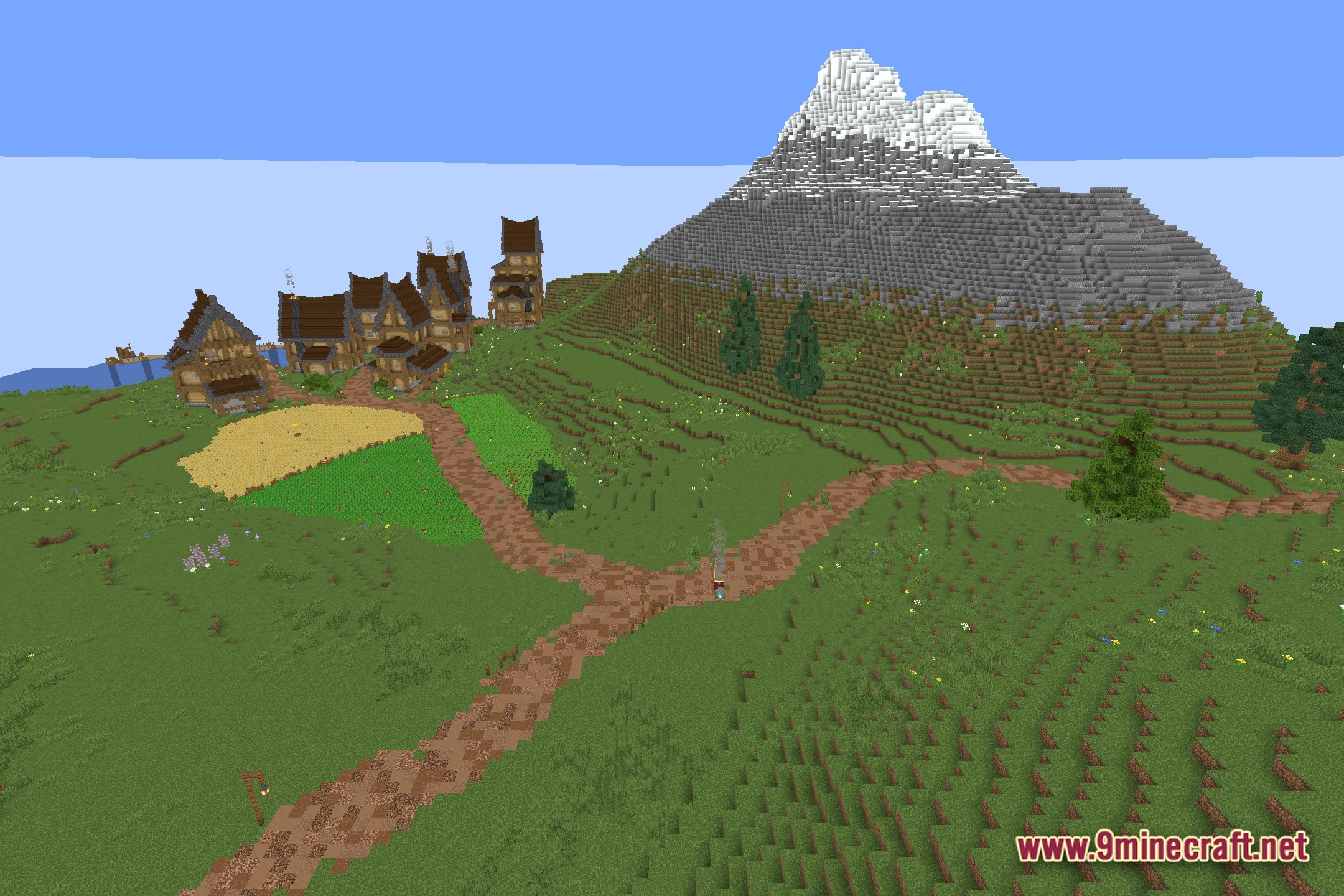
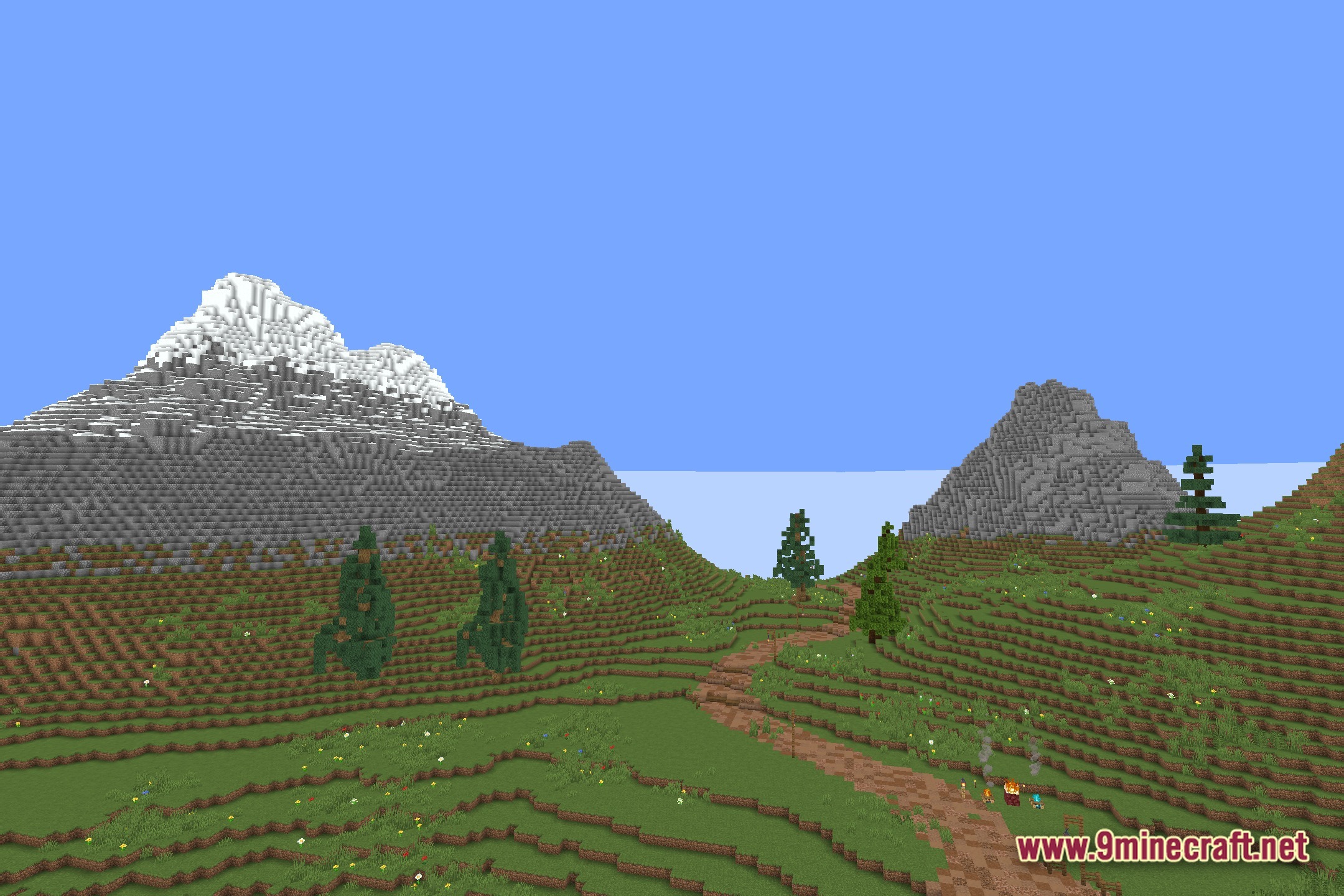
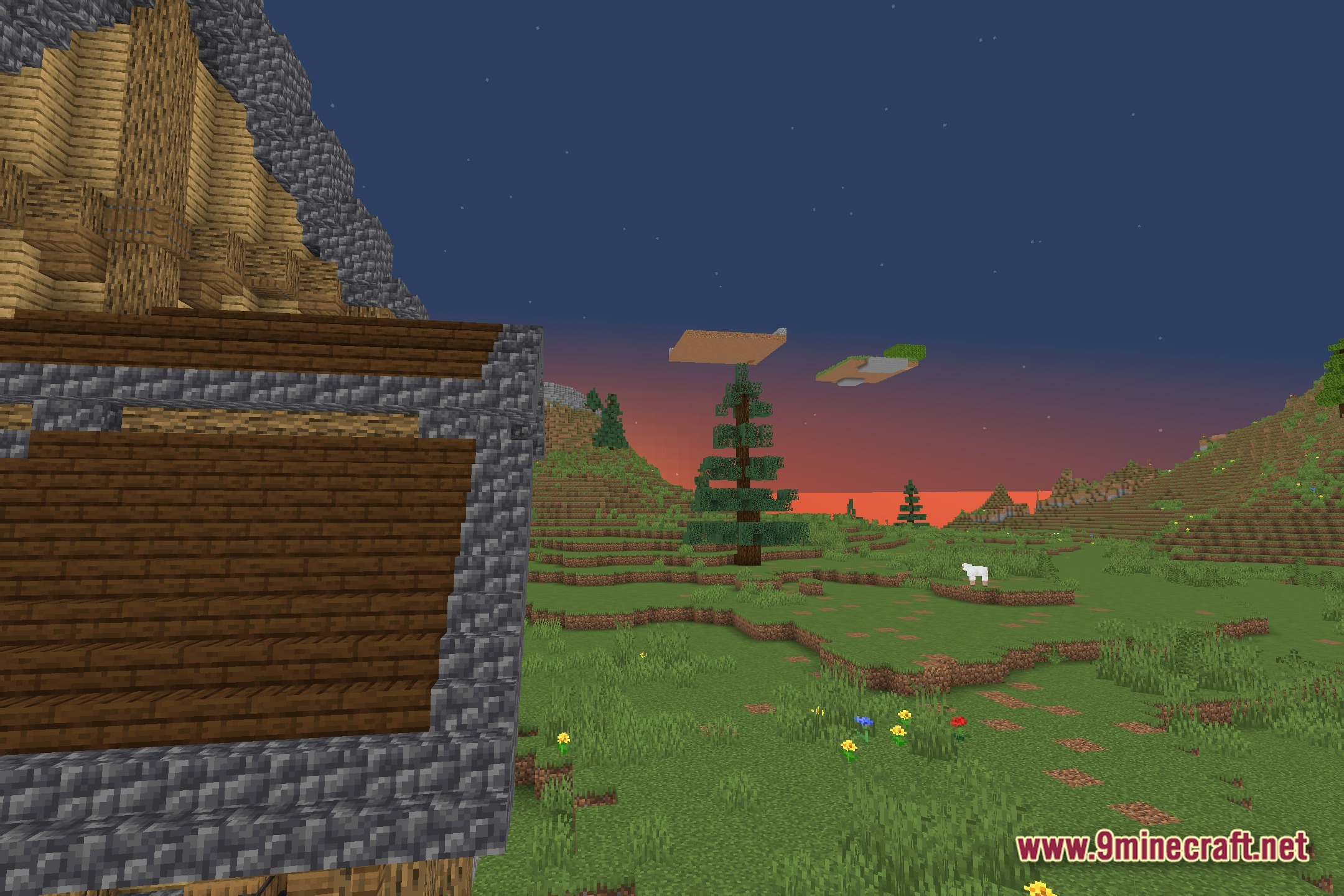
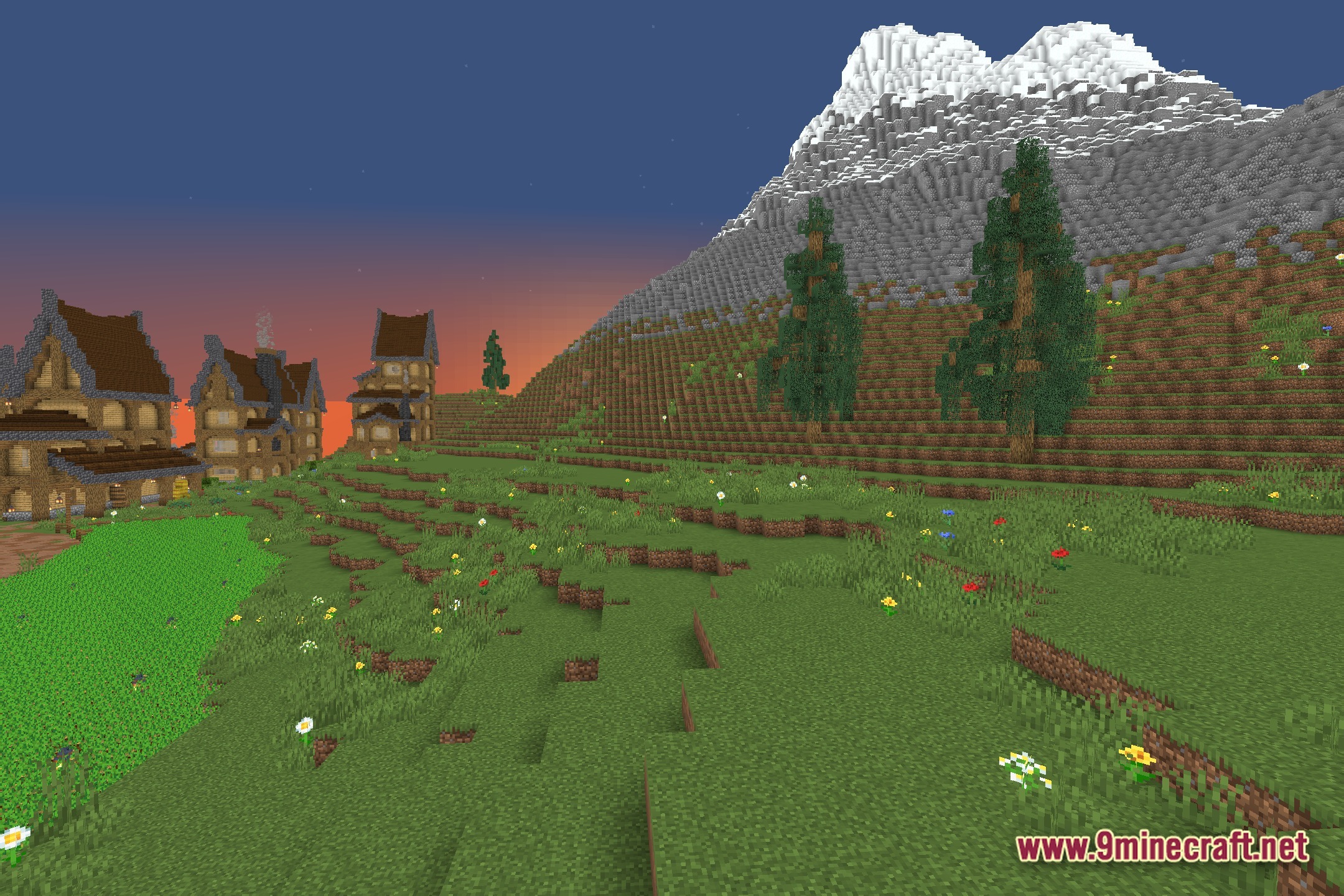
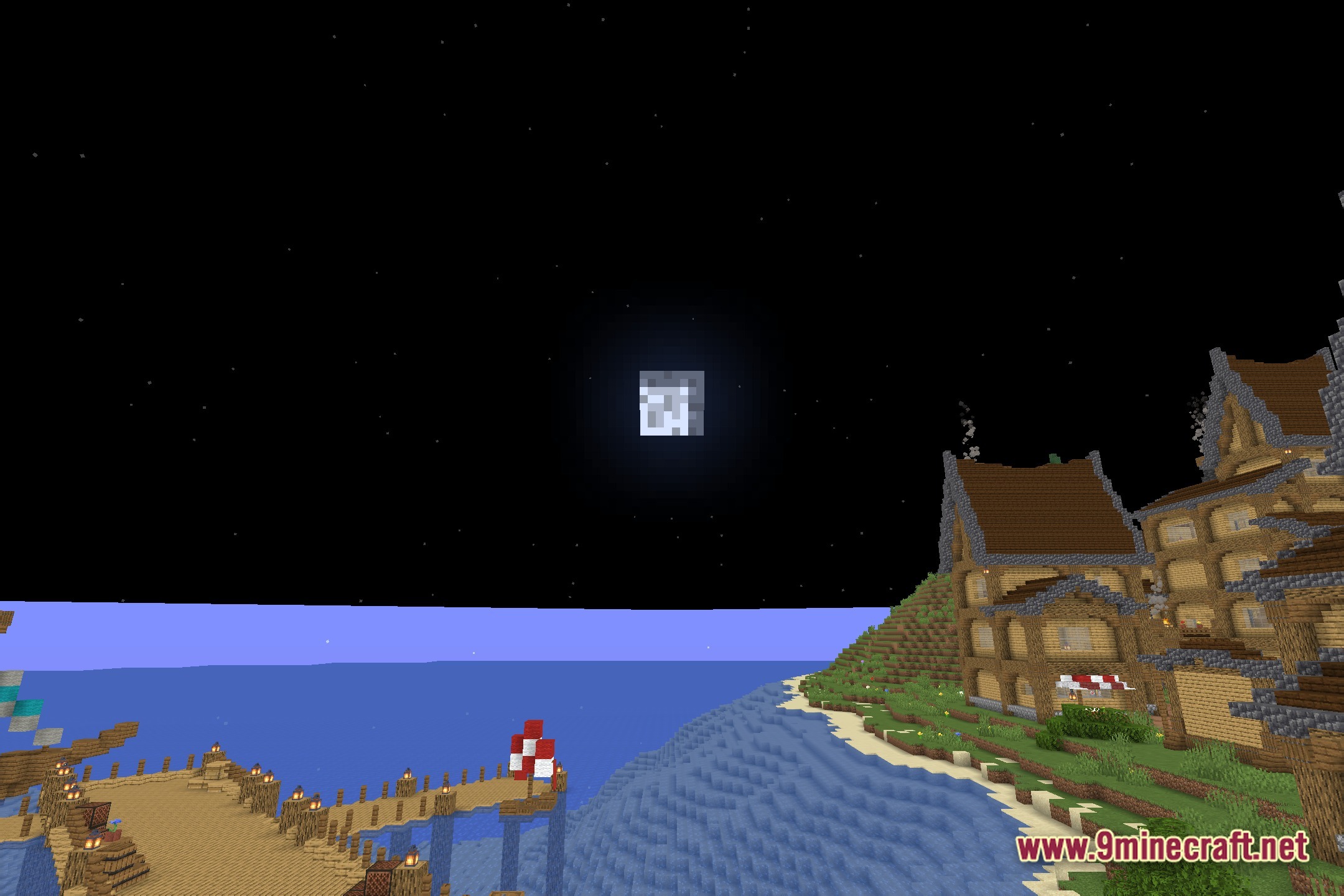
12 images from the Velocity Glide Shaders page.





You May Also Like
Wikis that share the most with this one
More shader wikis on the site
 United Shaders
The most downloaded mods that have a wiki here