

 DownloadThe 360W Shaders
Get the files on 9Minecraft
Guides
Step-by-step, in-game.
Adjust Altitude Haze and Horizon ColorFind Atmosphere Settings Open your shader options and look for altitude haze, atmospheric fog, or horizon color…Adjust the Drone Camera Motion IntensityAccess Shader Settings Open the shader options menu while in-game. Look for the 360W Shaders configuration panel—this…Enhance or Reduce the Wide-Angle Lens DistortionLocate Lens Distortion Settings Open the shader configuration menu and find the wide-angle lens or fish-eye…Reduce Eye Strain from Bright AreasUnderstand the Bloom Effect The 360W Shaders softens bright spots in the sky and on reflective blocks to reduce…
Frequently asked questions
How do I turn on The 360W Shaders after installing?
Open your Video Settings, go to Shaders, and select 360W Shaders from the list. The drone camera effect will activate immediately on your next screen load.
Why does everything look so distorted at the edges?
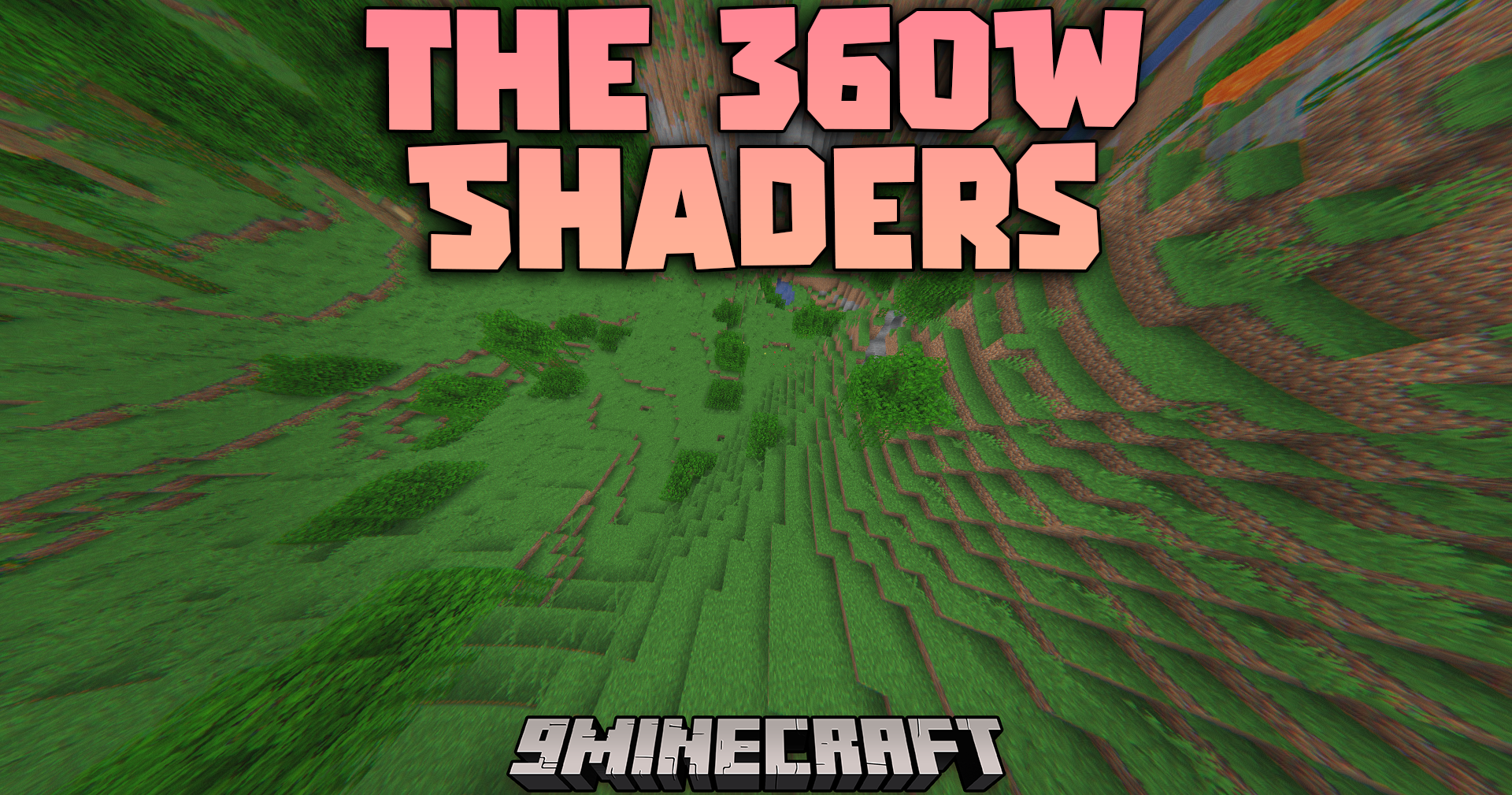
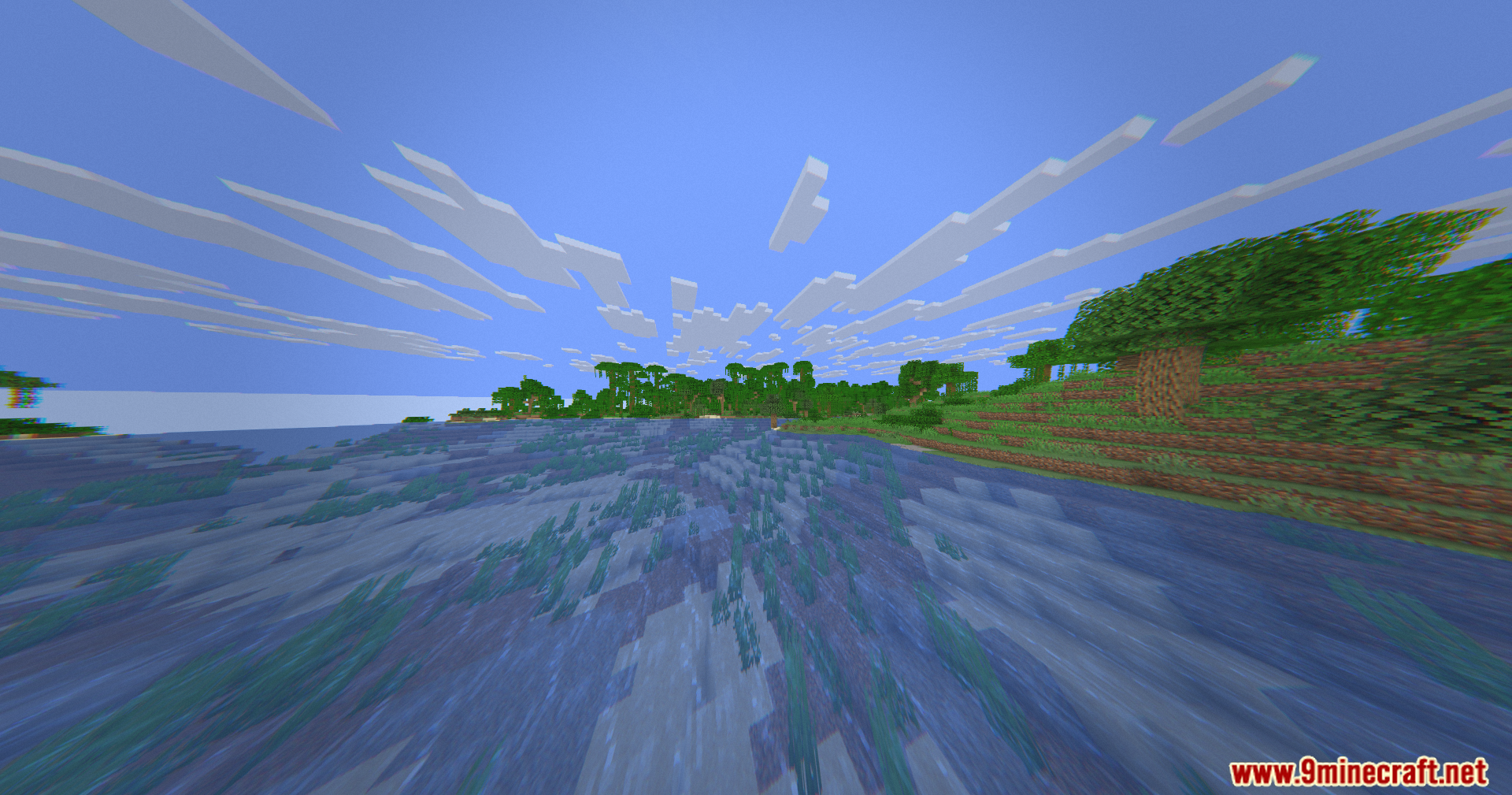
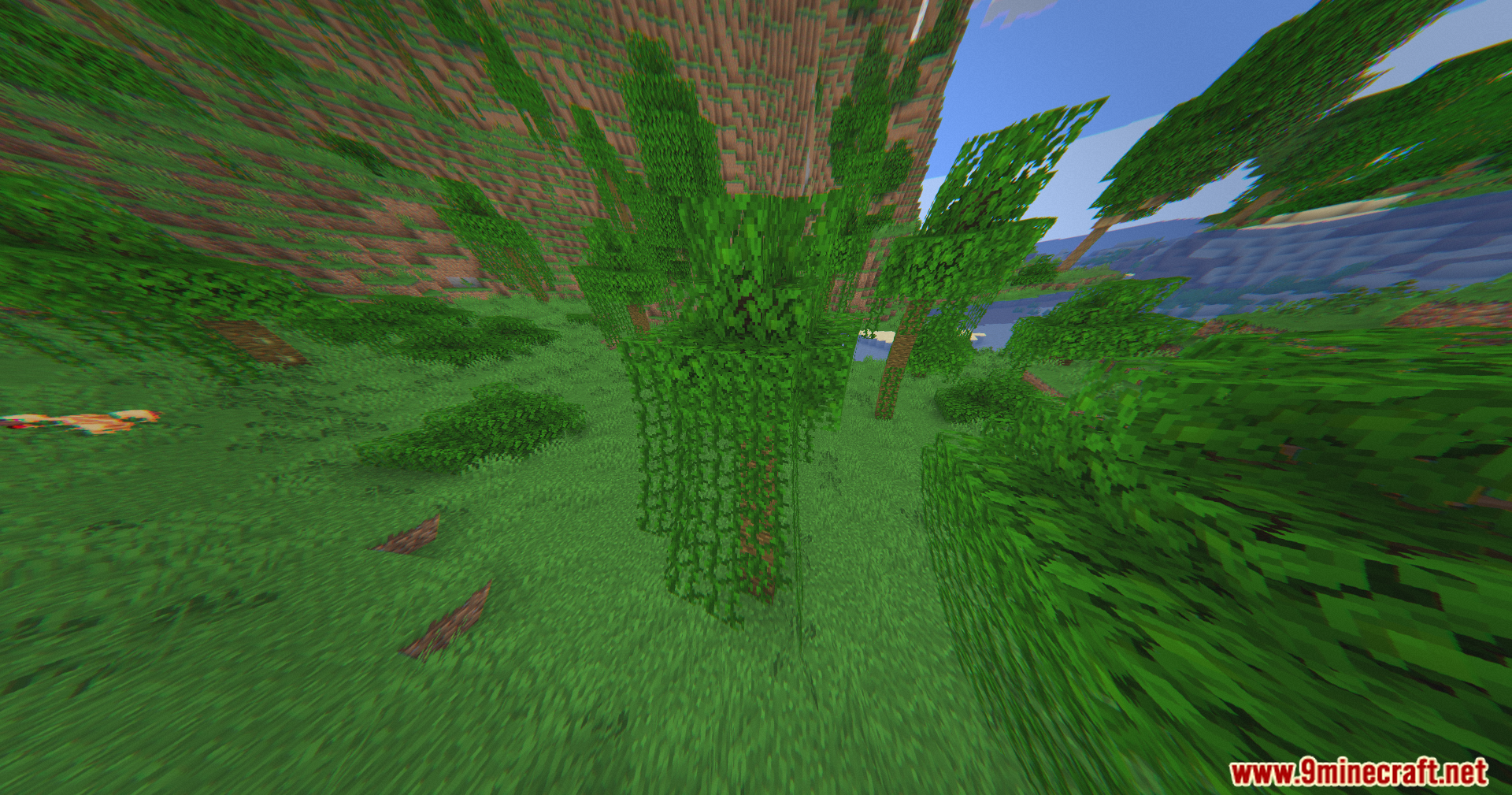
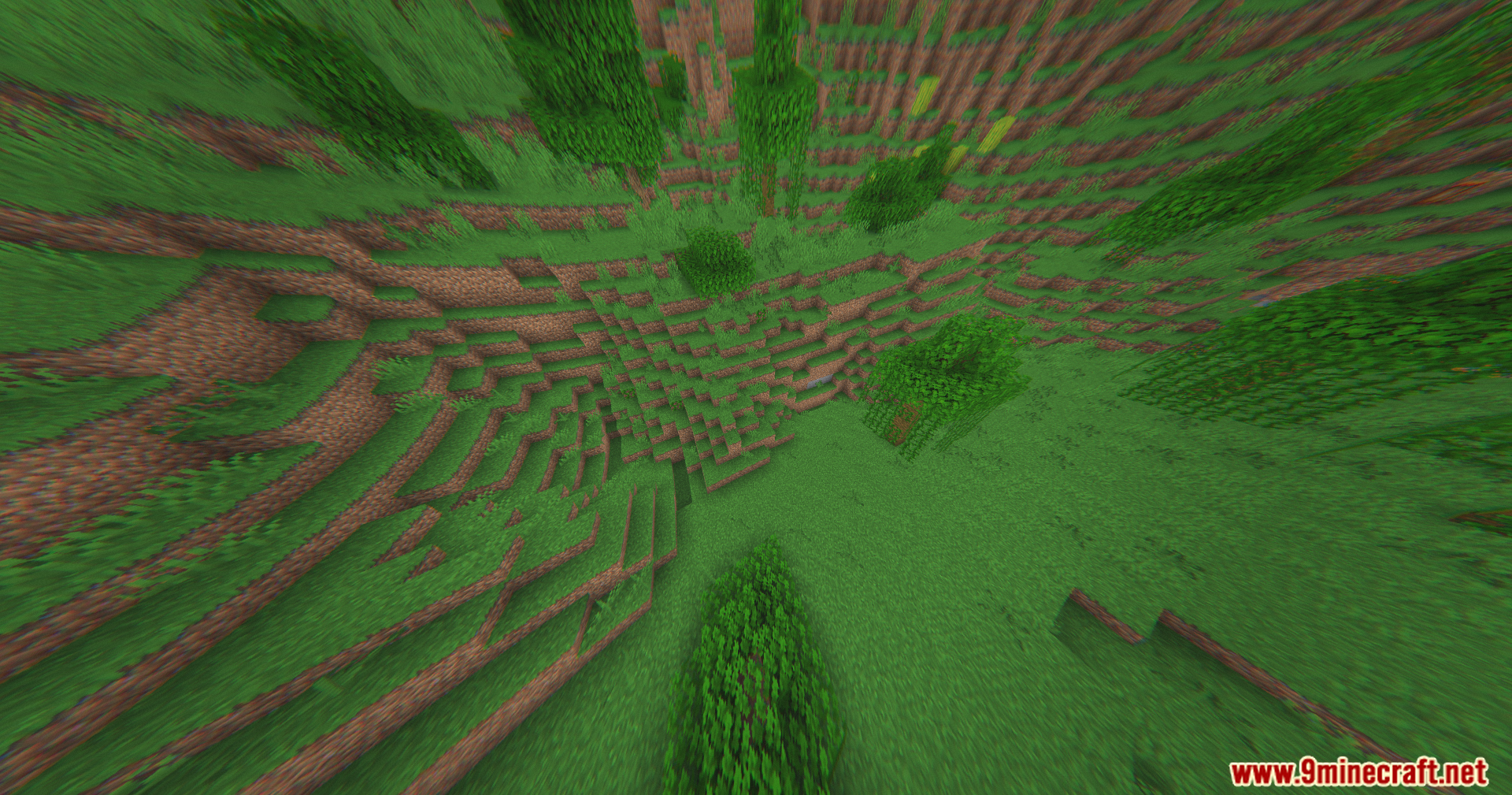
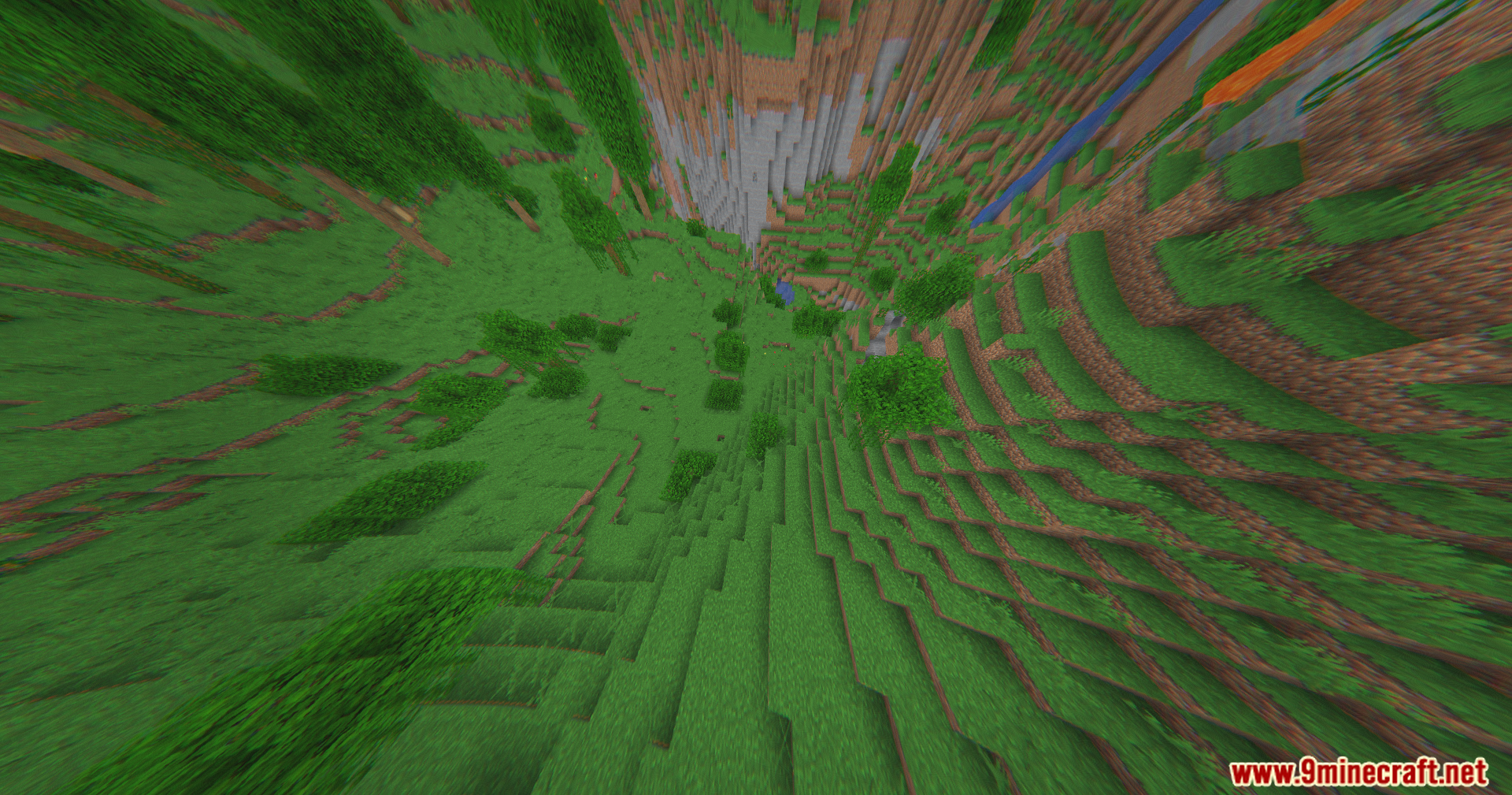
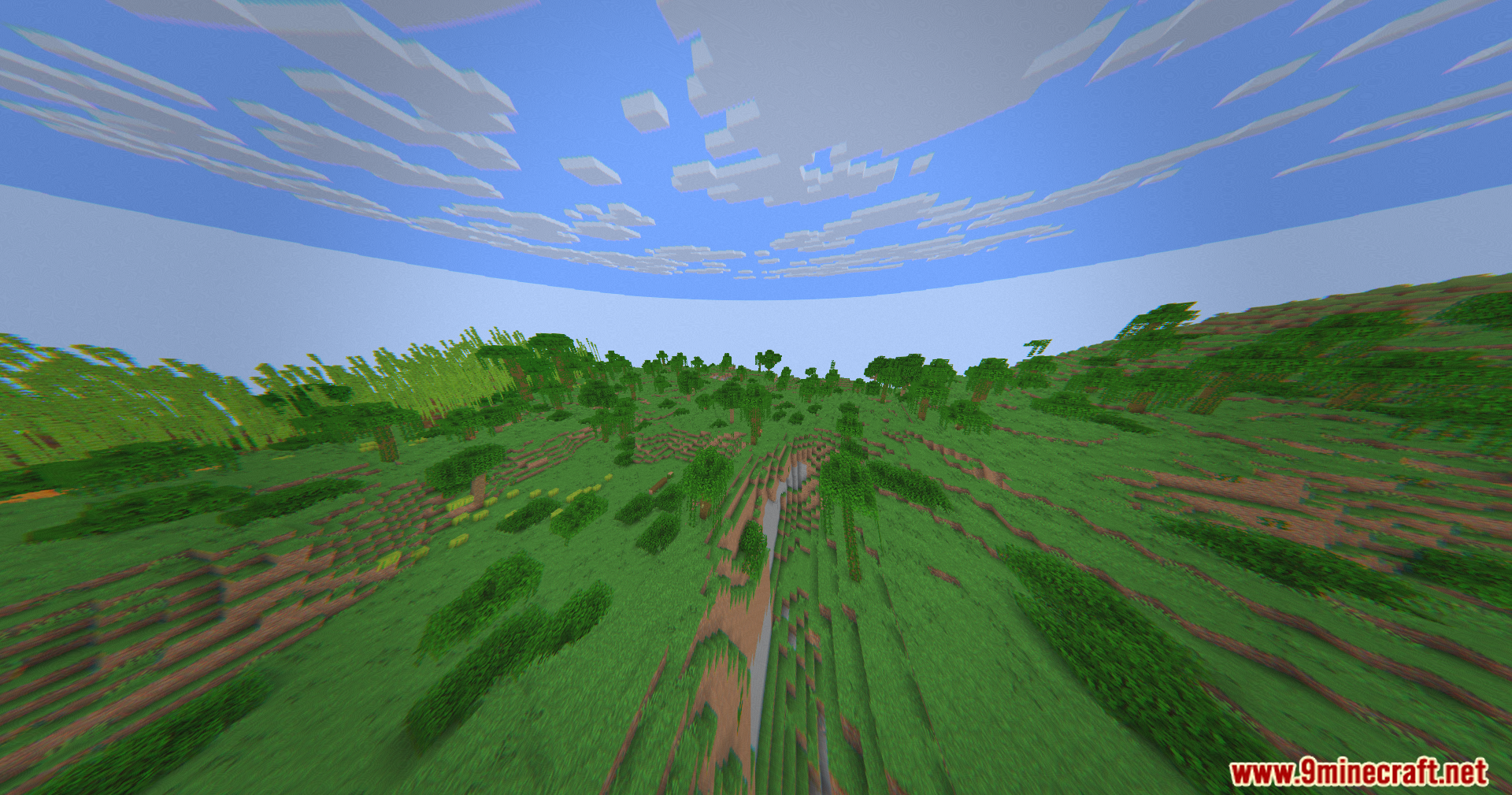
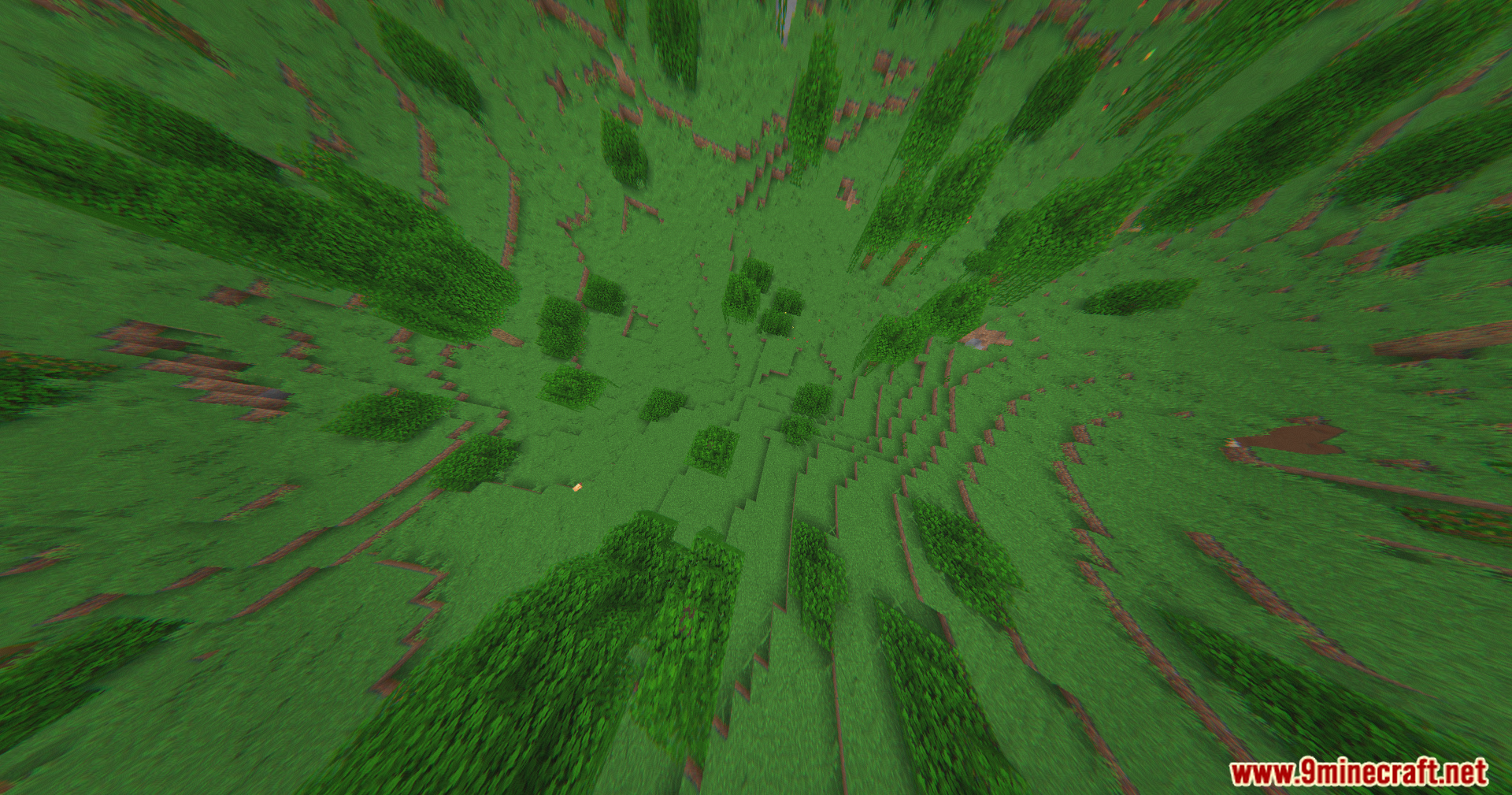
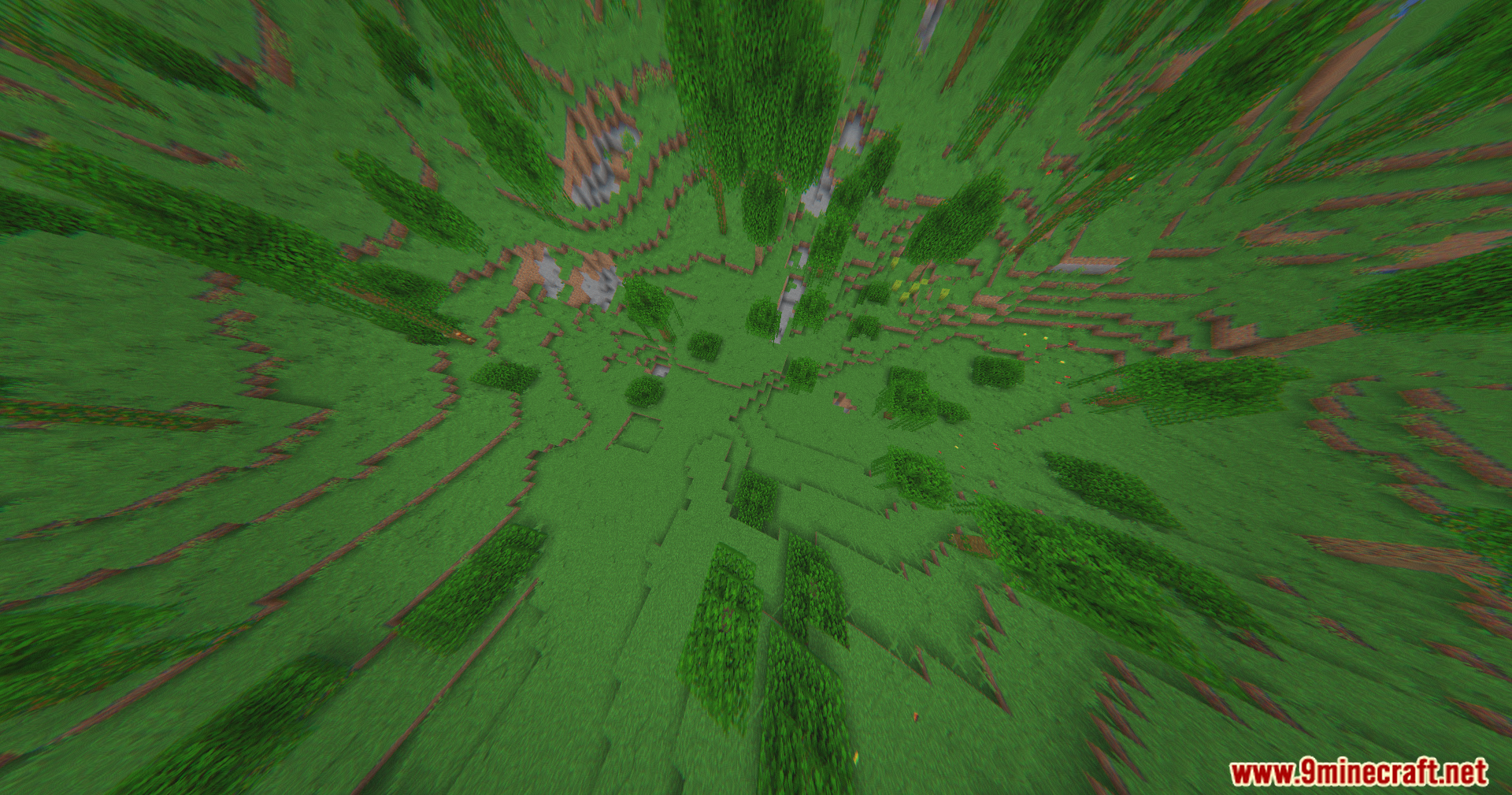
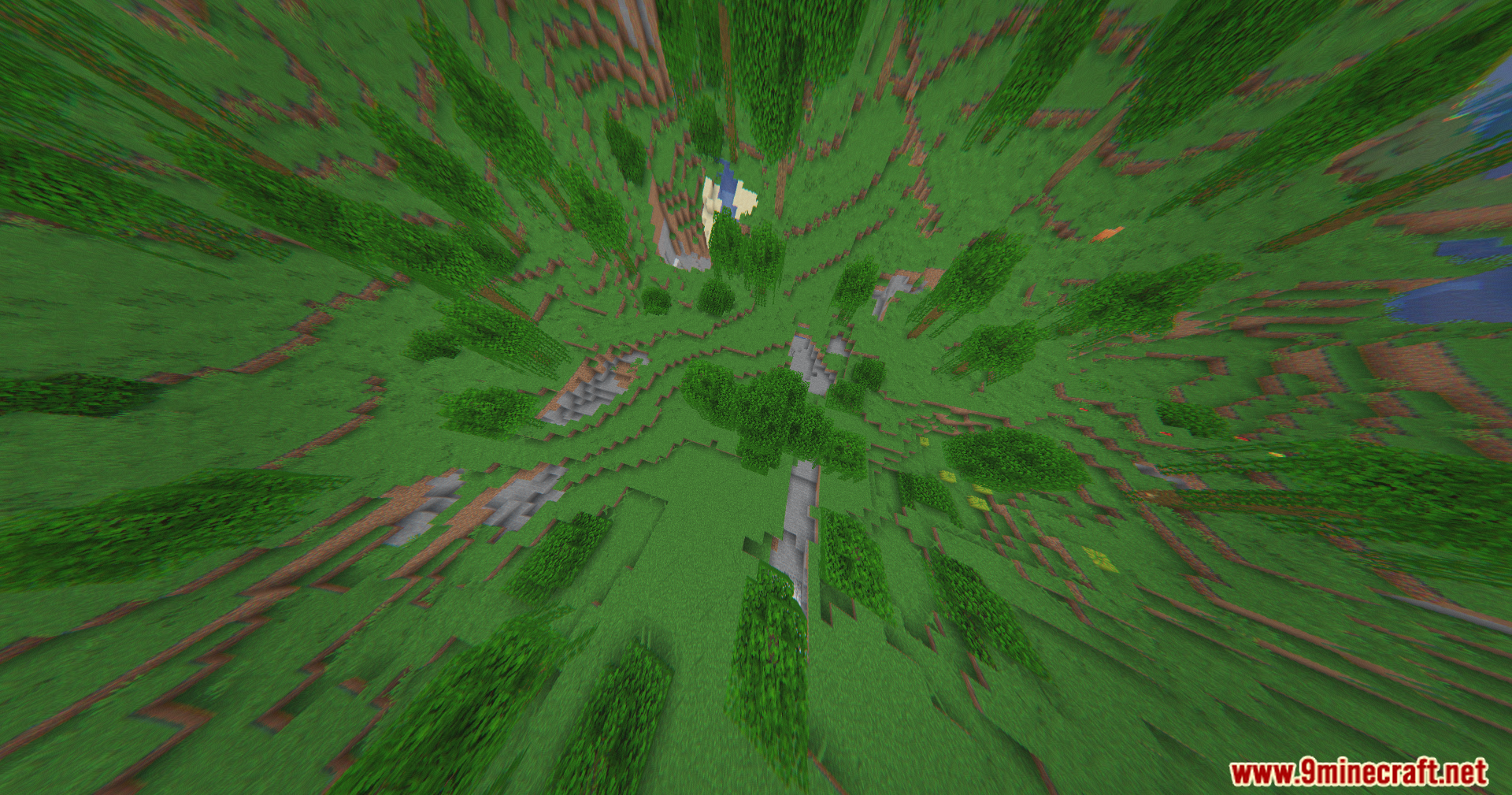
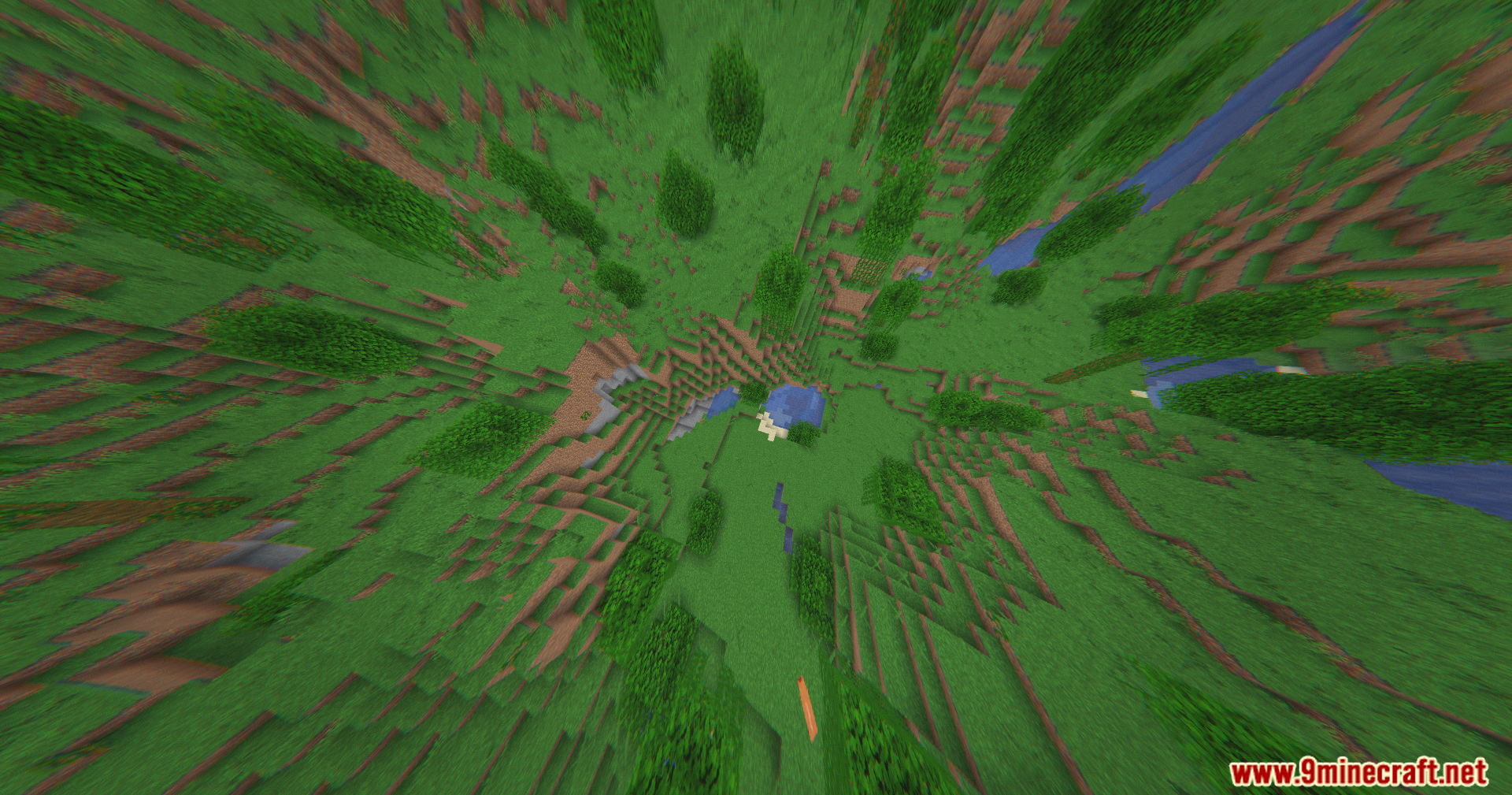
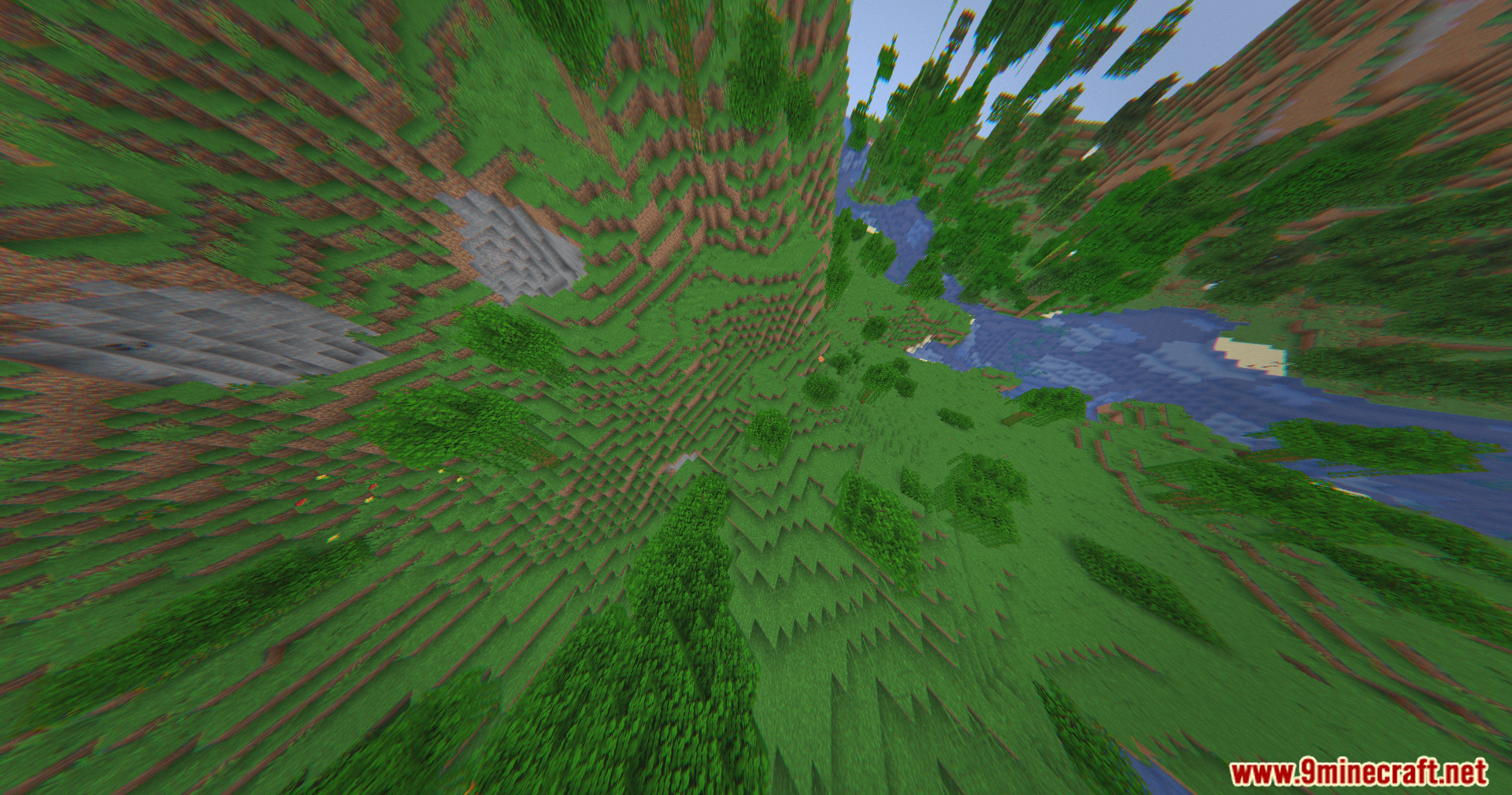
That's the wide-angle lens effect working as intended to mimic a drone camera's field of view. You can reduce this distortion in the shader settings if it feels too extreme.
The screen keeps shaking and moving slightly. Is this a bug?
No, that's the Drone Camera Motion feature simulating vibrations and wind drift from a real flying camera. You can lower or disable this effect in the shader options if you prefer a steady view.
Can I use 360W Shaders with other visual mods like Optifine?
360W Shaders works best as a standalone shader and may conflict with other shader packs or heavy visual mods. Test compatibility with your specific setup, as results vary.
See all 10 The 360W Shaders questions ›
Gallery
11 images from the The 360W Shaders page.
You May Also Like
Wikis that share the most with this one
Wikis on the same theme: light
More shader wikis on the site
The most downloaded mods that have a wiki here