

 DownloadStatic Dream Terminal Shaders
Get the files on 9Minecraft
Guides
Step-by-step, in-game.
Create Liminal Horror Atmosphere in Your BuildsPreparing Your Environment To maximize the liminal horror effect of Static Dream Terminal: 1. Build in open, empty…Fine-Tune Visual Effects for Your Preferred LookAccessing Customization Options Static Dream Terminal allows you to adjust individual visual components beyond the…Reduce or Increase Fog Density for Better VisibilityAdjusting Fog Settings Static Dream Terminal reworks world fog as a core feature, but you may need to adjust it…Switch Between Atmospheric PresetsAccessing the Preset Menu Static Dream Terminal includes 11 distinct atmospheric profiles, each designed to create…
Frequently asked questions
How do I turn on the shader after installing it?
Open your video settings in-game, find the Shaders option, and select Static Dream Terminal from the list. The effects will apply immediately to your world.
What's the difference between the atmospheric presets?
Each preset adjusts the fog color, lighting tone, and VHS distortion intensity to create different moods—some are more oppressive and dark, others have a faded, washed-out feel. Switch between them in the shader settings to find the mood that fits your build.
The fog is too thick and I can't see anything. How do I fix this?
Open the shader options and adjust the fog density slider to reduce how far the fog extends. You can also experiment with different presets, as some have lighter fog by default.
Can I use this shader with other mods?
Static Dream Terminal works with most mods, but it may conflict with other shader packs or mods that heavily alter rendering. Disable conflicting shaders and test with one mod at a time if you experience issues.
See all 10 Static Dream Terminal Shaders questions ›
Gallery
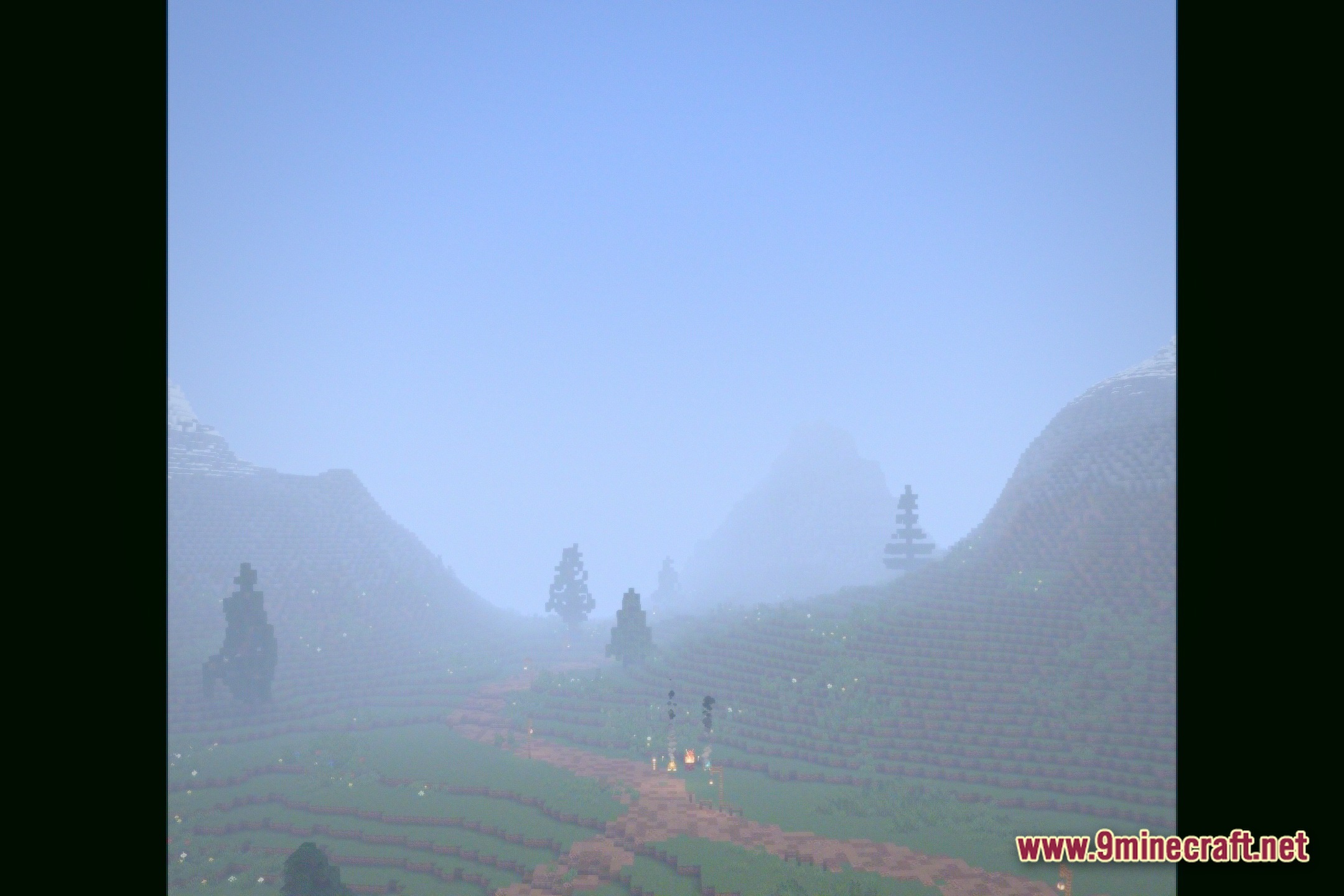
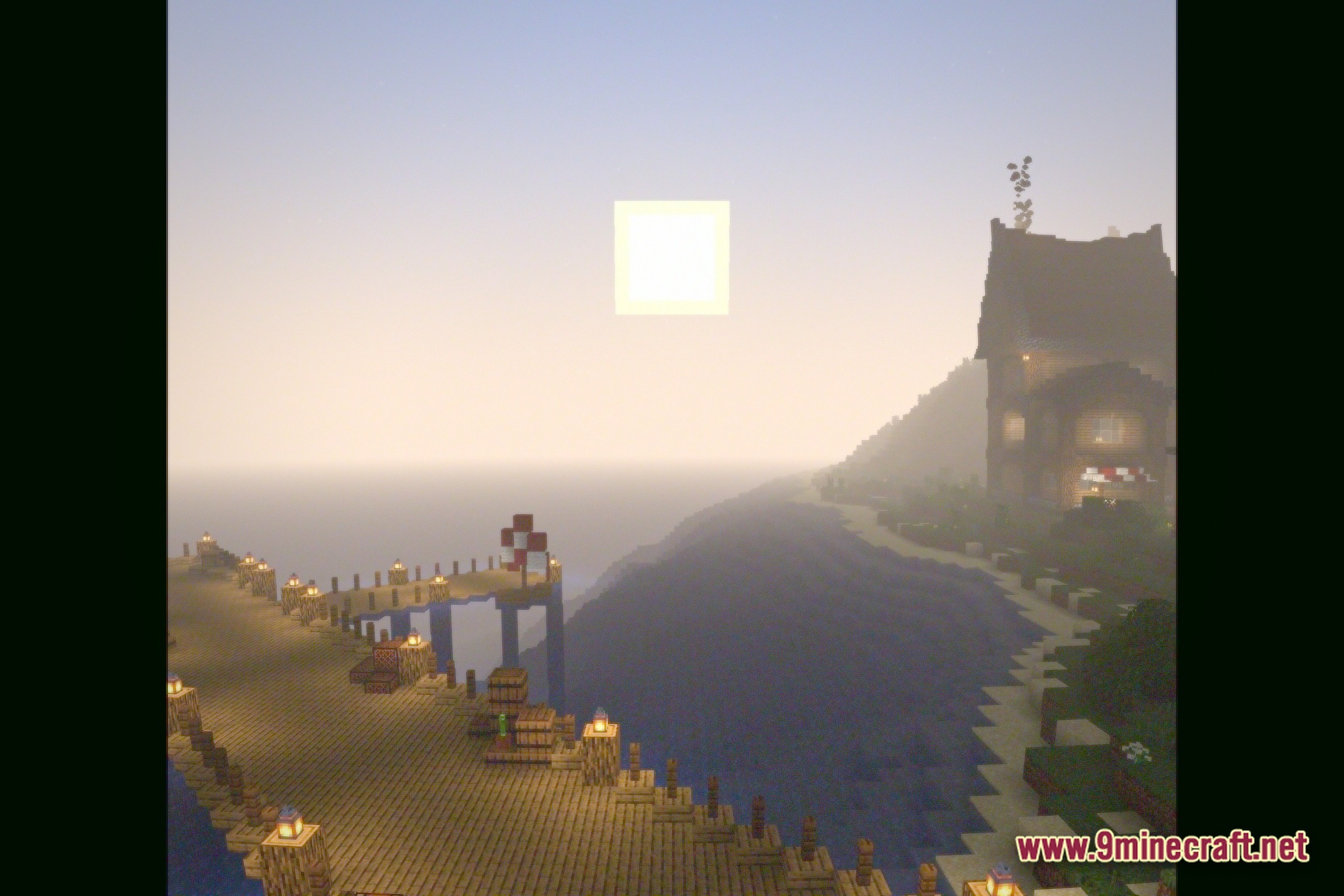
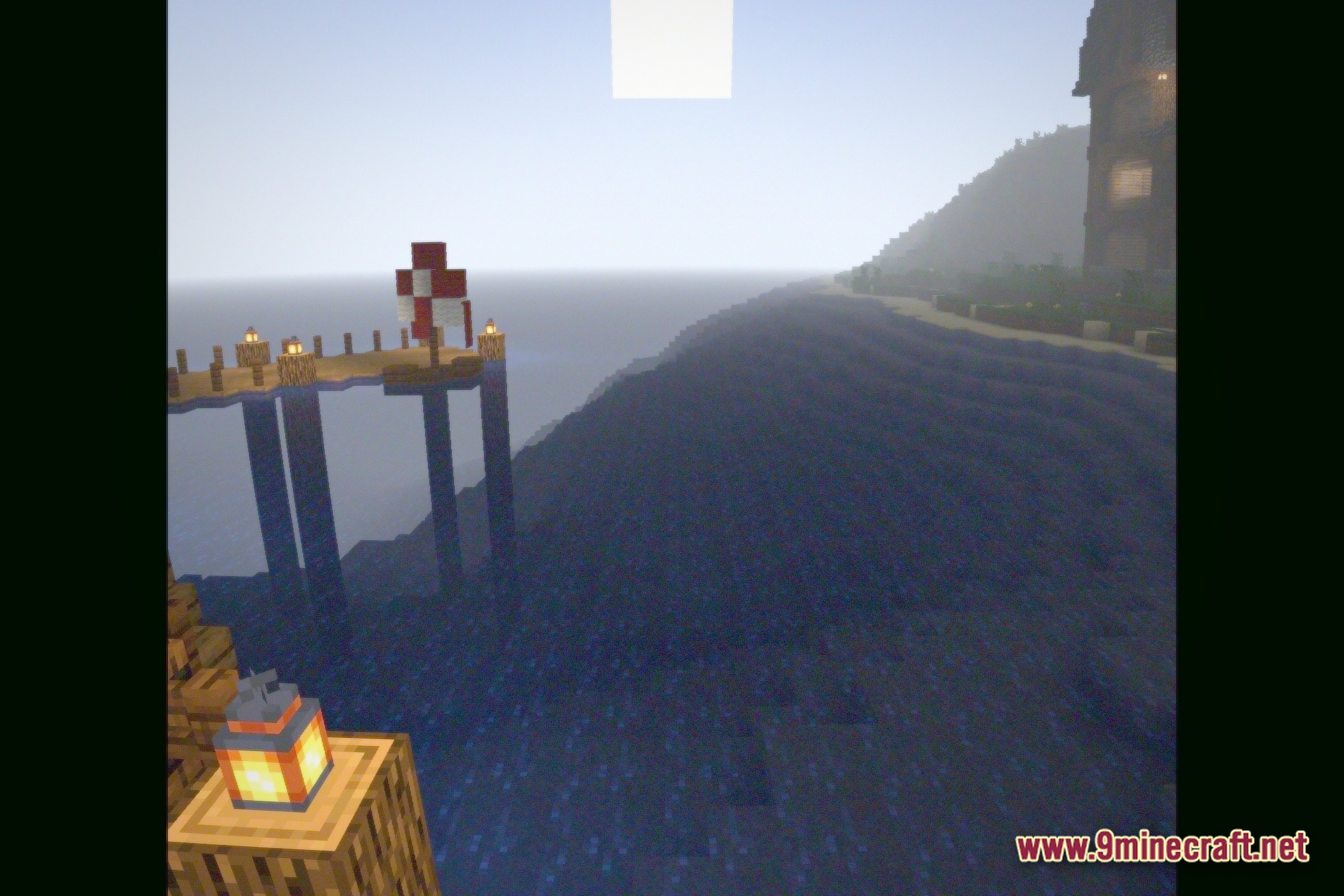
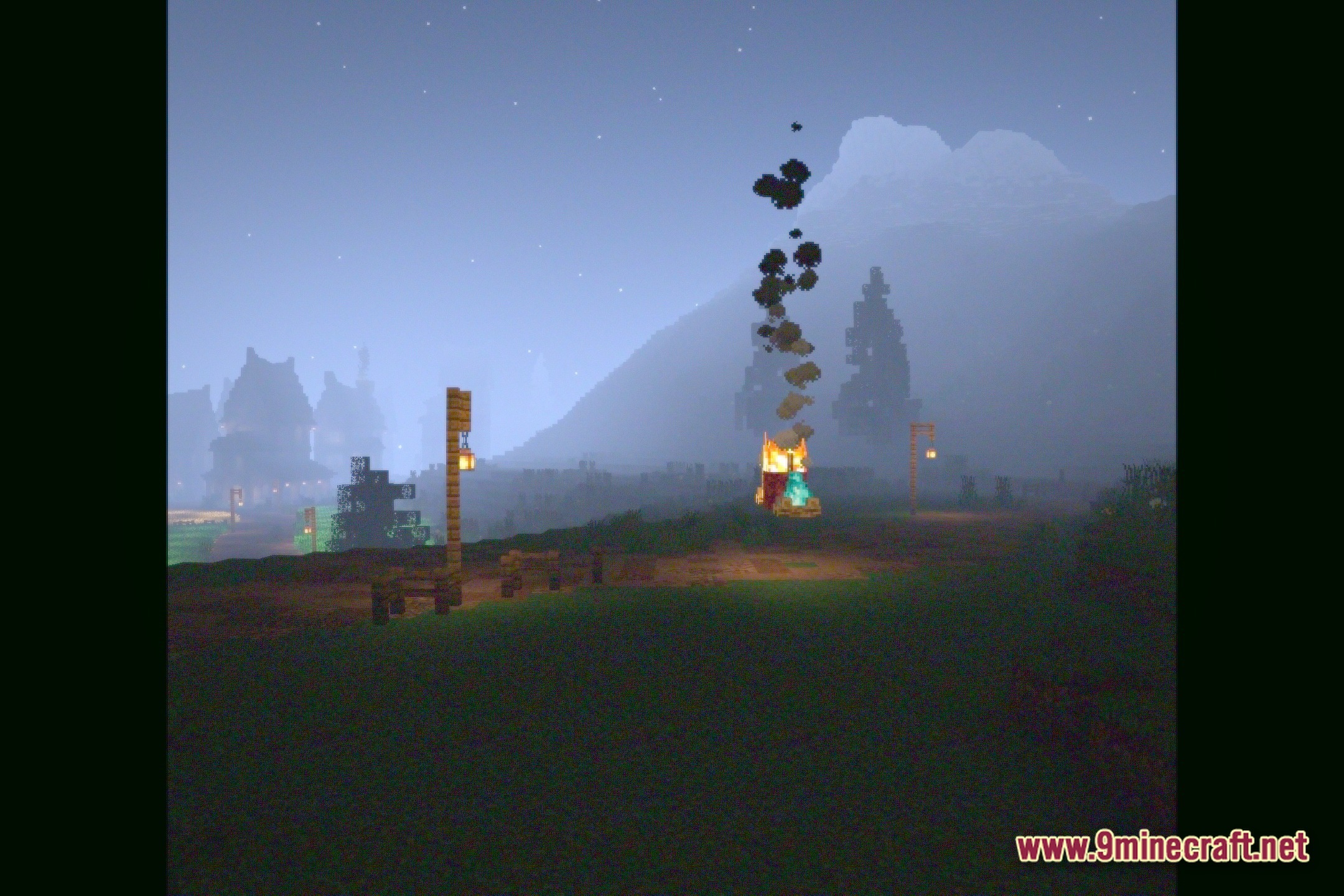
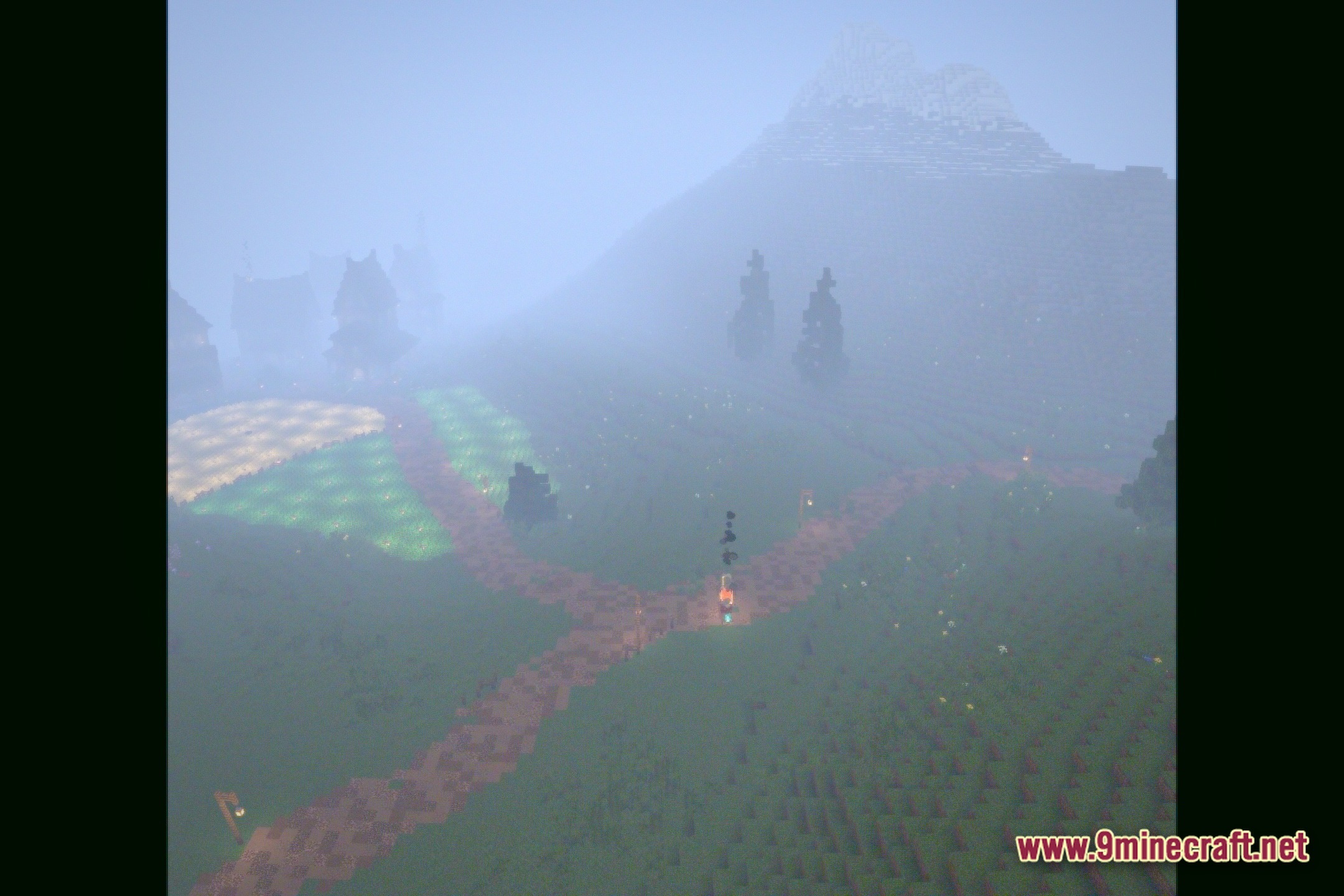
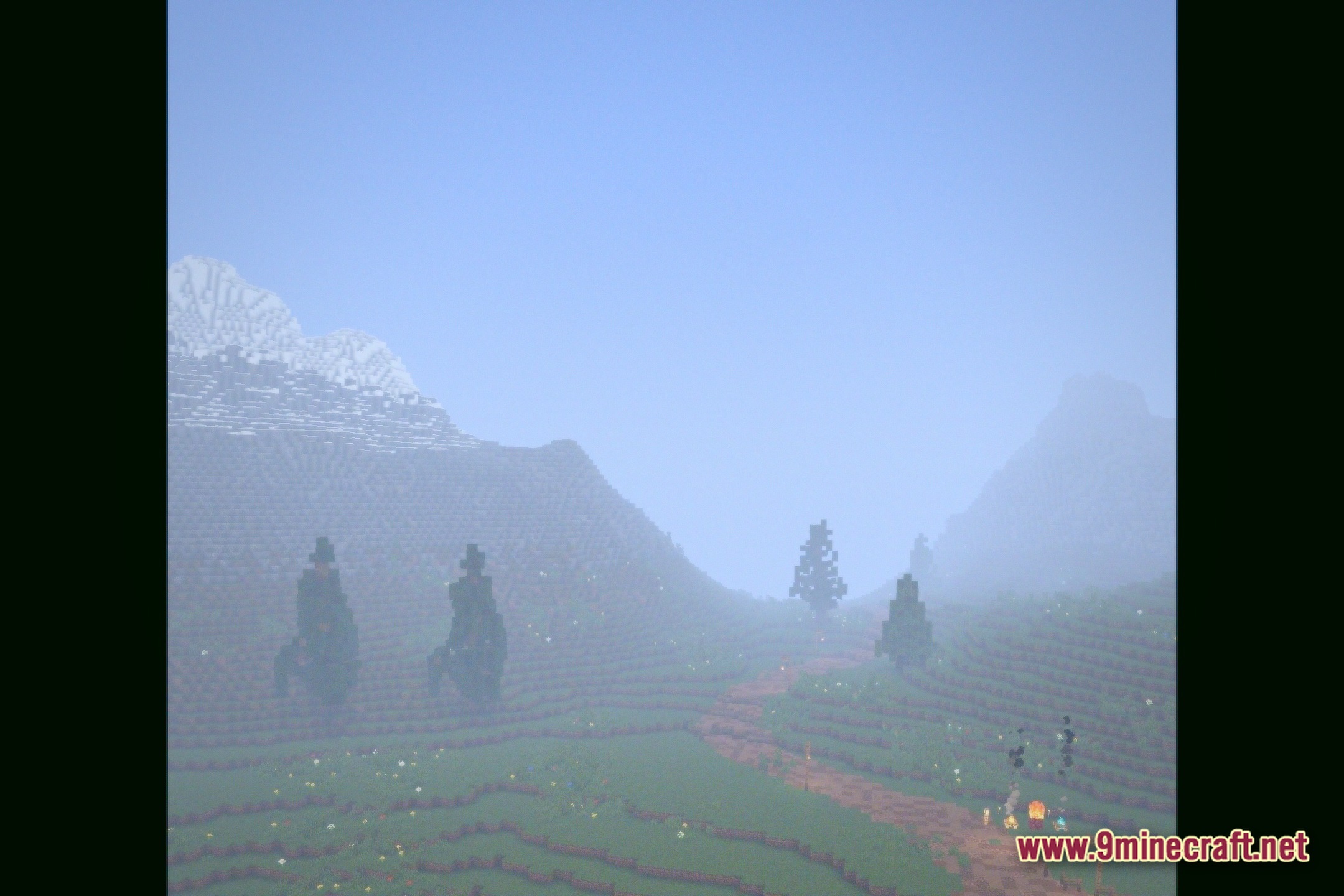
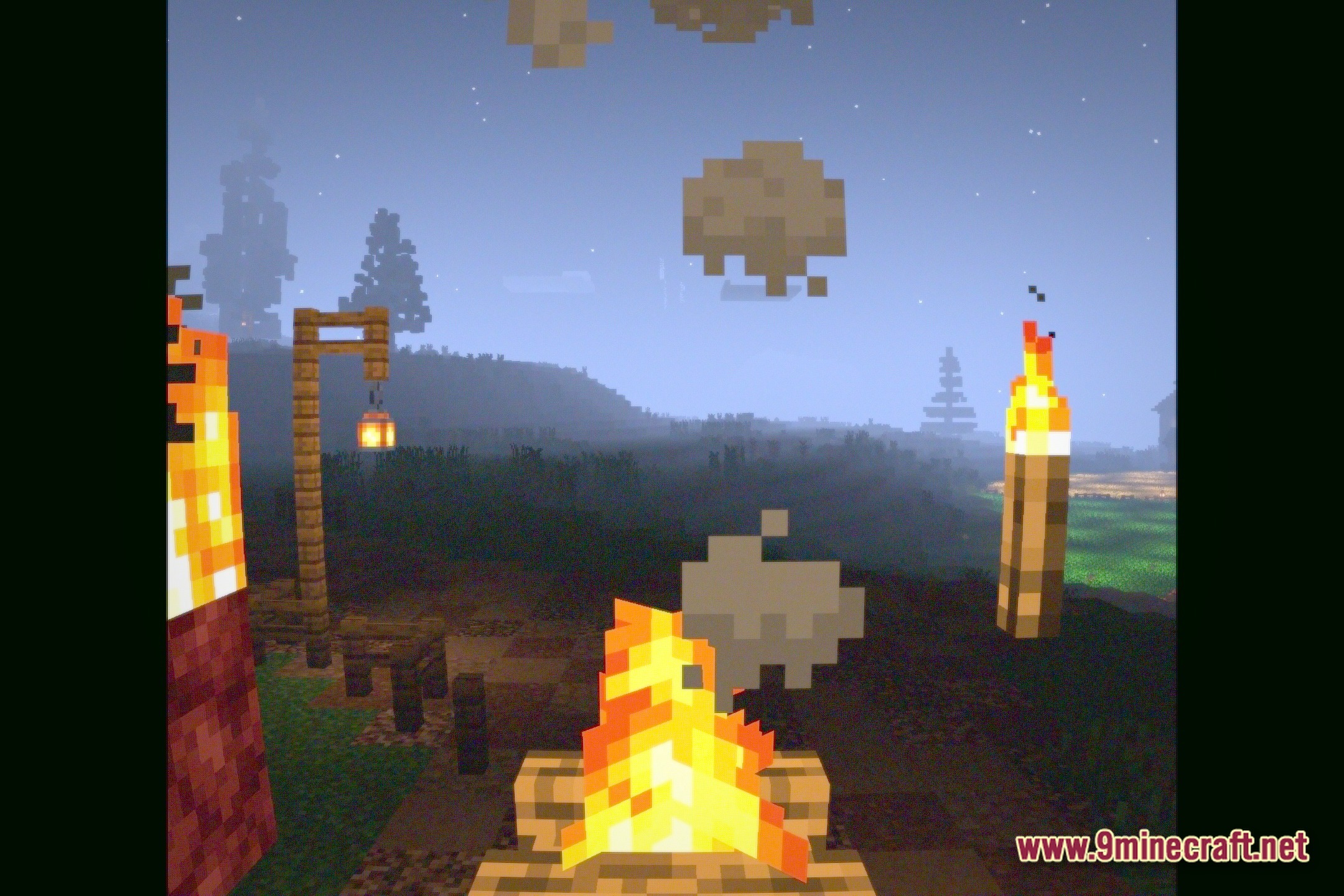
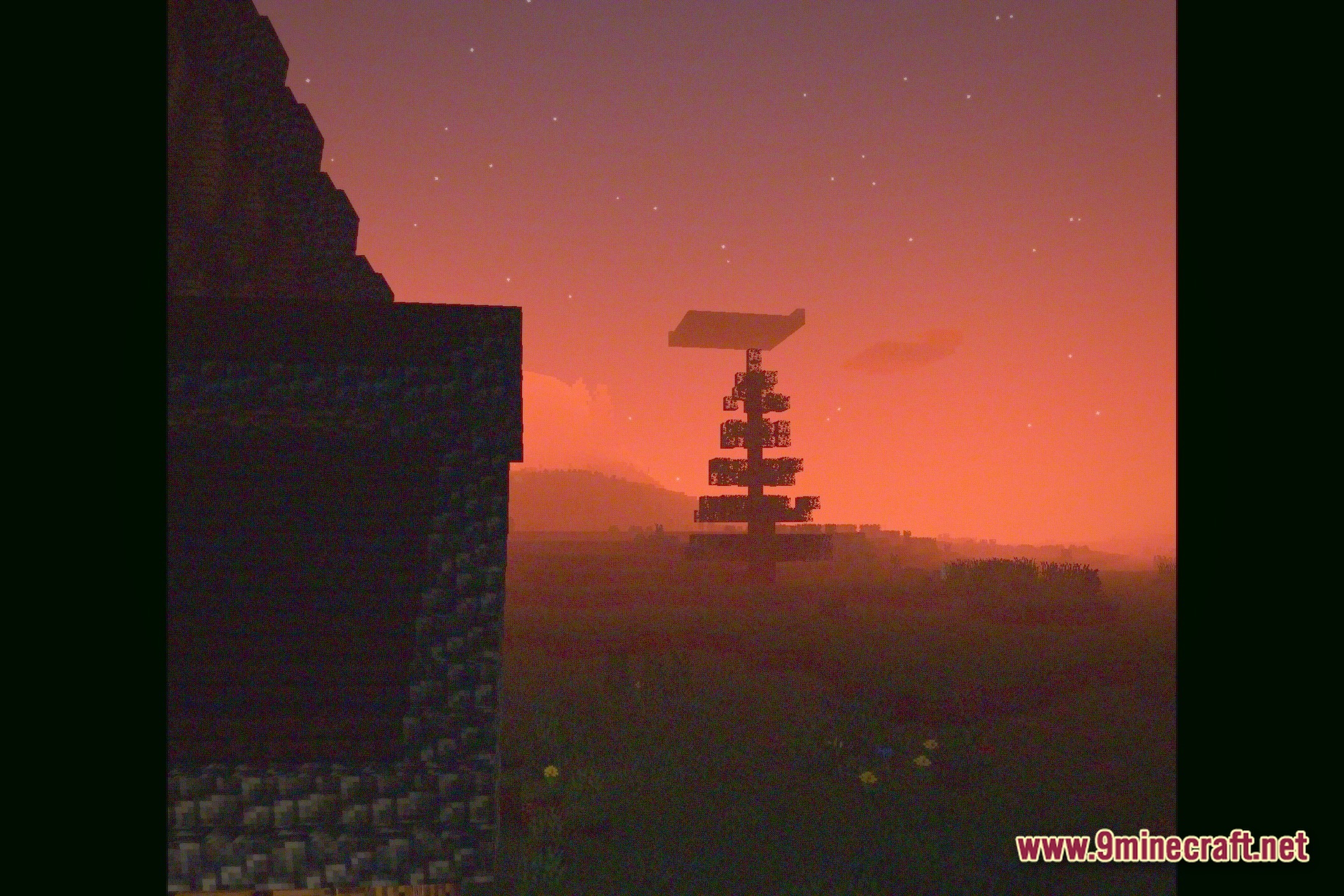
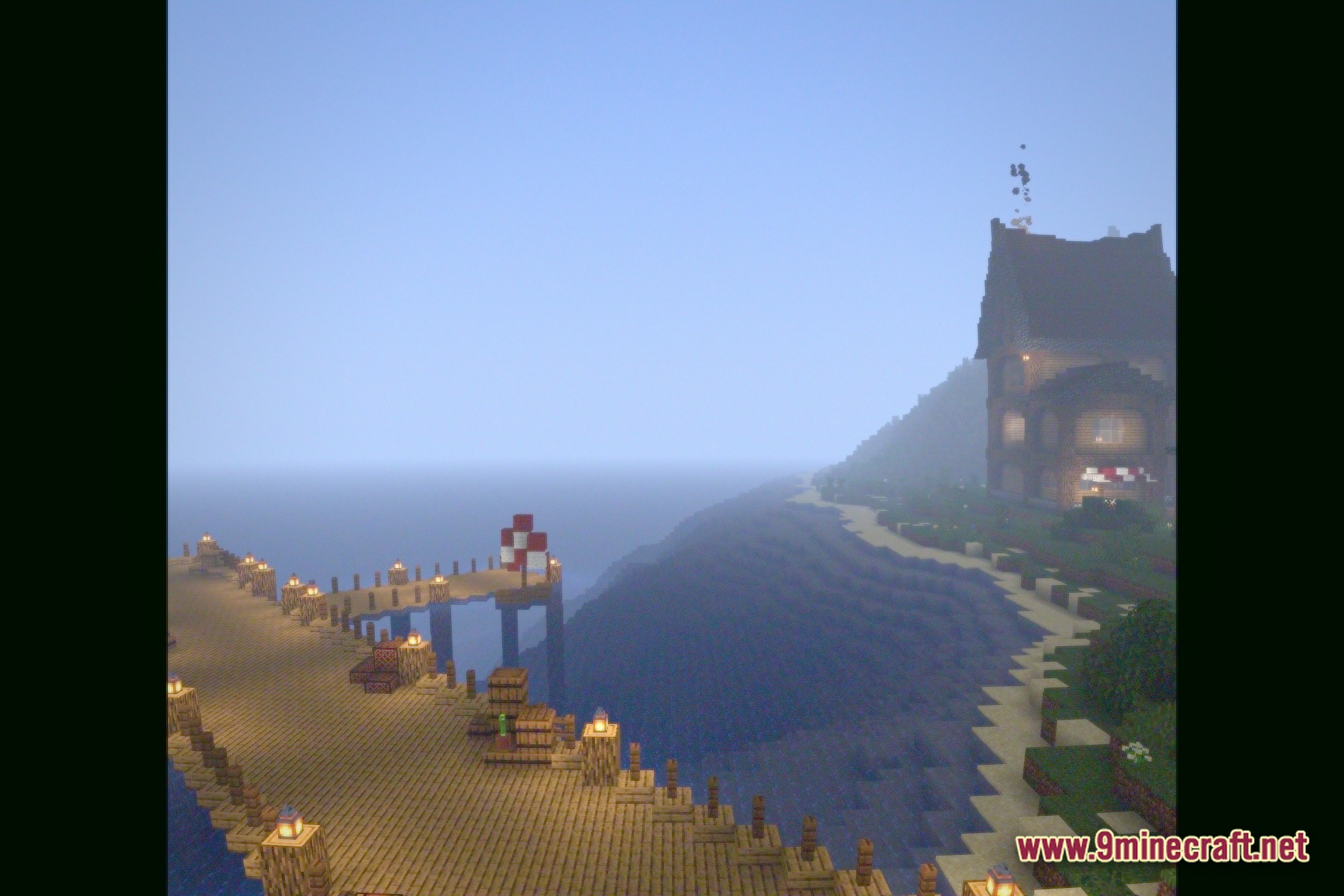
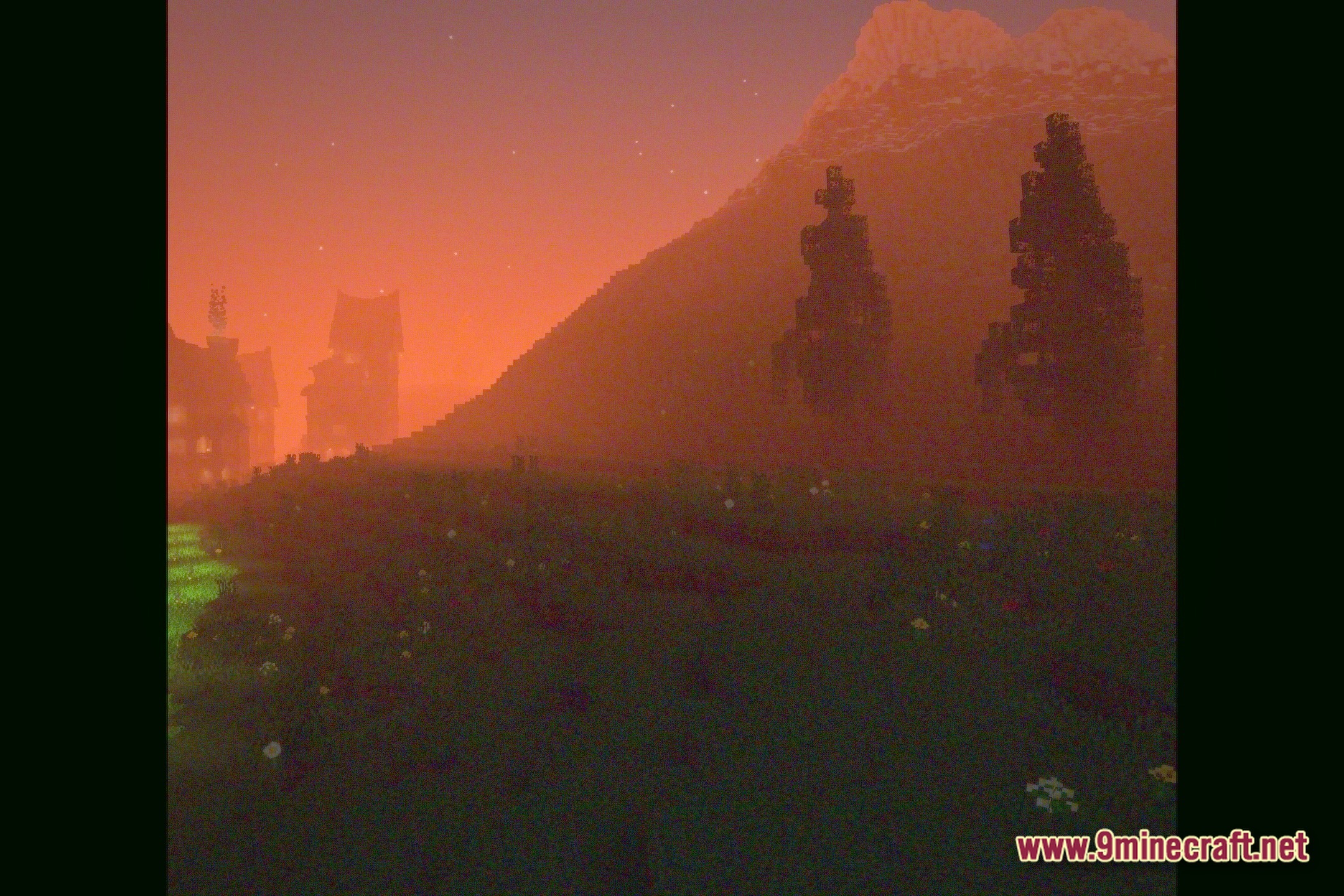
12 images from the Static Dream Terminal Shaders page.

You May Also Like
Wikis that share the most with this one
More shader wikis on the site
The most downloaded mods that have a wiki here