

 DownloadSilver Lens Studio Mod
Get the files on 9Minecraft
Guides
Step-by-step, in-game.
Capture Sharp Close-ups with Manual FocusSetting Up Manual Focus Close-up photography requires precise focus control. Open your camera viewfinder by pressing…Circle Around Buildings with Drone ModeEntering Drone Mode Drone Mode lets you orbit smoothly around structures for cinematic reveals. Access this mode…Create Smooth Flythrough Videos with Camera PathsRecording a Camera Path Press Q to open the camera path menu. This interface lets you record a series of keyframes…Photograph Your Build Without Your Player CharacterHiding Your Character Your player model can distract from landscape and architectural shots. Access the main settings…
Frequently asked questions
How do I open the camera?
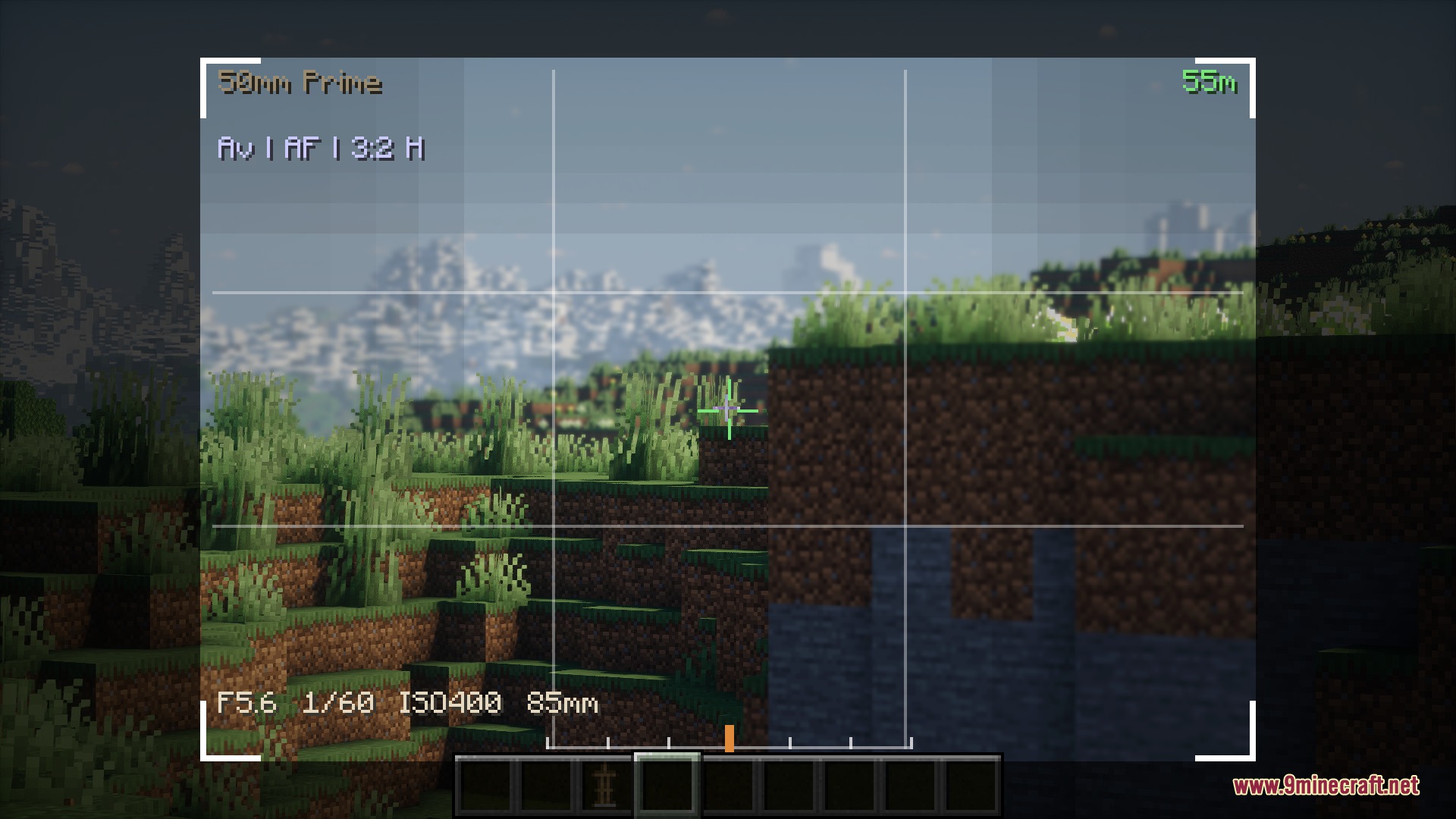
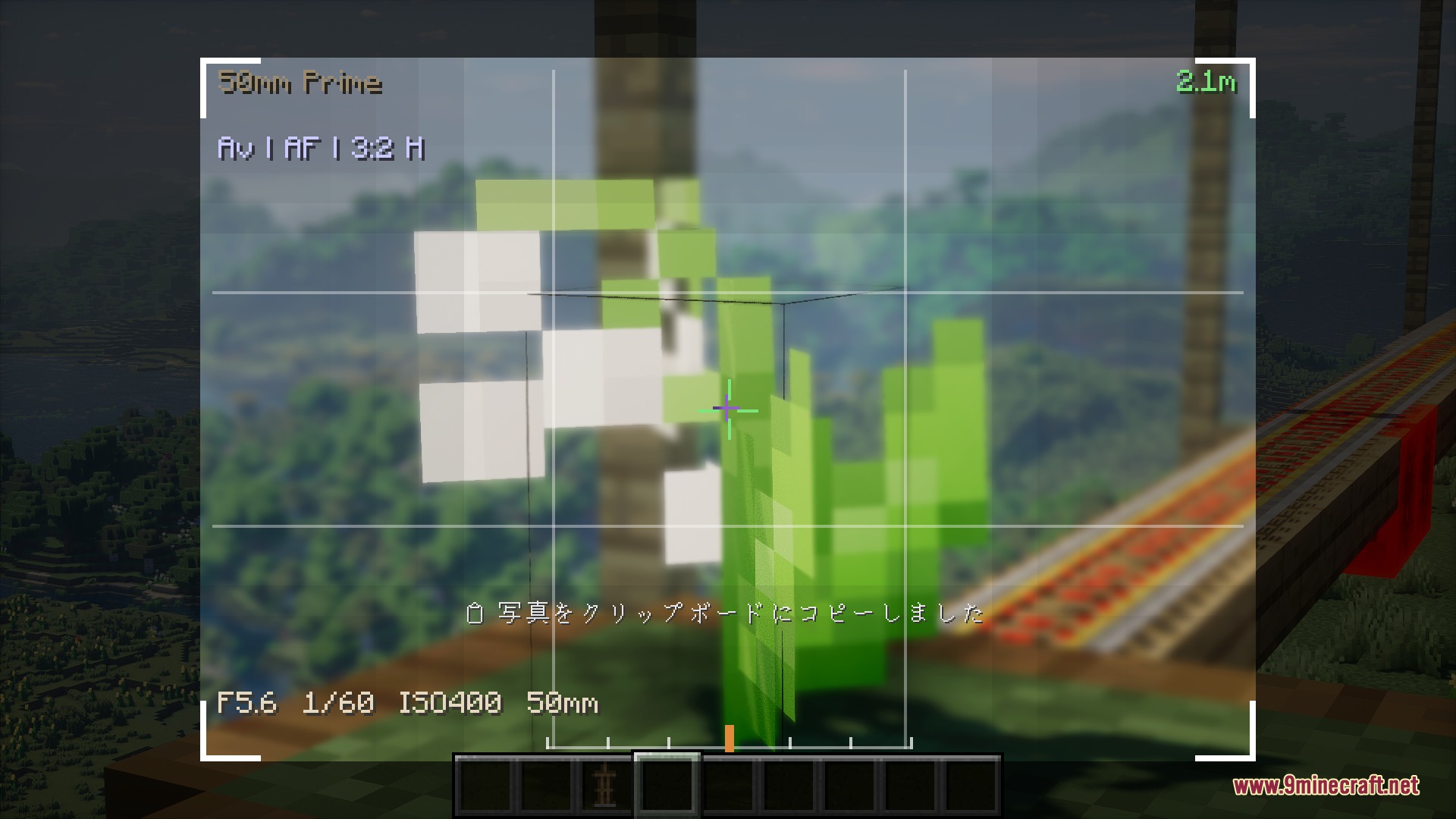
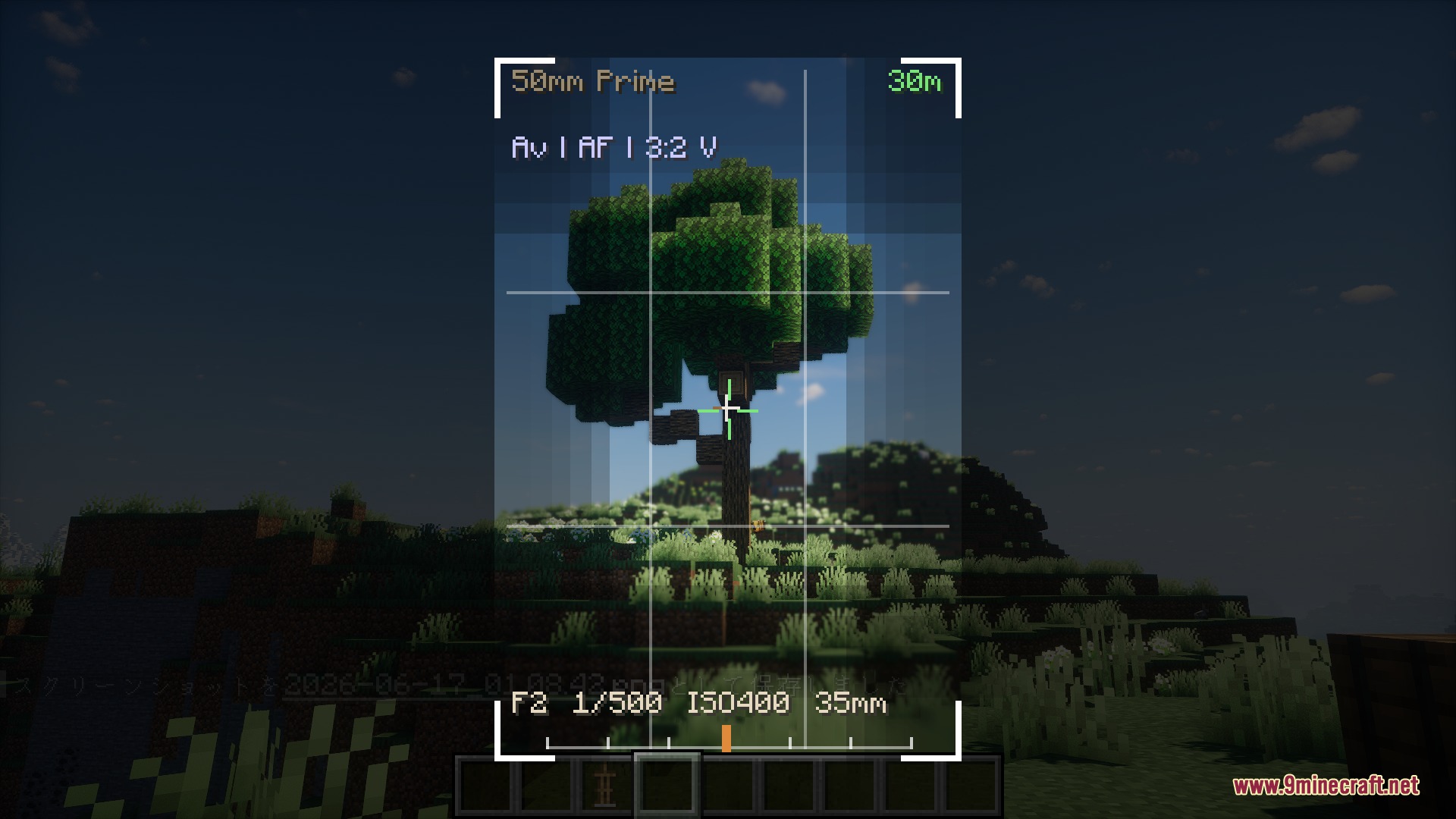
Press Shift or the comma key to open the camera viewfinder. Once open, you can adjust settings and frame your shot before taking a photo or recording.
What's the difference between manual and auto modes?
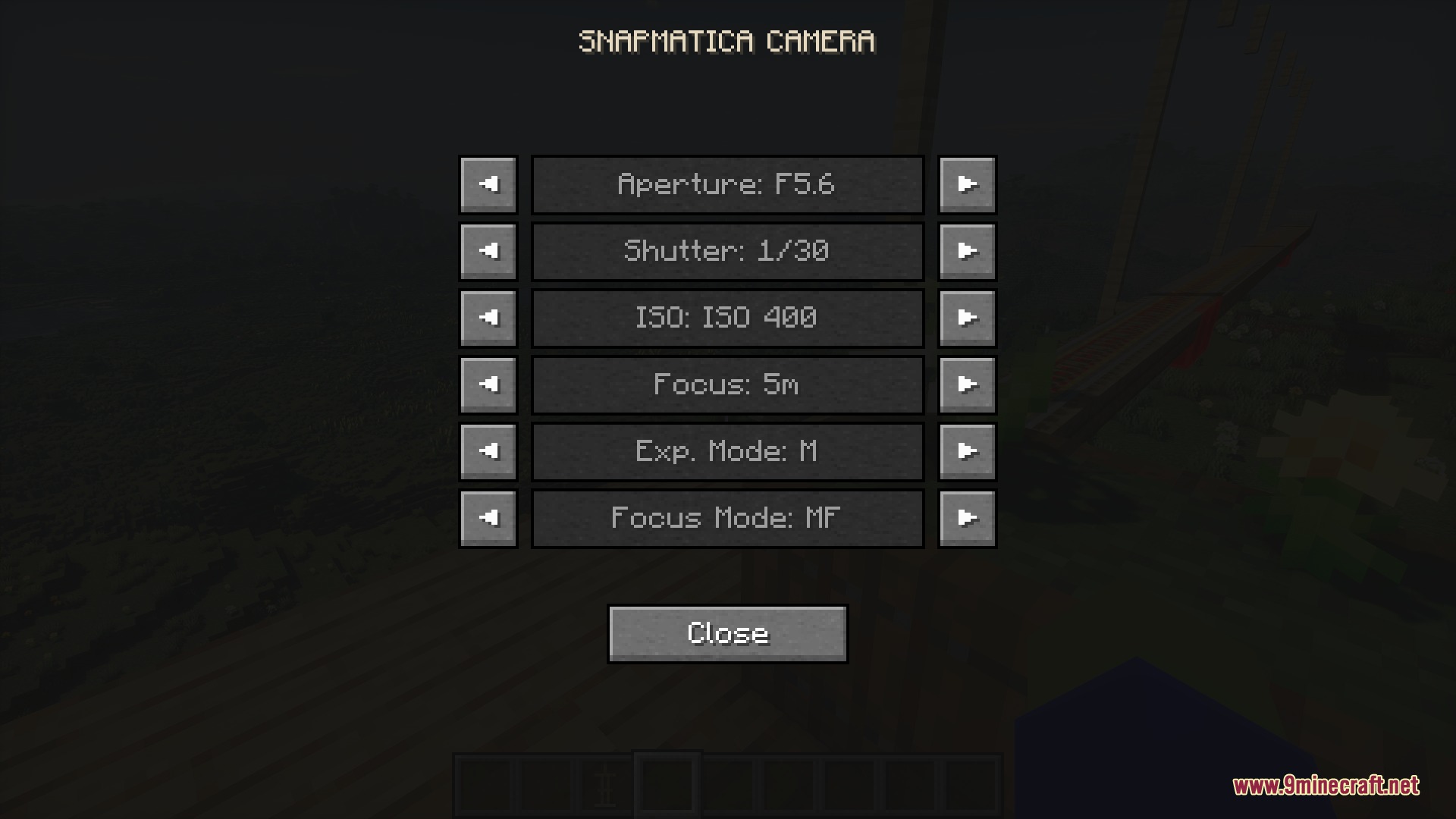
Manual mode lets you control aperture, shutter speed, and focus yourself for precise creative control. Auto modes like Av (aperture priority) and AF (autofocus) handle exposure and focus automatically, which is faster for beginners.
How do I get a blurry background like real cameras?
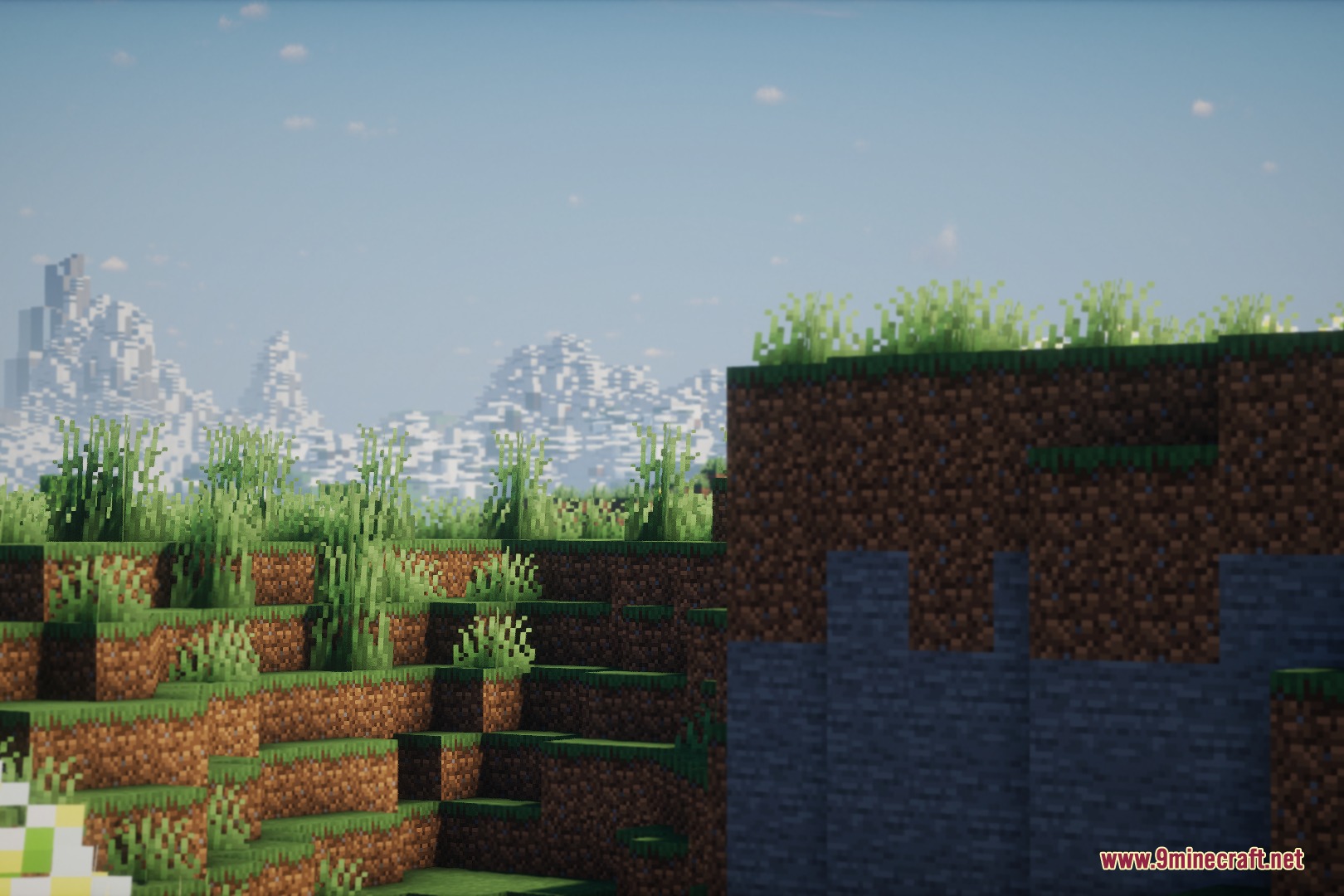
Adjust your aperture to a lower value (wider opening) using Shift + Ctrl + Mouse Wheel scroll. Lower aperture creates stronger background blur, while higher values keep more of the scene in focus.
What does focus peaking do?
Focus peaking highlights the sharp edges in your viewfinder so you can see exactly what distance is in focus without guessing. This helps you nail sharp close-ups of small details.
See all 10 Silver Lens Studio questions ›
Gallery
7 images from the Silver Lens Studio Mod page.
You May Also Like
Wikis that share the most with this one
More mod wikis on the site
The most downloaded mods that have a wiki here
A few wikis from each of the other kinds