

 DownloadSildur’s Basic Shaders
Get the files on 9Minecraft
Guides
Step-by-step, in-game.
Adjust Shadow Quality and PerformanceAccess Shader Settings Open the shader options menu while in-game by pressing the designated key (usually accessed…Enhance Water and Weather EffectsConfigure Water Rendering Access shader options and look for water-related settings. Sildur's Basic improves water…Improve Lighting in Dark AreasUnderstand the Lighting System Sildur's Basic enhances vanilla shadows and colors rather than replacing the core…Troubleshoot Visual Glitches and ArtifactsIdentify Common Issues Banding (visible color stripes), flickering shadows, or washed-out colors usually indicate…
Frequently asked questions
How do I enable the shader after installing it?
Open Options > Video Settings > Shaders, then locate and select Sildur's Basic Shaders from your shader folder. Click Apply and the shader will activate immediately in your world.
Why is my game running slowly with this shader?
Check your shader settings for shadow quality and render distance—lowering these will improve performance. If you're on integrated graphics, reduce shadow distance further or disable shadow filtering in the shader options.
Can I use this shader with other mods?
Yes, Sildur's Basic Shaders works with most mods, but mods that heavily modify lighting or add custom blocks may cause visual conflicts. Test with your mod list to confirm compatibility.
Why do shadows look blocky or pixelated?
This is normal at default shadow settings on lower-end GPUs. Increase shadow map resolution in the shader options if your GPU can handle it, or accept the trade-off for better performance.
See all 10 Sildur’s Basic Shaders questions ›
Gallery
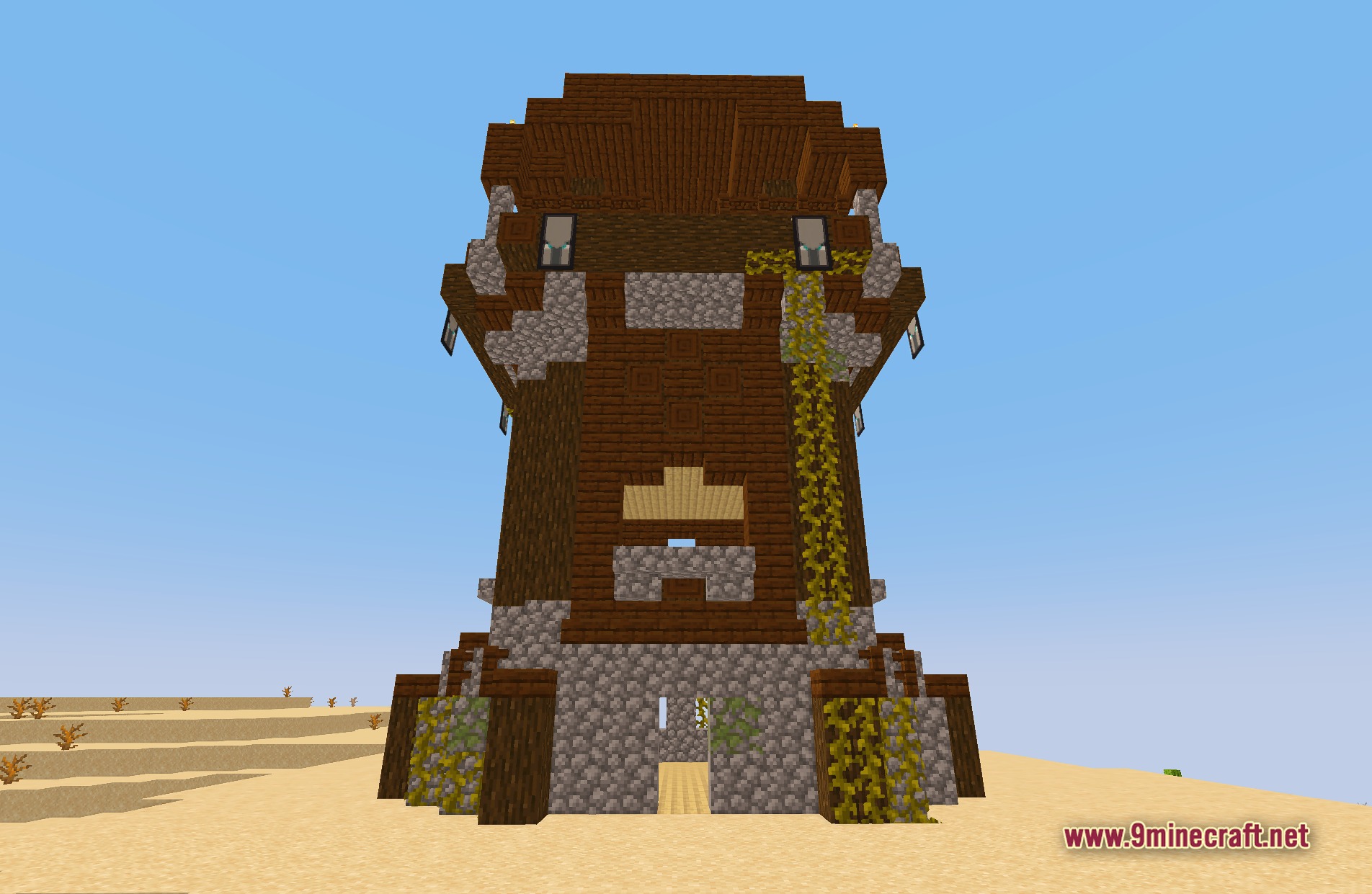
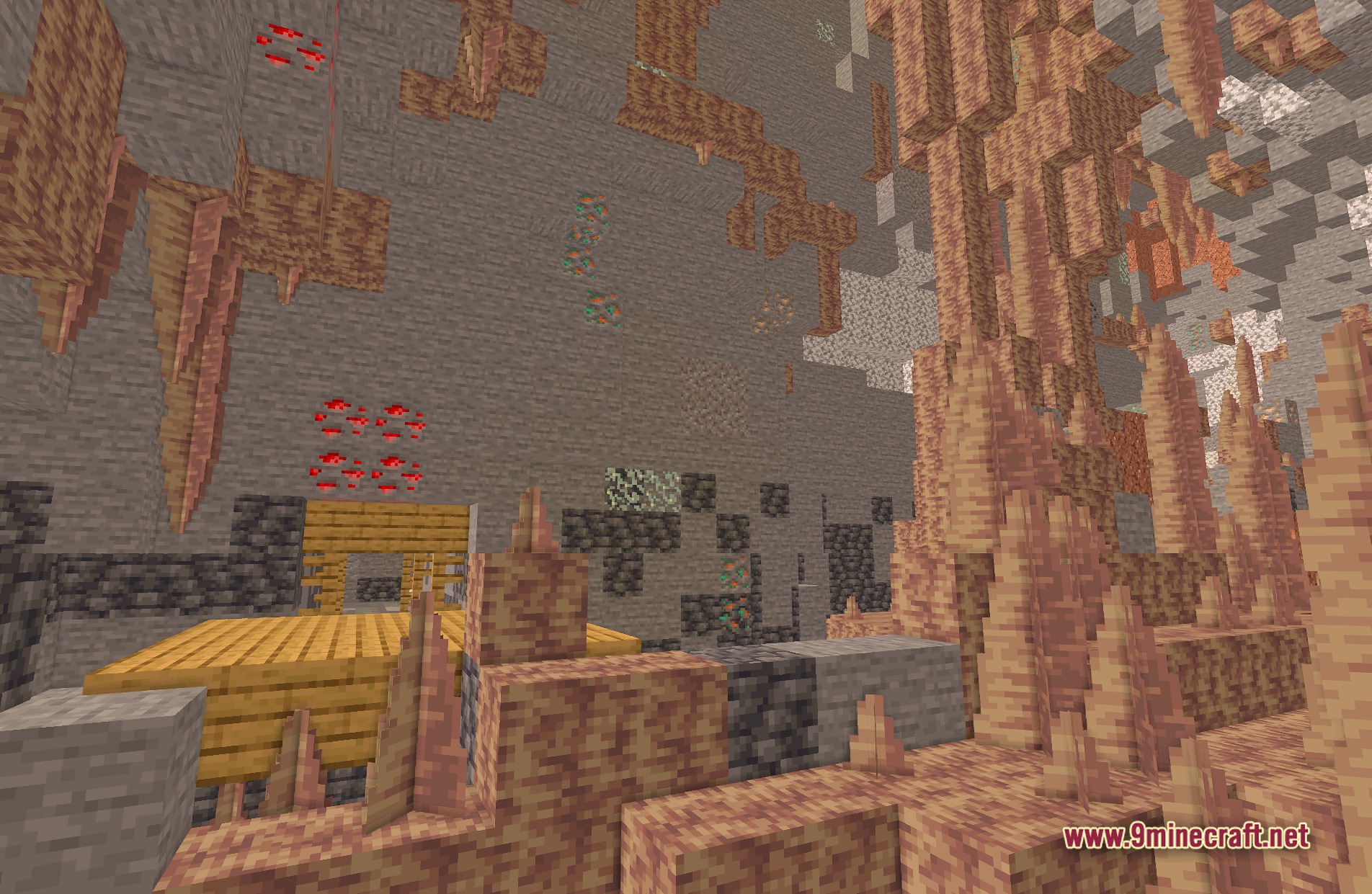
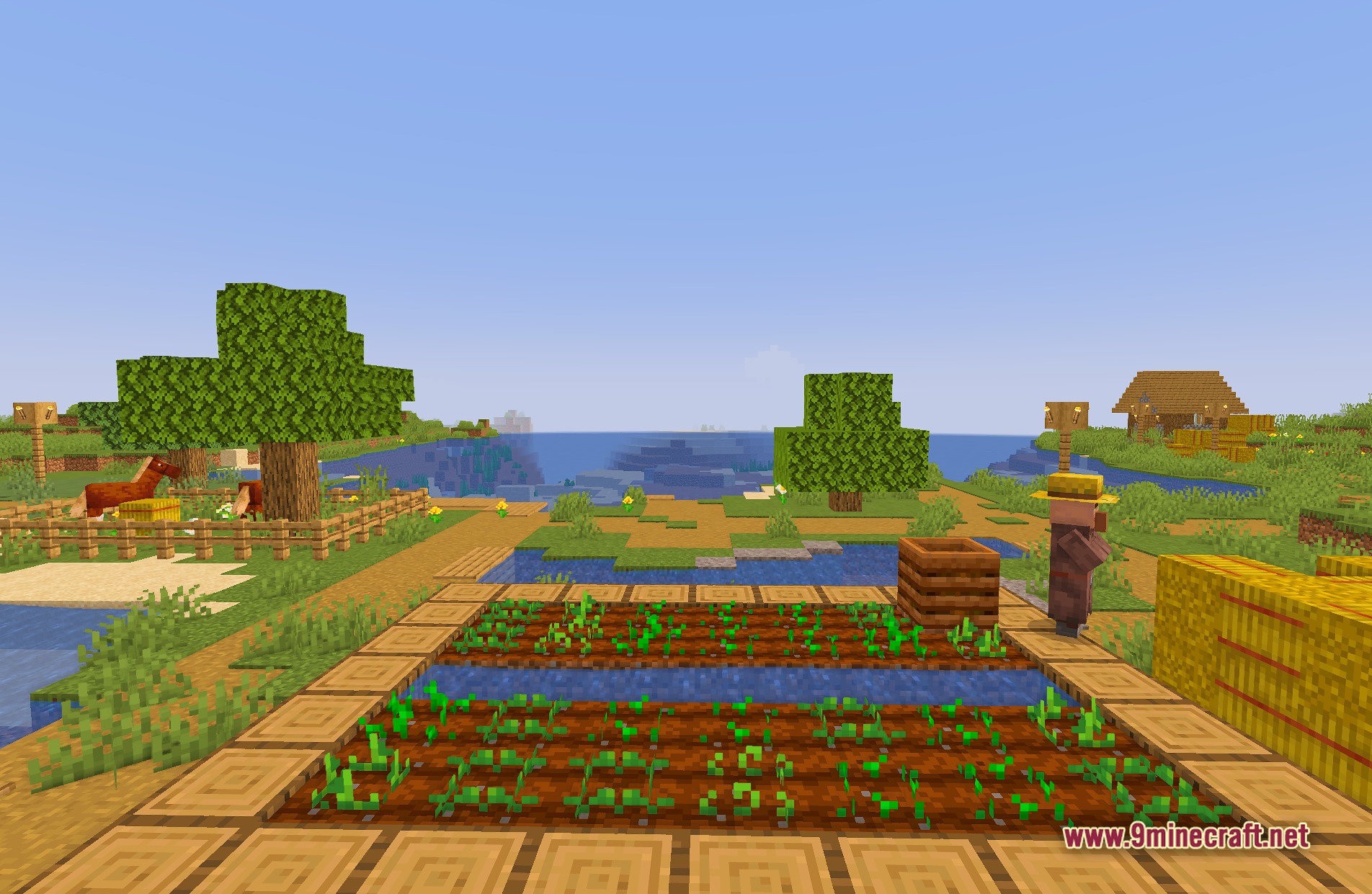
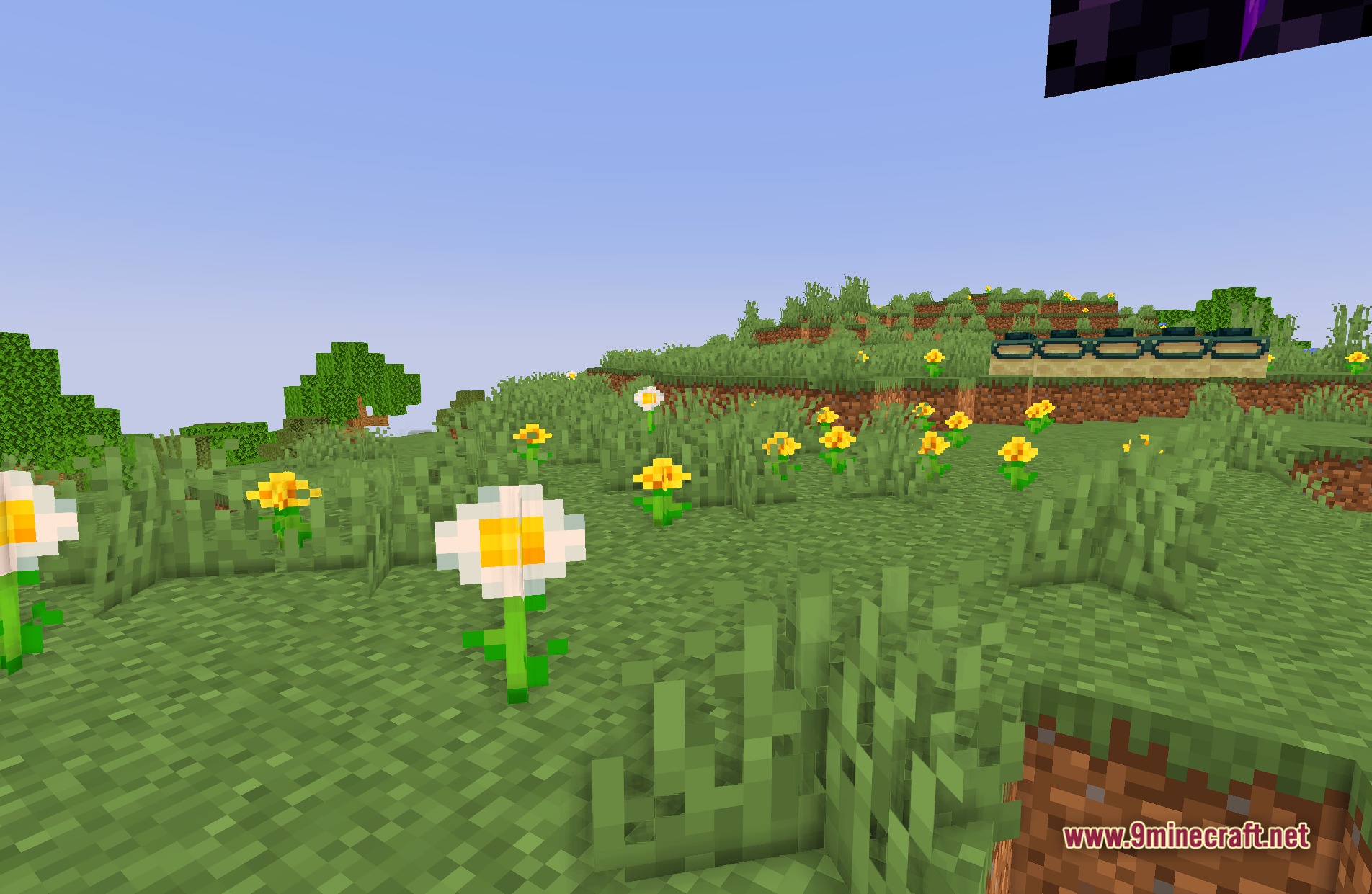
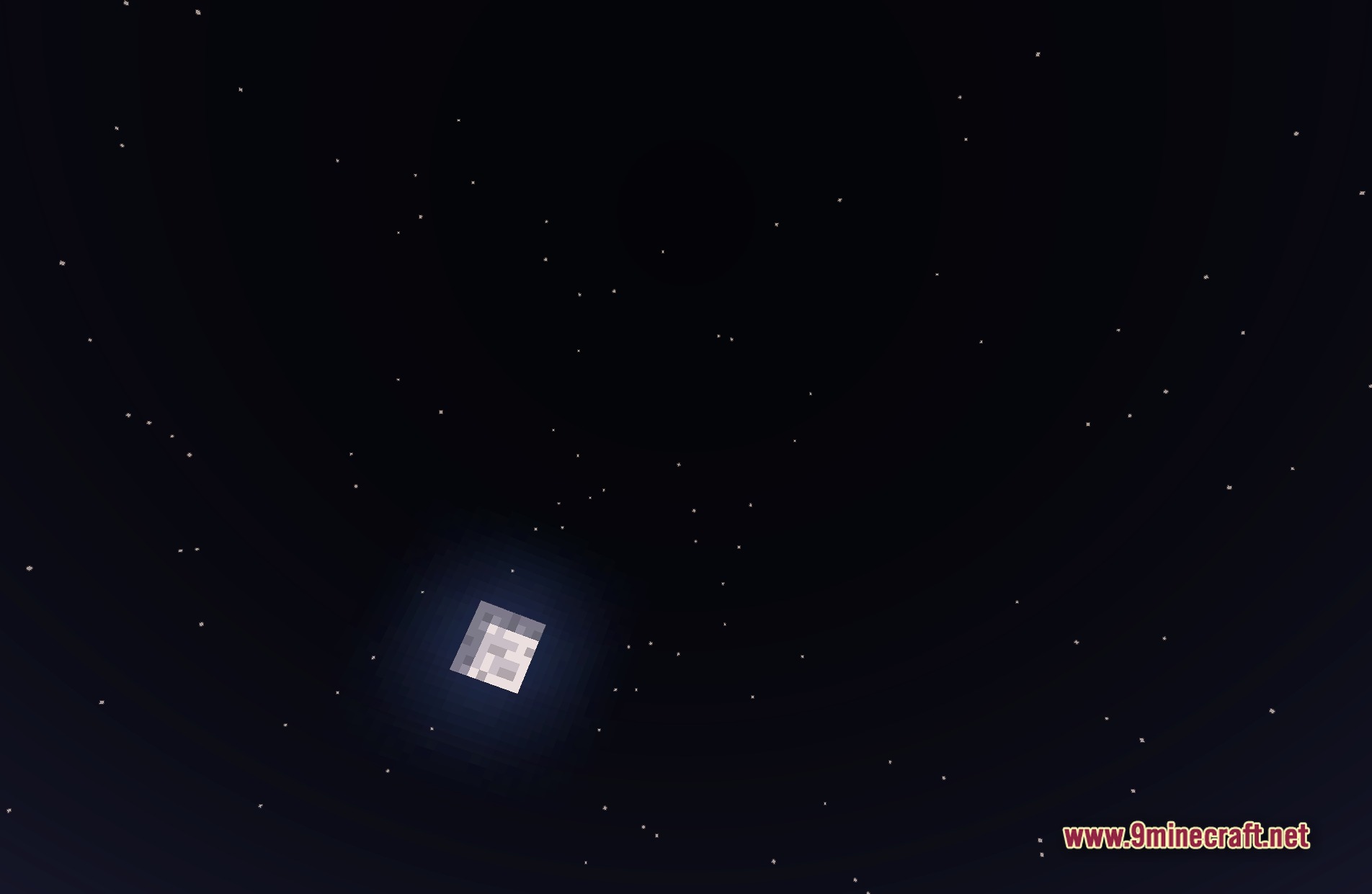
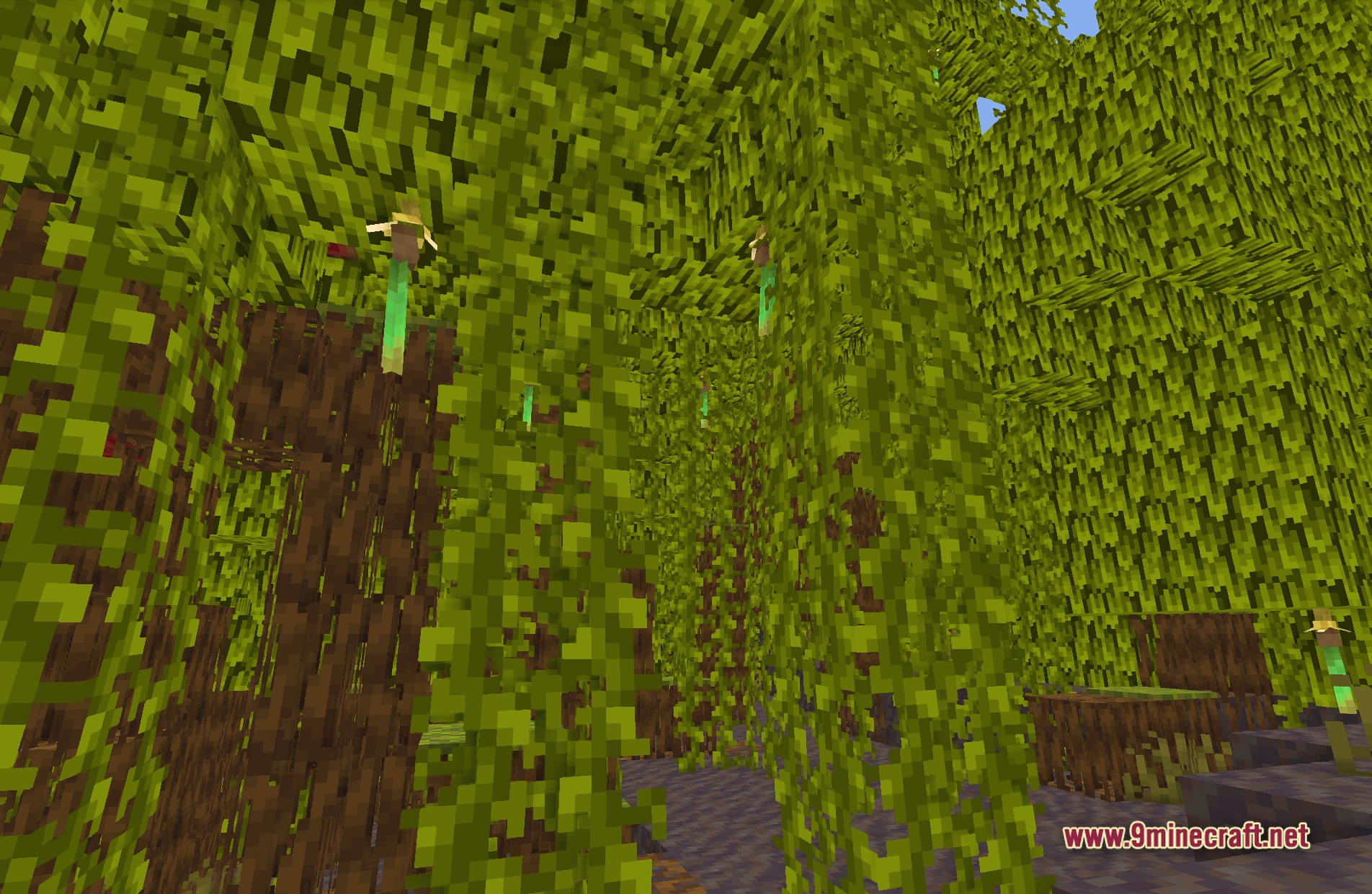
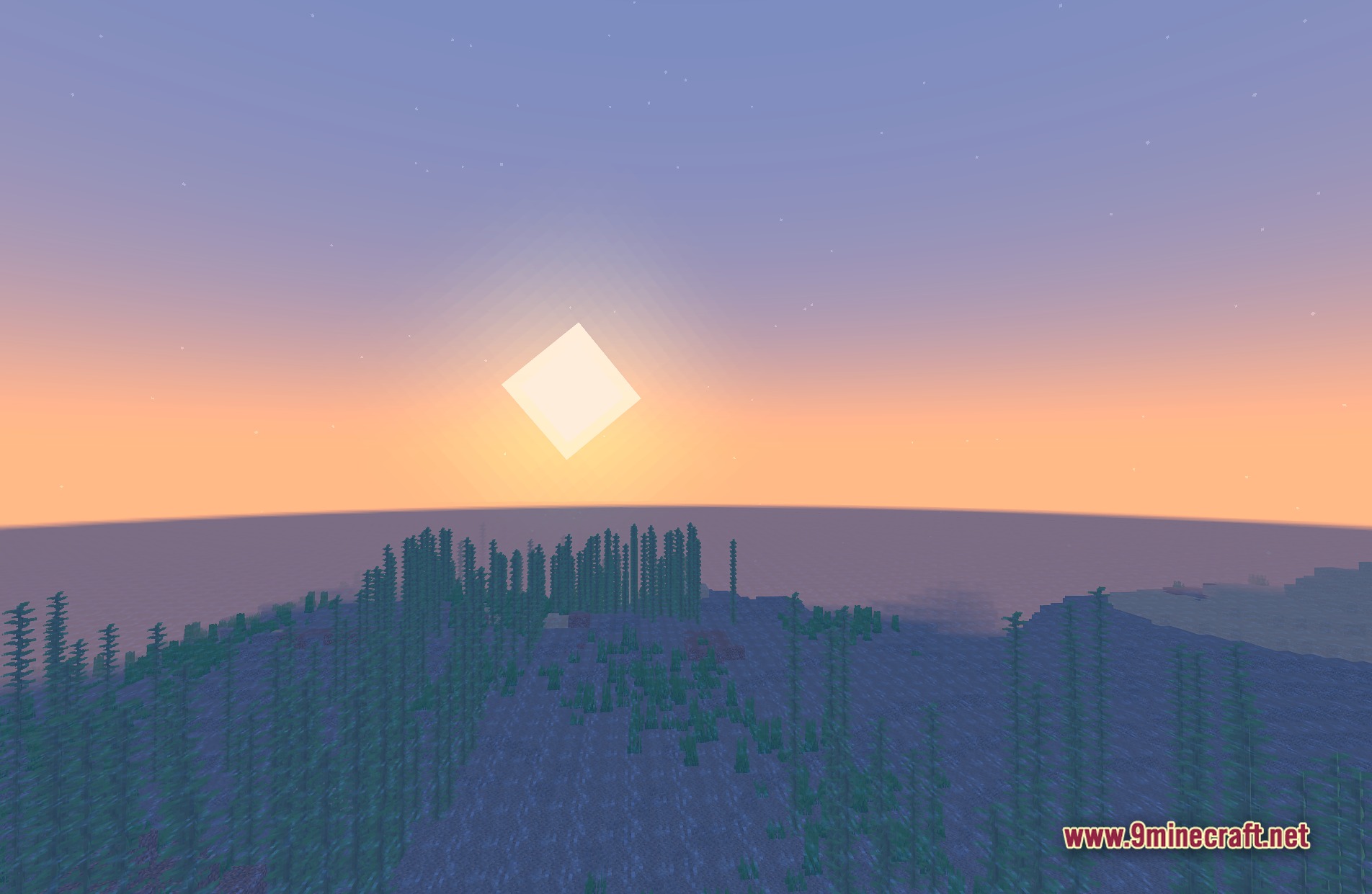
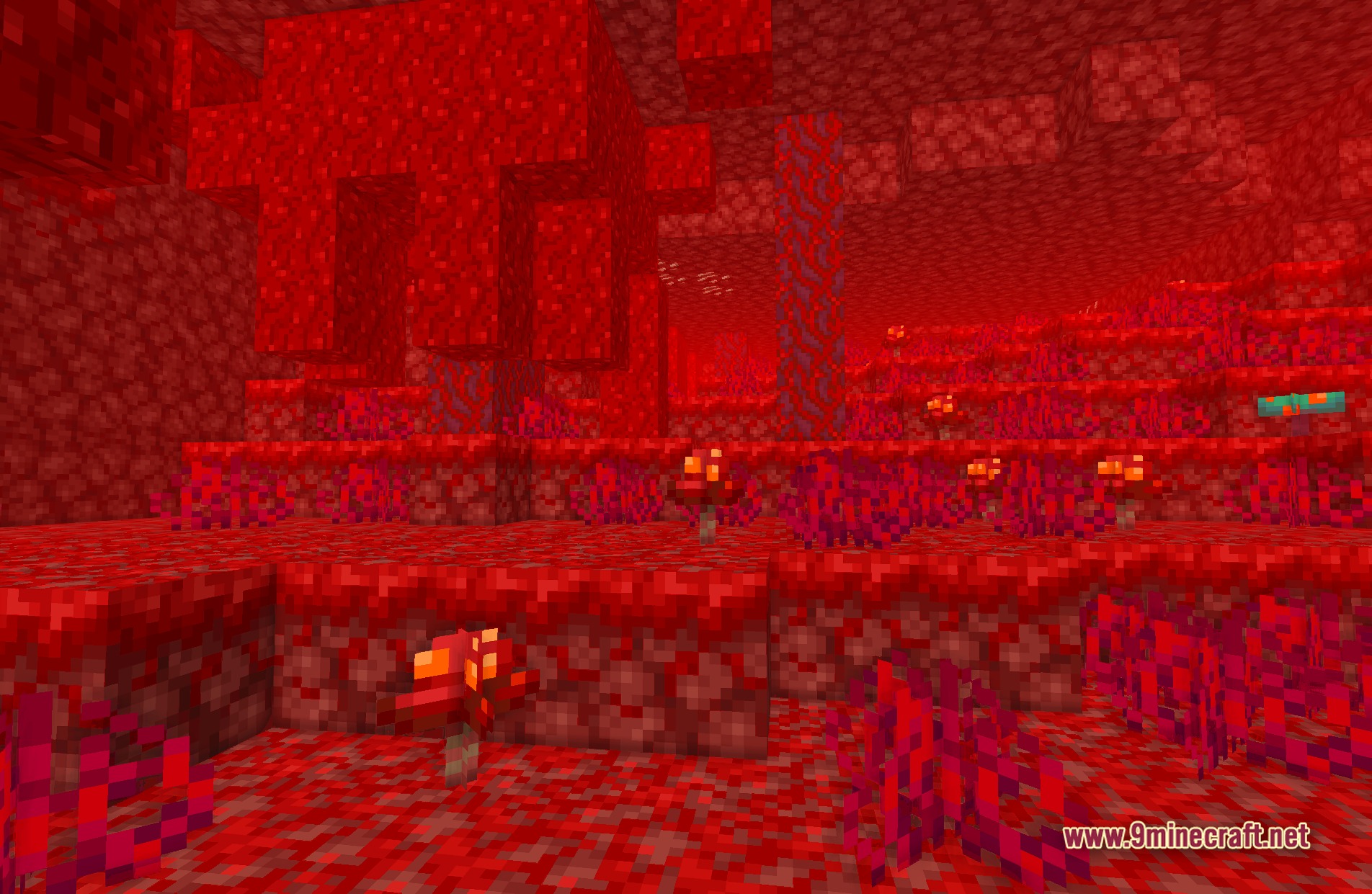
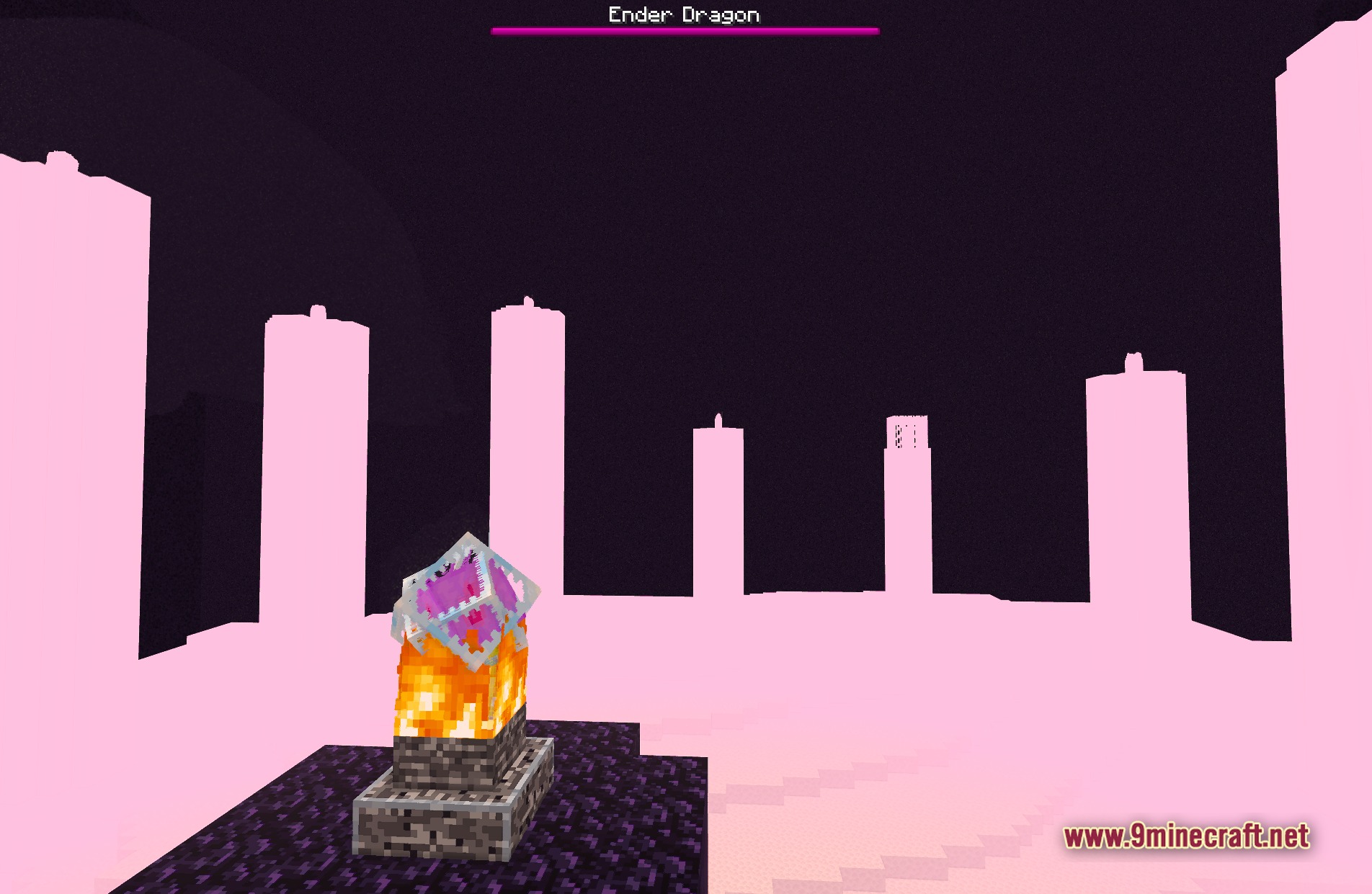
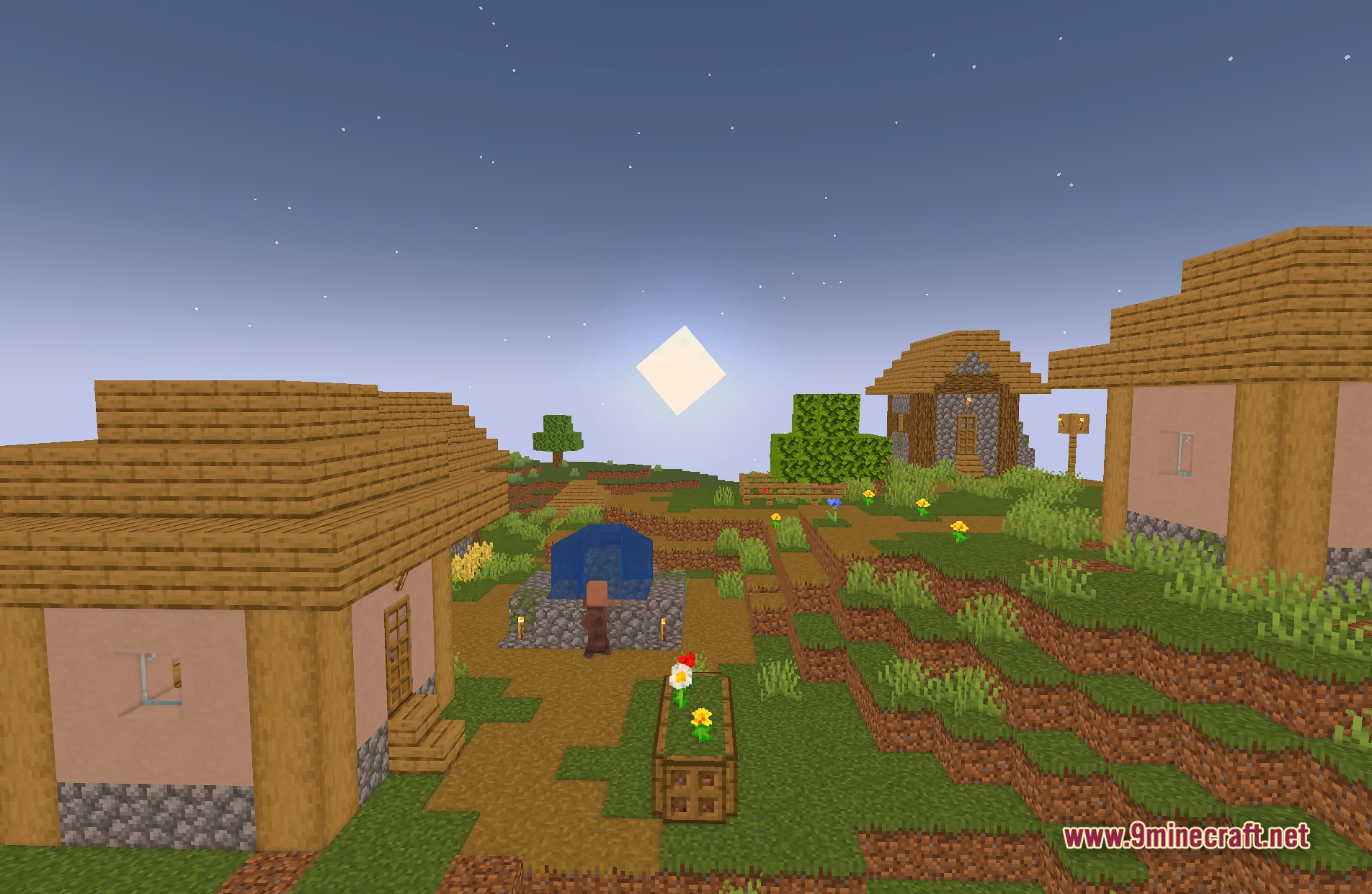
11 images from the Sildurs Basic Shaders page.
You May Also Like
Wikis that share the most with this one
Wikis on the same theme: light
More shader wikis on the site
 Terror VHS Shaders
The most downloaded mods that have a wiki here