

 DownloadBetter P2P Mod
Get the files on 9Minecraft
Guides
Step-by-step, in-game.
Fixing P2P Links That Don't Work After Pasting with the Advanced Memory CardCommon causes A pasted block can look correct and still fail to pass a signal. The usual reasons are that the target…How to Copy and Paste P2P Settings with the Advanced Memory CardSaving a configuration Hold the Advanced Memory Card and right-click the block whose point-to-point settings you want…Managing Multiple P2P Configurations with the Advanced Memory CardOne card, one saved setup The Advanced Memory Card holds the configuration you last copied. That means copying a new…Using the Advanced Memory Card to Duplicate a P2P Network Setup Across a BuildWhy duplicate instead of rebuild Point-to-point networks get tedious when every block needs the same channels and…
Frequently asked questions
What does the Advanced Memory Card actually do?
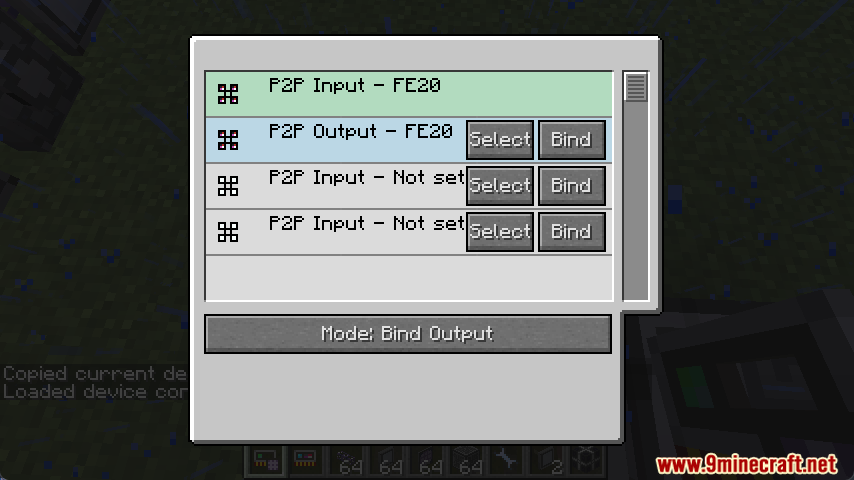
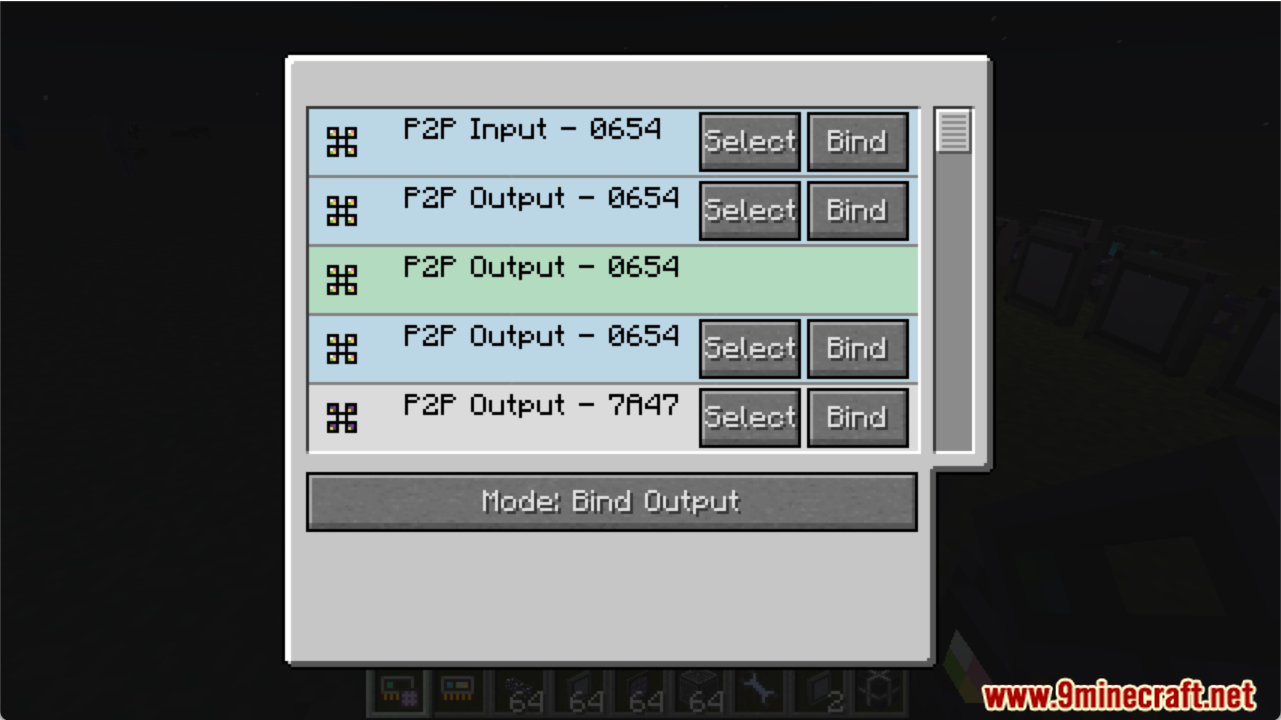
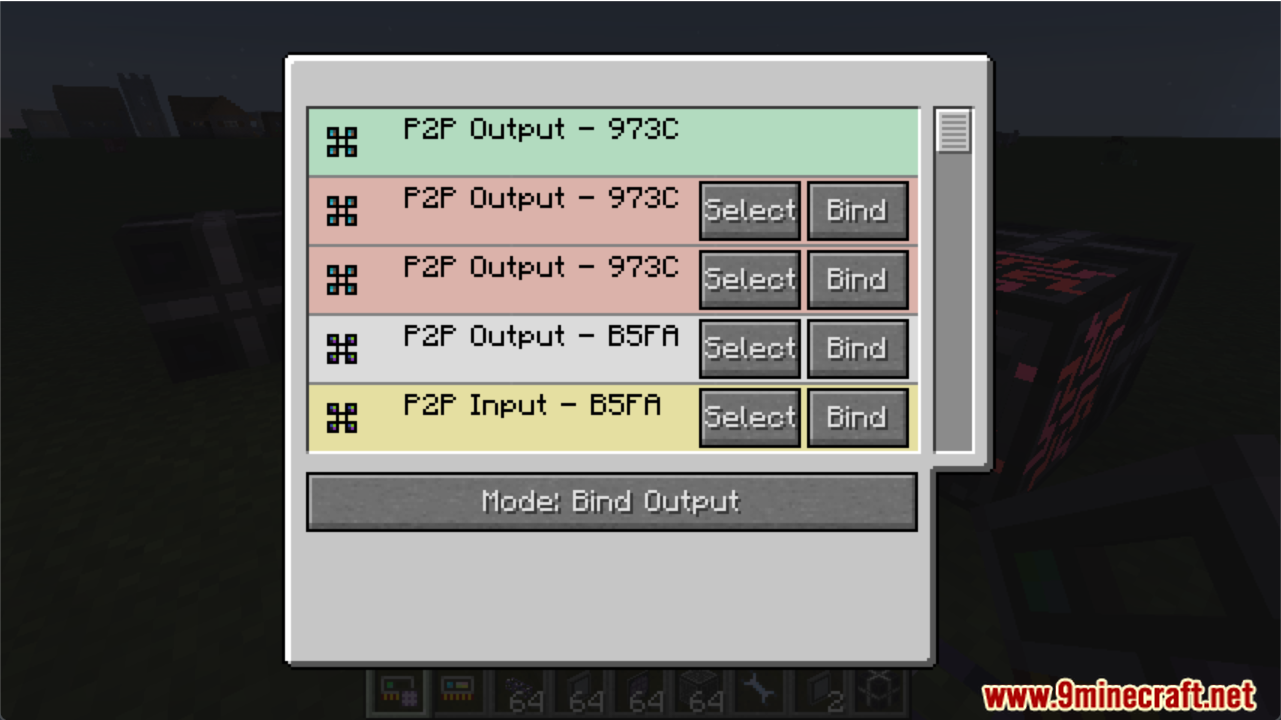
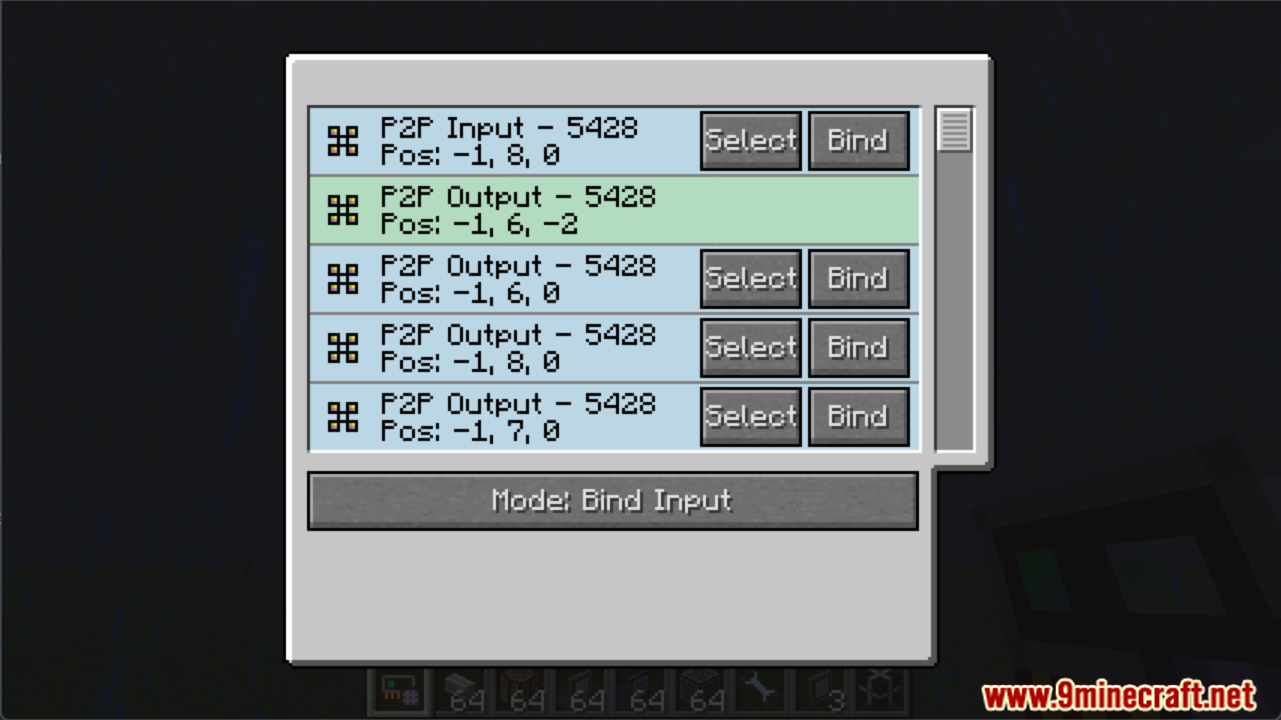
It copies the point-to-point (P2P) settings from one block and pastes them onto another, so you don't have to reconfigure every tunnel or endpoint by hand. It's the mod's only item, and it's the tool you use for every copy/paste operation.
How do I get started with the Advanced Memory Card?
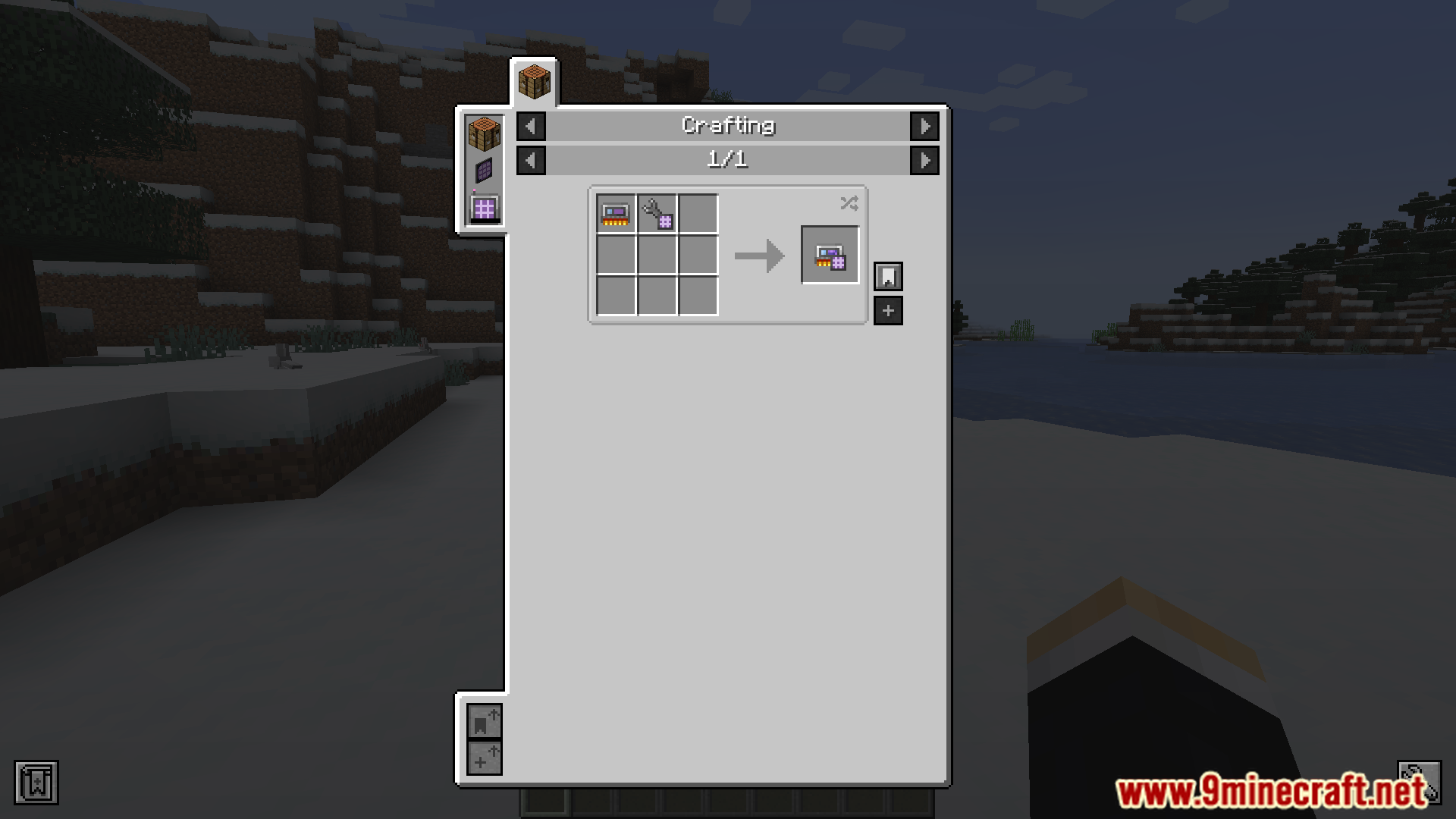
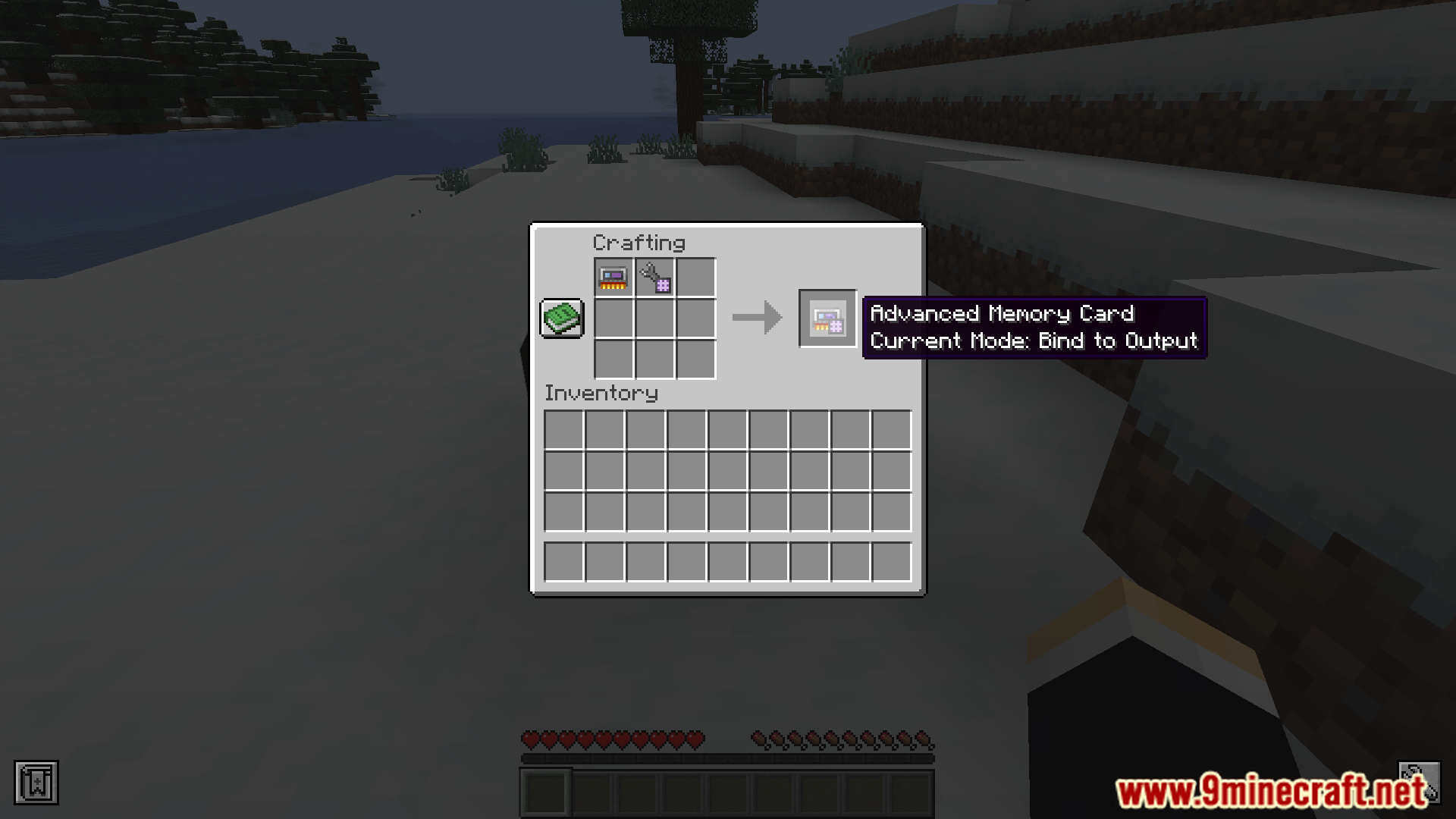
Craft the card, then right-click a configured P2P block to copy its settings and right-click a target block to paste them. Sneak-right-click to clear the card's stored settings if you want to start fresh.
How do I copy P2P settings from one block to another?
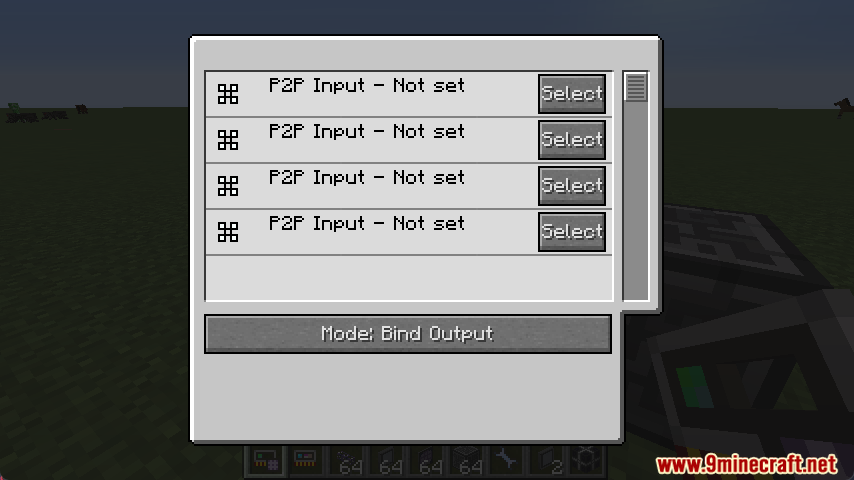
Right-click the source block with the Advanced Memory Card to store its P2P configuration, then right-click the destination block to apply it. The card holds one configuration at a time, so copy again before pasting somewhere else.
Can I paste the same P2P setup onto many blocks at once?
Yes — after copying a configuration, you can paste it onto as many blocks as you like without re-copying. This is how you duplicate a whole P2P network layout across a large build.
See all 20 Better P2P questions ›
Gallery
9 images from the Better P2P Mod page.
You May Also Like
Wikis that share the most with this one
Wikis on the same theme: car
More mod wikis on the site
The most downloaded mods that have a wiki here
A few wikis from each of the other kinds