

 DownloadBetter GUI
Get the files on 9Minecraft
Contents (6)
Guides
Step-by-step, in-game.
Fixing a Broken or Misaligned Better GUI InterfaceBecause Better GUI redraws vanilla screens, it can occasionally clash with other interface packs or mods, leaving…How to Configure Better GUI (and What Each Option Does)Better GUI exposes a configuration screen so you can fine-tune how its interfaces behave without touching any files…How to Switch Between Better GUI's Different Interface StylesBetter GUI ships with multiple visual themes for the crafting table and inventory screens, so you can pick the look…Making Better GUI Readable on High-Resolution and Small ScreensThe default interface can feel cramped on a large monitor or unreadable on a laptop panel. Better GUI gives you a few…
What this pack changes
Every texture group the pack replaces, counted from the pack itself.
| Area | Textures replaced |
|---|---|
| GUI & menus | 1,698 |
| Items | 19 |
Pack format 69–999 (Minecraft 1.21.6–1.21.9)1,717 texture files in total
Extra features
Custom font
Custom sounds
Sound overrides
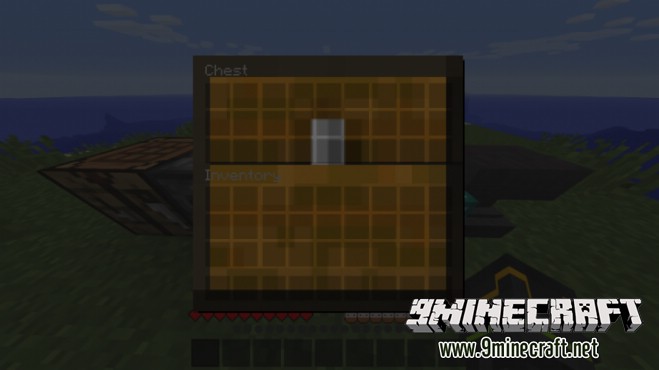
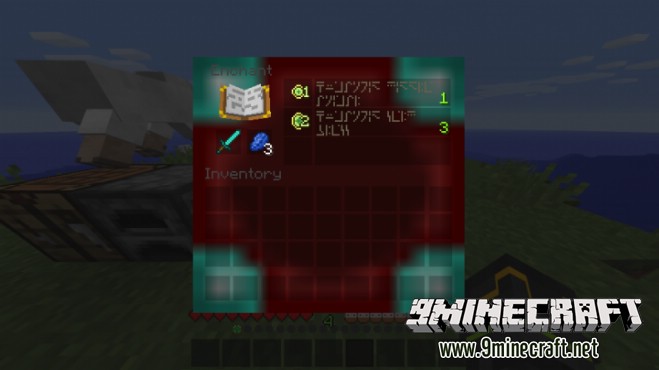
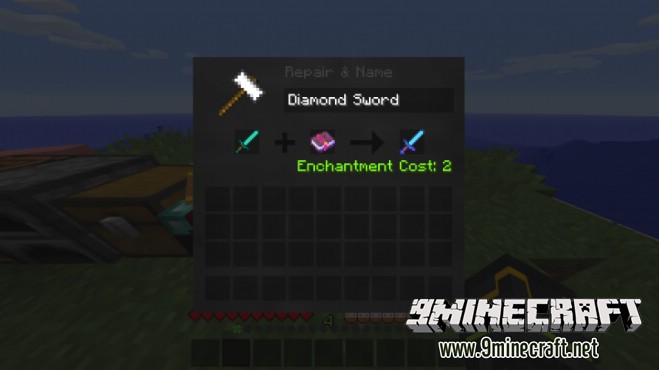
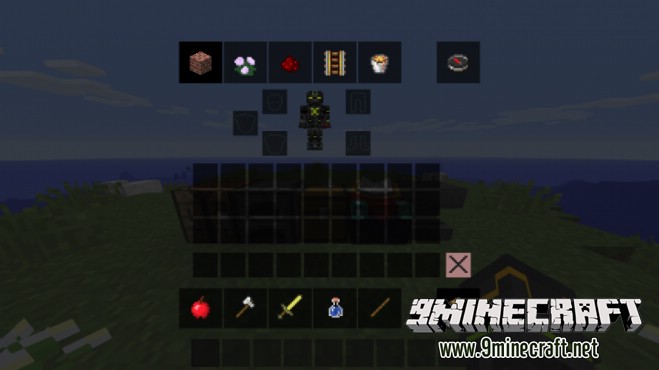
Reworked GUI
Frequently asked questions
How do I actually turn on Better GUI after installing it?
Better GUI is a resource pack, so you enable it from the resource pack screen in Options rather than a mods menu. Once it sits above the default pack in the list, the new crafting table and inventory interfaces appear the next time you open them.
Why does my inventory still look vanilla?
The pack is probably disabled, or another resource pack is loaded above it and overriding the same GUI textures. Move Better GUI to the top of your selected packs and reload resources.
How do I change which interface style Better GUI uses?
The different looks are shipped as separate pack variants or files, so you pick the style by enabling the matching pack instead of toggling a slider. Disable the current one and enable the style you want, then reload.
Where do I find the configuration options for Better GUI?
Configuration lives in the pack's own config sub-page or config file rather than in a  mod menu, since it's a resource pack. Open that config to see what each option controls before editing anything.
See all 10 Better GUI questions ›
Gallery
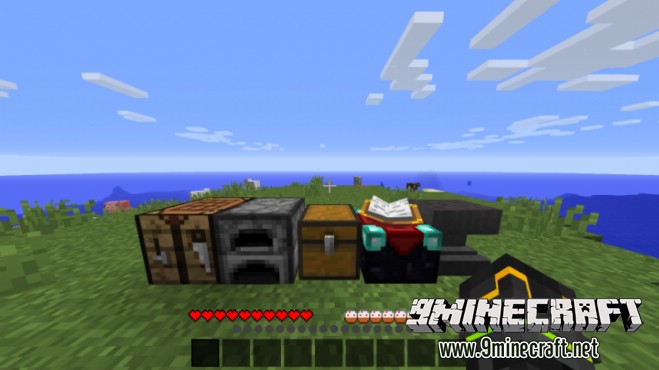
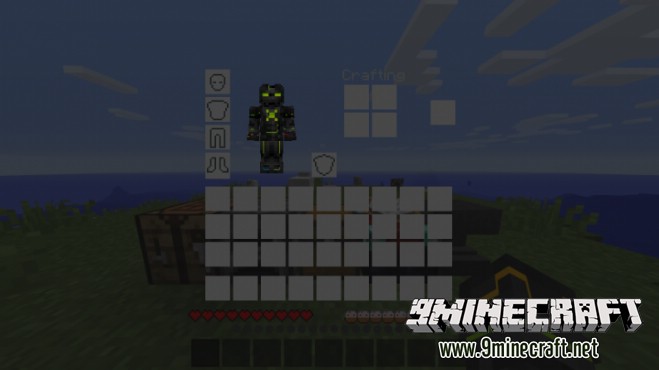
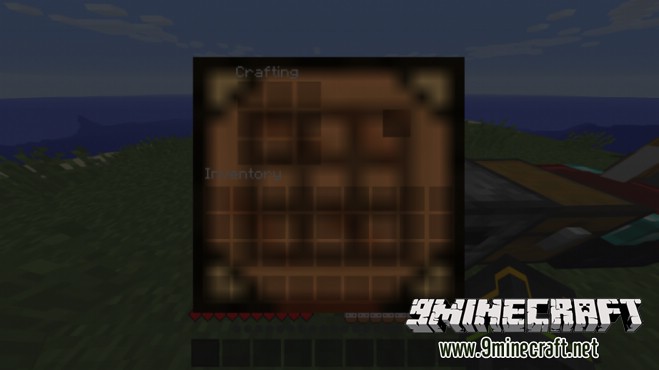
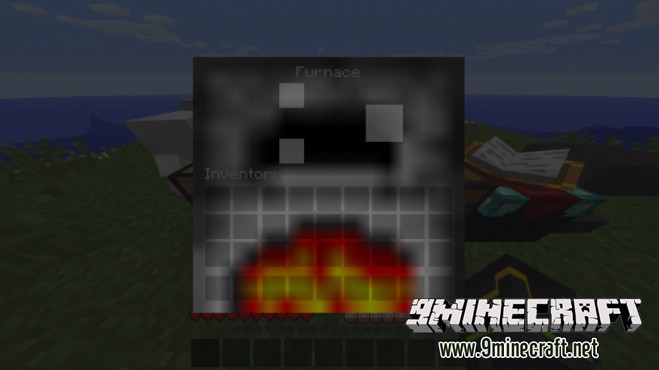
9 images from the Better Gui Resource Pack page.

You May Also Like
Wikis that share the most with this one
Wikis on the same theme: craft
More resource pack wikis on the site
Better Grass Without Flowers Resource Pack Better Glass Edges Resource PackBetter Foliage Add-on Resource PackBetter Flame Particles Resource PackBetter Fire Resource PackBETTER FIRE PVP Resource PackBetter Farm Animals Resource PackBetter Expressions Resource PackBetter End Portal Frame Resource PackBetter Enchanting Table Resource PackBetter Dogs Resource PackBetter Dogs 9minecraft Resource Pack
The most downloaded mods that have a wiki here
A few wikis from each of the other kinds