

 DownloadGPT_RT Shaders
Get the files on 9Minecraft
Guides
Step-by-step, in-game.
Adjust Shader Settings for Different Times of DayConfigure Sun and Moon Shadow Behavior GPT_RT Shaders calculates soft shadows based on the sun and moon positions.…Enhance Water Reflections and Surface RealismEnable Water Reflection Features GPT_RT Shaders automatically calculates reflections on water surfaces by tracing…Optimize Ray Tracing Performance for Smooth GameplayAdjust Ray Tracing Quality Settings GPT_RT Shaders offers configurable ray tracing intensity to balance visual…Use Ray Tracing to Brighten Dark Caves and Underground AreasLeverage Indirect Light Bouncing GPT_RT Shaders simulates light bouncing off solid surfaces to naturally illuminate…
Frequently asked questions
Why does my game lag when I enable ray tracing?
Ray tracing calculates light paths across your entire terrain every frame, which is GPU-intensive. Start by lowering ray tracing distance and shadow quality in the shader settings, then gradually increase them until you find a balance between visuals and frame rate that works for your hardware.
How do I make caves and dark areas brighter without losing atmosphere?
Use the ambient light bounce settings to increase indirect lighting in shadowed areas—this simulates light reflecting off surfaces into dark corners. You can also adjust the cave brightness slider separately from overall lighting to preserve mood while improving visibility.
Do water reflections work in all biomes?
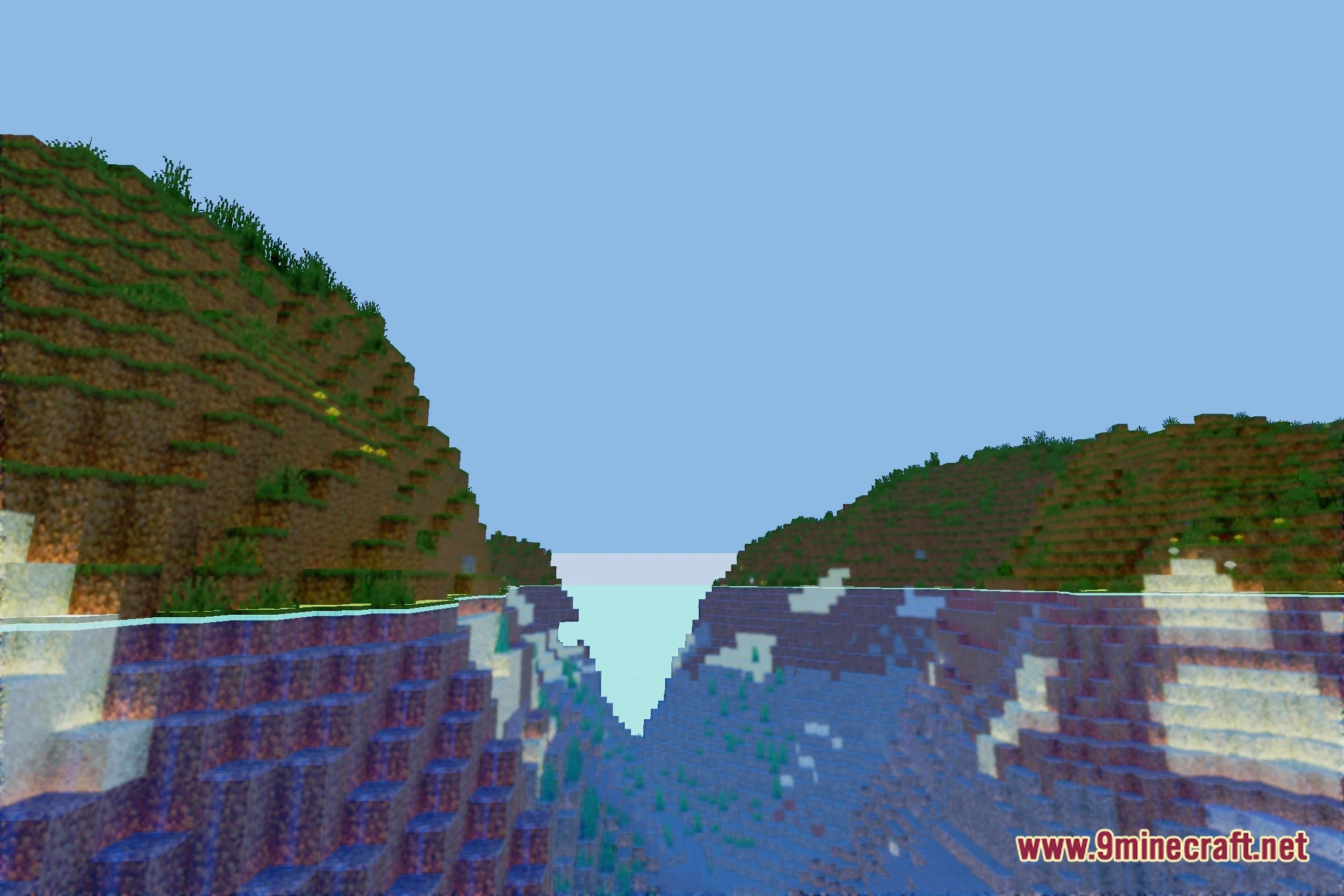
Yes, water reflections work everywhere, but their clarity depends on your reflection quality setting and the surrounding terrain. Reflections are most visible and striking in open areas with clear skies; they may appear softer in dense forests or underground due to reduced light sources.
What's the difference between soft shadows and ray-traced shadows?
Soft shadows are pre-calculated and adjust based on sun/moon position, creating natural penumbra (blurred edges). Ray-traced shadows calculate exact light paths in real time, allowing shadows to respond to multiple light sources and block geometry for more accurate results, but at higher performance cost.
See all 10 GPT_RT Shaders questions ›
Gallery
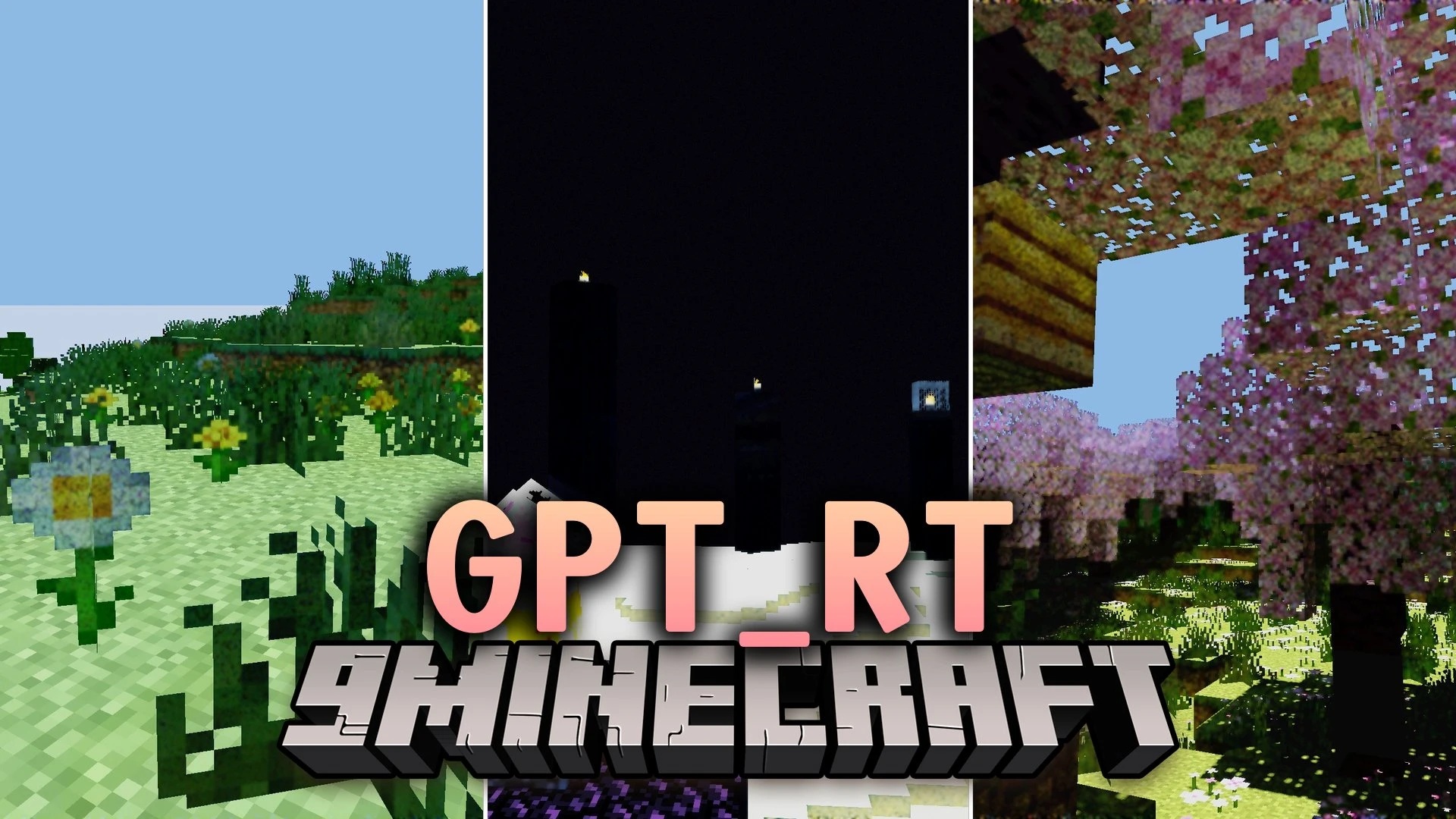
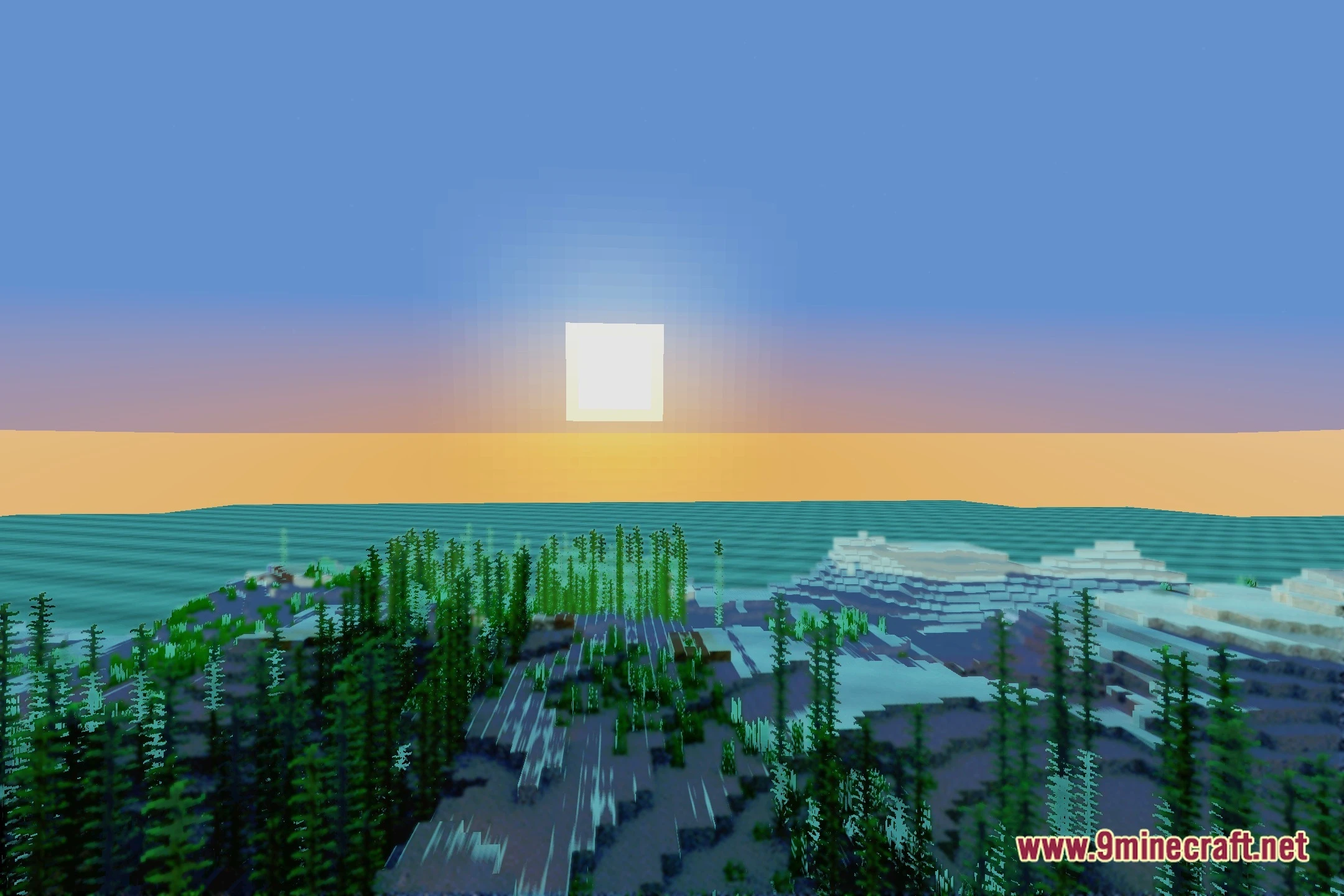
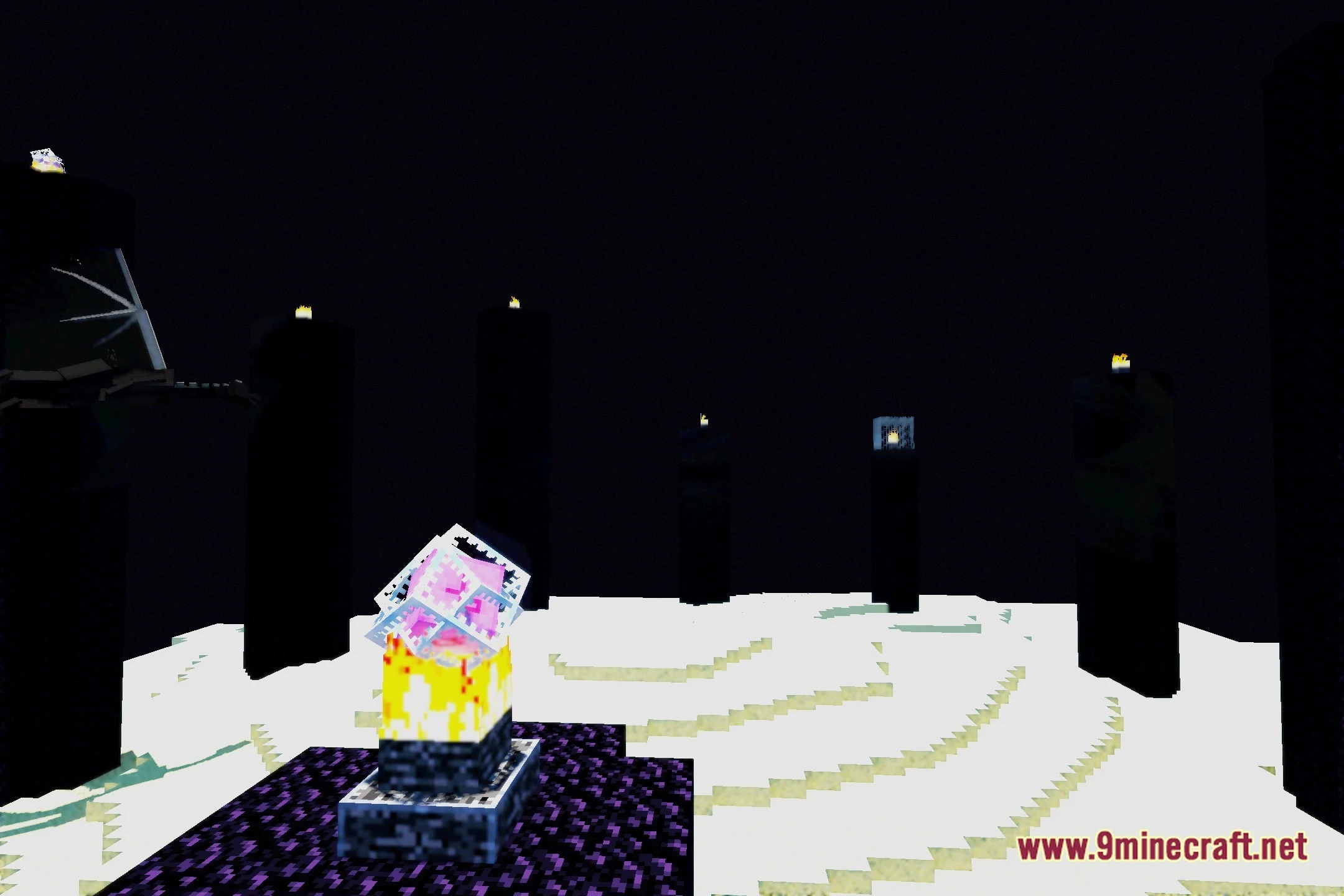
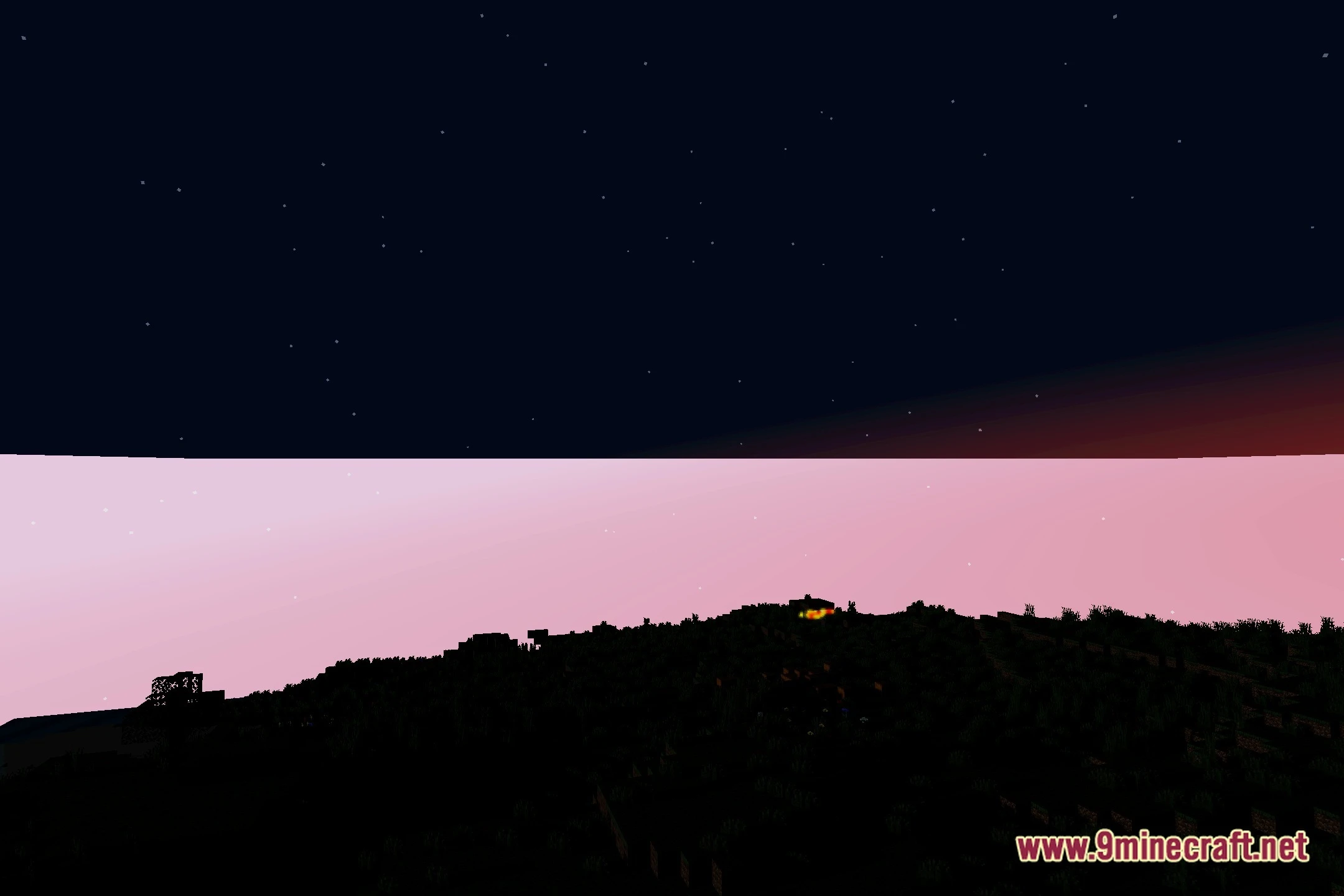
12 images from the Gpt Rt Shaders page.




You May Also Like
Wikis that share the most with this one
Wikis on the same theme: light
More shader wikis on the site
The most downloaded mods that have a wiki here