

 DownloadGothic Ember Cinematic Shaders
Get the files on 9Minecraft
Guides
Step-by-step, in-game.
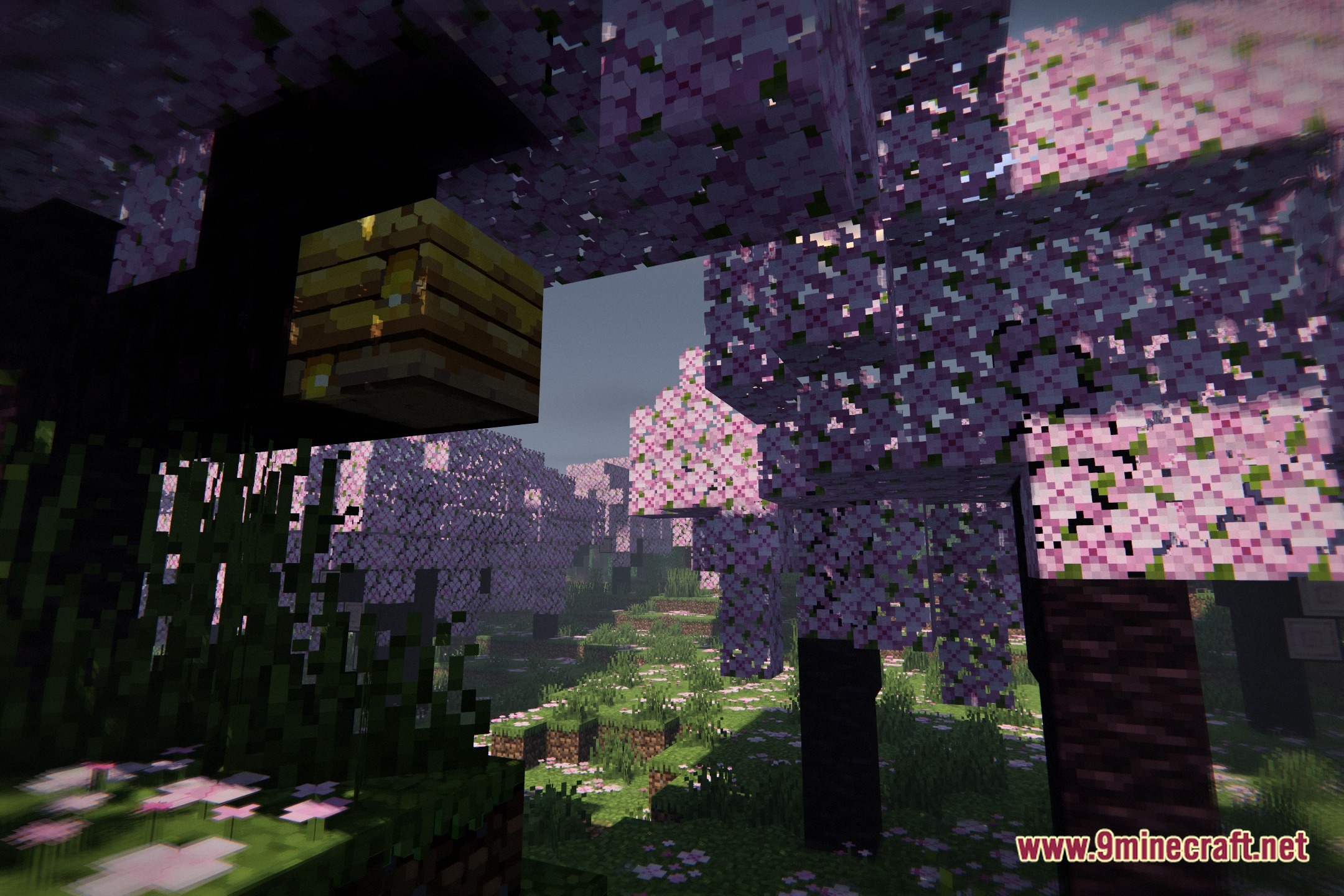
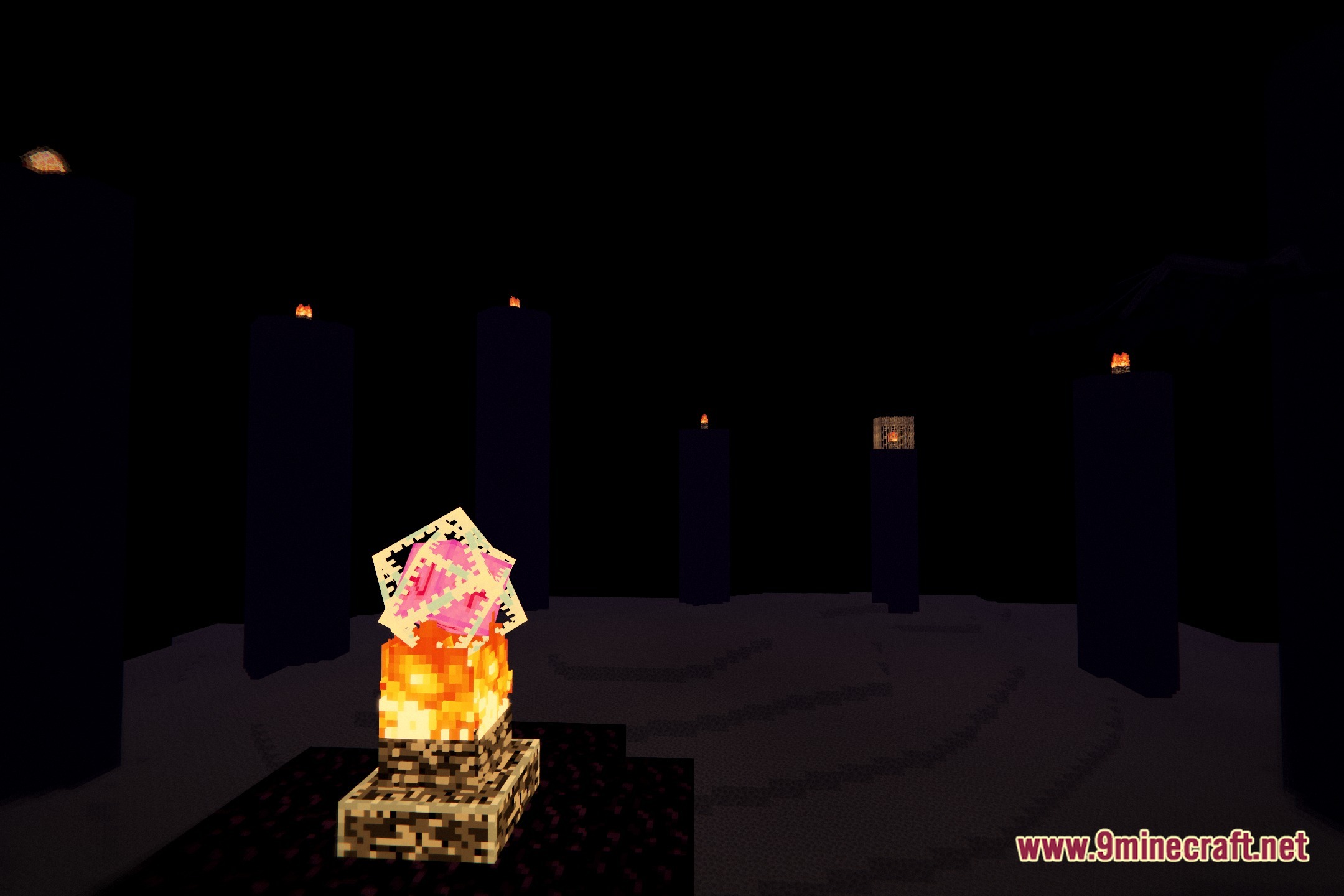
Achieve Smooth, Blended Terrain TransitionsUse Block Edge Blending to Your Advantage Gothic Ember Cinematic softens block borders naturally, reducing the harsh…Capture Rain Reflections on Wet SurfacesCreate Reflective Ground Surfaces Gothic Ember Cinematic renders rain reflections on wet blocks, creating a cinematic…Create a Moody Dark Fantasy AtmosphereDesign Your World Around Low Light Gothic Ember Cinematic's core strength is its moody dark fantasy aesthetic. Build…Maximize Torch and Lantern Lighting EffectsSet Up Your Light Sources Gothic Ember Cinematic excels at rendering warm golden light from fire blocks. To get the…
Frequently asked questions
How do I enable Gothic Ember Cinematic Shaders after installing it?
Open your pause menu, go to Options > Video Settings > Shaders, then locate and select Gothic Ember Cinematic from your shader pack list. Click Apply and the shader will load immediately.
Why do my torches and lanterns look dim even with the shader on?
Make sure your brightness/gamma settings aren't too high in Video Settings, as this can wash out the warm golden glow. The shader is designed to work best with default or slightly reduced brightness to show off the contrast between dark areas and lit blocks.
Do rain reflections show up on all blocks or just certain ones?
Rain reflections primarily appear on flat surfaces like dirt paths, stone, and other ground-level blocks during rain or storms. Vertical surfaces and very rough textures won't reflect as clearly due to the shader's design.
Can I use this shader with mods that add new blocks?
Yes, the shader works with most block-adding mods, though custom blocks may not receive the same blended edges or lighting effects as vanilla blocks. Compatibility depends on how those mods define their textures.
See all 10 Gothic Ember Cinematic Shaders questions ›
Gallery
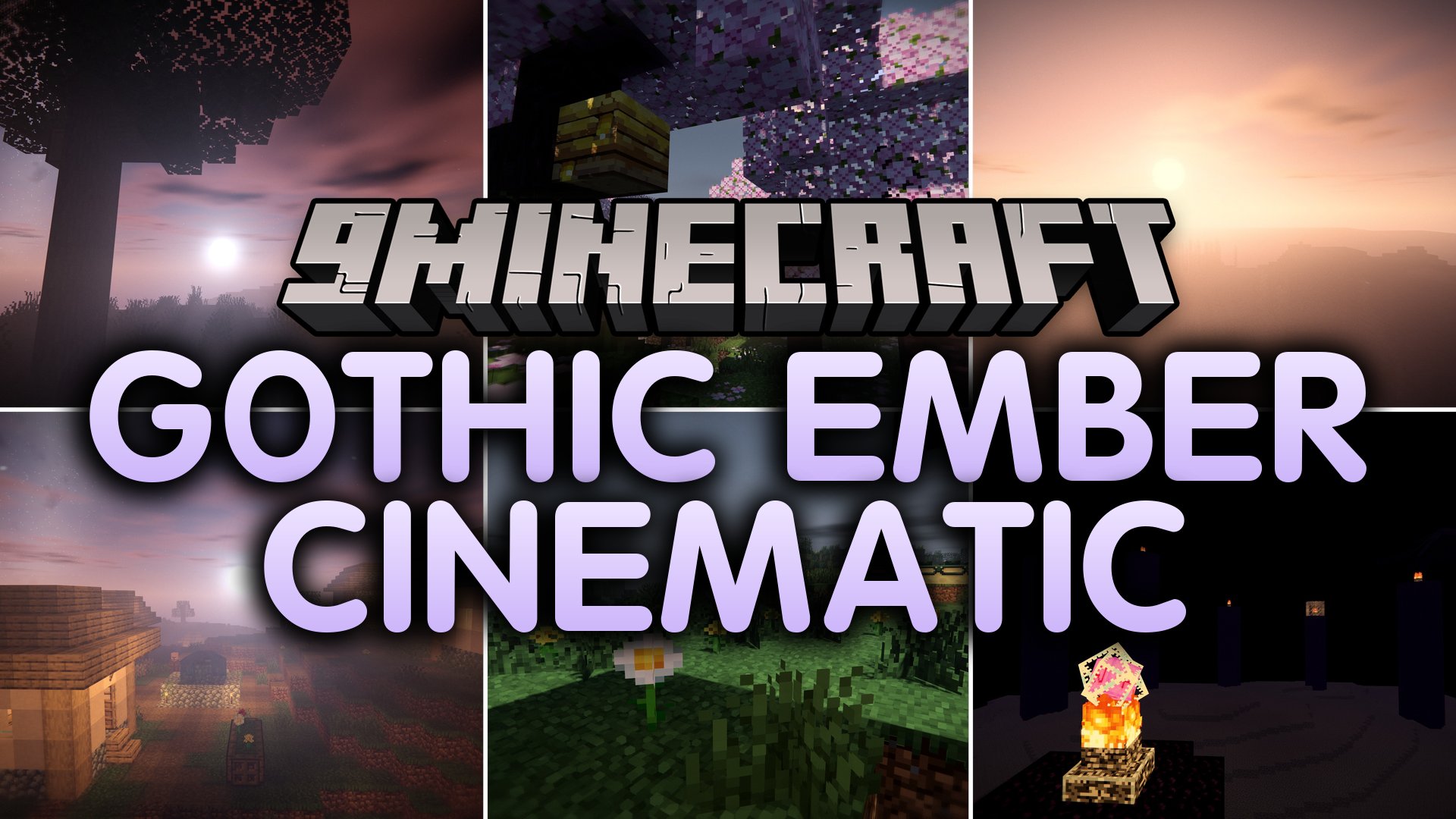
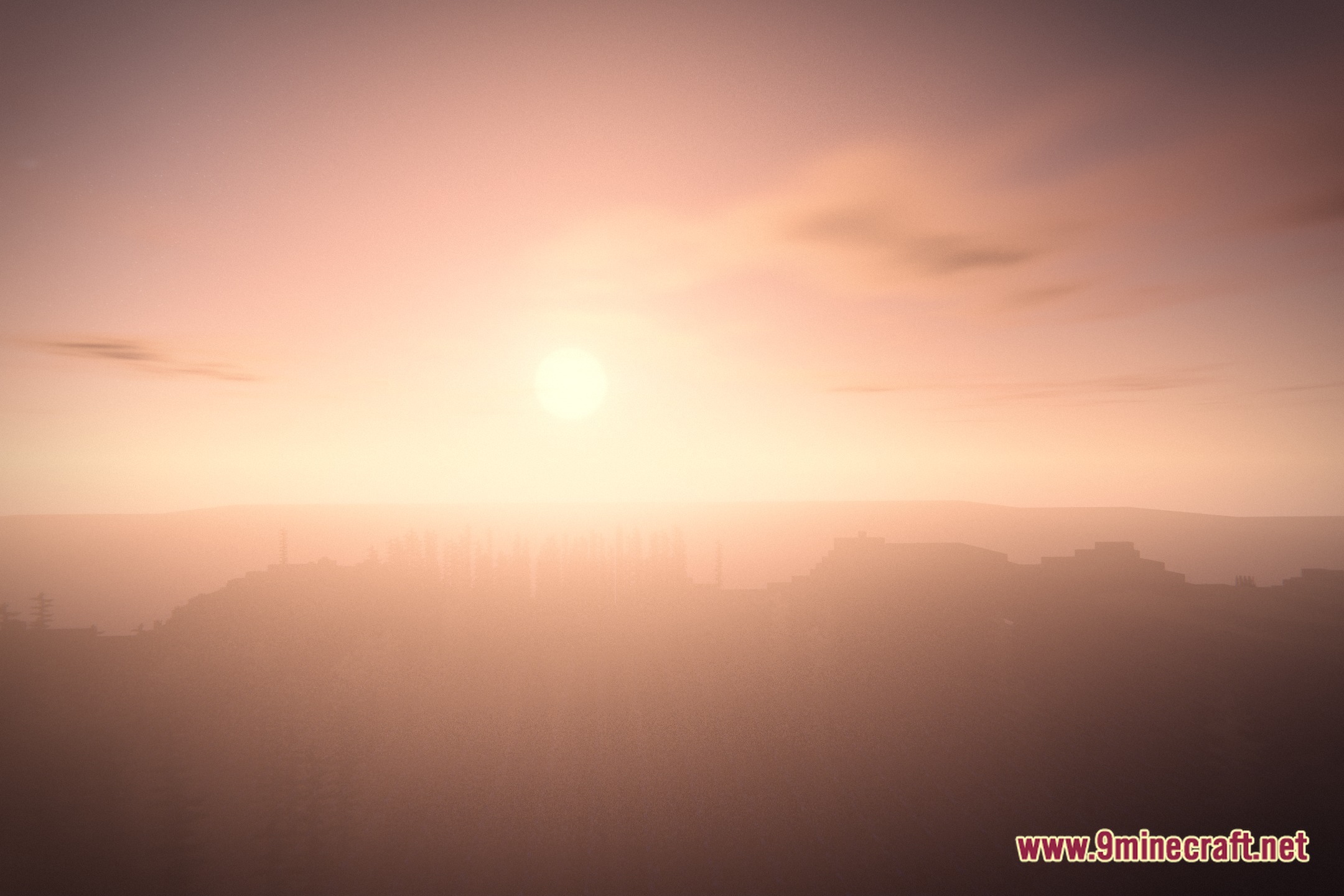
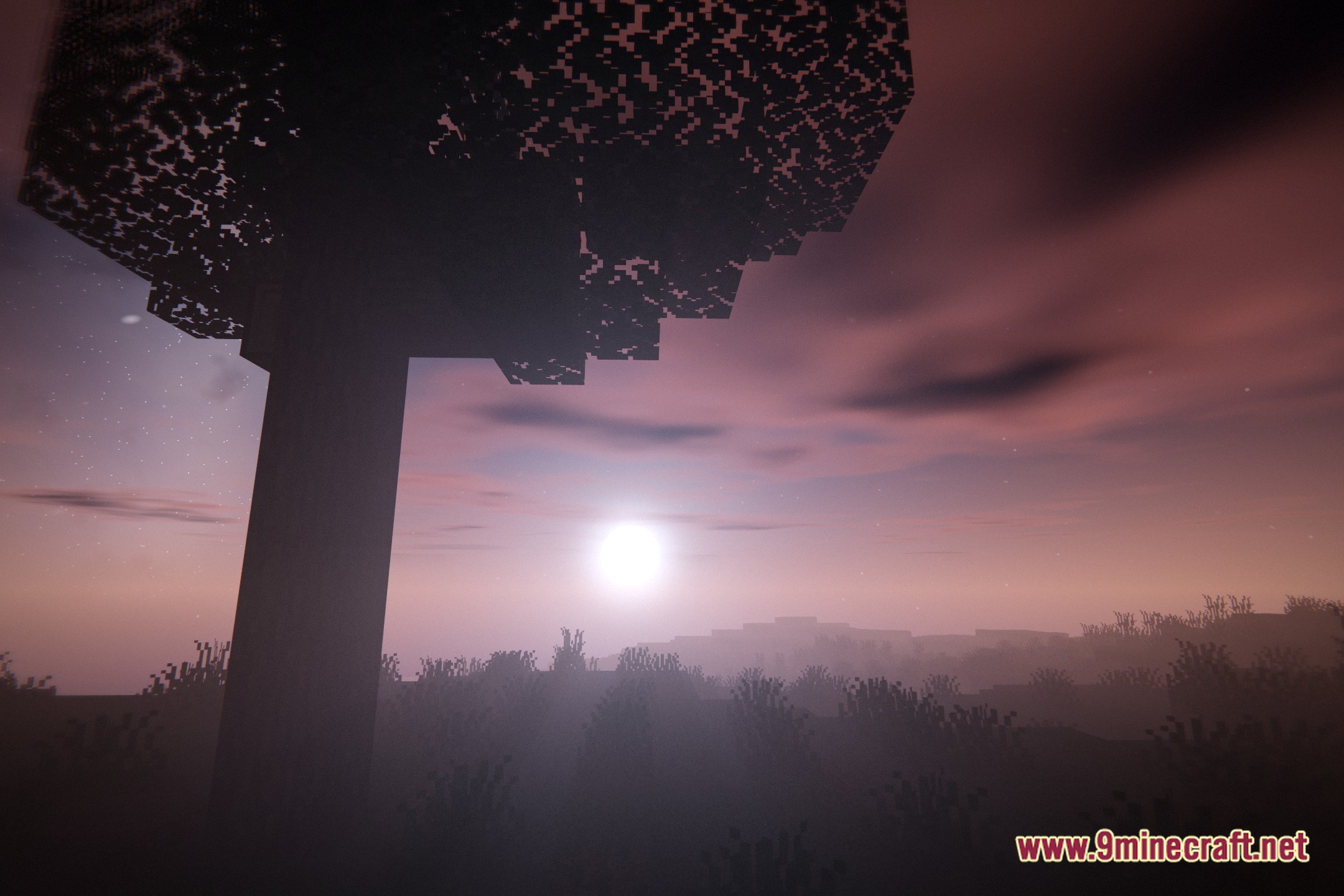
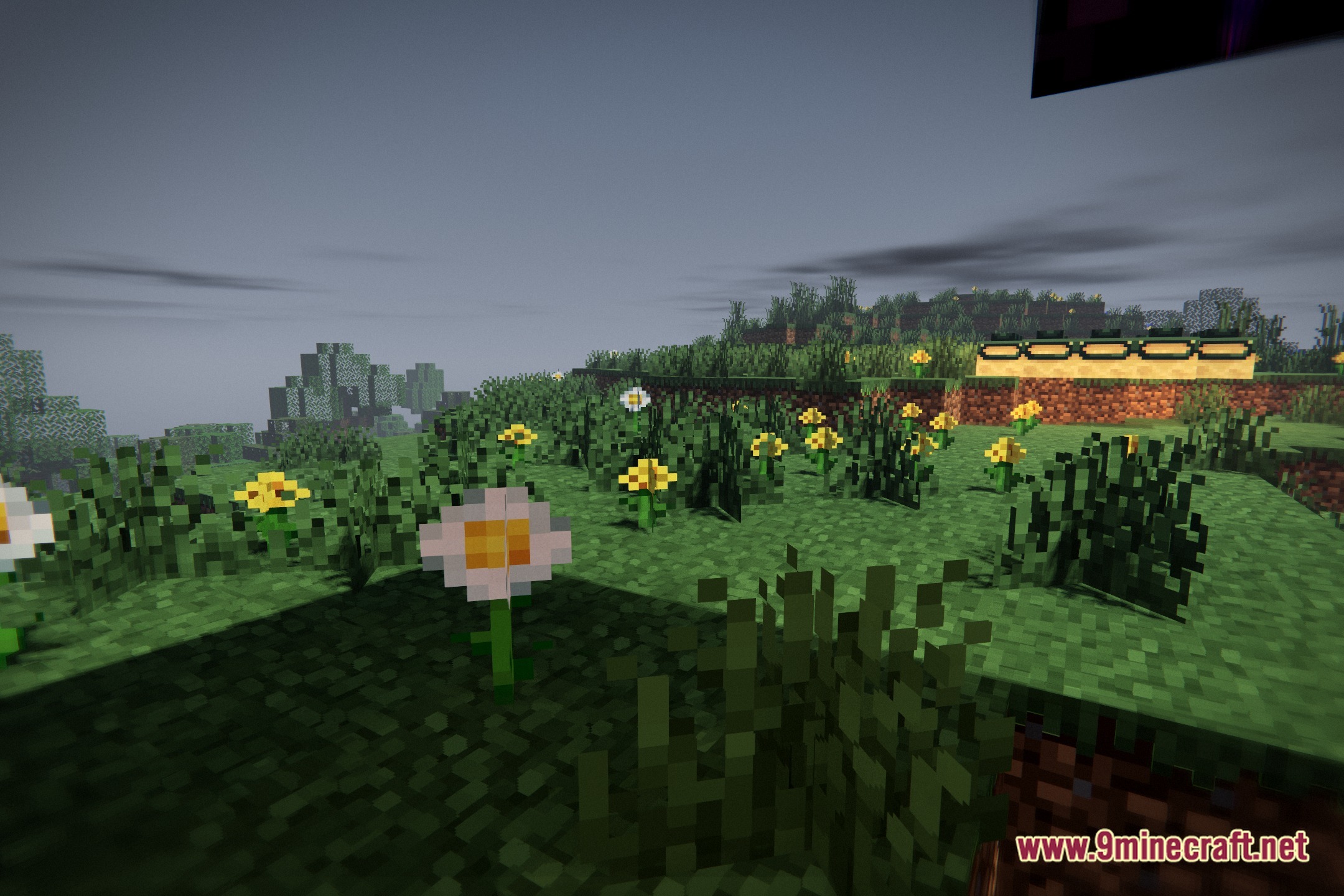
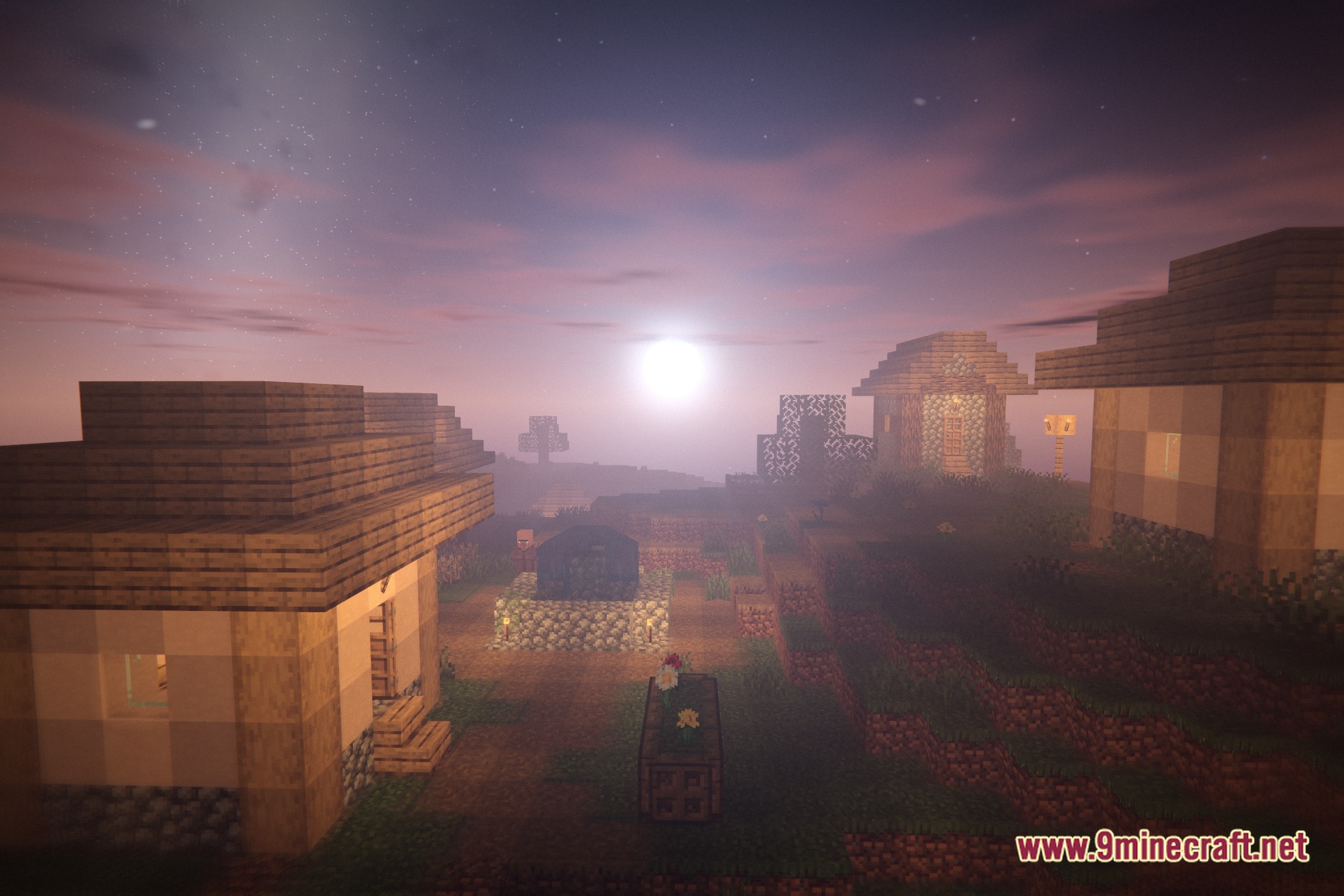
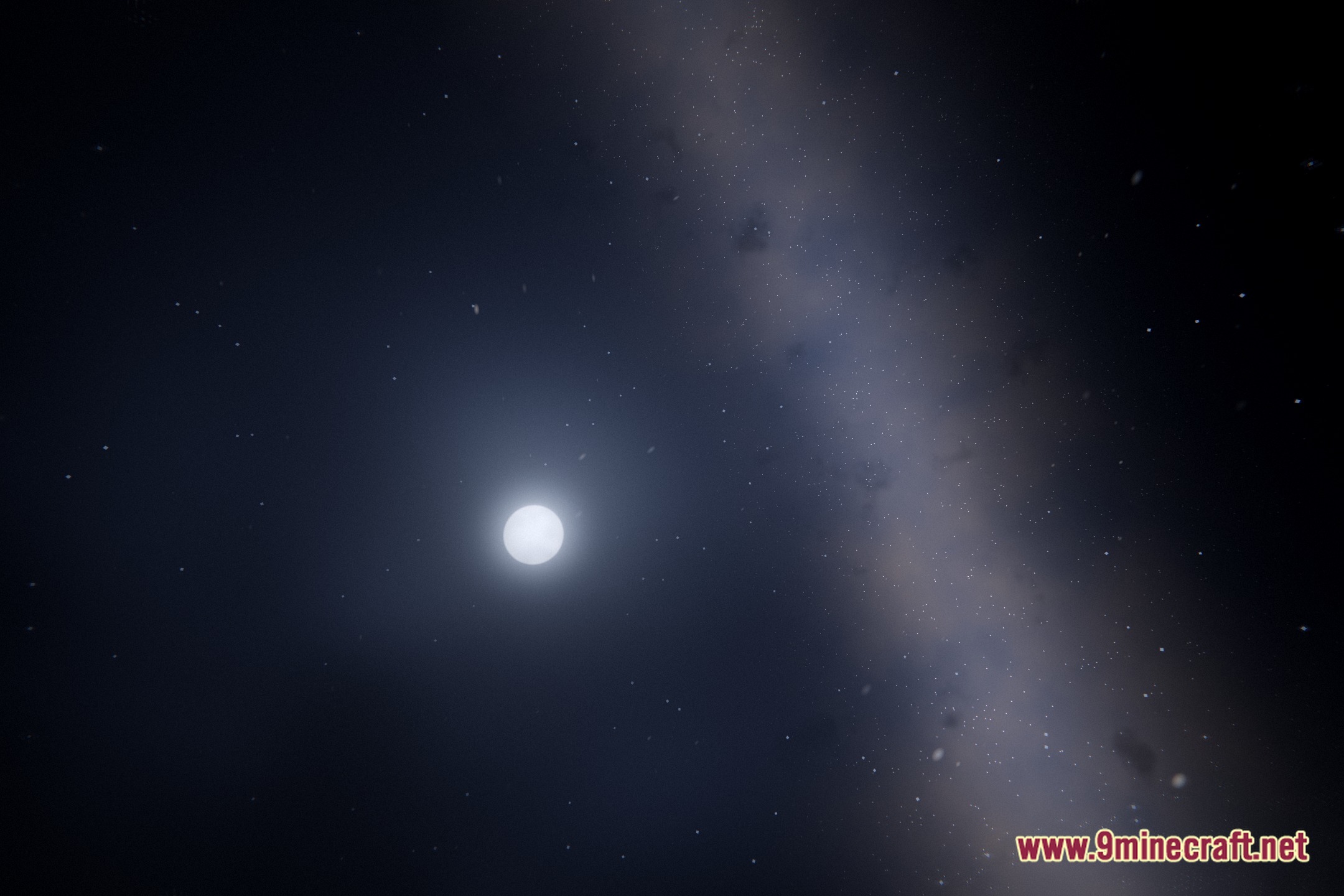
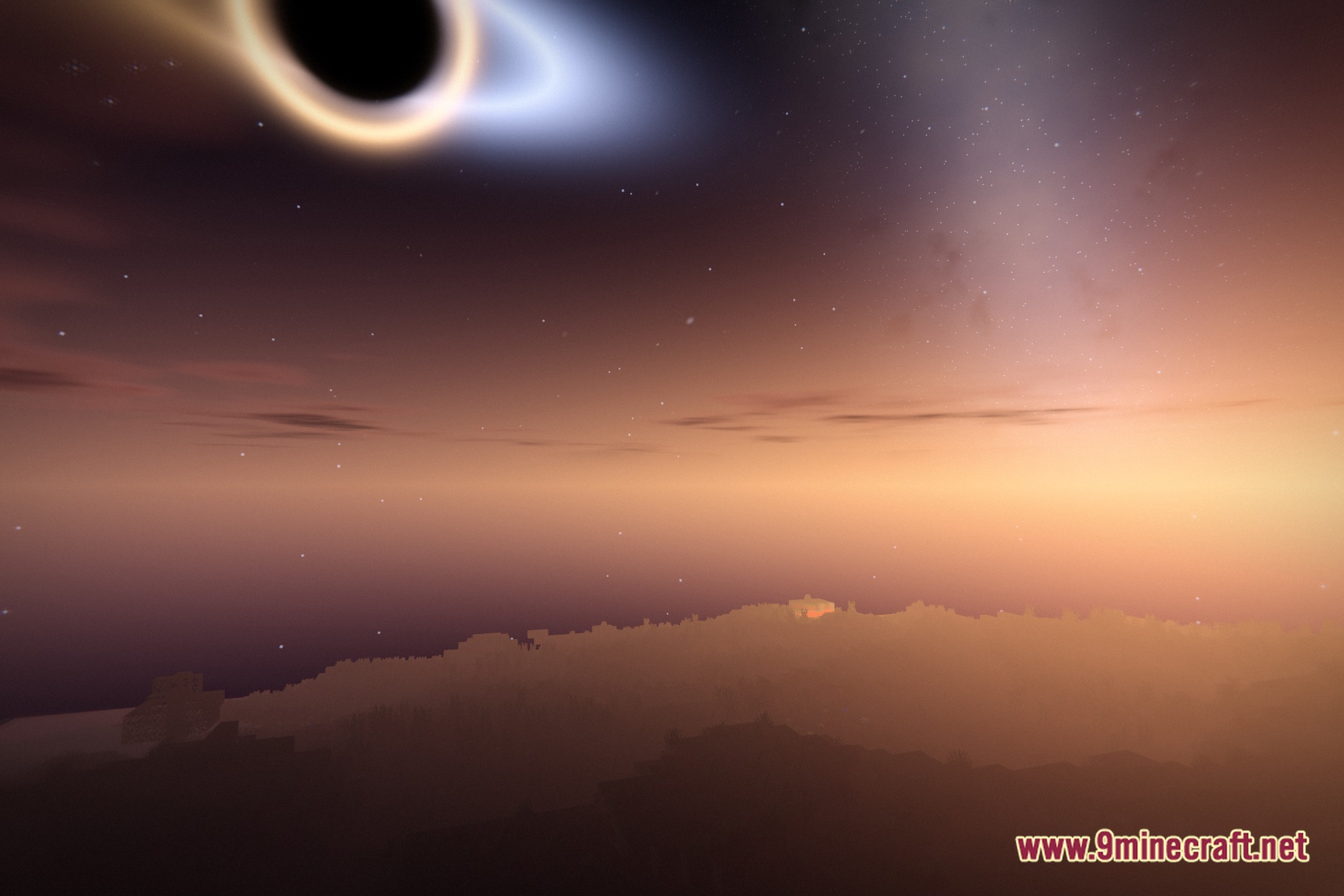
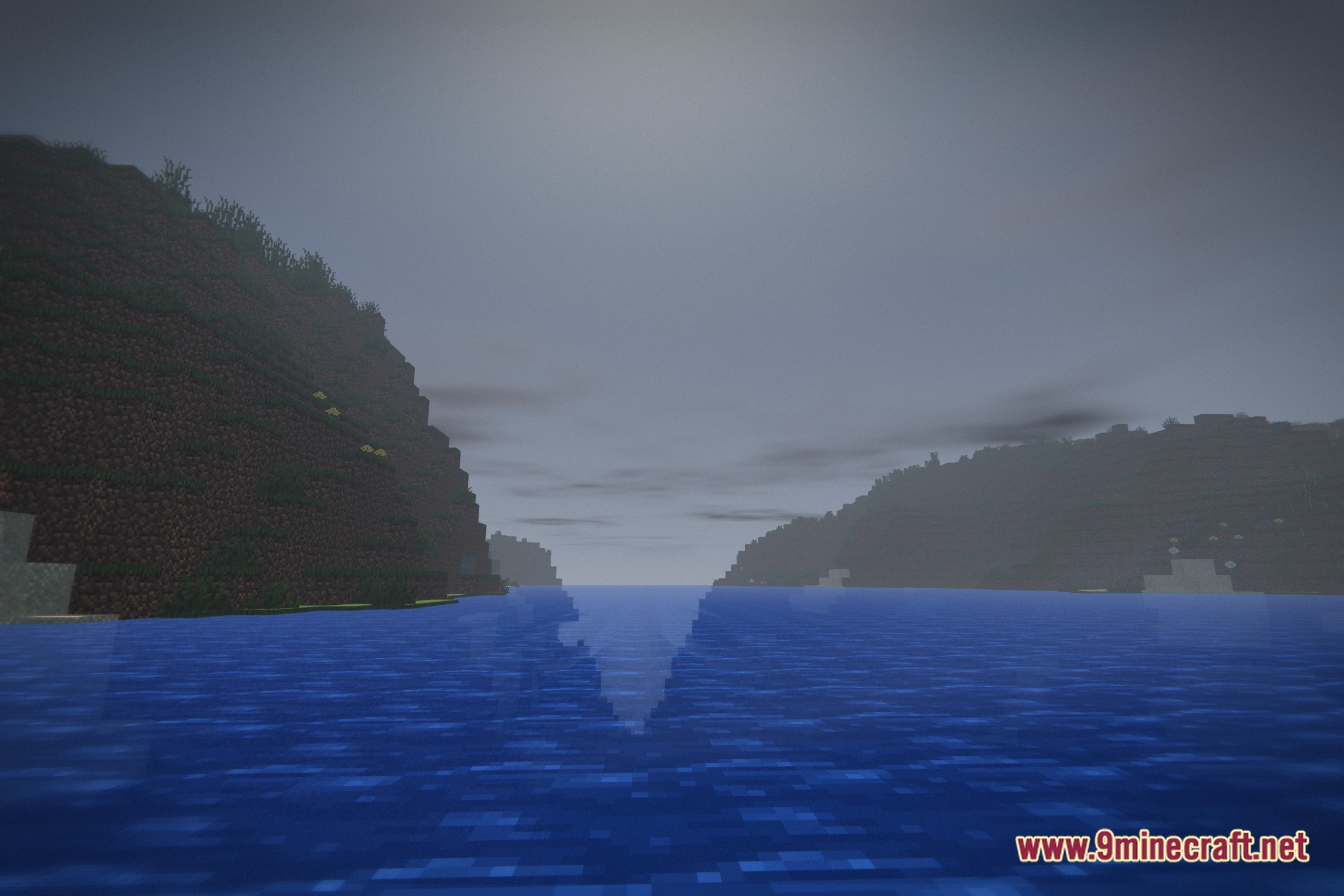
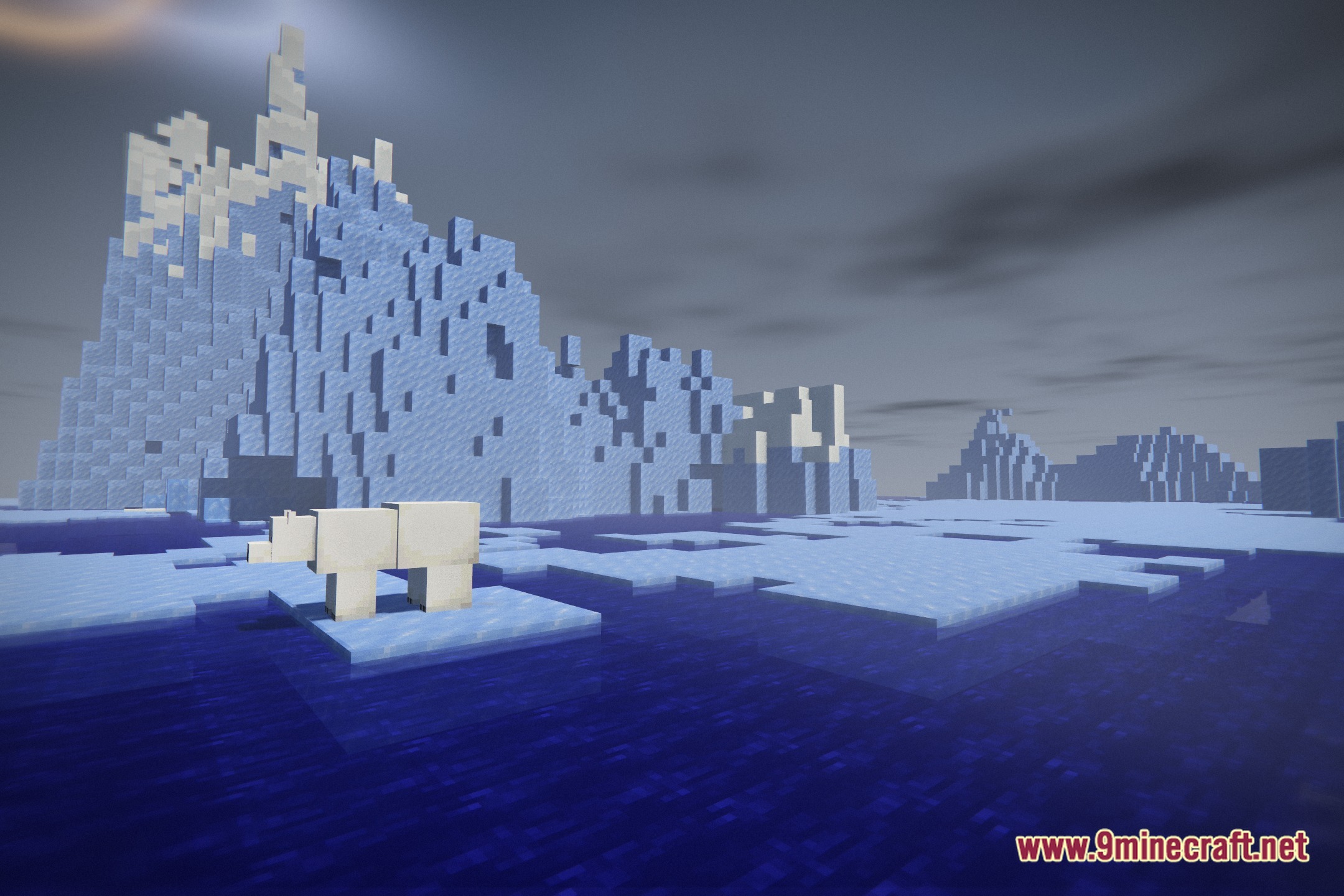
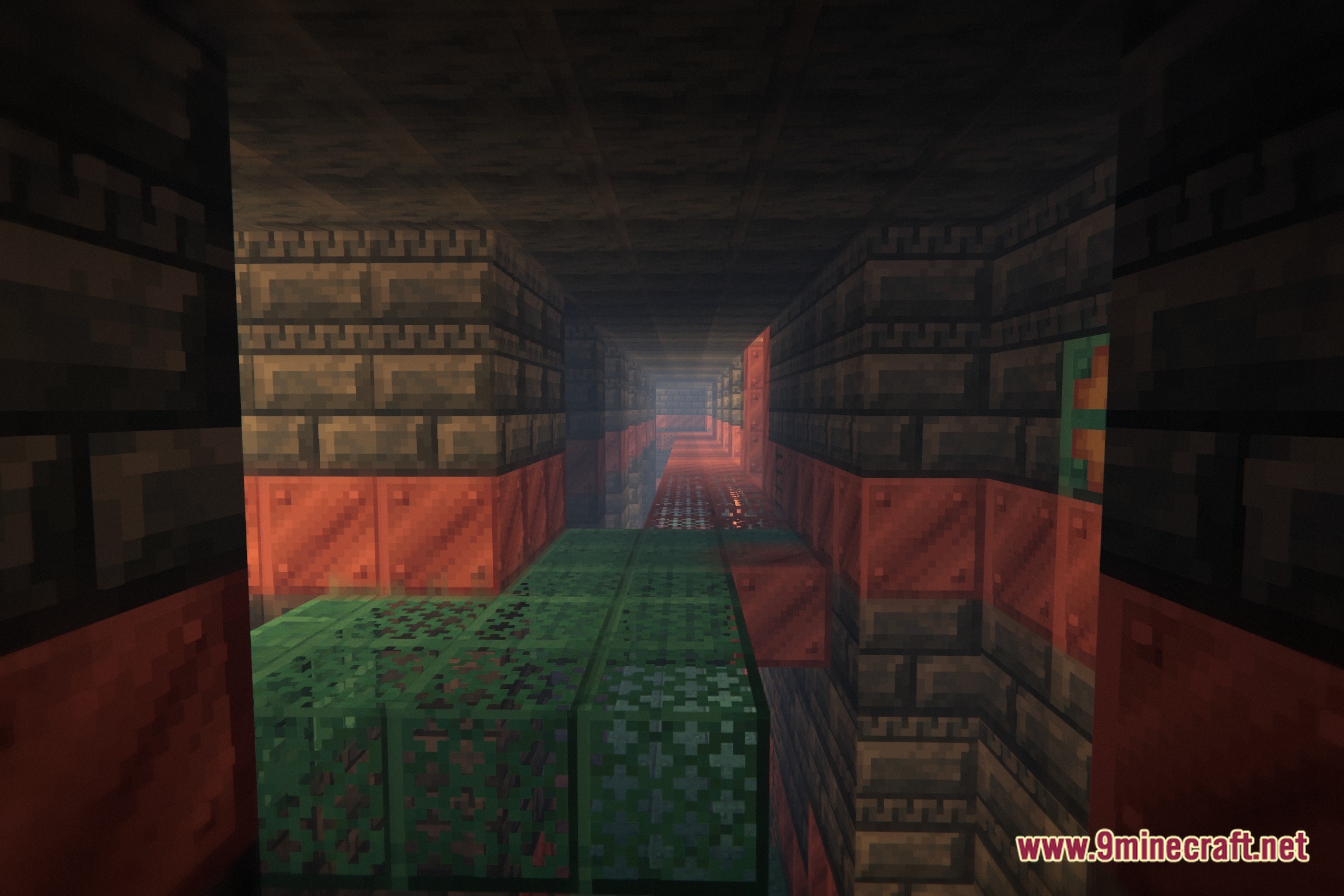
12 images from the Gothic Ember Cinematic Shaders page.
You May Also Like
Wikis that share the most with this one
More shader wikis on the site
The most downloaded mods that have a wiki here