

 DownloadCRT Monitor Shaders
Get the files on 9Minecraft
Guides
Step-by-step, in-game.
Adjust Scanline Intensity for Your PreferenceFinding the Shader Settings CRT Monitor Shaders includes configurable options to control how prominent the horizontal…Create an Authentic Arcade Room Using CRT EffectsBuilding the Physical Space Construct a room with dark walls and floors to simulate an arcade cabinet interior. Use…Optimize CRT Shader Performance on Lower-End SystemsUnderstanding Performance Impact CRT Monitor Shaders adds visual effects that require extra processing, particularly…Reduce Screen Flicker for Comfort During Long SessionsLocating Flicker Controls The screen flicker effect mimics old television behavior but can cause eye strain during…
Frequently asked questions
How do I turn on the CRT shader after installing it?
Open your shader settings menu in-game, navigate to the shader pack list, and select CRT Monitor Shaders from your installed packs. The effect will apply immediately to your world.
Can I adjust how strong the scanlines look?
Yes, most CRT shader packs include a scanline intensity setting in the shader options menu. You can increase or decrease the visibility of the horizontal lines to match your preference.
The screen flicker is making me dizzy. How do I reduce it?
Open the shader settings and look for a flicker or flicker intensity option—you can lower it significantly or disable it entirely without losing the other retro effects.
Does the curved screen distortion affect my ability to see things clearly?
The curved edges are mostly visual and don't significantly impact gameplay, though some players find the distortion at screen edges takes adjustment. You can test it in a creative world first to see if it bothers you.
See all 10 CRT Monitor Shaders questions ›
Gallery
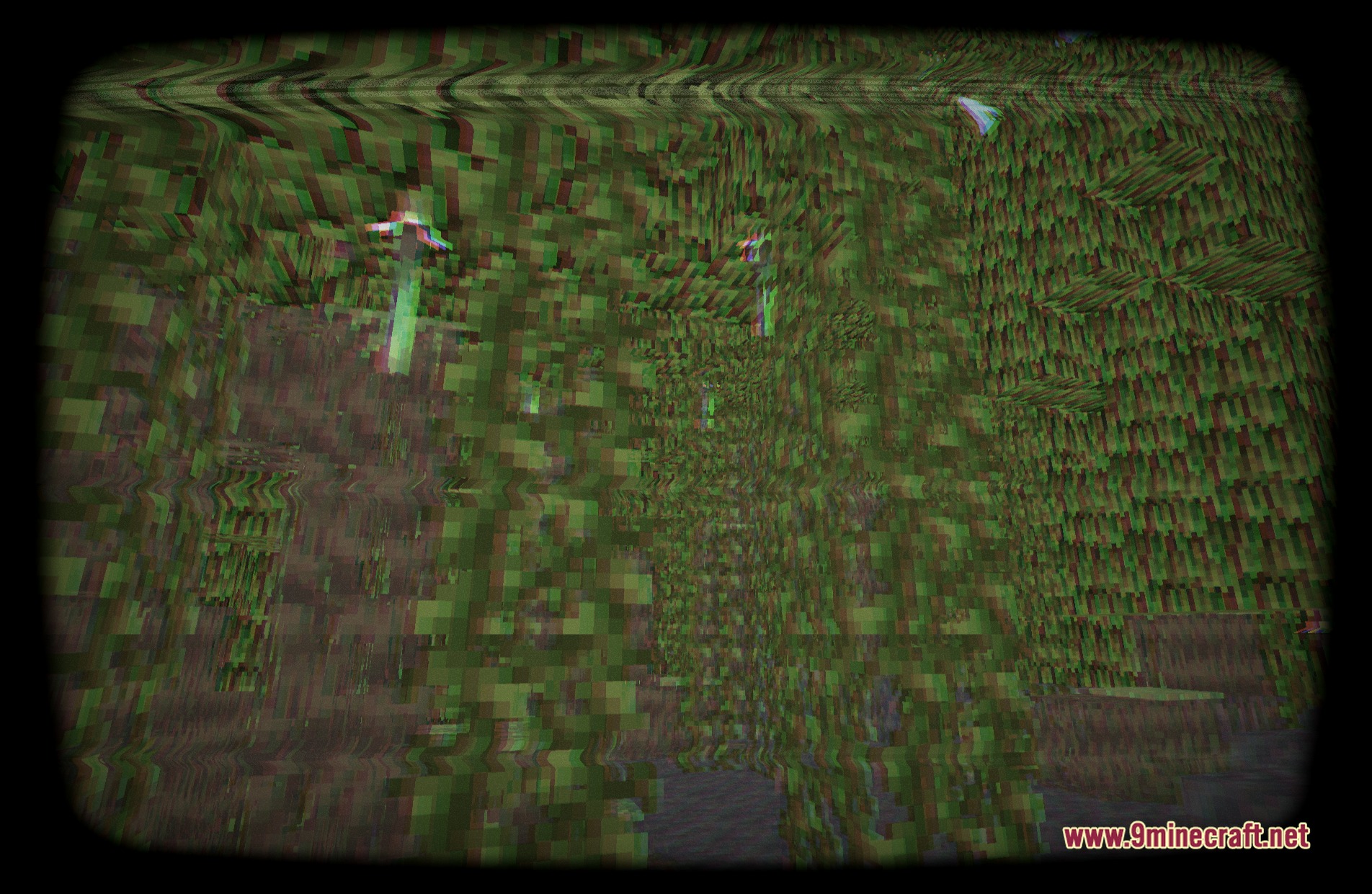
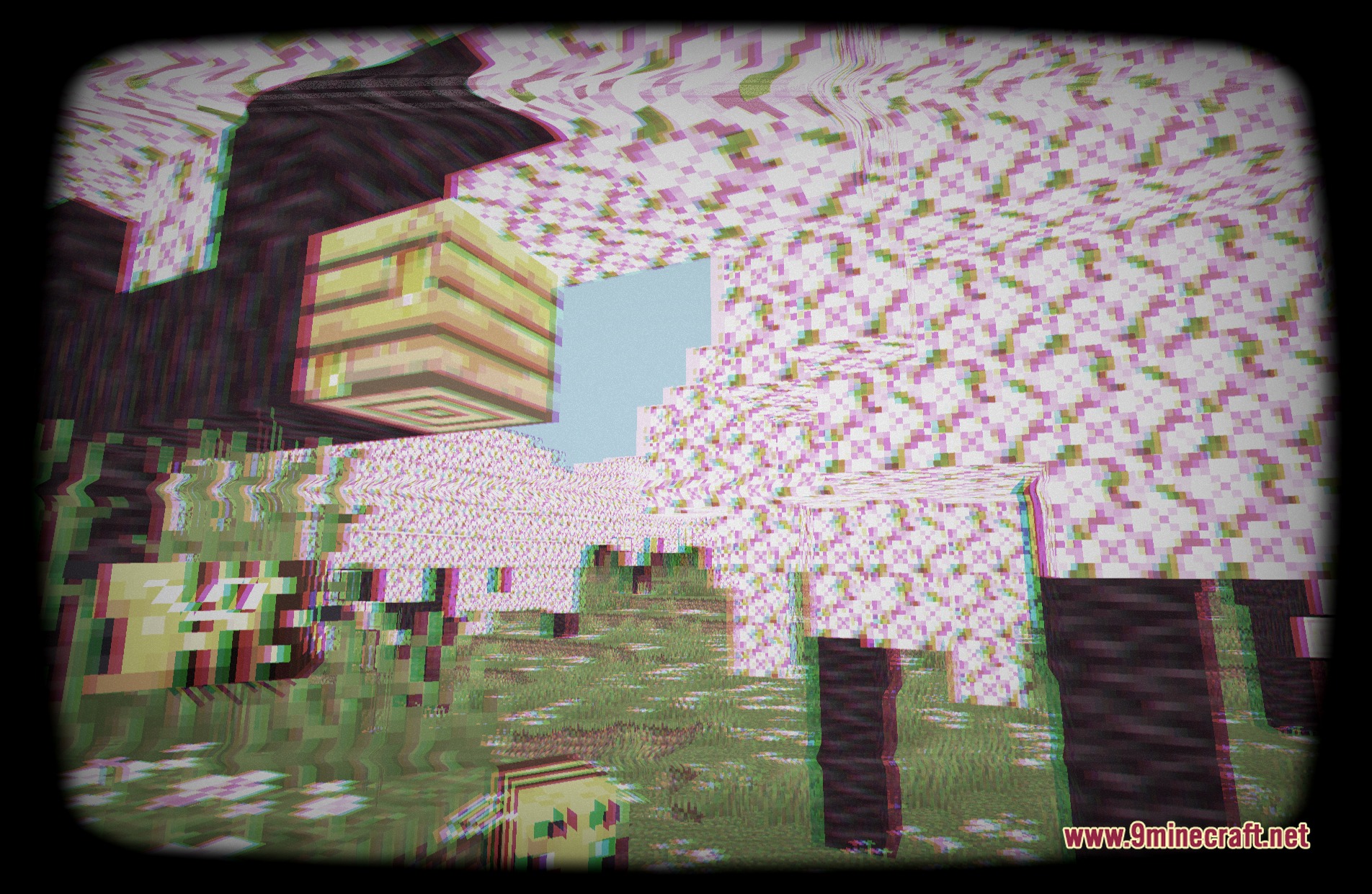
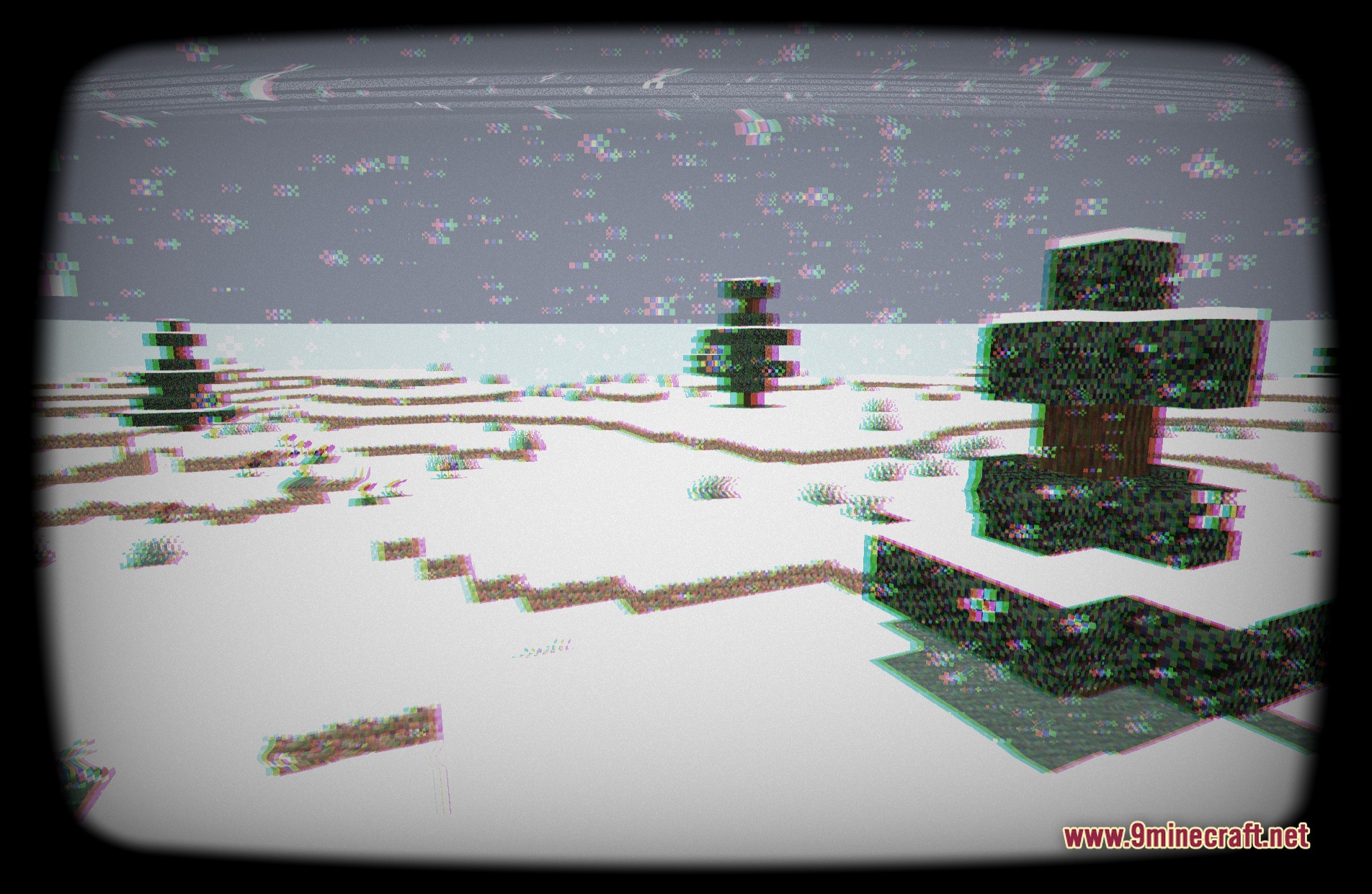
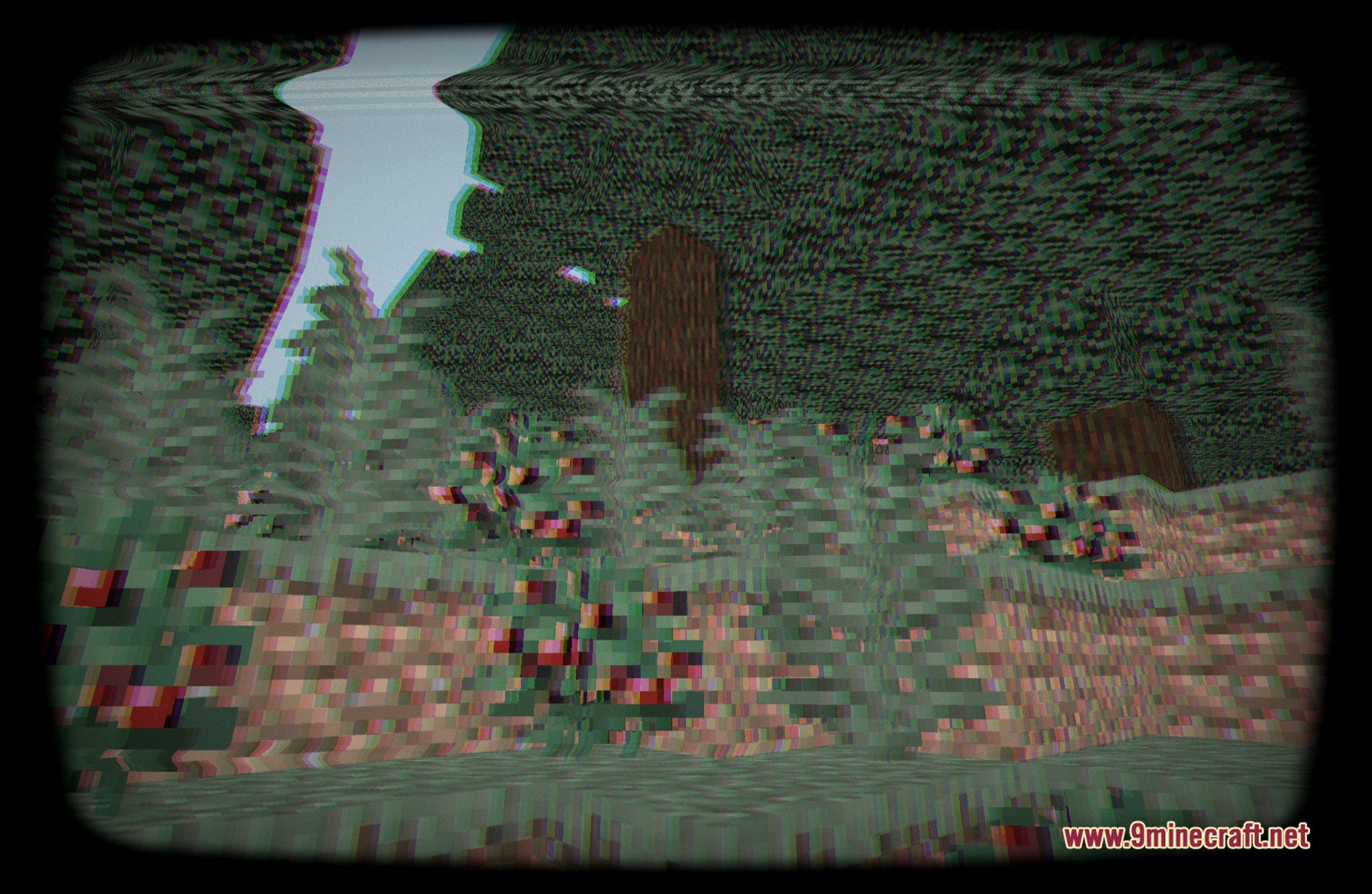
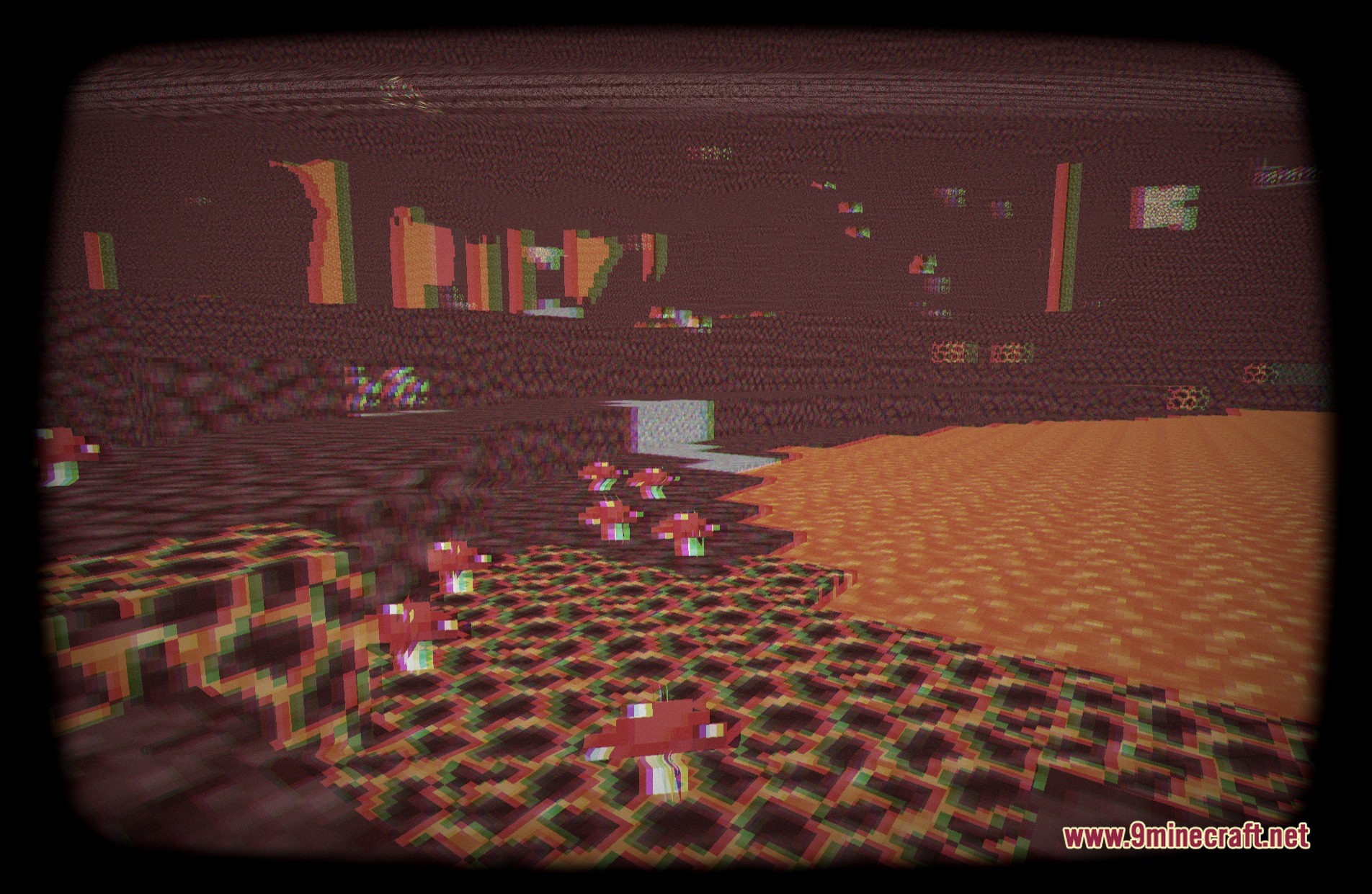
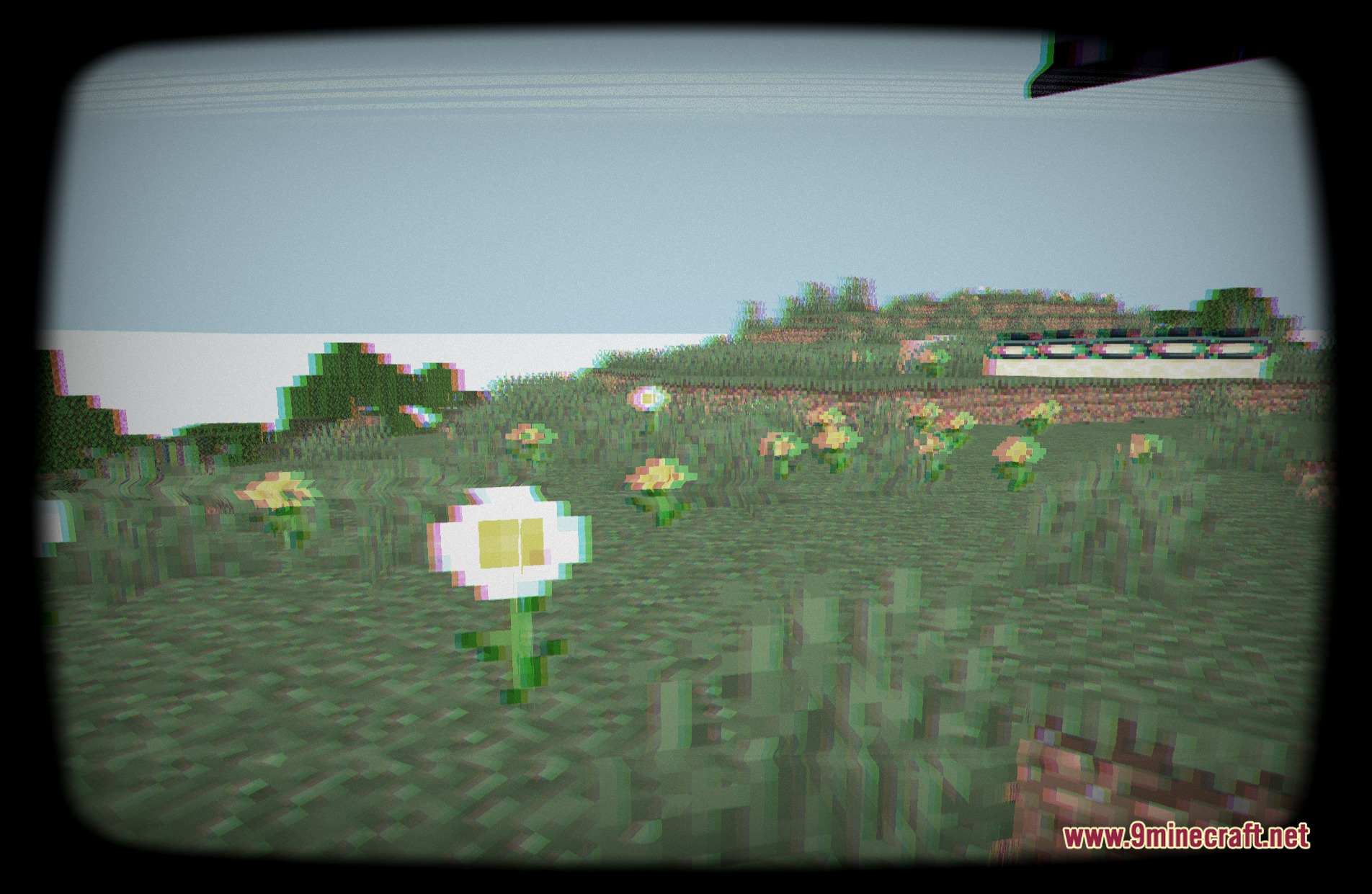
11 images from the Crt Monitor Shaders page.
You May Also Like
Wikis that share the most with this one
 Crossfrog’s Soft Outlines Shaders
More shader wikis on the site
The most downloaded mods that have a wiki here