

 DownloadVitality Glance Monitor Mod
Get the files on 9Minecraft
Guides
Step-by-step, in-game.
Create a Minimalist HUD for Cinematic GameplayStart with a Clean Slate Open the HUD editor and disable most widgets by toggling them off in the widget menu. Keep…Monitor Server Performance While PlayingEnable System Stats Widgets Open the HUD editor and locate the performance monitoring widgets: FPS counter, server…Set Up a Custom HUD Layout for PvPOpen the HUD Editor Press the keybind to open the Vitality Glance Monitor editor (default is configurable in mod…Track Armor Durability Across All PiecesEnable the Armor Display Widget Open the HUD editor and ensure the armor durability widget is toggled on. This widget…
Frequently asked questions
How do I open the HUD editor?
Press the HUD editor keybind (default is usually a configurable key in your mod settings) to open the in-game editor screen. From there, you'll see all active widgets displayed on a grid that you can drag, resize, and customize.
Can I save multiple different HUD layouts?
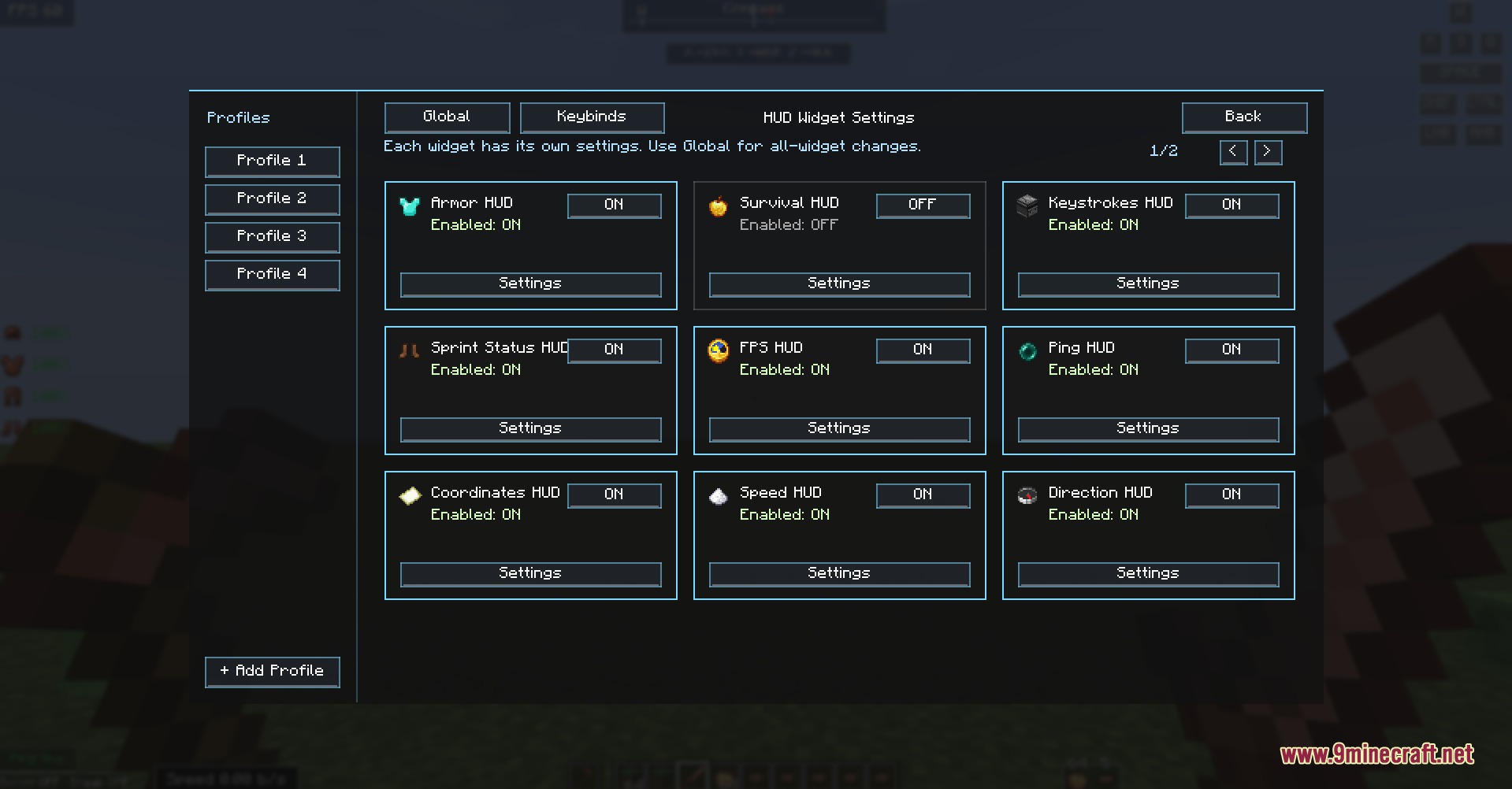
Yes, the mod includes a profile system that lets you save and export your custom screen layouts. You can create separate profiles for different playstyles (like PvP, mining, or cinematic) and switch between them as needed.
Why are my widgets overlapping or hard to see?
Use the grid snapping feature in the editor to align widgets properly—click and drag each element into position, and the grid will help prevent overlap. You can also adjust widget scale and toggle background visuals in each widget's settings card to improve visibility.
Does this mod show real-time server ping and FPS?
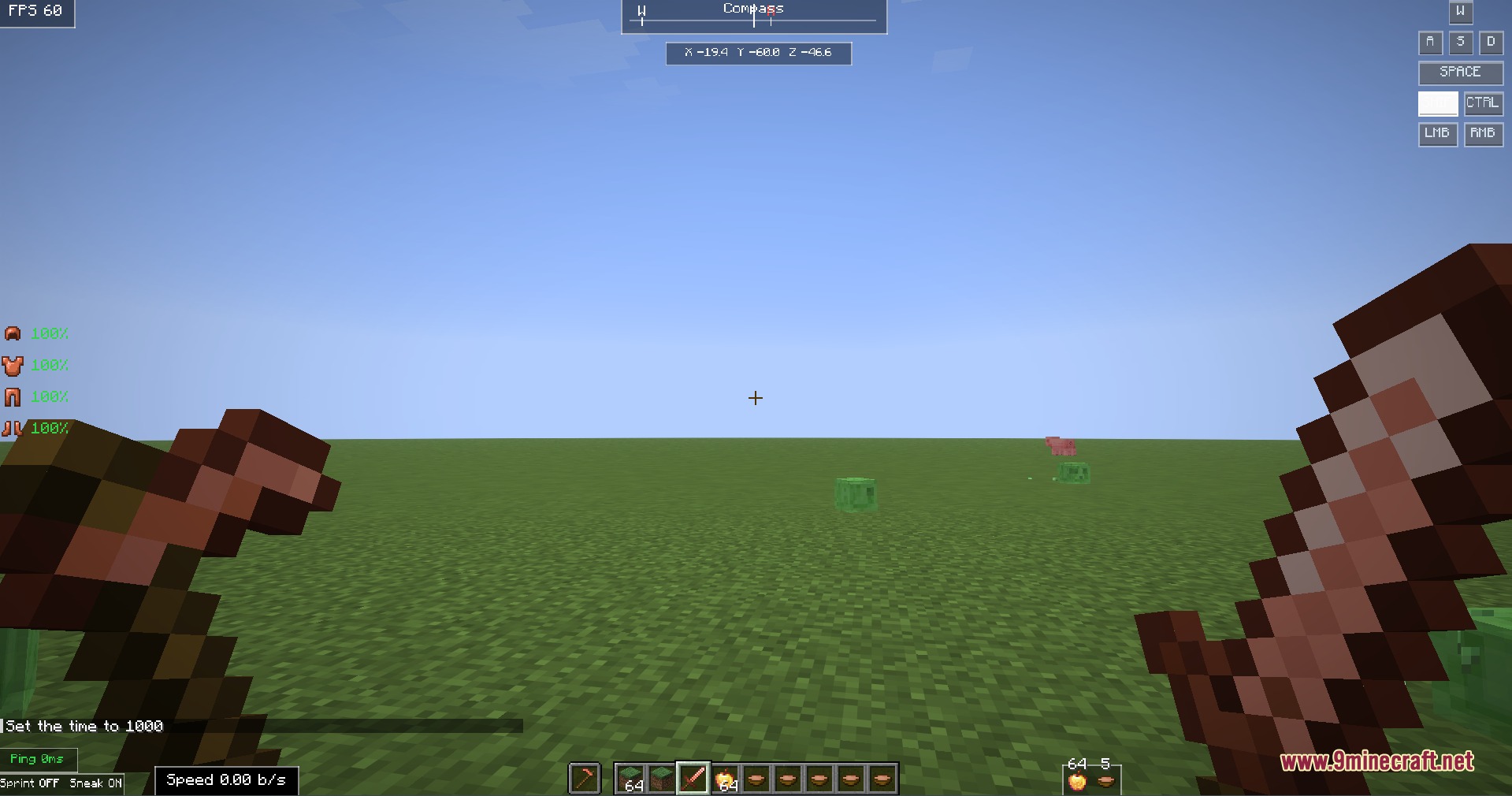
Yes, the mod includes widgets that monitor your FPS and server ping in real time, so you can track performance without opening a separate overlay.
See all 10 Vitality Glance Monitor questions ›
Gallery
4 images from the Vitality Glance Monitor Mod page.

You May Also Like
Wikis that share the most with this one
More mod wikis on the site
The most downloaded mods that have a wiki here
A few wikis from each of the other kinds