

 DownloadXray For Bases Resource Pack
Get the files on 9Minecraft
Guides
Step-by-step, in-game.
Distinguishing Natural Caves from Player-Built StructuresUnderstand What You're Seeing With natural blocks invisible, both natural caves and player bases appear as empty…Exploring Underground Without Getting LostPlan Your Route Before diving underground, identify landmarks on the surface. Note coordinates or use waypoints to…Finding Hidden Player Bases UndergroundPrepare Your View Equip the resource pack and load into your world. Natural terrain blocks like dirt , stone, and…Locating Secret Rooms and Underground ChambersActivate X-ray Vision With the resource pack active, all natural terrain becomes transparent. This reveals any hollow…
Blocks
 Amethyst Cluster
 Andesite
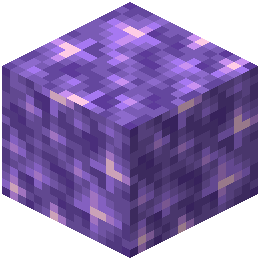 Block of Amethyst
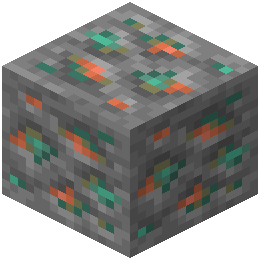 Copper Ore
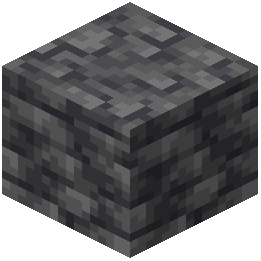 Deepslate
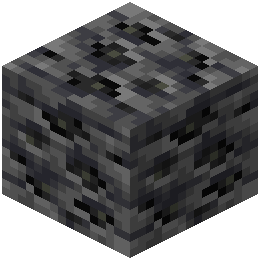 Deepslate Coal Ore
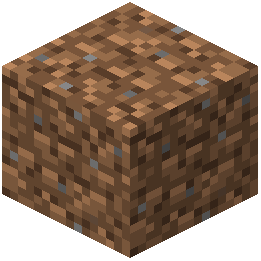 Dirt
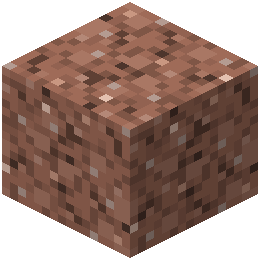 Granite
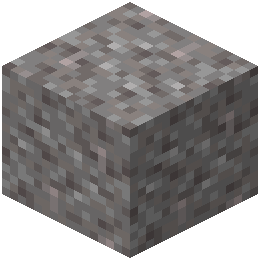 Gravel
What this pack changes
Every texture group the pack replaces, counted from the pack itself.
| Area | Textures replaced |
|---|---|
| Blocks | 16 |
Pack format 34 (Minecraft 1.21.2)16 texture files in total
Frequently asked questions
How do I turn on the xray effect?
Load the resource pack in your world settings by going to Resource Packs, selecting this pack, and moving it to the active side. The natural terrain blocks will become invisible immediately once applied.
Why can I still see some blocks underground?
The pack only hides natural terrain blocks like dirt, stone, and gravel. Any blocks that appear are player-made structures—this is the pack working as intended to show you bases and builds.
Does this pack work with other resource packs?
You can stack this pack with others by placing it higher in your resource pack list, but conflicts may occur if another pack also modifies terrain block textures. Test it to see which order works best.
How do I know if I'm looking at a natural cave or a player base?
Natural caves appear as empty voids with no blocks visible, while player bases show constructed blocks like wood, stone bricks, or other building materials arranged in patterns.
Will this pack affect my FPS or performance?
Resource packs have minimal performance impact since they only change textures. You may see a slight improvement since fewer blocks are being rendered visually.
Can I see ores with this pack?
No—this pack focuses on revealing player-built structures, not ores. Natural ore blocks embedded in stone will be invisible along with the surrounding terrain.
Does this work in the Nether or End?
The pack hides natural blocks in all dimensions, so Nether terrain and End stone will become invisible, revealing any player builds in those dimensions.
How do I disable the xray effect temporarily?
Go to Resource Packs and move this pack to the inactive side, then reload your world. Move it back to active when you want to use it again.
What if I can't see anything underground—is the pack broken?
Make sure the pack is in your active resource packs list and that you're looking at an area with player-built blocks. If you only see empty space, there may be no structures in that location.
You May Also Like
Wikis that share the most with this one
Wikis on the same theme: stone
Odar Is Resource PackDotocraft Resource PackDotoworld Resource PackPvp Basics Resource PackFabulous 3D Resource PackAnimated Ore Resource PackMoose Blocks Resource PackRealism Mats Resource PackNew End Stone Resource PackOutlined Ores Resource PackDungeons Stone Resource PackSwiftboost Pvp Resource Pack
More resource pack wikis on the site
X-Ray Boat Resource PackXK Redstone Display Resource PackXe 16x 13K Resource PackXali’s Potions 9minecraft Resource PackXali's Enchanted BooksX-Ray Vision Resource PackX Crosshair Shape Resource PackWynn Edits Dark Theme Wynncraft Resource PackWU Shuangcb’s Zombie Skin Resource PackWorld PIDS Pack MTR 4 JCM Resource PackWorld Border Variant Resource PackWool Simple Resource Pack
The most downloaded mods that have a wiki here
A few wikis from each of the other kinds
Gallery
5 images from the Xray For Bases Resource Pack page.


