

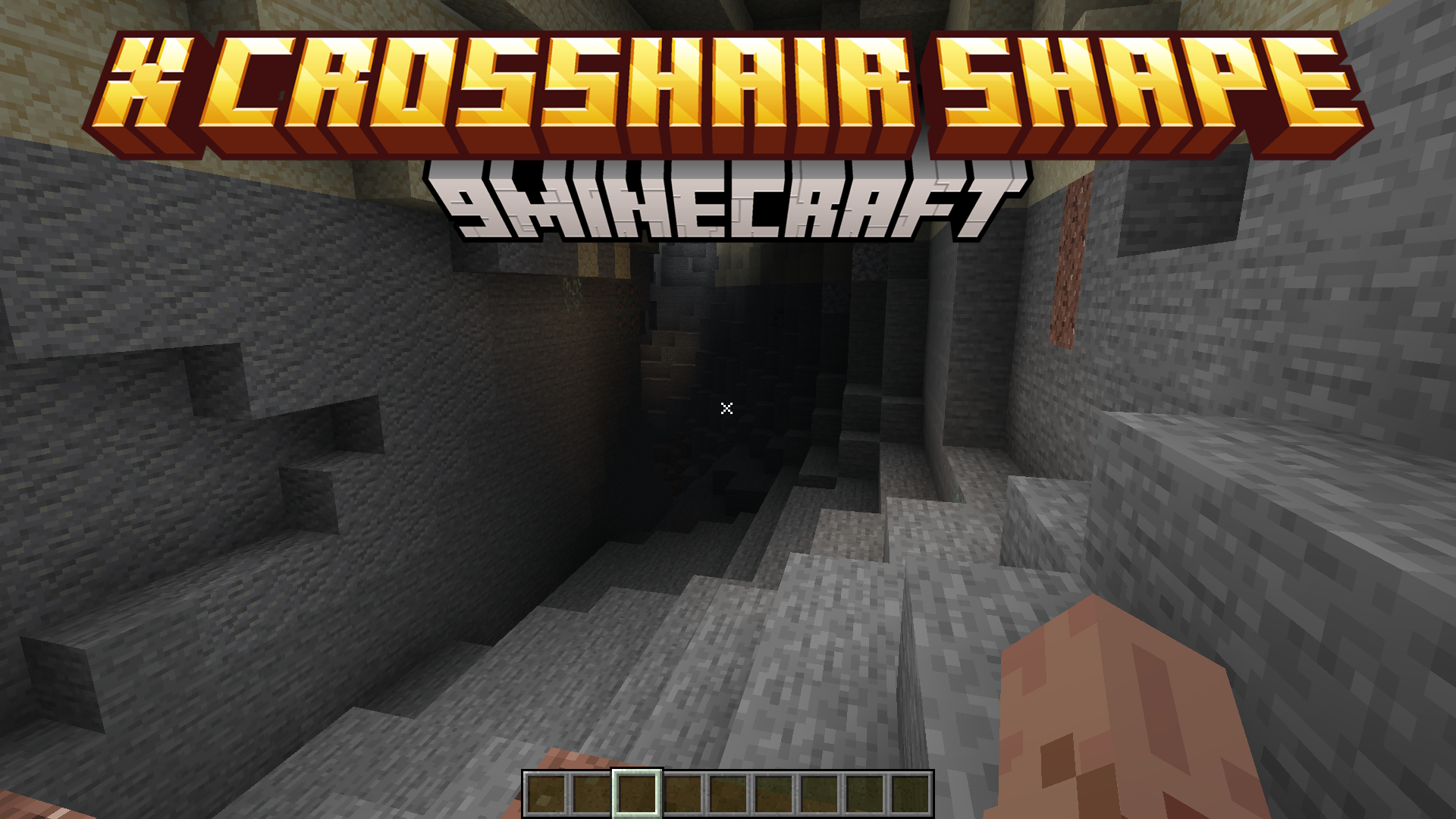
 DownloadX Crosshair Shape Resource Pack
Get the files on 9Minecraft
Guides
Step-by-step, in-game.
Combining the X Crosshair Pack With Other Resource PacksResource packs stack, and the crosshair is one small texture, so you can keep your favorite textures and still get…How to Change the Crosshair Color in the X Crosshair Shape Resource PackThe X shape itself is fixed by the pack, but the color of the X is controlled by the crosshair texture inside the…Making the X Crosshair More Visible Without Changing PacksIf the X is hard to see against bright blocks , snow, or the sky, you have a few in-game levers before you touch any…Using the X Crosshair for Better Aim in PvPThe X shape gives you a clear center point, but you still have to train your eye to use it. Here is how to actually…
Frequently asked questions
How do I actually enable the X crosshair after installing the pack?
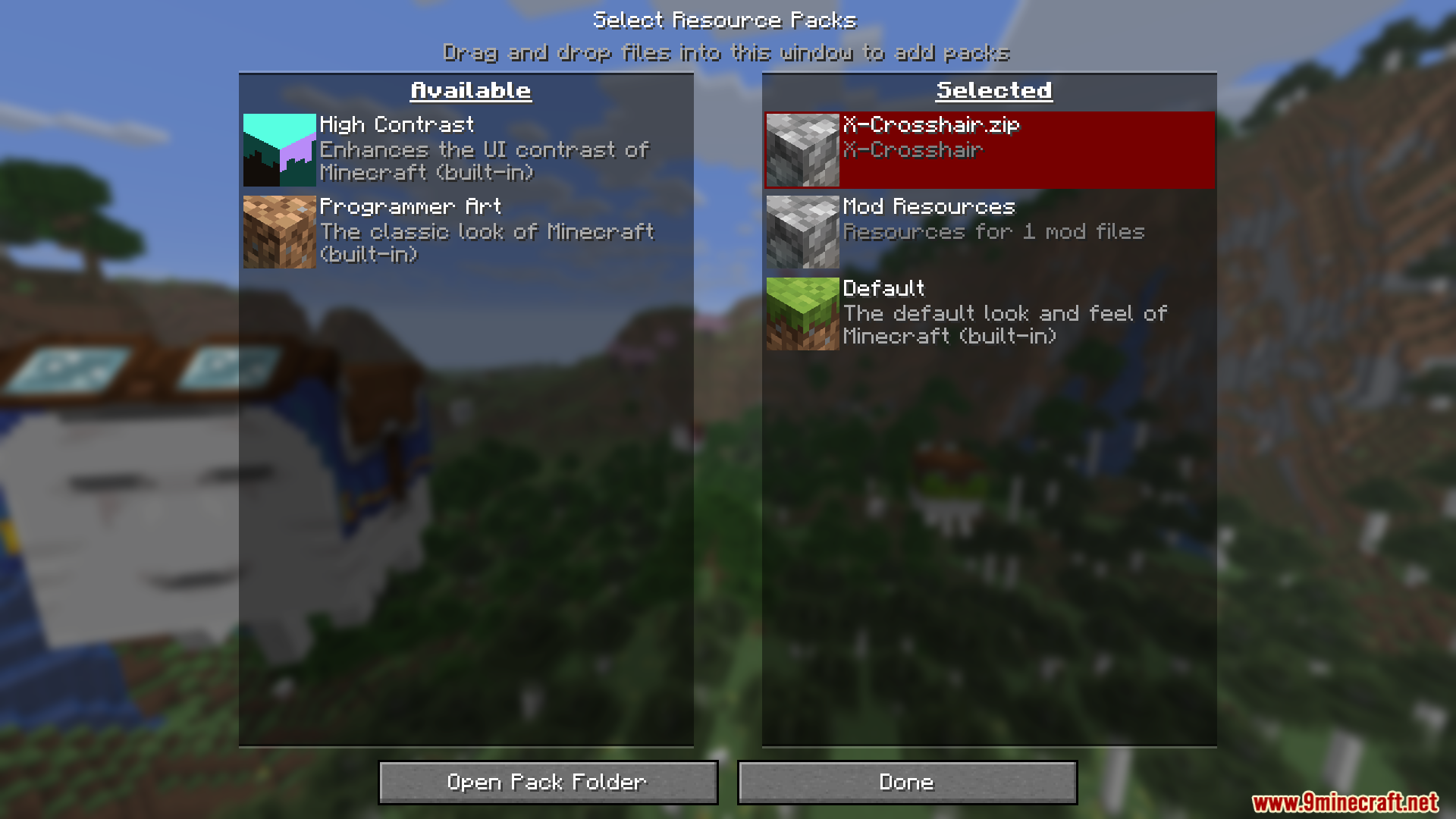
Open Options, then Resource Packs, and move the X Crosshair Shape pack from the left column to the right column so it sits above the default pack. Click Done and the X shape replaces your vanilla crosshair immediately, no restart needed.
Why is my crosshair still the default one?
Another resource pack is probably loaded above the X pack and overriding the crosshair texture. Drag the X Crosshair Shape pack to the top of the selected list, or remove the conflicting pack, then reload.
Does the X crosshair pack work on servers and in multiplayer?
Yes. It's a client-side resource pack, so it only changes what you see and works on any server without the server needing it installed.
Can I use this pack with other resource packs like shaders or texture packs?
Yes, but load order matters. Keep the X Crosshair Shape pack above any full texture pack so its crosshair file wins, and shaders are separate and won't conflict with it.
See all 10 X Crosshair Shape questions ›
Gallery
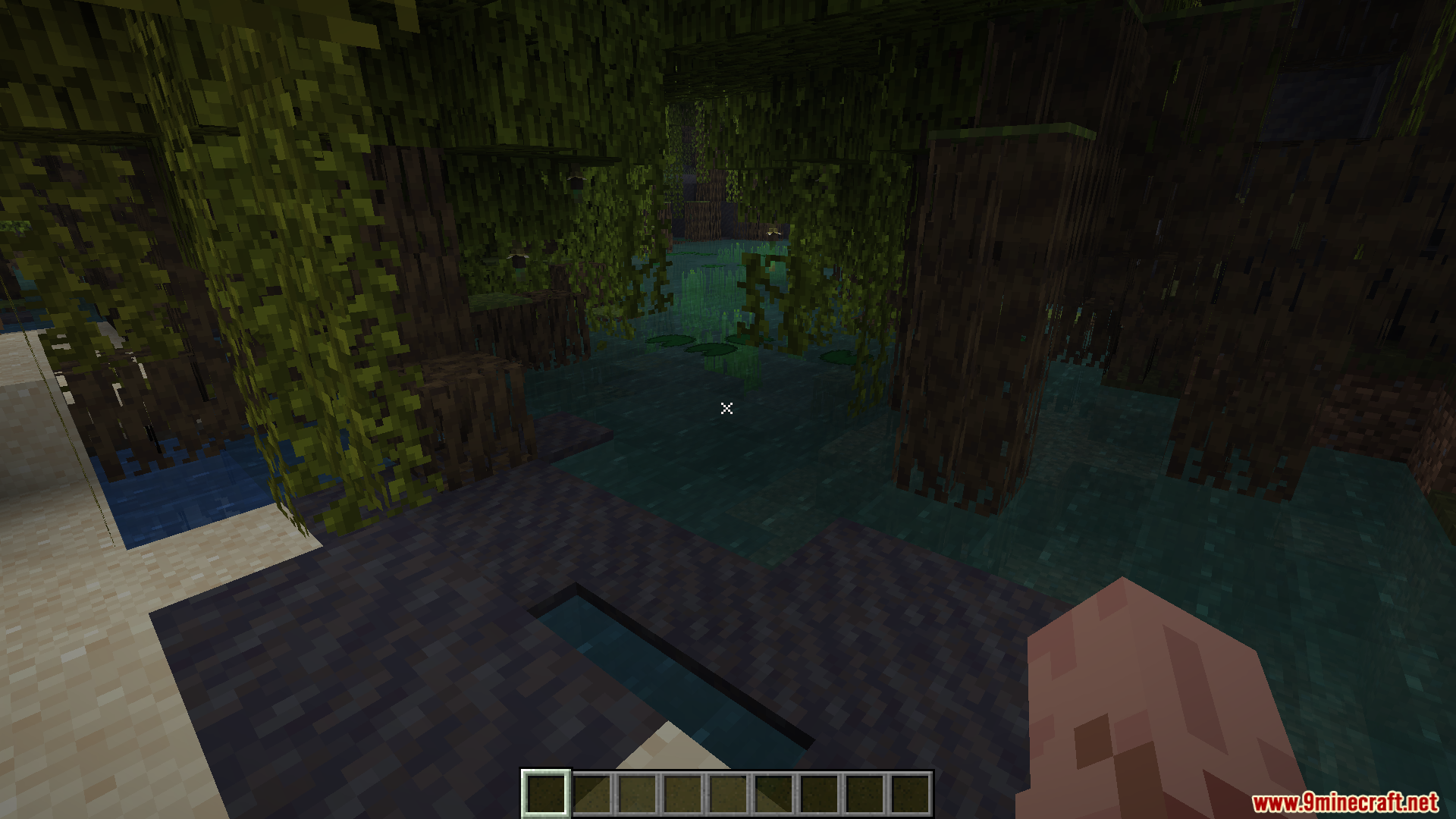
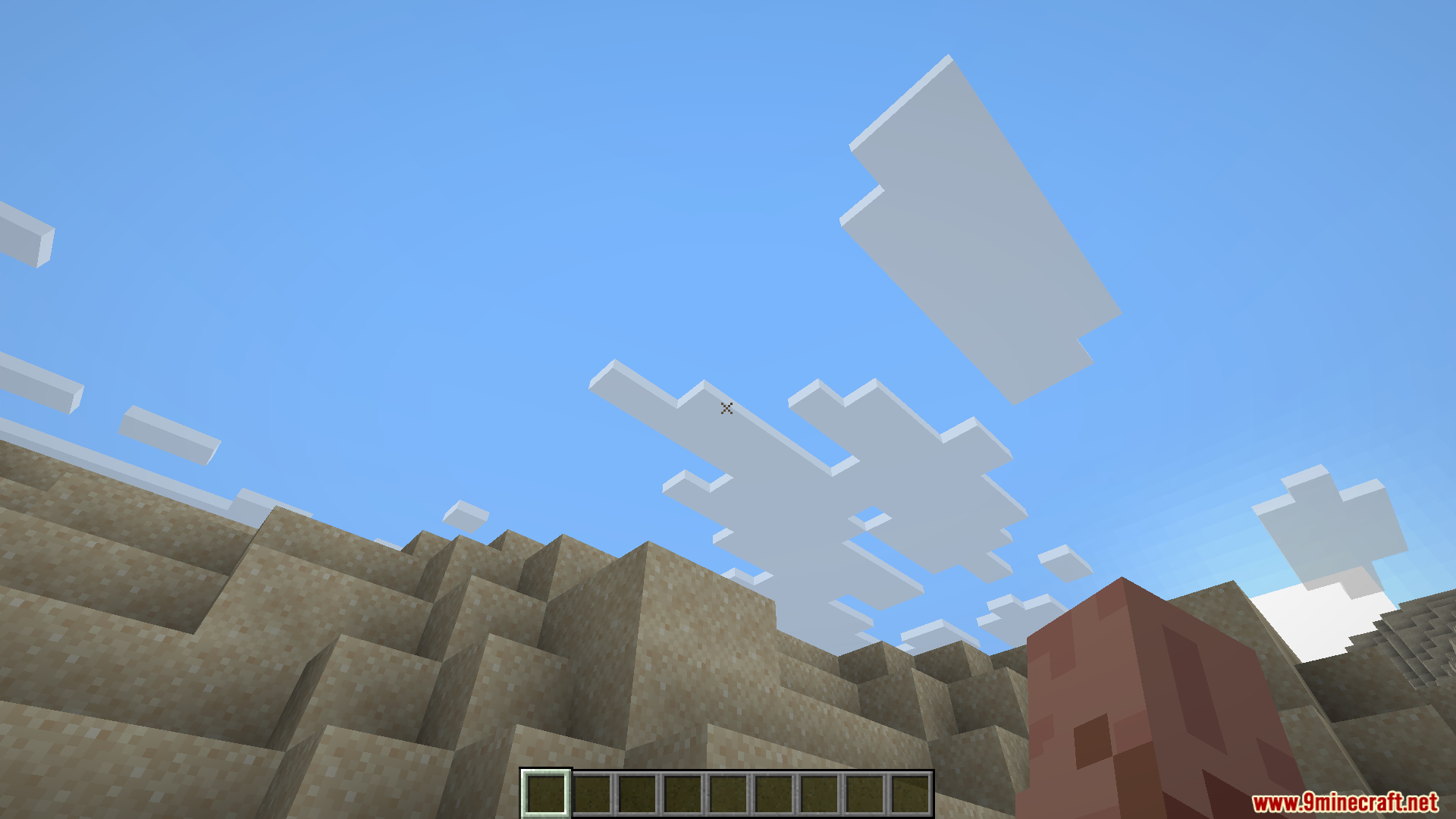
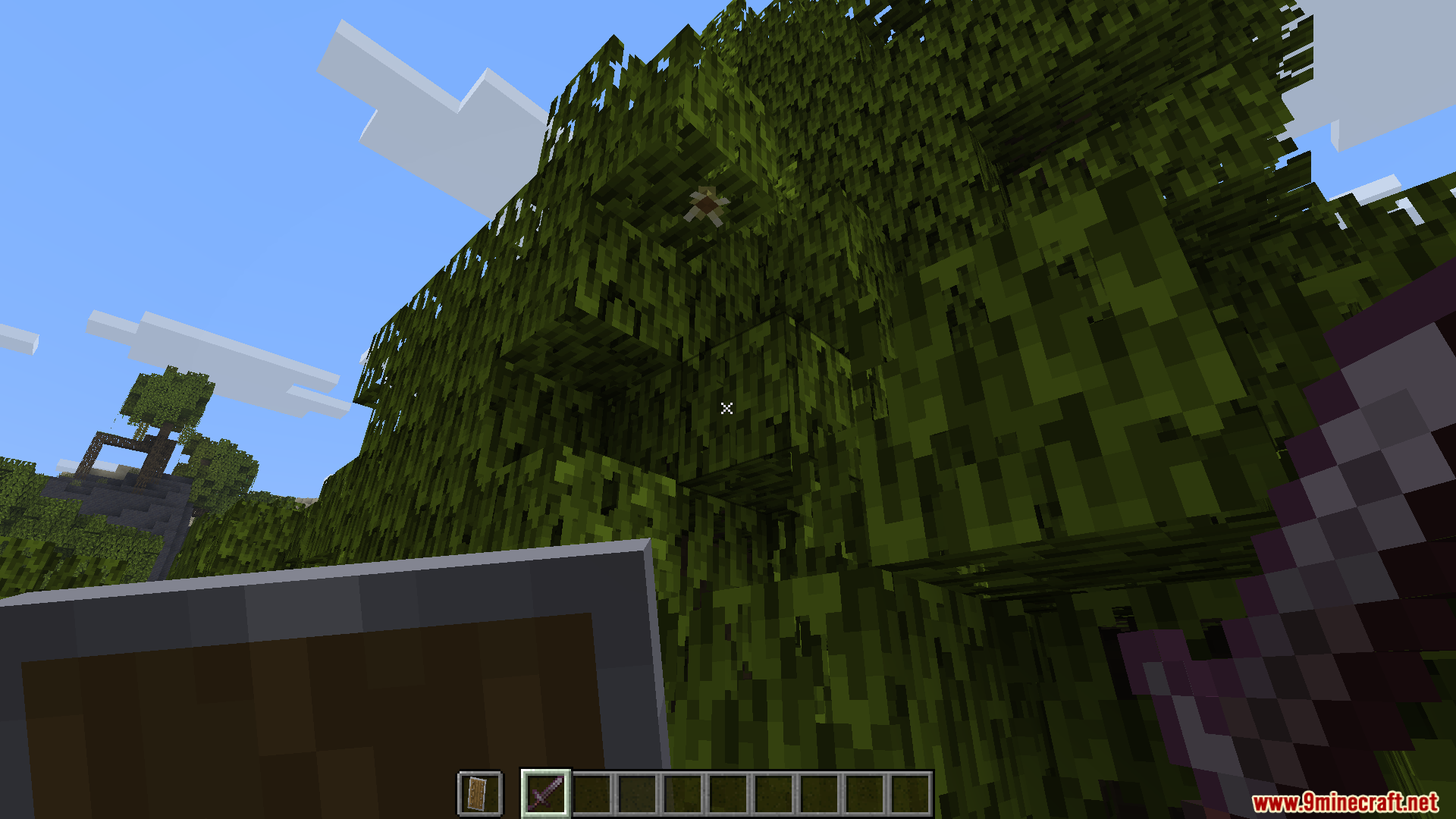
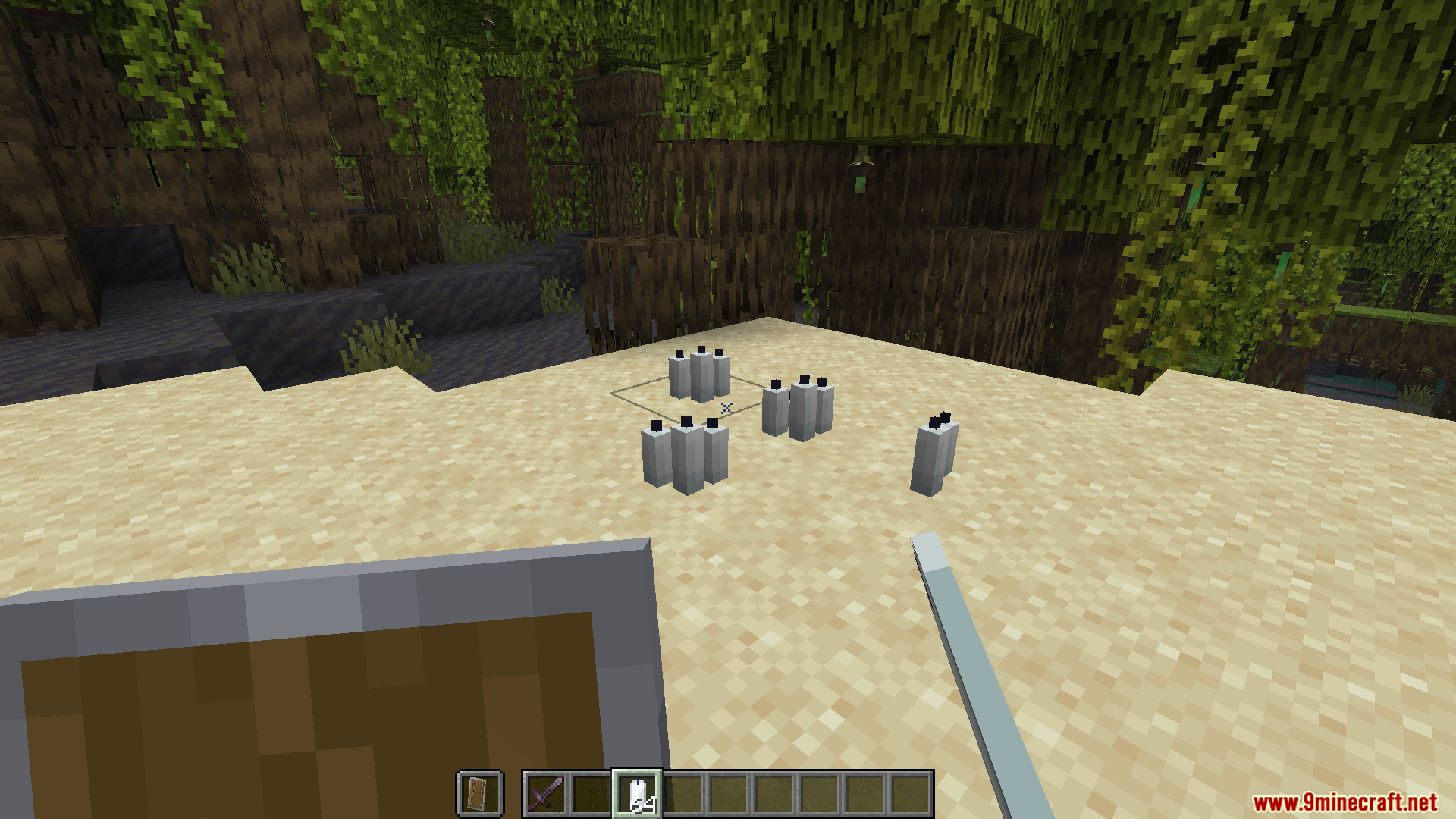
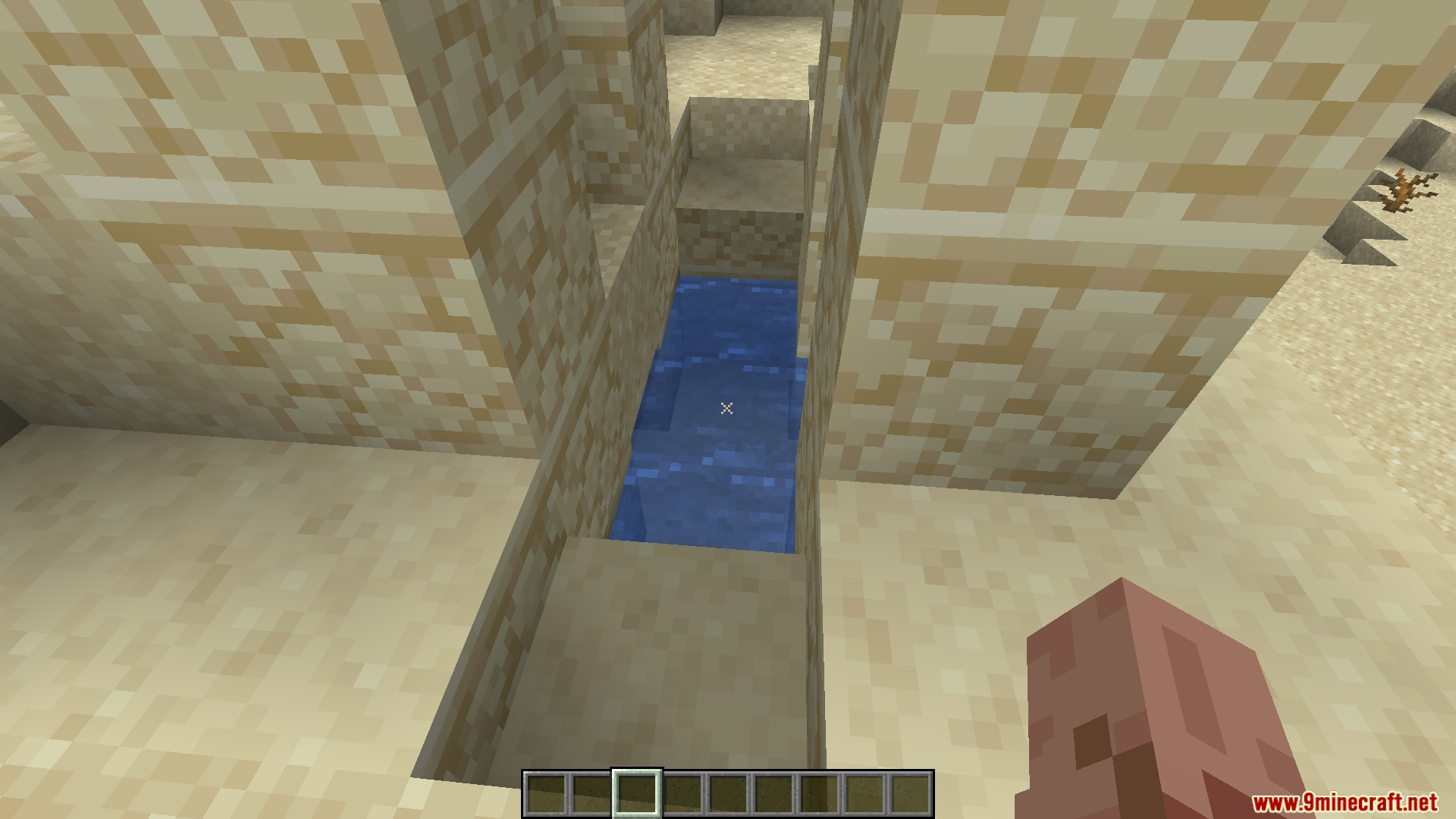
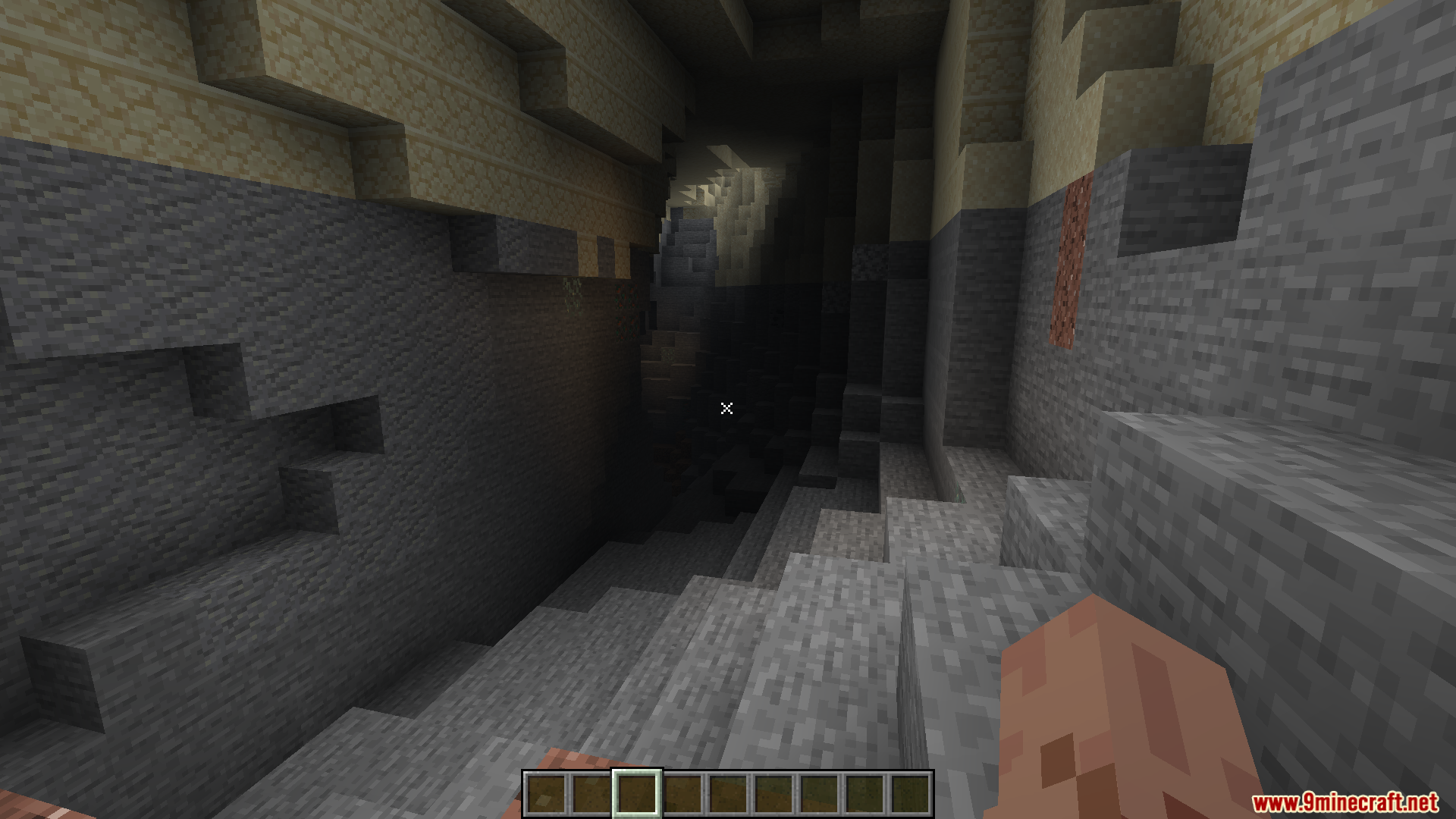
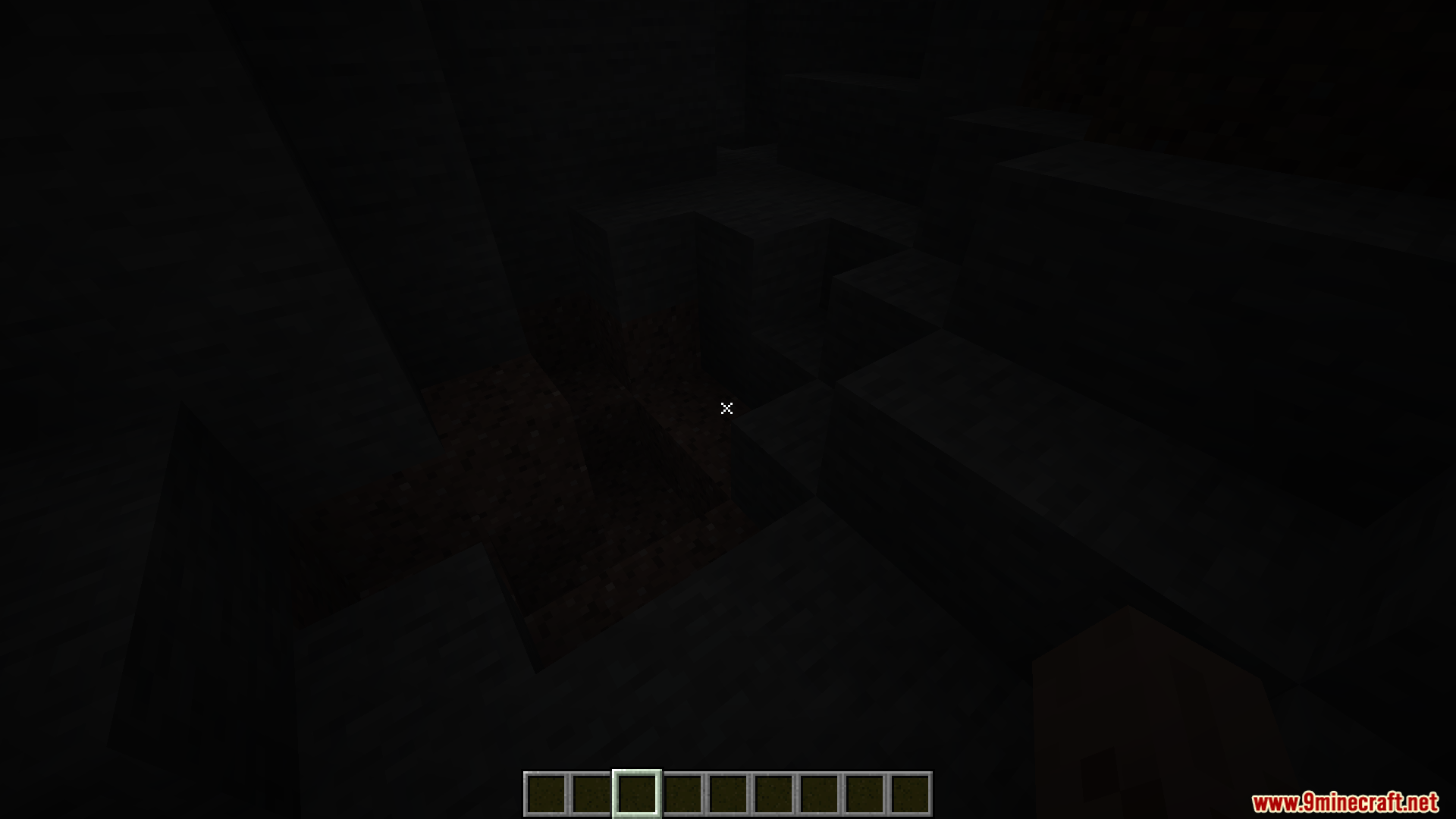
9 images from the X Crosshair Shape Resource Pack page.
You May Also Like
Wikis that share the most with this one
More resource pack wikis on the site
Wynn Edits Dark Theme Wynncraft Resource PackWU Shuangcb’s Zombie Skin Resource PackWorld PIDS Pack MTR 4 JCM Resource PackWorld Border Variant Resource PackWool Simple Resource PackWooden And Stone Type Tools Resource PackWood Totem Cross Resource PackWolfhound Classic Medieval Resource PackWither Boss Summoning Animation Resource PackWitch Girl Resource PackWhite Girlfriend Totem of Undying Resource PackWhite Enchantment Glint Resource Pack
The most downloaded mods that have a wiki here
A few wikis from each of the other kinds