

 DownloadXe 16x 13K Resource Pack
Get the files on 9Minecraft
Guides
Step-by-step, in-game.
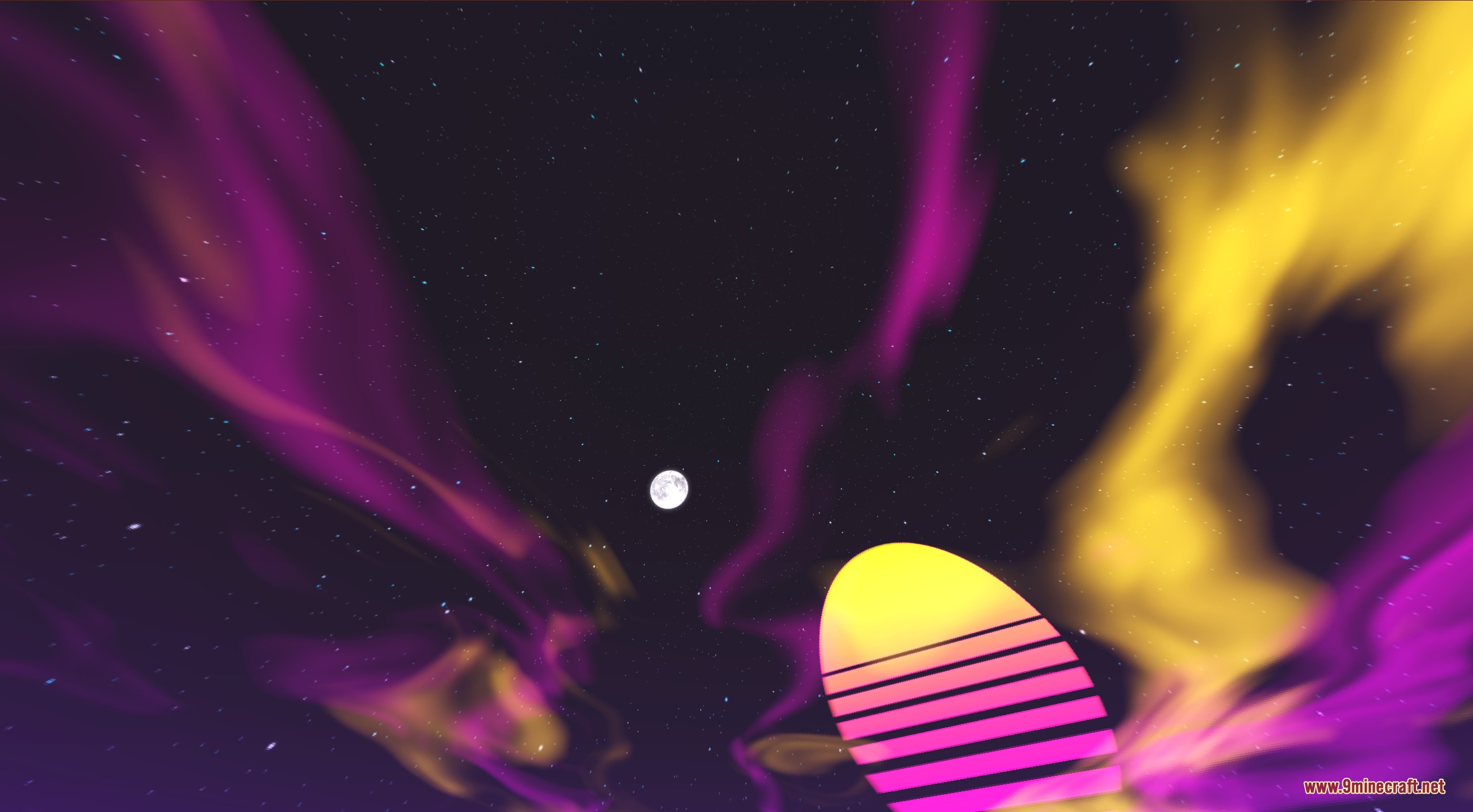
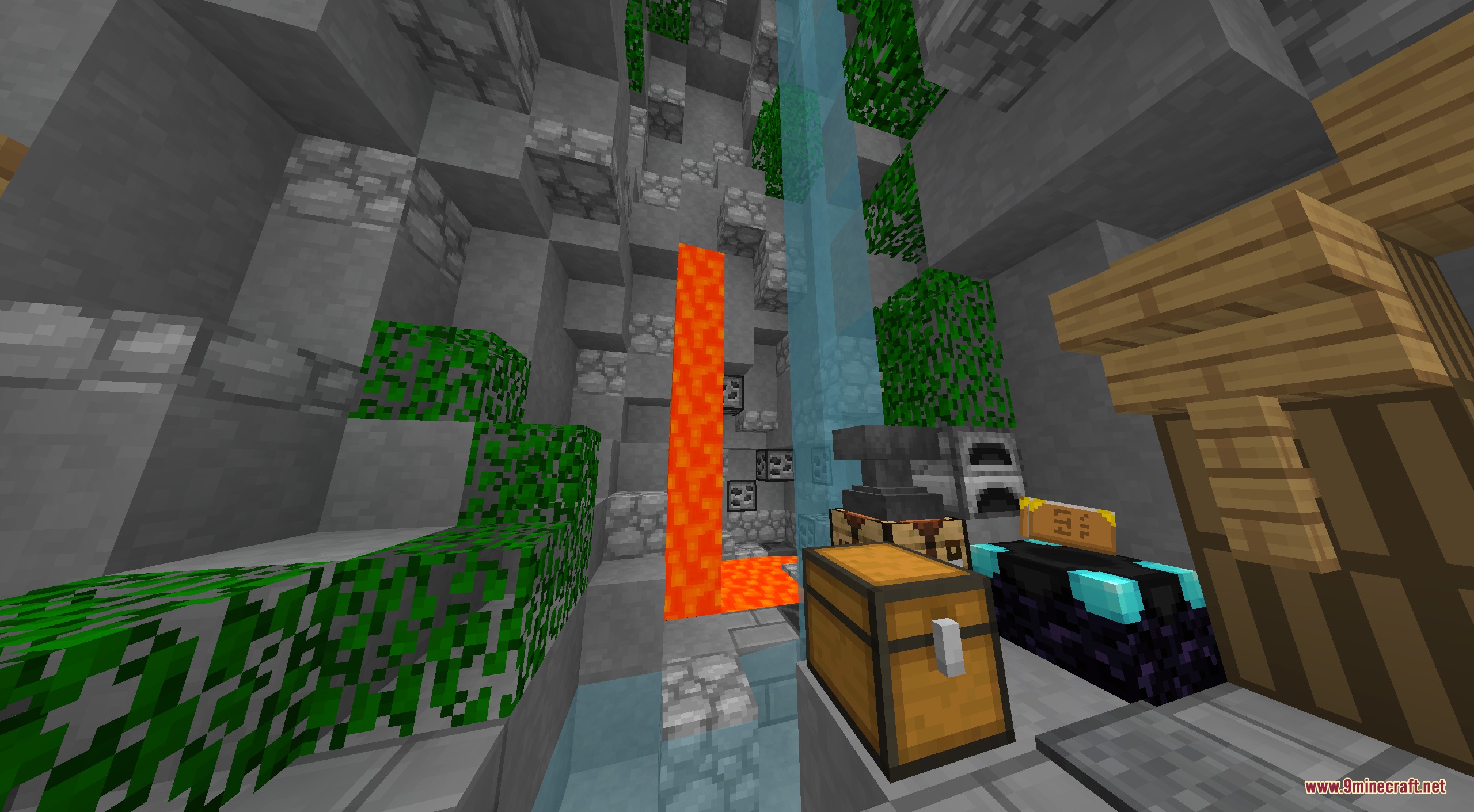
Customize Your Sky and AtmosphereUnderstand the Custom Sky System Xe 16x includes custom sky textures featuring a retro sun and purple-yellow aurora…Identify Ores and Resources QuicklyLearn the Simplified Ore Textures Xe 16x replaces mineral blocks with clean, distinct visuals that are easy to spot…Optimize Visibility During Fast CombatAdjust Your Display Settings The Xe 16x pack is designed to keep your screen clear during rapid fights, but a few…Switch Between Standard Xe and Xe Lite EditionsUnderstand the Difference Xe 16x offers two editions optimized for different hardware and playstyles. Standard Xe…
Frequently asked questions
How do I switch between standard Xe and Xe Lite?
Both editions are separate resource pack files you can download. Load whichever one you want in your resource packs menu—standard Xe includes OptiFine features like motion blur, while Xe Lite is a lighter version for lower-end systems.
Will this pack work with my OptiFine settings?
Yes, the standard Xe edition is designed to work with OptiFine anti-aliasing settings. If you're using Xe Lite, OptiFine compatibility is still supported but the motion blur effects won't apply.
Why do my ores look confusing? How do I tell them apart faster?
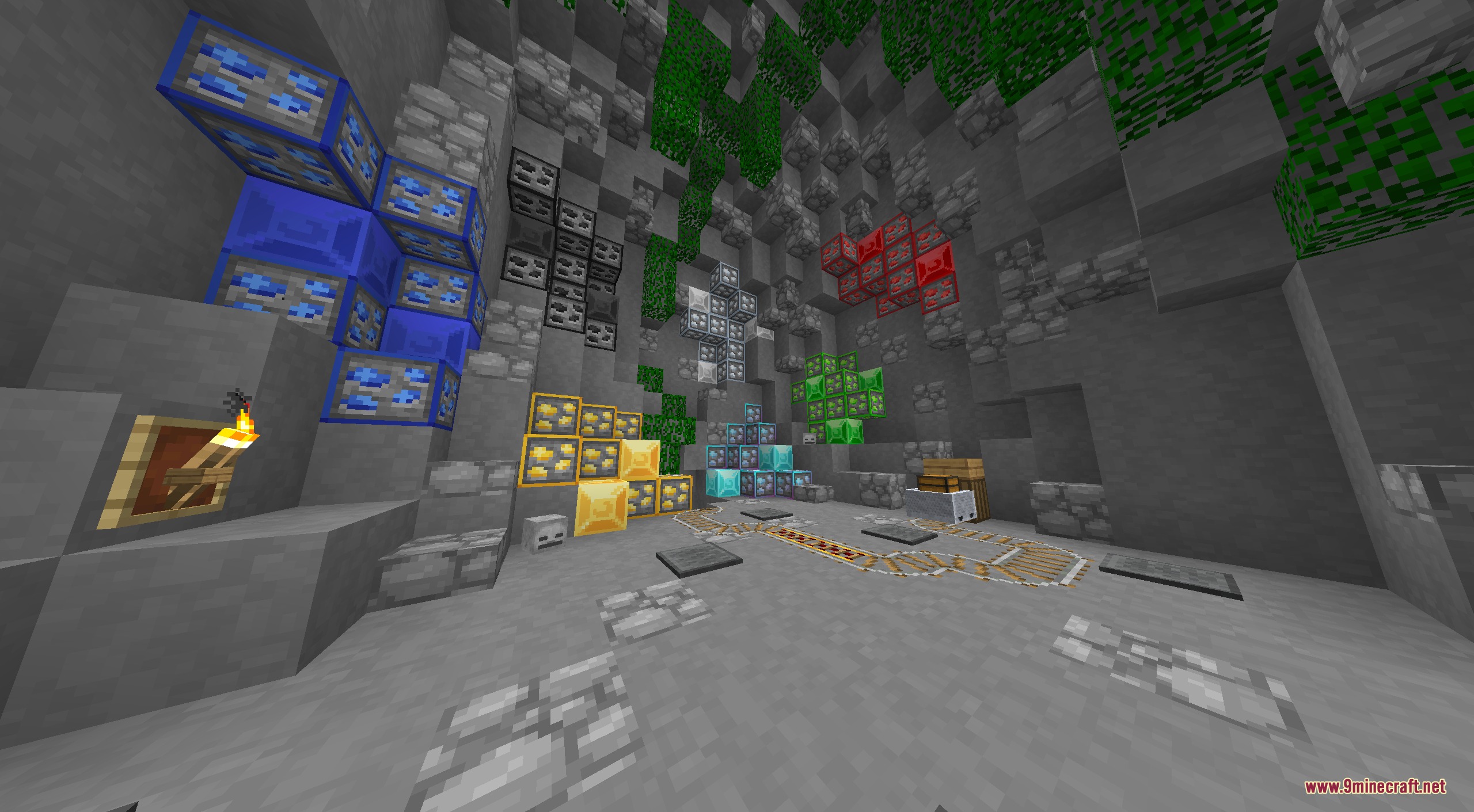
The pack uses clean, distinct colors for each ore type to help with quick identification during mining. Check the ore guide in the wiki's "Identify Ores and Resources Quickly" section for a visual reference of each mineral's texture.
Does this pack work for versions other than 1.8.9?
This pack is designed specifically for Minecraft 1.8.9. Using it on other versions may cause texture mismatches or missing textures.
See all 10 Xe 16x 13K questions ›
Gallery
6 images from the Xe 16X 13K Resource Pack page.

You May Also Like
Wikis that share the most with this one
Wynn Edits Dark Theme Wynncraft Resource PackX Crosshair Shape Resource PackX-Ray Pluss Resource PackX-Ray Resource PackX-Ray Vision Resource PackXali's Enchanted BooksXalis Enhanced VanillaXali’s Potions 9minecraft Resource PackXK Redstone Display Resource PackX-Ray Boat Resource PackXray For Bases Resource PackXray Java Resource Pack
More resource pack wikis on the site
WU Shuangcb’s Zombie Skin Resource PackWorld PIDS Pack MTR 4 JCM Resource PackWorld Border Variant Resource PackWool Simple Resource PackWooden And Stone Type Tools Resource PackWood Totem Cross Resource PackWolfhound Classic Medieval Resource PackWither Boss Summoning Animation Resource PackWitch Girl Resource PackWhite Girlfriend Totem of Undying Resource PackWhite Enchantment Glint Resource PackWhimscape x Fresh Animations Resource Pack
The most downloaded mods that have a wiki here
A few wikis from each of the other kinds