

 blocks
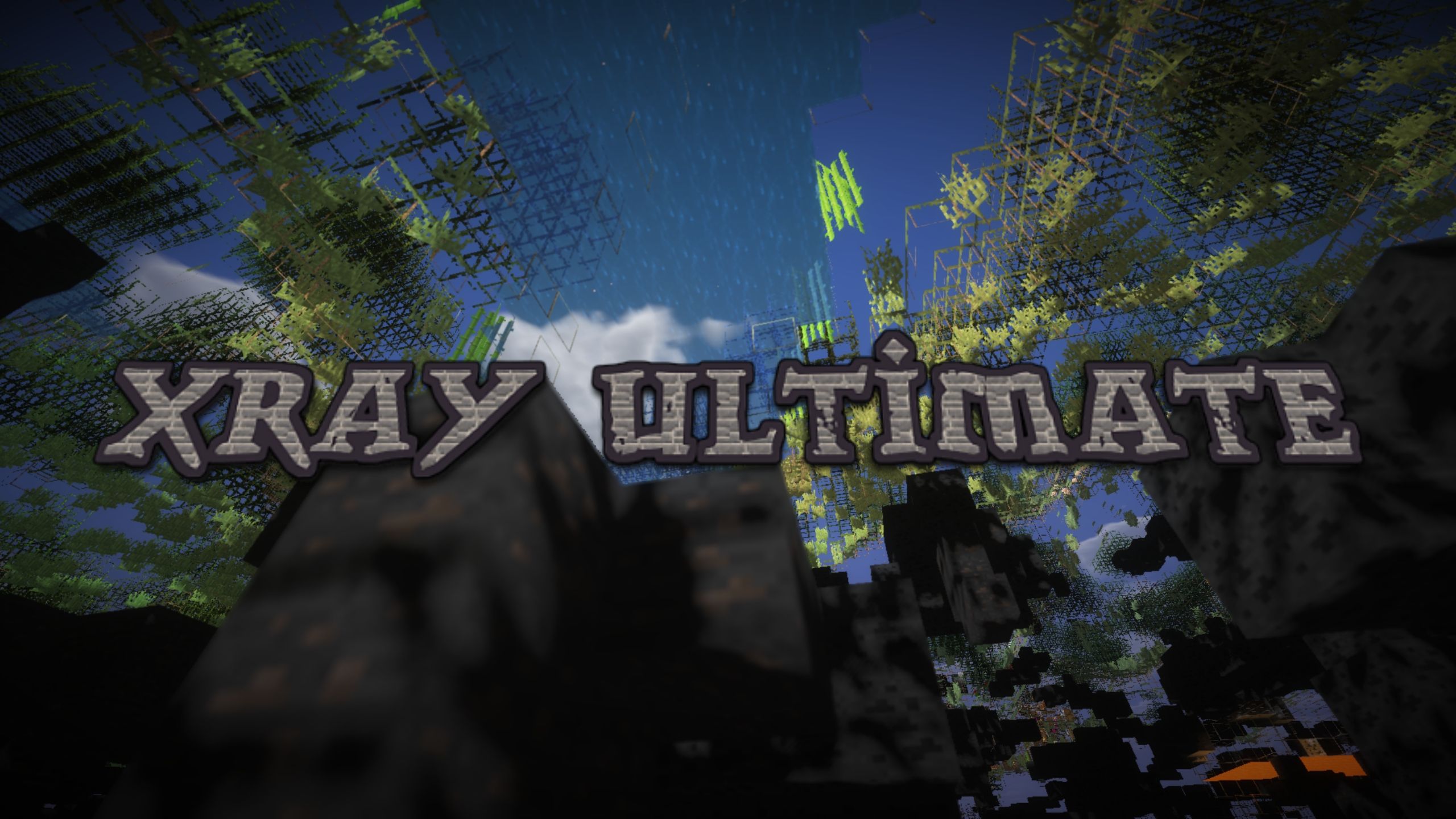
 DownloadXray Ultimate Resource Pack
Get the files on 9Minecraft
Guides
Step-by-step, in-game.
How to Find Ores Fast Using Xray UltimateRead the Highlighted Blocks Once the pack is active, ores appear as bright, distinct colors against the see-through…How to Fix Xray Ultimate Not Showing OresCheck Pack Order and Conflicts If ores are not highlighted, the most common cause is another resource pack sitting…How to Install Xray Ultimate Resource PackInstalling Xray Ultimate Xray Ultimate is a resource pack, not a mod, so installation goes through Minecraft's…How to Set Up Xray Ultimate for Maximum Ore VisibilityInstall and Enable the Pack Place the Xray Ultimate resource pack in your resource packs folder and move it to the…How to Use Xray Ultimate Safely Without Getting BannedUnderstand the Risk Xray Ultimate is a resource pack, not a mod, but it still gives an unfair advantage by revealing…
Frequently asked questions
How do I actually turn on the xray effect after installing the pack?
Select Xray Ultimate in Options > Resource Packs and move it to the active list, then make sure it sits above any other packs so its textures win. The effect is automatic once the pack is enabled; there is no toggle key inside the pack itself.
Why can I still see all the stone and dirt instead of just ores?
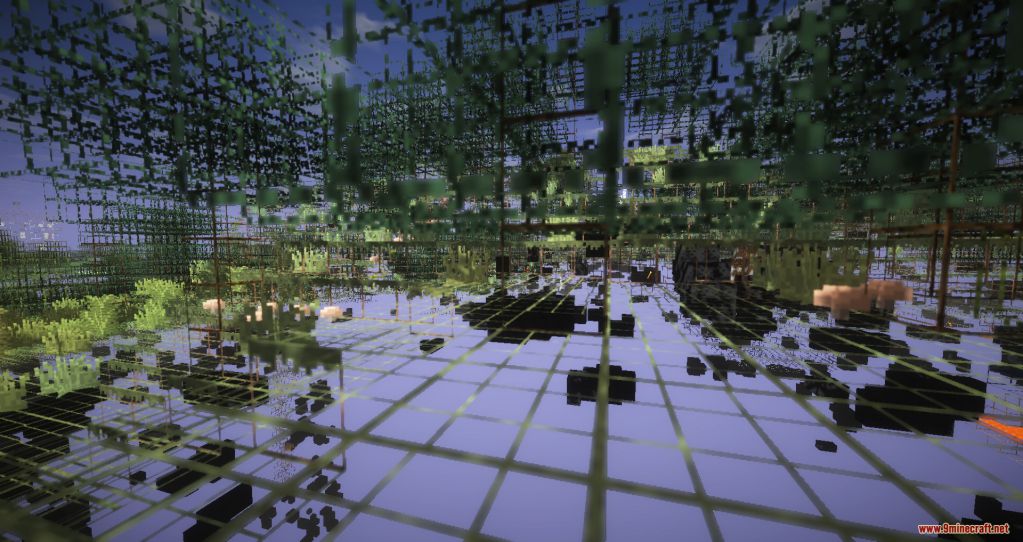
The pack makes most common blocks  transparent through its textures, but you need to turn off Smooth Lighting in video settings or the shading hides the see-through effect. Also disable any other resource pack that overrides block textures, since it will replace the xray textures.
Do I need Optifine for Xray Ultimate to work?
The pack works without it, but Optifine is recommended because it enables the extra night vision effect and better control over lighting. Without Optifine you may need to place torches or rely on full brightness settings to see clearly.
How do I make ores stand out more so I can spot them faster?
See all 16 Xray Ultimate questions ›
Gallery
5 images from the Xray Ultimate Resource Pack page.


You May Also Like
Wikis that share the most with this one
More resource pack wikis on the site
Xray For Bases Resource PackX-Ray Boat Resource PackXK Redstone Display Resource PackXe 16x 13K Resource PackXali’s Potions 9minecraft Resource PackXalis Enhanced VanillaXali's Enchanted BooksX-Ray Vision Resource PackX-Ray Resource PackX-Ray Pluss Resource PackX Crosshair Shape Resource PackWynn Edits Dark Theme Wynncraft Resource Pack
The most downloaded mods that have a wiki here
A few wikis from each of the other kinds