

 DownloadXK Redstone Display Resource Pack
Get the files on 9Minecraft
Contents (8)
Guides
Step-by-step, in-game.
How to Identify Dropper, Dispenser, and Hopper Facing DirectionWhy direction matters Droppers, dispensers, and hoppers only move items in the direction they face, and a misplaced…How to Read Note Block Tone and Instrument DisplaysWhat the note block overlay tells you Note blocks change pitch each time you right-click them and change instrument…How to Read Redstone Energy Levels on Wires with XK Redstone DisplayWhat the wire overlay shows With XK Redstone Display installed, powered redstone dust no longer looks like a flat red…How to Tell Pistons from Sticky Pistons and Read Observer StatePiston vs sticky piston at a glance In vanilla, a piston and a sticky piston look nearly identical from most angles,…Reading Redstone Signals with XK Redstone DisplayUnderstanding Redstone at a Glance XK Redstone Display Resource Pack is a visual aid, not a gameplay overhaul. It…
Items
B
 Banner Pattern (Mojang)
 Banner Pattern (Creeper)
 Banner Pattern (Flower)
 Banner Pattern (Skull)
 Banner Pattern (Globe)
 Banner Pattern (Piglin)
D
 Debug Stick
F
 Firework Rocket
M
 Music Disc (Cat)
 Music Disc 11
 Music Disc (Pigstep)
 Music Disc (Mall)
 Music Disc (Stal)
 Music Disc (Mellohi)
 Music Disc (Strad)
 Music Disc (Wait)
 Music Disc 5
 Music Disc (Blocks)
 Music Disc 13
 Music Disc (Far)
 Music Disc (Chirp)
 Music Disc (Otherside)
 Music Disc (Ward)
 Music Disc (Relic)
Blocks
A
 Amethyst Cluster
 Anvil
B
 Bedrock
C
 Carved Pumpkin
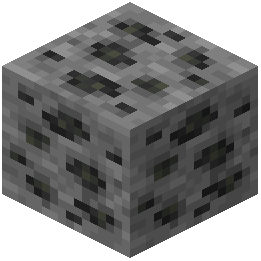 Coal Ore
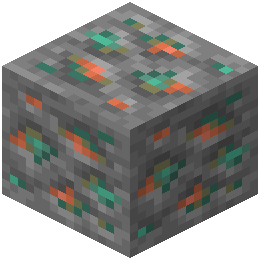 Copper Ore
D
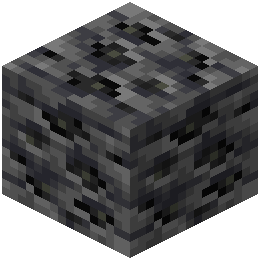 Deepslate Coal Ore
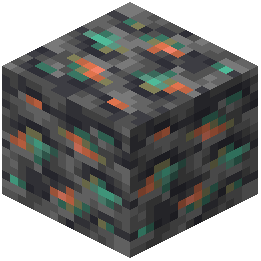 Deepslate Copper Ore
 Deepslate Diamond Ore
 Deepslate Emerald Ore
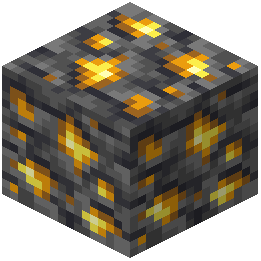 Deepslate Gold Ore
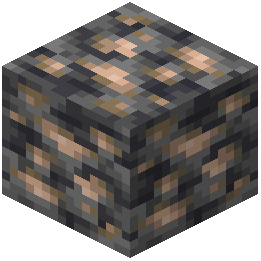 Deepslate Iron Ore
 Deepslate Lapis Lazuli Ore
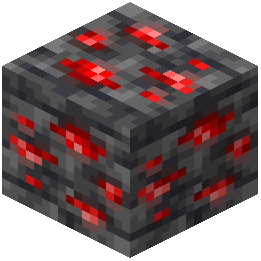 Deepslate Redstone Ore
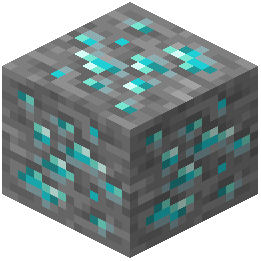 Diamond Ore
E
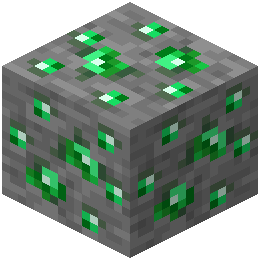 Emerald Ore
G
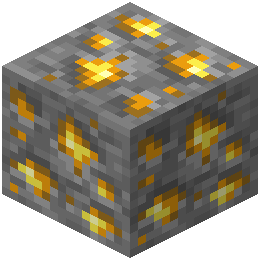 Gold Ore
I
 Infested Chiseled Stone Bricks
 Infested Cobblestone
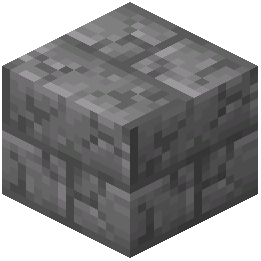 Infested Cracked Stone Bricks
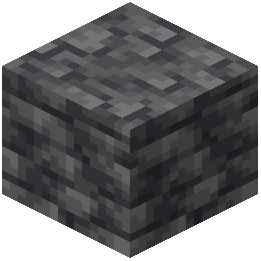 Infested Deepslate
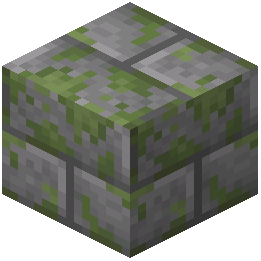 Infested Mossy Stone Bricks
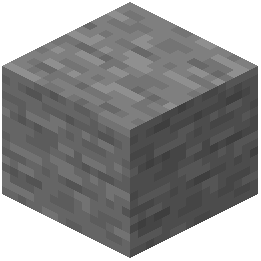 Infested Stone
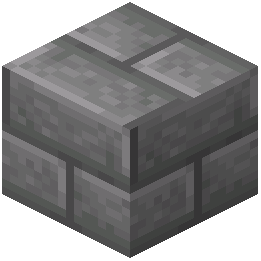 Infested Stone Bricks
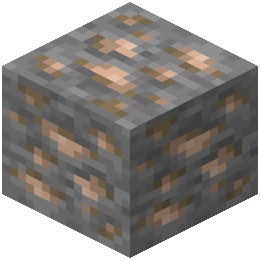 Iron Ore
J
 Jack o'Lantern
L
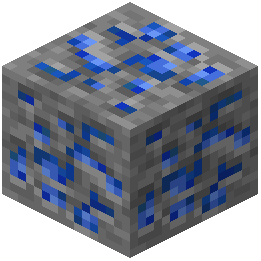 Lapis Lazuli Ore
 Large Amethyst Bud
M
 Medium Amethyst Bud
 Monster Spawner
N
 Nether Gold Ore
 Nether Quartz Ore
 Note Block
P
 Powder Snow
R
 Redstone Comparator
 Redstone Lamp
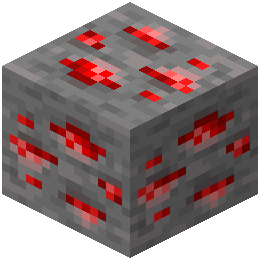 Redstone Ore
 Redstone Torch
S
 Small Amethyst Bud
T
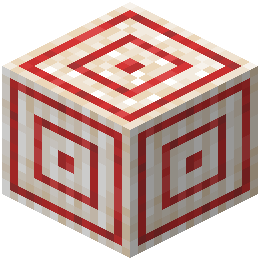 Target
 Tripwire
What this pack changes
Every texture group the pack replaces, counted from the pack itself.
| Area | Textures replaced |
|---|---|
| Blocks | 638 |
| Items | 504 |
| GUI & menus | 3 |
| Misc | 2 |
| Mobs & entities | 1 |
Pack format 42–999 (Minecraft 1.21.4–1.21.9)1,148 texture files in total
Extra features
Custom block/item models
Reworked GUI
Frequently asked questions
How do I turn on the redstone energy displays on wires?
The displays are part of the resource pack itself, so they appear automatically once the pack is enabled and applied in your resource pack settings. If you don't see them, make sure the pack is at the top of your active packs list and that you're not running a conflicting redstone pack above it.
Why aren't the energy numbers showing on my redstone dust?
The pack only renders overlays on redstone dust that is actually part of a powered or signal-carrying line, and the display can be hidden if another resource pack overrides the redstone dust texture. Move XK Redstone Display above other packs, or remove packs that also edit redstone dust.
How do I tell which way a hopper is facing?
How can I tell a dropper from a dispenser at a glance?
Each block gets its own distinct facing indicator, so you can read the output direction without opening the GUI. The indicator points toward the block or direction the item will be ejected.
How do I know if a piston is sticky or regular?
The pack adds a clear visual difference on every surface of the piston, so sticky pistons are distinguishable from regular pistons even when viewed from the side or back. Look at the piston head texture rather than relying on the front face alone.
How do I read an observer's direction and state?
Observers display detailed indicators showing both which way they're facing and whether they're currently powered. Use the facing indicator to confirm the detection direction and the state indicator to see if it's outputting a signal.
How do I read note block tone and instrument?
Note blocks show a tone and timbre display so you can identify the current note and instrument without right-clicking repeatedly. This makes tuning note block songs much faster since you can see the pitch at a glance.
Does this pack work with other resource packs?
It works alongside most packs, but any pack that also edits redstone dust, pistons, observers, hoppers, droppers, dispensers, or note blocks can override its textures. Load XK Redstone Display above those packs to keep its indicators visible.
Will this resource pack hurt my FPS or performance?
Resource packs only change textures and models, so performance impact is minimal compared to mods that add logic. If you notice slowdowns, it's usually from other packs loaded alongside it rather than this one.
Do I need a mod loader or specific mod for this to work?
No, it's a resource pack, so it works on vanilla Minecraft as long as your game version matches the pack. Just enable it in Options under Resource Packs and make sure it's applied.
You May Also Like
Wikis that share the most with this one
Wikis on the same theme: redstone
 Bare Bones 2D Block Items Resource Pack
More resource pack wikis on the site
Xe 16x 13K Resource PackXali’s Potions 9minecraft Resource PackXalis Enhanced VanillaXali's Enchanted BooksX-Ray Vision Resource PackX-Ray Resource PackX-Ray Pluss Resource PackX Crosshair Shape Resource PackWynn Edits Dark Theme Wynncraft Resource PackWU Shuangcb’s Zombie Skin Resource PackWorld PIDS Pack MTR 4 JCM Resource PackWorld Border Variant Resource Pack
The most downloaded mods that have a wiki here
A few wikis from each of the other kinds
Gallery
12 images from the Xk Redstone Display Resource Pack page.


