

 DownloadSMP Basics Resource Pack
Get the files on 9Minecraft
Guides
Step-by-step, in-game.
Adjusting Texture Sharpness and ClarityUnderstanding the Pack's Visual Style SMP Basics Resource Pack refines vanilla textures to appear crisper without…Maintaining Consistency Across Long-Term WorldsWhy Consistency Matters for Survival In long-term survival and SMP worlds, visual consistency prevents decision…Optimizing HUD Readability During GameplayWhy HUD Clarity Matters SMP Basics refines the heads-up display—including hotbars, health indicators, and status…Troubleshooting Texture Glitches and Rendering IssuesCommon Rendering Problems Occasionally, textures may appear corrupted, misaligned, or fail to load properly. These…
Frequently asked questions
How do I install this resource pack?
Download the pack file, open your Minecraft launcher, go to Resource Packs, click Open Pack Folder, and drag the downloaded file into that folder. Restart Minecraft and select SMP Basics from your resource pack list in Settings.
Will this work on my SMP server?
Yes, resource packs are client-side only, so every player can use it independently without server modifications or permission. Each player installs it locally and sees the improved textures on their own screen.
Does SMP Basics change how items look in my inventory?
Yes, the pack refines item textures to be crisper and more consistent with the overall vanilla style, making them easier to identify at a glance during gameplay.
Can I use this with other resource packs?
You can stack multiple packs in your resource pack list, but if two packs modify the same textures, the one higher in your list takes priority. For best results, place SMP Basics where you want its textures to show through.
See all 10 SMP Basics questions ›
Gallery
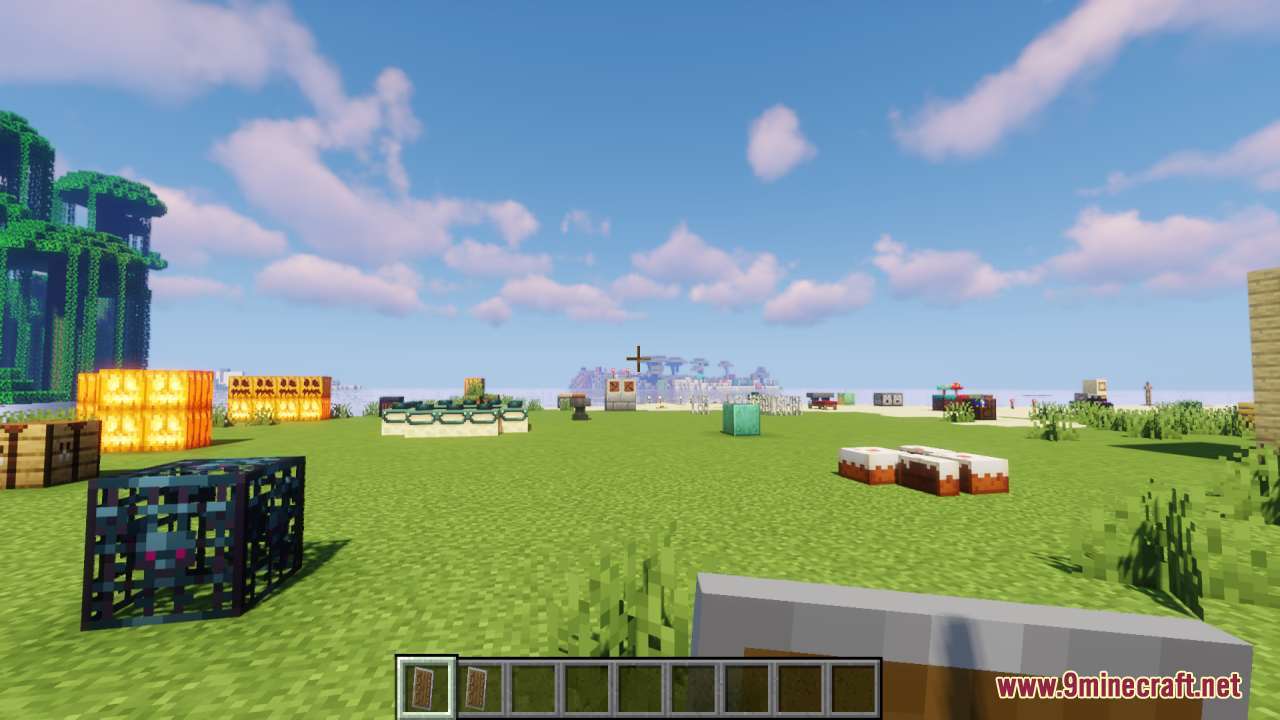
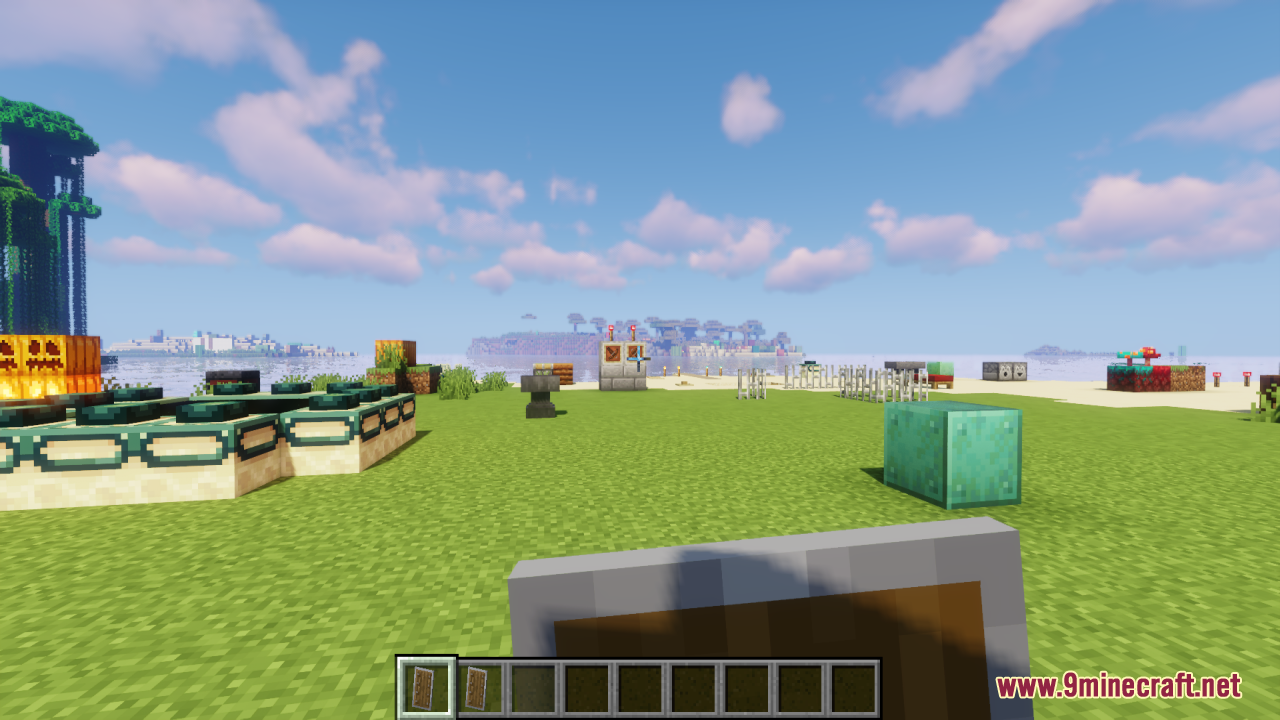
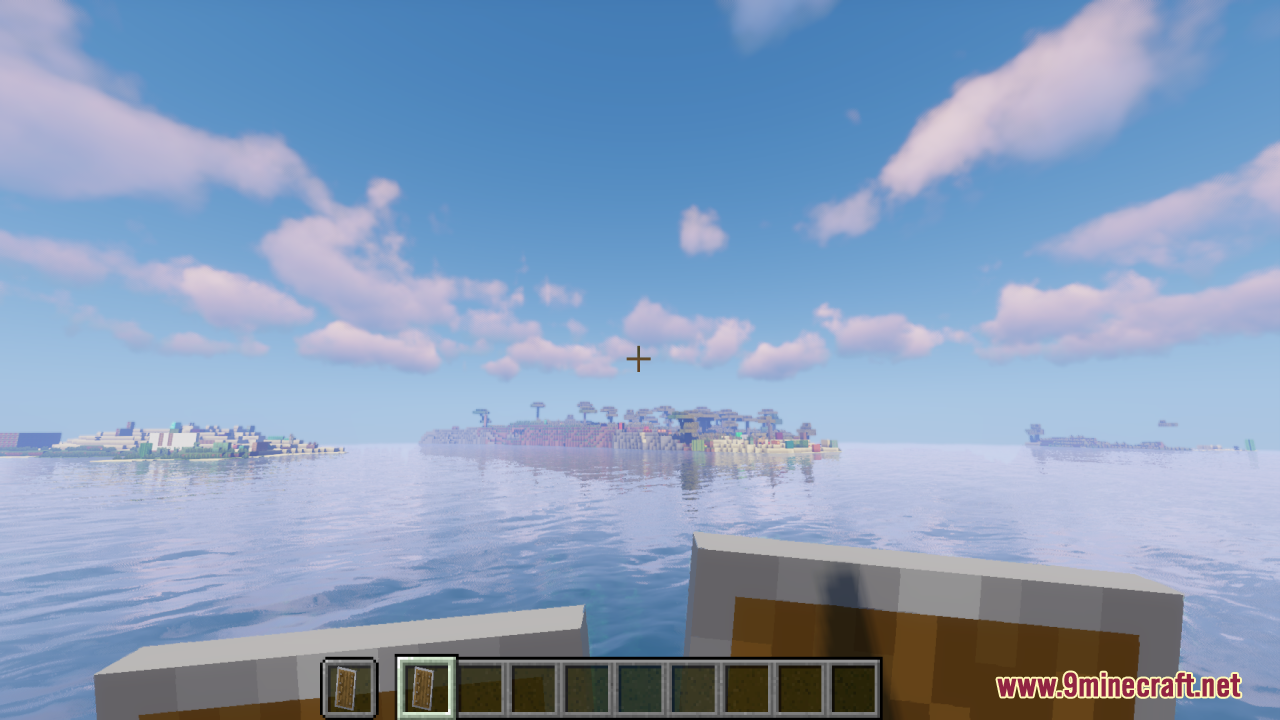
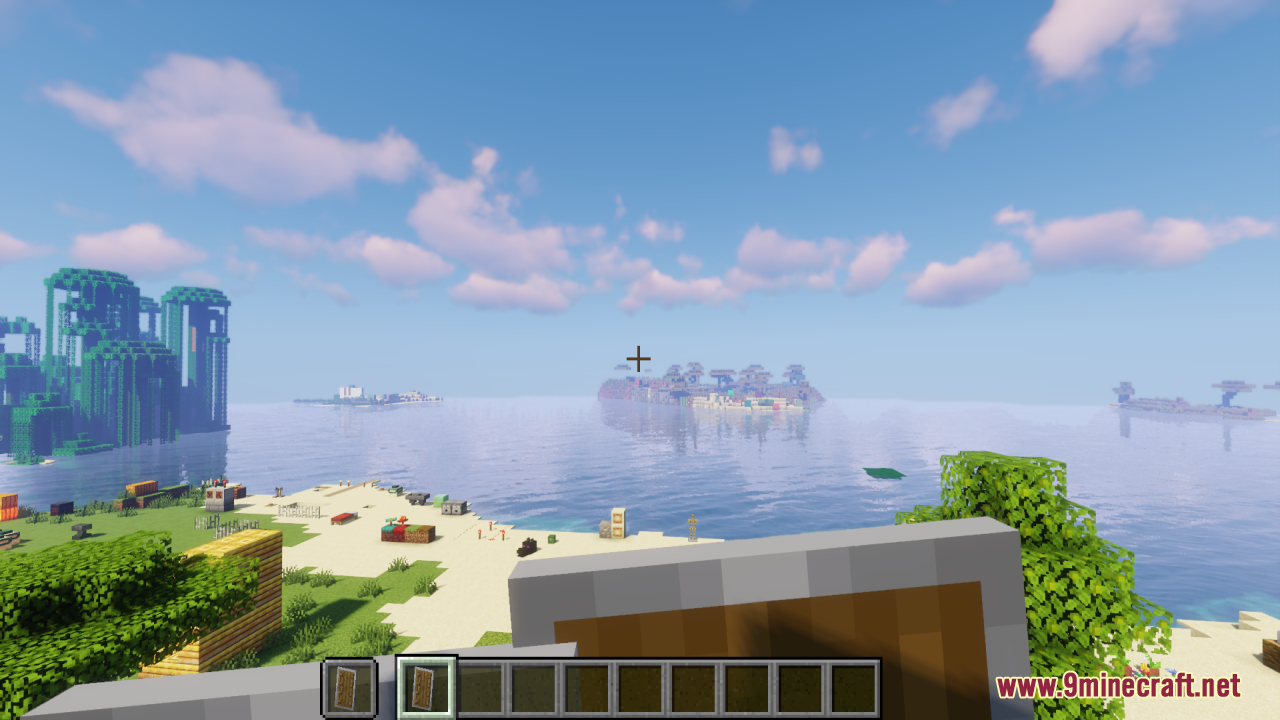
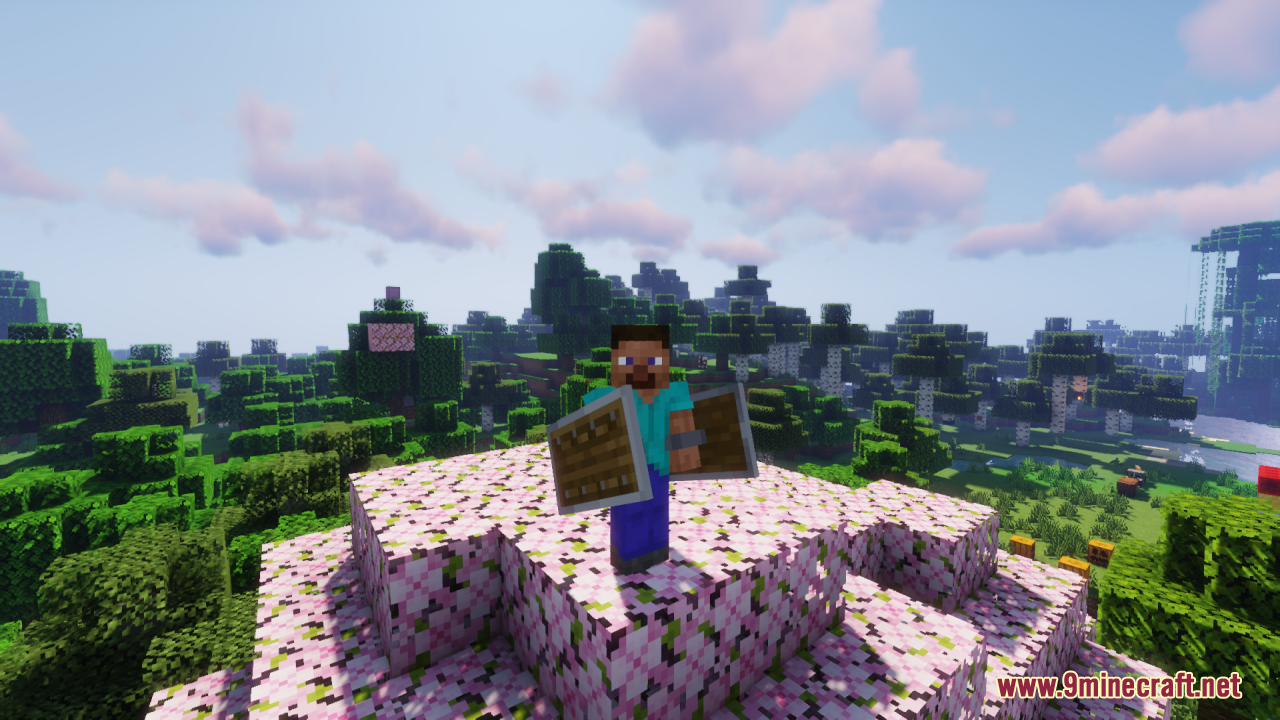
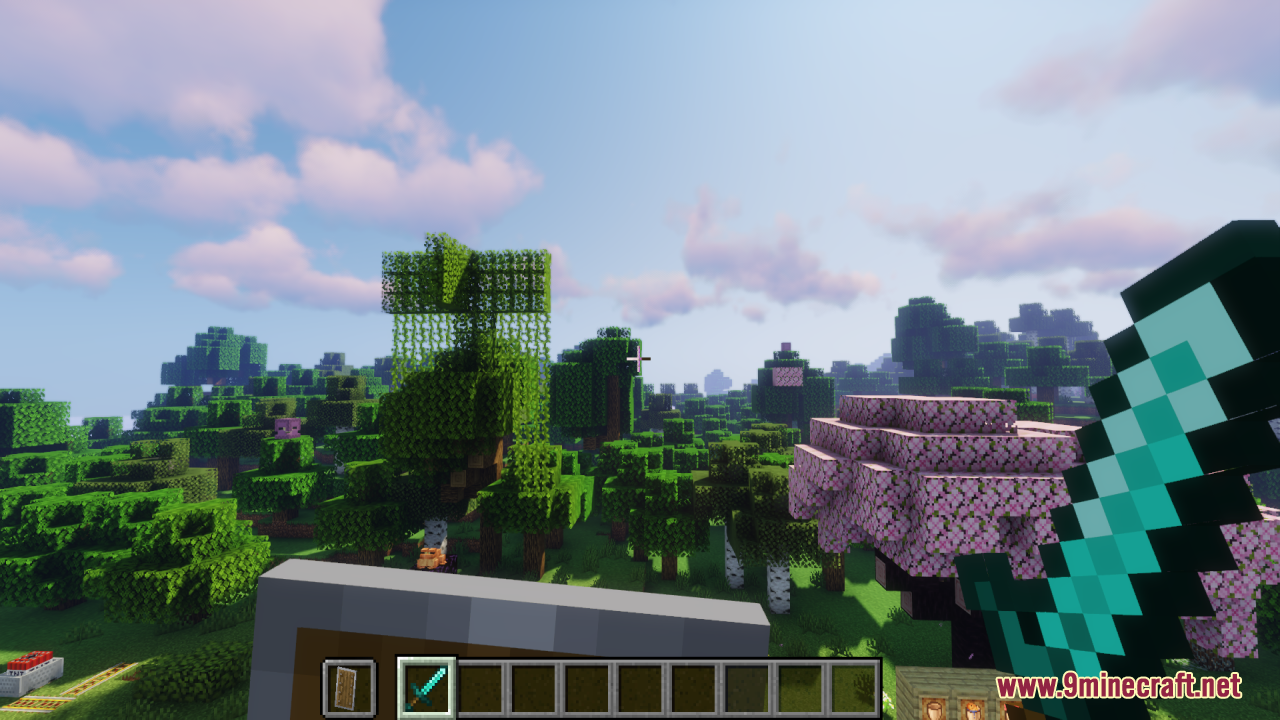
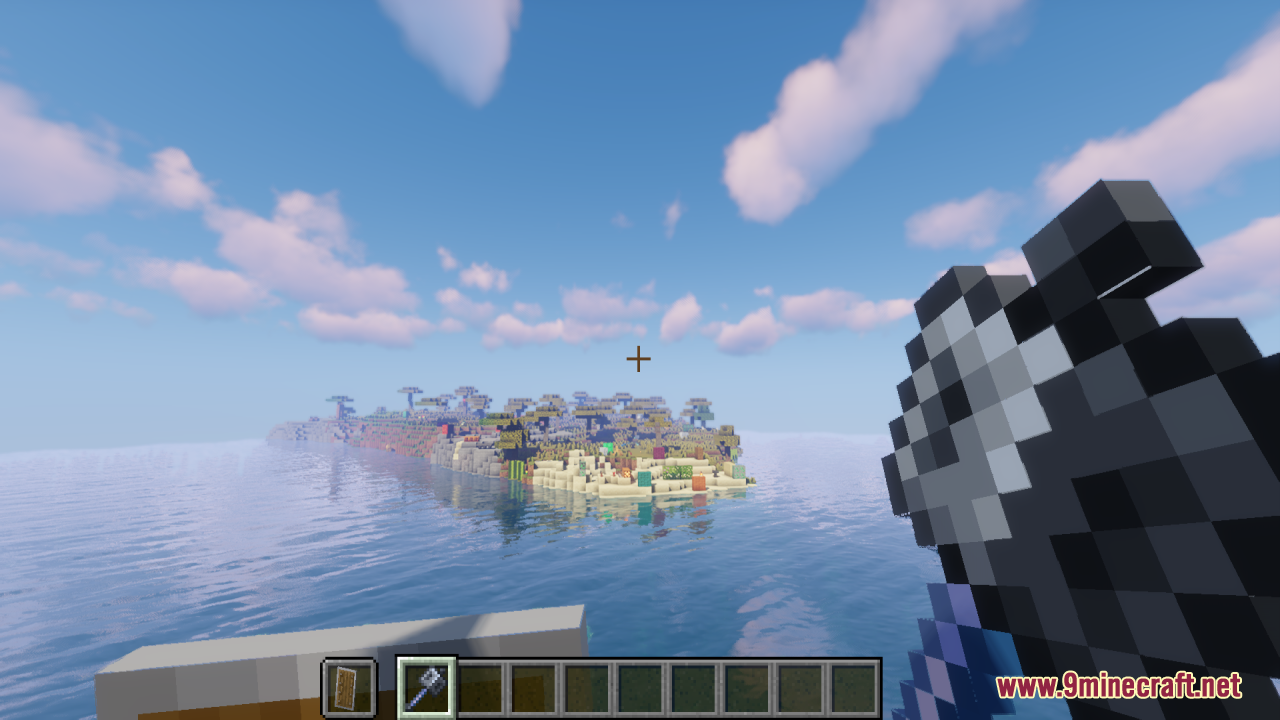
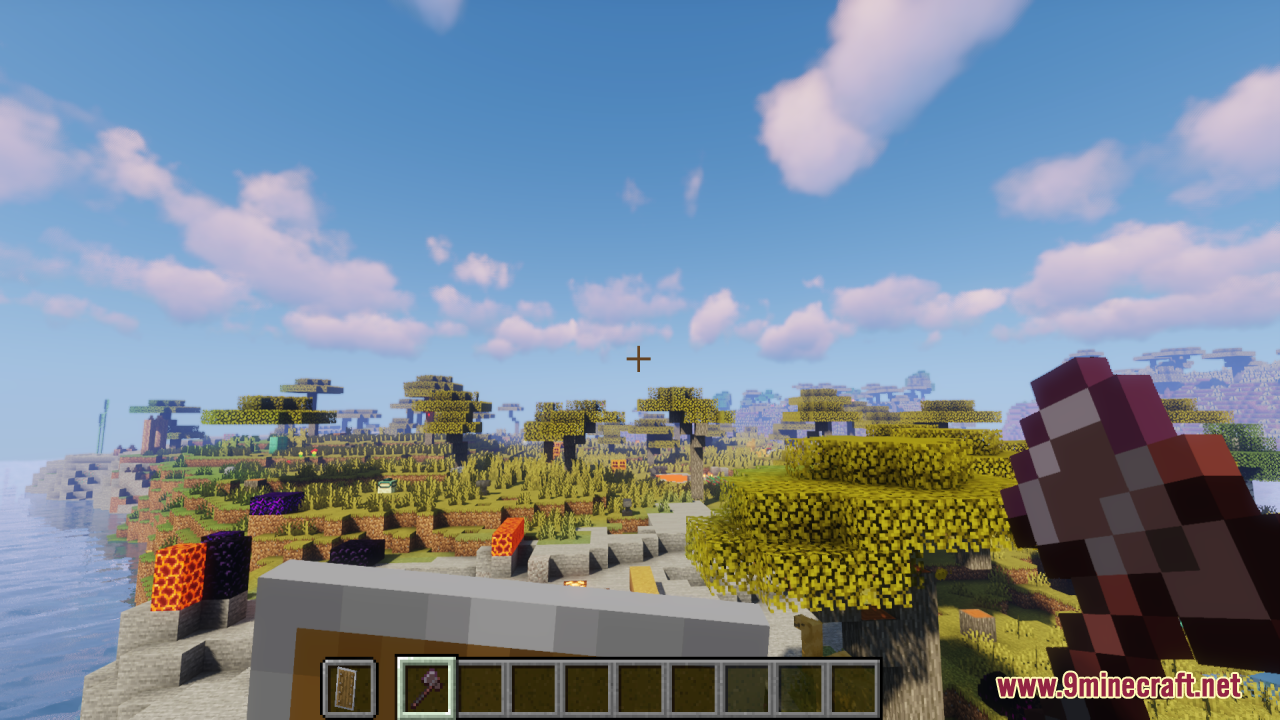
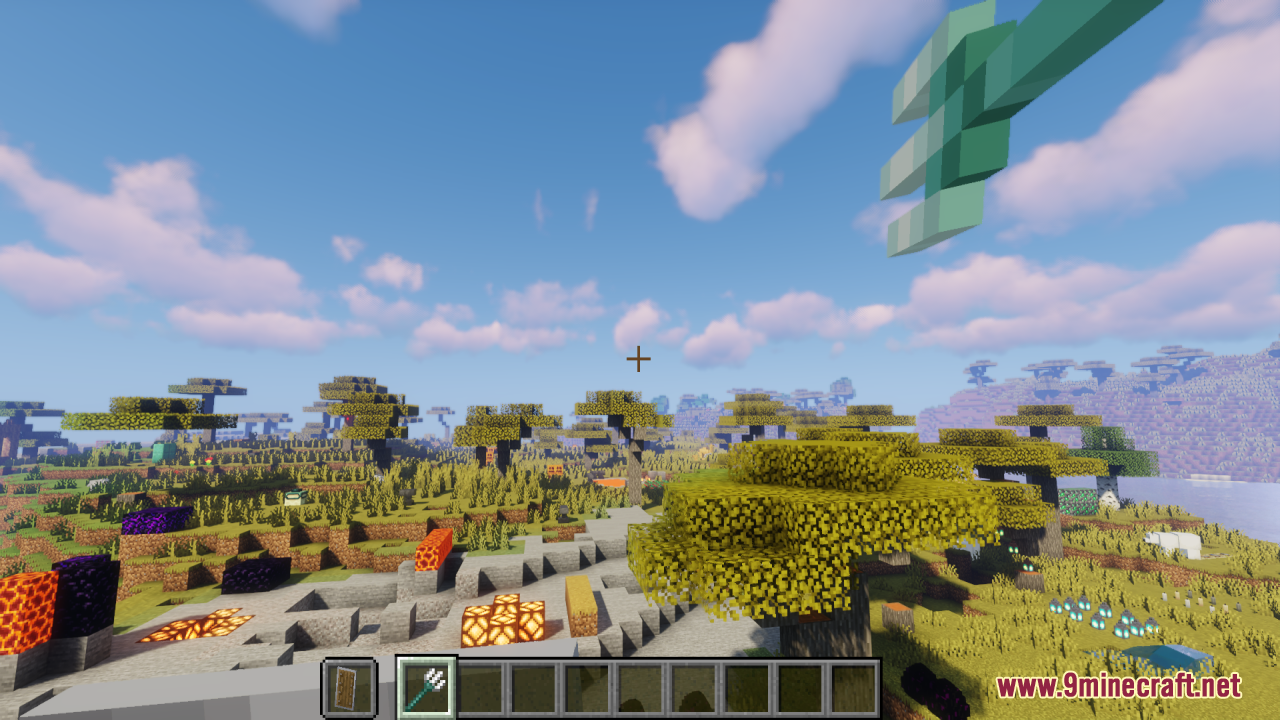
12 images from the Smp Basics Resource Pack page.


You May Also Like
Wikis that share the most with this one
Wikis on the same theme: build
More resource pack wikis on the site
Smoothies Pvp Essentials Resource PackSmooth Pvp Overlay Resource PackSmooth Glass Resource Pack Smooth FontSmooth Drawers Resource PackSmooth Bow Animations Resource PackSmart Boost Resource PackSmaller Totems Resource PackSmaller Totem Resource PackSmaller Handhelds Resource PackSmall X Crosshair Resource Pack
 Small Utills Resource Pack
Smooth FontSmooth Drawers Resource PackSmooth Bow Animations Resource PackSmart Boost Resource PackSmaller Totems Resource PackSmaller Totem Resource PackSmaller Handhelds Resource PackSmall X Crosshair Resource PackSmall Utills Resource PackThe most downloaded mods that have a wiki here
A few wikis from each of the other kinds