

 DownloadSmall X Crosshair Resource Pack
Get the files on 9Minecraft
Guides
Step-by-step, in-game.
Customize the Crosshair Size and ColorLocating the Crosshair Texture File The crosshair appearance is controlled by texture files within the resource pack.…Disable the Crosshair for Specific ActivitiesWhen You Might Want No Crosshair Some players prefer removing the crosshair during building, exploration, or creative…Make the Crosshair More Visible in Bright EnvironmentsThe Visibility Problem Small, thin crosshairs can disappear against bright skies or light-colored blocks, making…Switch Between Different Crosshair StylesUnderstanding Resource Pack Variants If the Small X Crosshair pack includes multiple crosshair style options, they…
Frequently asked questions
How do I apply this resource pack to my game?
Place the resource pack file in your resourcepacks folder, then open the Resource Packs menu in Settings and move it from Available to Active. The crosshair will update immediately on your next world load.
Can I make the X crosshair bigger or smaller?
Yes, you can customize the crosshair size by editing the texture file in the resource pack or using the pack's configuration options if available. Refer to the Customize the Crosshair Size and Color guide for detailed steps.
How do I change the crosshair color?
You can modify the crosshair color by editing the texture file within the resource pack folder or adjusting color settings in the pack's config. The Customize the Crosshair Size and Color guide walks through the process.
Does this pack work with other resource packs?
Resource packs stack based on their load order in your Resource Packs menu—place this pack higher in the list to prioritize its crosshair over others. If conflicts occur, you may need to merge the packs or adjust their order.
See all 10 Small X Crosshair questions ›
Gallery
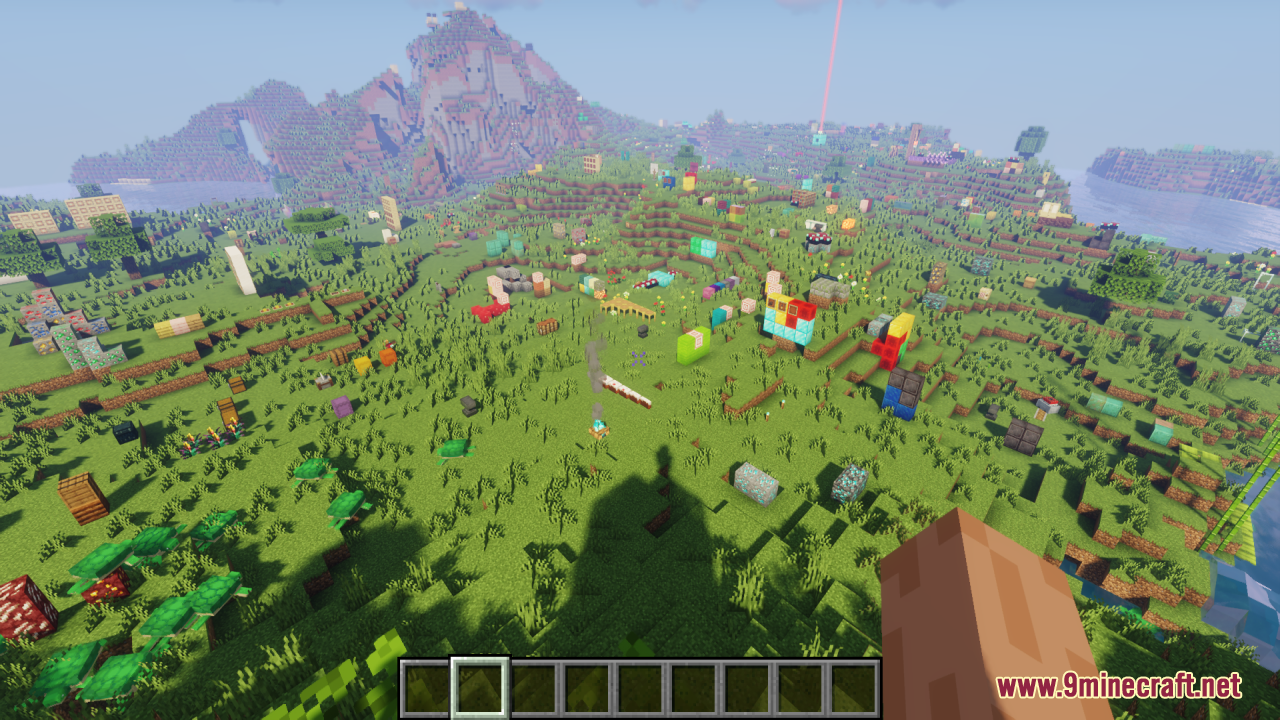
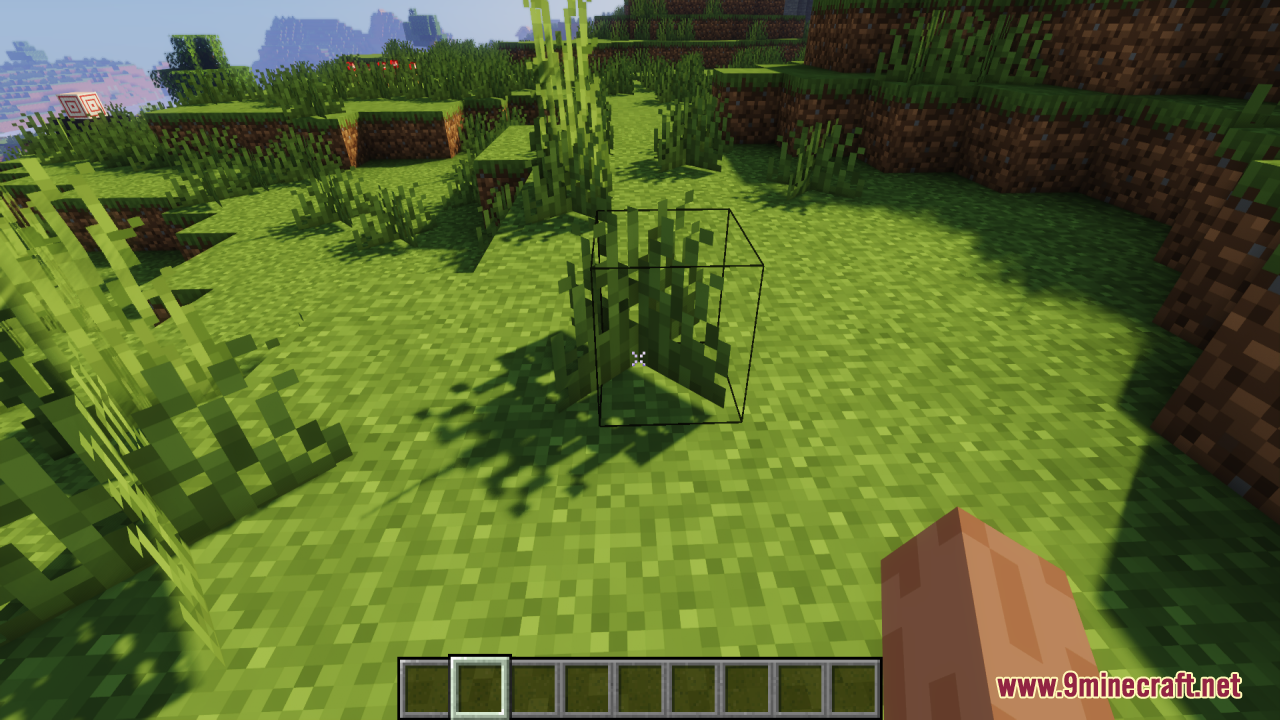
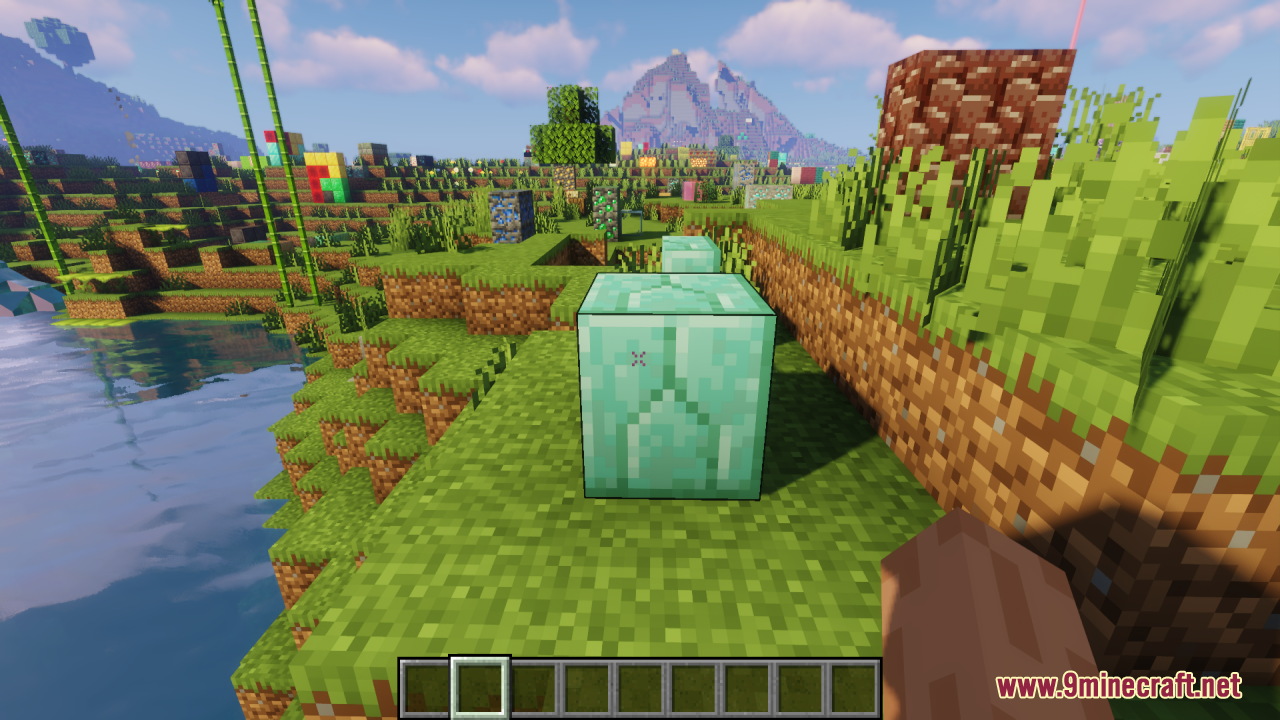
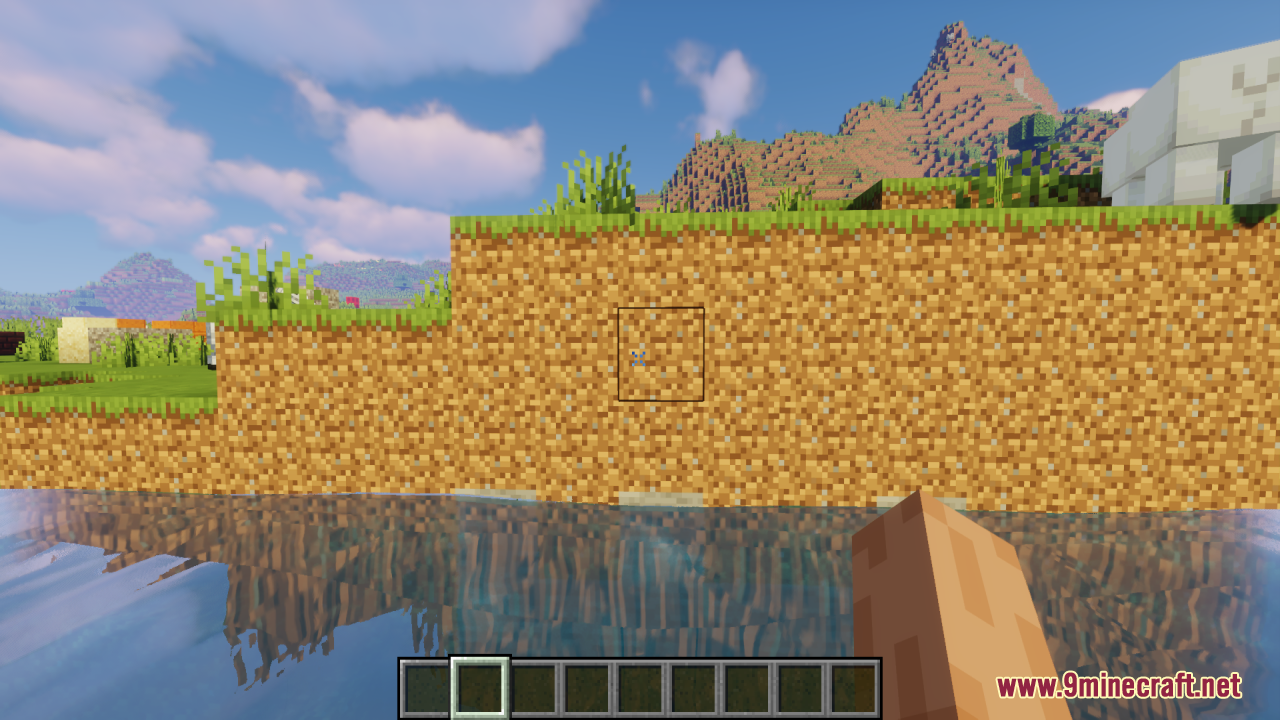
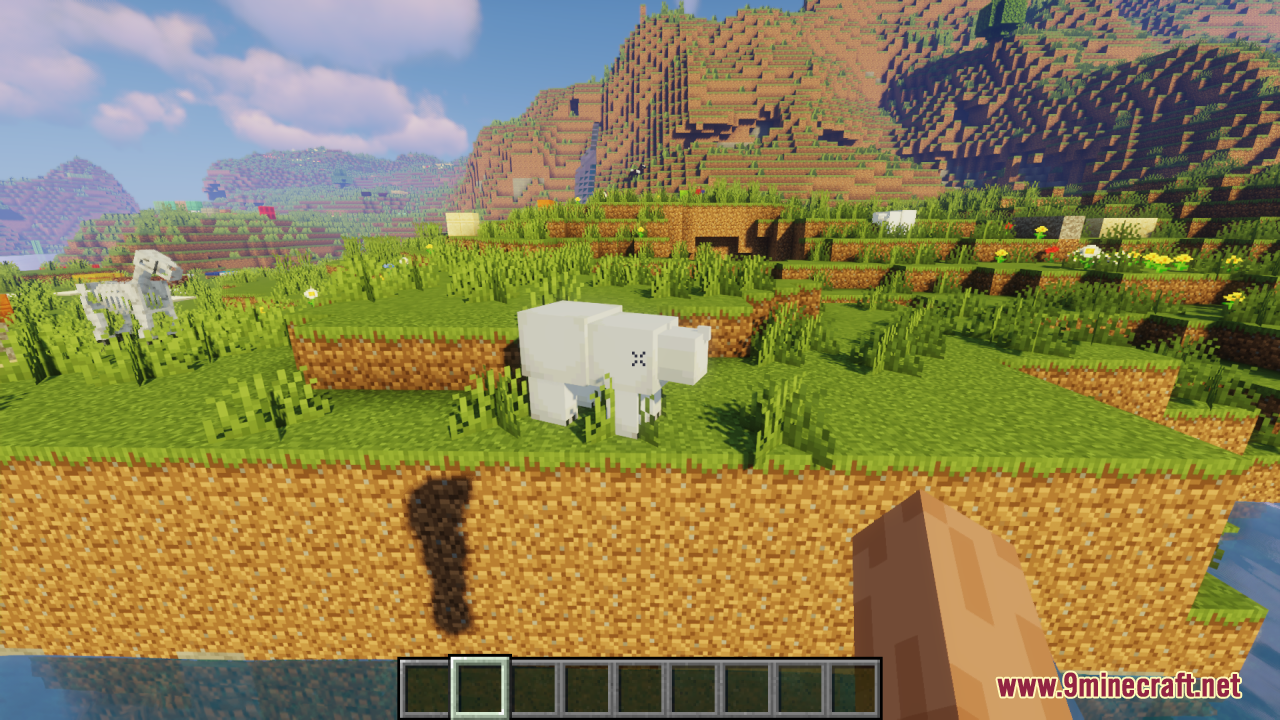
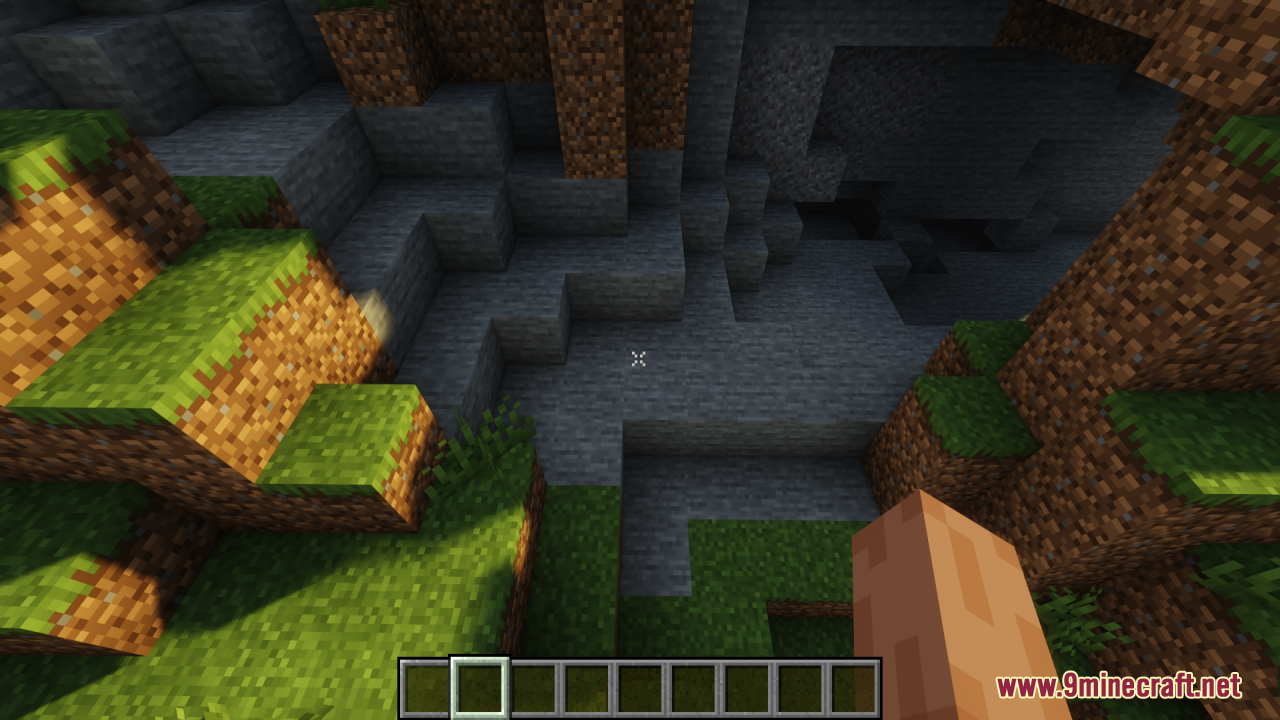
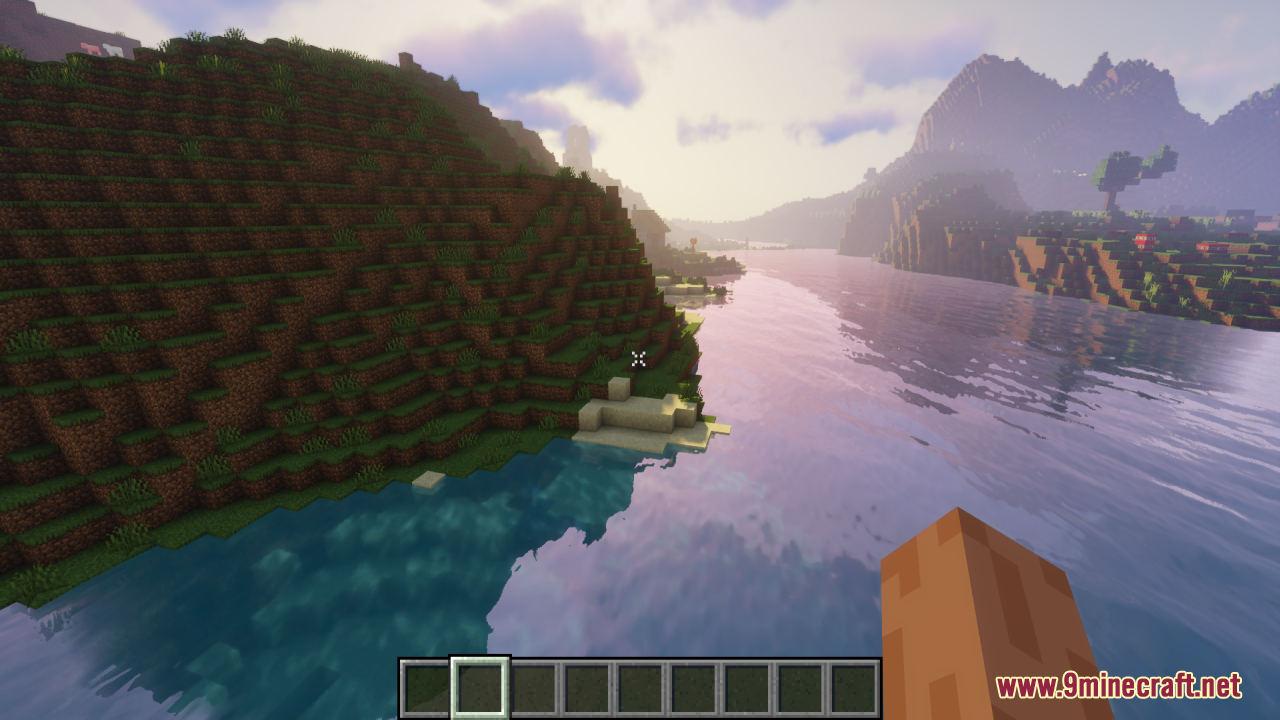
11 images from the Small X Crosshair Resource Pack page.
You May Also Like
Wikis that share the most with this one
More resource pack wikis on the site
 Small Utills Resource PackSmall Totem Pop Resource PackSmall Swords Resource PackSmall Swords Hani Resource PackSmall Shield & Totem Resource PackSmall Items+ Resource PackSmall Held Items Resource PackSmall Hand Tools Resource PackSlim Fire Resource PackSlightly Improved Font Resource PackSleek Commuter Textures Resource PackSkyblock Dark UI Resource Pack
The most downloaded mods that have a wiki here
A few wikis from each of the other kinds