

 DownloadSmooth Pvp Overlay Resource Pack
Get the files on 9Minecraft
Contents (8)
Guides
Step-by-step, in-game.
Adjust GUI Opacity to Your PreferenceAccess Resource Pack Settings The Smooth PvP Overlay Resource Pack applies transparency to your interface by default,…Maintain Performance While Using Enhanced ClarityWhy This Pack Preserves Performance Smooth PvP Overlay uses the standard 16x vanilla resolution instead of…Optimize Sword Model Display for Better VisibilityHow Sword Models Are Modified The Smooth PvP Overlay Resource Pack adjusts sword models to take up less screen space,…Reduce Particle Clutter During CombatUnderstand Particle Removal The Smooth PvP Overlay Resource Pack removes or minimizes distracting particles that…
Items
 Bow
 Ender Pearl
 Netherite Sword
 Water Bucket
Blocks
C
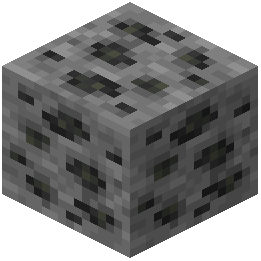 Coal Ore
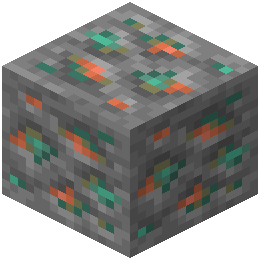 Copper Ore
D
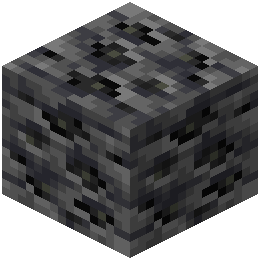 Deepslate Coal Ore
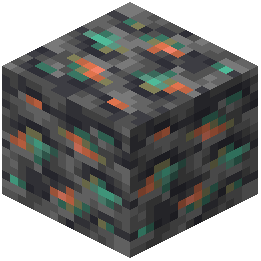 Deepslate Copper Ore
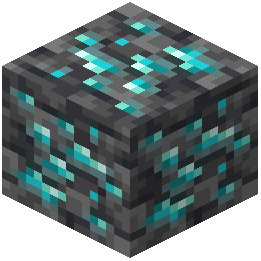 Deepslate Diamond Ore
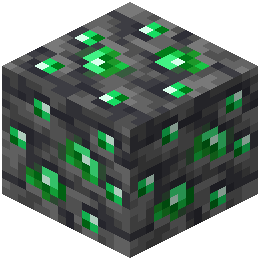 Deepslate Emerald Ore
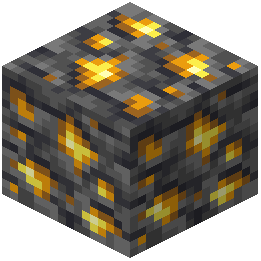 Deepslate Gold Ore
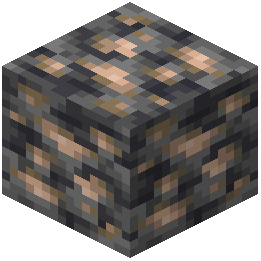 Deepslate Iron Ore
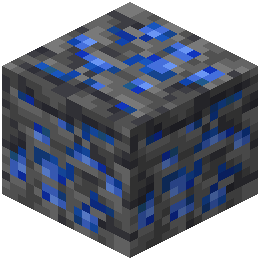 Deepslate Lapis Lazuli Ore
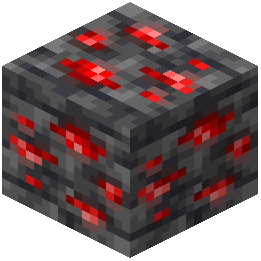 Deepslate Redstone Ore
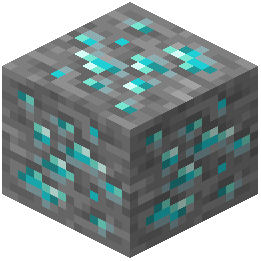 Diamond Ore
E
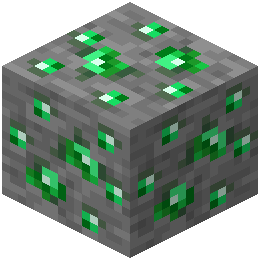 Emerald Ore
G
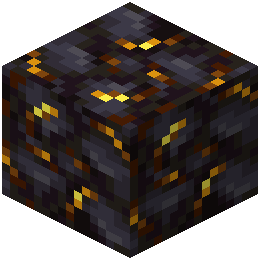 Gilded Blackstone
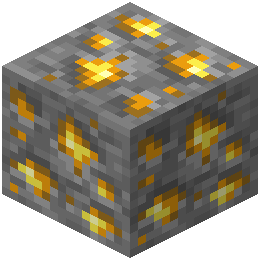 Gold Ore
I
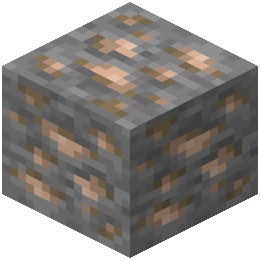 Iron Ore
L
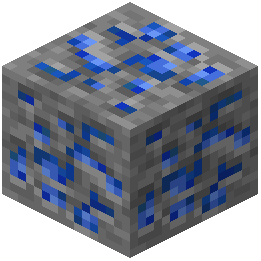 Lapis Lazuli Ore
N
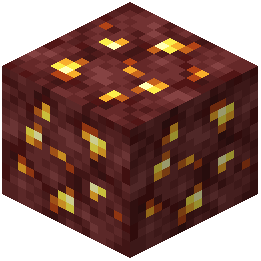 Nether Gold Ore
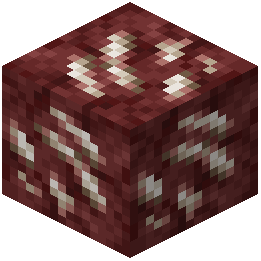 Nether Quartz Ore
R
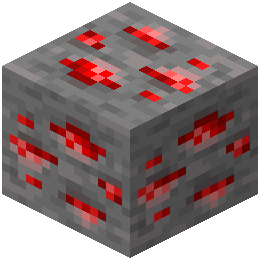 Redstone Ore
What this pack changes
Every texture group the pack replaces, counted from the pack itself.
| Area | Textures replaced |
|---|---|
| Particles | 143 |
| GUI & menus | 142 |
| Blocks | 41 |
| Items | 14 |
| Misc | 6 |
| Mobs & entities | 2 |
Pack format 15–75 (Minecraft 1.20–1.21.9)348 texture files in total
Extra features
Custom block/item models
Reworked GUI
Frequently asked questions
How do I enable the resource pack after downloading it?
Open your Resource Packs folder in your Minecraft settings, place the pack file there, then select it from the available packs list and move it to the active side. You'll see the changes take effect immediately in your next game session.
Can I adjust how transparent the GUI is?
Yes, you can customize GUI opacity by editing the pack's configuration files or through your Minecraft video settings depending on your version. The guide 'Adjust GUI Opacity to Your Preference' walks through the specific steps for your setup.
Will this pack work with other resource packs?
Resource packs stack based on load order, so you can use this alongside others, but conflicting packs (those that also modify particles or sword models) may override each other. Place this pack higher in your resource pack list if you want its features to take priority.
Does this affect my FPS or cause lag?
No, this pack actually improves performance by removing particles and simplifying visuals rather than adding complexity. It maintains the standard 16x resolution, so it runs smoothly on most systems.
Why can't I see my sword in first-person view?
The pack intentionally reduces the sword model size to minimize screen clutter during combat. If you want to see it more clearly, you can adjust the sword model scale in the pack's configuration files.
Can I turn off just the particle removal and keep other features?
Yes, you can selectively disable features by editing the resource pack's JSON files to toggle specific modifications like particle removal while keeping GUI transparency and sword adjustments active.
Does this work in multiplayer servers?
Yes, resource packs are client-side only, so servers won't block you from using this pack. Other players won't see your visual changes, and you'll maintain full compatibility with any server.
What particles does this pack remove?
The pack removes common distracting particles like attack effects, block breaking, and spell visuals that clutter your view during fast combat. It keeps essential particles like damage indicators so you can still track hits.
Will this pack work with my Minecraft version?
This pack is designed for standard vanilla Minecraft at 16x resolution, so it works with most recent versions. Check the pack's compatibility information to confirm it supports your specific version.
How do I revert to normal visuals if I don't like the changes?
Simply deactivate the resource pack in your Resource Packs menu and move it back to the inactive side, then restart your game. Your default Minecraft visuals will return immediately.
You May Also Like
Wikis that share the most with this one
 Smooth Font
Wikis on the same theme: ore
More resource pack wikis on the site
Smooth Glass Resource PackSmooth Drawers Resource PackSmooth Bow Animations Resource PackSmart Boost Resource PackSmaller Totems Resource PackSmaller Totem Resource PackSmaller Handhelds Resource PackSmall X Crosshair Resource Pack Small Utills Resource PackSmall Totem Pop Resource PackSmall Swords Resource PackSmall Swords Hani Resource Pack
The most downloaded mods that have a wiki here
A few wikis from each of the other kinds
Gallery
11 images from the Smooth Pvp Overlay Resource Pack page.


