

 DownloadSmoothies Pvp Essentials Resource Pack
Get the files on 9Minecraft
Contents (8)
Guides
Step-by-step, in-game.
Customize Your Armor Appearance While FightingApply Custom Armor Textures The resource pack includes updated armor textures and a cleaner enchantment shine effect.…Set Up Your PvP Hotbar for Maximum VisibilityOrganize Your Combat Items The resource pack shrinks held items to keep your screen clear during fights. To make the…Track Enemies Through Crystal and Anchor ExplosionsClear Your View During Explosive Combat The resource pack removes explosion smoke particles from crystal and respawn…Use the Custom Crosshair for Accurate TargetingActivate and Position Your Crosshair The resource pack includes a clean, custom crosshair designed for competitive…
Items
182 items · showing 24. Browse all →
 Allay Spawn Egg
 Amethyst Shard
 Axolotl Spawn Egg
 Bat Spawn Egg
 Bee Spawn Egg
 Blaze Rod
 Blaze Spawn Egg
 Bottle o' Enchanting
 Bow
 Brewing Stand
 Bucket
 Bucket of Axolotl
 Bucket of Cod
 Bucket of Pufferfish
 Bucket of Salmon
 Bucket of Tadpole
 Bucket of Tropical Fish
 Camel Spawn Egg
 Campfire
 Cat Spawn Egg
 Cave Spider Spawn Egg
 Chicken Spawn Egg
 Chorus Fruit
 Cod Spawn Egg
Blocks
68 blocks · showing 24. Browse all →
 Amethyst Cluster
 Attached Melon Stem
 Attached Pumpkin Stem
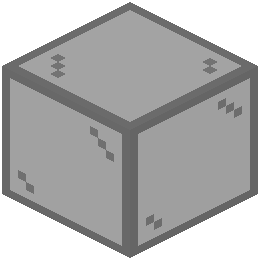 Black Stained Glass
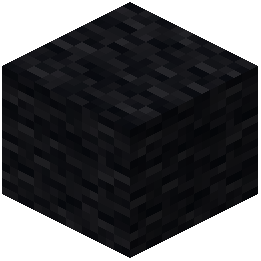 Black Wool
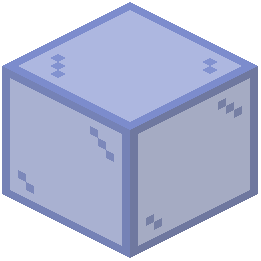 Blue Stained Glass
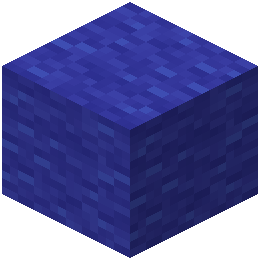 Blue Wool
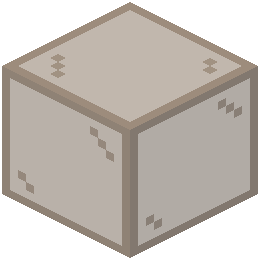 Brown Stained Glass
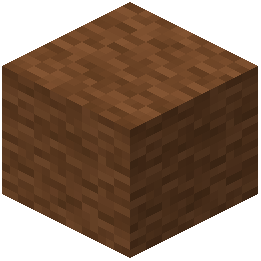 Brown Wool
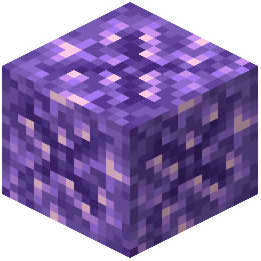 Budding Amethyst
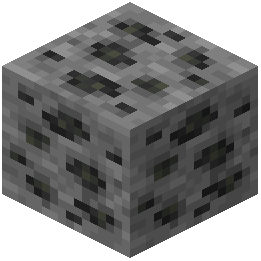 Coal Ore
 Cobweb
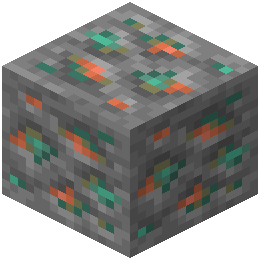 Copper Ore
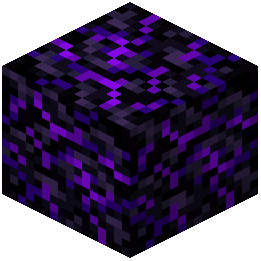 Crying Obsidian
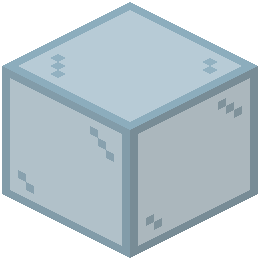 Cyan Stained Glass
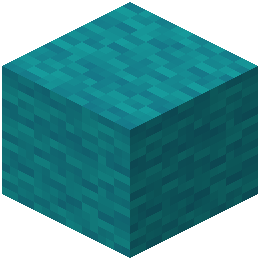 Cyan Wool
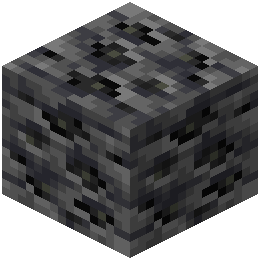 Deepslate Coal Ore
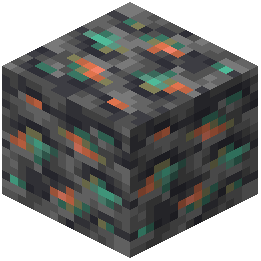 Deepslate Copper Ore
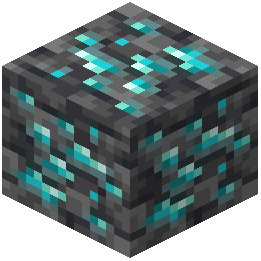 Deepslate Diamond Ore
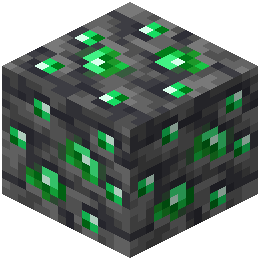 Deepslate Emerald Ore
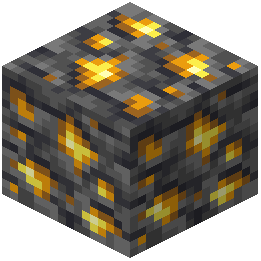 Deepslate Gold Ore
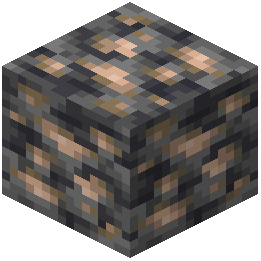 Deepslate Iron Ore
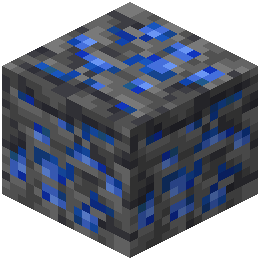 Deepslate Lapis Lazuli Ore
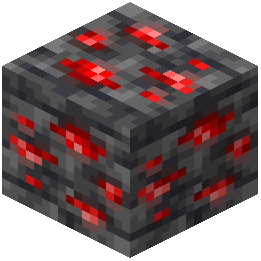 Deepslate Redstone Ore
What this pack changes
Every texture group the pack replaces, counted from the pack itself.
| Area | Textures replaced |
|---|---|
| GUI & menus | 386 |
| Items | 352 |
| Blocks | 263 |
| Font | 230 |
| Particles | 203 |
| Mobs & entities | 17 |
| Sky & weather | 12 |
| Misc | 8 |
Pack format 75–99 (Minecraft 1.21.9)1 per-version overlays1,471 texture files in total
Extra features
Custom shaders
Custom font
Custom sounds
Sound overrides
Custom block/item models
Reworked GUI
Frequently asked questions
How do I enable the smaller held items feature?
The held item scaling is active by default once you apply the resource pack in your texture pack settings. If items still appear large, make sure the resource pack is positioned above any conflicting packs in your load order.
Why can't I see my shield or sword properly during combat?
This pack intentionally shrinks held items for better visibility—this is the core feature. If you want to see them at normal size, you'll need to use a different resource pack or disable this one.
Does this pack work with other PvP resource packs?
It can conflict with other packs that modify the same textures (armor, weapons, held items). Place this pack higher in your load order if you want its textures to take priority, or lower if you prefer another pack's visuals.
How do I use the custom crosshair?
The custom crosshair replaces your default one automatically when the pack is active. You can toggle it on or off in your Video Settings under Crosshair options if needed.
Will this pack affect my FPS or performance?
Resource packs have minimal performance impact since they only change visuals, not game logic. If you experience lag, it's likely from other mods or settings rather than this pack alone.
Does the explosion smoke removal work for all types of explosions?
The pack removes explosion particles primarily for crystal and respawn anchor blasts to help you track enemies. Standard TNT and creeper explosions may still show some effects depending on your particle settings.
Can I use this pack on multiplayer servers?
Yes, resource packs are client-side only and don't violate server rules. Your changes are only visible to you and won't affect other players.
What does the redstone dust signal number display do?
It shows the power level directly on redstone dust blocks so you can quickly verify trap configurations without needing to check comparators or other redstone components.
How do I see the custom sky textures?
The custom day and night skies work best when paired with a skybox mod. Without one, you'll see the standard Minecraft sky with this pack's other visual improvements.
Why does the totem of undying effect look different?
This pack reduces the totem pop animation size so it blocks less of your screen when triggered, letting you react faster to threats during combat.
You May Also Like
Wikis that share the most with this one
More resource pack wikis on the site
Smooth Pvp Overlay Resource PackSmooth Glass Resource Pack Smooth FontSmooth Drawers Resource PackSmooth Bow Animations Resource PackSmart Boost Resource PackSmaller Totems Resource PackSmaller Totem Resource PackSmaller Handhelds Resource PackSmall X Crosshair Resource Pack
 Small Utills Resource PackSmall Totem Pop Resource Pack
Smooth FontSmooth Drawers Resource PackSmooth Bow Animations Resource PackSmart Boost Resource PackSmaller Totems Resource PackSmaller Totem Resource PackSmaller Handhelds Resource PackSmall X Crosshair Resource PackSmall Utills Resource PackSmall Totem Pop Resource PackThe most downloaded mods that have a wiki here
A few wikis from each of the other kinds
Gallery
8 images from the Smoothies Pvp Essentials Resource Pack page.


