

 DownloadSmall Items+ Resource Pack
Get the files on 9Minecraft
Guides
Step-by-step, in-game.
Adjusting Item Scale for Different ActivitiesUnderstanding Scale Levels Small Items+ Resource Pack reduces held item and equipment size across the board, but you…Comparing Your Screen View Before and After InstallingVisual Differences You'll Notice Small Items+ makes several immediate changes to your screen layout: Held items…Ensuring Armor and Equipment Remain VisibleArmor Display with Small Items+ Small Items+ scales held items and equipment down uniformly. Your armor…Maintaining Visibility While Using Large ToolsWhy Large Tools Block Your View Vanilla Minecraft scales held items and weapons prominently on screen. Swords, axes,…
Frequently asked questions
How do I enable Small Items+ after installing it?
Small Items+ is a resource pack, so select it in your Resource Packs menu in-game (Options > Resource Packs) and move it to the Active list. You may need to restart your world or reload resources (F3 + T on Java) to see the changes take effect.
Why can't I see my sword/pickaxe clearly when holding it?
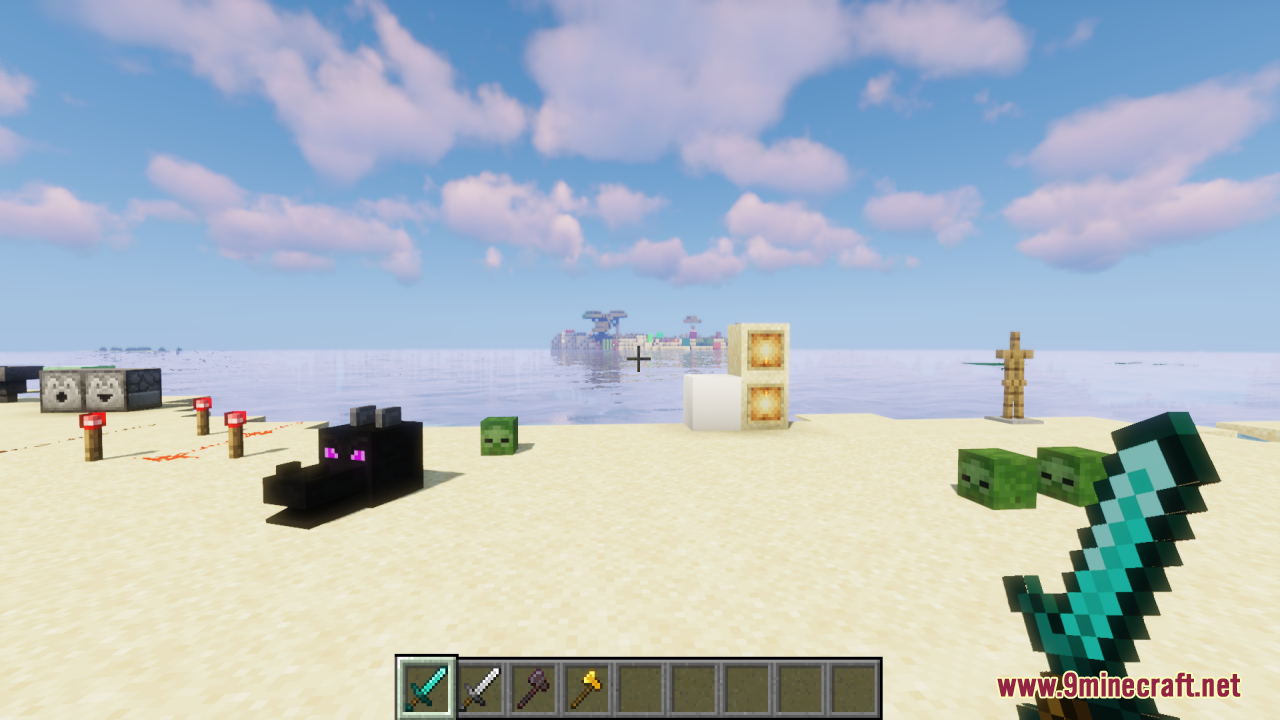
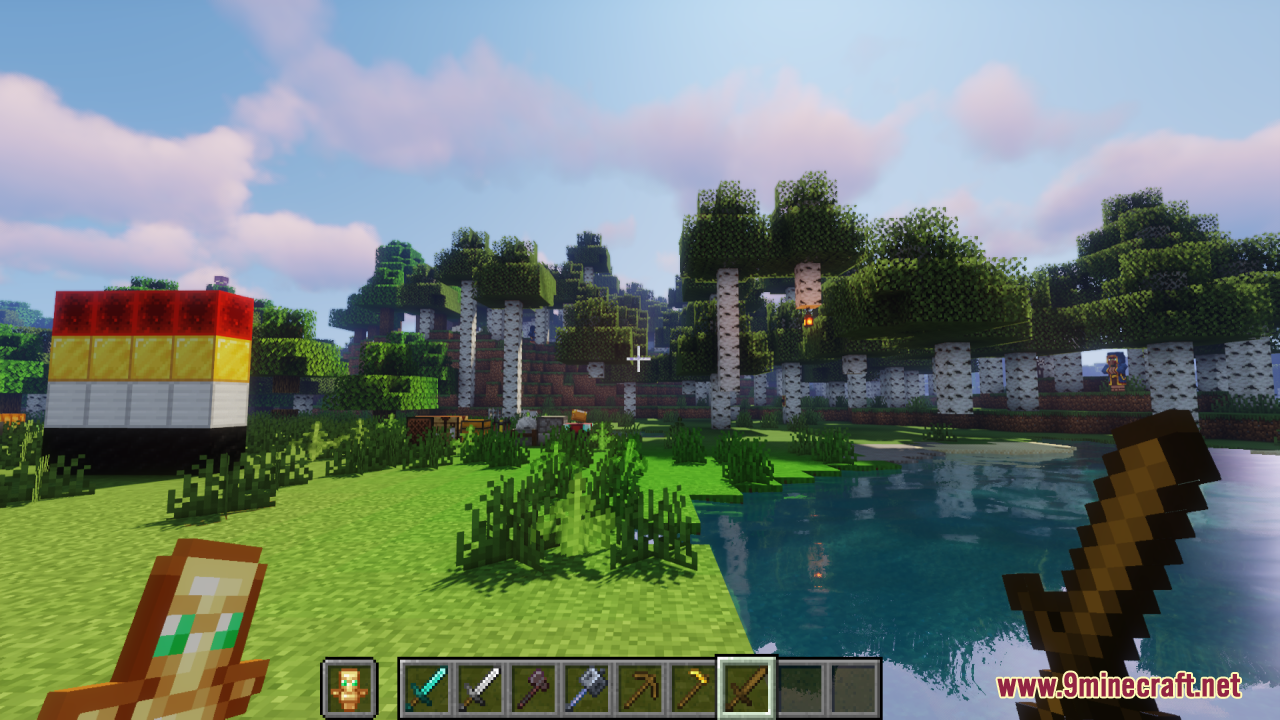
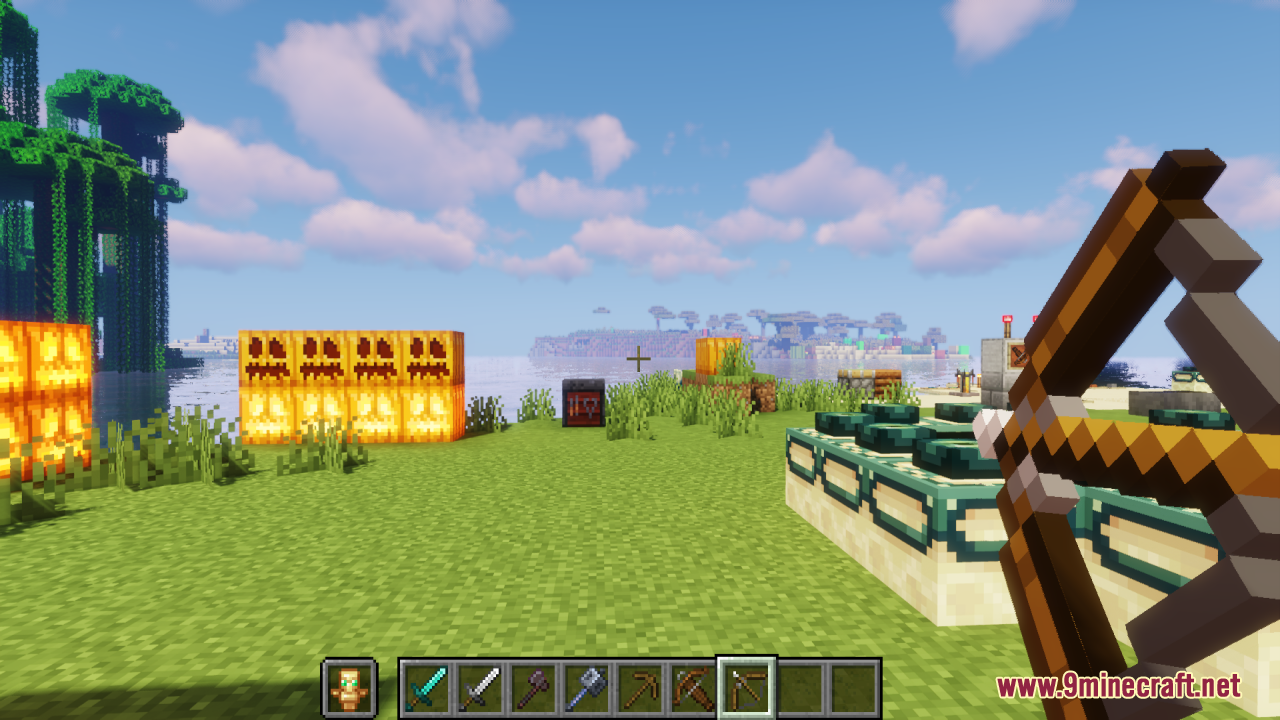
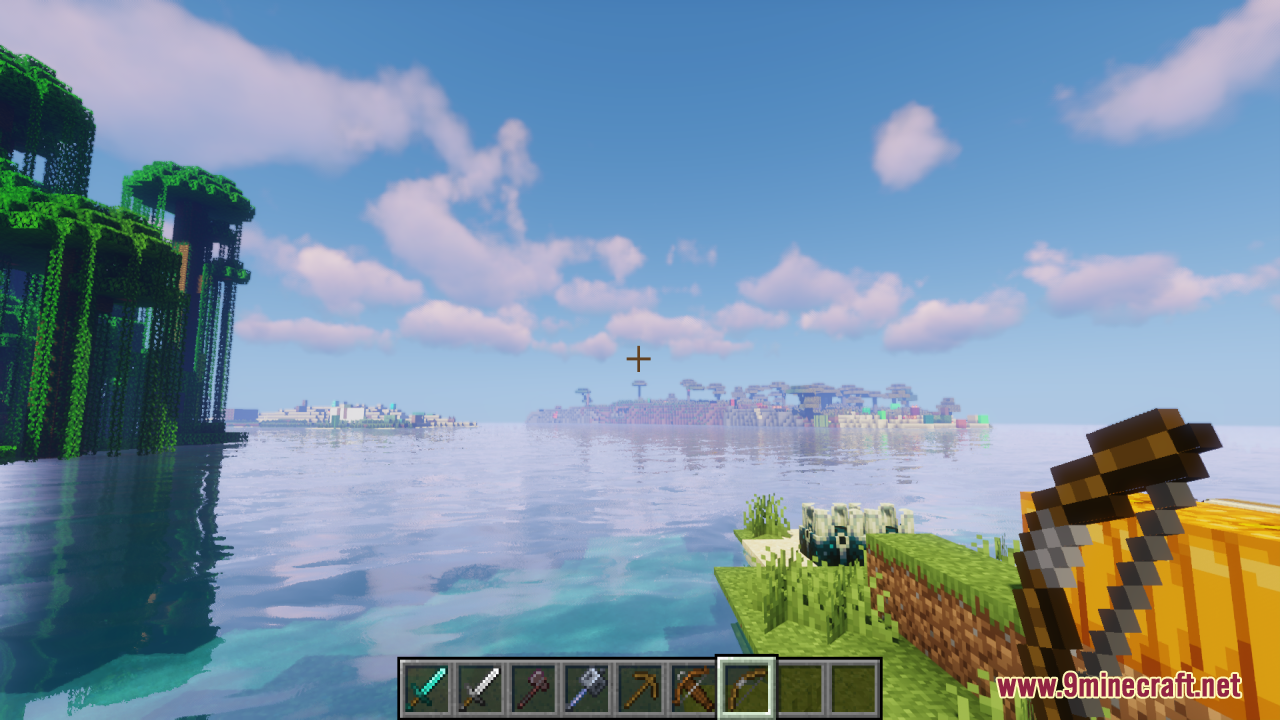
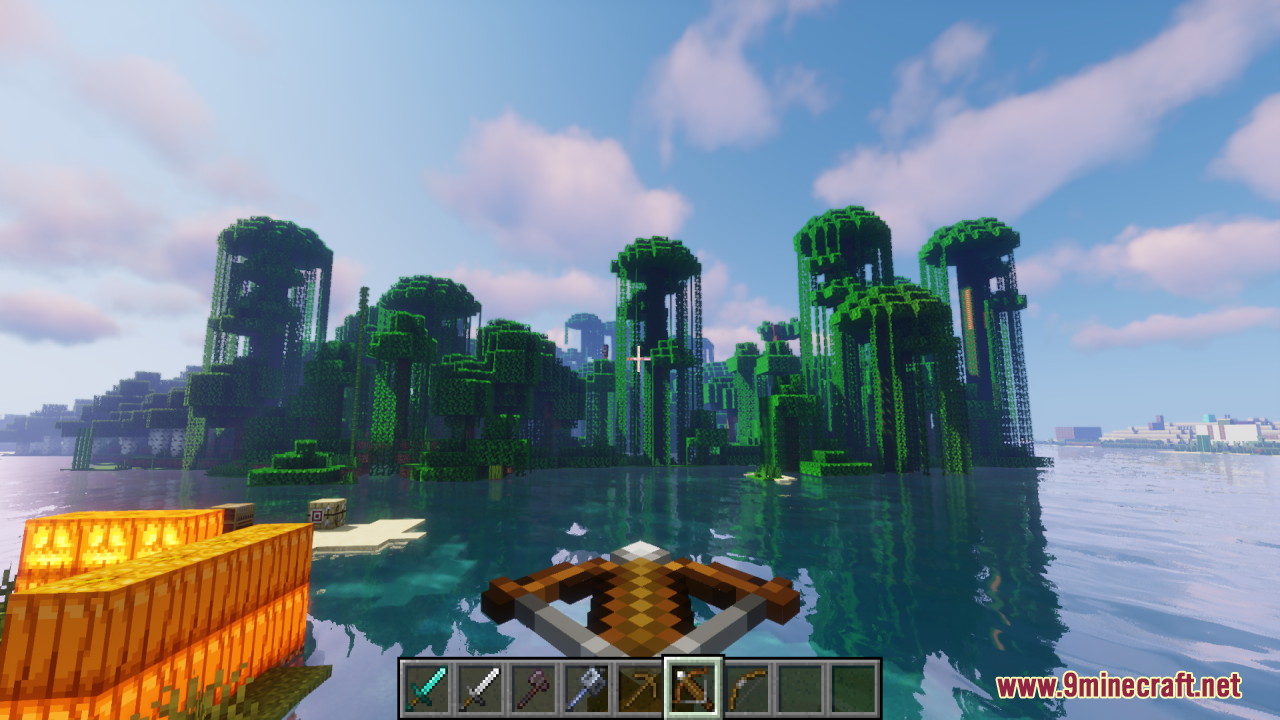
The resource pack scales down all held items to reduce screen clutter. If a tool becomes too small to see comfortably, you can adjust your FOV (field of view) in video settings or move the resource pack lower in your load order to let other packs override it partially.
Does Small Items+ work with other resource packs?
Yes, but placement in your resource pack load order matters—packs higher in the list override those below. If Small Items+ conflicts with another pack's item textures, try reordering them or using only one item-focused pack at a time.
Will this mod affect my armor visibility or make me harder to see in multiplayer?
Small Items+ only changes how items appear in your own hand and hotbar; armor on your character model and other players' appearances remain unchanged, so visibility in multiplayer is unaffected.
See all 10 Small Items+ questions ›
Gallery
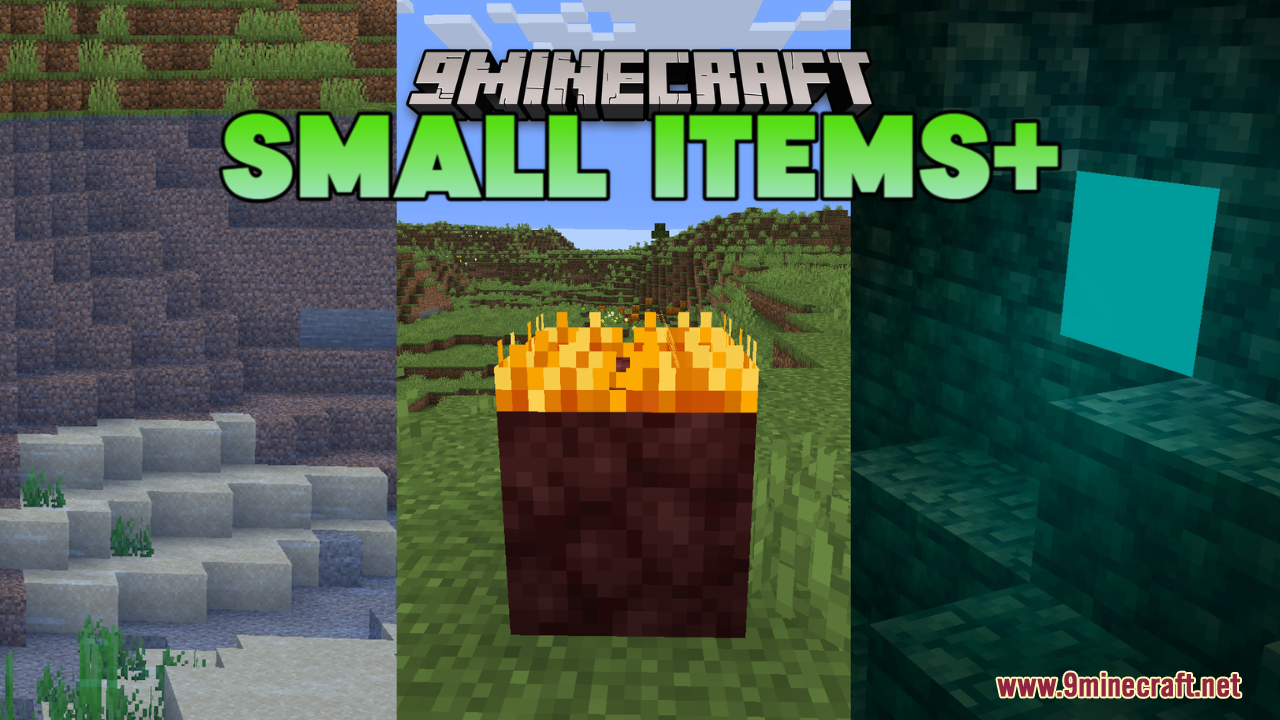
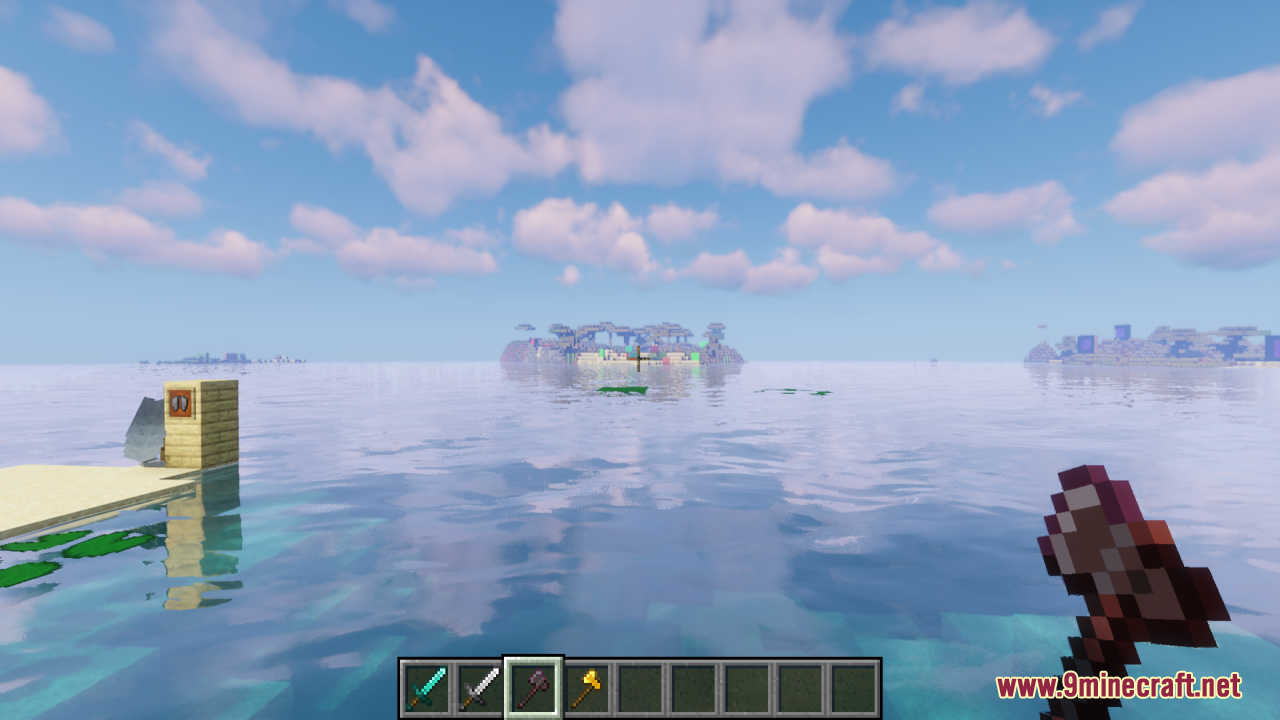
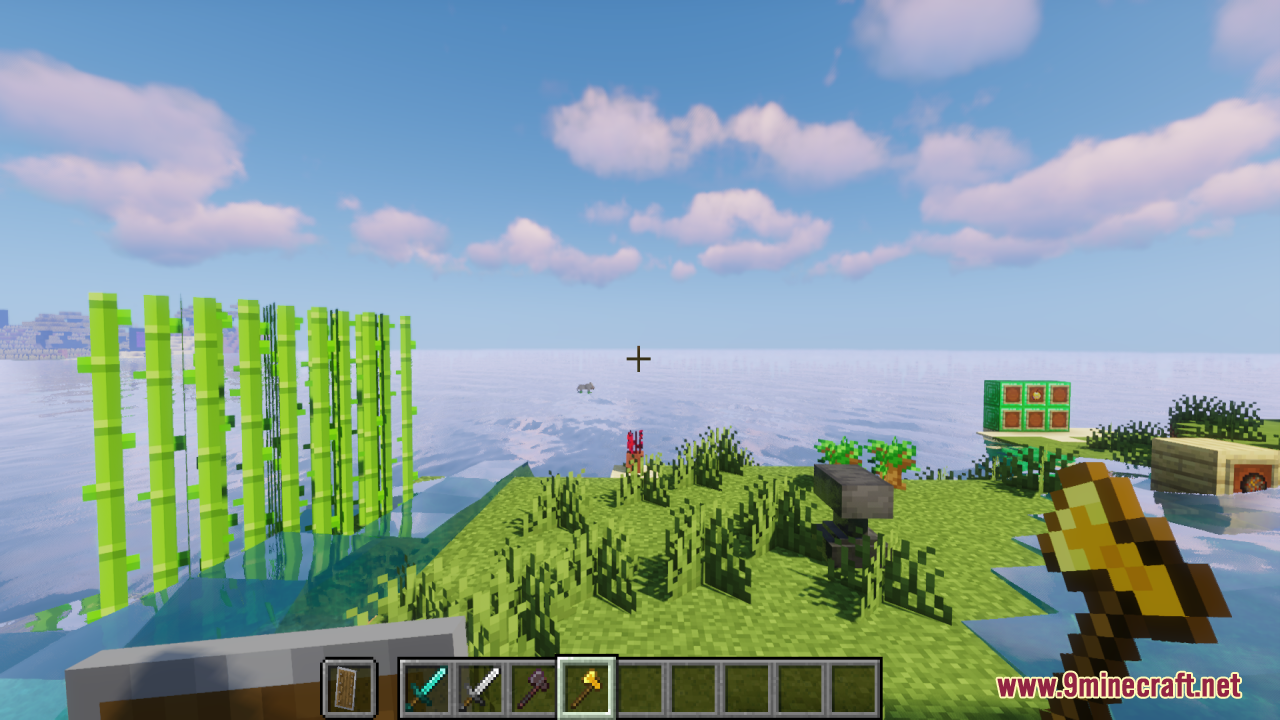
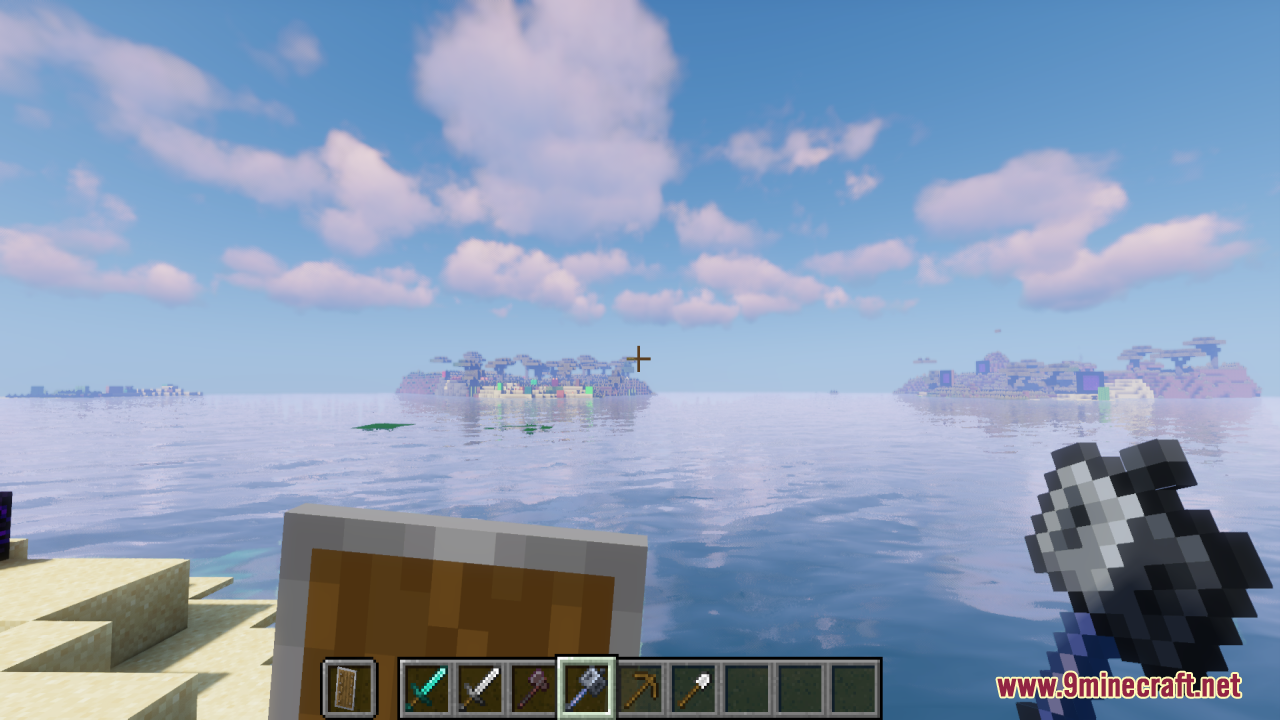
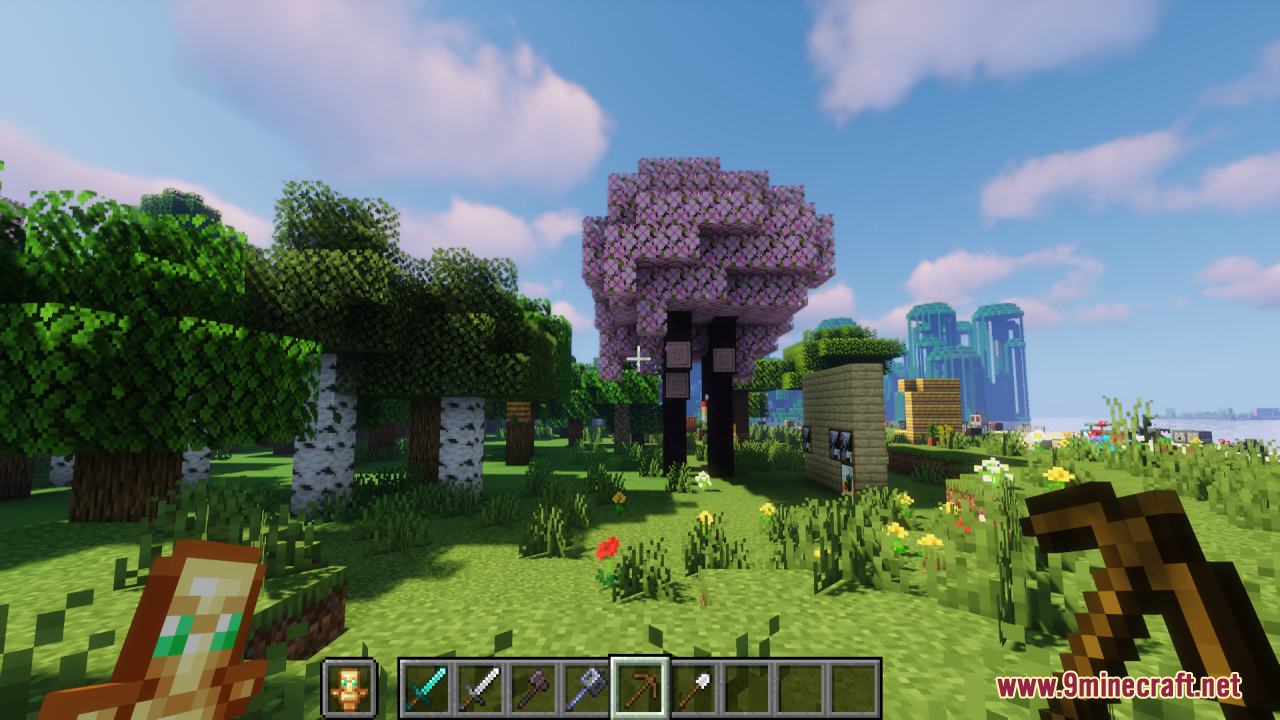
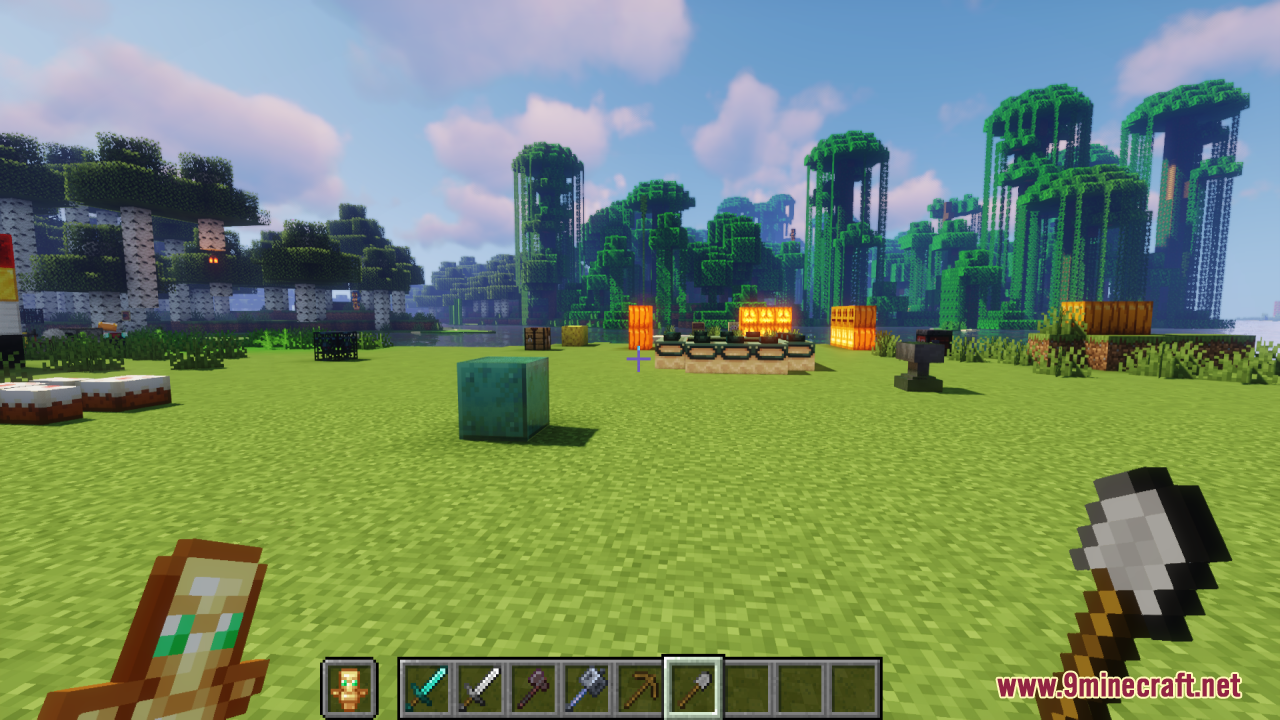
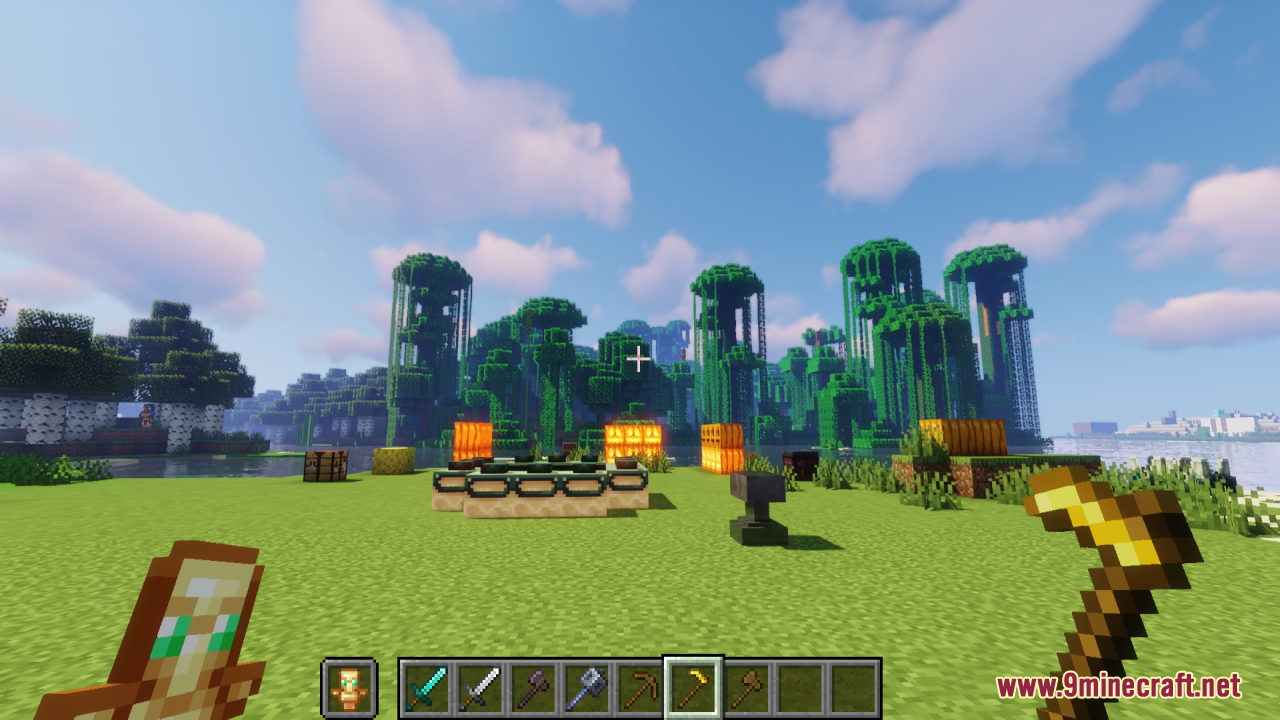
12 images from the Small Items Resource Pack page.
You May Also Like
Wikis that share the most with this one
Wikis on the same theme: world
 Delight Map Resource Pack
More resource pack wikis on the site
Small Hand Tools Resource PackSlim Fire Resource PackSlightly Improved Font Resource PackSleek Commuter Textures Resource PackSkyblock Dark UI Resource PackSky Inventory Background Resource PackSky Anime Resource PackSkinframe Elite Resource PackSkin Totem 3D Edition Resource PackSimply Wool Pack Resource PackSimply Concrete Pack Resource PackSimplistic GUI Resource Pack
The most downloaded mods that have a wiki here
A few wikis from each of the other kinds